16

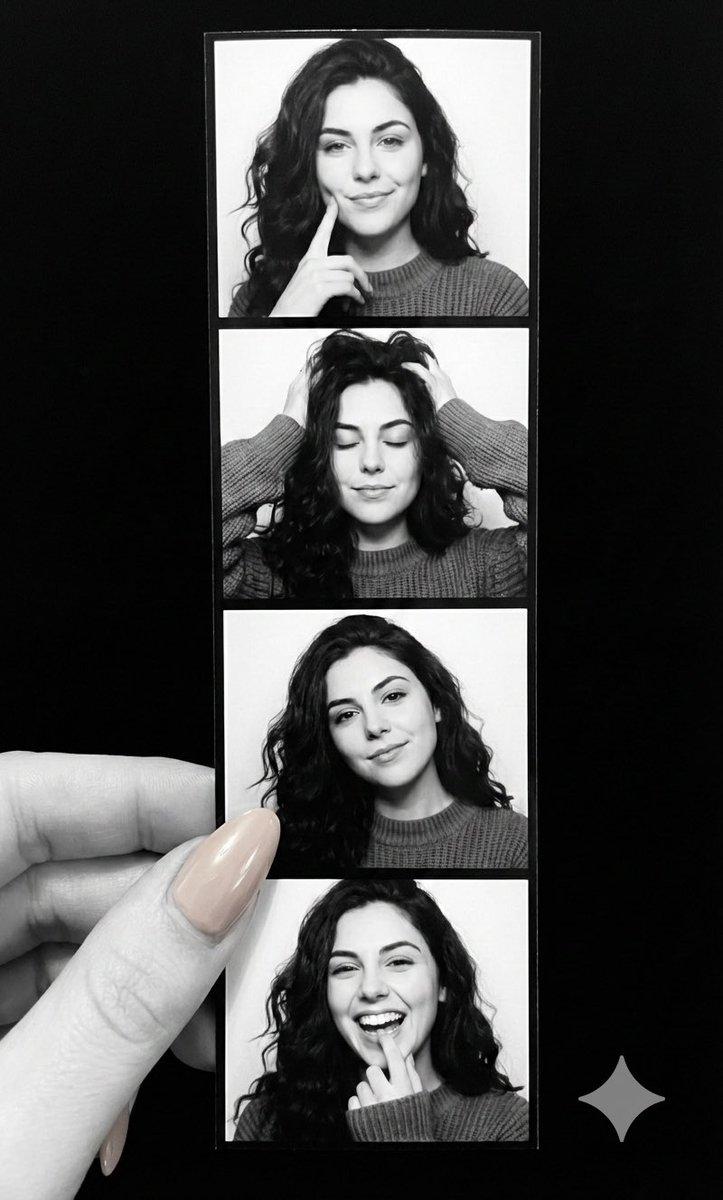
黑白照片亭条纹与手
Enlarge

黑白照片亭条纹与手

Prompt
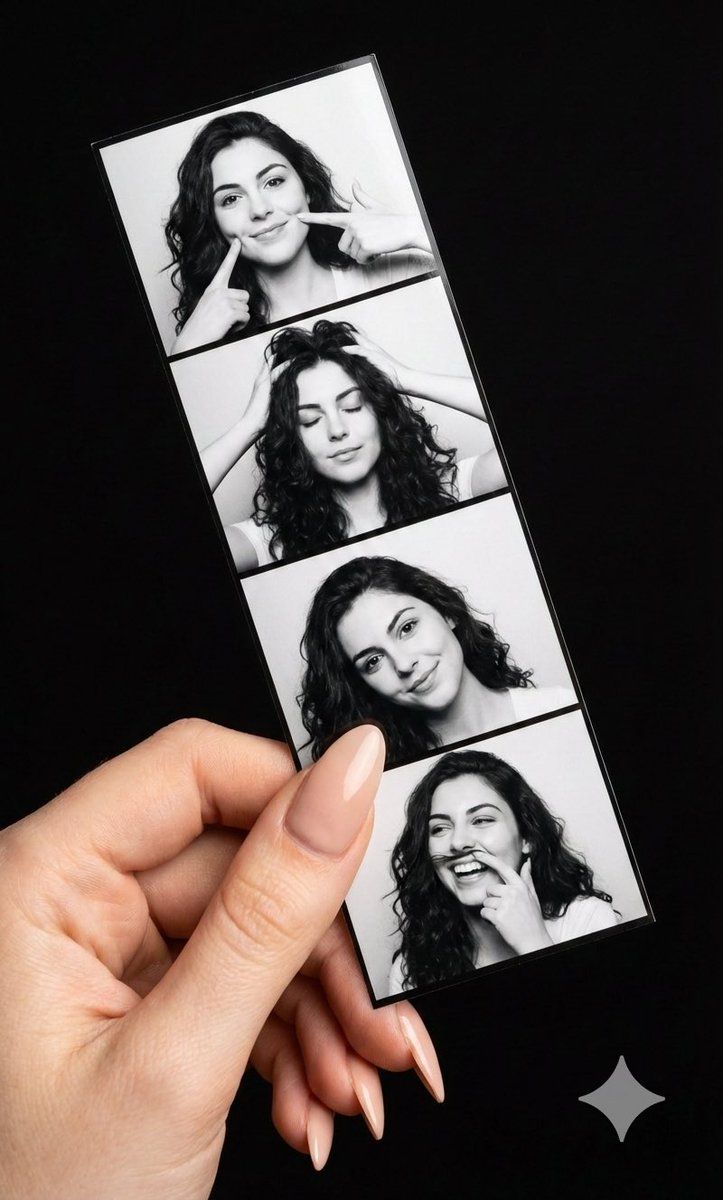
A high-resolution, photorealistic close-up of a fair-skinned hand with long nude nails holding a vertical, 4-panel black-and-white photo booth strip against a solid black background. The hand is in full color with bright natural lighting, contrasting with the monochromatic photo strip's soft studio lighting. The strip features a young woman with dark curly hair in four playful poses: poking her cheek, running hands through her hair with eyes closed, smiling gently with a tilted head, and laughing while touching her lip. foreground: A hand with long, almond-shaped nude manicured nails holding the bottom left of the strip The mood is candid and nostalgic, with highly detailed textures on the glossy photo paper, textured hair, and smooth nails.
Category
创意图片
Model
Nano Banana Pro
Views0
Source ID
a5d76601-c053-4f79-9578-19e20c03ee83
Published
Mar 8, 2026

Guide

About "黑白照片亭条纹与手"

What is this prompt for?

"黑白照片亭条纹与手" AI image prompt for Nano Banana Pro (创意图片). 一个提示,用于生成一张逼真的特写照片,画面中一只手拿着一张垂直的四格黑白照相亭条。提示详细描述了全彩色的手(带有裸色指甲)与单色照片条之间的对比,并指定了照片条中年轻女性的四个俏皮姿势,旨在营造一种真实而怀…

The full copyable prompt and example visuals above are ready for AI image generation or one-click recreate in Picva.

How to use this prompt

  1. Step 1

    Open the prompt detail

    Review the example visuals, category, and full prompt text for "黑白照片亭条纹与手".

  2. Step 2

    Copy the prompt

    Copy the prompt body from this page, or load it directly in Studio.

  3. Step 3

    Pick a model (Nano Banana Pro)

    Prefer Nano Banana Pro. If you switch models, keep subject and composition and tweak style terms.

  4. Step 4

    Generate and export

    Recreate the look in Picva, or export into your workflow for editing and publishing.

FAQ

What is the "黑白照片亭条纹与手" prompt?
It is an AI image-generation prompt for Nano Banana Pro in the 创意图片 category. This page includes the full prompt text, example visuals, and a one-click recreate path in Picva.
How do I use this prompt to generate an image?
Copy the prompt from this page, or use Generate / Studio. Paste it into a compatible image model, or recreate the look in Picva with optional reference images.
Which model is this prompt for?
This page lists Nano Banana Pro. Most descriptive prompts also transfer to nearby image models such as GPT Image, Flux, or Midjourney with light style tweaks.
Can I use the result commercially?
You can usually copy the prompt for creation, but commercial use of the final image depends on the model terms, reference-image rights, and the generated content. Follow the source author and platform rules.