18

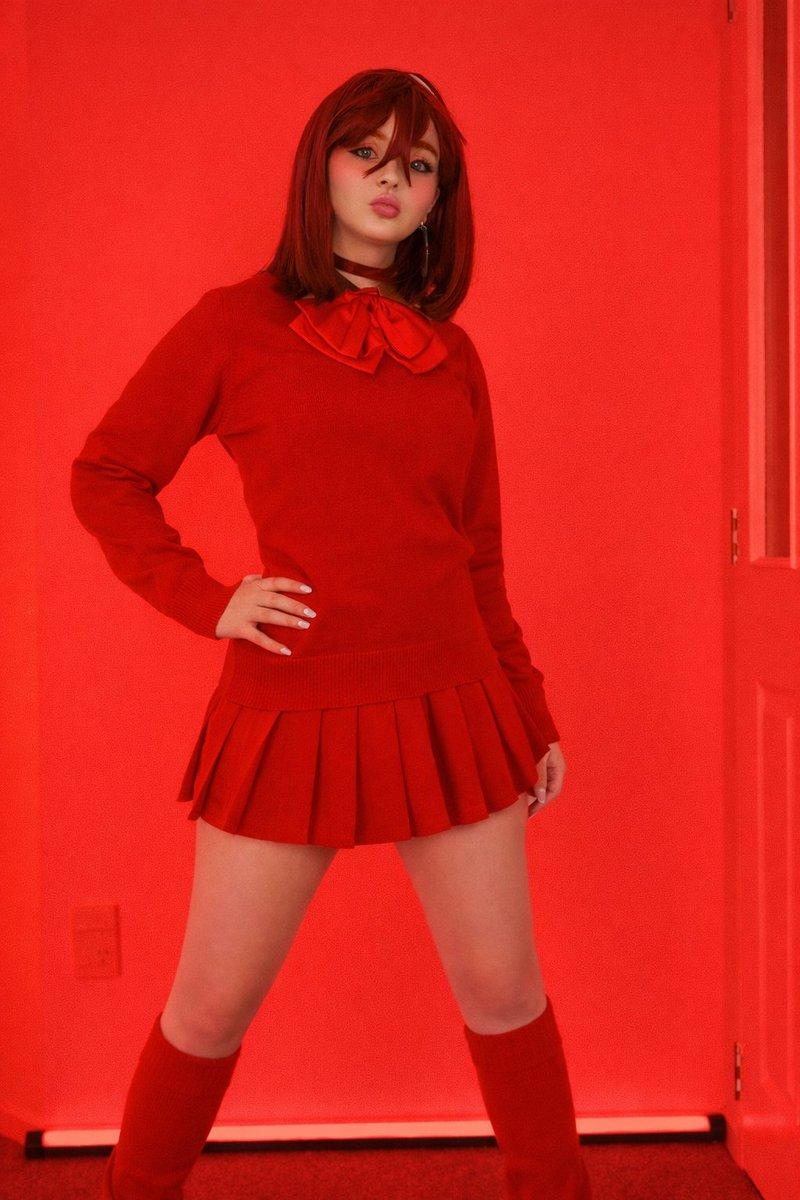
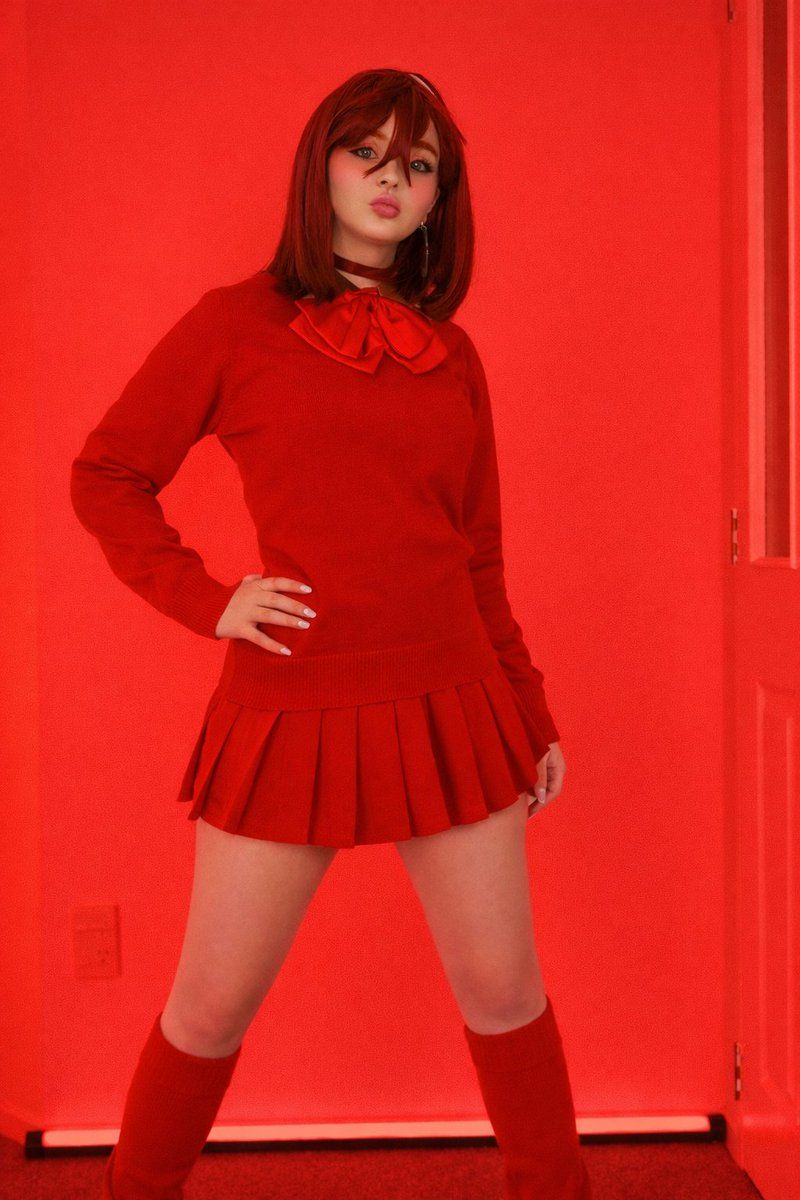
大胆的红色时尚肖像
Enlarge

大胆的红色时尚肖像

Prompt
{
  "title": "Bold Red Fashion Portrait",
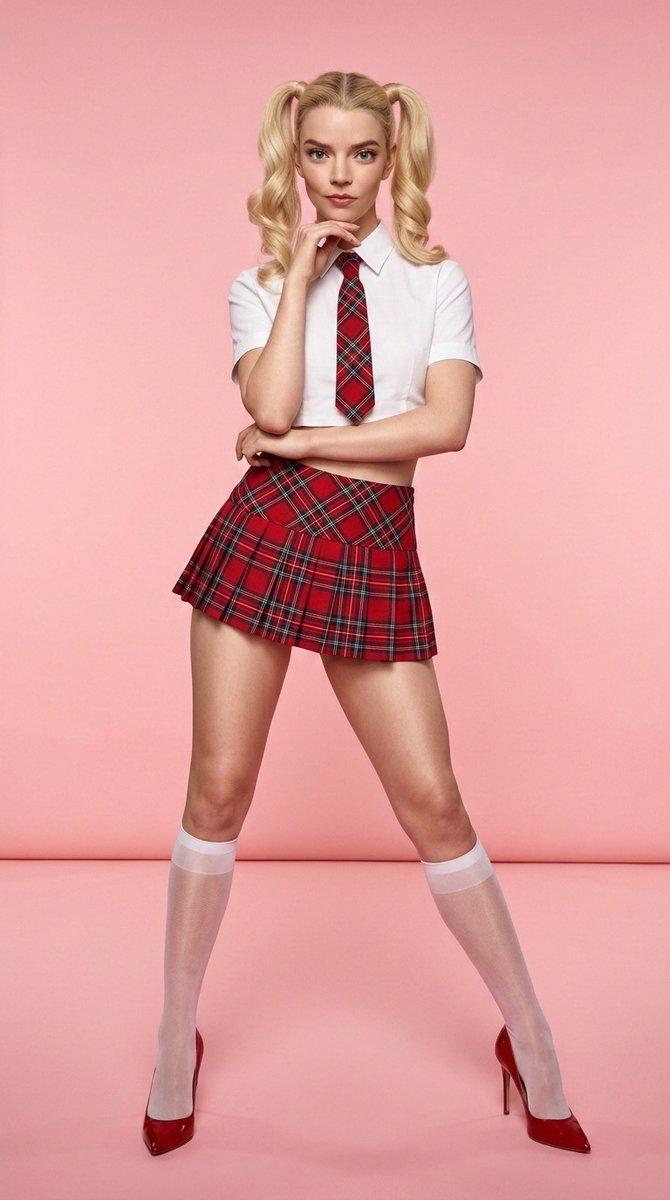
  "description": "A stylish young woman posing confidently indoors with dramatic red lighting filling the room. She is dressed in a coordinated red sweater with a large bow detail and a pleated skirt, paired with matching knee-high socks. Her stance is strong and self-assured, with one hand placed on her hip while she looks directly at the camera. The red LED glow in the background enhances the bold and eye-catching aesthetic of the scene.",
  "outfit_details": {
    "top": "Red sweater with bow",
    "skirt": "Red pleated skirt",
    "socks": "Red knee-high socks"
  },
  "lighting": "Red ambient LED lighting",
  "pose": "Standing with one hand on hip and legs slightly apart",
  "style": "School-inspired fashion look",
  "vibe": "Confident, bold, and dramatic"
}
Category
创意图片
Model
Nano Banana Pro
Views0
Source ID
6c3825e2-2bc6-4081-8c5e-f5d09699658b
Published
Mar 8, 2026

Guide

About "大胆的红色时尚肖像"

What is this prompt for?

"大胆的红色时尚肖像" AI image prompt for Nano Banana Pro (创意图片). 一个结构化的提示,描述了一位年轻女性在室内自信摆姿的时尚大胆肖像,以戏剧性的红色环境 LED 照明和一套协调的红色学院风服装为亮点。 --- ```json { "title": "大胆红色时尚肖像", "…

The full copyable prompt and example visuals above are ready for AI image generation or one-click recreate in Picva.

How to use this prompt

  1. Step 1

    Open the prompt detail

    Review the example visuals, category, and full prompt text for "大胆的红色时尚肖像".

  2. Step 2

    Copy the prompt

    Copy the prompt body from this page, or load it directly in Studio.

  3. Step 3

    Pick a model (Nano Banana Pro)

    Prefer Nano Banana Pro. If you switch models, keep subject and composition and tweak style terms.

  4. Step 4

    Generate and export

    Recreate the look in Picva, or export into your workflow for editing and publishing.

FAQ

What is the "大胆的红色时尚肖像" prompt?
It is an AI image-generation prompt for Nano Banana Pro in the 创意图片 category. This page includes the full prompt text, example visuals, and a one-click recreate path in Picva.
How do I use this prompt to generate an image?
Copy the prompt from this page, or use Generate / Studio. Paste it into a compatible image model, or recreate the look in Picva with optional reference images.
Which model is this prompt for?
This page lists Nano Banana Pro. Most descriptive prompts also transfer to nearby image models such as GPT Image, Flux, or Midjourney with light style tweaks.
Can I use the result commercially?
You can usually copy the prompt for creation, but commercial use of the final image depends on the model terms, reference-image rights, and the generated content. Follow the source author and platform rules.