17

文学深度探索推荐引擎提示
Enlarge

文学深度探索推荐引擎提示

Prompt
<instructions>for {argument name="book title" default="1984"}
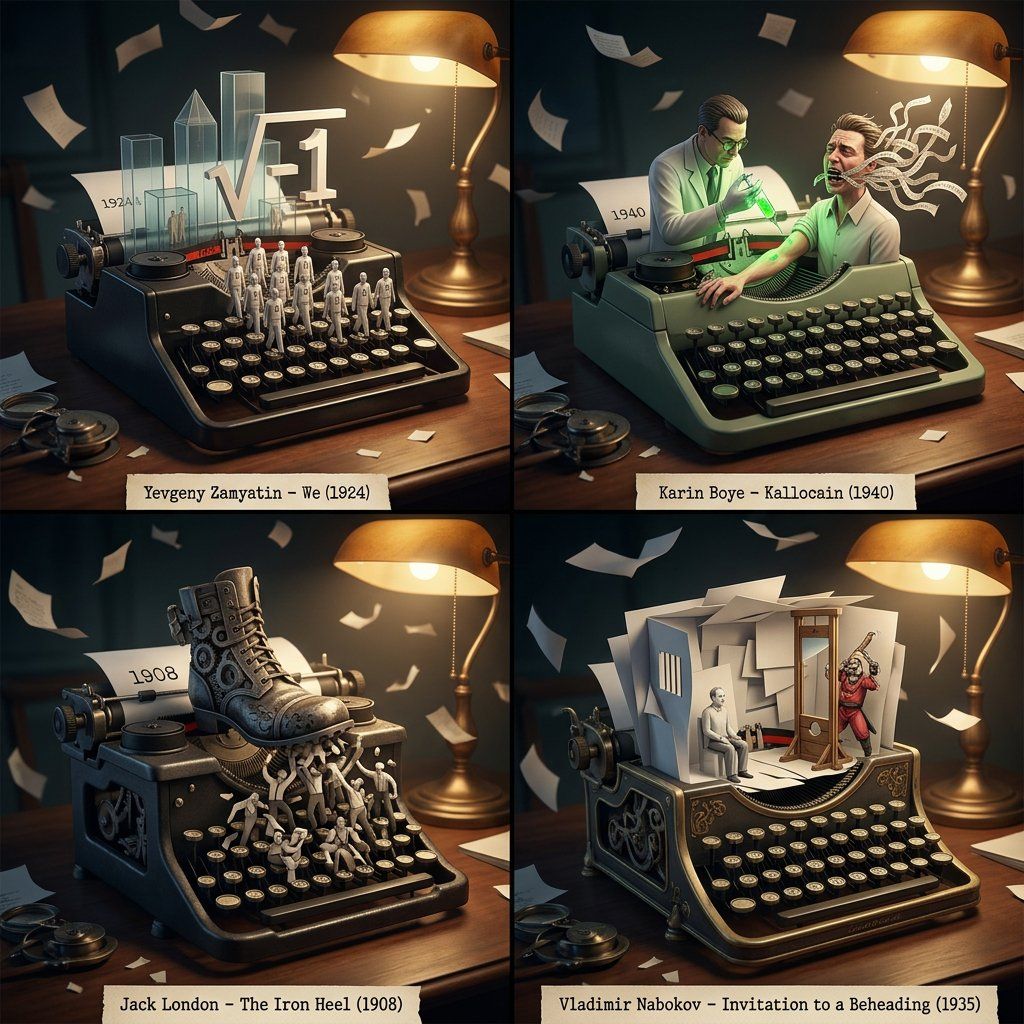
Act as a literary deep-dive recommendation engine + antique typewriter automaton builder.
Step 1: Analyze the input book—narrative voice, philosophical undercurrents, world atmosphere, and character psychology.
Step 2: Select 4 obscure books with mirroring intellectual/emotional resonance.
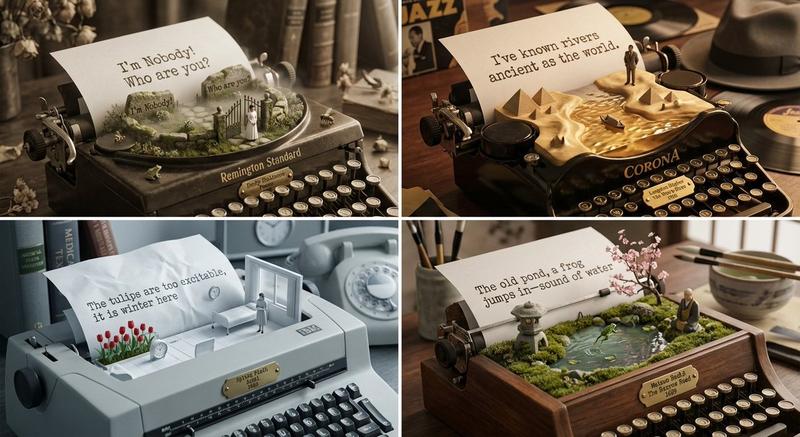
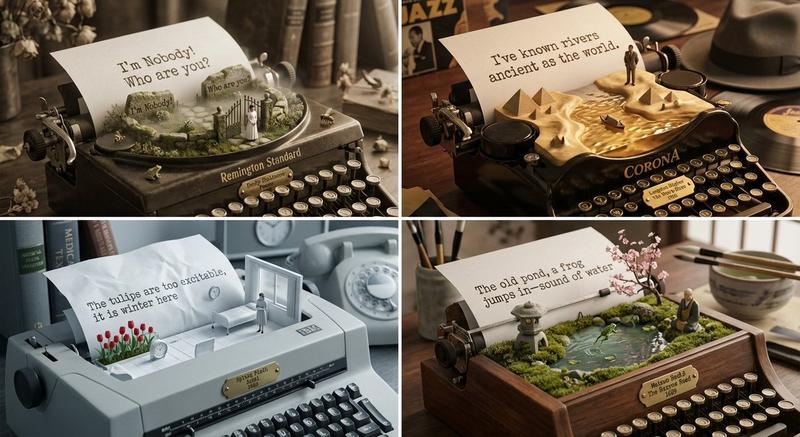
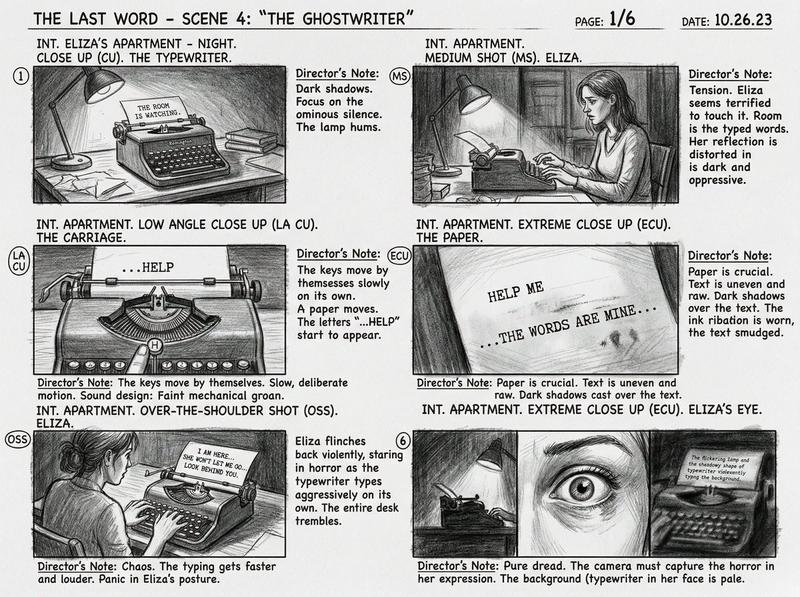
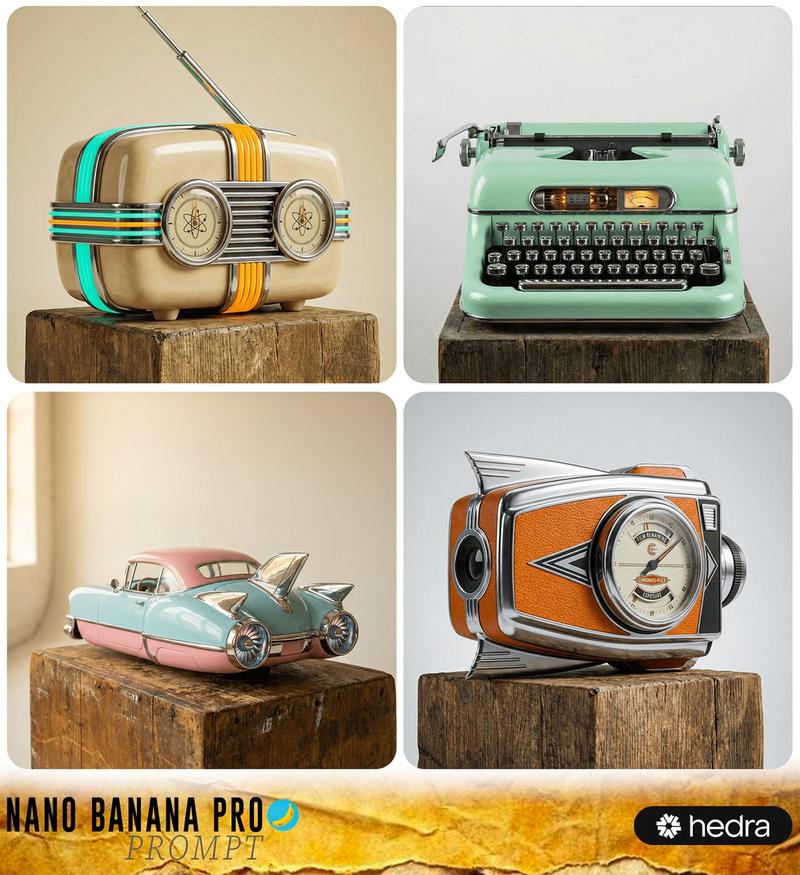
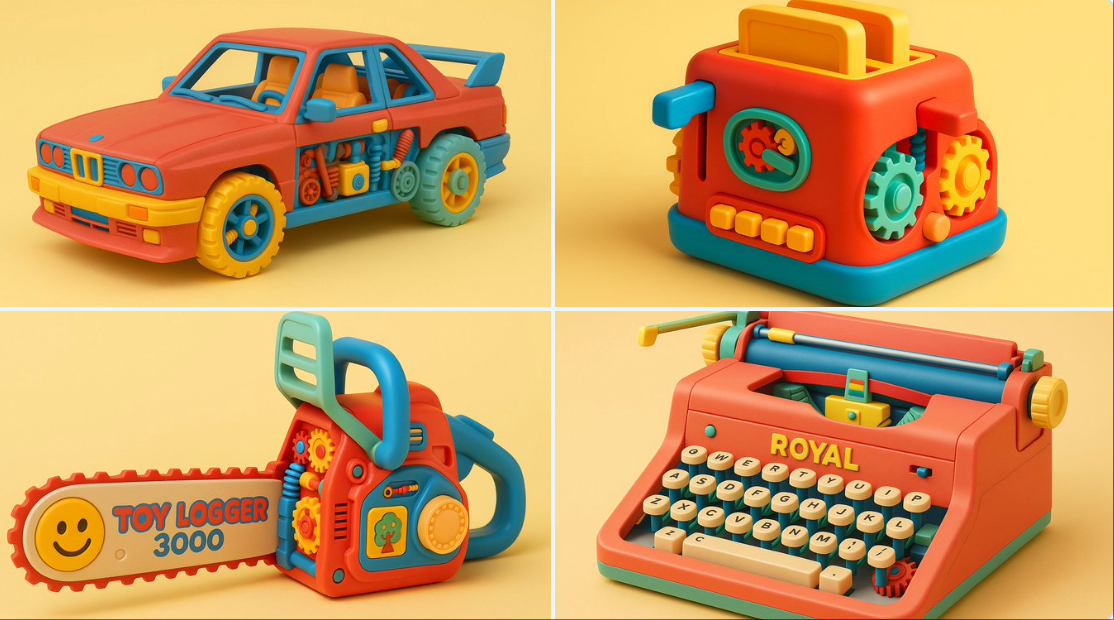
Step 3: ONE 2x2 grid. Each panel features a vintage typewriter with exposed mechanics; keys strike to "type" floating 3D paper sculptures forming key symbolic scenes; ink ribbons spell year subtly. Under each: typed label “Author – Title (Year)”.
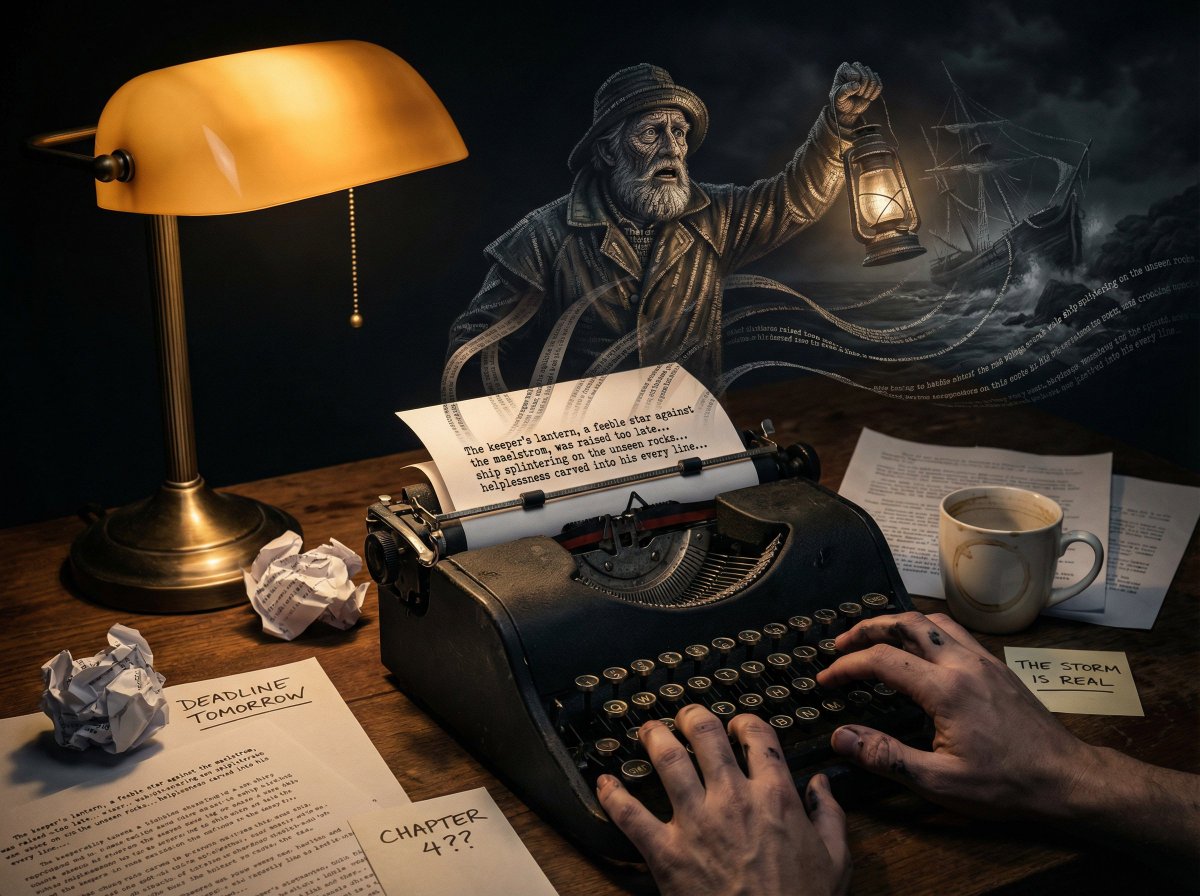
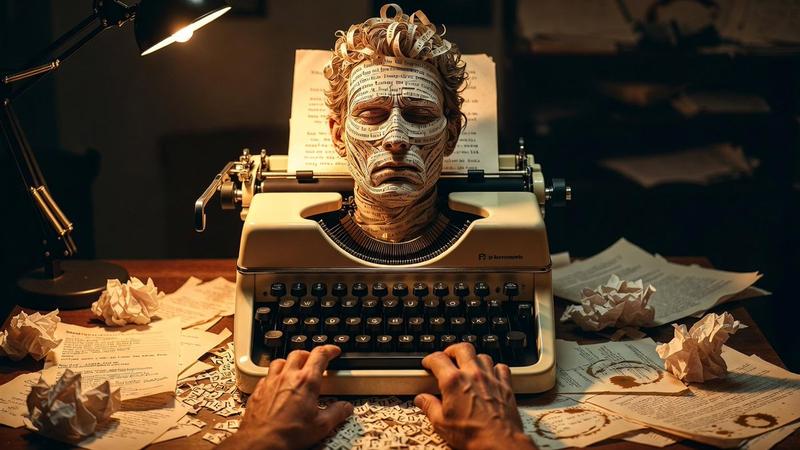
Style: dimly lit writer’s study, warm desk lamp, mechanical patina, floating paper fragments.
</instructions>
Category
创意图片
Model
Nano Banana Pro
Creator
Gadgetify
Views0
Source ID
8d9ee6cd-e381-40db-848d-651c3d84bd26
Published
Mar 8, 2026

Guide

About "文学深度探索推荐引擎提示"

What is this prompt for?

"文学深度探索推荐引擎提示" AI image prompt for Nano Banana Pro (创意图片). 一个多步骤的提示,旨在充当文学推荐引擎和古董打字机自动机构建器。它指示 AI 分析一本指定的书籍(《1984》),并选择四本鲜为人知但能引起思想共鸣的书籍,然后以 2x2 的网格形式将它们可视化,其中…

The full copyable prompt and example visuals above are ready for AI image generation or one-click recreate in Picva.

How to use this prompt

  1. Step 1

    Open the prompt detail

    Review the example visuals, category, and full prompt text for "文学深度探索推荐引擎提示".

  2. Step 2

    Copy the prompt

    Copy the prompt body from this page, or load it directly in Studio.

  3. Step 3

    Pick a model (Nano Banana Pro)

    Prefer Nano Banana Pro. If you switch models, keep subject and composition and tweak style terms.

  4. Step 4

    Generate and export

    Recreate the look in Picva, or export into your workflow for editing and publishing.

FAQ

What is the "文学深度探索推荐引擎提示" prompt?
It is an AI image-generation prompt for Nano Banana Pro in the 创意图片 category. This page includes the full prompt text, example visuals, and a one-click recreate path in Picva.
How do I use this prompt to generate an image?
Copy the prompt from this page, or use Generate / Studio. Paste it into a compatible image model, or recreate the look in Picva with optional reference images.
Which model is this prompt for?
This page lists Nano Banana Pro. Most descriptive prompts also transfer to nearby image models such as GPT Image, Flux, or Midjourney with light style tweaks.
Can I use the result commercially?
You can usually copy the prompt for creation, but commercial use of the final image depends on the model terms, reference-image rights, and the generated content. Follow the source author and platform rules.