20

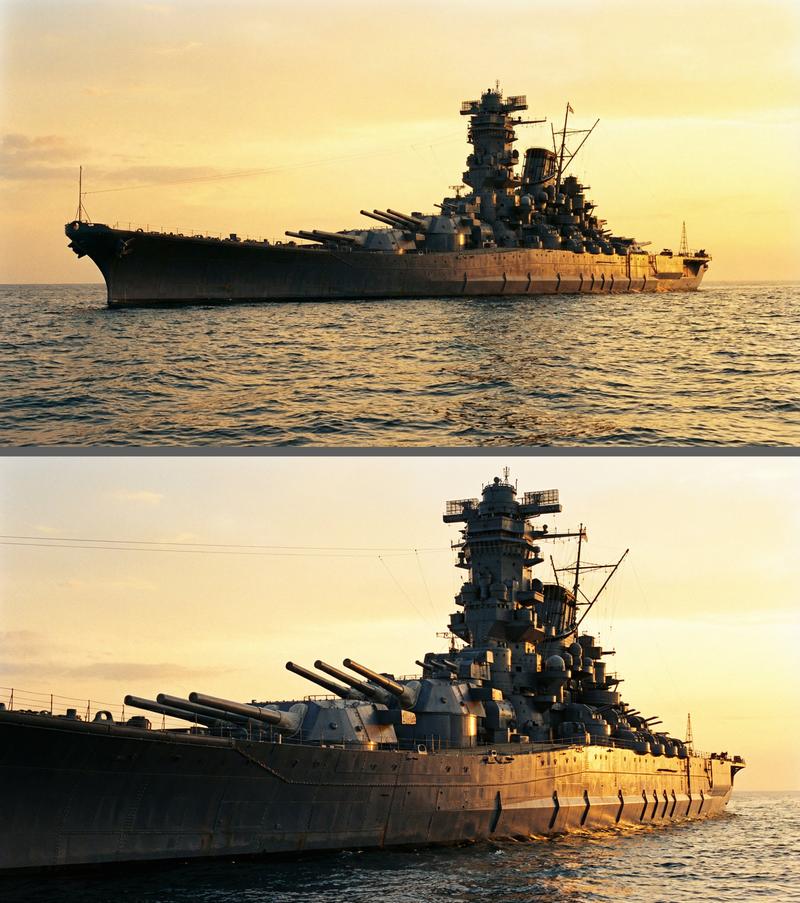
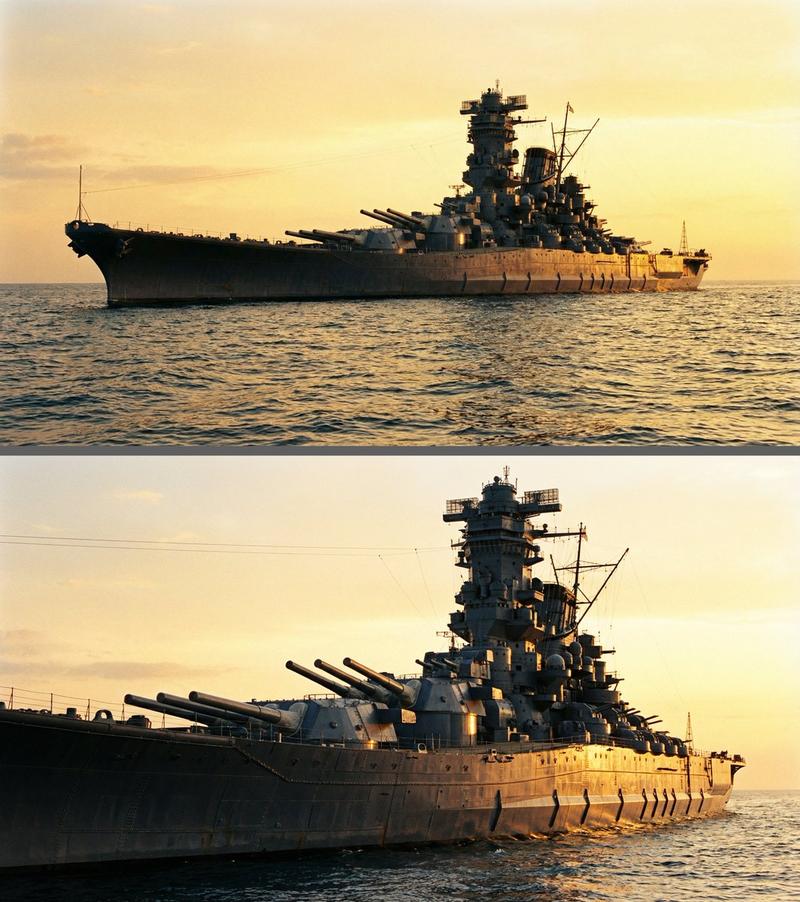
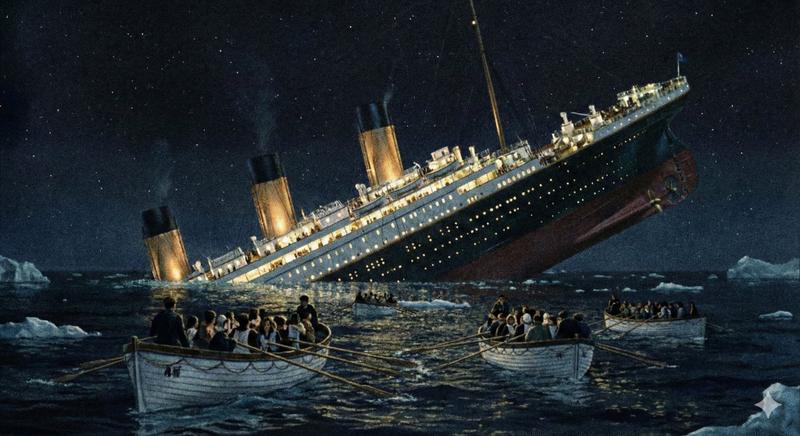
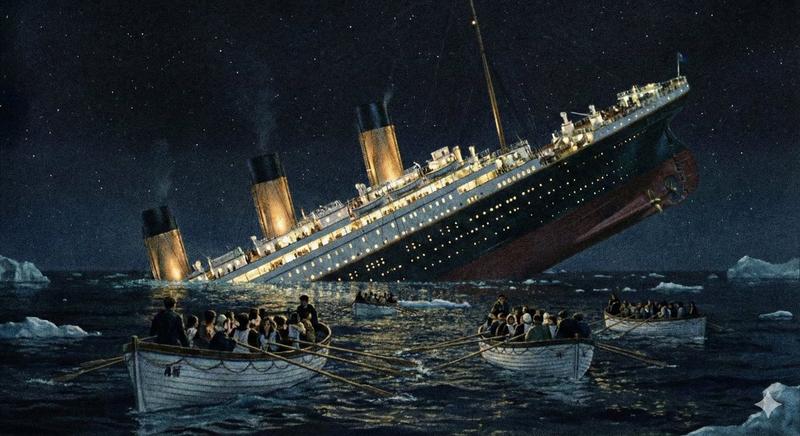
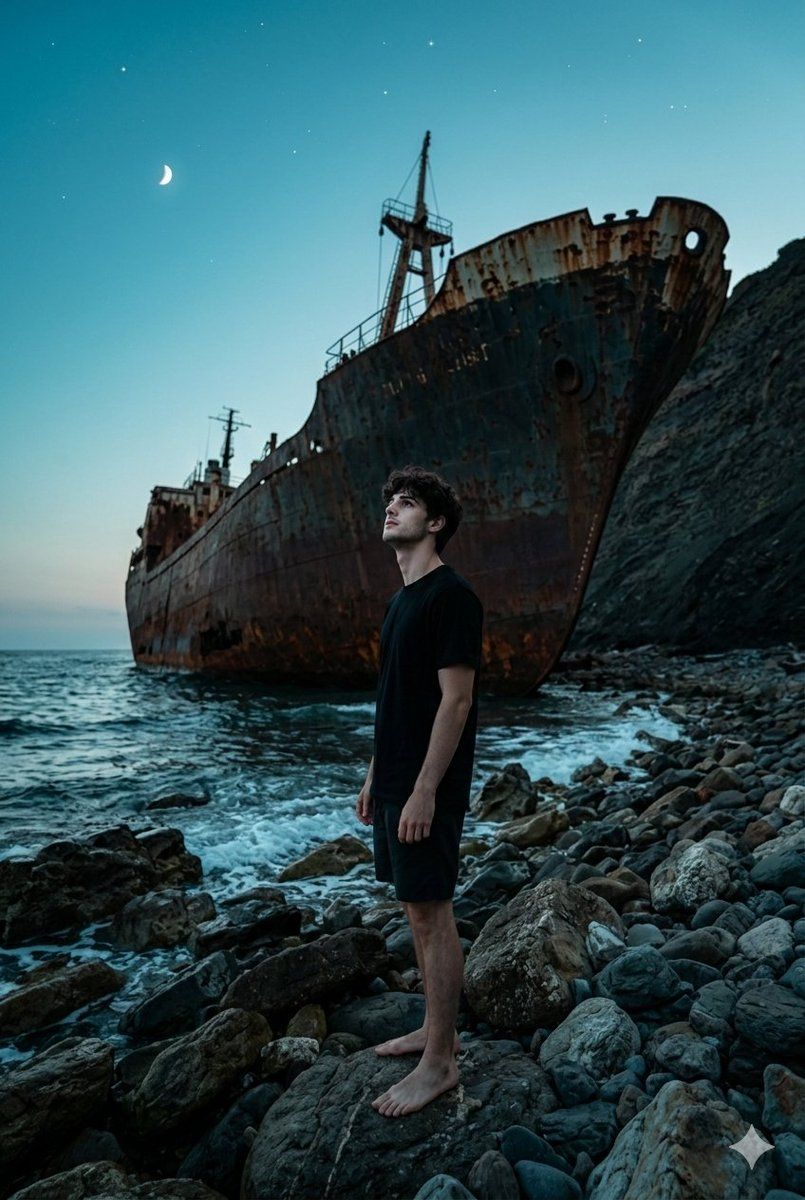
沉船暮光场景
Enlarge

沉船暮光场景

Prompt
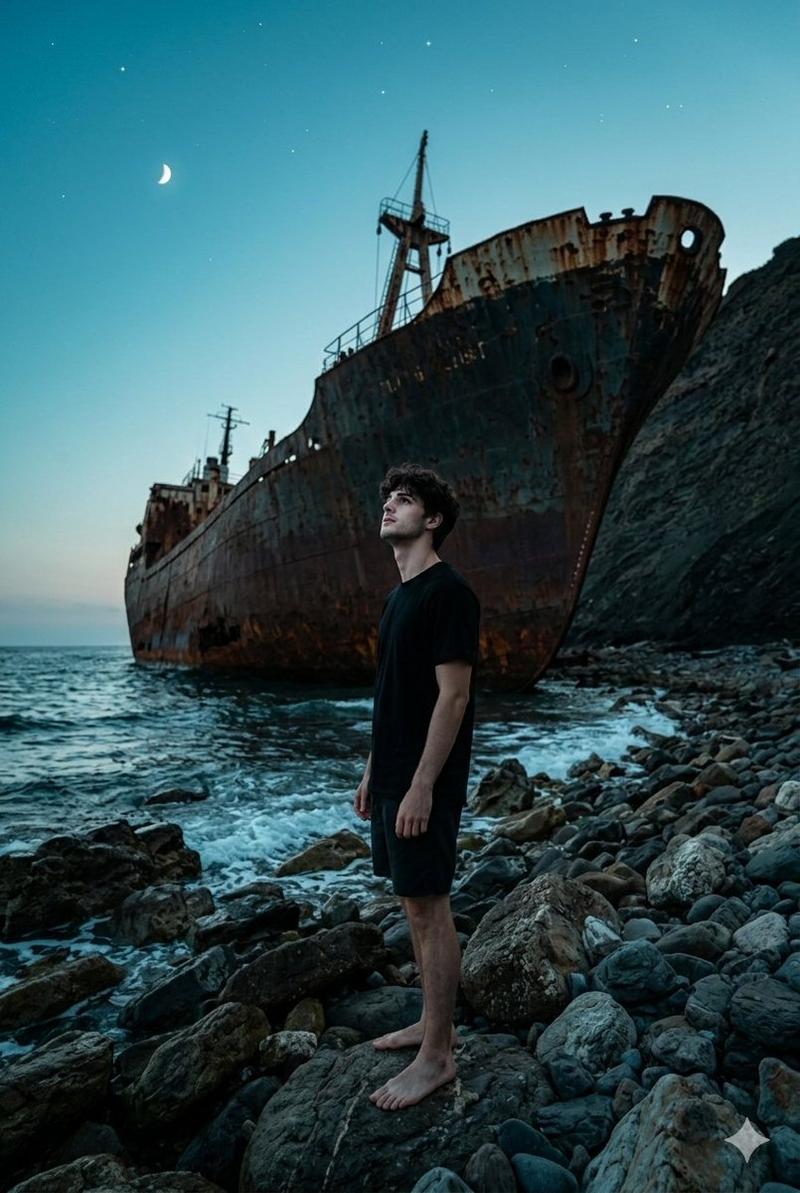
Masterpiece, best quality, ultra detailed, photorealistic photograph. Shot from a dynamic low-angle perspective, the scene is dominated by a man from photo in close-up. He stands in three quarter profile on a rocky beach at twilight, his face clearly visible as he gazes upward at the wreck of a massive, rusted ship beached against a cliffside.

The immense shipwreck, with its battered hull and twisted metal, looms in the background against a dramatic teal and blue sky with a crescent moon and stars. The man, wearing a simple dark t-shirt and shorts, is the central focus of the frame, his contemplative expression highlighted by the cool dusk light. The overall mood is cinematic, mysterious, and powerful. Shot on a full-frame camera with a wide-angle lens to enhance the dynamic perspectiv 8K resolution.
Category
创意图片
Model
Nano Banana Pro
Creator
Harboriis
Views0
Source ID
ee9b68c5-aecc-4025-bca7-31f1da9a001b
Published
Mar 8, 2026

Guide

About "沉船暮光场景"

What is this prompt for?

"沉船暮光场景" AI image prompt for Nano Banana Pro (创意图片). 生成一张照片的提示词:一张电影级的写实照片,一名男子(身份锁定为参考照片)站在黄昏时分的岩石海滩上,抬头凝视着搁浅在悬崖边上那艘巨大、锈迹斑斑的沉船残骸。该提示词强调了戏剧性的视角、凉爽的暮光和神秘的氛围。 --…

The full copyable prompt and example visuals above are ready for AI image generation or one-click recreate in Picva.

How to use this prompt

  1. Step 1

    Open the prompt detail

    Review the example visuals, category, and full prompt text for "沉船暮光场景".

  2. Step 2

    Copy the prompt

    Copy the prompt body from this page, or load it directly in Studio.

  3. Step 3

    Pick a model (Nano Banana Pro)

    Prefer Nano Banana Pro. If you switch models, keep subject and composition and tweak style terms.

  4. Step 4

    Generate and export

    Recreate the look in Picva, or export into your workflow for editing and publishing.

FAQ

What is the "沉船暮光场景" prompt?
It is an AI image-generation prompt for Nano Banana Pro in the 创意图片 category. This page includes the full prompt text, example visuals, and a one-click recreate path in Picva.
How do I use this prompt to generate an image?
Copy the prompt from this page, or use Generate / Studio. Paste it into a compatible image model, or recreate the look in Picva with optional reference images.
Which model is this prompt for?
This page lists Nano Banana Pro. Most descriptive prompts also transfer to nearby image models such as GPT Image, Flux, or Midjourney with light style tweaks.
Can I use the result commercially?
You can usually copy the prompt for creation, but commercial use of the final image depends on the model terms, reference-image rights, and the generated content. Follow the source author and platform rules.