17

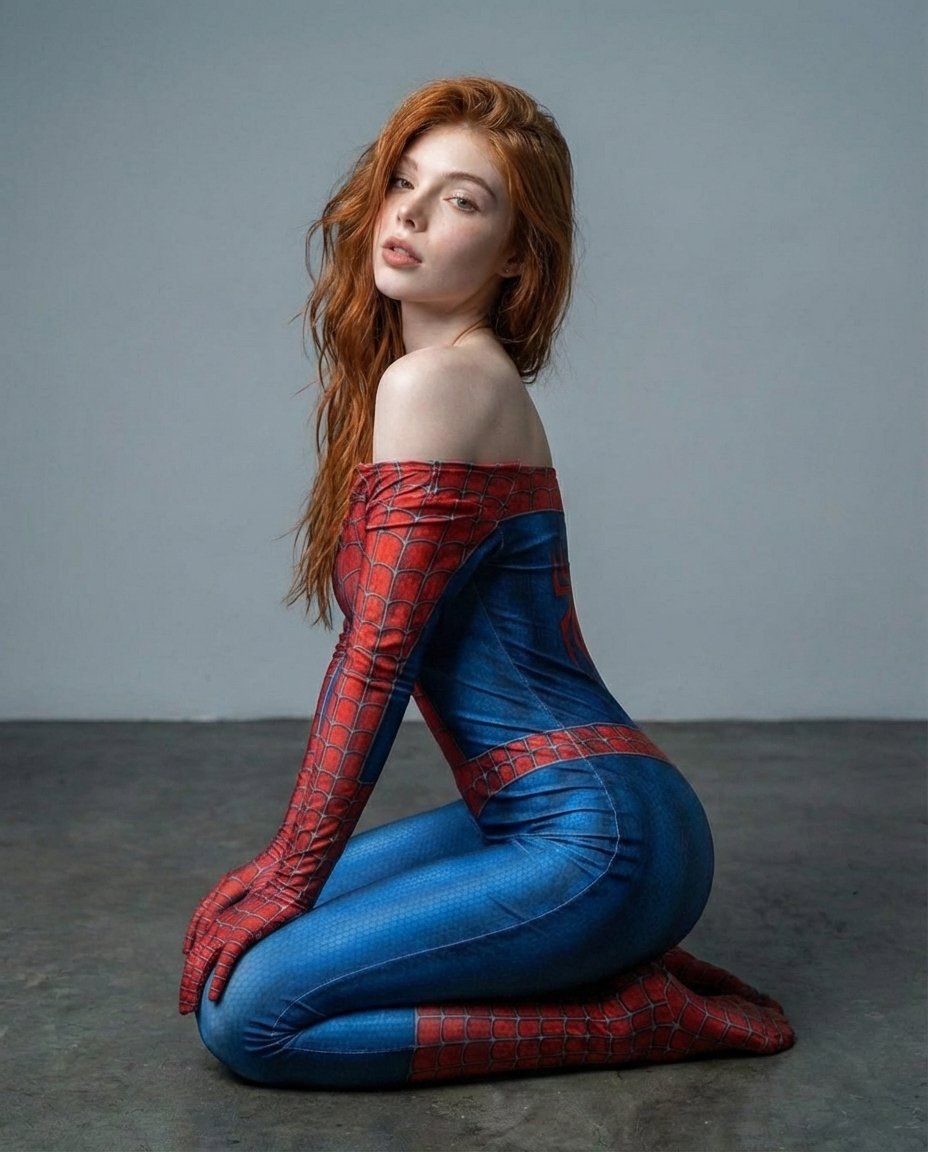
超逼真蜘蛛主题紧身衣肖像
Enlarge

超逼真蜘蛛主题紧身衣肖像

Prompt
{
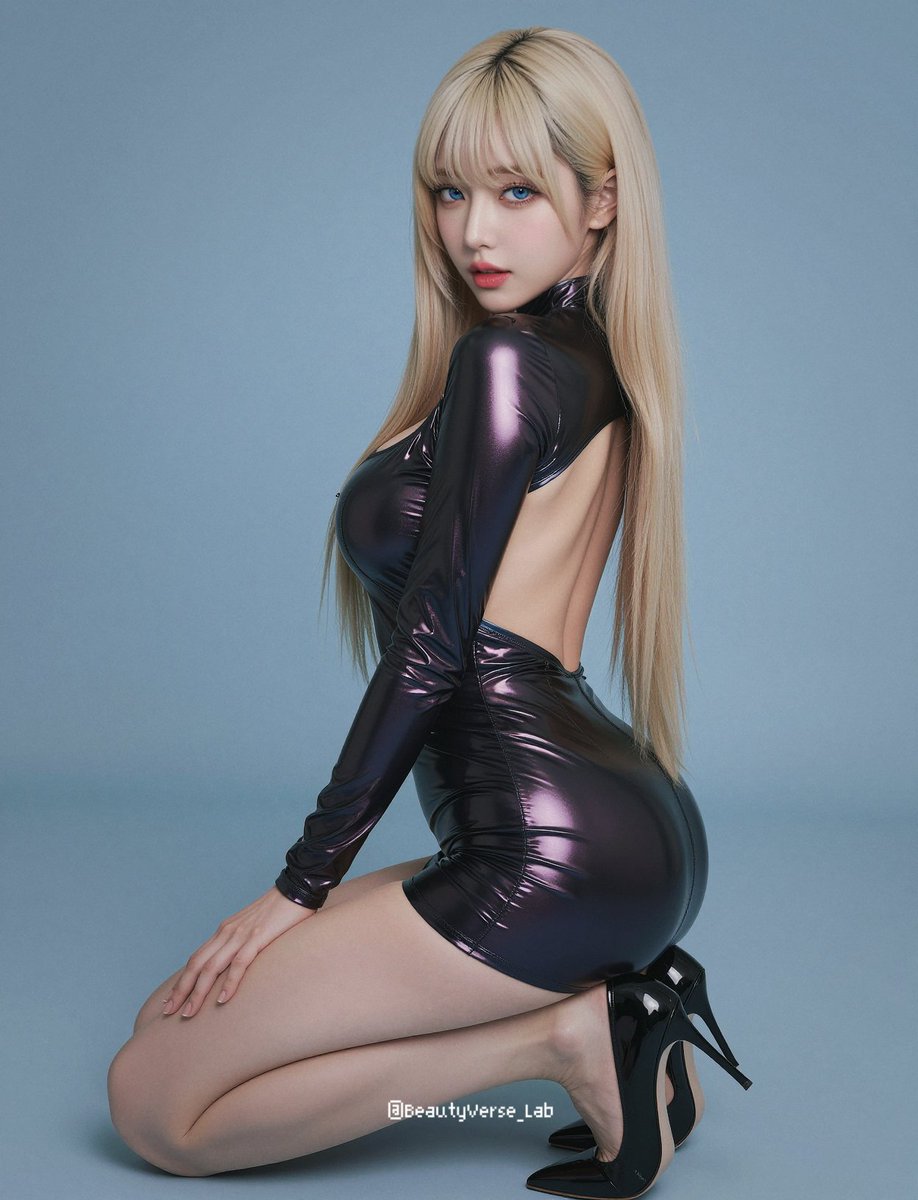
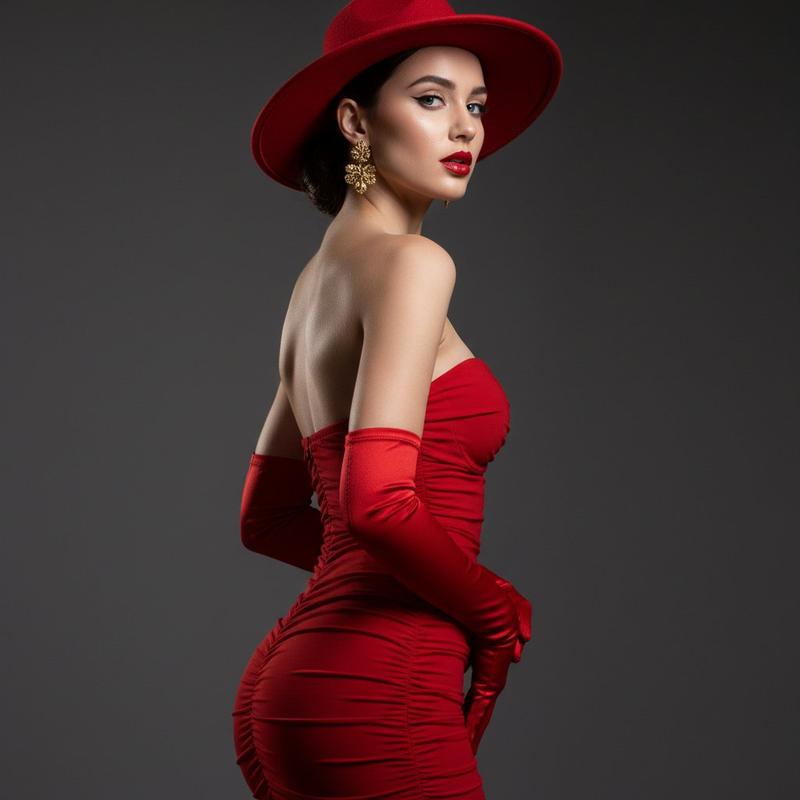
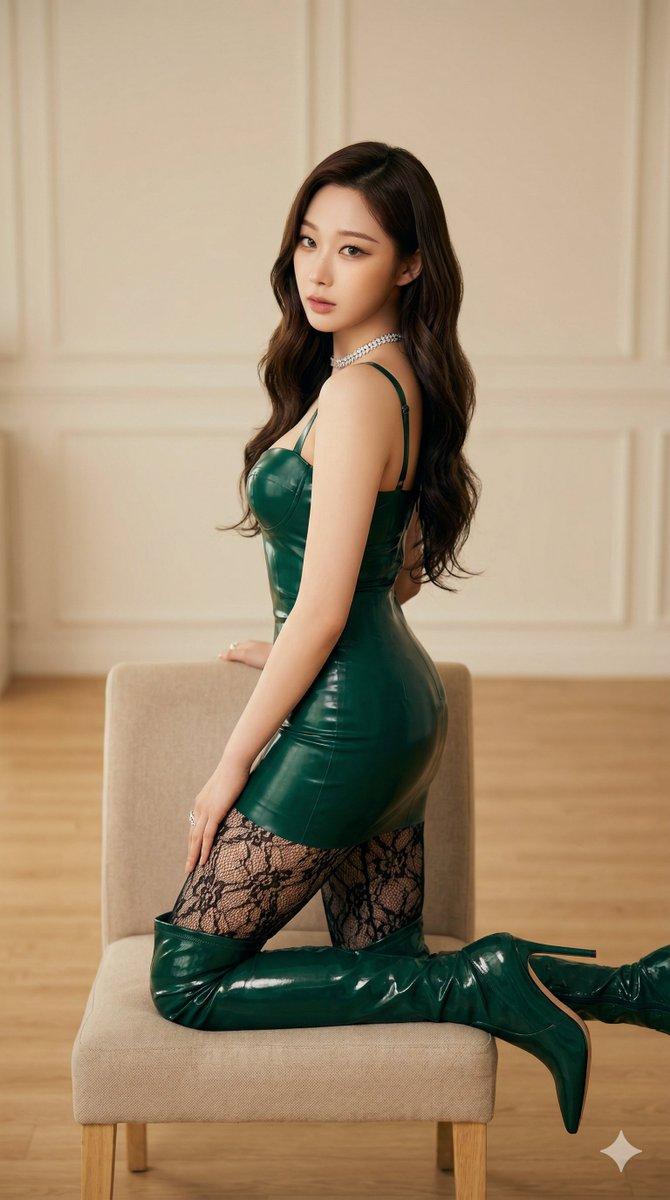
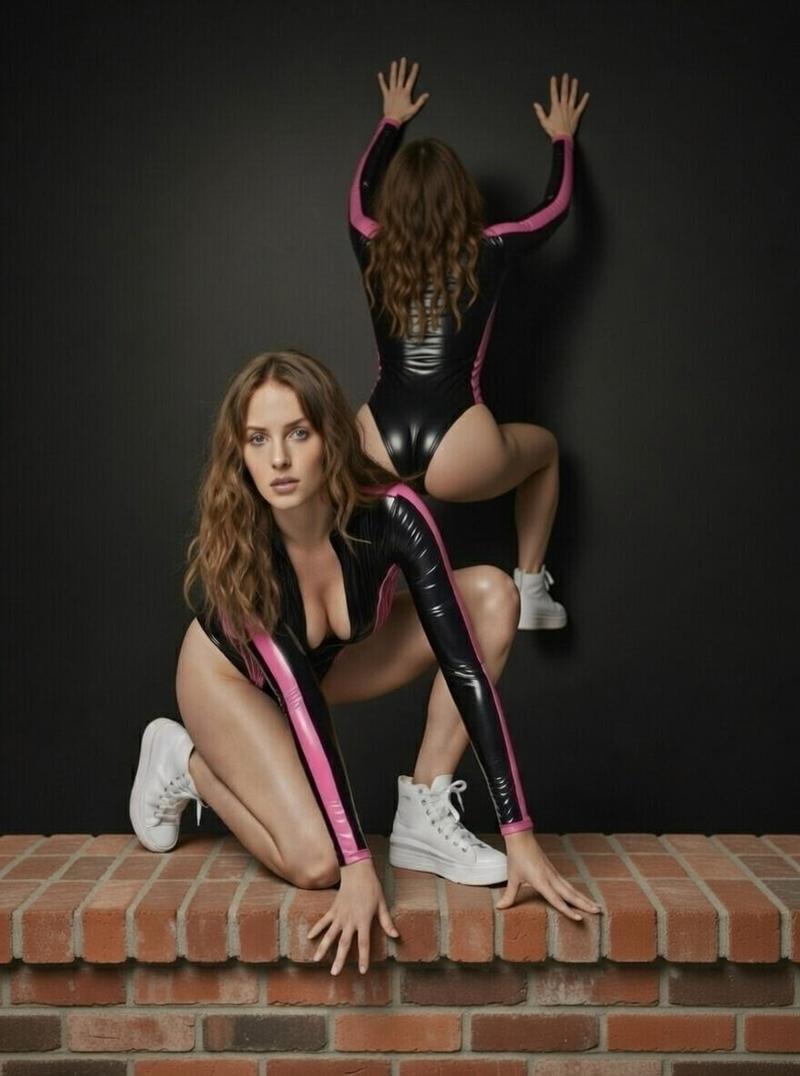
  "prompt": "Photorealistic studio portrait of a young woman with long wavy red hair and fair skin, sitting on a concrete floor against a neutral gray backdrop. She is wearing a form-fitting red and blue spider-themed bodysuit with web patterns, slightly off-shoulder styling. The pose is relaxed and confident, leaning back on one hand with soft natural expression and subtle smile. Soft diffused studio lighting, cinematic tones, high detail, sharp focus, 85mm lens, shallow depth of field, natural skin texture, professional editorial photography.",
  "negative_prompt": "blurry, low resolution, distorted anatomy, extra fingers, bad hands, harsh lighting, overexposed highlights, underexposed shadows, watermark, text, logo",
  "style": "photorealistic",
  "lighting": "soft diffused studio lighting",
  "camera": "85mm lens, shallow depth of field",
  "resolution": "1024x1536"
}
Category
创意图片
Model
Nano Banana Pro
Creator
Miz
Views0
Source ID
8ff174ea-3a96-4ec3-b1c1-dbfd988efe4a
Published
Mar 8, 2026

Guide

About "超逼真蜘蛛主题紧身衣肖像"

What is this prompt for?

"超逼真蜘蛛主题紧身衣肖像" AI image prompt for Nano Banana Pro (创意图片). 一个写实风格的影棚肖像提示词,描绘一位年轻女性身穿蜘蛛主题紧身衣,强调柔和的漫射光、高细节和特定的相机设置(85mm 镜头,浅景深)。包含用于质量控制的反向提示词。 --- ```json { "pr…

The full copyable prompt and example visuals above are ready for AI image generation or one-click recreate in Picva.

How to use this prompt

  1. Step 1

    Open the prompt detail

    Review the example visuals, category, and full prompt text for "超逼真蜘蛛主题紧身衣肖像".

  2. Step 2

    Copy the prompt

    Copy the prompt body from this page, or load it directly in Studio.

  3. Step 3

    Pick a model (Nano Banana Pro)

    Prefer Nano Banana Pro. If you switch models, keep subject and composition and tweak style terms.

  4. Step 4

    Generate and export

    Recreate the look in Picva, or export into your workflow for editing and publishing.

FAQ

What is the "超逼真蜘蛛主题紧身衣肖像" prompt?
It is an AI image-generation prompt for Nano Banana Pro in the 创意图片 category. This page includes the full prompt text, example visuals, and a one-click recreate path in Picva.
How do I use this prompt to generate an image?
Copy the prompt from this page, or use Generate / Studio. Paste it into a compatible image model, or recreate the look in Picva with optional reference images.
Which model is this prompt for?
This page lists Nano Banana Pro. Most descriptive prompts also transfer to nearby image models such as GPT Image, Flux, or Midjourney with light style tweaks.
Can I use the result commercially?
You can usually copy the prompt for creation, but commercial use of the final image depends on the model terms, reference-image rights, and the generated content. Follow the source author and platform rules.