18

情绪化电影风格人物肖像提示词
Enlarge

情绪化电影风格人物肖像提示词

Prompt
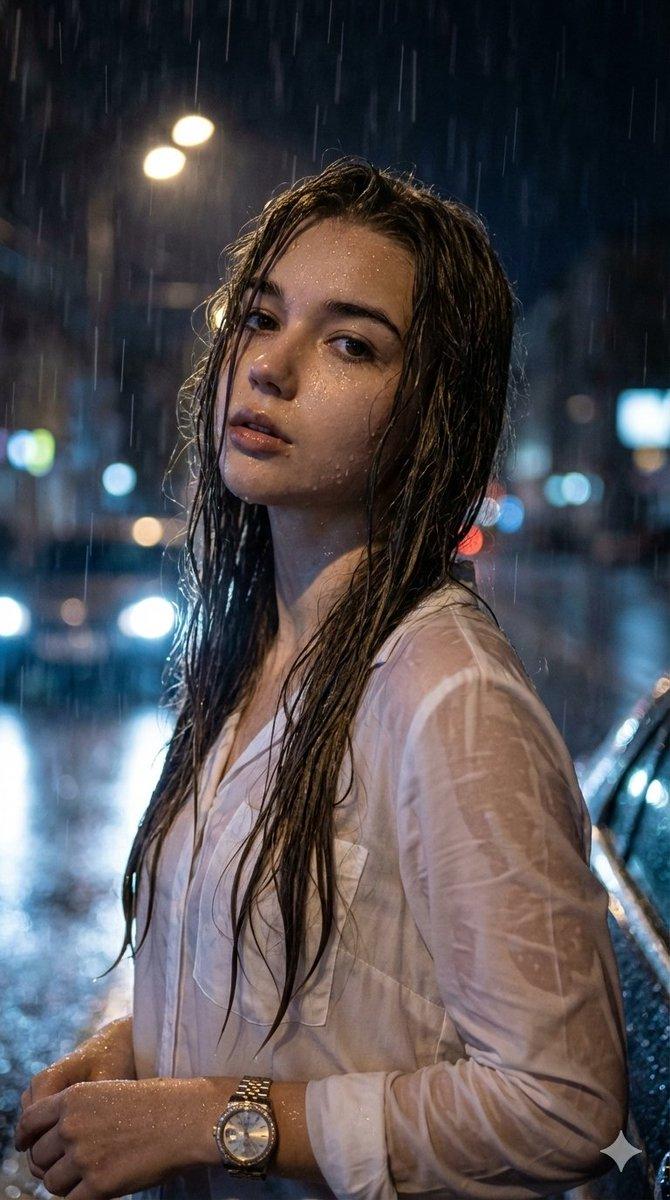
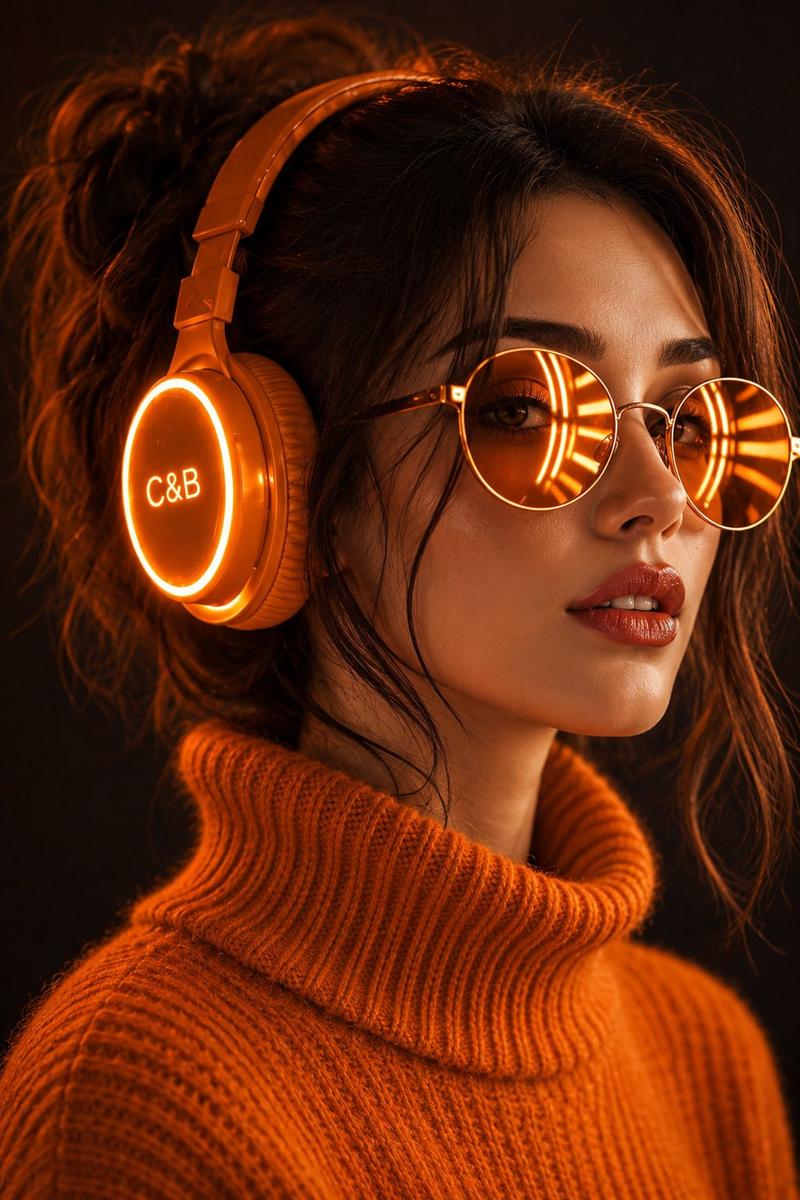
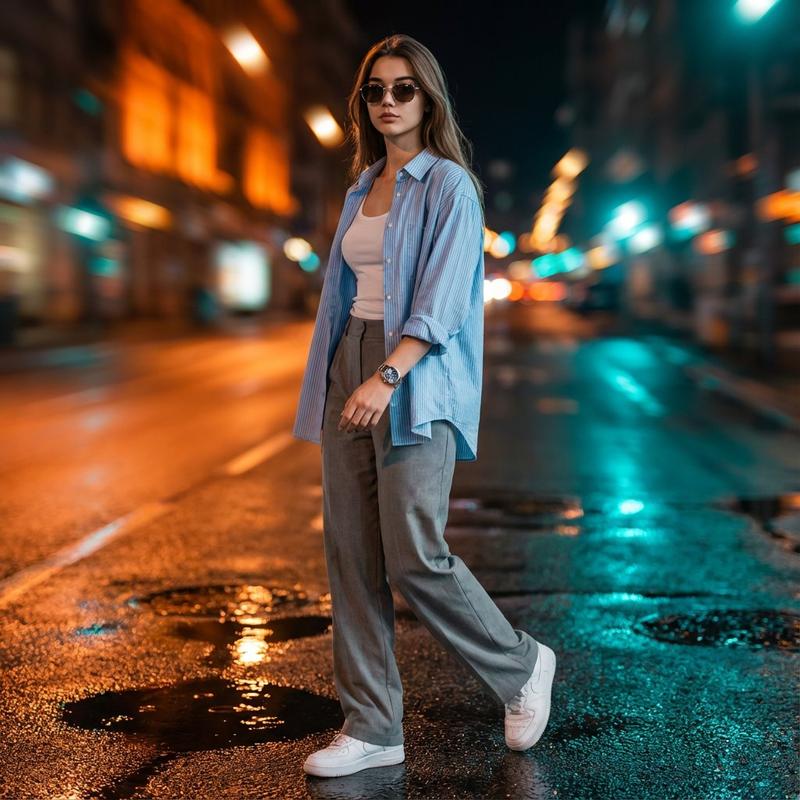
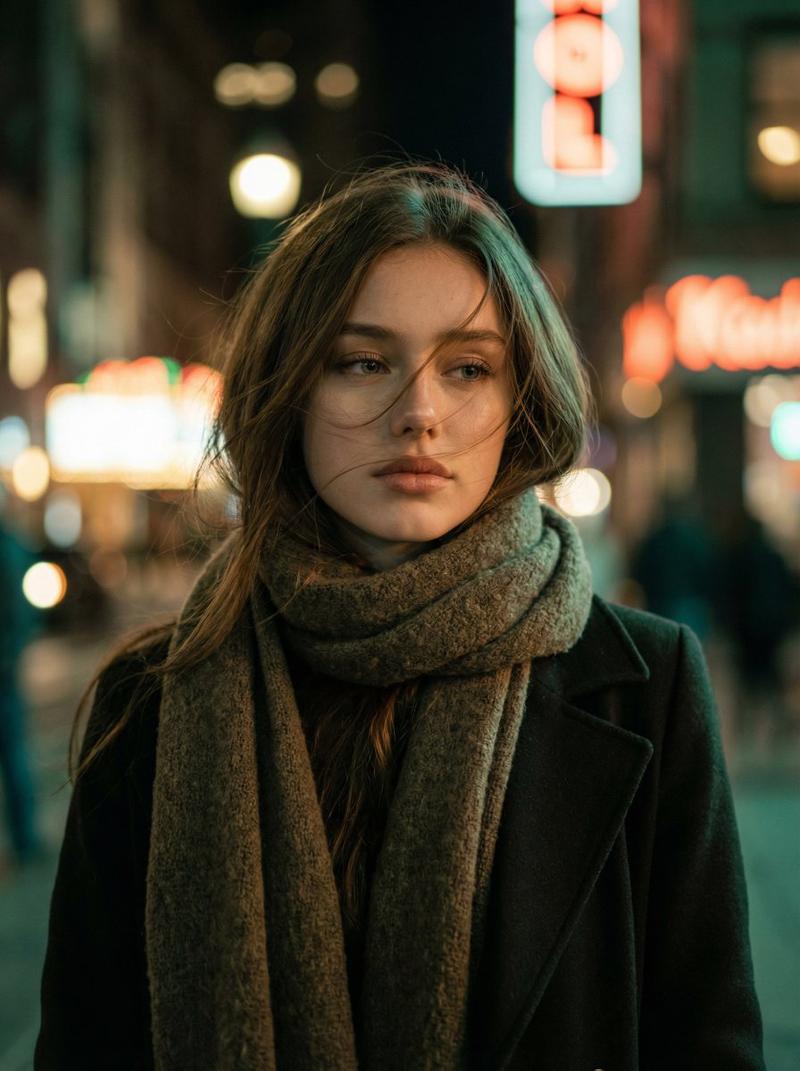
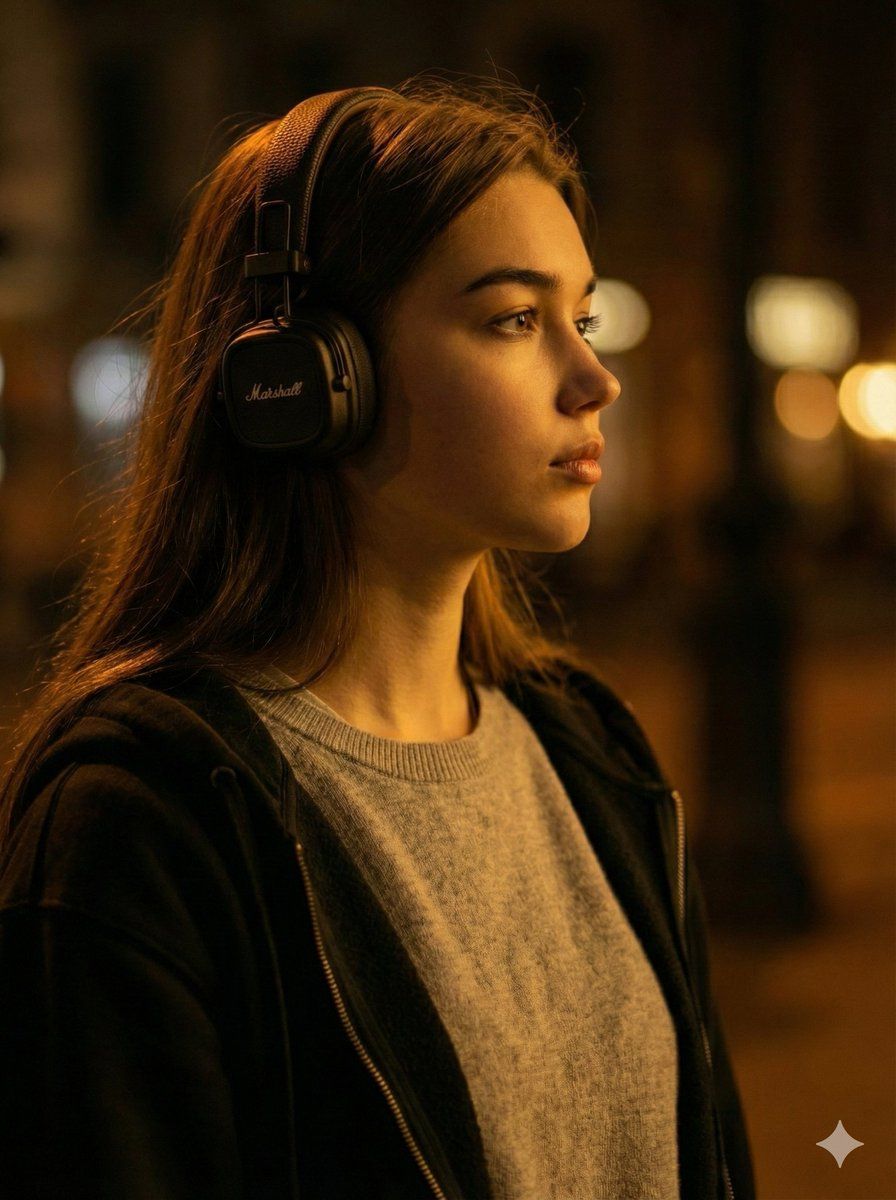
A moody, cinematic, and realistic candid profile portrait of a young woman with long brown hair, wearing black Marshall over-ear headphones. She has a contemplative gaze, looking off-camera to the right. Her attire includes a light grey crewneck sweater layered beneath a dark, open zip-up hoodie or jacket. The scene is dominated by rich, warm amber lighting, creating dramatic low-key contrast and deep shadows on her face and the surrounding environment. The composition features an extremely shallow depth of field, with sharp focus on the subject. The background is a dark, blurry street or indoor setting with indistinct warm bokeh lights. Intentional dark, out-of-focus elements occupy the foreground, enhancing the depth and low-key atmosphere. The overall feeling is one of introspection and isolation.
Category
创意图片
Model
Nano Banana Pro
Views0
Source ID
b08fe9e8-2406-4d78-8e55-06b9bf4795bd
Published
Mar 8, 2026

Guide

About "情绪化电影风格人物肖像提示词"

What is this prompt for?

"情绪化电影风格人物肖像提示词" AI image prompt for Nano Banana Pro (创意图片). 生成一张年轻女性佩戴 Marshall 耳机的写实抓拍侧面肖像的详细提示,要求营造忧郁、电影感的氛围,强调浓郁温暖的琥珀色光线、戏剧性的低调对比,以及前景散景带来的极浅景深。 --- 一张情绪化、…

The full copyable prompt and example visuals above are ready for AI image generation or one-click recreate in Picva.

How to use this prompt

  1. Step 1

    Open the prompt detail

    Review the example visuals, category, and full prompt text for "情绪化电影风格人物肖像提示词".

  2. Step 2

    Copy the prompt

    Copy the prompt body from this page, or load it directly in Studio.

  3. Step 3

    Pick a model (Nano Banana Pro)

    Prefer Nano Banana Pro. If you switch models, keep subject and composition and tweak style terms.

  4. Step 4

    Generate and export

    Recreate the look in Picva, or export into your workflow for editing and publishing.

FAQ

What is the "情绪化电影风格人物肖像提示词" prompt?
It is an AI image-generation prompt for Nano Banana Pro in the 创意图片 category. This page includes the full prompt text, example visuals, and a one-click recreate path in Picva.
How do I use this prompt to generate an image?
Copy the prompt from this page, or use Generate / Studio. Paste it into a compatible image model, or recreate the look in Picva with optional reference images.
Which model is this prompt for?
This page lists Nano Banana Pro. Most descriptive prompts also transfer to nearby image models such as GPT Image, Flux, or Midjourney with light style tweaks.
Can I use the result commercially?
You can usually copy the prompt for creation, but commercial use of the final image depends on the model terms, reference-image rights, and the generated content. Follow the source author and platform rules.