20

Nano Banana Pro 的编辑肖像提示
Enlarge

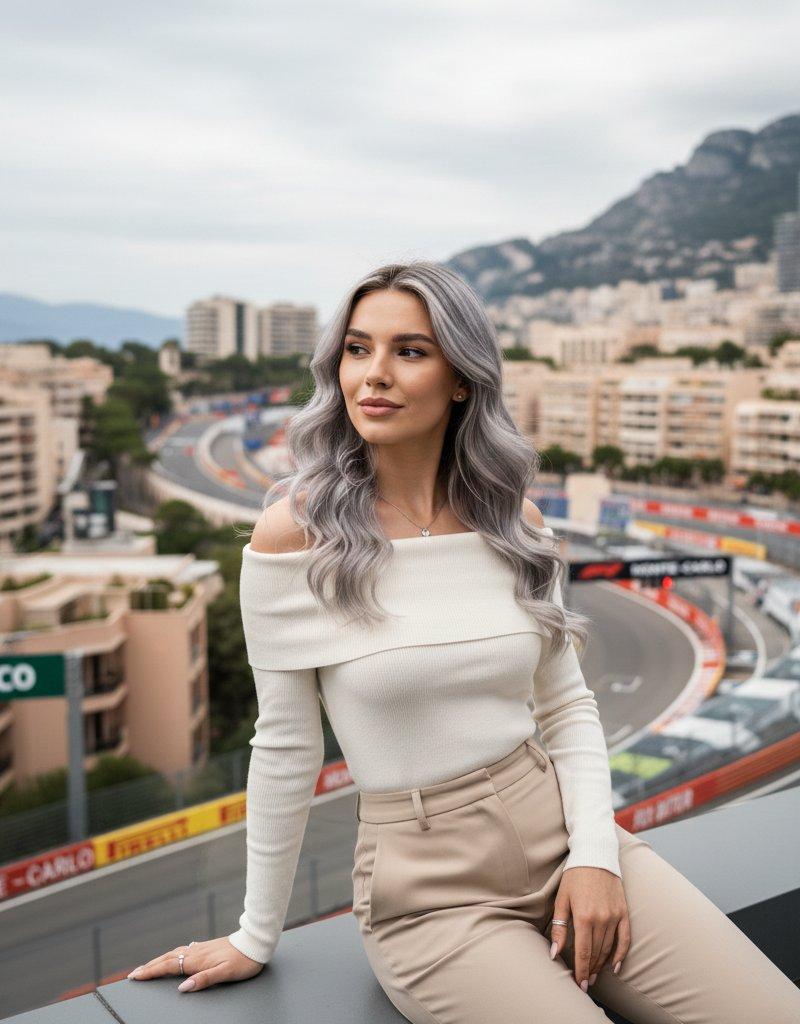
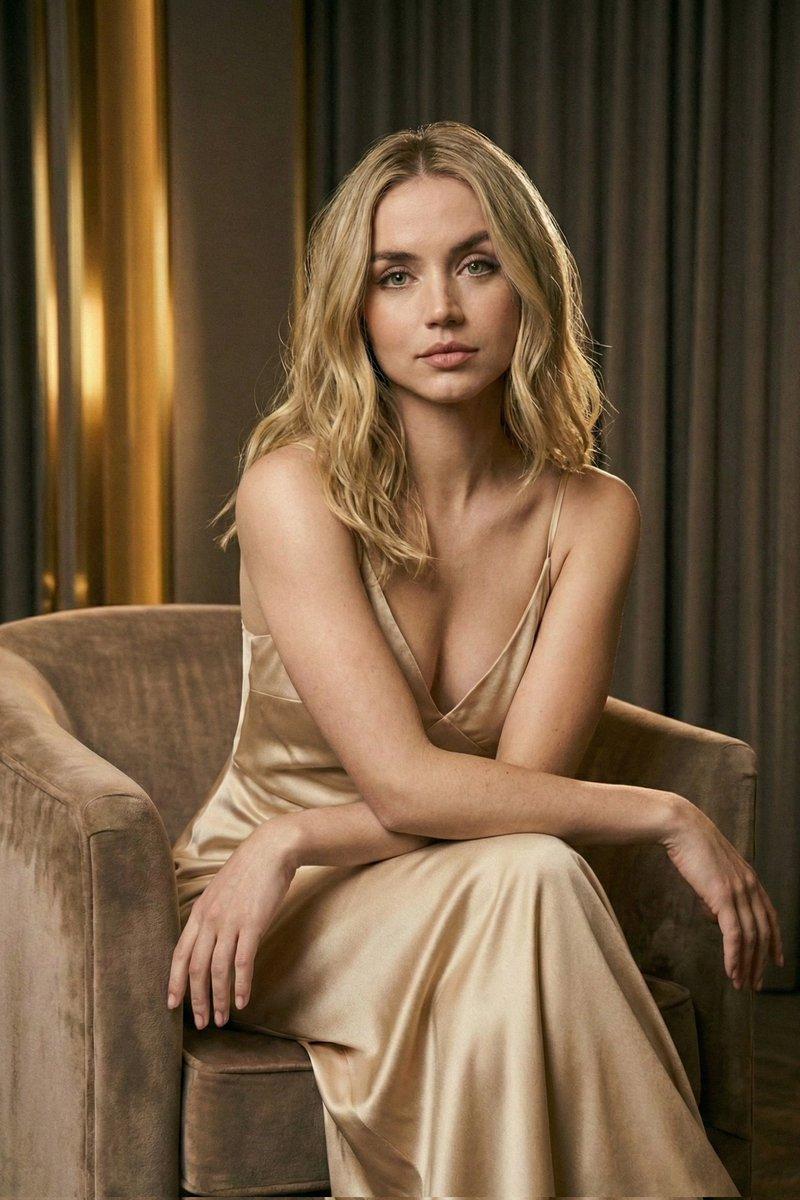
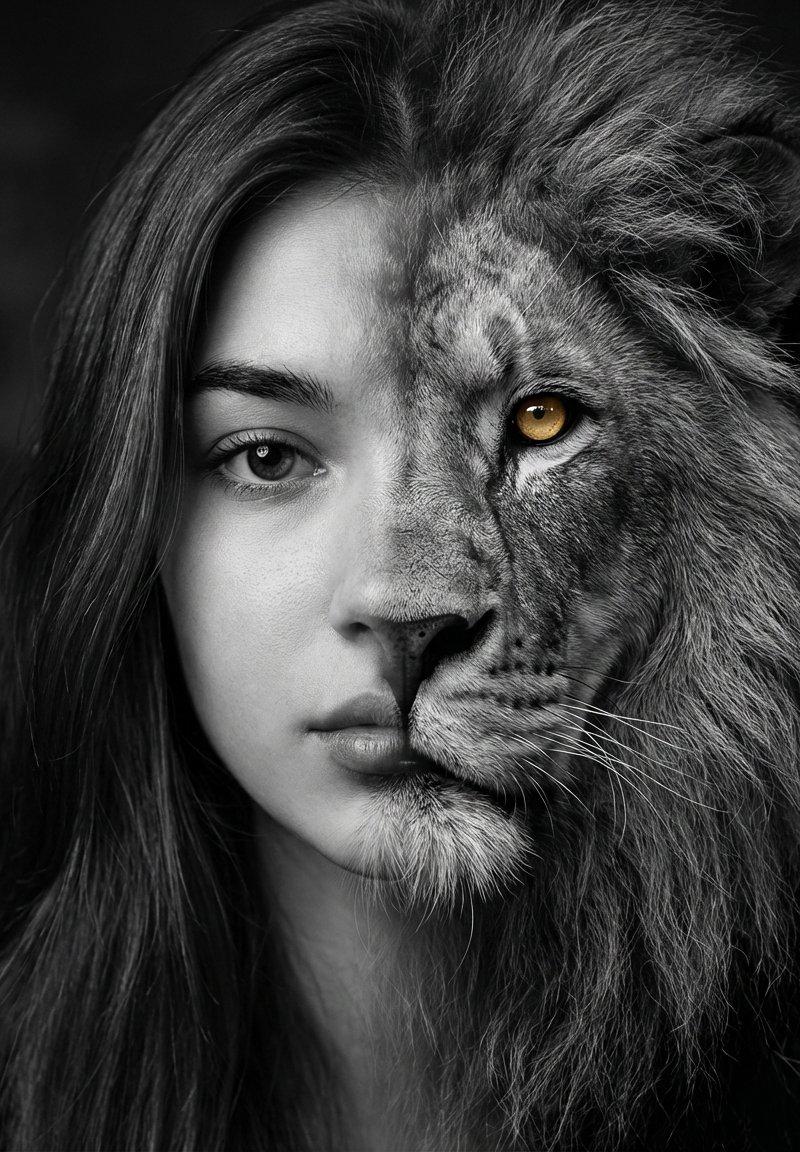
Example images

Nano Banana Pro 的编辑肖像提示

Prompt
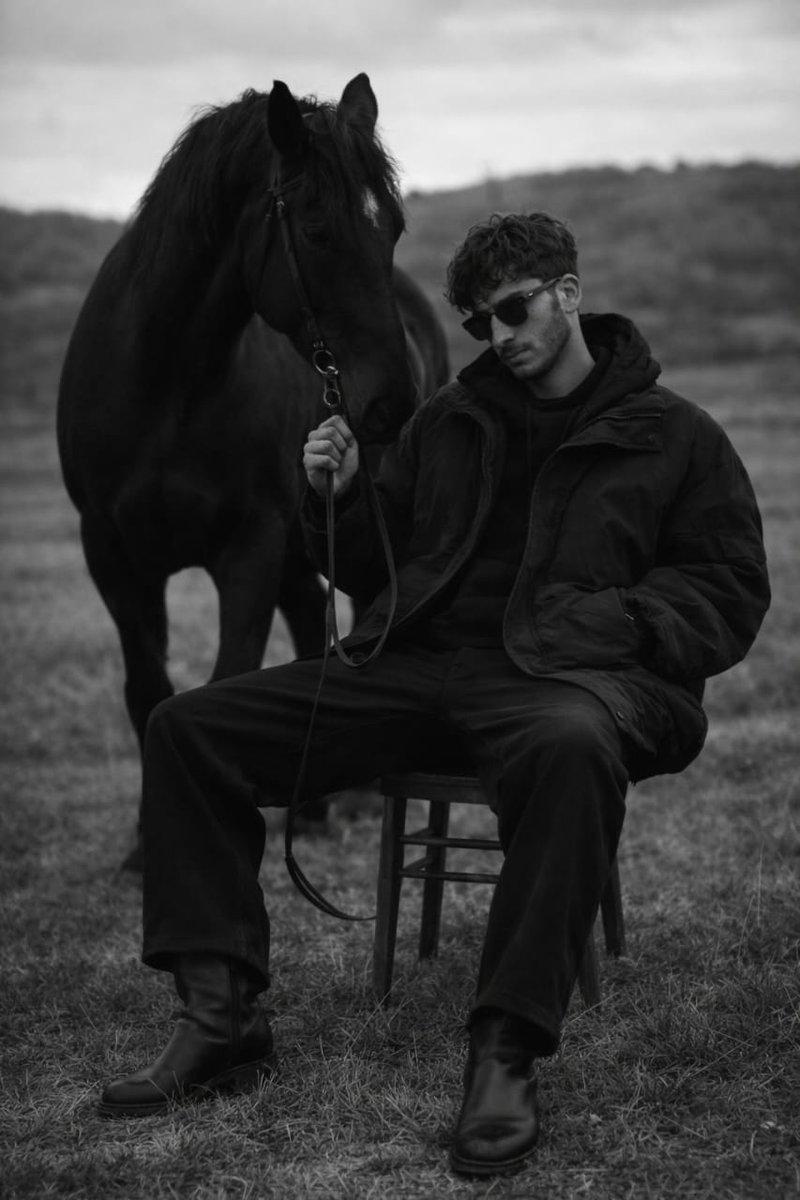
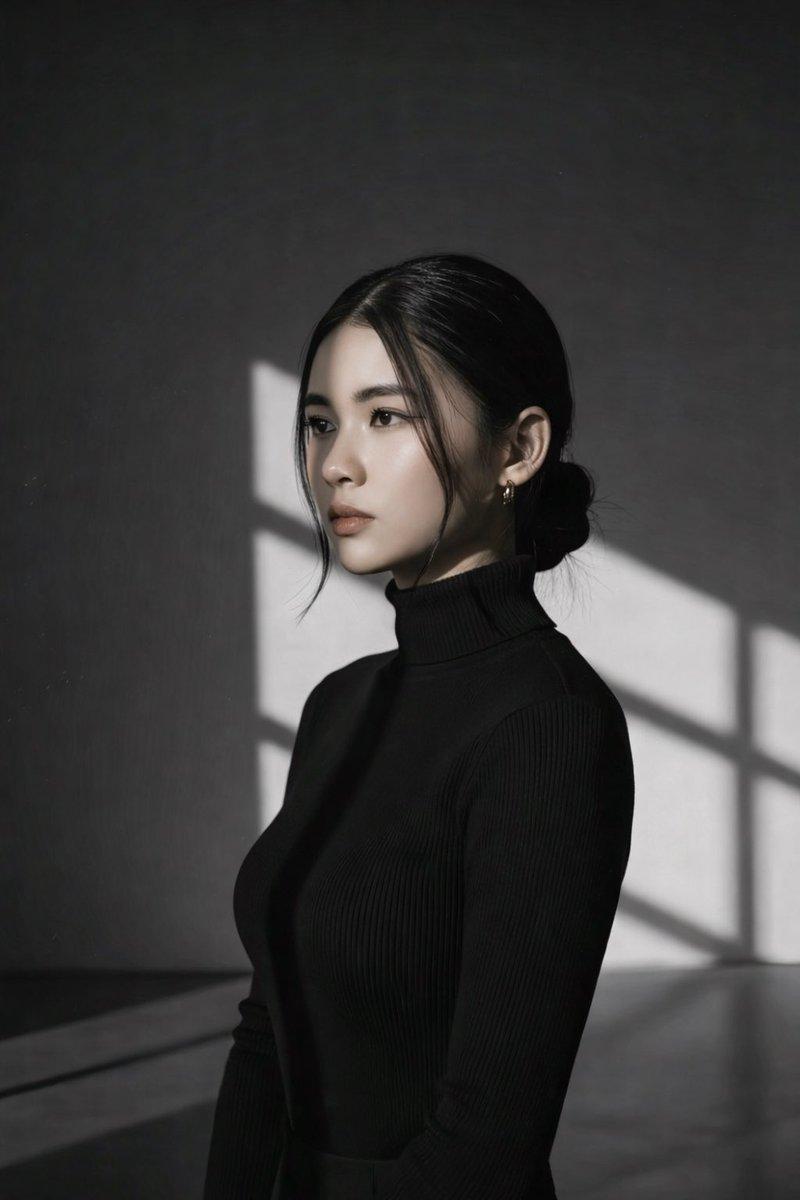
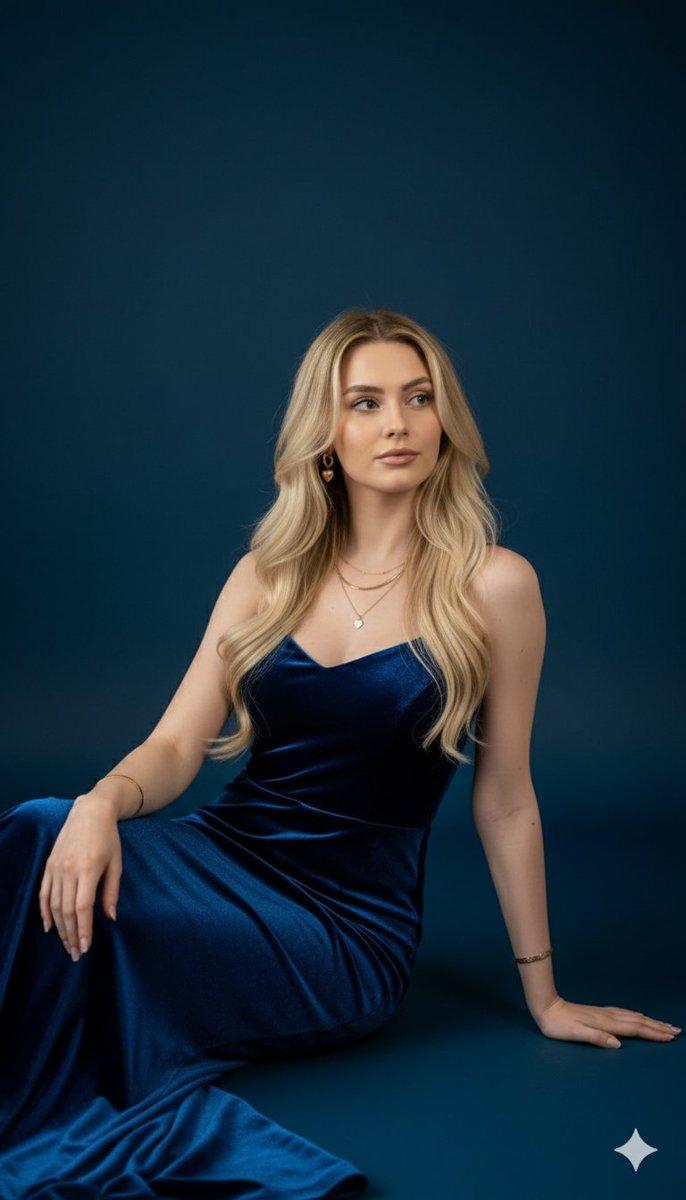
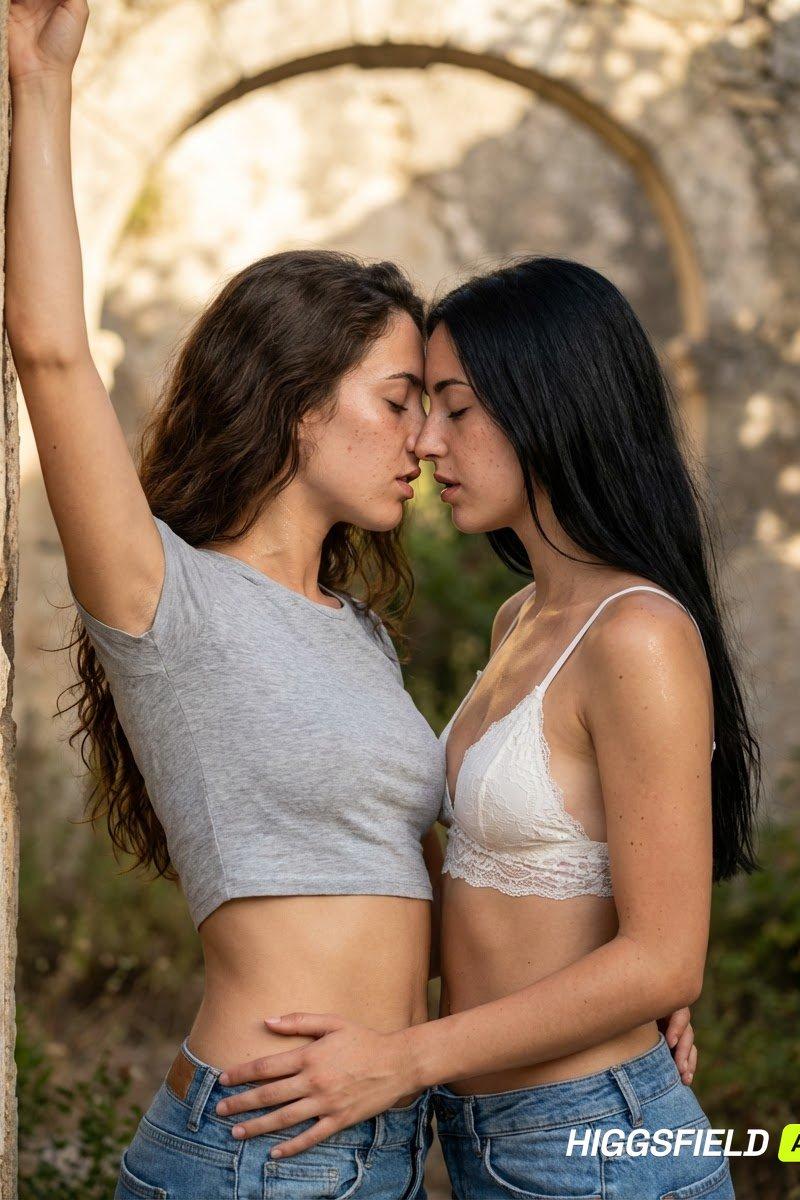
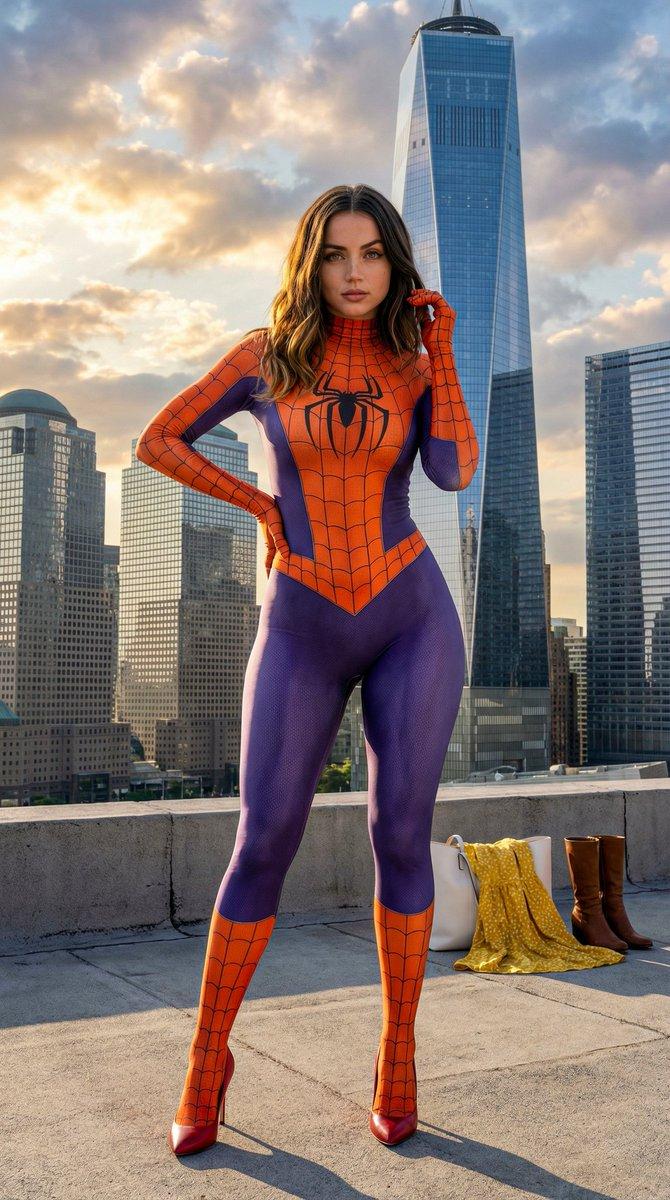
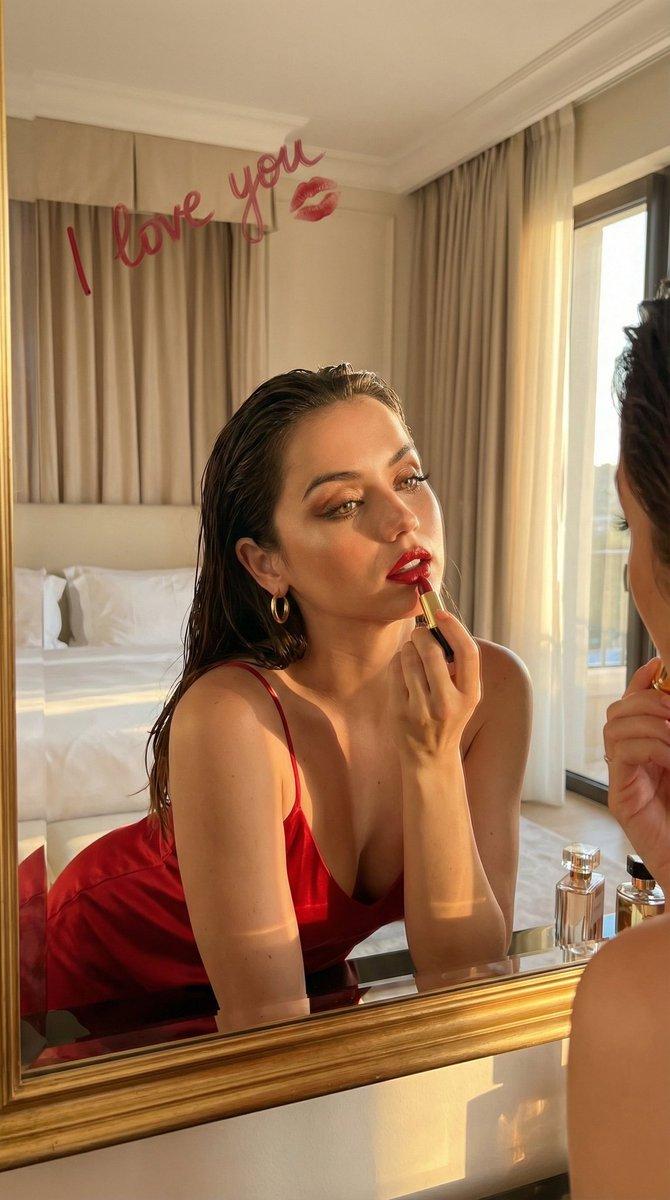
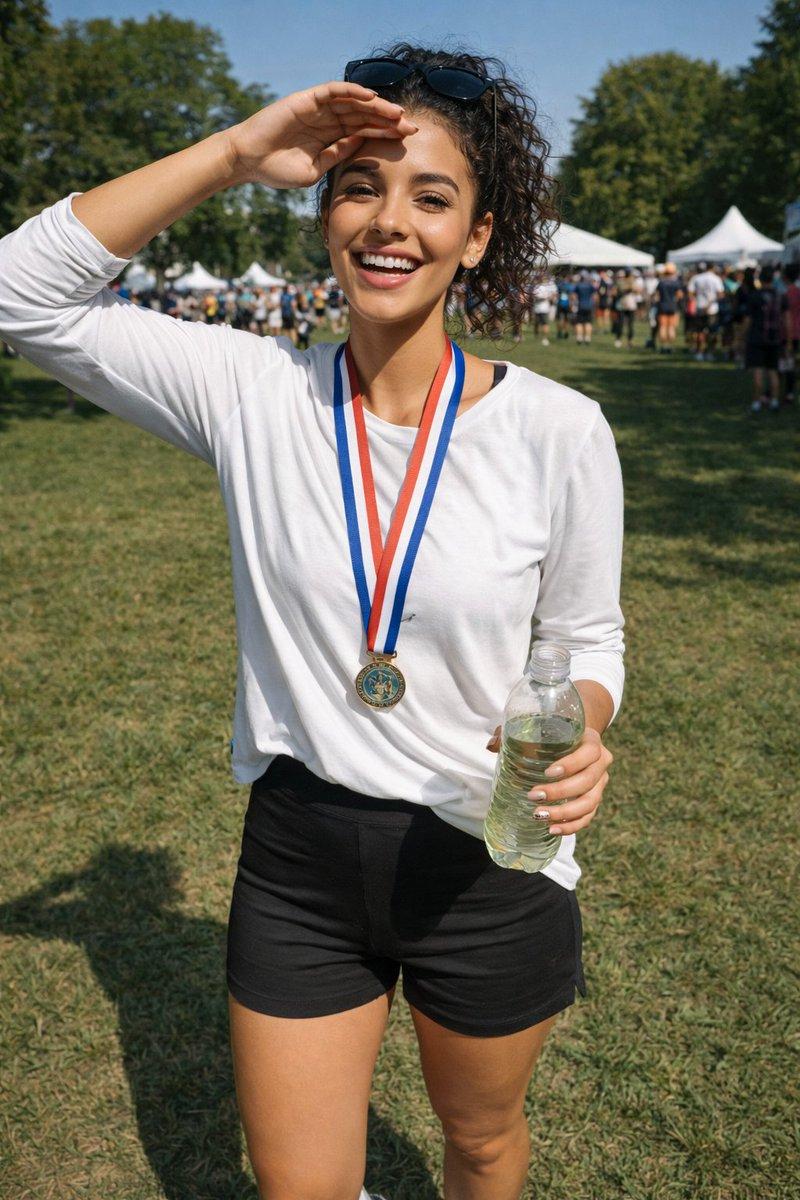
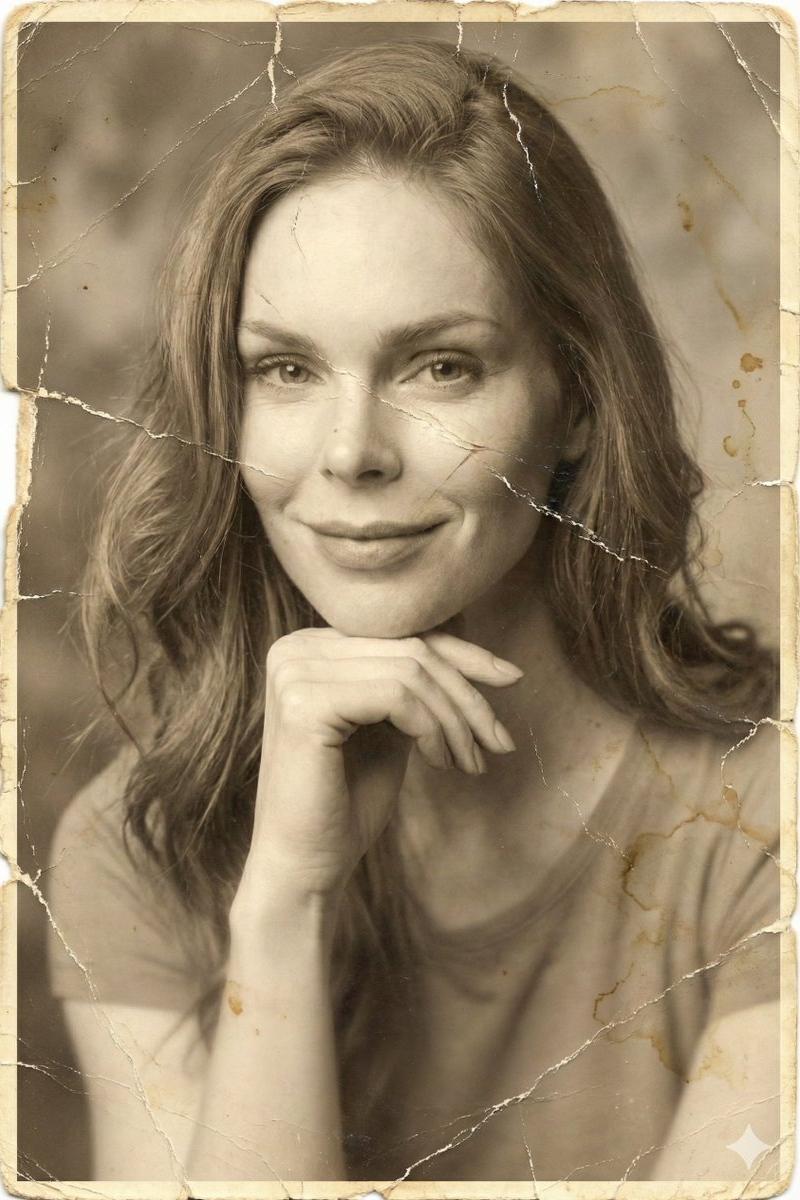
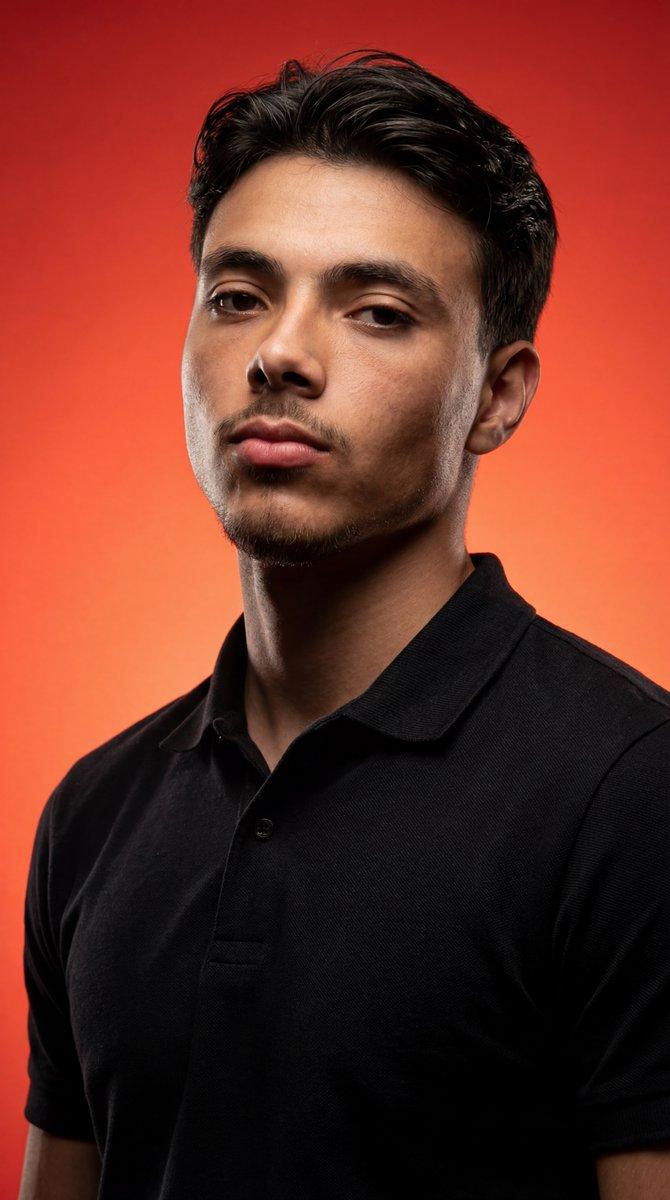
Rapport d'aspect 4:5, résolution 2K, portrait éditorial photoréaliste et ultra-détaillé. Source : préserver les traits exacts du visage, le teint de la peau, la coiffure et la ressemblance naturelle de la photo de référence ci-jointe. Le sujet peut être un homme ou une femme. Garde-robe : Polo piqué noir de qualité supérieure, ajusté, pointu, avec texture piquée en coton visible, couleur noire mate profonde. Expression : sérieuse, intense, concentrée, regardant légèrement au-dessus de la caméra, pas directement sur l'objectif. Composition : Gros plan moyen (visage et épaules), prise de vue à faible angle pour transmettre la puissance et la domination. Arrière-plan : dégradé rouge orange vibrant, lisse et intense, pas de motifs. Éclairage : Éclairage de studio dramatique et coloré. Lumière clé : ombres fortes, directionnelles et profondes mettant l'accent sur la structure faciale (clair foncé). Lumière de la jante : forte lumière de bord séparant le sujet de l'arrière-plan. Humeur : intense, mystérieuse, contrastée. Technique : mise au point nette sur le visage, dégradé d'arrière-plan lisse, texture photoréaliste de haute qualité, ultra-détail 2K. Appliquer de manière cohérente quel que soit le sexe. Esthétique du studio de cinéma, ambiance de portrait héroïque éditorial.
Category
创意图片
Model
Nano Banana Pro
Creator
novah
Source language
en
Views0
Source ID
e34eca39-ac67-44c8-ab74-51e0c487c27e
Published
Mar 8, 2026
Studio

Guide

About "Nano Banana Pro 的编辑肖像提示"

What is this prompt for?

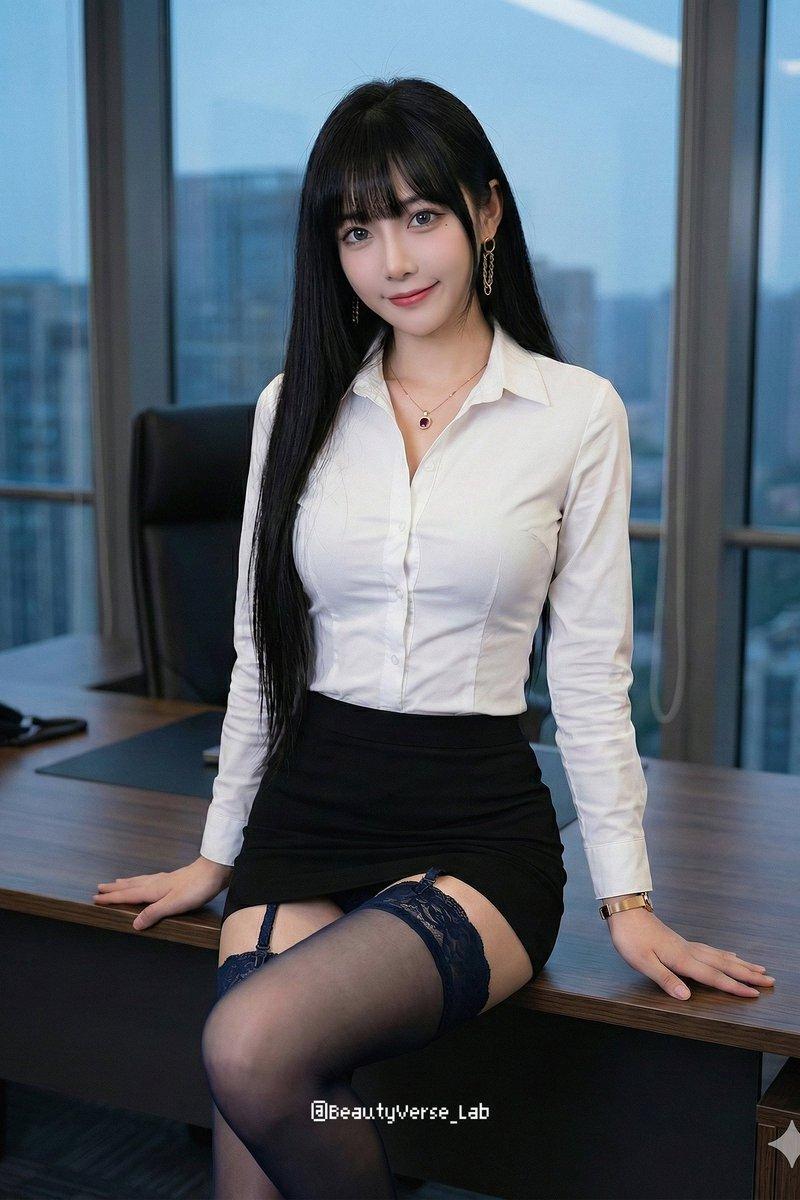
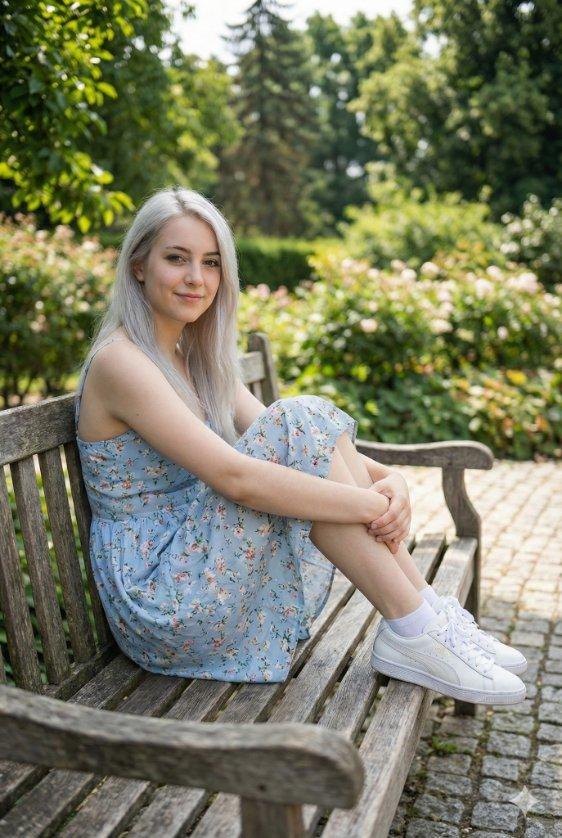
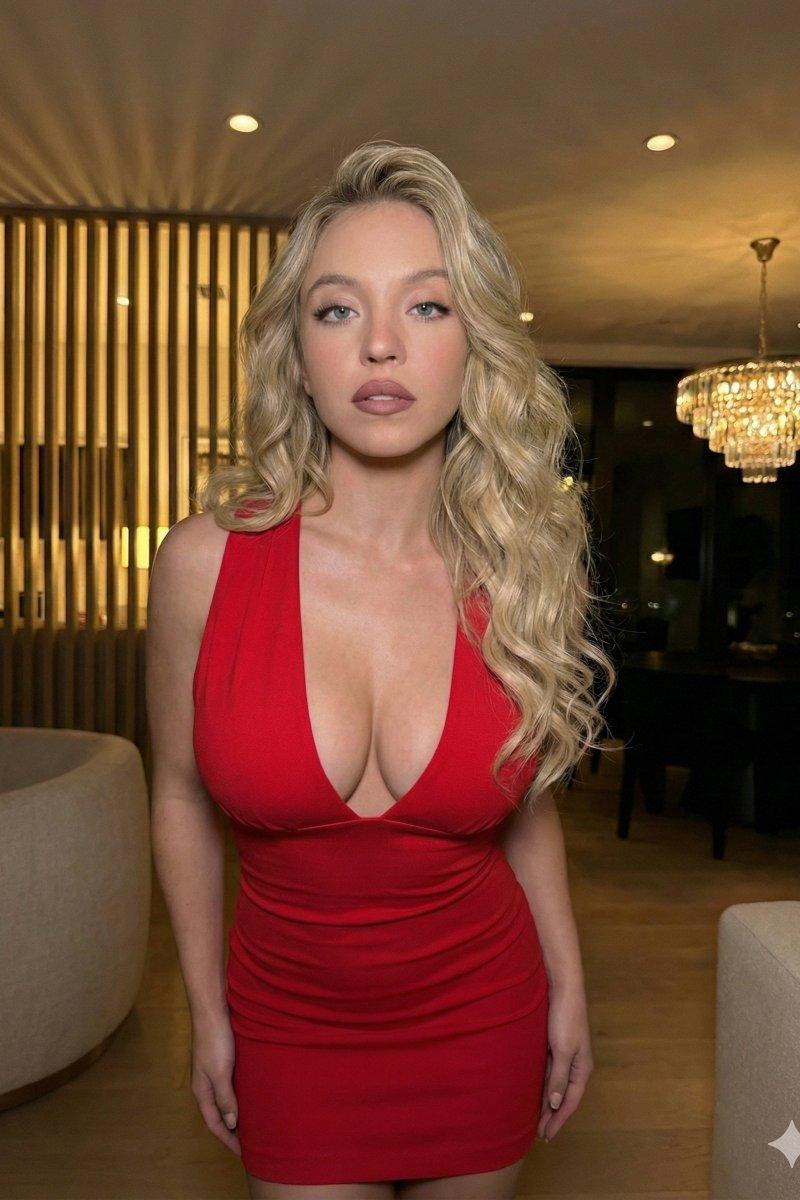
"Nano Banana Pro 的编辑肖像提示" AI image prompt for Nano Banana Pro (创意图片). 一个为 Nano Banana Pro 设计的高度详细且结构化的提示,旨在生成超详细、逼真的编辑肖像。它指定了长宽比、分辨率、源图像保留、服装、表情、构图、背景、光线、情绪和技术…

The full copyable prompt and example visuals above are ready for AI image generation or one-click recreate in Picva.

How to use this prompt

  1. Step 1

    Open the prompt detail

    Review the example visuals, category, and full prompt text for "Nano Banana Pro 的编辑肖像提示".

  2. Step 2

    Copy the prompt

    Copy the prompt body from this page, or load it directly in Studio.

  3. Step 3

    Pick a model (Nano Banana Pro)

    Prefer Nano Banana Pro. If you switch models, keep subject and composition and tweak style terms.

  4. Step 4

    Generate and export

    Recreate the look in Picva, or export into your workflow for editing and publishing.

FAQ

What is the "Nano Banana Pro 的编辑肖像提示" prompt?
It is an AI image-generation prompt for Nano Banana Pro in the 创意图片 category. This page includes the full prompt text, example visuals, and a one-click recreate path in Picva.
How do I use this prompt to generate an image?
Copy the prompt from this page, or use Generate / Studio. Paste it into a compatible image model, or recreate the look in Picva with optional reference images.
Which model is this prompt for?
This page lists Nano Banana Pro. Most descriptive prompts also transfer to nearby image models such as GPT Image, Flux, or Midjourney with light style tweaks.
Can I use the result commercially?
You can usually copy the prompt for creation, but commercial use of the final image depends on the model terms, reference-image rights, and the generated content. Follow the source author and platform rules.