17

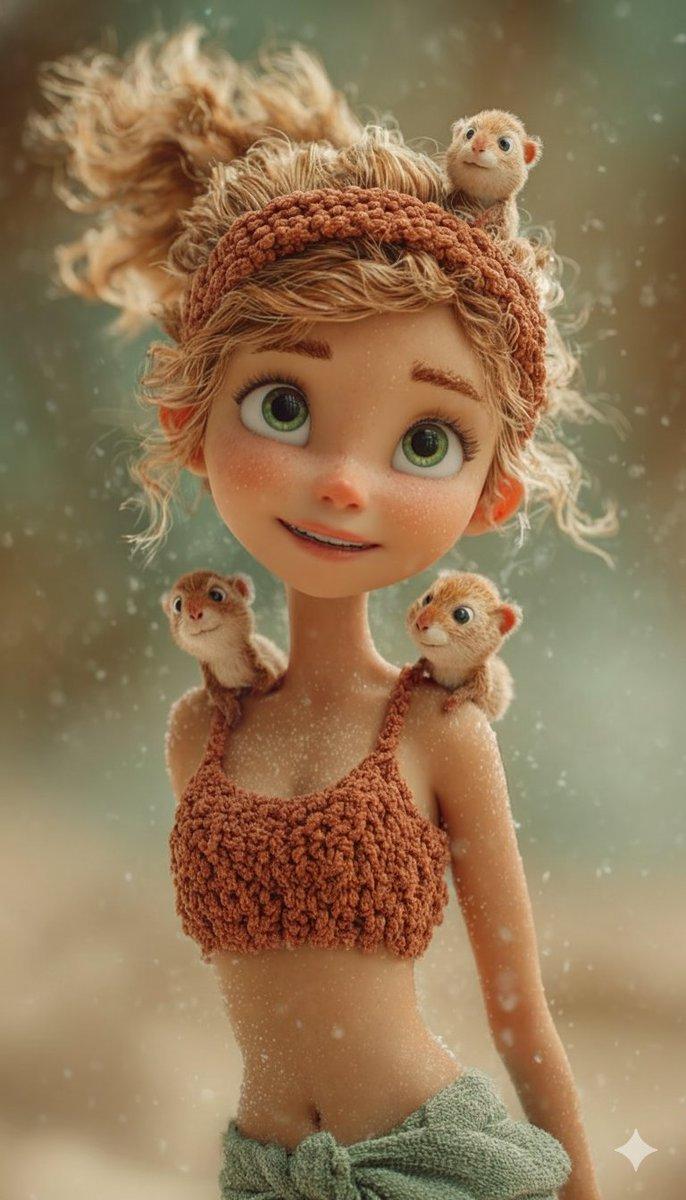
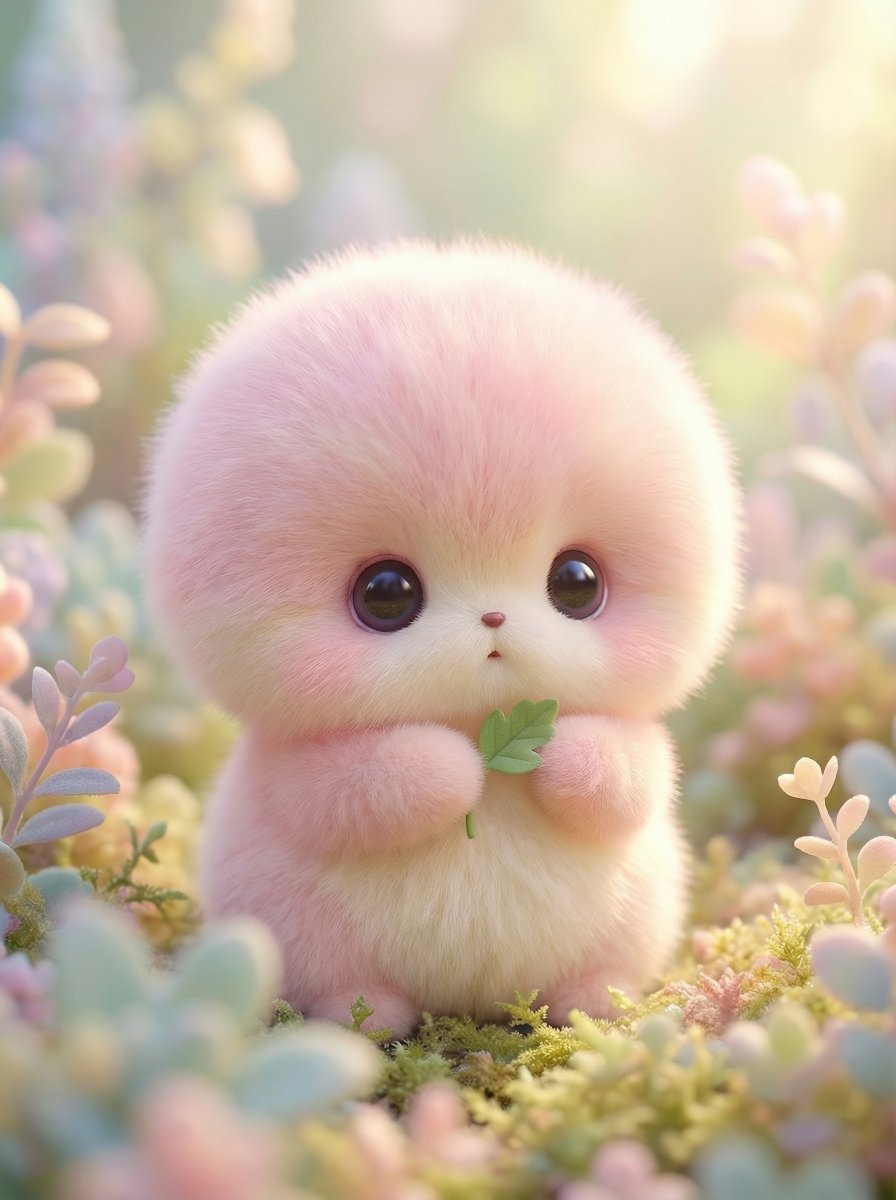
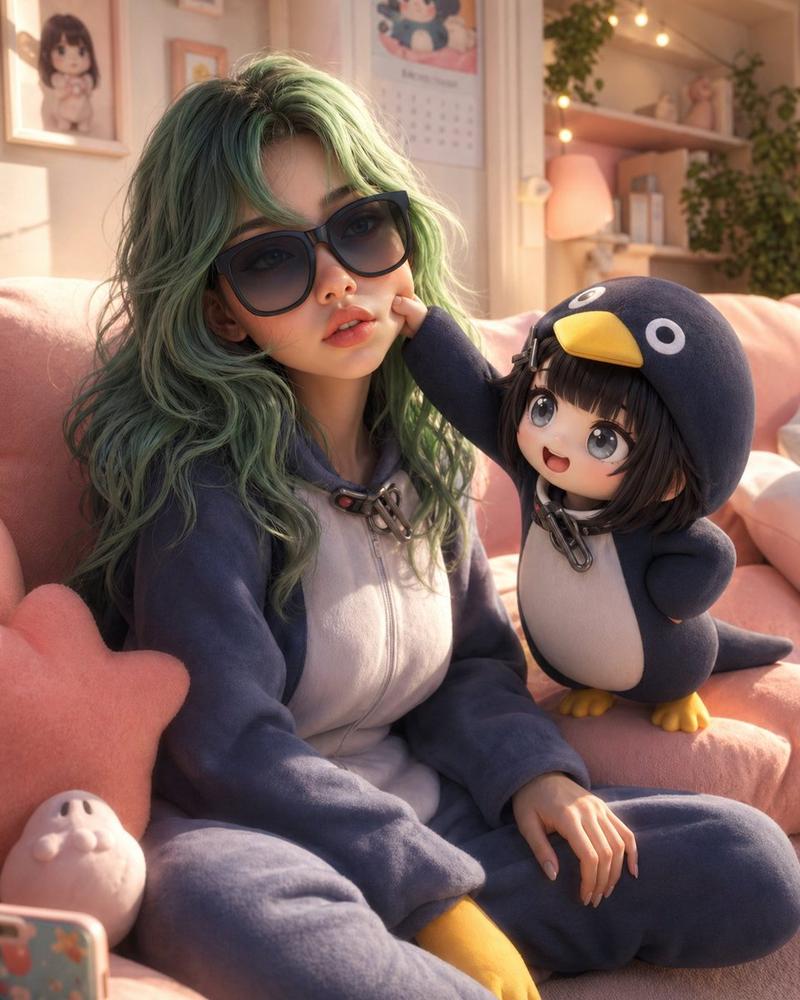
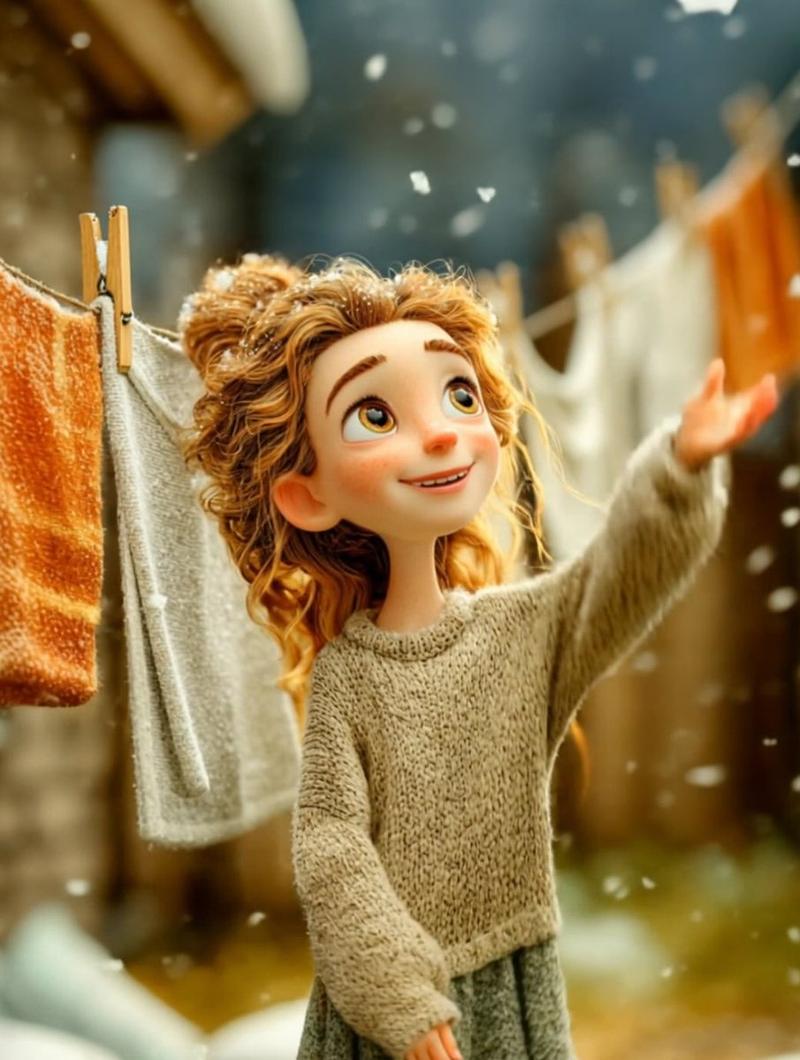
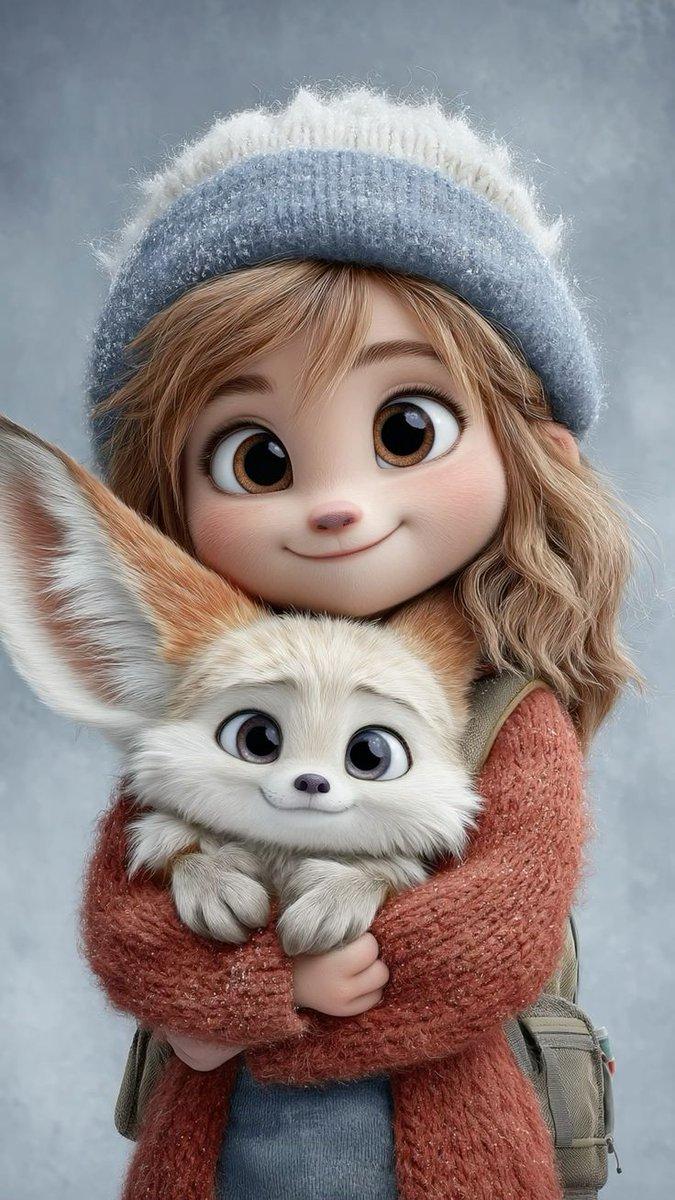
皮克斯风格 3D 动画儿童肖像与动物
Enlarge

皮克斯风格 3D 动画儿童肖像与动物

Prompt
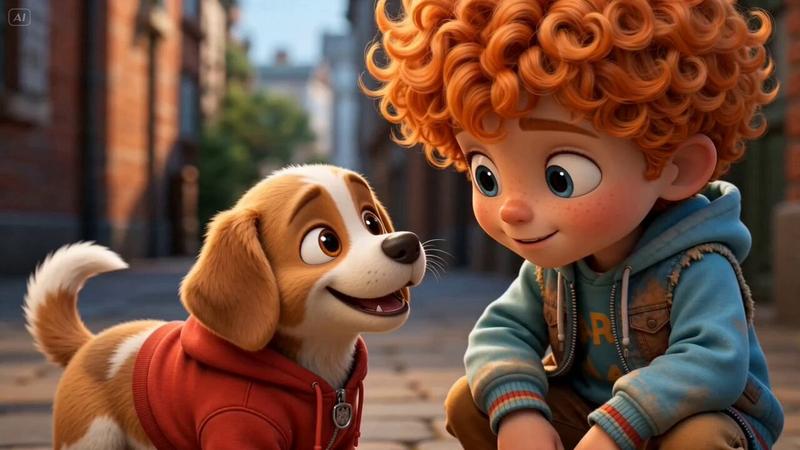
Cute stylized 3D animated boy with messy fluffy blue hair and big expressive eyes, soft freckles on face, wearing a fuzzy blue striped sweater, small adorable raccoon sitting on his shoulder, looking upward with a gentle smile, Pixar-style character design, soft studio lighting, pastel blue background, ultra-detailed fur and fabric texture, cinematic portrait composition, high-quality 3D render, 8K.
IMAGE 2
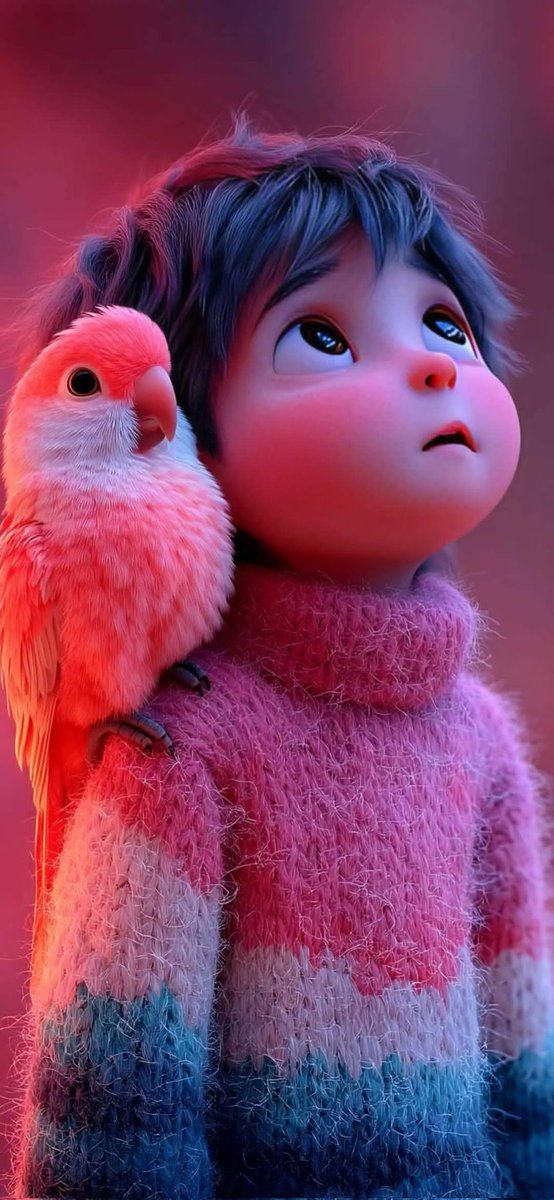
2️⃣ Child with Bird
Adorable stylized 3D child character wearing a fluffy sweater, soft blue hair, big emotional eyes looking upward, cute small bird sitting on the shoulder, cinematic red and purple lighting, dreamy atmosphere, Pixar-style animated character, ultra-detailed feathers and fabric textures, soft glow lighting, shallow depth of field, highly detailed 3D render, 8K
Category
创意图片
Model
Nano Banana Pro
Creator
Taaruk
Views6
Source ID
cd78c759-0a11-4a3c-ae04-22ed38cb85fe
Published
Mar 8, 2026

Guide

About "皮克斯风格 3D 动画儿童肖像与动物"

What is this prompt for?

"皮克斯风格 3D 动画儿童肖像与动物" AI image prompt for Nano Banana Pro (创意图片). 以下是两个用于生成皮克斯风格的可爱、程式化 3D 动画儿童角色的提示。第一个提示描绘了一个男孩肩上扛着一只浣熊,强调了毛发和织物的细节纹理。第二个提示描绘了一个孩子和一只鸟,重点在于戏剧性…

The full copyable prompt and example visuals above are ready for AI image generation or one-click recreate in Picva.

How to use this prompt

  1. Step 1

    Open the prompt detail

    Review the example visuals, category, and full prompt text for "皮克斯风格 3D 动画儿童肖像与动物".

  2. Step 2

    Copy the prompt

    Copy the prompt body from this page, or load it directly in Studio.

  3. Step 3

    Pick a model (Nano Banana Pro)

    Prefer Nano Banana Pro. If you switch models, keep subject and composition and tweak style terms.

  4. Step 4

    Generate and export

    Recreate the look in Picva, or export into your workflow for editing and publishing.

FAQ

What is the "皮克斯风格 3D 动画儿童肖像与动物" prompt?
It is an AI image-generation prompt for Nano Banana Pro in the 创意图片 category. This page includes the full prompt text, example visuals, and a one-click recreate path in Picva.
How do I use this prompt to generate an image?
Copy the prompt from this page, or use Generate / Studio. Paste it into a compatible image model, or recreate the look in Picva with optional reference images.
Which model is this prompt for?
This page lists Nano Banana Pro. Most descriptive prompts also transfer to nearby image models such as GPT Image, Flux, or Midjourney with light style tweaks.
Can I use the result commercially?
You can usually copy the prompt for creation, but commercial use of the final image depends on the model terms, reference-image rights, and the generated content. Follow the source author and platform rules.