18

电影级杰作肖像提示词
Enlarge

电影级杰作肖像提示词

Prompt
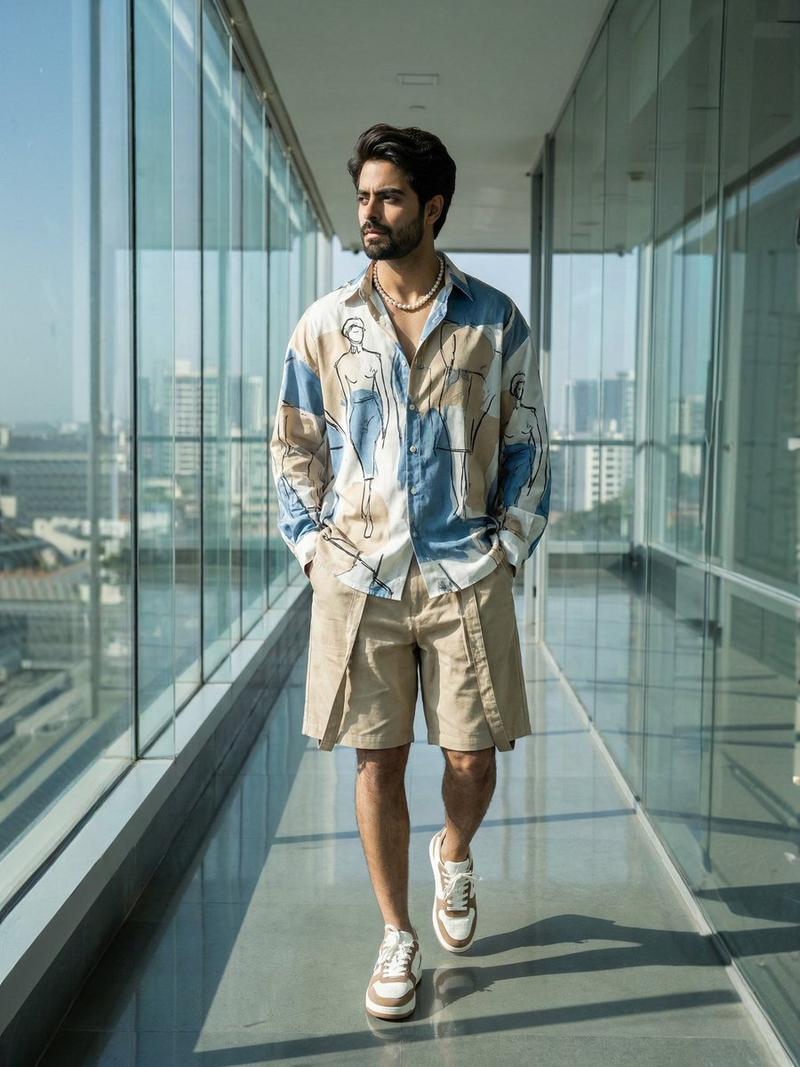
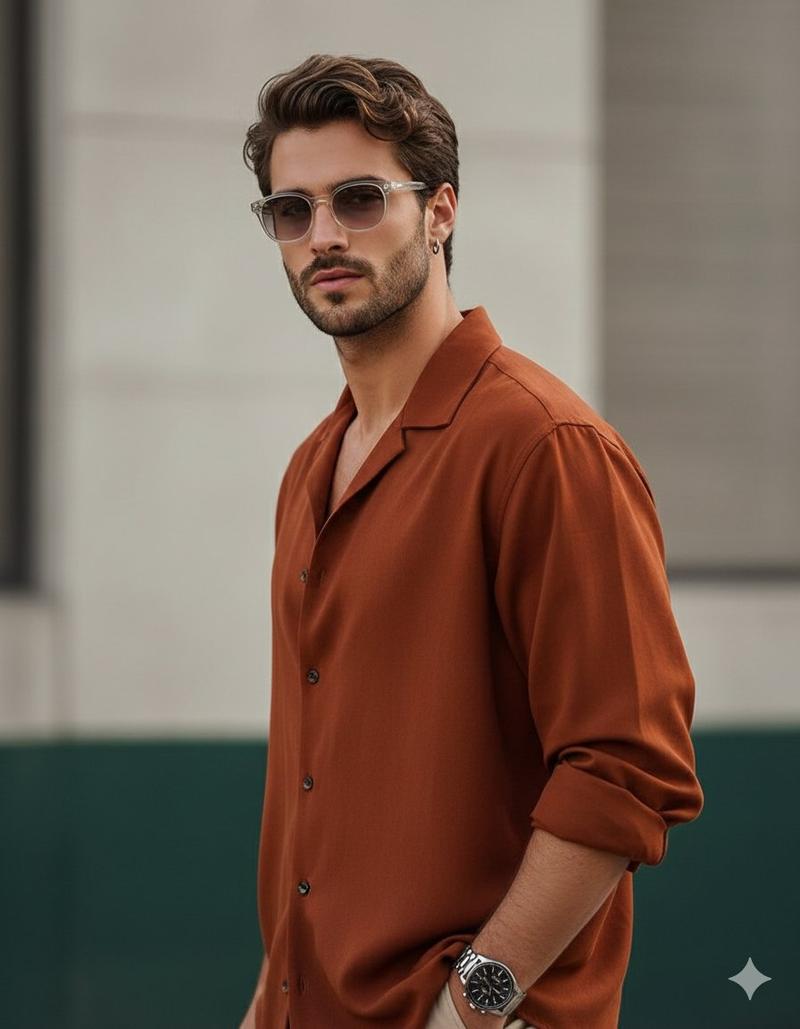
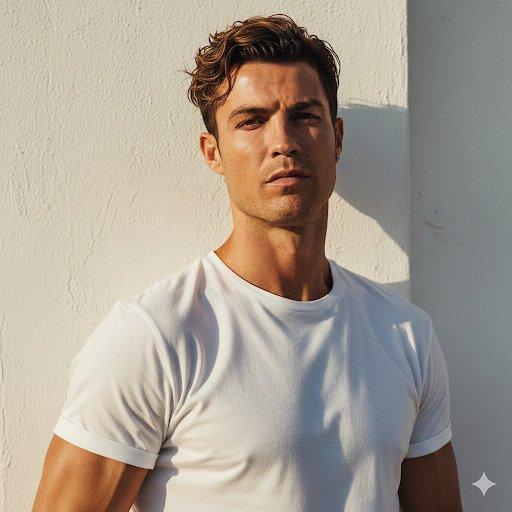
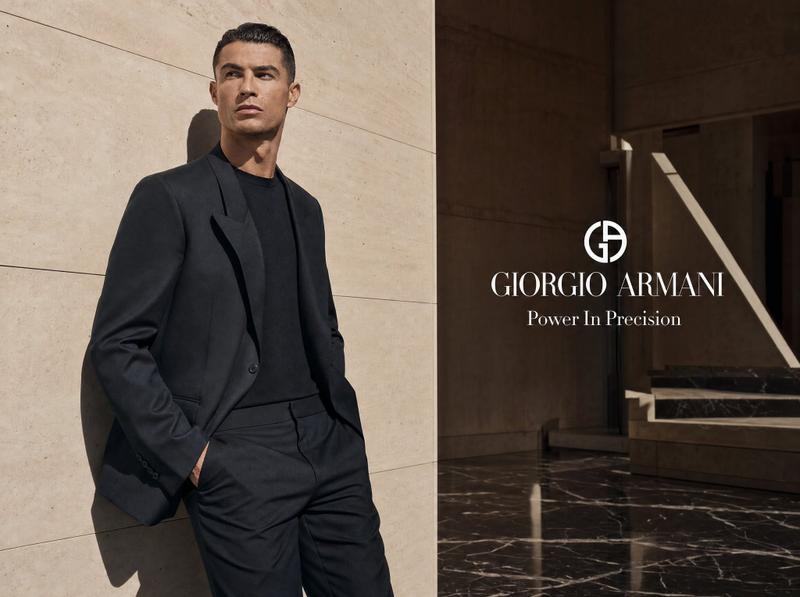
Masterpiece, 8K, UHD, cinematic portrait, a stylish man (completely identical to the reference image), standing confidently against a modern architectural wall with large sleek tiles. His face and hairstyle are perfectly matched to the reference. He wears a gradient sweatshirt (soft light gray at top to deep black at bottom), loose black pants, dark sunglasses rectangular shape, and a smartwatch on his left wrist. Reflective glass windows, subtle urban elements, distant buildings, street textures. Ambient natural daylight, soft shadows and highlights enhancing facial features, fabric textures, and glass reflections. Sharp focus, shallow depth of field, ultra-realistic, lifelike skin tones, high dynamic range, fashion photoshoot, contemporary city vibe.
Category
创意图片
Model
Nano Banana Pro
Creator
Harboriis
Views0
Source ID
3b901adf-5b2c-4c74-be2d-5fac468090e6
Published
Mar 8, 2026

Guide

About "电影级杰作肖像提示词"

What is this prompt for?

"电影级杰作肖像提示词" AI image prompt for Nano Banana Pro (创意图片). 生成一张时尚男士的杰作级 8K 电影肖像的提示,要求与参考图像 100% 身份匹配,他站在现代建筑墙壁前,身穿渐变色运动衫,戴着深色太阳镜。 --- 杰作,8K,UHD,电影级肖像,一位时尚男士(与参考图…

The full copyable prompt and example visuals above are ready for AI image generation or one-click recreate in Picva.

How to use this prompt

  1. Step 1

    Open the prompt detail

    Review the example visuals, category, and full prompt text for "电影级杰作肖像提示词".

  2. Step 2

    Copy the prompt

    Copy the prompt body from this page, or load it directly in Studio.

  3. Step 3

    Pick a model (Nano Banana Pro)

    Prefer Nano Banana Pro. If you switch models, keep subject and composition and tweak style terms.

  4. Step 4

    Generate and export

    Recreate the look in Picva, or export into your workflow for editing and publishing.

FAQ

What is the "电影级杰作肖像提示词" prompt?
It is an AI image-generation prompt for Nano Banana Pro in the 创意图片 category. This page includes the full prompt text, example visuals, and a one-click recreate path in Picva.
How do I use this prompt to generate an image?
Copy the prompt from this page, or use Generate / Studio. Paste it into a compatible image model, or recreate the look in Picva with optional reference images.
Which model is this prompt for?
This page lists Nano Banana Pro. Most descriptive prompts also transfer to nearby image models such as GPT Image, Flux, or Midjourney with light style tweaks.
Can I use the result commercially?
You can usually copy the prompt for creation, but commercial use of the final image depends on the model terms, reference-image rights, and the generated content. Follow the source author and platform rules.