18

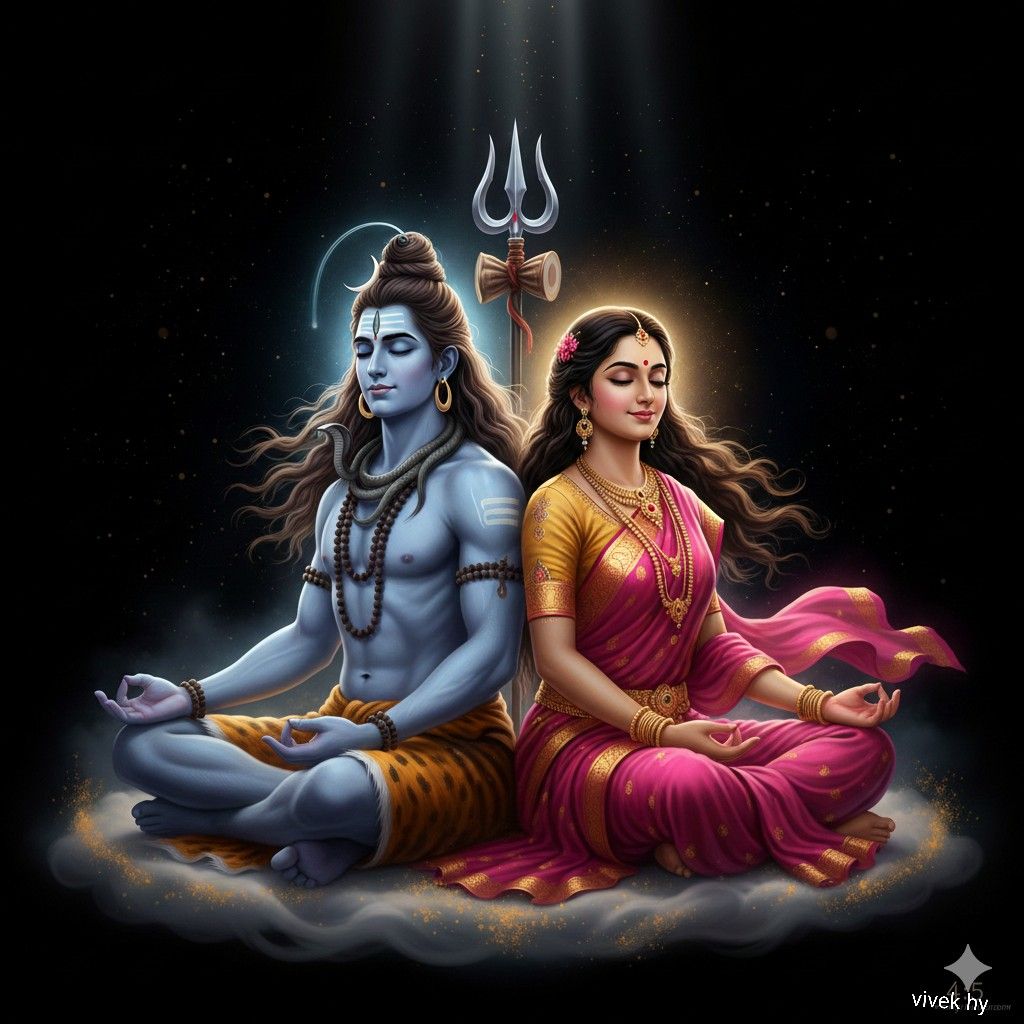
湿婆神与帕尔瓦蒂女神的神圣艺术作品
Enlarge

湿婆神与帕尔瓦蒂女神的神圣艺术作品

Prompt
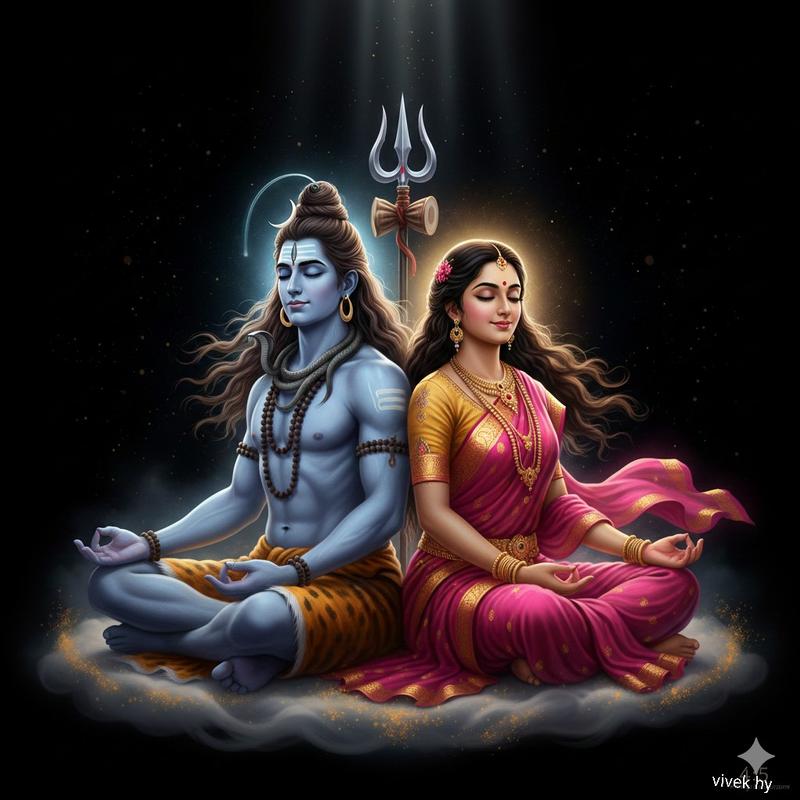
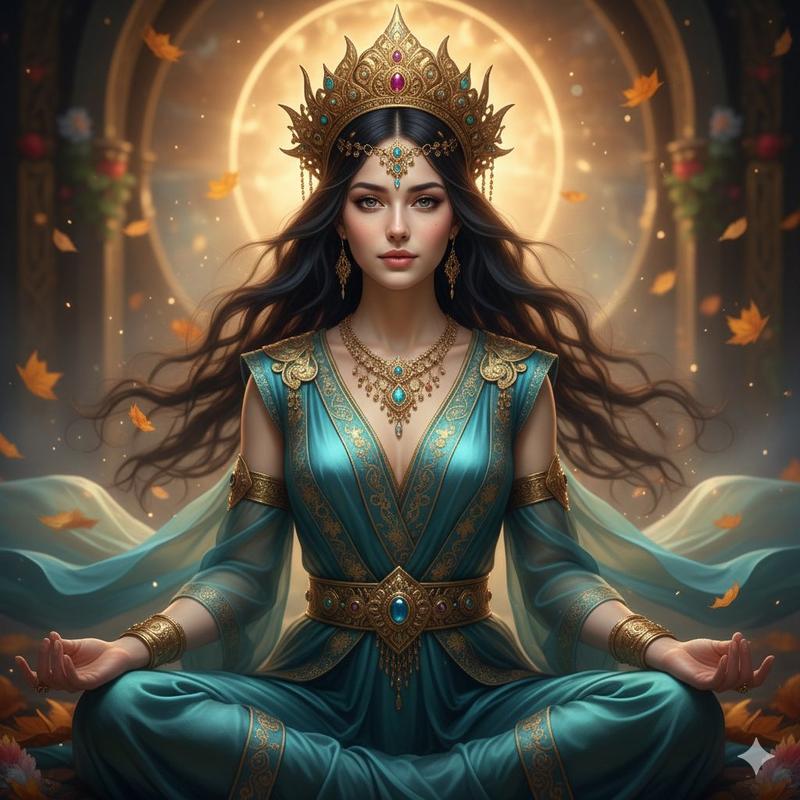
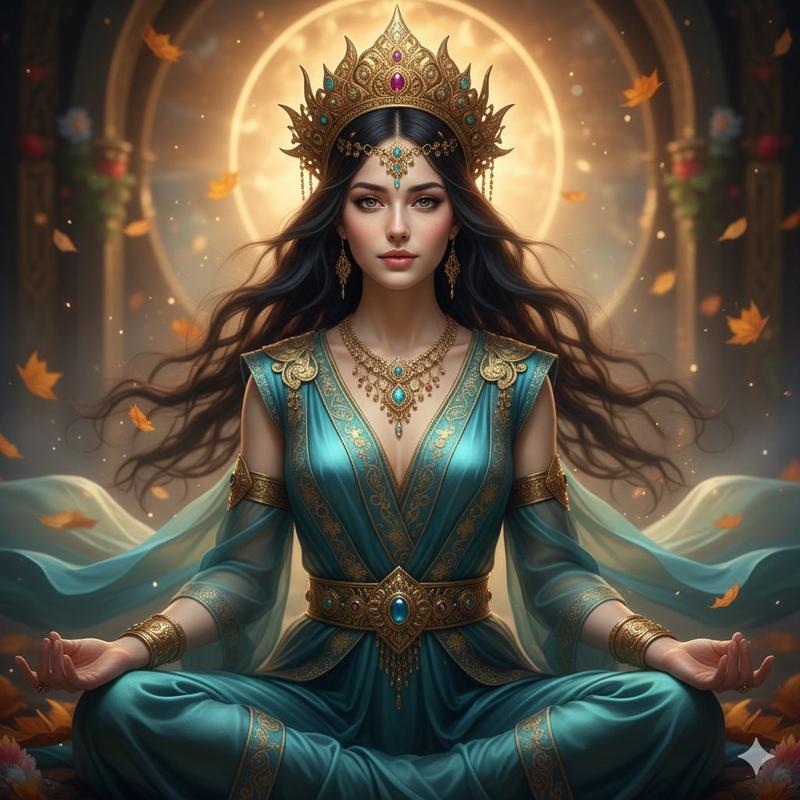
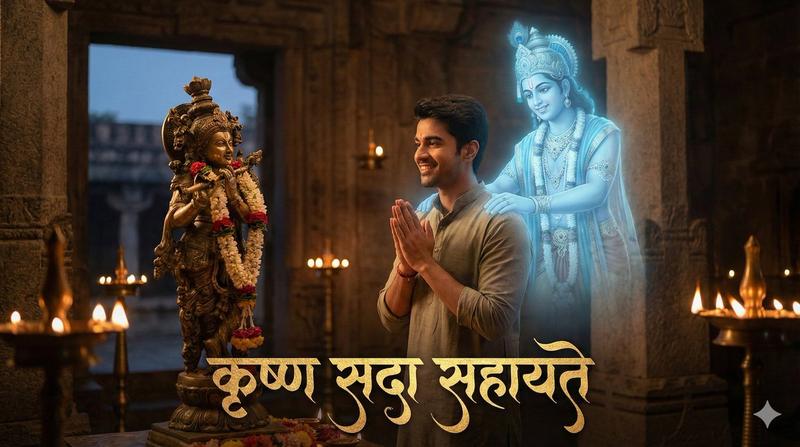
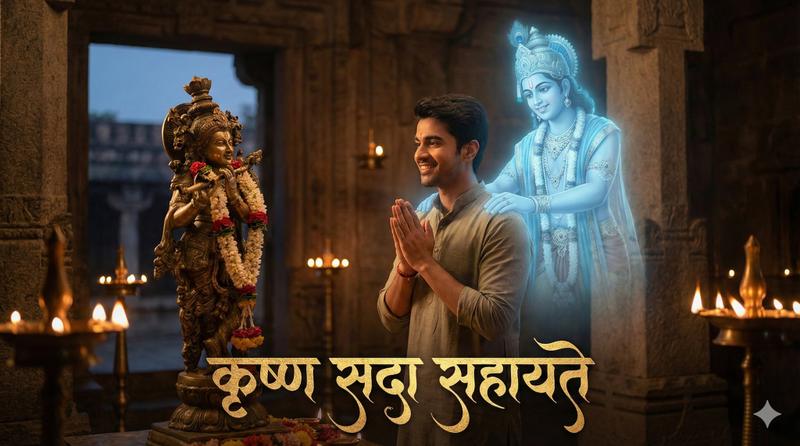
Ultra-realistic divine artwork of Lord Shiva and Goddess Parvati sitting together in deep meditation, back-to-back on a glowing celestial cloud.
Mahadev with blue skin, ash markings, long flowing hair, rudraksha mala, tiger-skin dhoti, serpent around his neck, peaceful closed eyes, calm expression, Trishul glowing behind him with divine aura.
Parvati in a vibrant pink and gold saree, elegant jewelry, serene face, gentle smile, soft golden halo around her head, flowing hair, graceful feminine posture in meditation mudra.
Heavenly light beams from above, cosmic particles in the background, soft smoke mist, spiritual ambiance, ultra-detailed textures, 8K hyperrealistic rendering, high dynamic range, dramatic lighting, mythological Indian art style, divine energy radiance.
Category
创意图片
Model
Nano Banana Pro
Creator
Vivek HY
Views0
Source ID
fe89a7ce-885b-4e63-9cc3-f0e2ca9e25a3
Published
Mar 8, 2026

Guide

About "湿婆神与帕尔瓦蒂女神的神圣艺术作品"

What is this prompt for?

"湿婆神与帕尔瓦蒂女神的神圣艺术作品" AI image prompt for Nano Banana Pro (创意图片). 一个详细的图像生成提示,用于创作一幅超现实、神圣的艺术作品,描绘湿婆神和帕尔瓦蒂女神背对背在祥云上冥想。该提示详细说明了两位神祇的外观、服饰和神圣属性,以及 8K 超现实渲染、戏剧性光照和灵…

The full copyable prompt and example visuals above are ready for AI image generation or one-click recreate in Picva.

How to use this prompt

  1. Step 1

    Open the prompt detail

    Review the example visuals, category, and full prompt text for "湿婆神与帕尔瓦蒂女神的神圣艺术作品".

  2. Step 2

    Copy the prompt

    Copy the prompt body from this page, or load it directly in Studio.

  3. Step 3

    Pick a model (Nano Banana Pro)

    Prefer Nano Banana Pro. If you switch models, keep subject and composition and tweak style terms.

  4. Step 4

    Generate and export

    Recreate the look in Picva, or export into your workflow for editing and publishing.

FAQ

What is the "湿婆神与帕尔瓦蒂女神的神圣艺术作品" prompt?
It is an AI image-generation prompt for Nano Banana Pro in the 创意图片 category. This page includes the full prompt text, example visuals, and a one-click recreate path in Picva.
How do I use this prompt to generate an image?
Copy the prompt from this page, or use Generate / Studio. Paste it into a compatible image model, or recreate the look in Picva with optional reference images.
Which model is this prompt for?
This page lists Nano Banana Pro. Most descriptive prompts also transfer to nearby image models such as GPT Image, Flux, or Midjourney with light style tweaks.
Can I use the result commercially?
You can usually copy the prompt for creation, but commercial use of the final image depends on the model terms, reference-image rights, and the generated content. Follow the source author and platform rules.