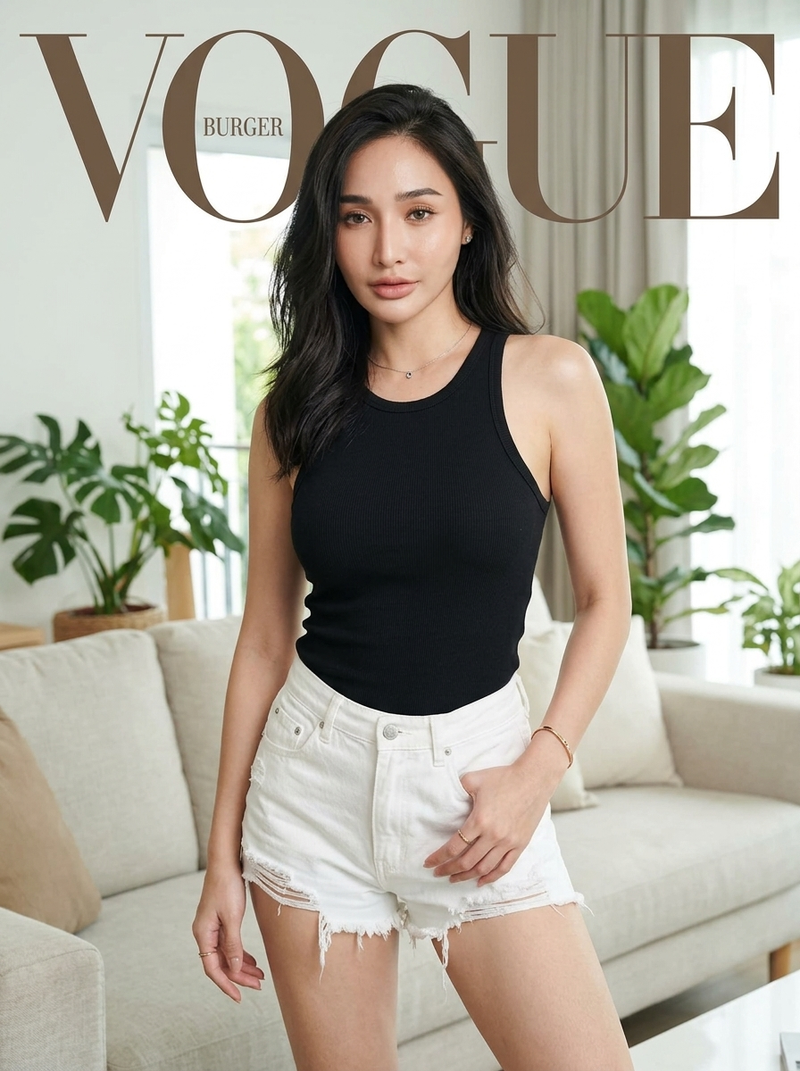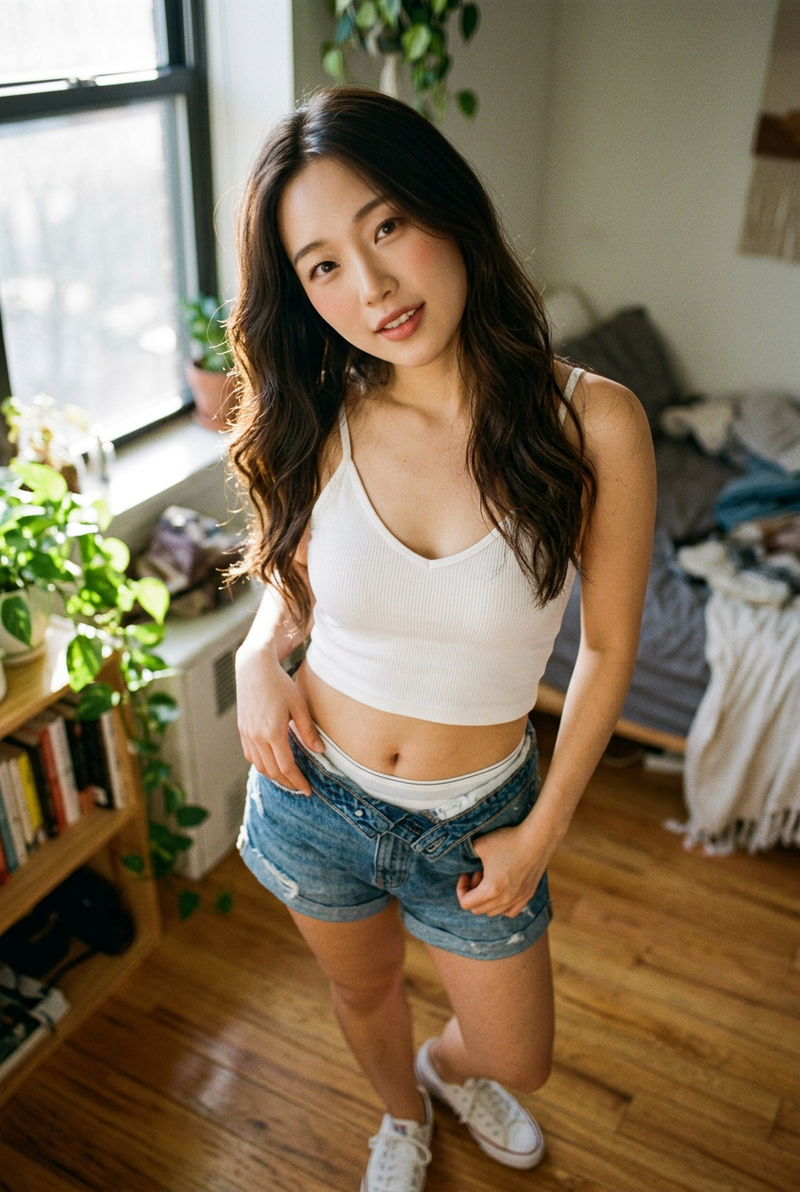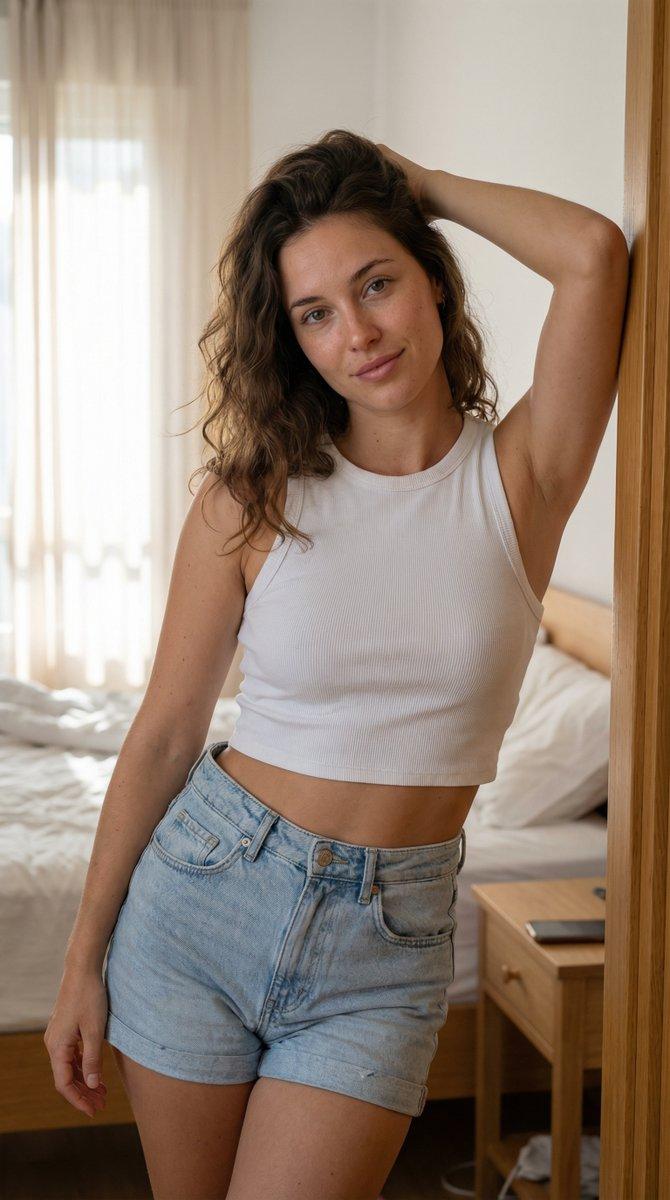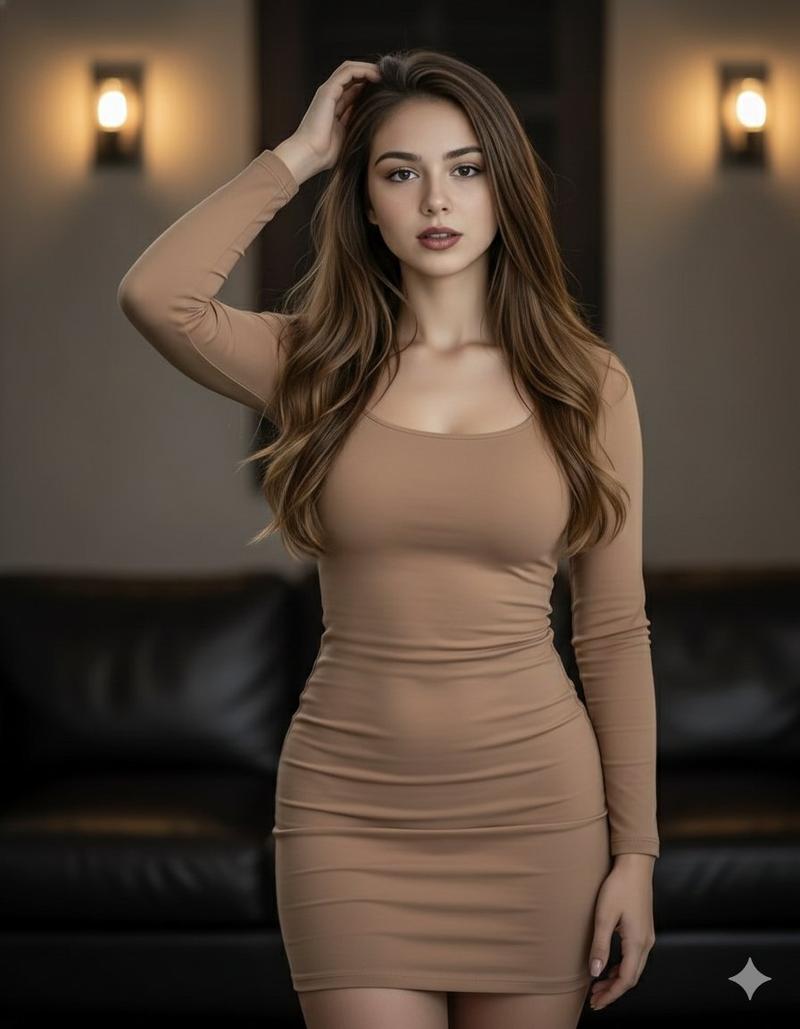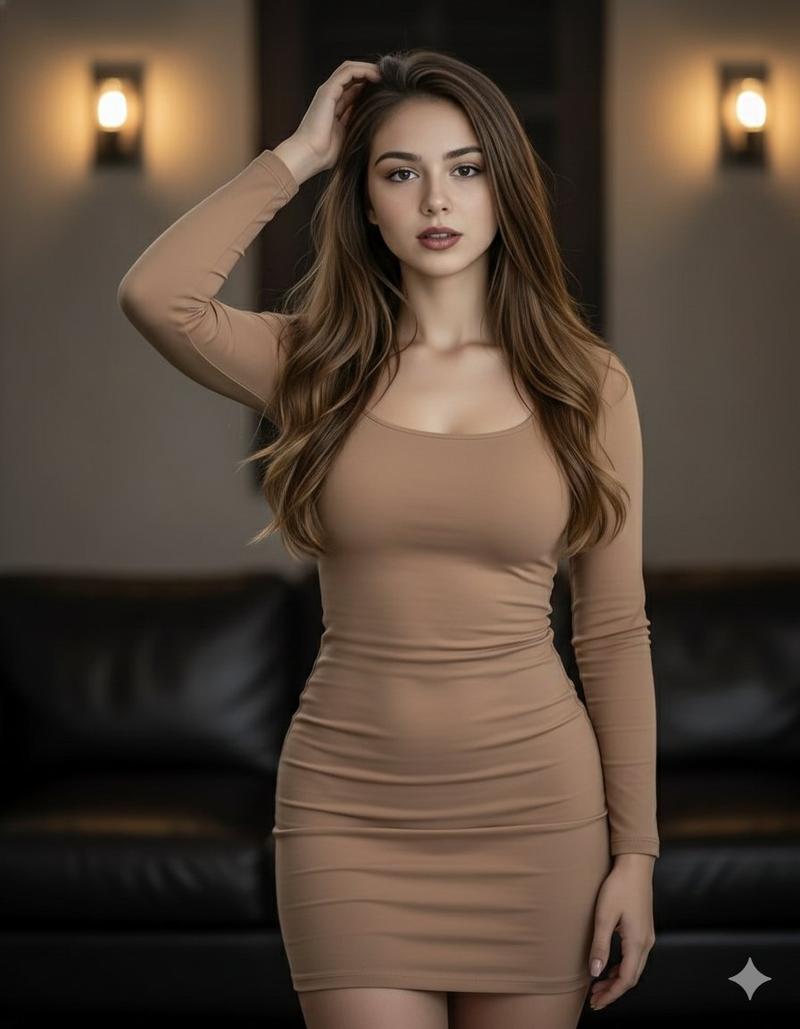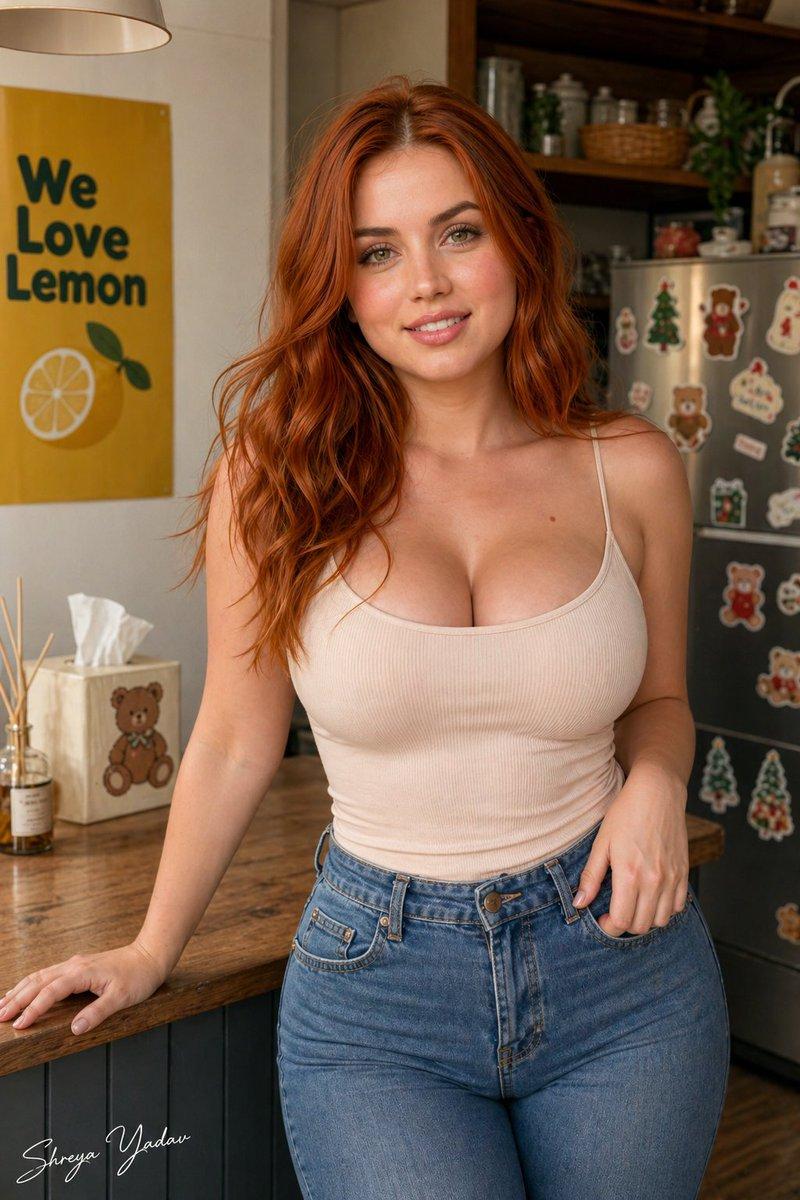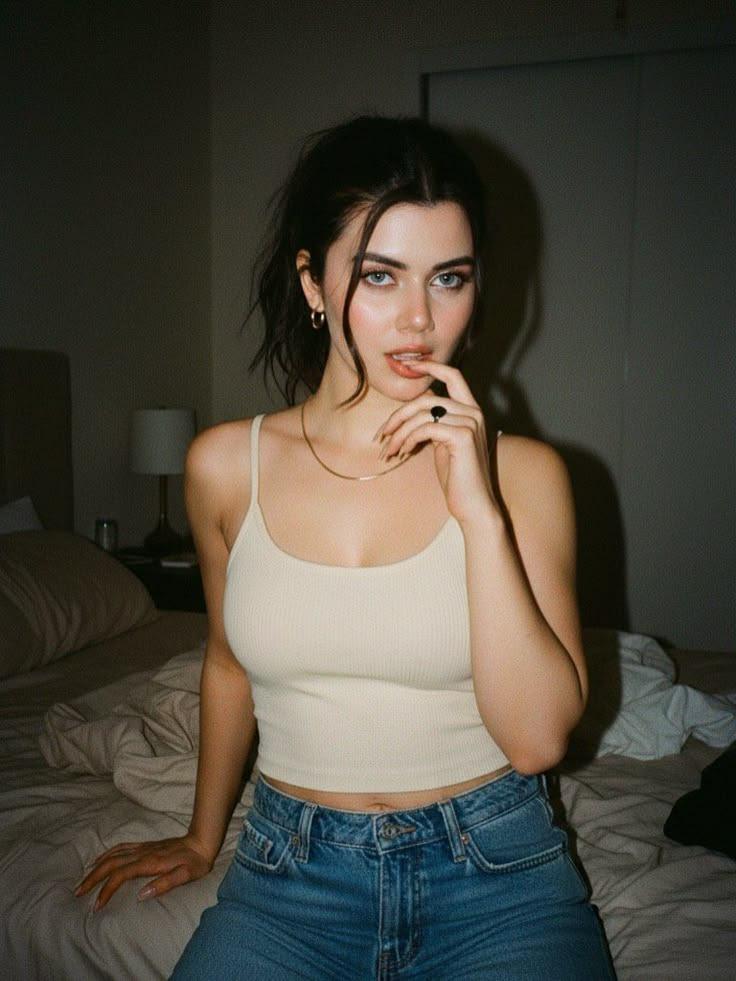
卧室背景下美丽女性的详细肖像画提示
Prompt
{
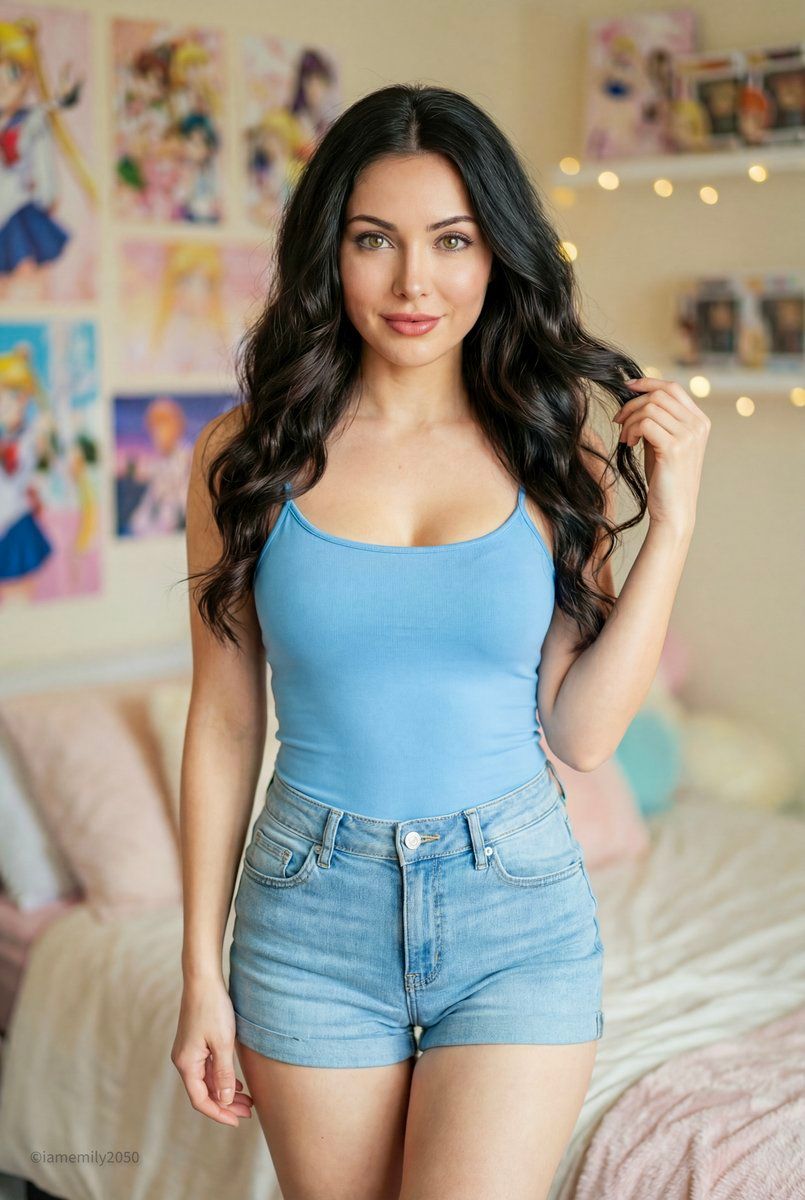
  "intent": "Generate a lifestyle portrait of a beautiful adult woman (23+) with a specific sky-blue and light-blue outfit, featuring a newly described captivating face, set in a cozy bedroom environment.",
  "frame": {
    "shot_type": "Medium Long Shot (MLS)",
    "framing_description": "Knee-up shot, allowing focus on both the facial beauty and the specific color coordination of the outfit.",
    "composition_guide": "Rule of thirds, subject centrally weighted, looking directly into the lens for engagement.",
    "aspect_ratio": "2:3"
  },
  "subject": {
    "subject_type": "Human",
    "identity_summary": "A stunningly beautiful adult woman (approx 24-26 years old) with a radiant, polished appearance and a slender, fit physique.",
    "visual_signature": {
      "facial_signature": {
        "face_shape": "Symmetrical oval shape with high, defined cheekbones and a soft, feminine jawline.",
        "eye_details": "Mesmerizing, large almond-shaped eyes in a deep hazel or dark brown hue, framed by long, wispy lashes. The gaze is confident and alluring.",
        "nose_details": "Delicate and straight, with a refined tip.",
        "lip_details": "Plush, full lips with a natural rosy tint and a clearly defined cupid's bow.",
        "cheek_and_jaw": "Smooth, glowing complexion with a subtle natural flush on the cheeks.",
        "unique_features": "Flawless, porcelain-like skin texture; eyebrows are perfectly arched and groomed."
      },
      "body_signature": {
        "build": "Slender but toned, feminine hourglass silhouette.",
        "proportions": "Balanced torso-to-leg ratio, graceful posture.",
        "skin_tone_and_texture": "Fair to light complexion, smooth and even.",
        "height_estimation_cm": 168
      }
    },
    "pose_and_action": {
      "description": "Standing with a relaxed confidence, engaging with the camera.",
      "body_position": "Hips slightly cocked to the side, torso facing forward.",
      "limb_positions": "One hand raised to lightly tuck hair behind the ear or touch the crown of the head; the other arm relaxed by the side, potentially holding a accessory.",
      "hand_gestures": "Fingers are elegant and slender, creating a soft shape near the hair.",
      "facial_expression": "A captivating, soft smile that reaches the eyes; an expression of warmth and approachability."
    },
    "inventory": {
      "wardrobe": "Top: A form-fitting sky blue camisole/tank top with thin straps, emphasizing the neckline. Bottoms: Light blue denim shorts with a slight distressed texture and a folded hem. The color palette is a cohesive blend of soft blues.",
      "accessories": "Minimalist silver necklace (optional), the brown handbag from the previous context (optional to add contrast).",
      "held_objects": "A handbag (optional) or phone.",
"hair_style": "Luxurious,"- Category
- 创意图片
- Model
- Nano Banana Pro
- Creator
- Emily
- Source ID
- d1b9610f-12d2-44c5-acb3-124372ddf01e
- Published
- Mar 8, 2026
Views0