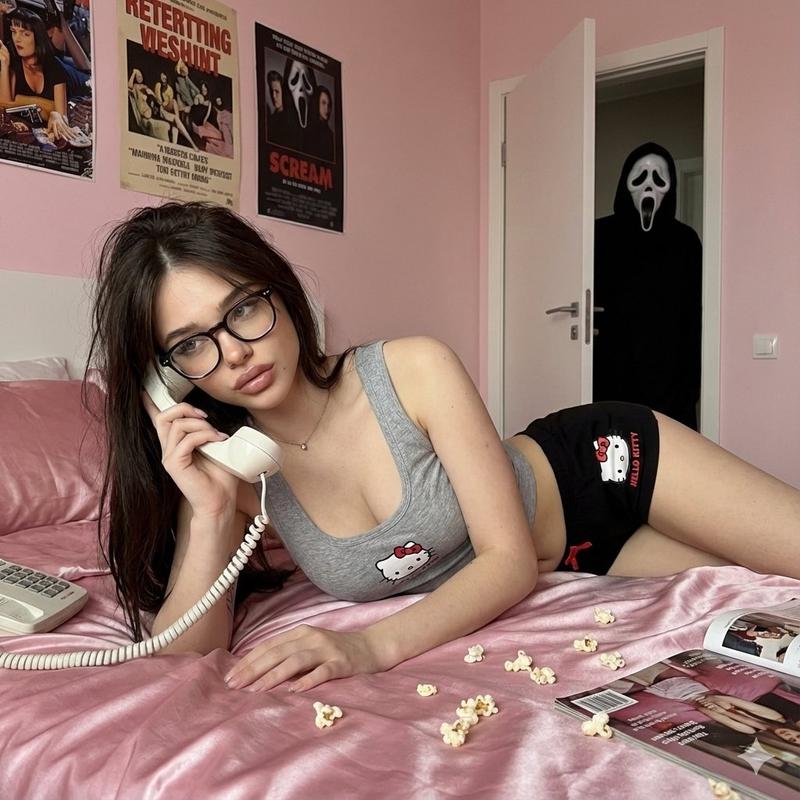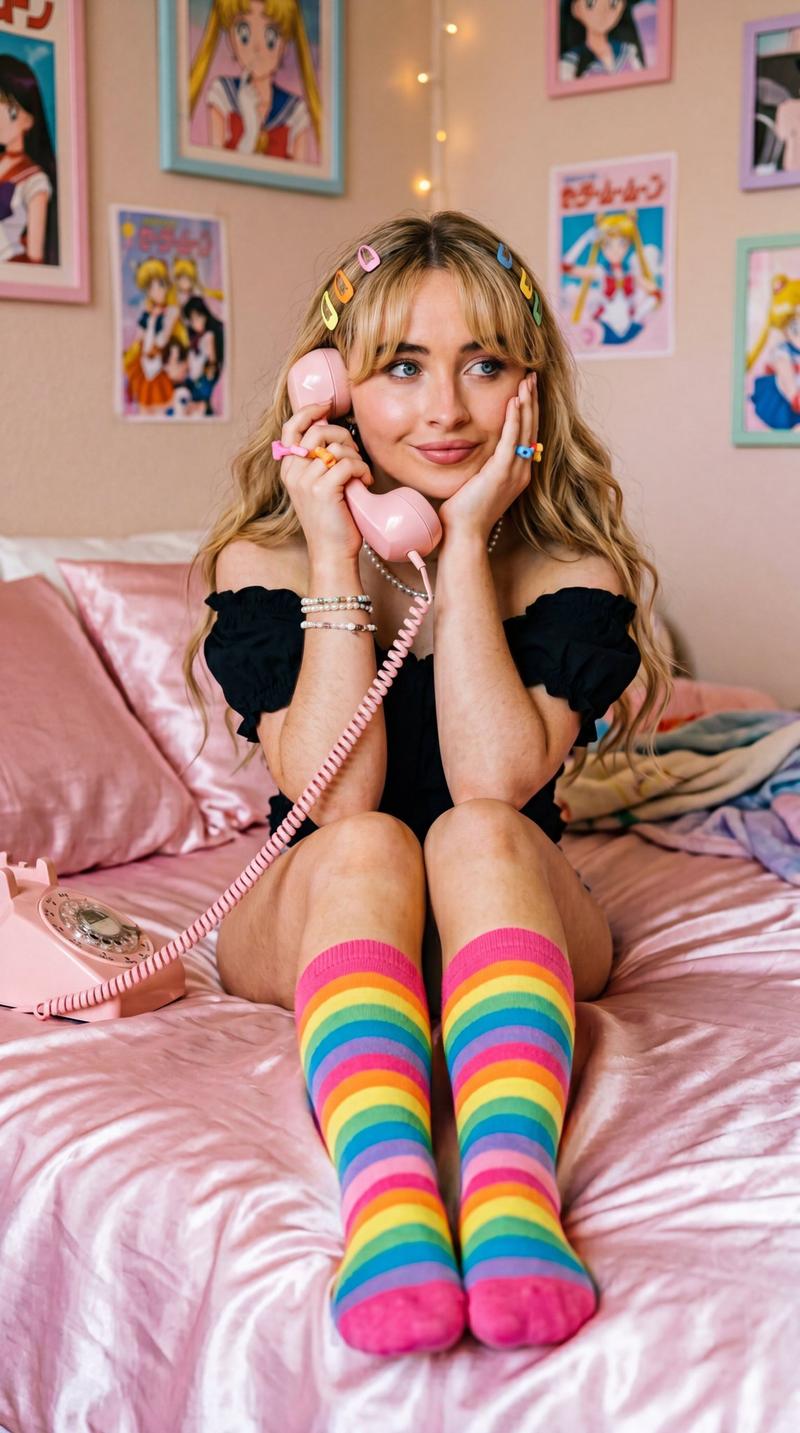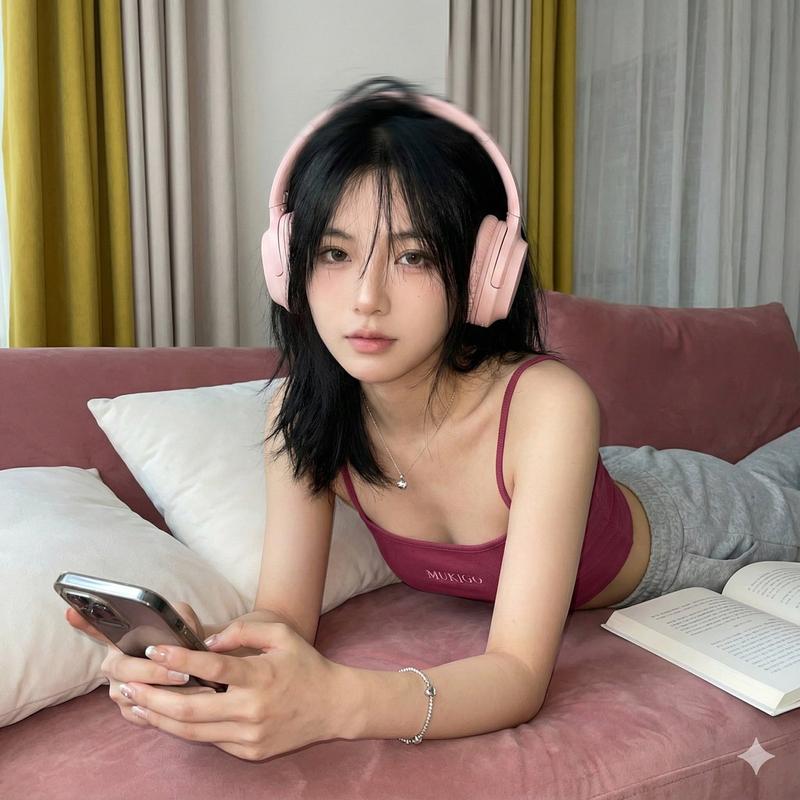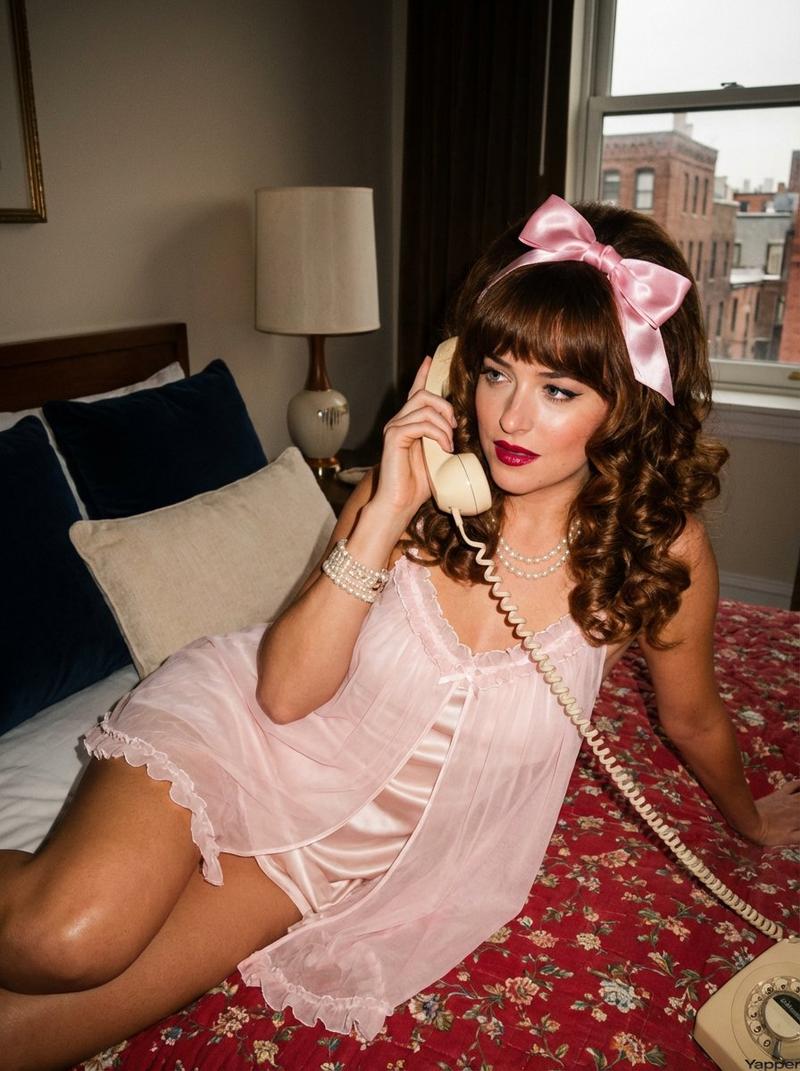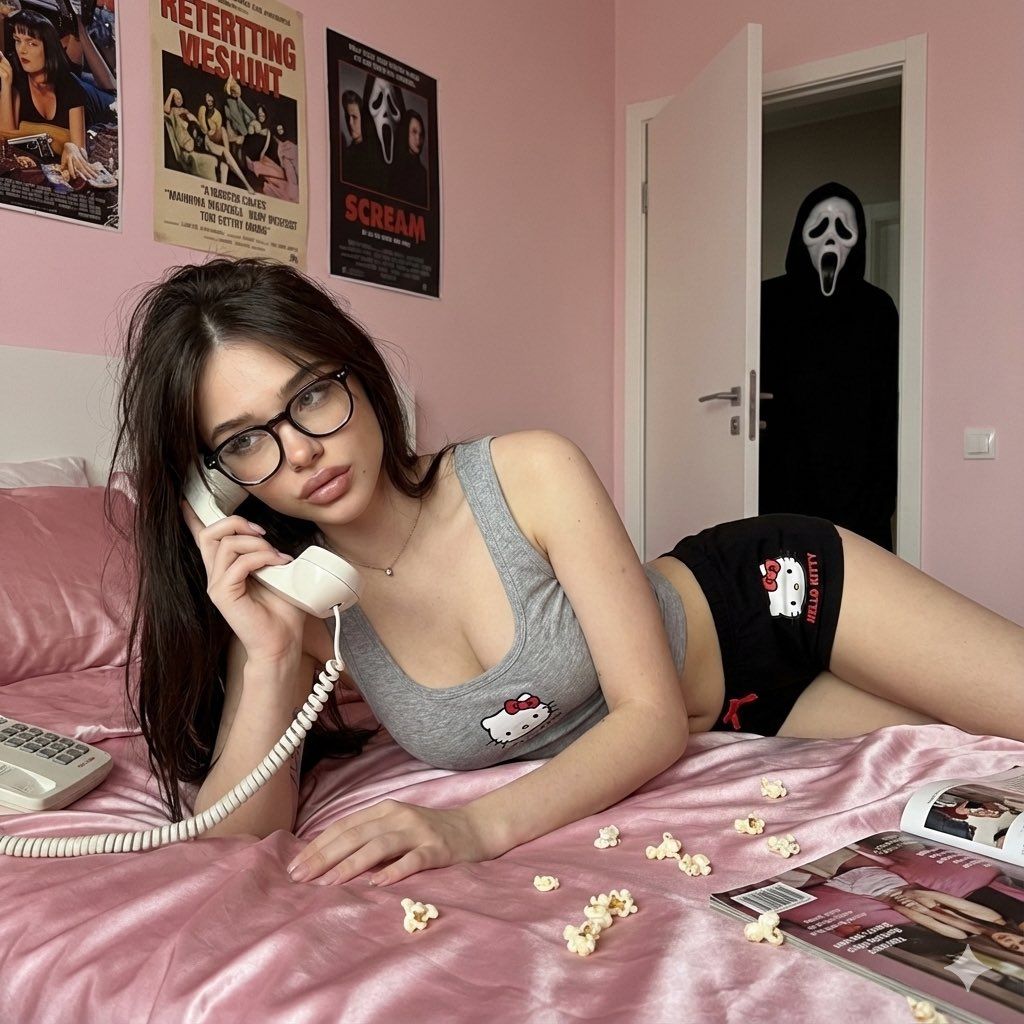
恐怖风格的逼真手机照片
Prompt
{
  "meta": {
    "width": 1200,
    "height": 1200,
    "aspect_ratio": "1:1",
    "version": "1.0"
  },
  "scene_composition": {
    "subject": {
      "demographics": "Young woman, unspecified ethnicity",
      "physical_attributes": {
        "hair": "Long black hair, natural texture, slight messy volume",
        "skin": "Natural realistic texture, visible pores and minor imperfections, non-airbrushed",
        "makeup": {
          "style": "Soft glam, pink tones",
          "details": [
            "smooth blush",
            "soft eyeliner",
            "defined lashes",
            "natural glossy lips"
          ]
        }
      },
      "pose": {
        "body": "Lying on stomach on bed, upper body propped on forearms",
        "head": "Tilted slightly to the side",
        "expression": "Soft, calm, relaxed gaze",
        "action": "Holding vintage handset phone to ear"
      }
    },
    "wardrobe": {
      "aesthetic": "Cute homewear / pajama style",
      "items": {
        "top": "Grey Hello Kitty tank top, small frill trim, bow detail",
        "bottom": "Black Hello Kitty shorts, pink drawstring, printed graphic"
      }
    },
    "environment": {
      "foreground": {
        "location": "Bed",
        "textiles": "Soft pink satin sheets and pillows, slightly wrinkled",
        "scatter_items": [
          "Vintage magazines",
          "Popcorn pieces"
        ],
        "props": "Vintage-style white handheld telephone with coiled cord"
      },
      "background": {
        "walls": "Soft light pink",
        "decor": "Retro posters",
        "architectural": "White door, partially open",
        "narrative_element": "Dark figure wearing a Scream mask standing in the open doorway",
        "ambience": "Darker hallway behind the door creating contrast"
      }
    }
  },
  "technical_specifications": {
    "camera_gear": "iPhone 16 Pro Max emulation",
    "lens_perspective": "Front-facing or close-range low angle",
    "lighting": {
      "type": "Natural indoor ambient",
      "quality": "Soft, even illumination on subject",
      "shadows": "Natural, no harsh flash"
    },
    "visual_style": {
      "quality": "Slightly soft realism, not HD, phone photography aesthetic",
      "processing": "Unedited look, raw feel, natural color profile",
      "filters": "None"
    }
  },
  "generated_prompt_string": "A realistic phone photo of a young woman lying on her stomach on a bed with pink satin sheets, wearing a grey Hello Kitty tank top and black shorts. She is holding a white vintage telephone to her ear. Messy long black hair, soft pink makeup, natural skin texture. The bed is scattered with magazines and popcorn. In the background, an open door reveals a dark figure wearing a Scream mask standing in the shadows. Shot on iPhone 16 Pro Max, flash off, soft natural lighting, low angle, unedited aesthetic."
}- Category
- 创意图片
- Model
- Nano Banana Pro
- Creator
- Melisa♡
- Source ID
- bf3eeec6-bf01-4852-8337-c63c7d1ebb9e
- Published
- Mar 8, 2026
Views0