20

图像编辑:背景和物体替换
Enlarge

图像编辑:背景和物体替换

Prompt
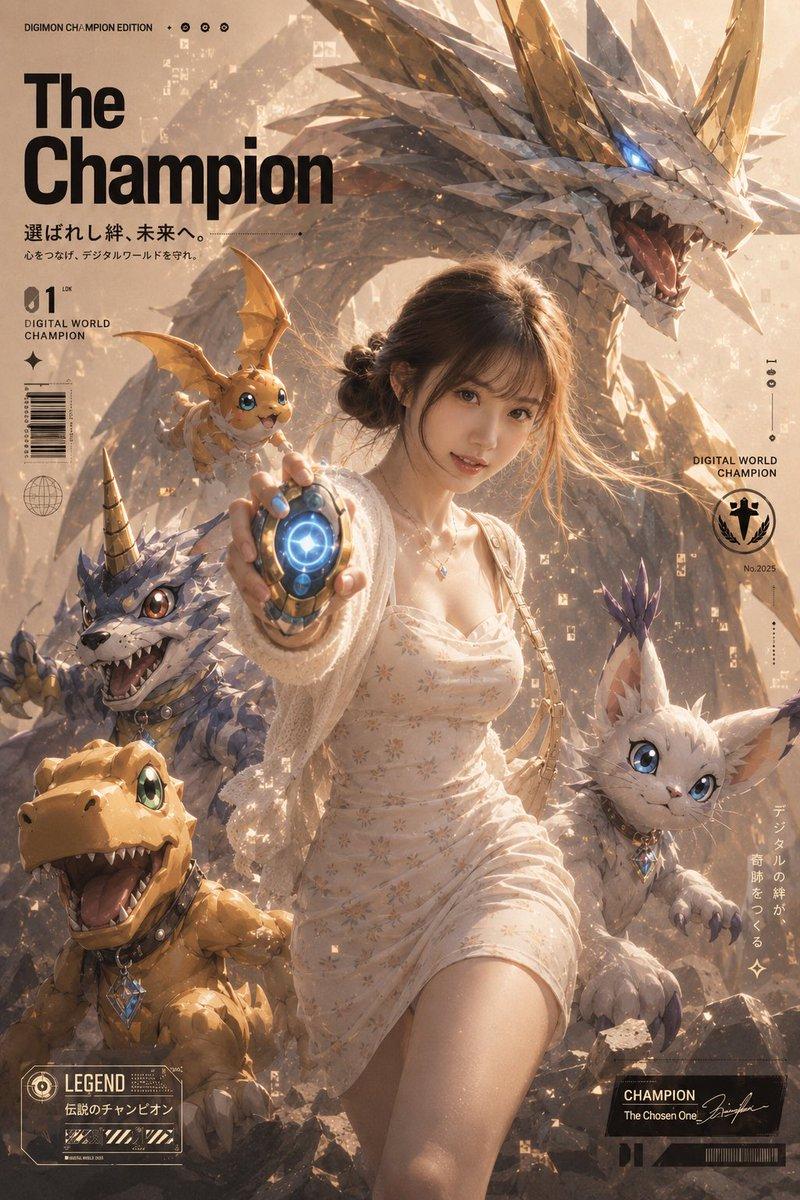
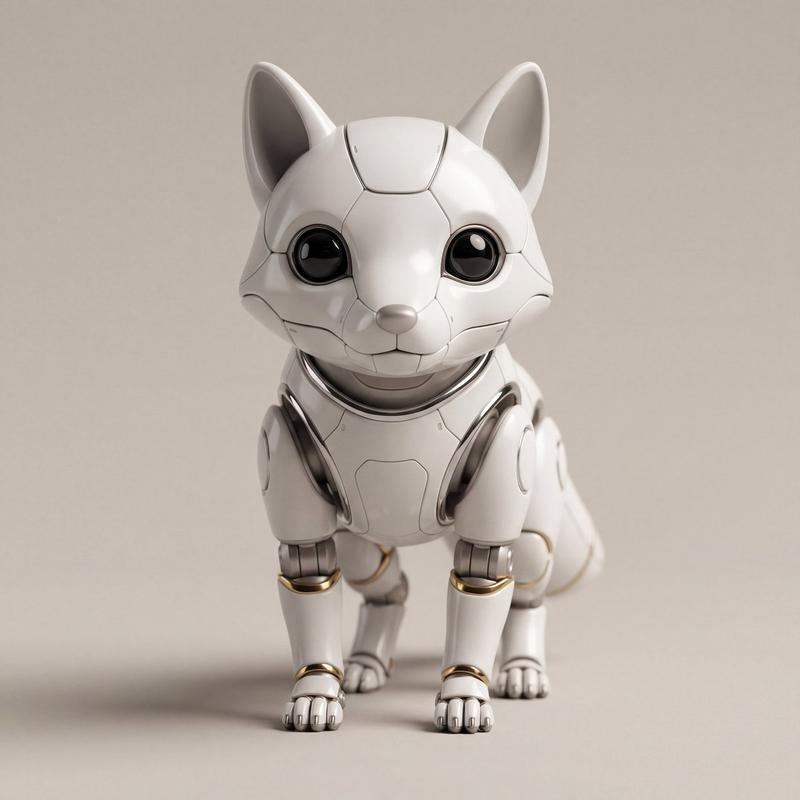
Replace the background with [{argument name="holiday theme background" default="Holiday theme background"}]. Change the person's outfit to [{argument name="outfit" default="Outfit"}]. The person is holding a [{argument name="object" default="Object"}]. Don't change the person's pose

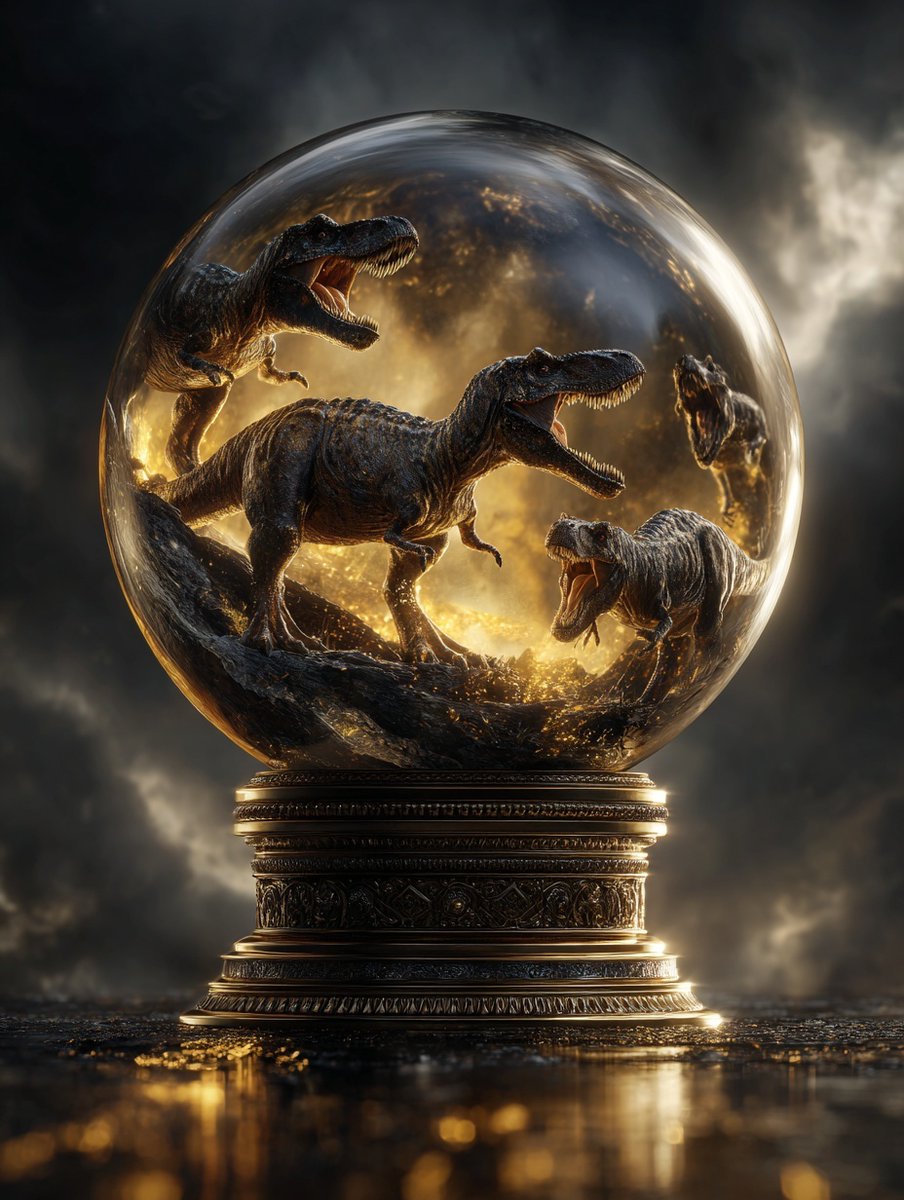
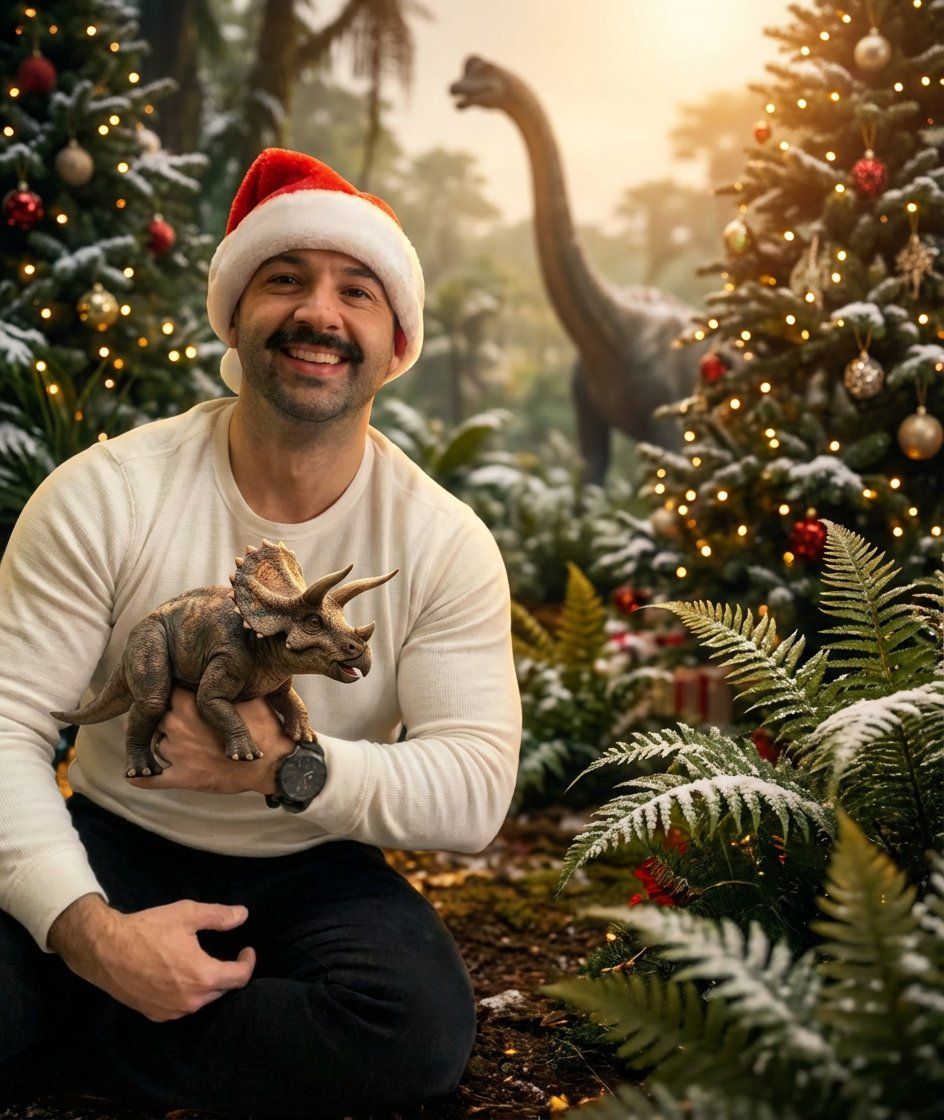
Show me this photo as if a professional photographer captured it with proper lightly, color grading, depth of field. Also replace the background with {argument name="new background" default="jurassic dinosaur christmas time"}. The man is holding a {argument name="new object" default="dinosaur"}. Don't change the man's pose
Category
创意图片
Model
Nano Banana Pro
Creator
Allen T.
Views0
Source ID
70fcd342-2f8d-40b9-a761-17d1069997ee
Published
Mar 8, 2026

Guide

About "图像编辑:背景和物体替换"

What is this prompt for?

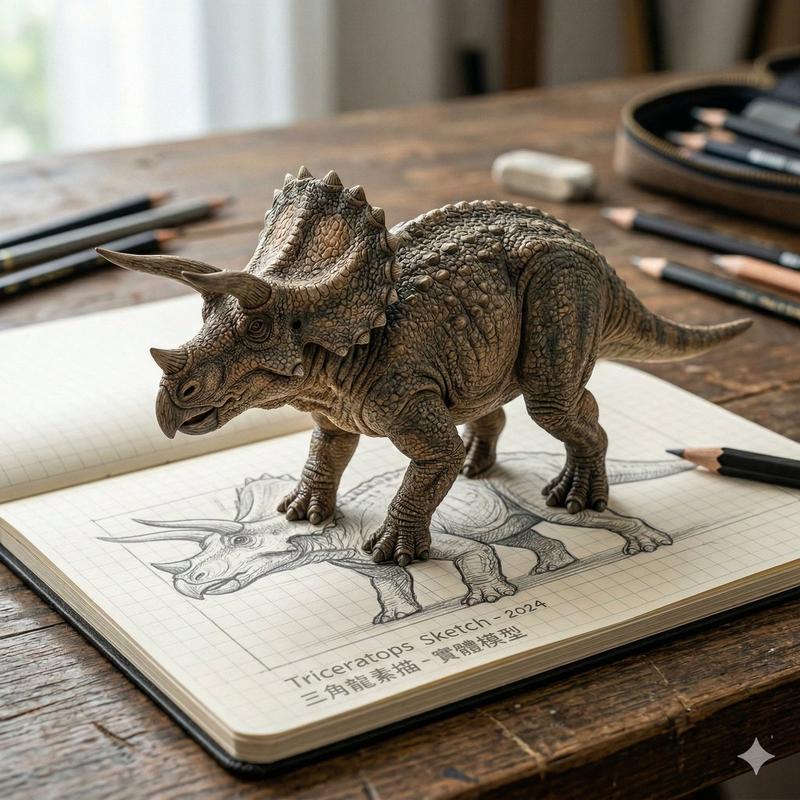
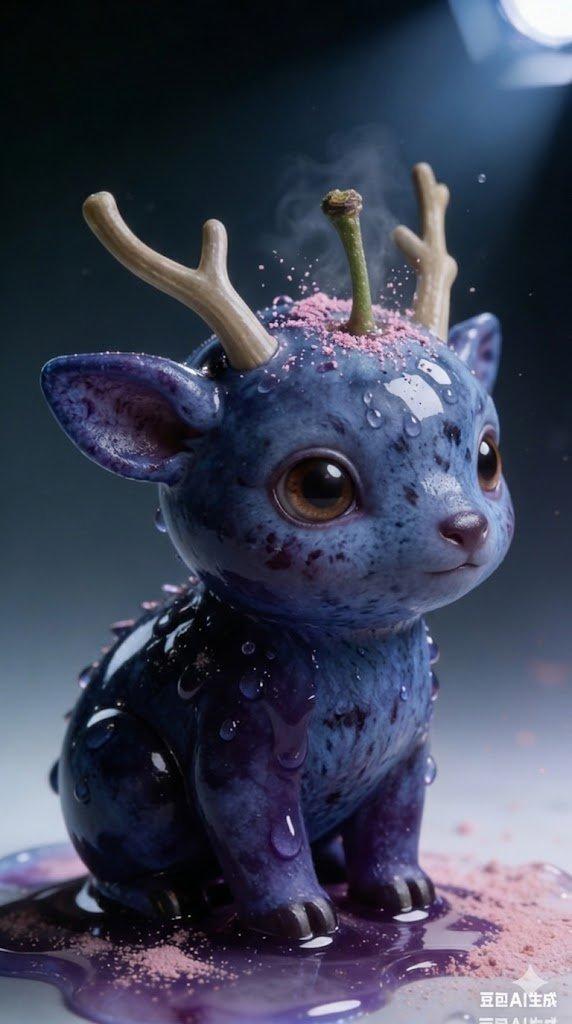
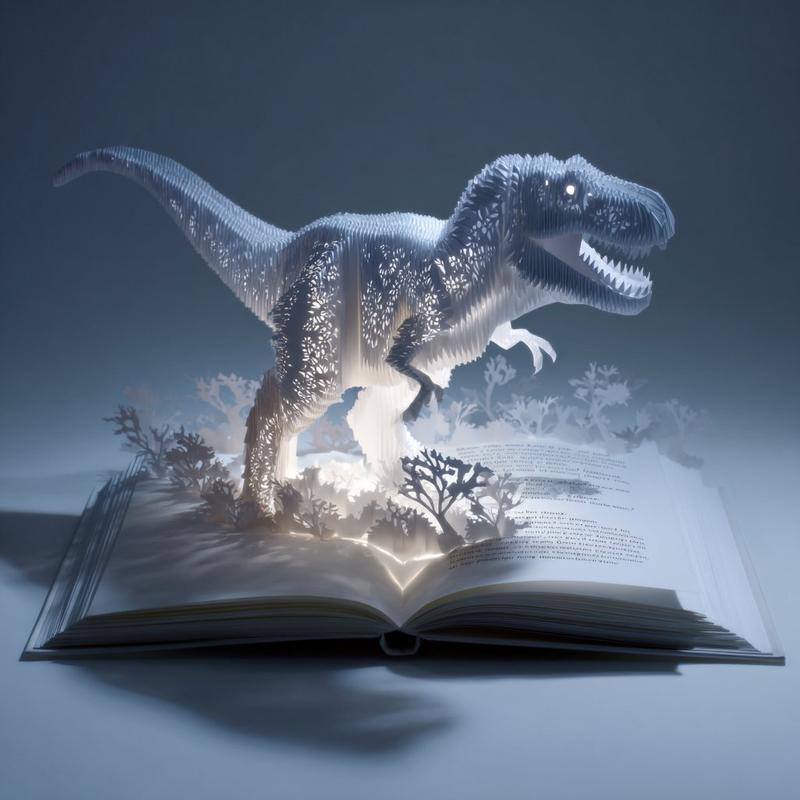
"图像编辑:背景和物体替换" AI image prompt for Nano Banana Pro (创意图片). 一个两步提示公式,用于编辑现有图像,通过替换背景、更改主体服装和手持物品,同时保留原始姿势。第二个示例展示了一个结合了超现实圣诞主题的单次提示。 --- 将背景替换为 [{argument name=…

The full copyable prompt and example visuals above are ready for AI image generation or one-click recreate in Picva.

How to use this prompt

  1. Step 1

    Open the prompt detail

    Review the example visuals, category, and full prompt text for "图像编辑:背景和物体替换".

  2. Step 2

    Copy the prompt

    Copy the prompt body from this page, or load it directly in Studio.

  3. Step 3

    Pick a model (Nano Banana Pro)

    Prefer Nano Banana Pro. If you switch models, keep subject and composition and tweak style terms.

  4. Step 4

    Generate and export

    Recreate the look in Picva, or export into your workflow for editing and publishing.

FAQ

What is the "图像编辑:背景和物体替换" prompt?
It is an AI image-generation prompt for Nano Banana Pro in the 创意图片 category. This page includes the full prompt text, example visuals, and a one-click recreate path in Picva.
How do I use this prompt to generate an image?
Copy the prompt from this page, or use Generate / Studio. Paste it into a compatible image model, or recreate the look in Picva with optional reference images.
Which model is this prompt for?
This page lists Nano Banana Pro. Most descriptive prompts also transfer to nearby image models such as GPT Image, Flux, or Midjourney with light style tweaks.
Can I use the result commercially?
You can usually copy the prompt for creation, but commercial use of the final image depends on the model terms, reference-image rights, and the generated content. Follow the source author and platform rules.