18

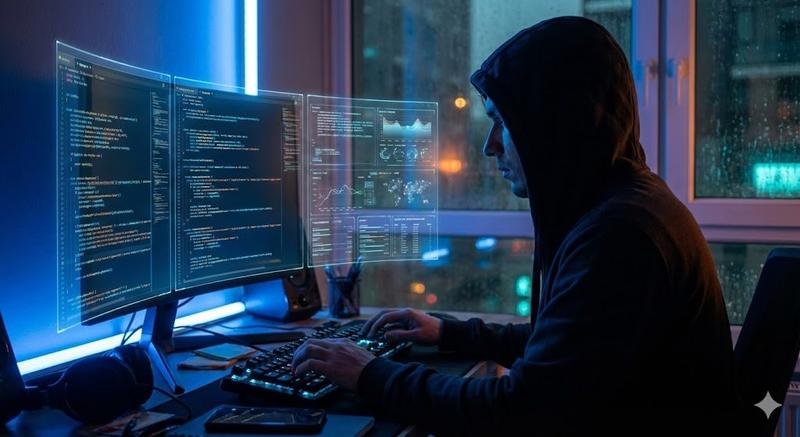
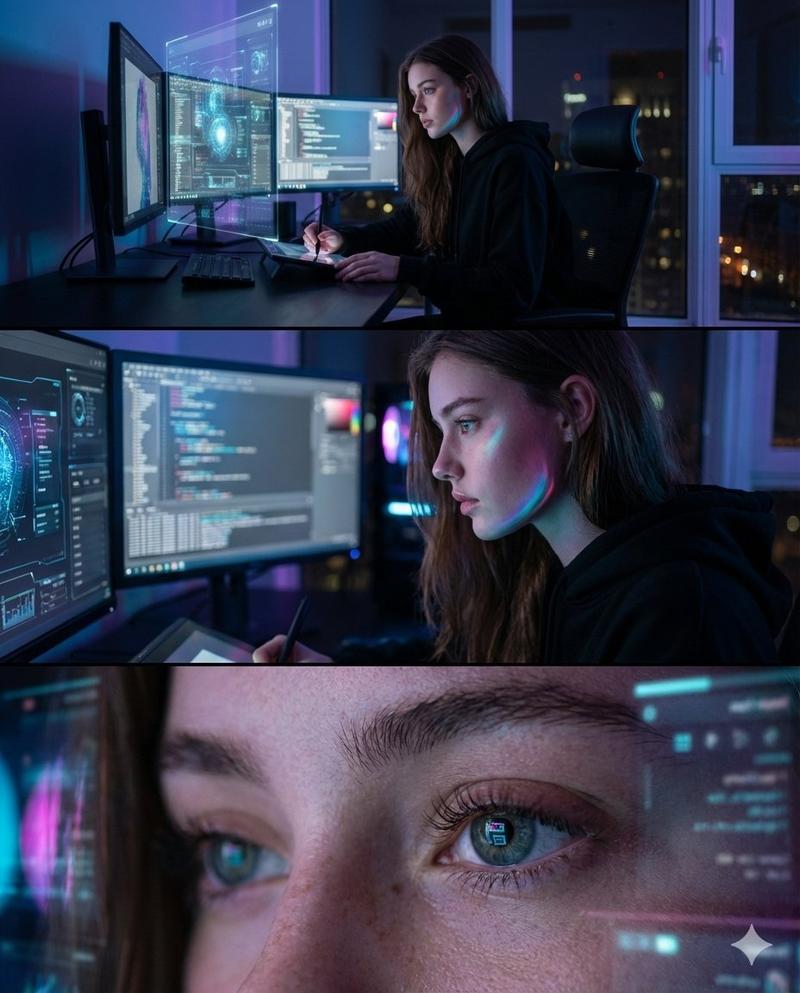
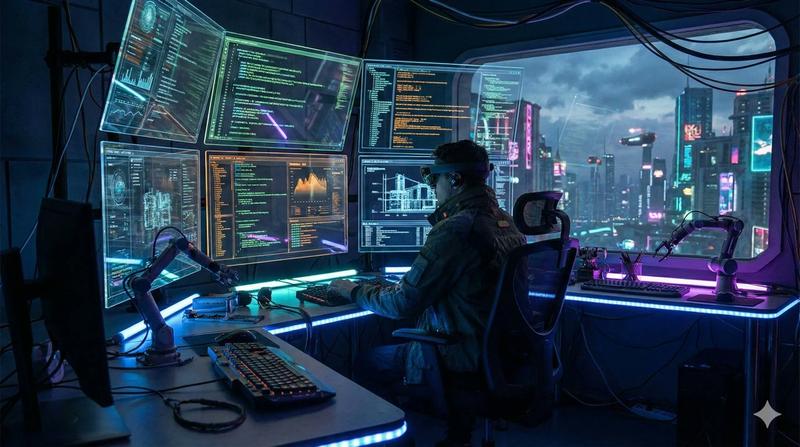
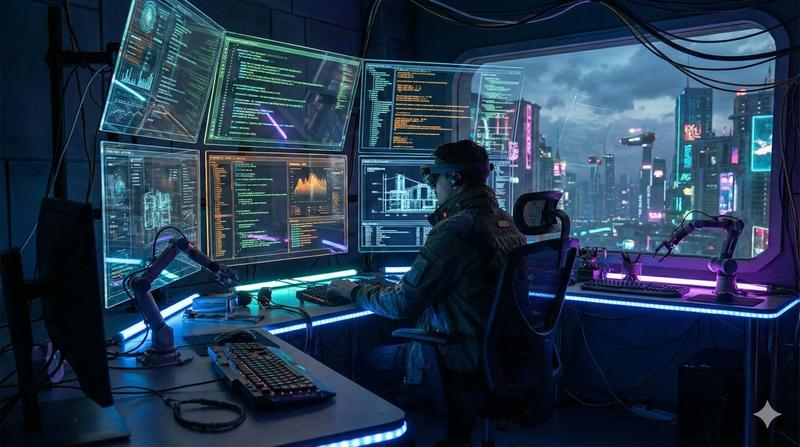
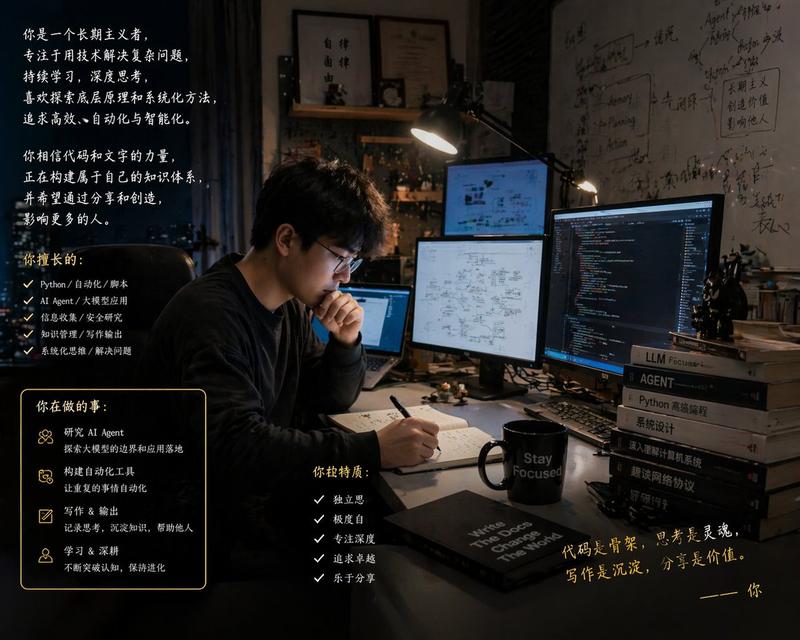
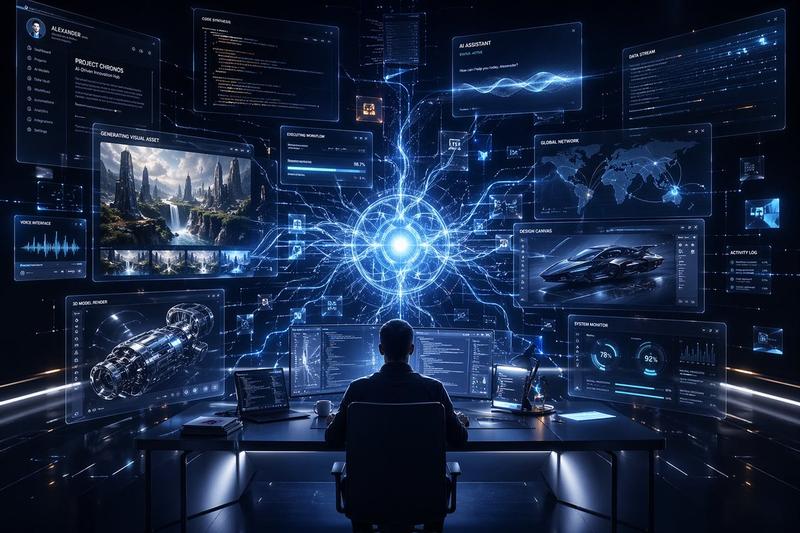
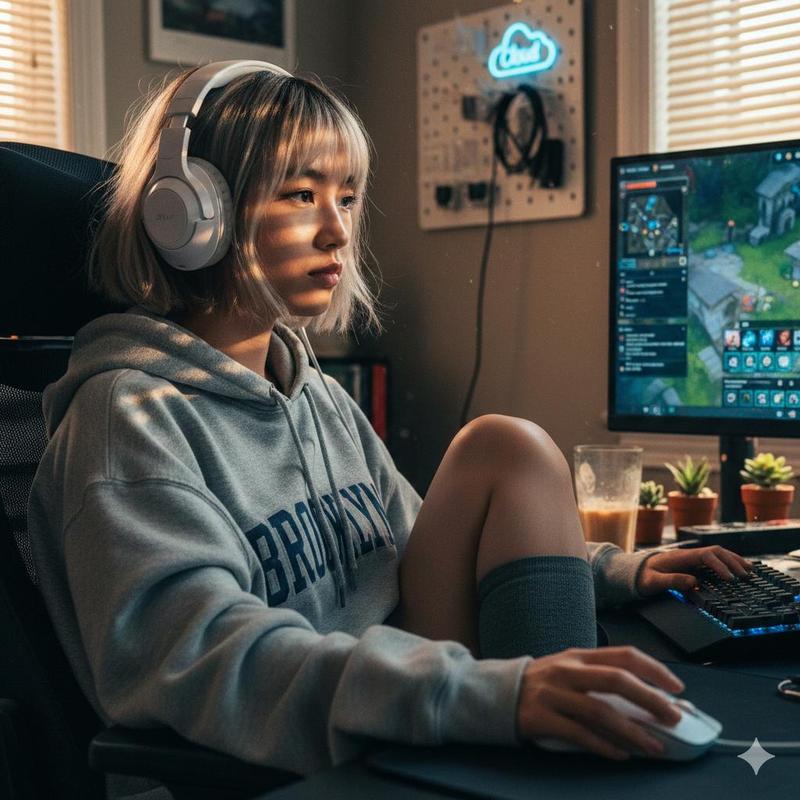
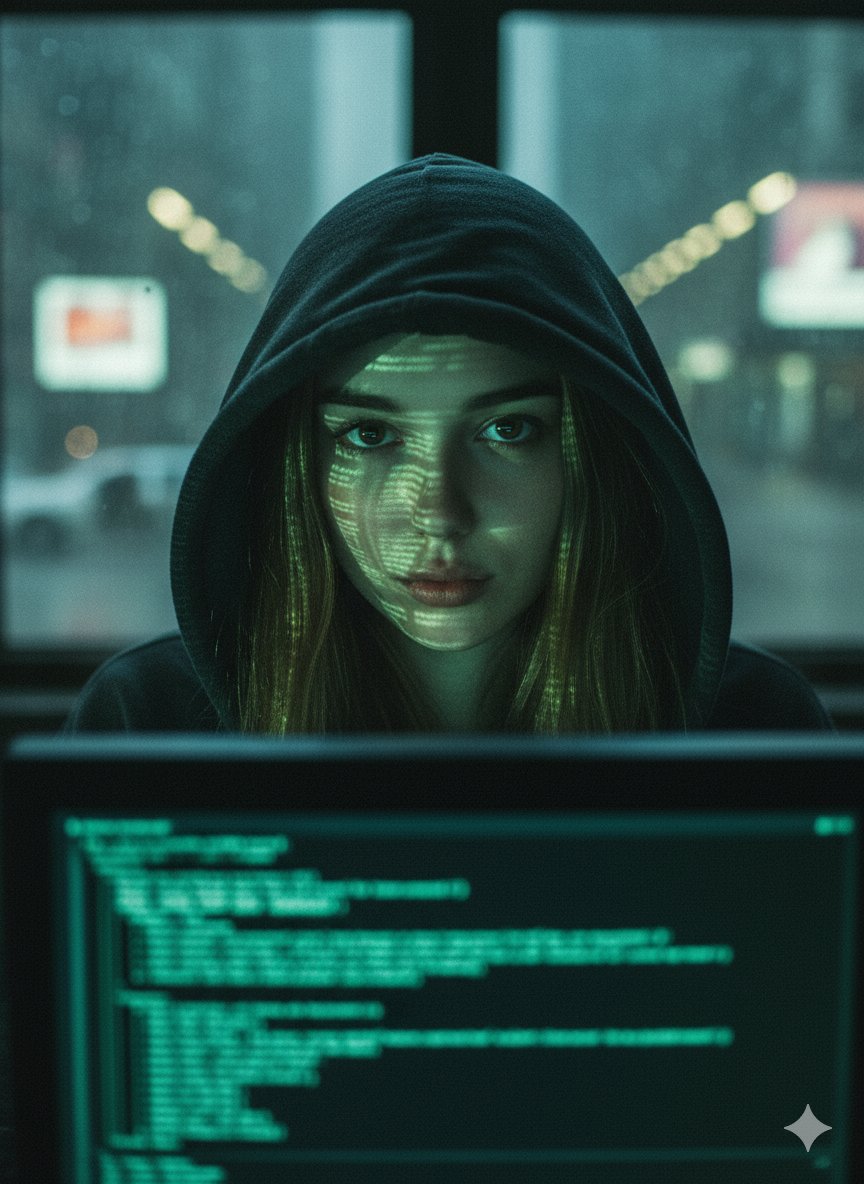
Nano Banana Pro 相机控制模板和示例提示
Enlarge

Nano Banana Pro 相机控制模板和示例提示

Prompt
{
  "scene": "AI engineer working at futuristic desk with multiple holographic displays",
  "camera": {
    "angle": "{argument name="camera angle" default="over-the-shoulder, slightly elevated"}",
    "focal_length": "{argument name="focal length" default="50mm portrait lens"}",
    "depth_of_field": "{argument name="depth of field" default="shallow, subject in sharp focus, background slightly blurred"}"
  },
  "lighting": {
    "type": "{argument name="lighting type" default="dramatic side lighting with blue accent lights"}",
    "time_of_day": "{argument name="time of day" default="late night"}",
    "mood": "{argument name="mood" default="focused, tech-noir atmosphere"}",
    "shadows": "deep but not harsh"
  },
  "color_grade": "{argument name="color grade" default="cool tones, teal and orange color scheme"}"
}
Category
创意图片
Model
Nano Banana Pro
Views0
Source ID
1def2264-1a07-4056-85c4-cc9ab4dc1cdf
Published
Mar 8, 2026

Guide

About "Nano Banana Pro 相机控制模板和示例提示"

What is this prompt for?

"Nano Banana Pro 相机控制模板和示例提示" AI image prompt for Nano Banana Pro (创意图片). 一个模板和一个具体的示例提示,演示如何使用 Nano Banana Pro 的专业相机控制(角度、焦距、景深)和灯光规格,来创建一张聚焦于 AI 工程师的科技黑色电影风格…

The full copyable prompt and example visuals above are ready for AI image generation or one-click recreate in Picva.

How to use this prompt

  1. Step 1

    Open the prompt detail

    Review the example visuals, category, and full prompt text for "Nano Banana Pro 相机控制模板和示例提示".

  2. Step 2

    Copy the prompt

    Copy the prompt body from this page, or load it directly in Studio.

  3. Step 3

    Pick a model (Nano Banana Pro)

    Prefer Nano Banana Pro. If you switch models, keep subject and composition and tweak style terms.

  4. Step 4

    Generate and export

    Recreate the look in Picva, or export into your workflow for editing and publishing.

FAQ

What is the "Nano Banana Pro 相机控制模板和示例提示" prompt?
It is an AI image-generation prompt for Nano Banana Pro in the 创意图片 category. This page includes the full prompt text, example visuals, and a one-click recreate path in Picva.
How do I use this prompt to generate an image?
Copy the prompt from this page, or use Generate / Studio. Paste it into a compatible image model, or recreate the look in Picva with optional reference images.
Which model is this prompt for?
This page lists Nano Banana Pro. Most descriptive prompts also transfer to nearby image models such as GPT Image, Flux, or Midjourney with light style tweaks.
Can I use the result commercially?
You can usually copy the prompt for creation, but commercial use of the final image depends on the model terms, reference-image rights, and the generated content. Follow the source author and platform rules.