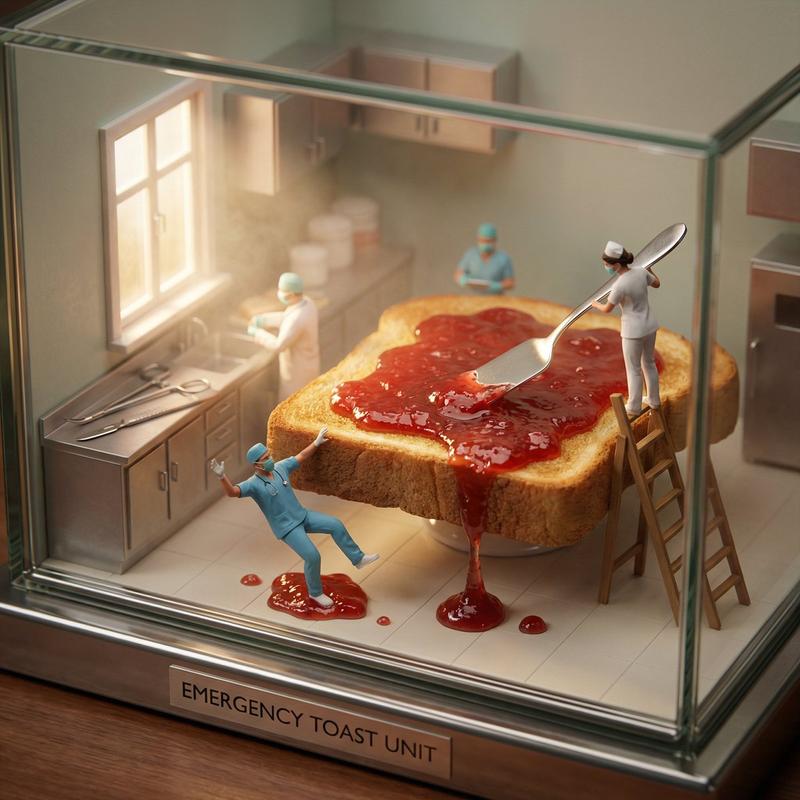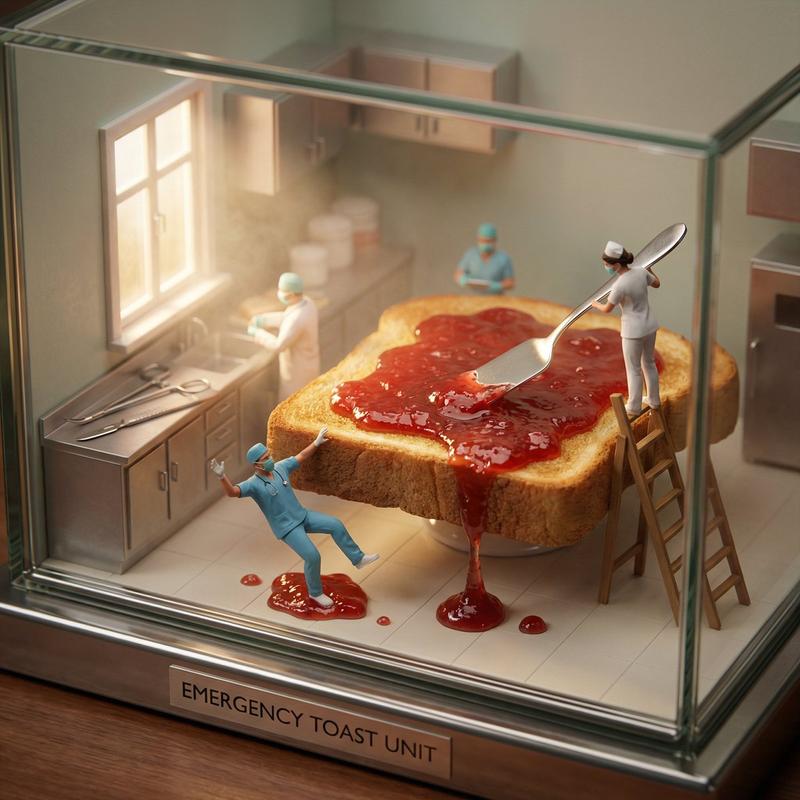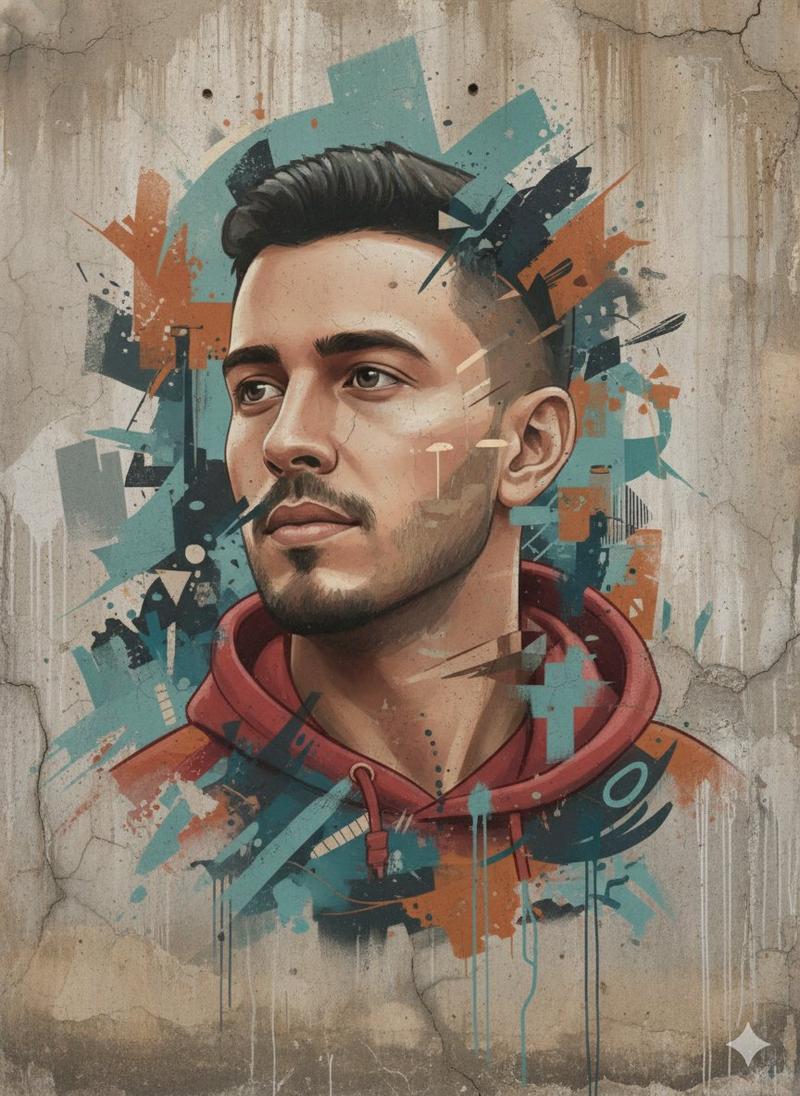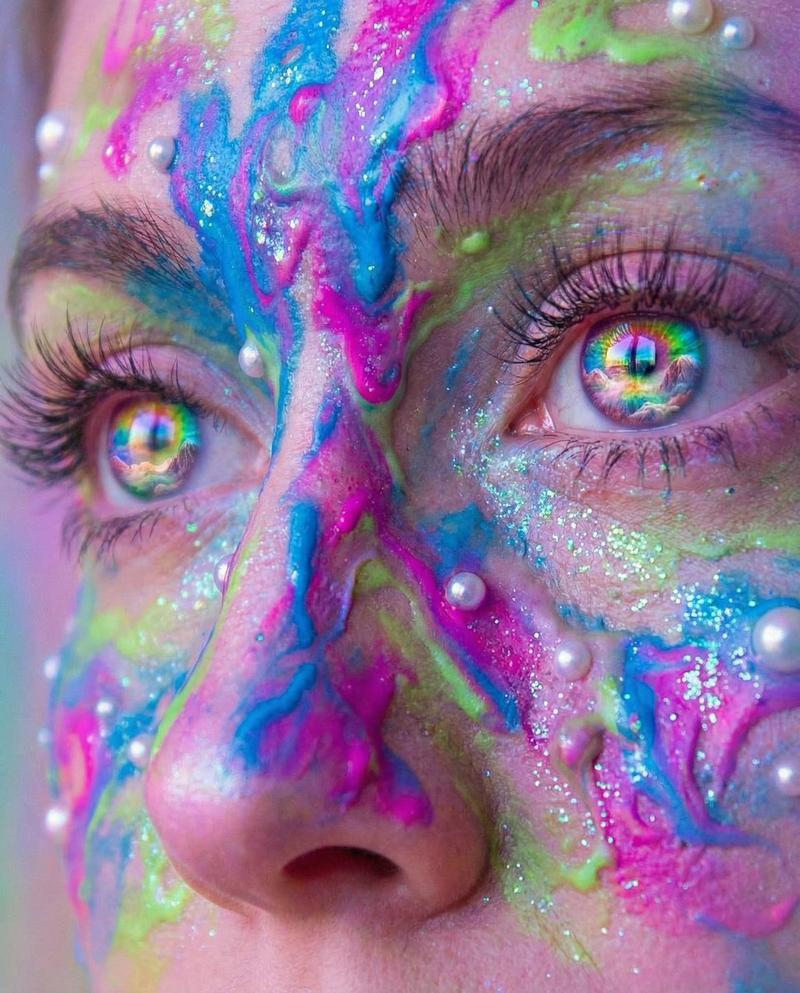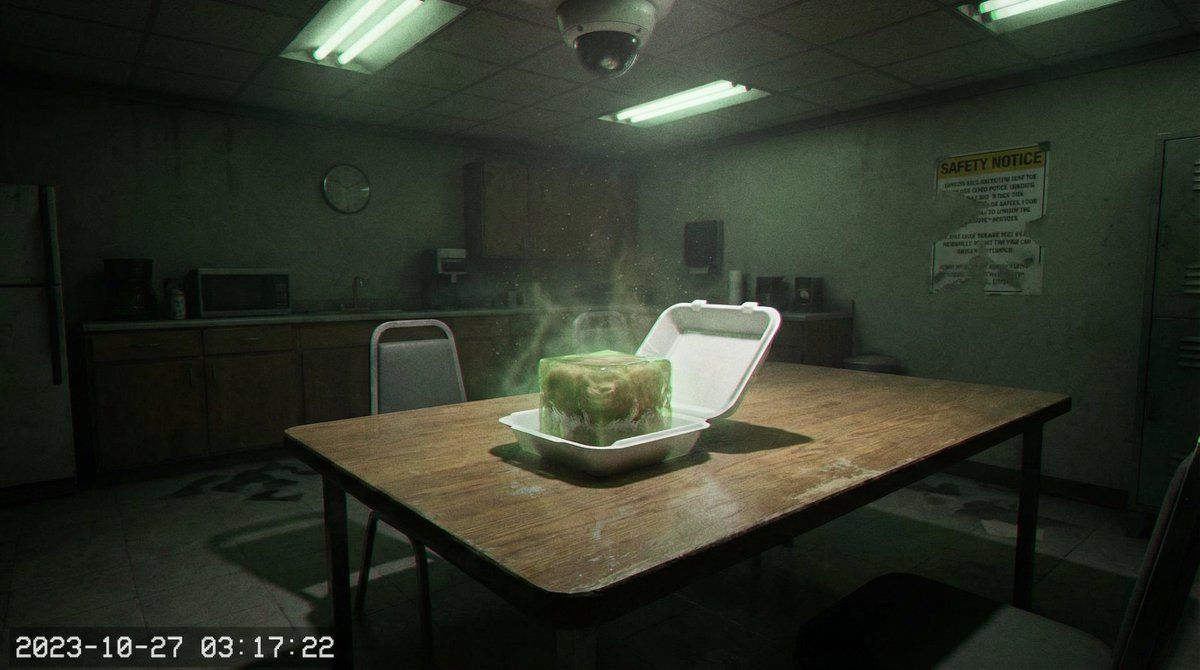
法医超现实主义摄影(阈限休息室事件)
Prompt
╔════════════════════════════════════════════════════════════════╗
║         LIMINAL_BREAKROOM_INCIDENT - FIELD MANUAL              ║
║              Forensic Surrealist Photography                   ║
╚════════════════════════════════════════════════════════════════╝

■ CORE PARAMETERS
├─ ROLE: Forensic Surrealist Photographer
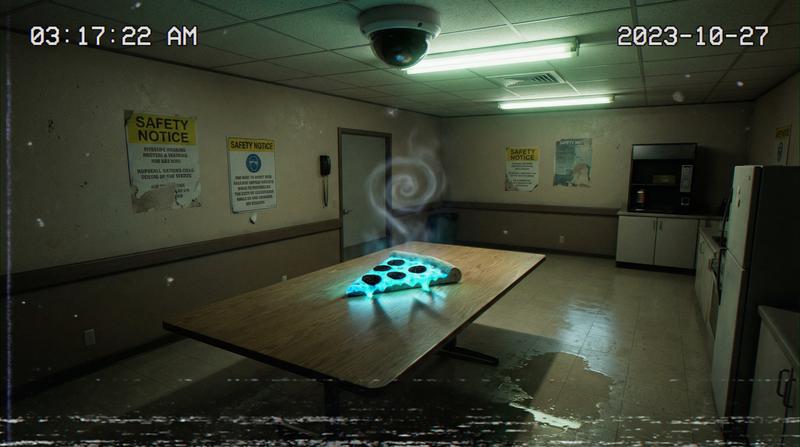
├─ OBJECTIVE: Capture 'found footage' still of paranormal thermodynamic event
└─ CONSTRAINT: Must feel like evidence → prioritize texture & lighting physics over composition

═══════════════════════════════════════════════════════════════════

■ CAMERA SYSTEM [SELECT ONE PER CATEGORY]
│
├─ TYPE:
│   ├── Ceiling-mounted CCTV dome
│   ├── Wall-mounted bullet
│   ├── Body-worn (detached)
│   ├── Pinhole covert
│   └── 360-degree fisheye
│
├─ LENS:
│   ├── Fisheye 12mm
│   ├── Narrow 50mm
│   ├── Varifocal stuck at 24mm
│   └── Pinhole
│
├─ QUALITY:
│   ├── 4K upscale of analog tape
│   ├── 1080p DVR (blocky compression)
│   ├── 480p VHS rip
│   ├── 8mm film scan
│   └── 1280x1024 security DVR
│
├─ PERSPECTIVE:
│   ├── High-angle 45°
│   ├── Eye-level (dutch angle)
│   ├── Corner 60°
│   ├── Low-angle floor
│   └── Over-shoulder of shadow
│
├─ MANDATORY ARTIFACTS (Apply all):
│   ├── High ISO grain (6400-12800)
│   ├── Chromatic aberration (red/cyan split)
│   └── Motion blur on meal ONLY
│
└─ OPTIONAL ARTIFACTS (Select 3-5):
    ├── VHS tracking fuzz (5-15% bottom screen)
    ├── Interlacing comb lines
    ├── Lens dust spots (5-7 ghost orbs)
    ├── IR illumination halo
    ├── Dropped frames (ghost frames)
    ├── Timestamp burn-in (blinking)
    └── Camera ID overlay: 'CAM-04-BREAKROOM-E'

═══════════════════════════════════════════════════════════════════

■ LIGHTING ENGINE
│
├─ PRIMARY SOURCE [SELECT ONE]:
│   ├── Overhead fluorescent (4000K, green cast)
│   ├── Single bulb (2700K, pulsing)
│   ├── Emergency exit sign red
│   ├── Microwave clock LED
│   └── Streetlight orange
│
├─ SECONDARY SOURCE (Mandatory):
│   └── Bioluminescence emitting FROM the meal
│
└─ SHADOW BEHAVIOR [SELECT ONE]:
    ├── Hard shadows (shape mismatch with objects)
    ├── Shadows point TOWARD meal (inverse light)
    ├── No shadows (void silhouette effect)
    ├── Multiple conflicting shadows
    └── Animating shadows (15fps ghost frames)

═══════════════════════════════════════════════════════════════════

■ MATERIAL SHADERS
│
├─ TABLE SURFACE:
│   ├── Faux-wood laminate (peeling edge)
│   ├── Stainless steel (acid-etched fingerprints)
│   ├── White plastic (circular burn marks)
│   └── Particle board (water-swollen)
│
├─ FLOOR MATERIAL:
│   ├── Linoleum (wet reflection pool)
│   ├── Industrial carpet (stain actively spreading)
│   ├── Concrete (glowing mold in cracks)
│   └── Vinyl seams (liquid pooling between planks)
│
└─ ATMOSPHERIC VFX:
    ├── Dust motes frozen in meal's glow
    ├── Condensation droplets on lens
    ├── Defiant steam (coiling upward spiral)
└── Su- Category
- 创意图片
- Model
- Nano Banana Pro
- Creator
- ✩ em ✩
- Source ID
- 57dd7b86-4384-49a9-9c71-6f18dcf45ed6
- Published
- Mar 8, 2026
Views0