18

胶片底片和缩略图页生成提示
Enlarge

胶片底片和缩略图页生成提示

Prompt
①:入力画像なし

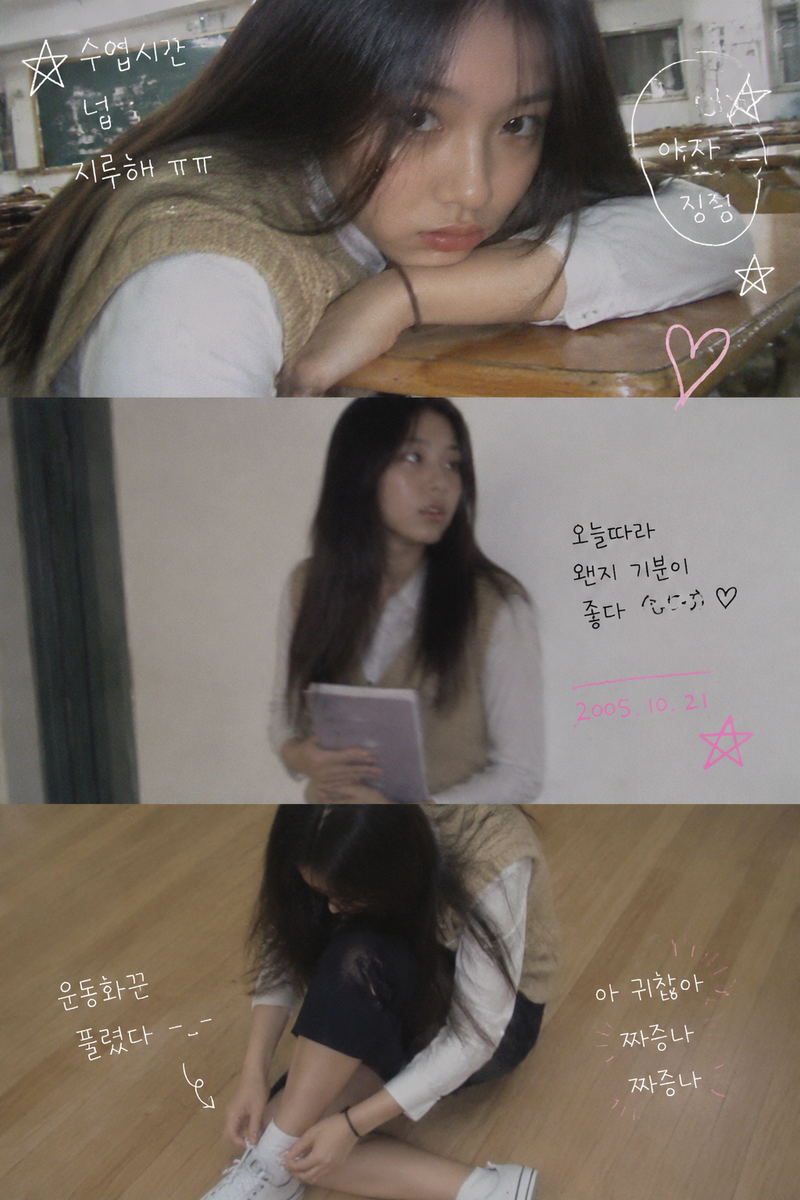
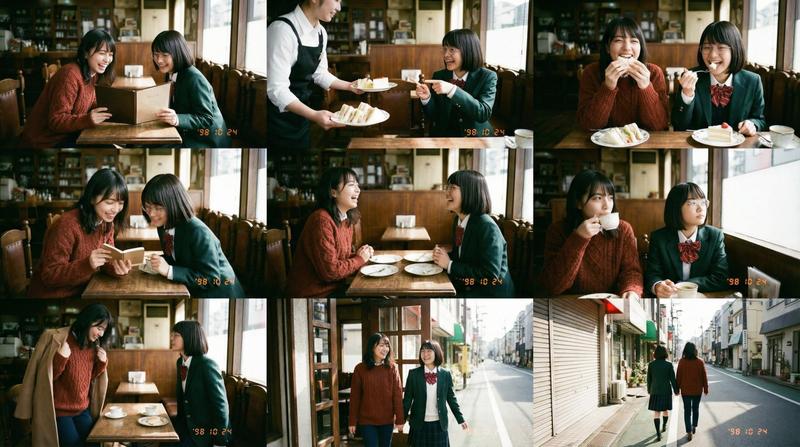
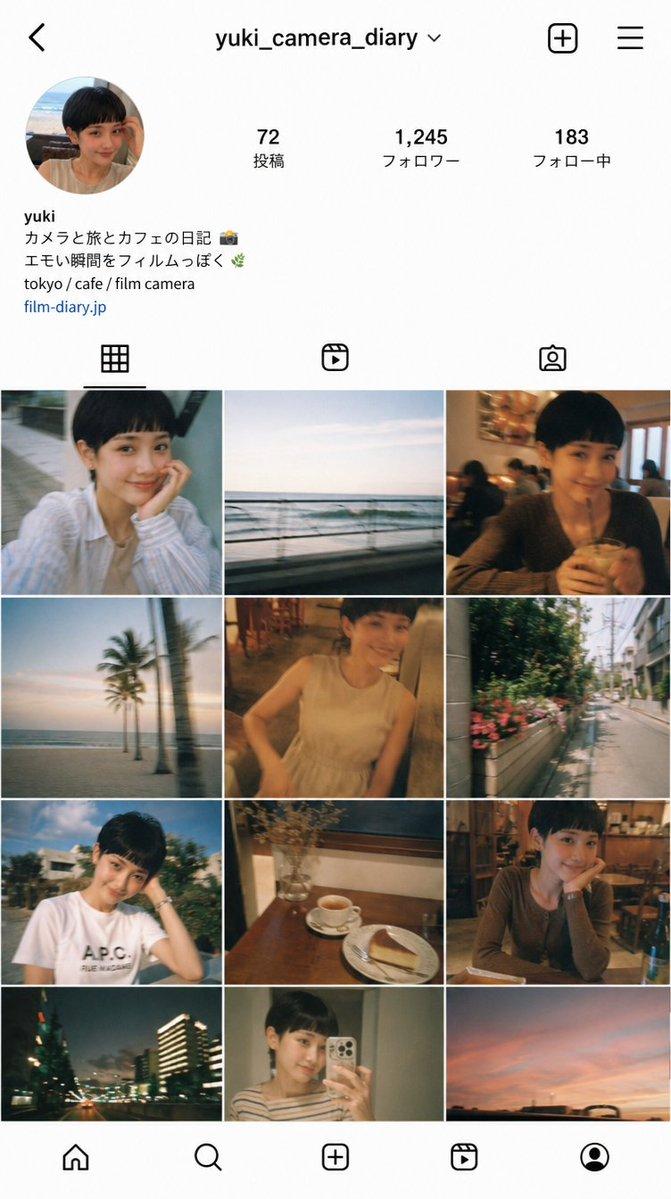
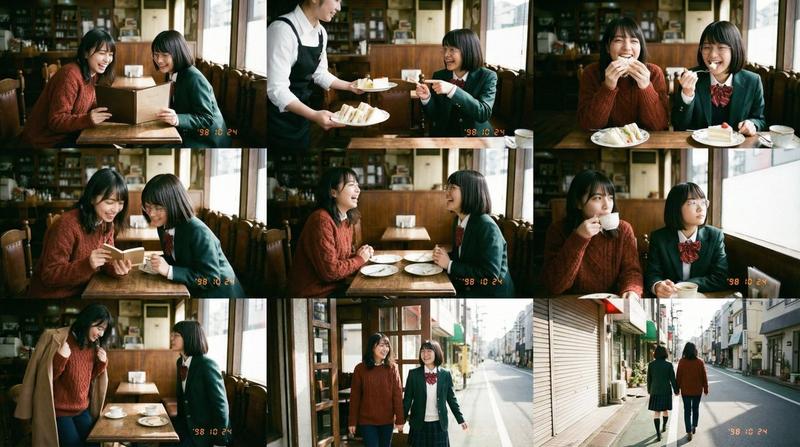
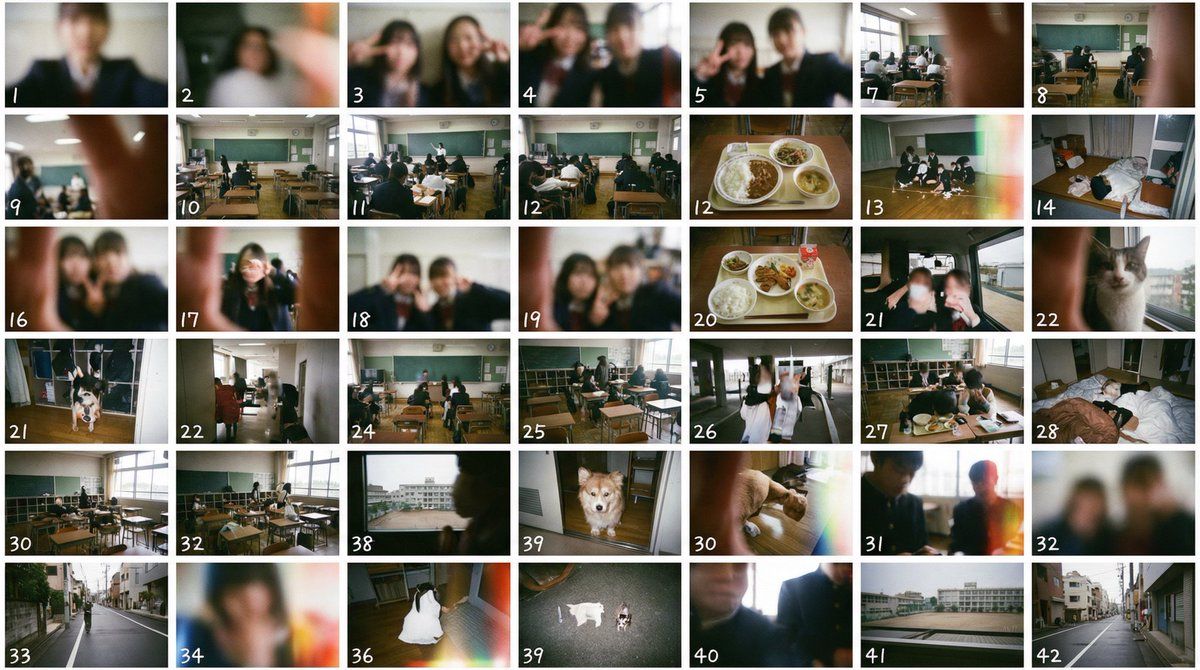
「低画質な使い捨てカメラで撮影した1枚の日常写真。日本の高校生が撮影した下手くそな写真」を、画面を横7×縦6に区切った42個のシーンを作ってください。
各シーンの左下に通し番号を1から順に表示してください。
各シーンは細い白枠で区切られています。
フィルムを現像した時についてくるサムネイルシートのイメージ。
実在の企業名や商品名は描画しないでください。

----------
②:①を入力画像に

入力画像はフィルムを現像した時についてくるサムネイルシートです。
このサムネイルシートから現像前のネガフィルムを作ってください。
完成したネガフィルムは学校の机の上に置いて、斜め上から撮影してください。
被写界深度による前ボケ・後ボケ。実写。

----------
③:②を入力画像に

「このネガフィルムを手に持ってふざけ合ってる日本の高校生」を低画質な使い捨てカメラで撮影した1枚の日常写真。日本の高校生が撮影した下手くそな写真。
実在する企業名や商品名は描画しないでください。

----------
④:③を入力画像に

入力画像を先頭に含む「低画質な使い捨てカメラで~(以下①と同じ)
Category
创意图片
Model
Nano Banana Pro
Views0
Source ID
40e672ac-ab1e-4081-be32-80a5cb9977f9
Published
Mar 8, 2026

Guide

About "胶片底片和缩略图页生成提示"

What is this prompt for?

"胶片底片和缩略图页生成提示" AI image prompt for Nano Banana Pro (创意图片). 一个针对 Nano Banana Pro 的复杂多步提示序列,它结合了 7x6 网格划分提示和创建老式一次性相机风格照片(emosnap)的提示。目标是模拟冲洗胶片的过程,包括生成缩略图页、负片,然…

The full copyable prompt and example visuals above are ready for AI image generation or one-click recreate in Picva.

How to use this prompt

  1. Step 1

    Open the prompt detail

    Review the example visuals, category, and full prompt text for "胶片底片和缩略图页生成提示".

  2. Step 2

    Copy the prompt

    Copy the prompt body from this page, or load it directly in Studio.

  3. Step 3

    Pick a model (Nano Banana Pro)

    Prefer Nano Banana Pro. If you switch models, keep subject and composition and tweak style terms.

  4. Step 4

    Generate and export

    Recreate the look in Picva, or export into your workflow for editing and publishing.

FAQ

What is the "胶片底片和缩略图页生成提示" prompt?
It is an AI image-generation prompt for Nano Banana Pro in the 创意图片 category. This page includes the full prompt text, example visuals, and a one-click recreate path in Picva.
How do I use this prompt to generate an image?
Copy the prompt from this page, or use Generate / Studio. Paste it into a compatible image model, or recreate the look in Picva with optional reference images.
Which model is this prompt for?
This page lists Nano Banana Pro. Most descriptive prompts also transfer to nearby image models such as GPT Image, Flux, or Midjourney with light style tweaks.
Can I use the result commercially?
You can usually copy the prompt for creation, but commercial use of the final image depends on the model terms, reference-image rights, and the generated content. Follow the source author and platform rules.