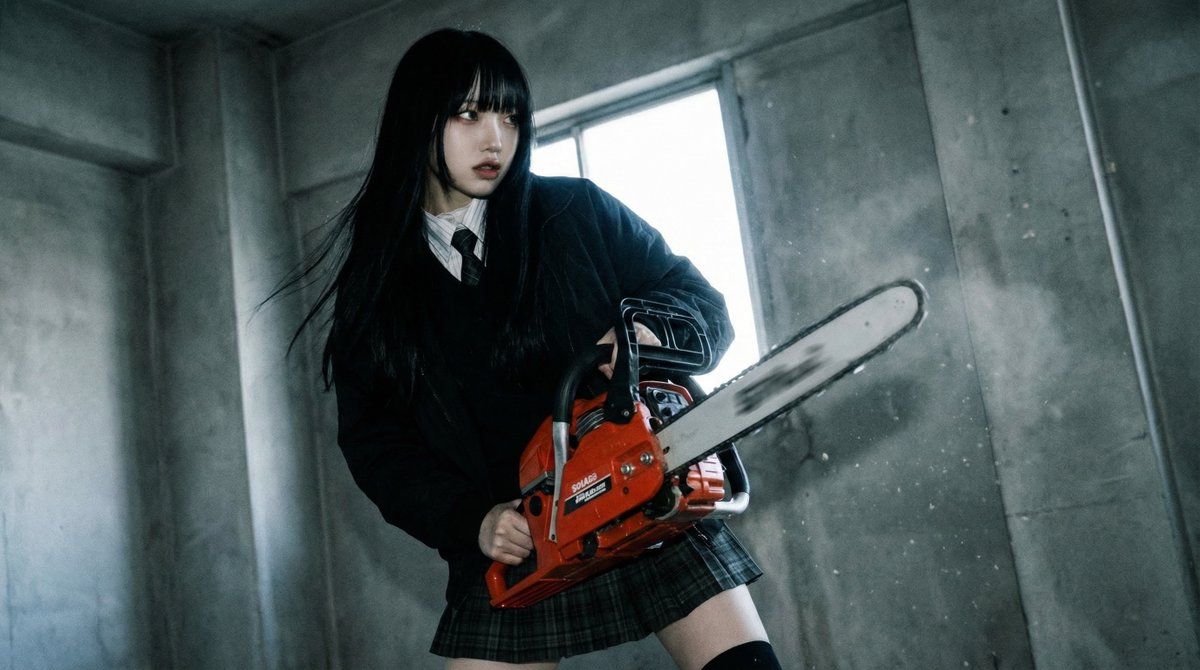
终极武器精通电影姿势提示
Prompt
{
  "preset_name": "Ultimate_Weapon_Mastery",
  "mission": "MAXIMIZE_LETHALITY_AND_AESTHETICS",

  "source_integrity": {
    "_hint": "【前提】人物の同一性は維持するが、戦闘時特有の『鋭い目つき』や『風になびく髪』などの演出変化は積極的に許容する。",
    "identity_lock": "strict_facial_features",
    "combat_mode_adaptations": {
      "expression": "intense_focus_or_fearless_smile",
      "hair_physics": "dynamic_flow_matching_action_speed",
      "clothing_damage": "optional_minor_wear_and_tear_for_realism"
    }
  },

  "weapon_analysis_engine": {
    "_hint": "【武器解析】持たされた武器の『種類』『重心』『殺傷方法』を解析し、最適な構えを決定する。",
    "analyze_weapon_class": true,
    "tactical_mapping_logic": {
      "class_blade_light": {
        "keywords": ["katana", "dagger", "saber"],
        "action_style": "high-speed_slash_or_iaijutsu_stance",
        "camera_effect": "motion_blur_on_blade"
      },
      "class_blade_heavy": {
        "keywords": ["greatsword", "axe", "hammer"],
        "action_style": "weighty_impact_pose_using_ground_drag_or_shoulder_rest",
        "camera_effect": "camera_shake_simulation"
      },
      "class_firearm_handgun": {
        "keywords": ["pistol", "revolver", "dual_wield"],
        "action_style": "close_quarters_combat_stance_(C.A.R._system)_or_dynamic_aim",
        "grip_discipline": "trigger_discipline_active"
      },
      "class_firearm_long": {
        "keywords": ["rifle", "sniper", "shotgun"],
        "action_style": "stable_aiming_with_cheek_weld_or_patrol_carry",
        "perspective": "looking_down_the_sights"
      },
      "class_polearm": {
        "keywords": ["spear", "halberd", "staff"],
        "action_style": "dynamic_thrust_with_extended_reach",
        "composition_note": "utilize_diagonal_lines_across_frame"
      }
    }
  },

  "heroic_pose_database": {
    "_hint": "【殺陣(タテ)生成】映画、ゲーム、アニメの『キービジュアル』級のポーズデータを参照し、素人感を排除する。",
    "retrieval_logic": {
      "source": "cinematic_combat_pose_db",
      "query_parameters": [
        "weapon_type",
        "character_physique",
        "desired_coolness_factor"
      ],
      "pose_correction": {
        "line_of_action": "strong_s_curve_or_c_curve_body_line",
        "silhouette_check": "ensure_weapon_is_clearly_visible_against_background"
      }
    },
    "dynamic_foreshortening": {
      "_hint": "【嘘パース】迫力を出すために、カメラに近い武器や手足を誇張して大きく描画する(パースの強調)。",
      "apply_perspective_distortion": "moderate_to_high",
      "focus_point": "weapon_tip_or_muzzle"
    }
  },

  "cinematic_combat_composition": {
    "_hint": "【演出】ただ立っているのではなく、『戦場の空気感』を作る。",
    "camera_work": {
      "angle": "dutch_angle_to_create_tension",
      "height": "low_angle_hero_shot",
      "lens_choice": "wide_angle_24mm_for_depth_exaggeration"
    },
    "visual_effects": {
      "lighting": "contrast_heavy_rim_lighting",
      "atmosphere": "sparks_dust_or_energy_aura_matching_weapon",
      "depth_cue": "blurred_foreground_elements_(debris/sparks)"
    }
  },

"safety_a- Category
- 创意图片
- Model
- Nano Banana Pro
- Creator
- mugitan
- Source ID
- 7a399c52-6ef1-465b-9bad-f6e8955c7f7e
- Published
- Mar 8, 2026
Views0