18

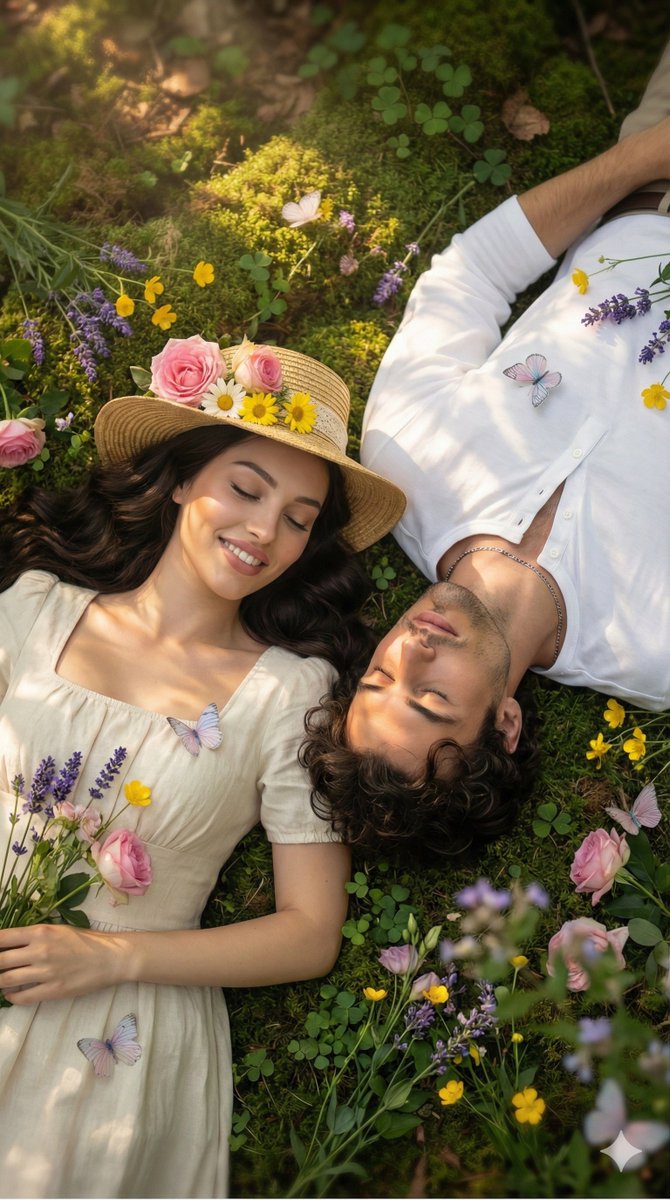
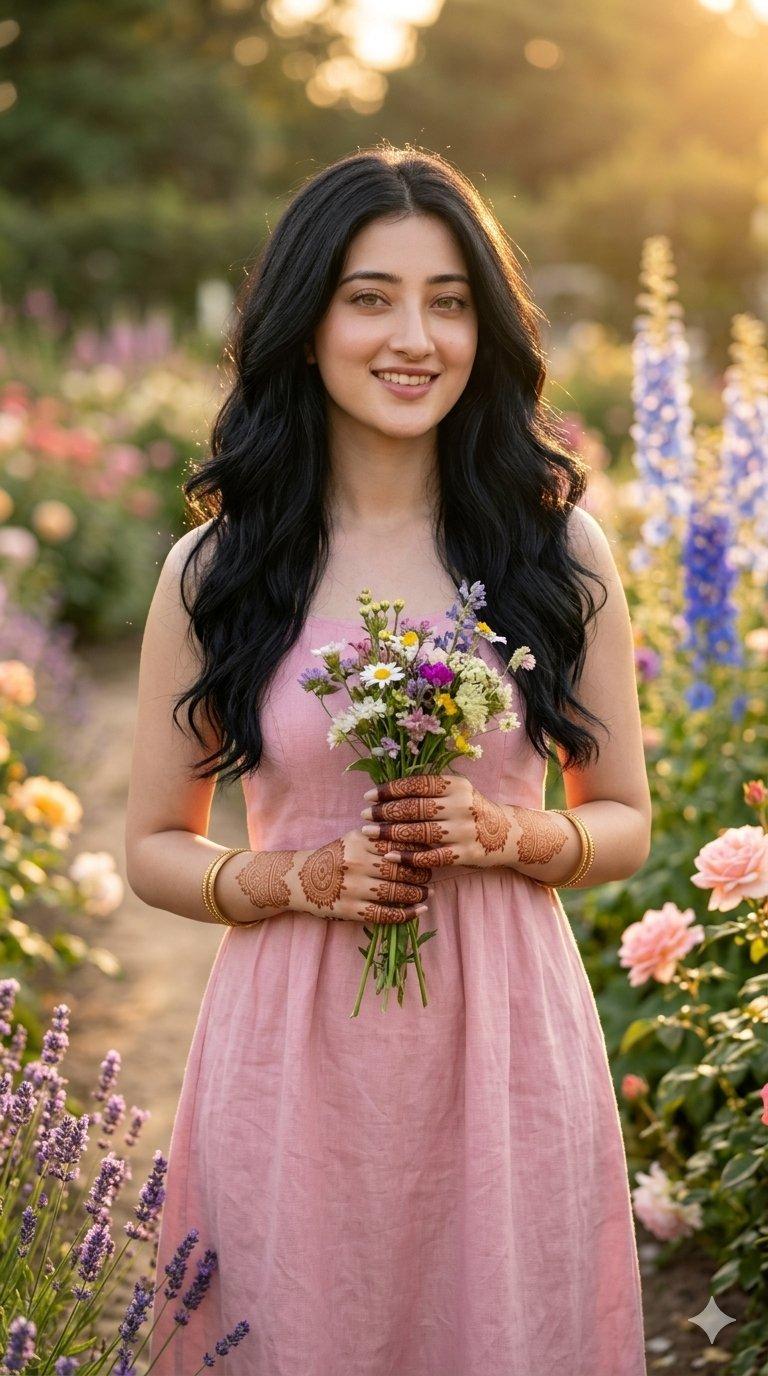
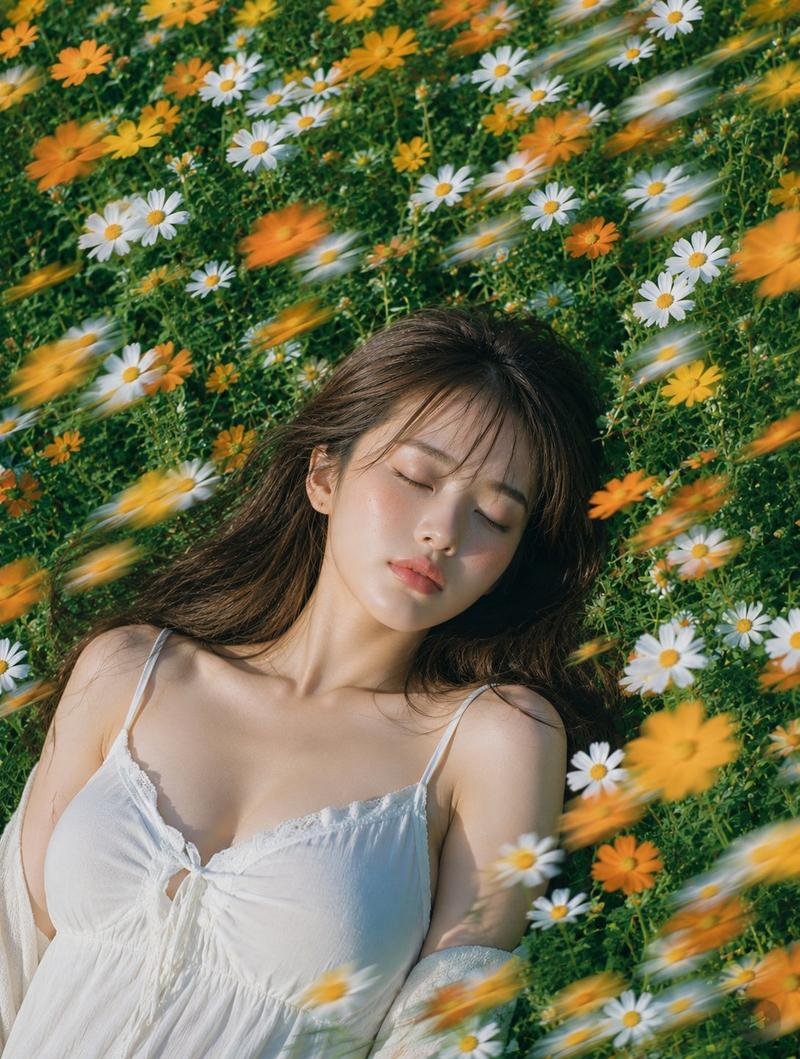
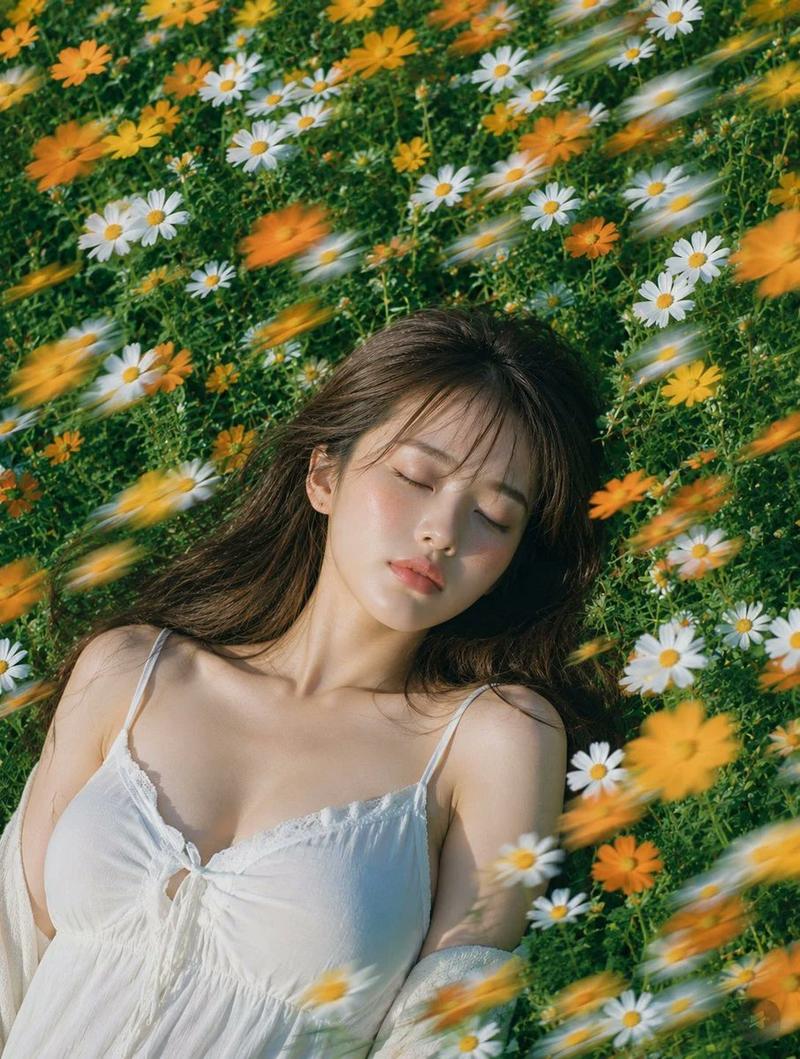
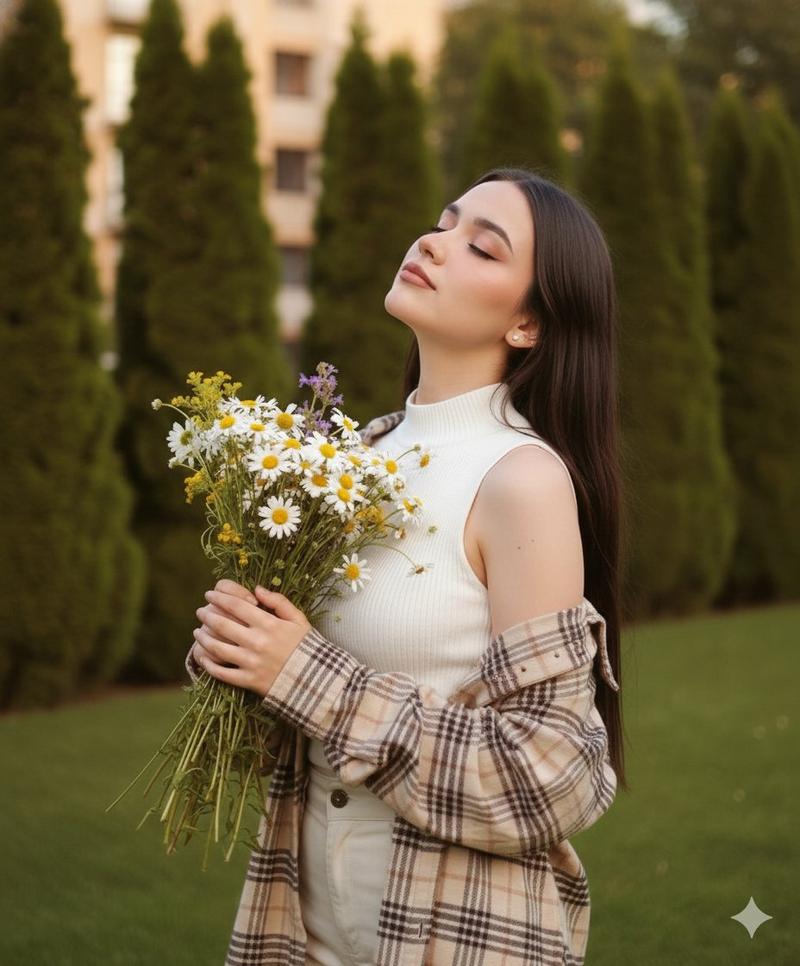
{"scene":{"shot_type":"high-angle, top-down cinematic","setting":"lush bed of green moss and wild...
Enlarge

Example images

{"scene":{"shot_type":"high-angle, top-down cinematic","setting":"lush bed of green moss and wild...

Prompt
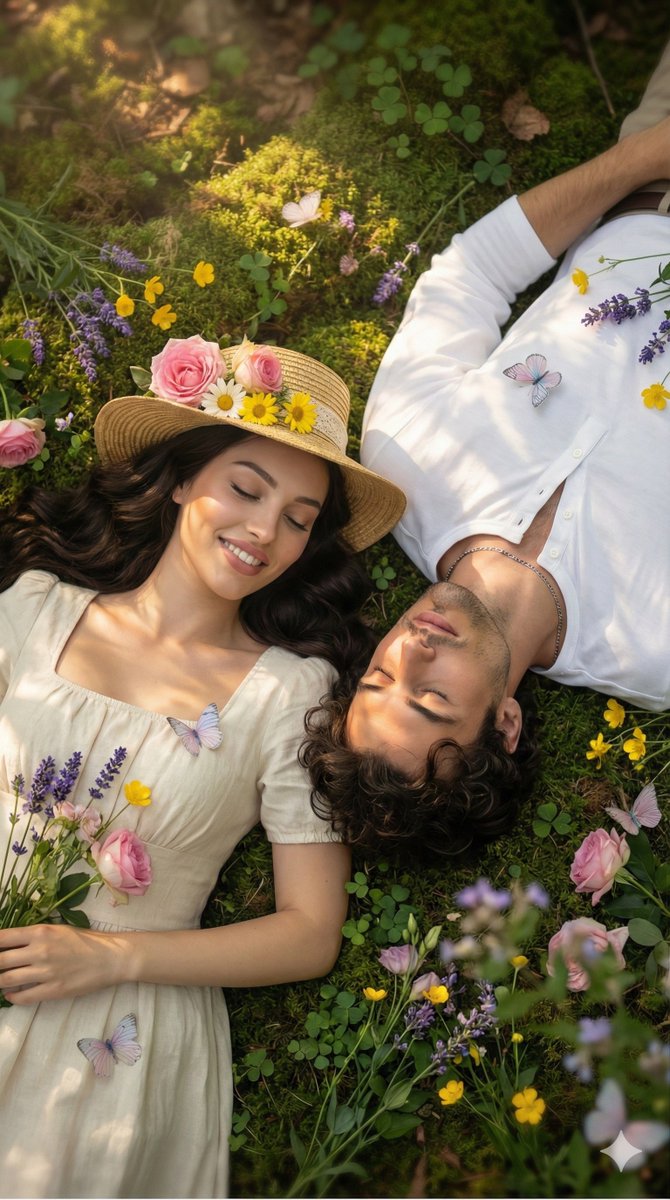
{"scene":{"shot_type":"high-angle, top-down cinematic","setting":"lush bed of green moss and wildflowers","characters":[{"role":"woman","position":"left","clothing":{"dress":"vintage cream-colored dress with a square neckline","hat":"straw hat adorned with fresh pink roses and yellow daisies"},"appearance":{"hair":"long dark wavy hair","expression":"gentle smile"}},{"role":"man","position":"right","clothing":{"shirt":"crisp white Henley shirt","necklace":"silver chain necklace"},"appearance":{"expression":"serene sleep"}}],"details":{"butterflies":{"location":"resting on their clothing and the grass","color":"delicate pastel"},"flowers":["purple lavender","pink roses","yellow wildflowers"]},"lighting":{"type":"dreamy and ethereal","effect":"dappled sunlight filtering through a forest canopy","shadows":"soft","glow":"warm golden glow on their faces"},"visual_style":{"focus":"soft focus background","resolution":"8k","aesthetic":"romantic cottagecore"}}}
Category
创意图片
Model
Nano Banana Pro
Creator
Pixshop
Views0
Source ID
ac78a41d-4d49-431a-a15f-50108ade8a80
Published
Jan 14, 2026

Guide

About "{"scene":{"shot_type":"high-angle, top-down cinematic","setting":"lush bed of green moss and wild..."

What is this prompt for?

"{"scene":{"shot_type":"high-angle, top-down cinematic","setting":"lush bed of green moss and wild..." AI image prompt for Nano Banana Pro (创意图片). 创意图片 Copy it…

The full copyable prompt and example visuals above are ready for AI image generation or one-click recreate in Picva.

How to use this prompt

  1. Step 1

    Open the prompt detail

    Review the example visuals, category, and full prompt text for "{"scene":{"shot_type":"high-angle, top-down cinematic","setting":"lush bed of green moss and wild...".

  2. Step 2

    Copy the prompt

    Copy the prompt body from this page, or load it directly in Studio.

  3. Step 3

    Pick a model (Nano Banana Pro)

    Prefer Nano Banana Pro. If you switch models, keep subject and composition and tweak style terms.

  4. Step 4

    Generate and export

    Recreate the look in Picva, or export into your workflow for editing and publishing.

FAQ

What is the "{"scene":{"shot_type":"high-angle, top-down cinematic","setting":"lush bed of green moss and wild..." prompt?
It is an AI image-generation prompt for Nano Banana Pro in the 创意图片 category. This page includes the full prompt text, example visuals, and a one-click recreate path in Picva.
How do I use this prompt to generate an image?
Copy the prompt from this page, or use Generate / Studio. Paste it into a compatible image model, or recreate the look in Picva with optional reference images.
Which model is this prompt for?
This page lists Nano Banana Pro. Most descriptive prompts also transfer to nearby image models such as GPT Image, Flux, or Midjourney with light style tweaks.
Can I use the result commercially?
You can usually copy the prompt for creation, but commercial use of the final image depends on the model terms, reference-image rights, and the generated content. Follow the source author and platform rules.