20

{"prompt":{"subject":{"gender":"female","hair":{"color":"ash brown","style":"straight wolf cut","...
Enlarge

Example images

{"prompt":{"subject":{"gender":"female","hair":{"color":"ash brown","style":"straight wolf cut","...

Prompt
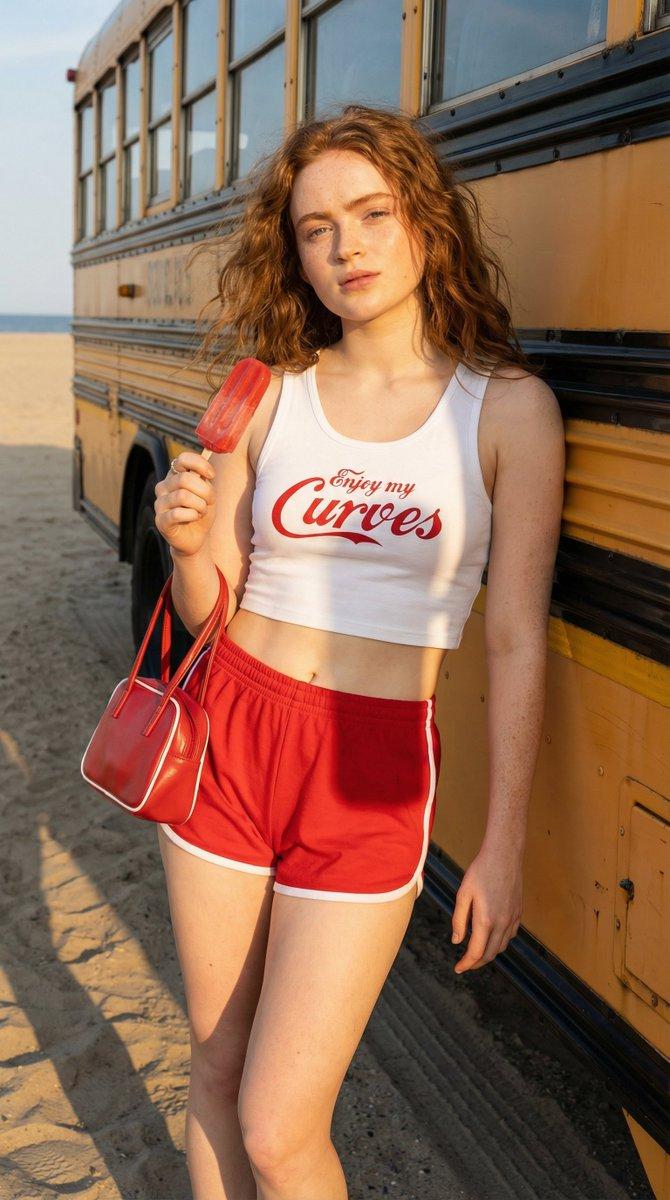
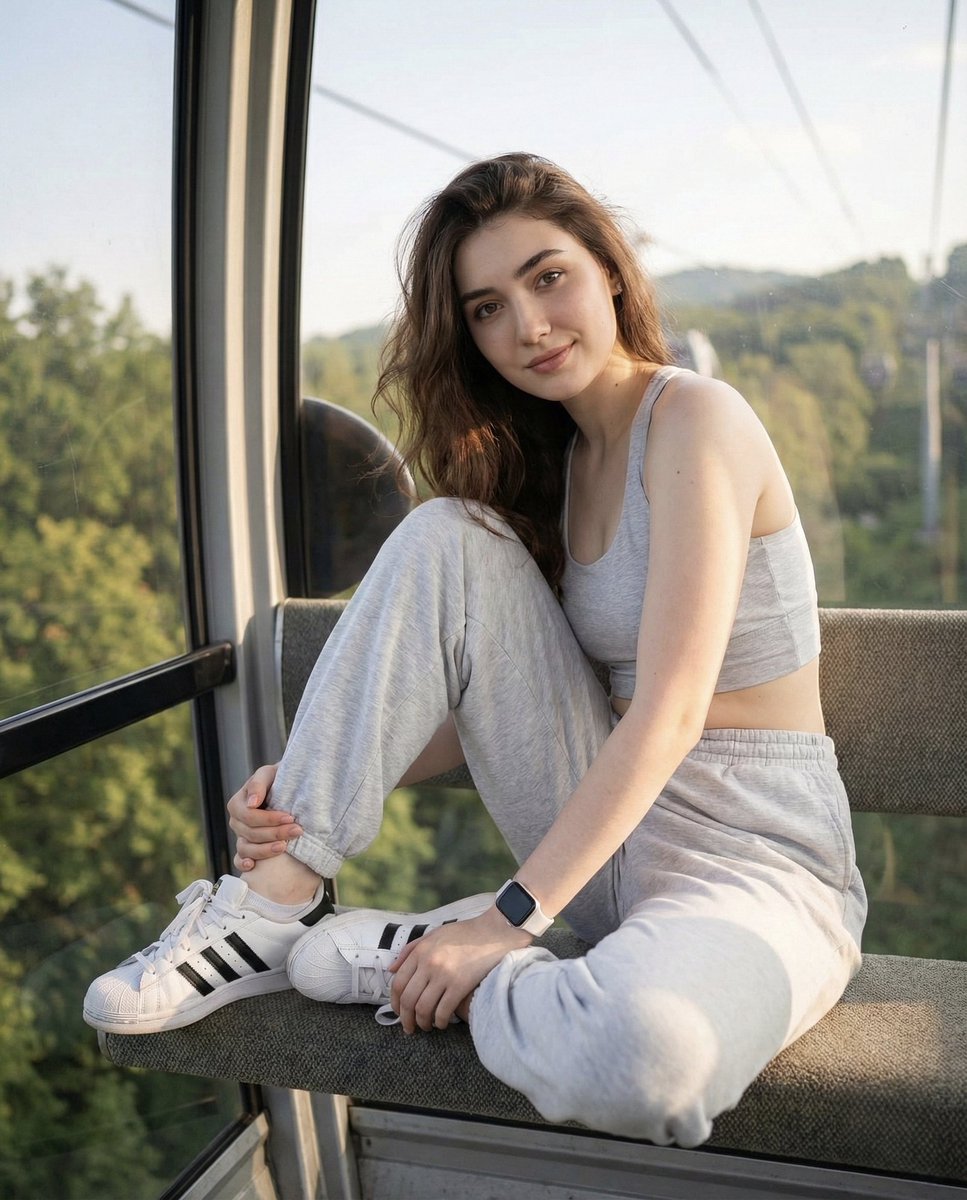
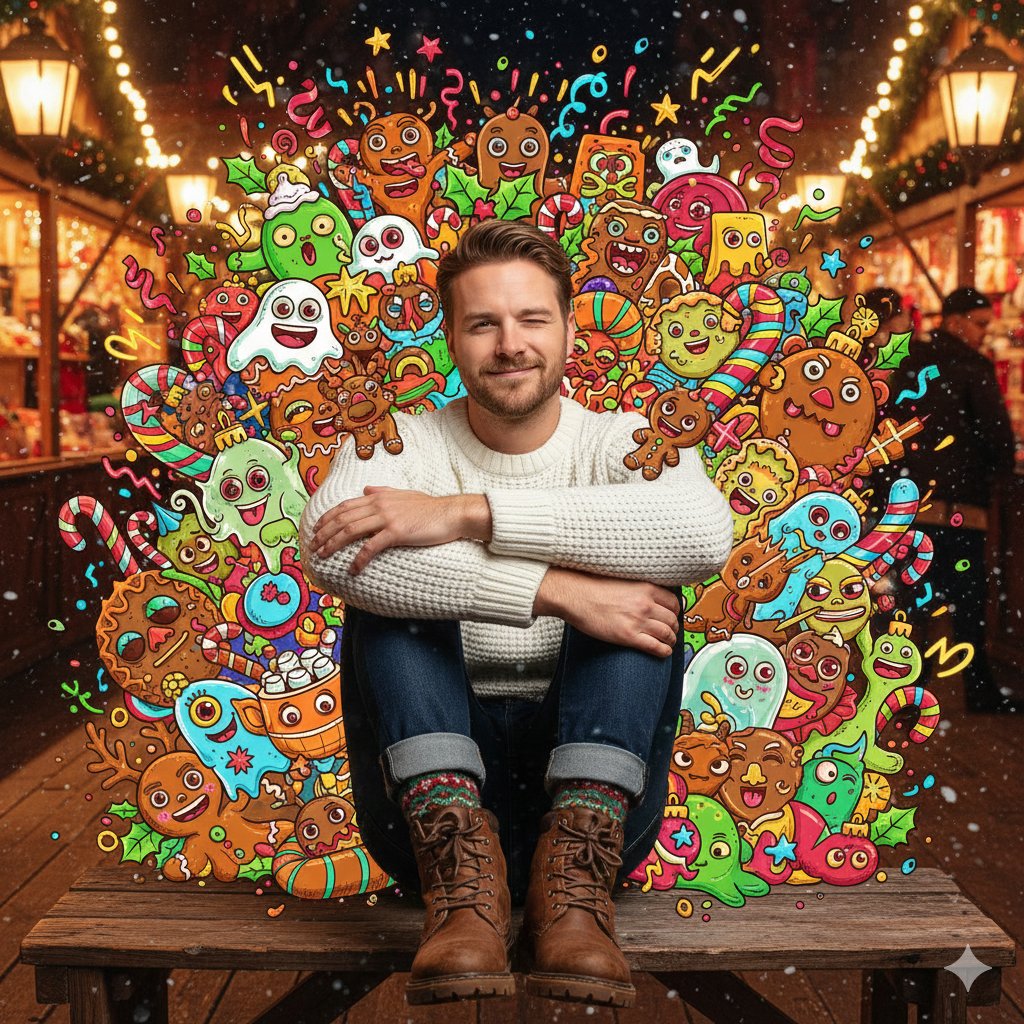
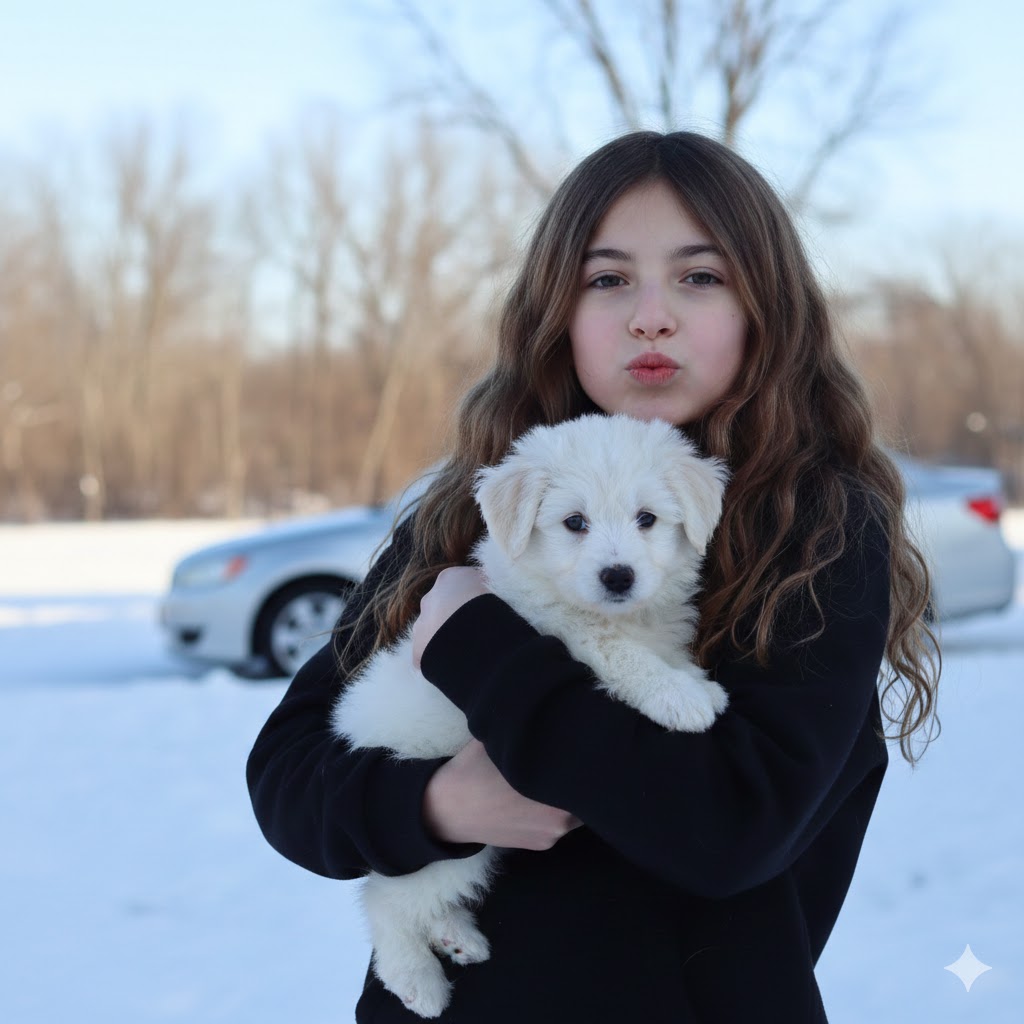
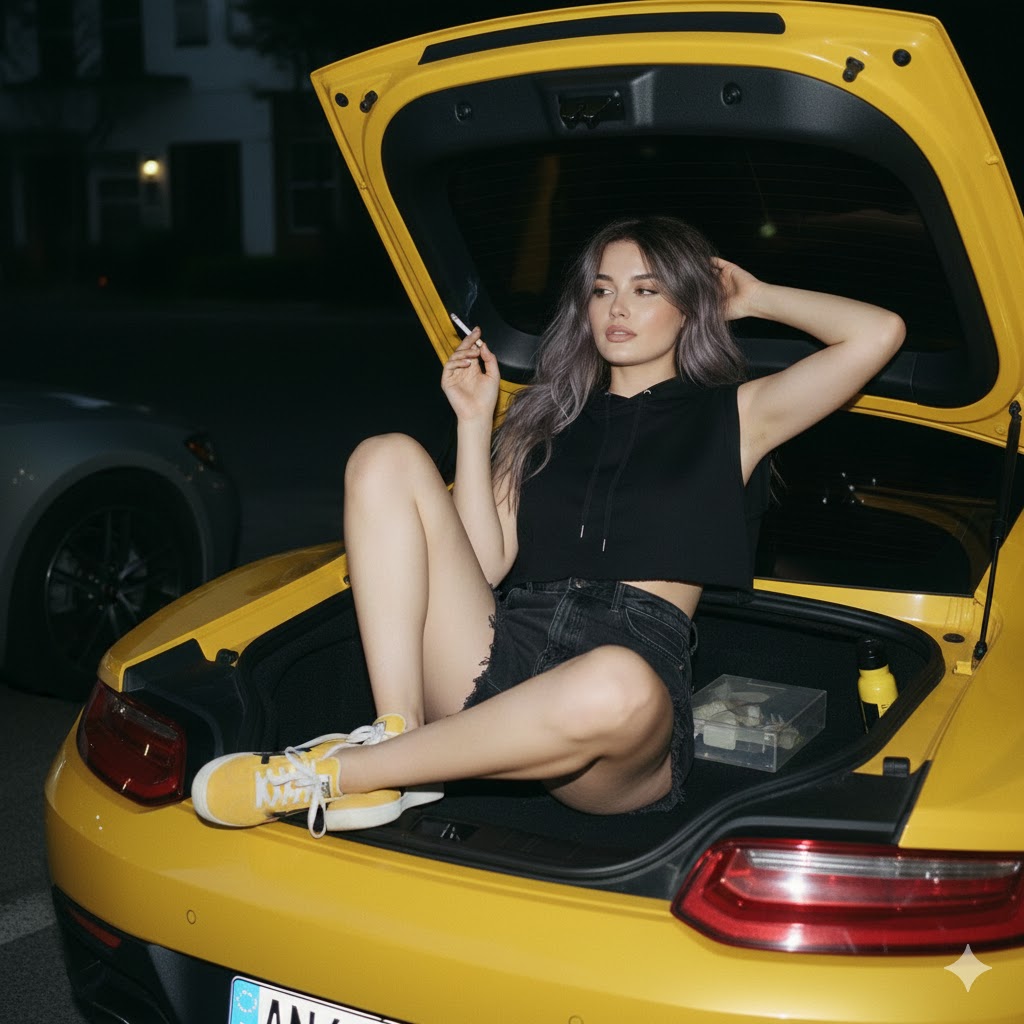
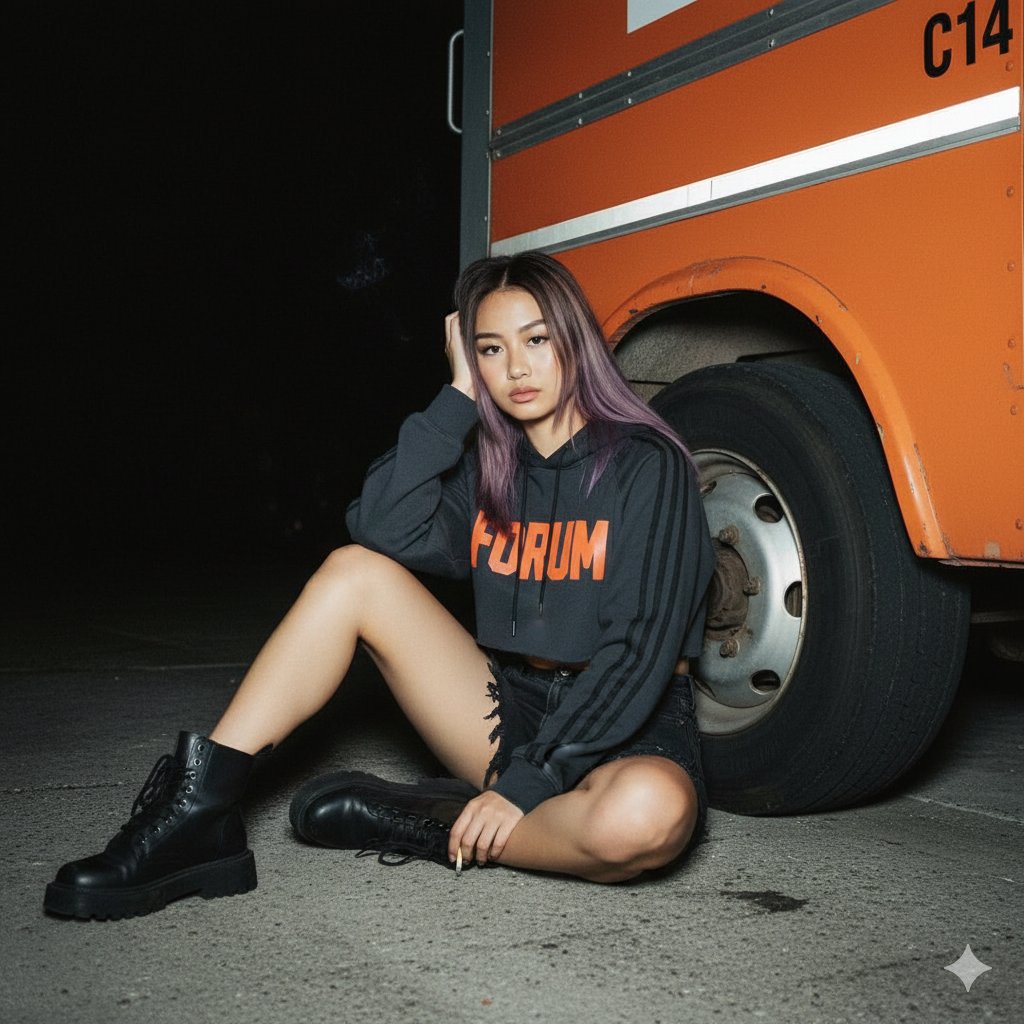
{"prompt":{"subject":{"gender":"female","hair":{"color":"ash brown","style":"straight wolf cut","highlights":"purple"},"face":"use original face from uploaded photo","clothing":{"top":{"type":"crop hoodie","color":"charcoal","details":{"sleeves":"3 thick stripes on both sleeves, Adidas style","text":"bright red or orange 'FORUM'","ribbing":"tight at cuffs and bottom hem"}},"bottom":{"type":"high-waist shorts","color":"black denim","details":"distressed or frayed bottom"},"footwear":{"type":"chunky boots","color":"black"}}},"pose":{"position":"sitting, leaning against front tire of truck","legs":{"right":"straight forward","left":"bent at knee"},"hands":{"right":"holding head","left":"holding cigarette"},"expression":"serious or slightly tired, looking at camera"},"angle":"eye level, looking at subject sitting on ground","background":{"dominant":"front of large, old, bright orange delivery truck","details":["tire visible","text 'C14' on truck door"],"environment":"very dark, night scene","ground":"gray asphalt or concrete"},"lighting":{"type":"analog 35mm flash","effect":"illuminates subject in darkness"},"style":"xmiiru"}}
Category
creative_scene
Model
Nano Banana Pro
Creator
Pixshop
Views1
Source ID
4f01bdfa-8fa8-41af-9e7d-6b237e2e4a7d
Published
Jan 14, 2026

Guide

About "{"prompt":{"subject":{"gender":"female","hair":{"color":"ash brown","style":"straight wolf cut","..."

What is this prompt for?

"{"prompt":{"subject":{"gender":"female","hair":{"color":"ash brown","style":"straight wolf cut","..." AI image prompt for Nano Banana Pro (creative_scene). cr…

The full copyable prompt and example visuals above are ready for AI image generation or one-click recreate in Picva.

How to use this prompt

  1. Step 1

    Open the prompt detail

    Review the example visuals, category, and full prompt text for "{"prompt":{"subject":{"gender":"female","hair":{"color":"ash brown","style":"straight wolf cut","...".

  2. Step 2

    Copy the prompt

    Copy the prompt body from this page, or load it directly in Studio.

  3. Step 3

    Pick a model (Nano Banana Pro)

    Prefer Nano Banana Pro. If you switch models, keep subject and composition and tweak style terms.

  4. Step 4

    Generate and export

    Recreate the look in Picva, or export into your workflow for editing and publishing.

FAQ

What is the "{"prompt":{"subject":{"gender":"female","hair":{"color":"ash brown","style":"straight wolf cut","..." prompt?
It is an AI image-generation prompt for Nano Banana Pro in the creative_scene category. This page includes the full prompt text, example visuals, and a one-click recreate path in Picva.
How do I use this prompt to generate an image?
Copy the prompt from this page, or use Generate / Studio. Paste it into a compatible image model, or recreate the look in Picva with optional reference images.
Which model is this prompt for?
This page lists Nano Banana Pro. Most descriptive prompts also transfer to nearby image models such as GPT Image, Flux, or Midjourney with light style tweaks.
Can I use the result commercially?
You can usually copy the prompt for creation, but commercial use of the final image depends on the model terms, reference-image rights, and the generated content. Follow the source author and platform rules.