18

Advanced Geolocation and Model Generation Prompts
Enlarge

Advanced Geolocation and Model Generation Prompts

Prompt
【プロンプト(マネキンのポーズ)】
画面を6等分にしてから6つの人物画像を使ってそれぞれの構図やアングルで性別のないマネキン(服装や小物も無し)を作ってください。

【プロンプト(モデルのみ生成)】
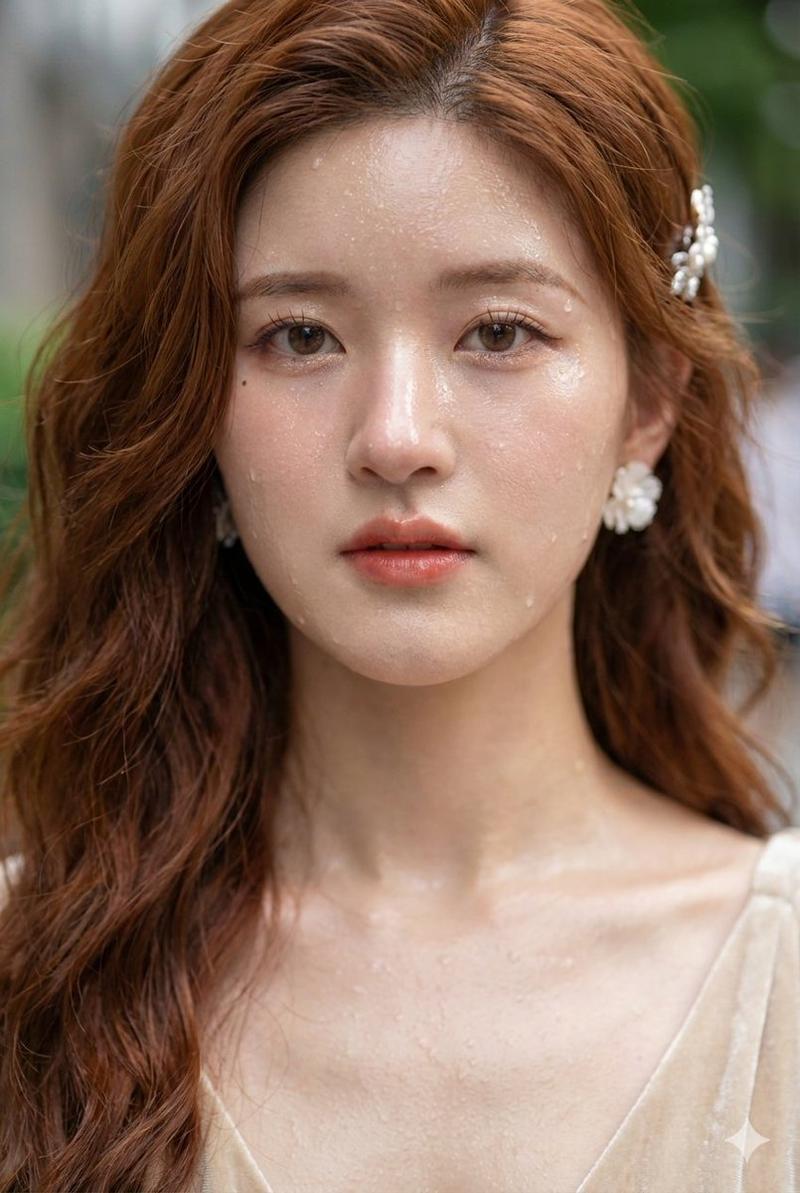
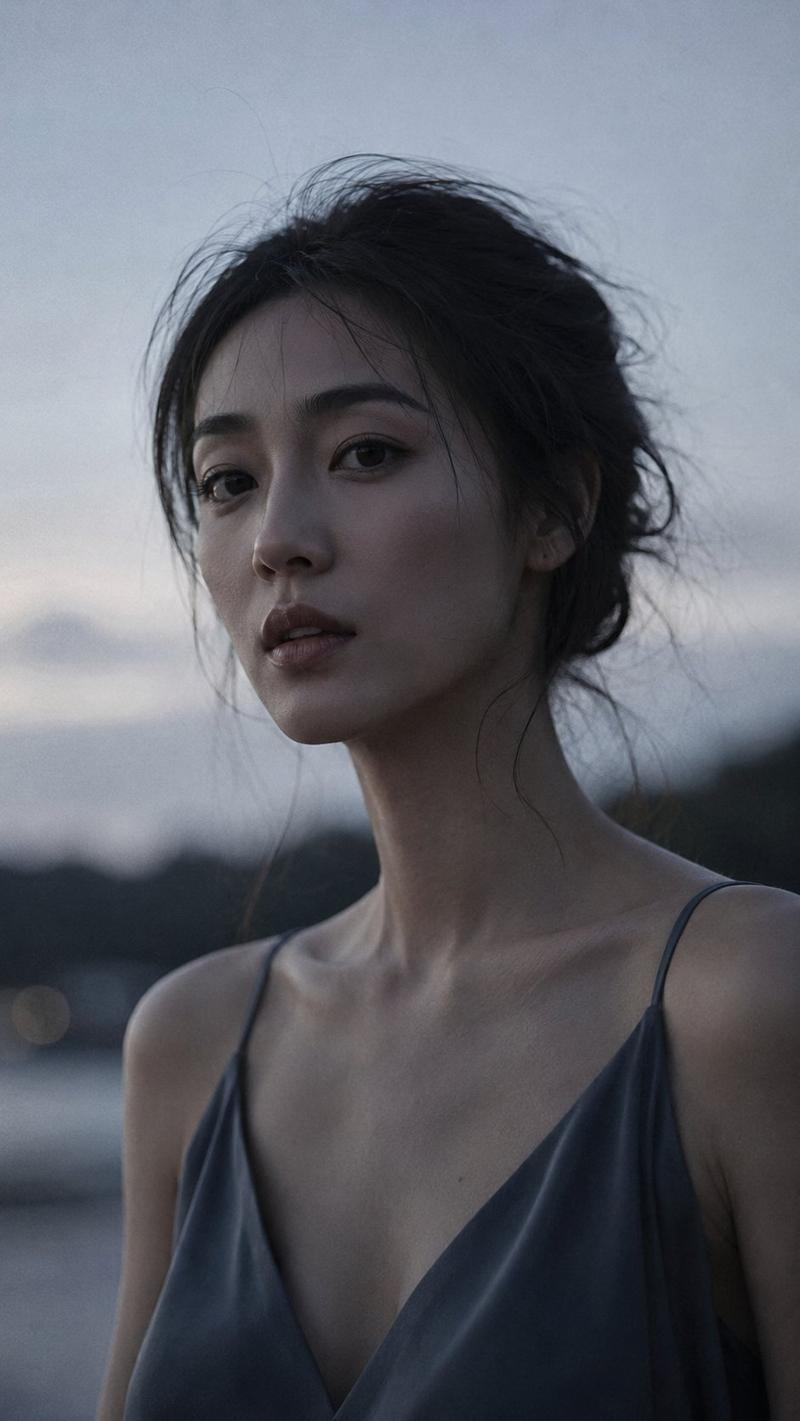
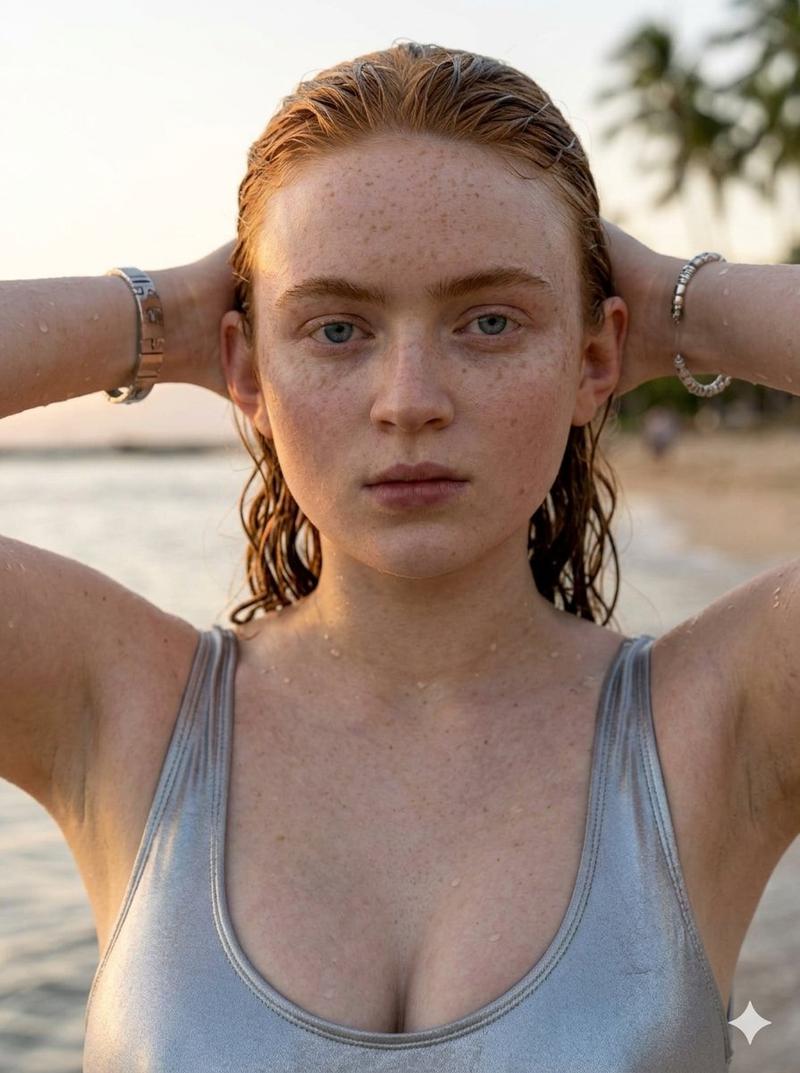
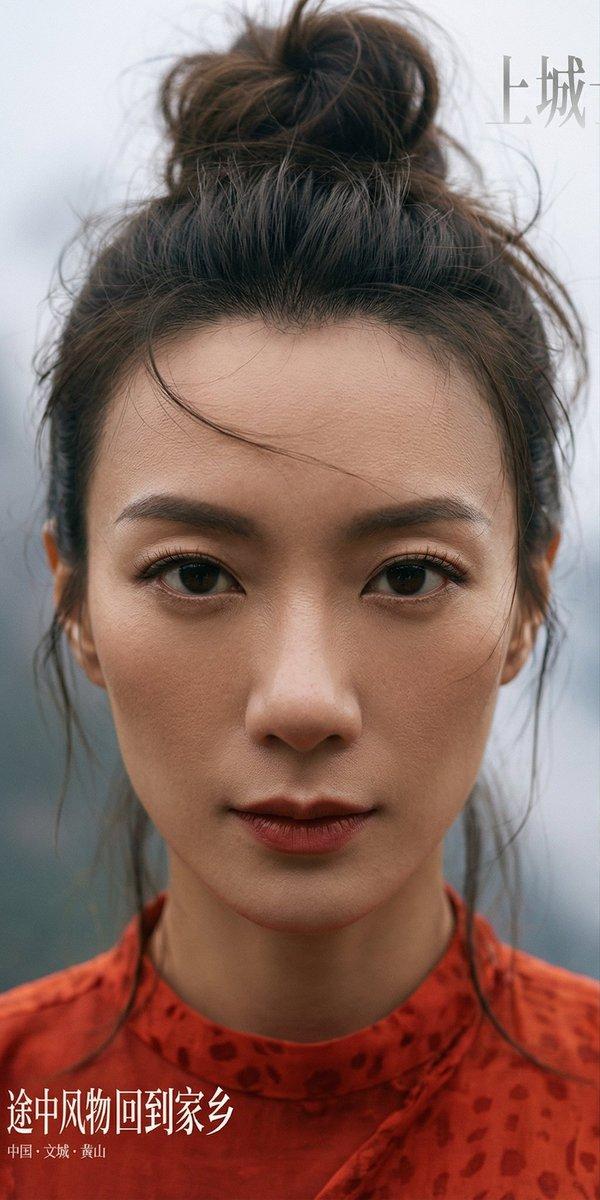
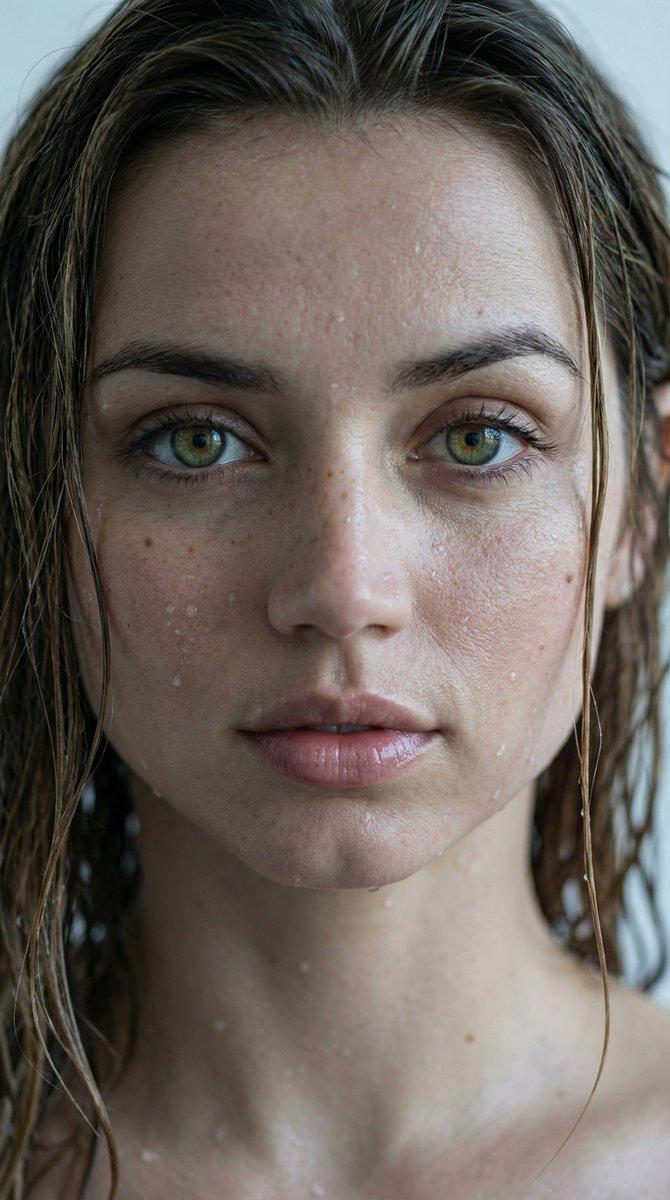
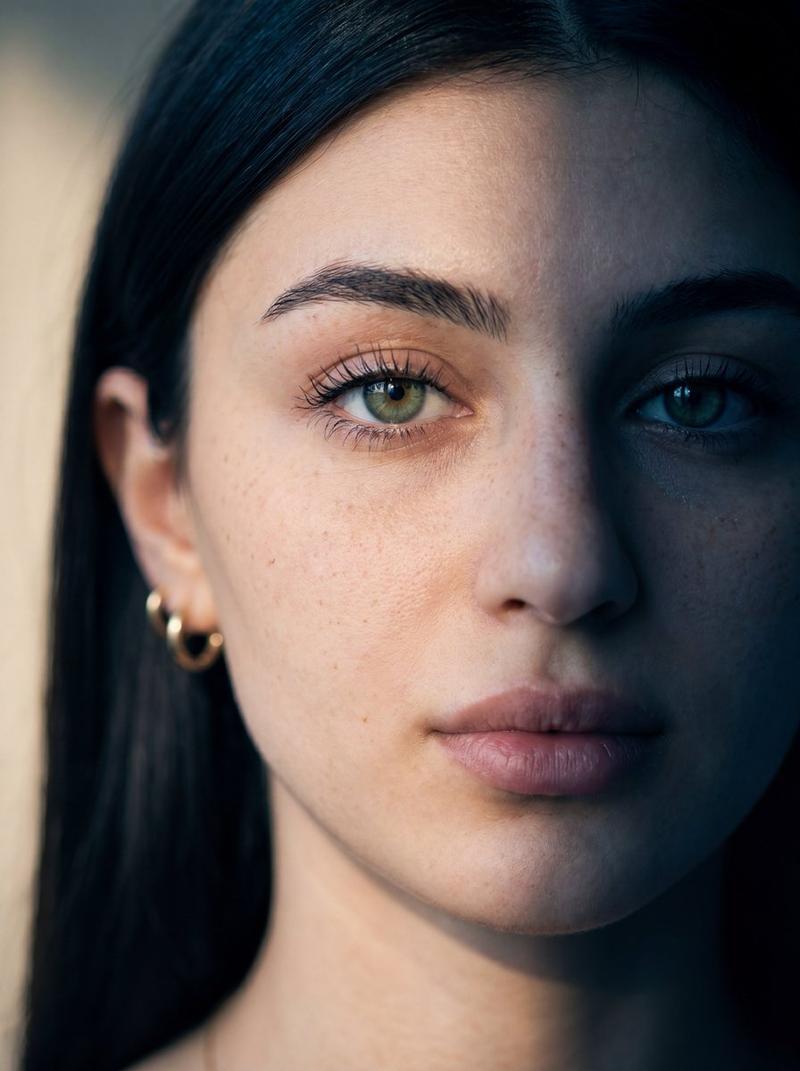
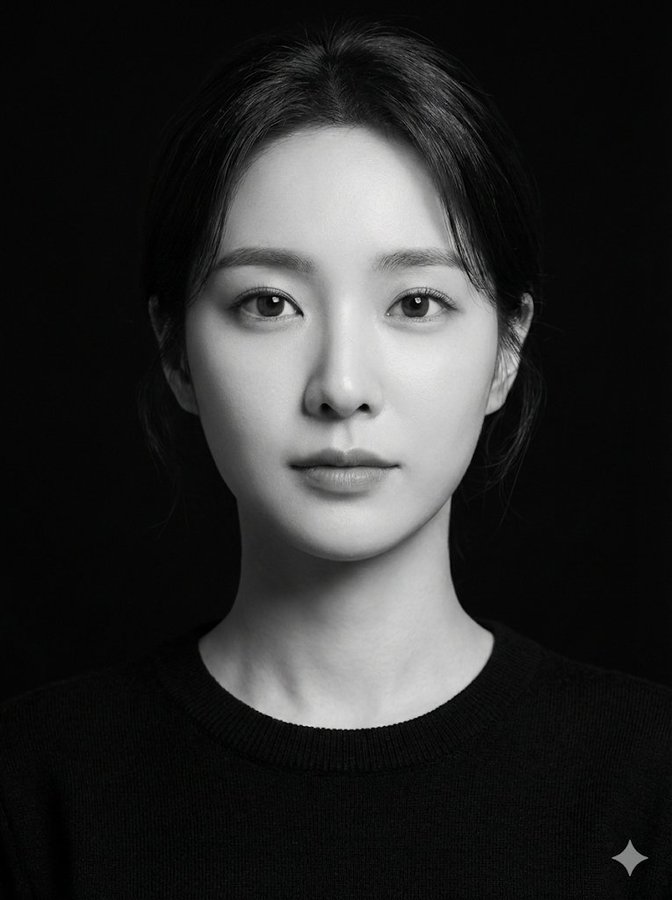
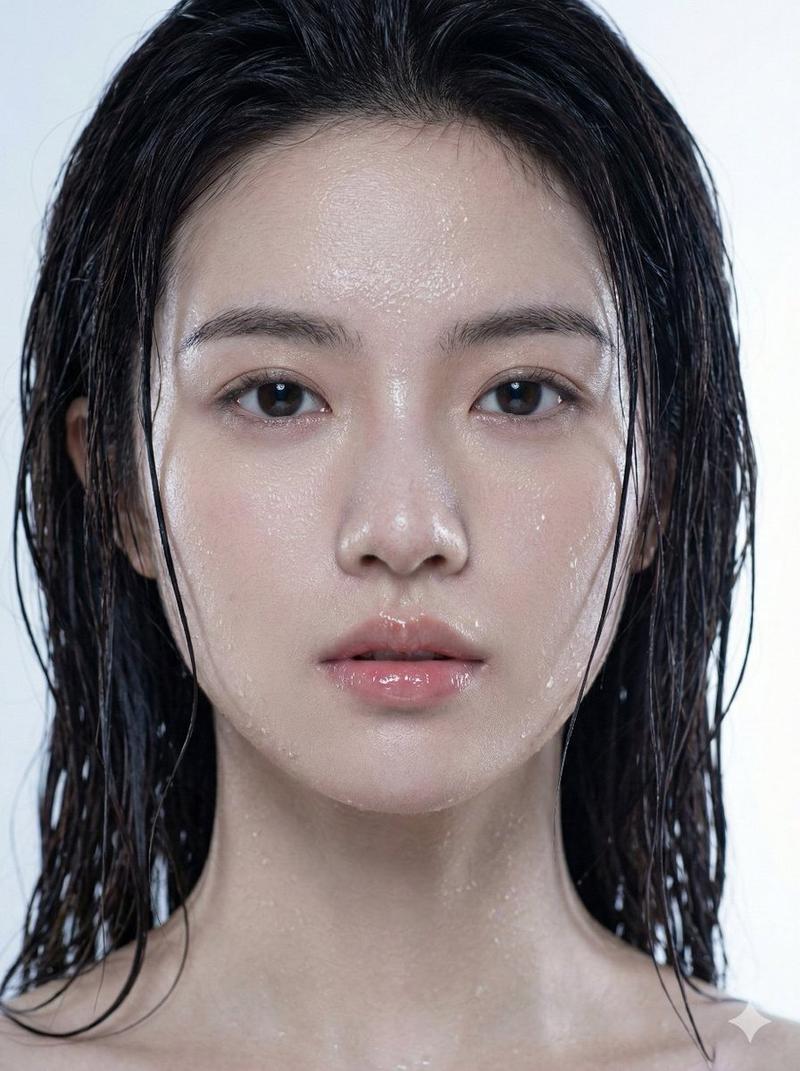
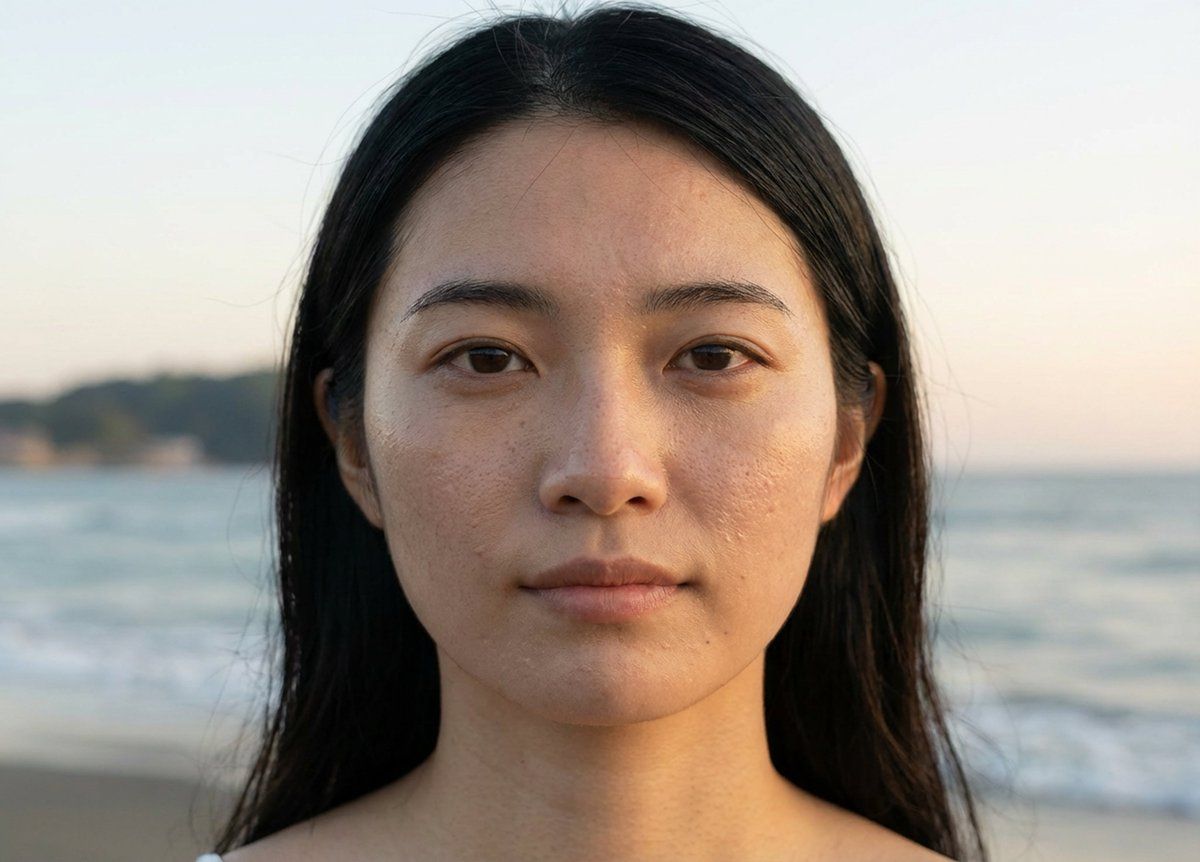
画面を6等分にしてから6つの構図やポーズ画像を使って白いエリアの女性モデルの画像とプロンプトを実行してください。肌質は女性モデルの解像度の高さまでアップスケールして肌質が分かるようにしてください。

【プロンプト(モデルとシーンの生成)】
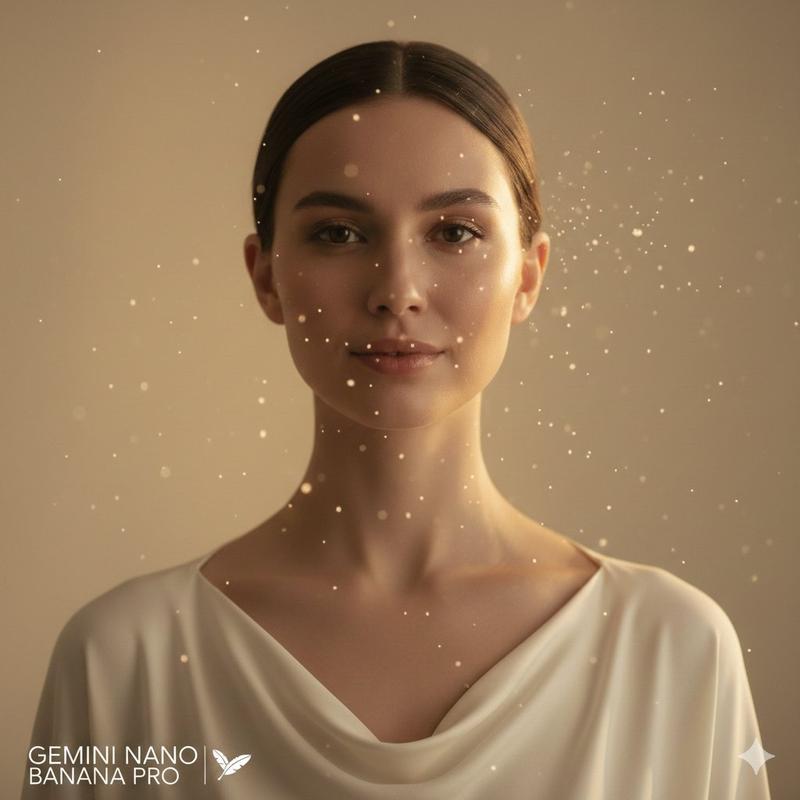
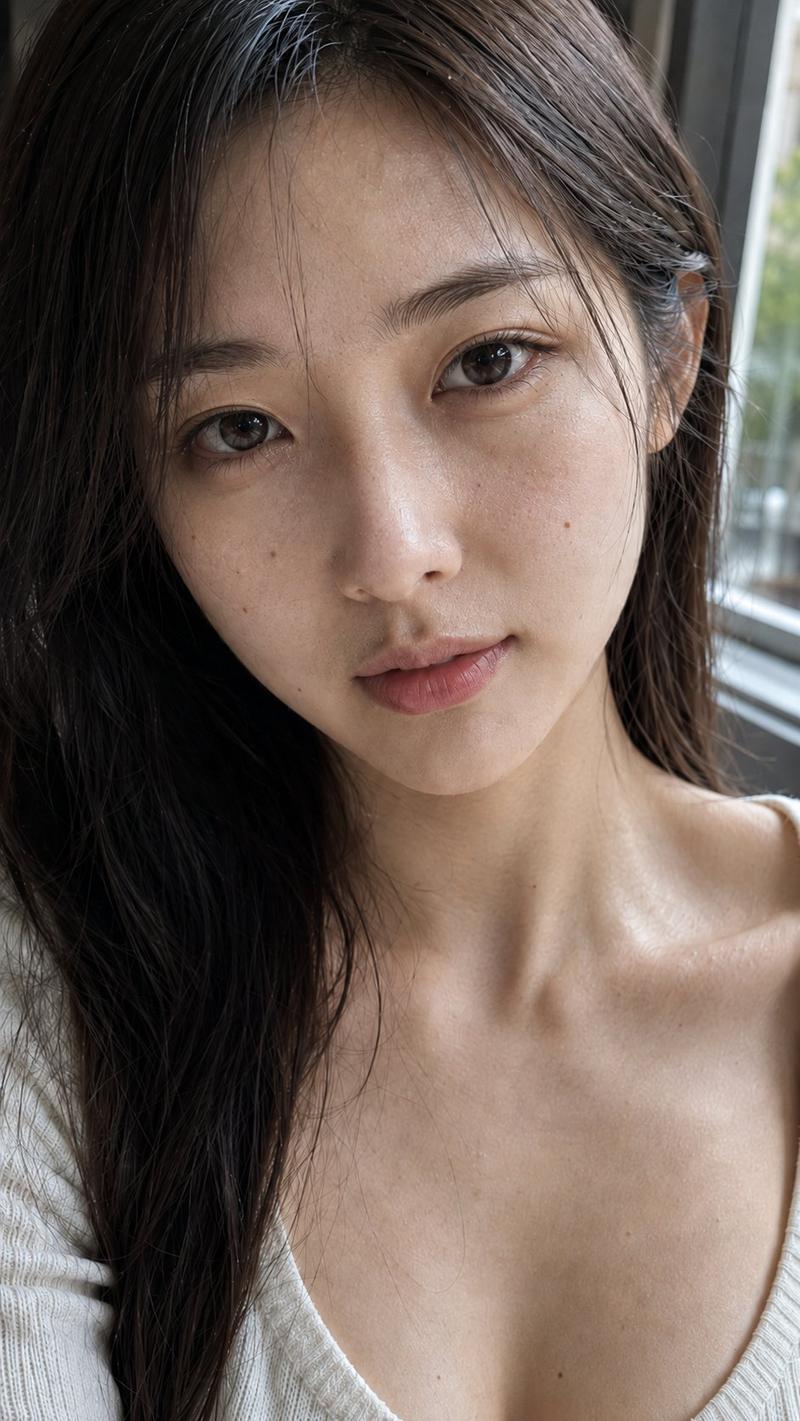
画面を6等分にしてから6つの構図やポーズ画像を使って女性モデルの画像と白いエリアのプロンプトを実行してください。左のエリアのブルーバックの背景はそのままは使わないで場所の風景を忠実に再現してください。場所は緯度と経度が{argument name="緯度" default="35.31721720077321"}, {argument name="経度" default="139.5357227423284"}の位置です。肌質は女性モデルの解像度の高さまでアップスケールして肌質が分かるようにしてください。

【プロンプト(アップスケール)】
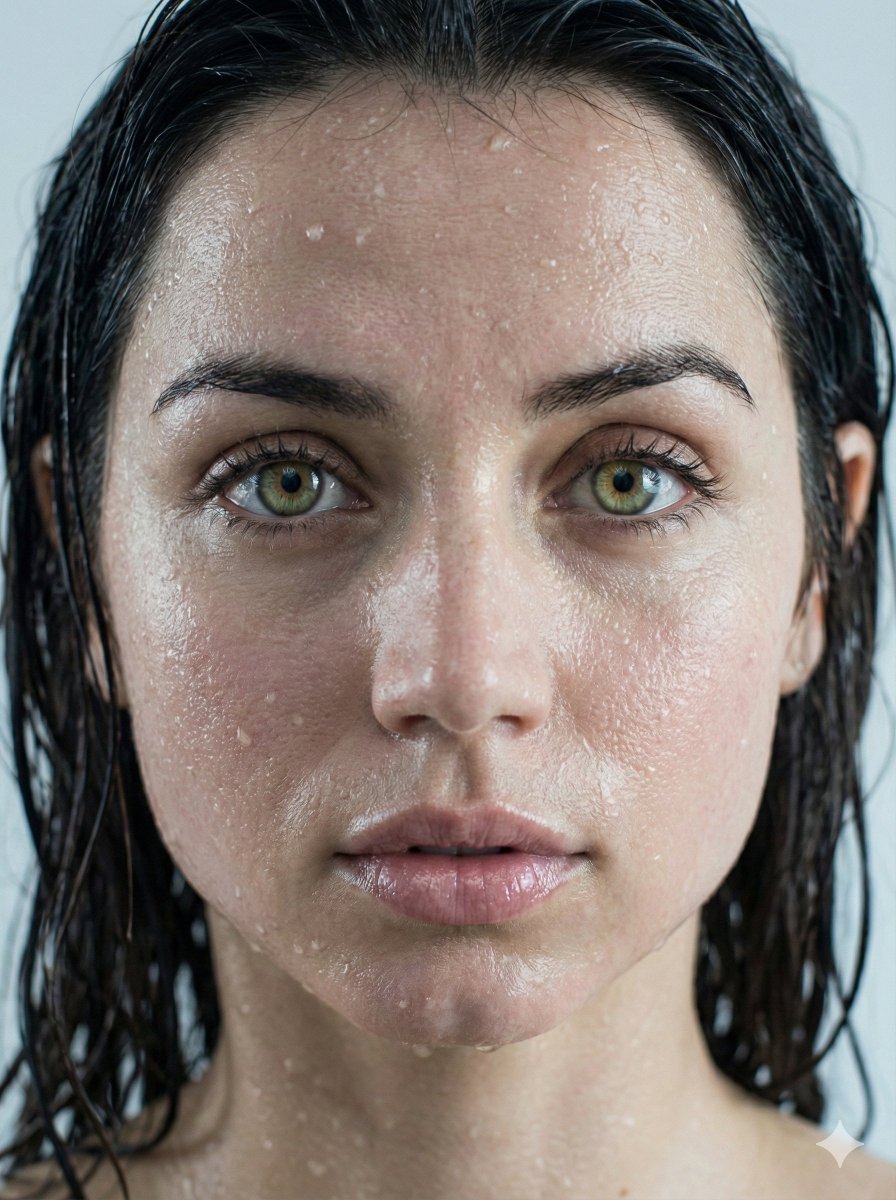
画面を6等分した画像の上段の1枚目だけを生成してください。肌質は女性モデルの解像度の高さまでアップスケールして肌質が分かるようにしてください。
Category
创意图片
Model
Nano Banana Pro
Views0
Source ID
28dc792d-83a7-4750-bd88-bb53b8f3895b
Published
Mar 8, 2026

Guide

About "Advanced Geolocation and Model Generation Prompts"

What is this prompt for?

"Advanced Geolocation and Model Generation Prompts" AI image prompt for Nano Banana Pro (创意图片). A set of four detailed prompts used with Nano Banana Pro, integ…

The full copyable prompt and example visuals above are ready for AI image generation or one-click recreate in Picva.

How to use this prompt

  1. Step 1

    Open the prompt detail

    Review the example visuals, category, and full prompt text for "Advanced Geolocation and Model Generation Prompts".

  2. Step 2

    Copy the prompt

    Copy the prompt body from this page, or load it directly in Studio.

  3. Step 3

    Pick a model (Nano Banana Pro)

    Prefer Nano Banana Pro. If you switch models, keep subject and composition and tweak style terms.

  4. Step 4

    Generate and export

    Recreate the look in Picva, or export into your workflow for editing and publishing.

FAQ

What is the "Advanced Geolocation and Model Generation Prompts" prompt?
It is an AI image-generation prompt for Nano Banana Pro in the 创意图片 category. This page includes the full prompt text, example visuals, and a one-click recreate path in Picva.
How do I use this prompt to generate an image?
Copy the prompt from this page, or use Generate / Studio. Paste it into a compatible image model, or recreate the look in Picva with optional reference images.
Which model is this prompt for?
This page lists Nano Banana Pro. Most descriptive prompts also transfer to nearby image models such as GPT Image, Flux, or Midjourney with light style tweaks.
Can I use the result commercially?
You can usually copy the prompt for creation, but commercial use of the final image depends on the model terms, reference-image rights, and the generated content. Follow the source author and platform rules.