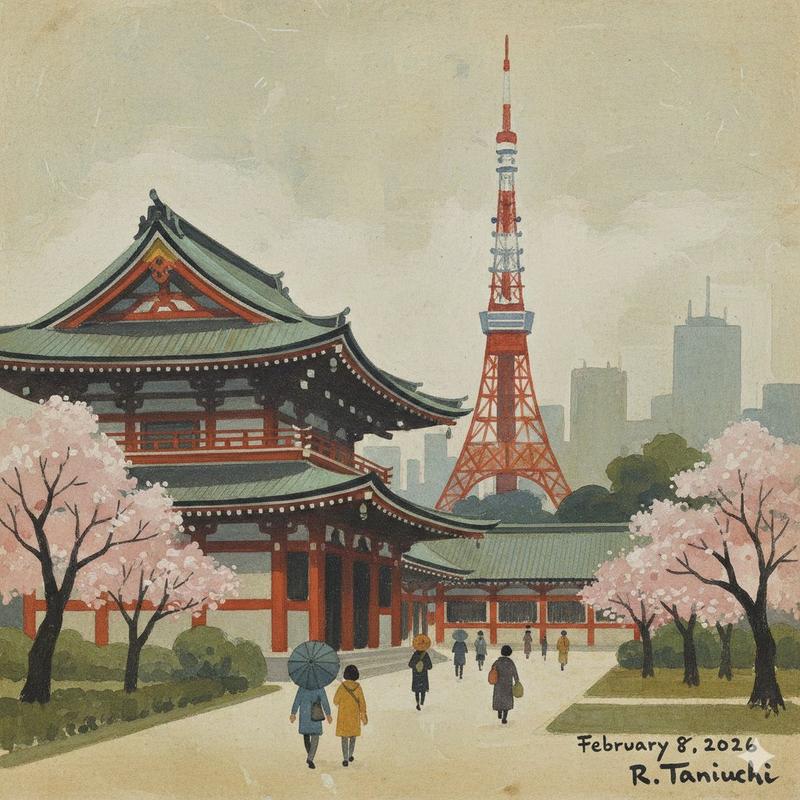
使用 Nano Banana Pro 从照片中移除物体
Prompt
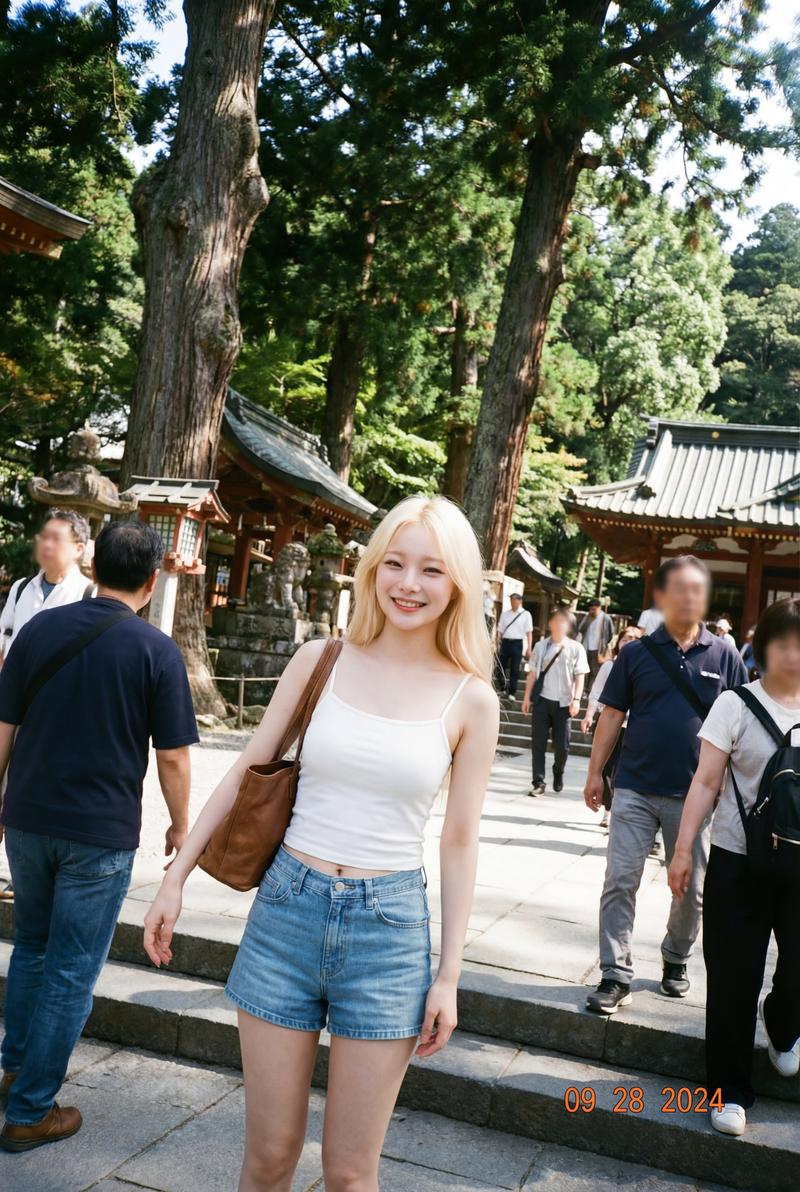
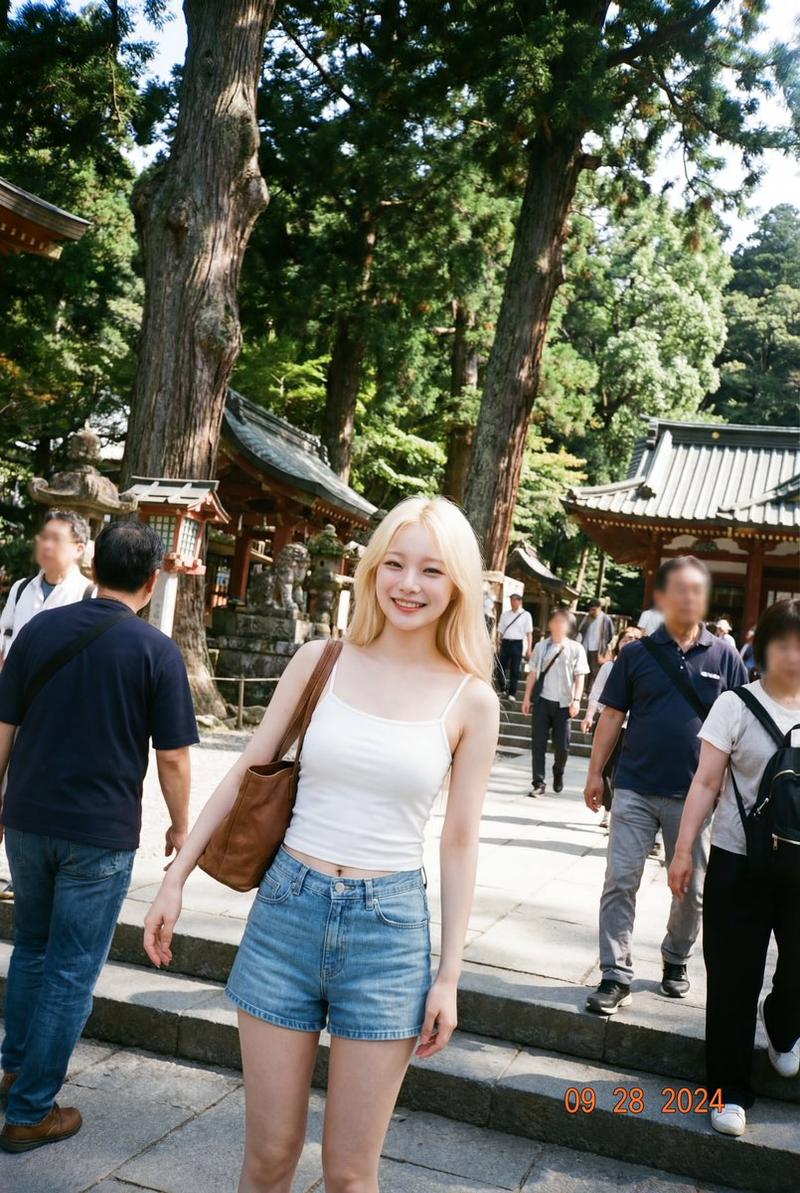
お正月に行った住吉大社の写真、「人を消して」と頼んだら、嘘みたいに消えた。
- Category
- 创意图片
- Model
- Nano Banana Pro
- Creator
- moor(右麻痺)
- Source ID
- 206f0e5d-3f24-40e7-9c54-2ddef7929e4c
- Published
- Mar 8, 2026
Views0
16
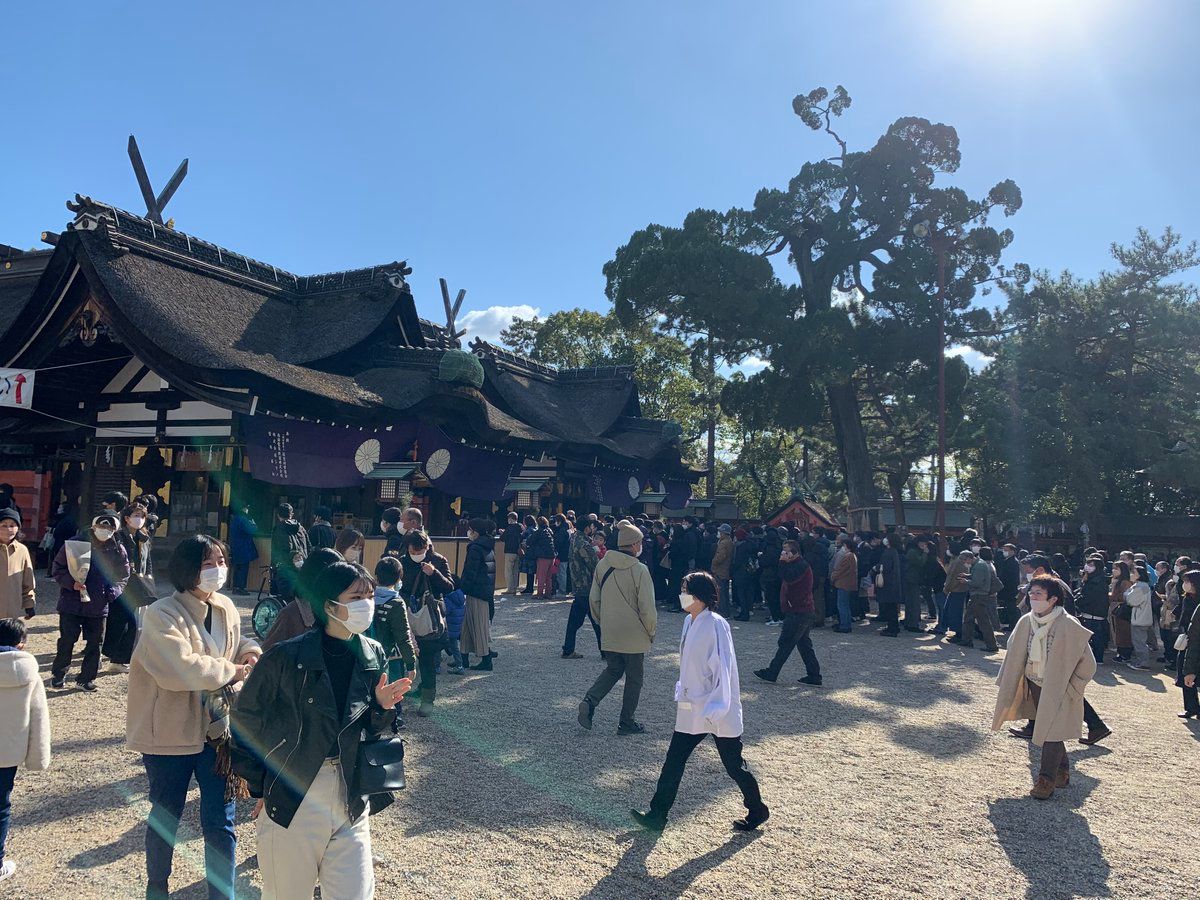
お正月に行った住吉大社の写真、「人を消して」と頼んだら、嘘みたいに消えた。
Guide
"使用 Nano Banana Pro 从照片中移除物体" AI image prompt for Nano Banana Pro (创意图片). 一位用户测试了 Nano Banana Pro 从照片中移除物体的能力,特别是要求它从住吉大社的照片中移除人物,并指出该功能的惊人效果。 --- 我让它把新年期间在住吉大…
The full copyable prompt and example visuals above are ready for AI image generation or one-click recreate in Picva.
Step 1
Review the example visuals, category, and full prompt text for "使用 Nano Banana Pro 从照片中移除物体".
Step 2
Copy the prompt body from this page, or load it directly in Studio.
Step 3
Prefer Nano Banana Pro. If you switch models, keep subject and composition and tweak style terms.
Step 4
Recreate the look in Picva, or export into your workflow for editing and publishing.