18

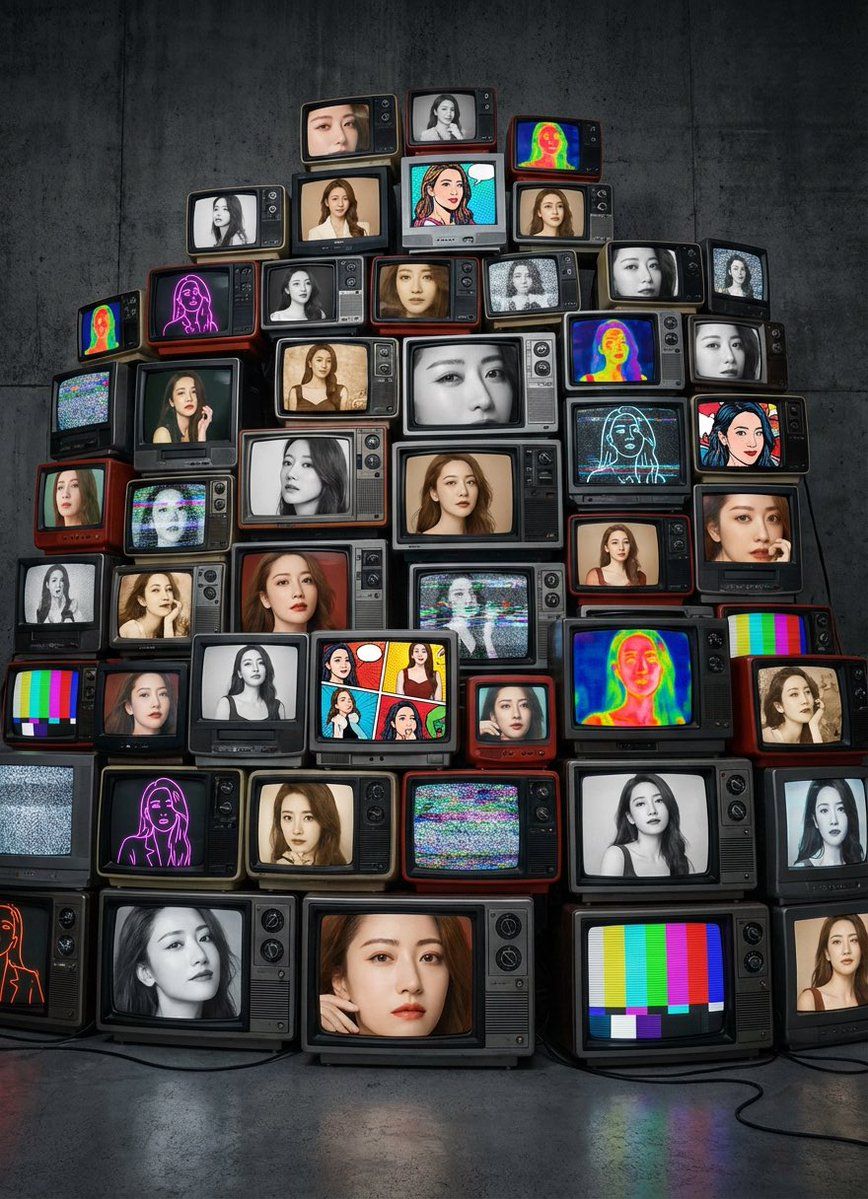
复古 CRT 电视墙上的女友肖像
Enlarge

复古 CRT 电视墙上的女友肖像

Prompt
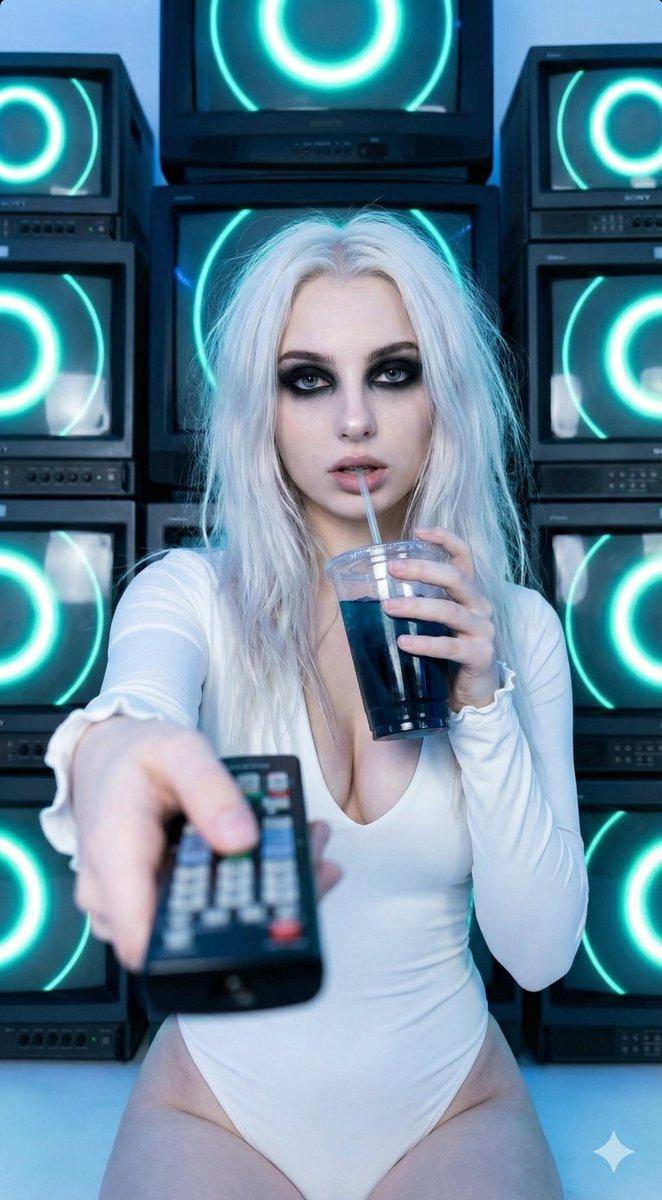
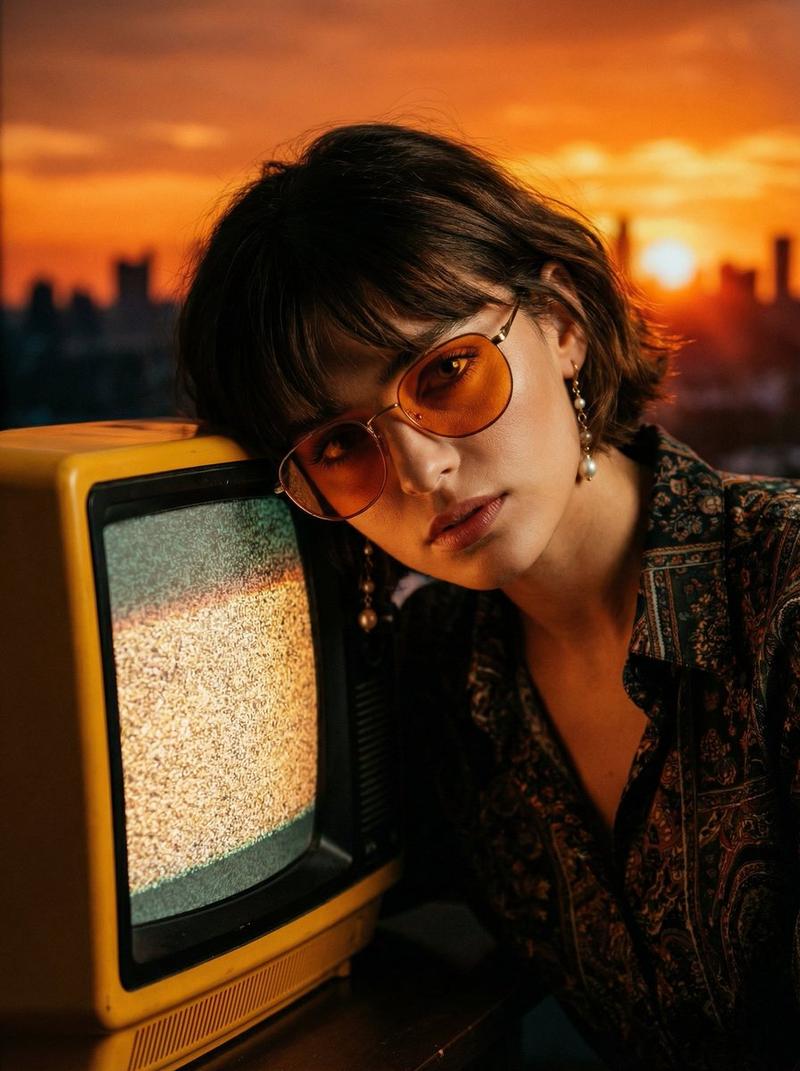
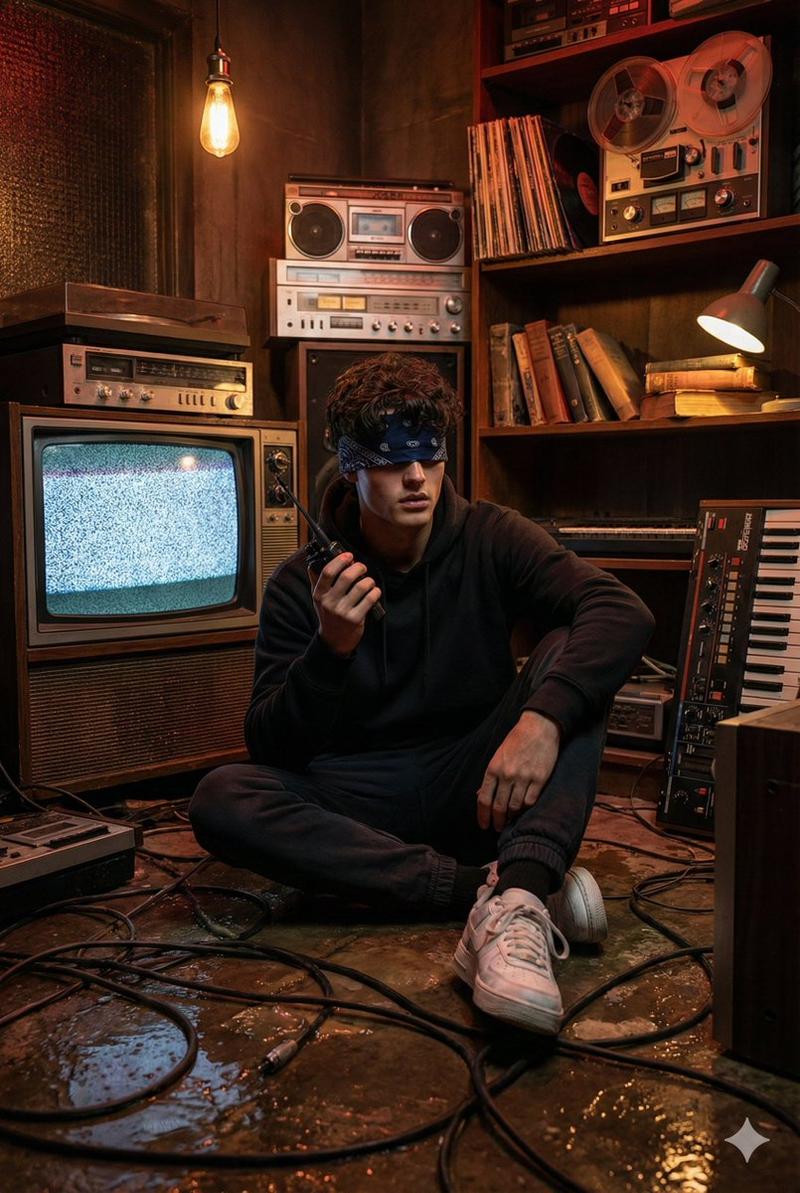
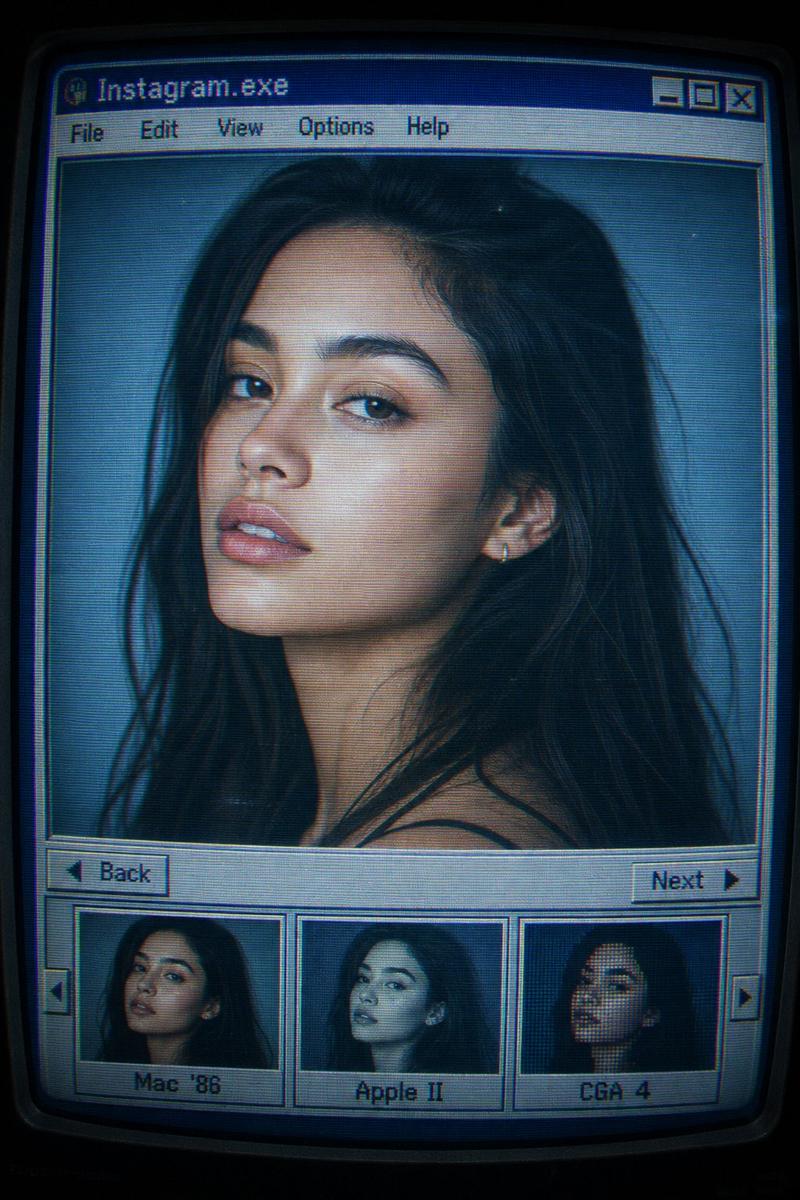
A wide, detailed photograph of a massive, irregularly stacked wall of vintage CRT televisions. The TVs are arranged in a chaotic, layered pile, with different sizes and quantities overlapping and creating depth. Each screen displays a portrait of the young woman from my upload image, rendered in a unique artistic style. There are screens with realistic color portraits, black and white photos, sepia tones, vibrant comic book art, neon line drawings, glitch art with static and distortion, thermal imaging, and rainbow scanline effects. The framing of her face varies, with close-ups, off-center compositions, and partial crops across the different screens. The dark, textured concrete wall and the glowing screens are lit by studio lighting.
Category
创意图片
Model
Nano Banana Pro
Creator
七表哥
Views0
Source ID
fdd8be64-e818-4c3a-991e-e47e2772b333
Published
Mar 8, 2026

Guide

About "复古 CRT 电视墙上的女友肖像"

What is this prompt for?

"复古 CRT 电视墙上的女友肖像" AI image prompt for Nano Banana Pro (创意图片). 为 Nano Banana Pro 生成提示:一张宽幅照片,画面中是一堵由大量复古 CRT 电视机混乱堆叠而成的墙。每台屏幕都显示一个上传主题(女友/女神)的肖像,并以独特的艺术风格呈现(例如…

The full copyable prompt and example visuals above are ready for AI image generation or one-click recreate in Picva.

How to use this prompt

  1. Step 1

    Open the prompt detail

    Review the example visuals, category, and full prompt text for "复古 CRT 电视墙上的女友肖像".

  2. Step 2

    Copy the prompt

    Copy the prompt body from this page, or load it directly in Studio.

  3. Step 3

    Pick a model (Nano Banana Pro)

    Prefer Nano Banana Pro. If you switch models, keep subject and composition and tweak style terms.

  4. Step 4

    Generate and export

    Recreate the look in Picva, or export into your workflow for editing and publishing.

FAQ

What is the "复古 CRT 电视墙上的女友肖像" prompt?
It is an AI image-generation prompt for Nano Banana Pro in the 创意图片 category. This page includes the full prompt text, example visuals, and a one-click recreate path in Picva.
How do I use this prompt to generate an image?
Copy the prompt from this page, or use Generate / Studio. Paste it into a compatible image model, or recreate the look in Picva with optional reference images.
Which model is this prompt for?
This page lists Nano Banana Pro. Most descriptive prompts also transfer to nearby image models such as GPT Image, Flux, or Midjourney with light style tweaks.
Can I use the result commercially?
You can usually copy the prompt for creation, but commercial use of the final image depends on the model terms, reference-image rights, and the generated content. Follow the source author and platform rules.