19

休闲工作室肖像,带身份保留提示
Enlarge

休闲工作室肖像,带身份保留提示

Prompt
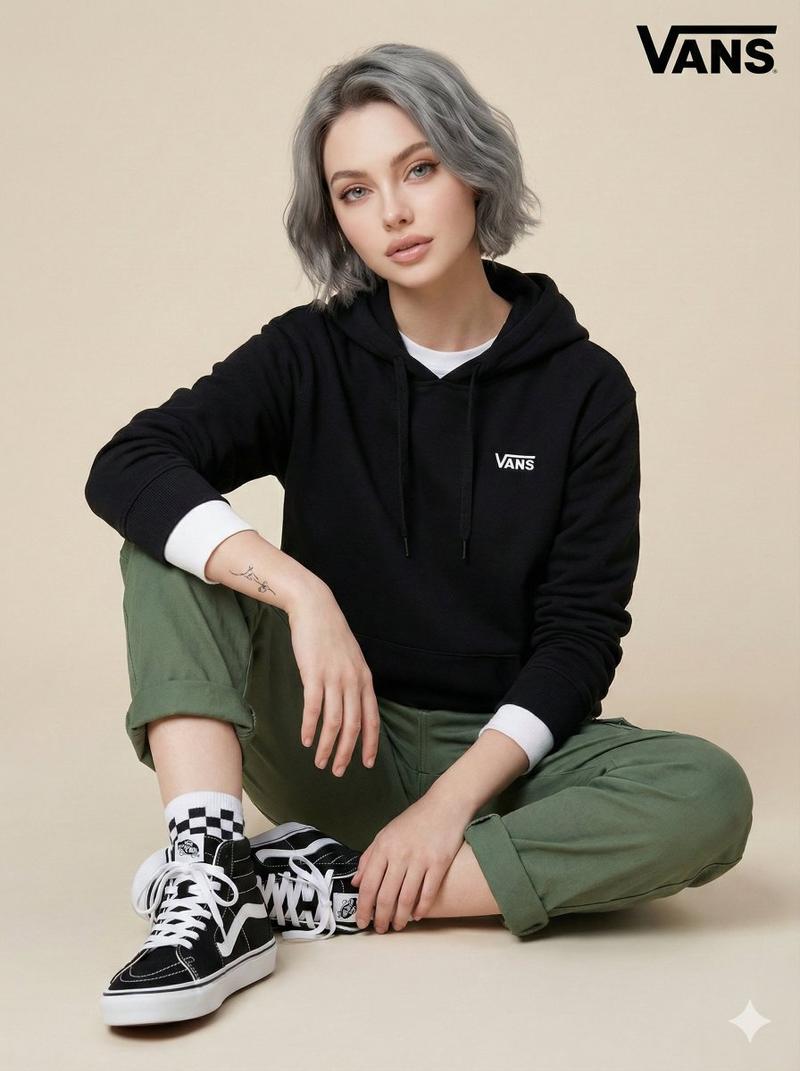
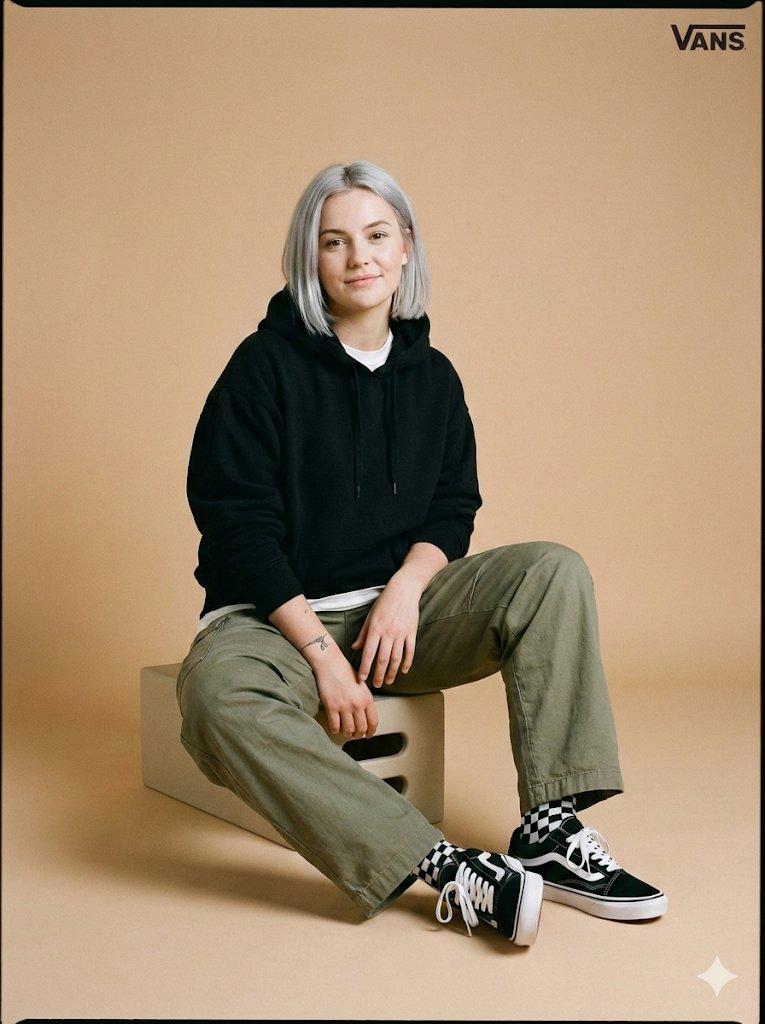
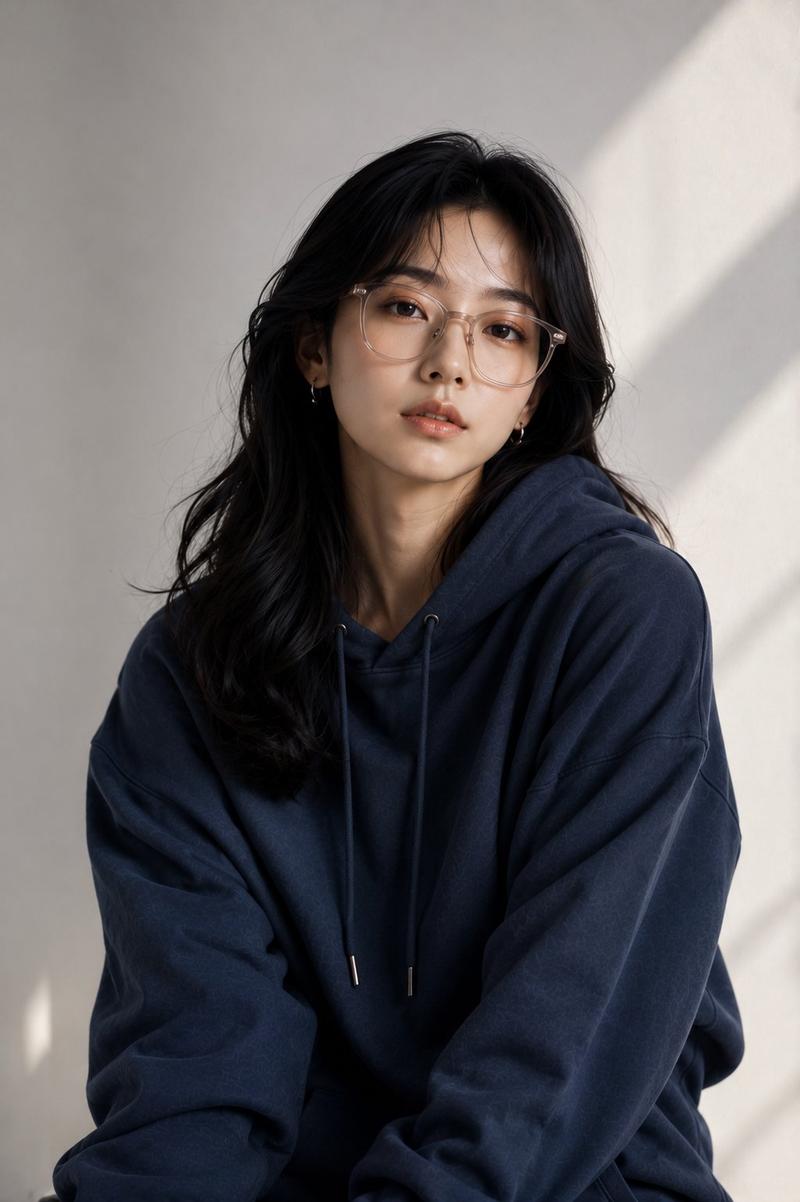
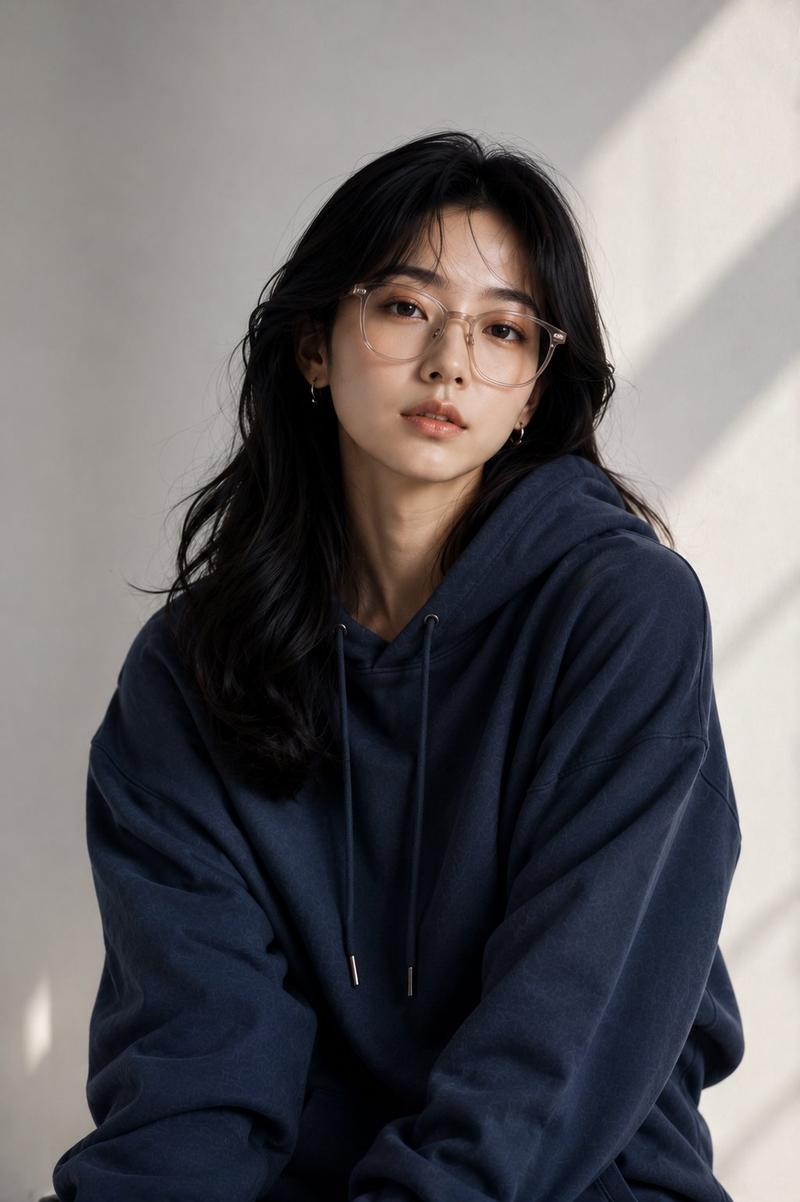
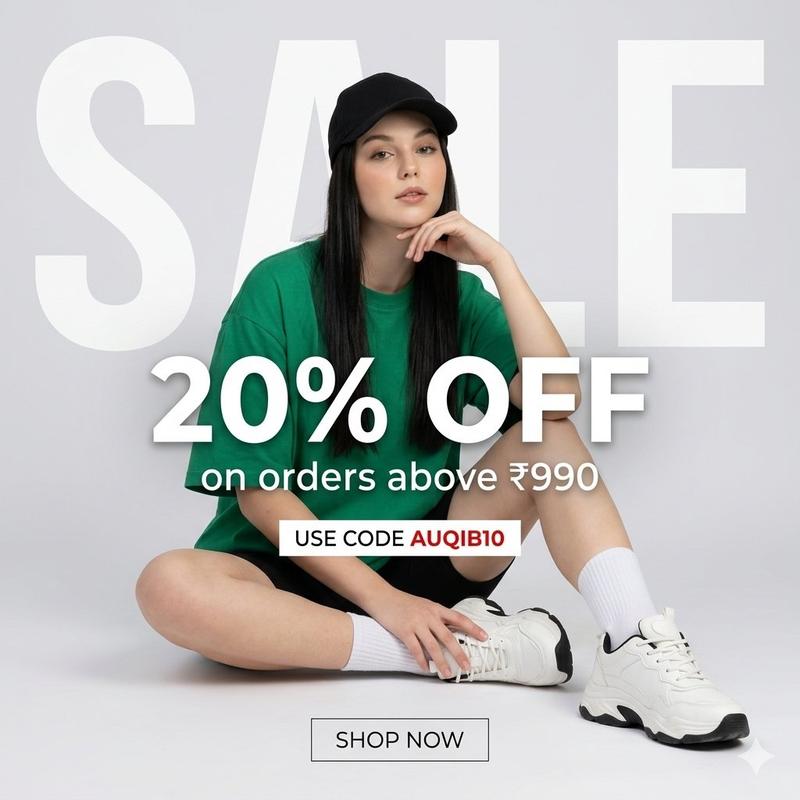
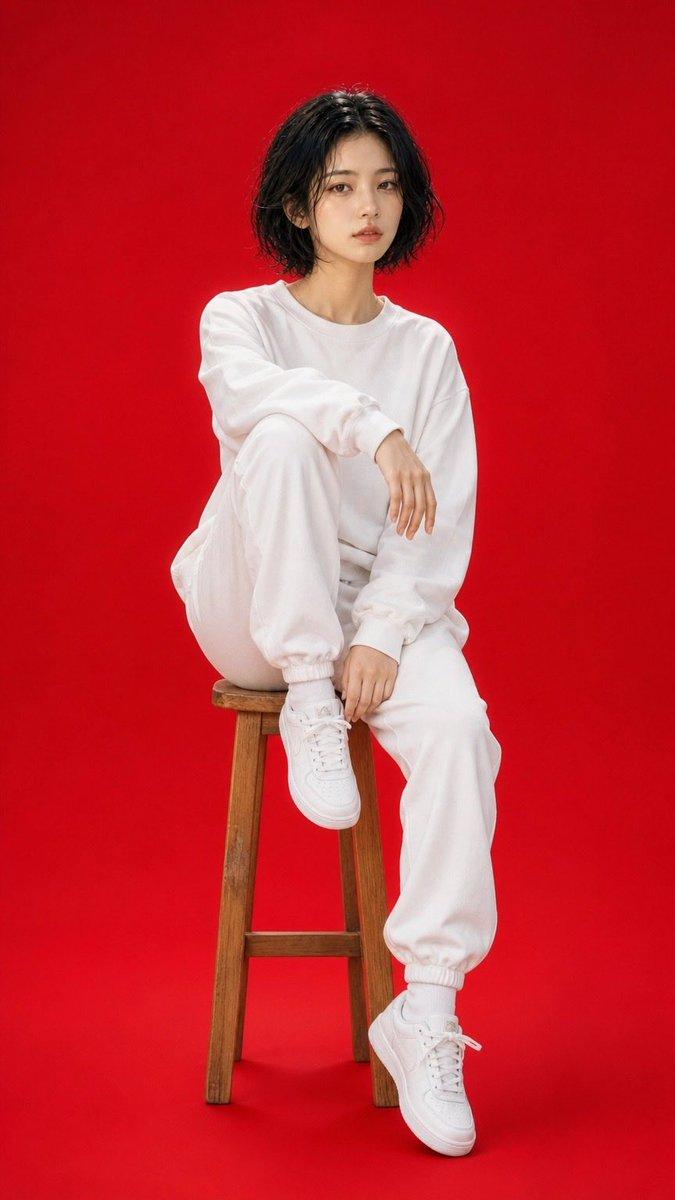
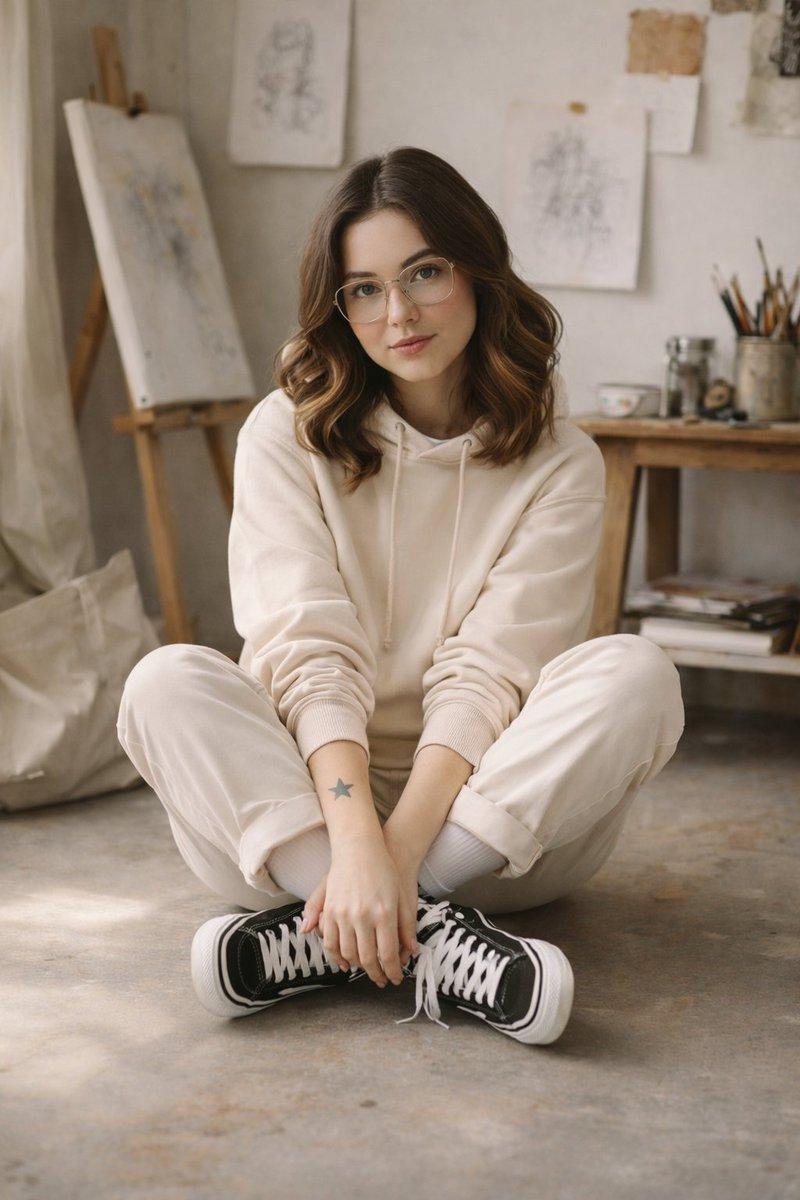
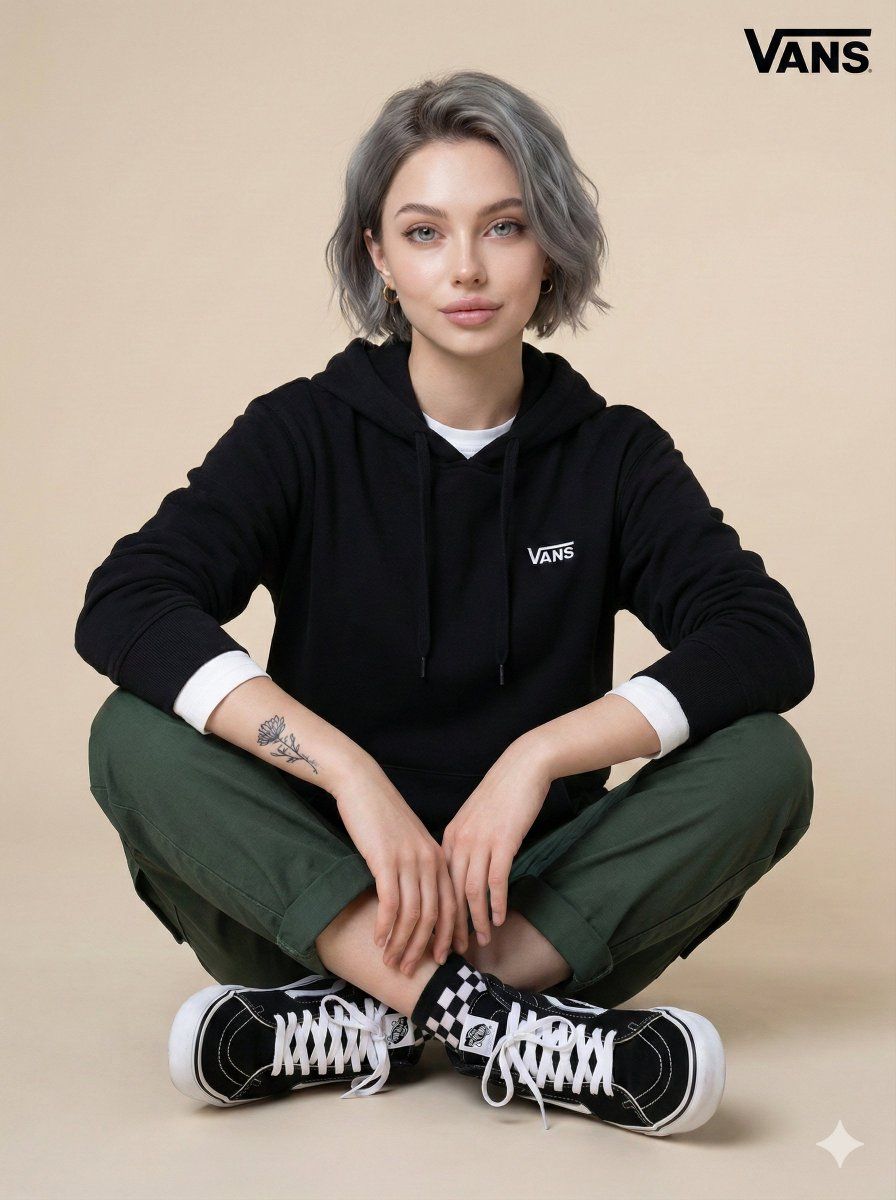
Generate a photo of a young woman in the uploaded image sitting cross-legged, centered in the frame, against a smooth light beige background, with short grey hair. The woman has a small tattoo on her left forearm. She’s wearing a black Vans hoodie layered over a white long-sleeve shirt, green cargo pants rolled at the ankles, and a pair of classic black-and-white high-top Vans sneakers. Checkered socks are also visible. Her expression is neutral with a slight hint of a smile. The lighting is soft and even, highlighting the textures of her clothes and skin, creating a casual, studio-like atmosphere. The Vans logo appears in the top-right corner. The composition uses a medium shot, capturing her full body and pose. The mood is relaxed and stylish, suggesting a lifestyle or advertising context. 3:4 aspect ratio.
Category
创意图片
Model
Nano Banana Pro
Creator
Heisenberg
Views0
Source ID
3c6415b3-c78f-4c60-b5e3-3e6a379972a2
Published
Mar 8, 2026

Guide

About "休闲工作室肖像,带身份保留提示"

What is this prompt for?

"休闲工作室肖像,带身份保留提示" AI image prompt for Nano Banana Pro (创意图片). 一个为 Nano Banana Pro 设计的详细图像生成提示,指示模型生成一张年轻女性的全身、盘腿肖像,她身穿特定的街头服饰(Vans 连帽衫、工装裤、Vans 高帮鞋),背景为浅米色,并要求…

The full copyable prompt and example visuals above are ready for AI image generation or one-click recreate in Picva.

How to use this prompt

  1. Step 1

    Open the prompt detail

    Review the example visuals, category, and full prompt text for "休闲工作室肖像,带身份保留提示".

  2. Step 2

    Copy the prompt

    Copy the prompt body from this page, or load it directly in Studio.

  3. Step 3

    Pick a model (Nano Banana Pro)

    Prefer Nano Banana Pro. If you switch models, keep subject and composition and tweak style terms.

  4. Step 4

    Generate and export

    Recreate the look in Picva, or export into your workflow for editing and publishing.

FAQ

What is the "休闲工作室肖像,带身份保留提示" prompt?
It is an AI image-generation prompt for Nano Banana Pro in the 创意图片 category. This page includes the full prompt text, example visuals, and a one-click recreate path in Picva.
How do I use this prompt to generate an image?
Copy the prompt from this page, or use Generate / Studio. Paste it into a compatible image model, or recreate the look in Picva with optional reference images.
Which model is this prompt for?
This page lists Nano Banana Pro. Most descriptive prompts also transfer to nearby image models such as GPT Image, Flux, or Midjourney with light style tweaks.
Can I use the result commercially?
You can usually copy the prompt for creation, but commercial use of the final image depends on the model terms, reference-image rights, and the generated content. Follow the source author and platform rules.