18

Nano Banana Pro 缩略图的高级两步提示策略
Enlarge

Nano Banana Pro 缩略图的高级两步提示策略

Prompt
これ、実はもう一段ズルい使い方あるんよな。

1回体系的にまとめさせる
→それを前提に成果物作らせる/論点深掘る
これやるだけで、アウトプットの質がマジで別物になる。

なんでかっていうと、最初にAIの頭の中に
「用語」「判断基準」「禁止事項」「型」「優先順位」みたいな設計図を作らせると、

次の指示がその設計図に沿って出力されるからブレにくい。

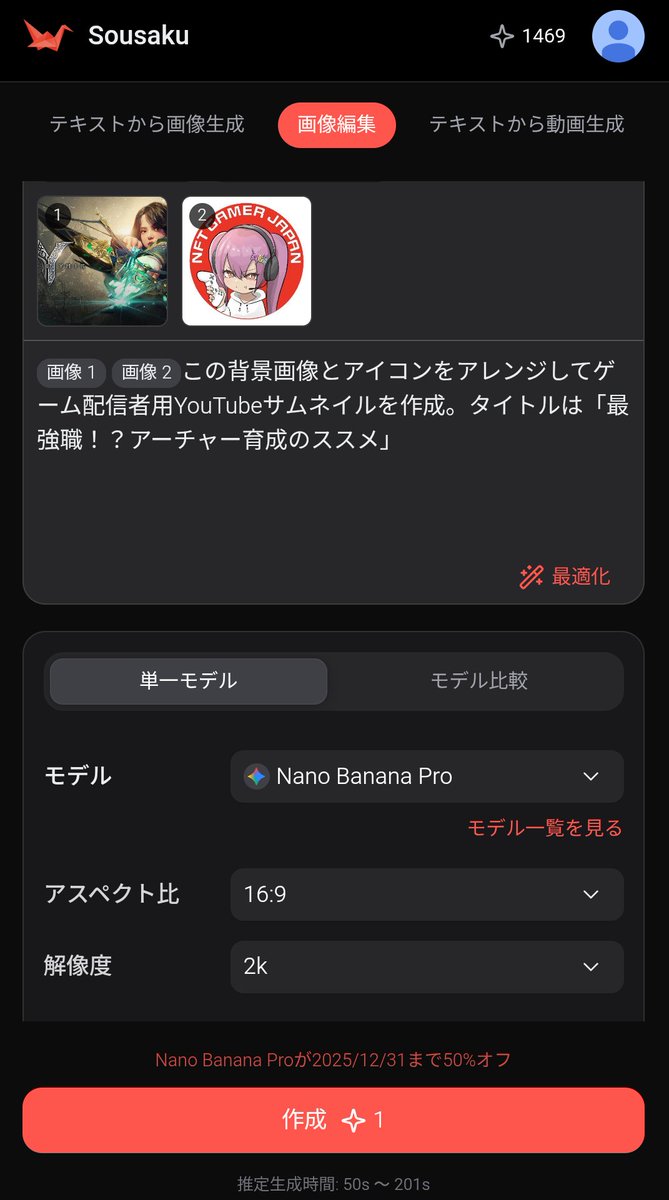
例えばNano Banana Proにサムネ作らせたい場合、

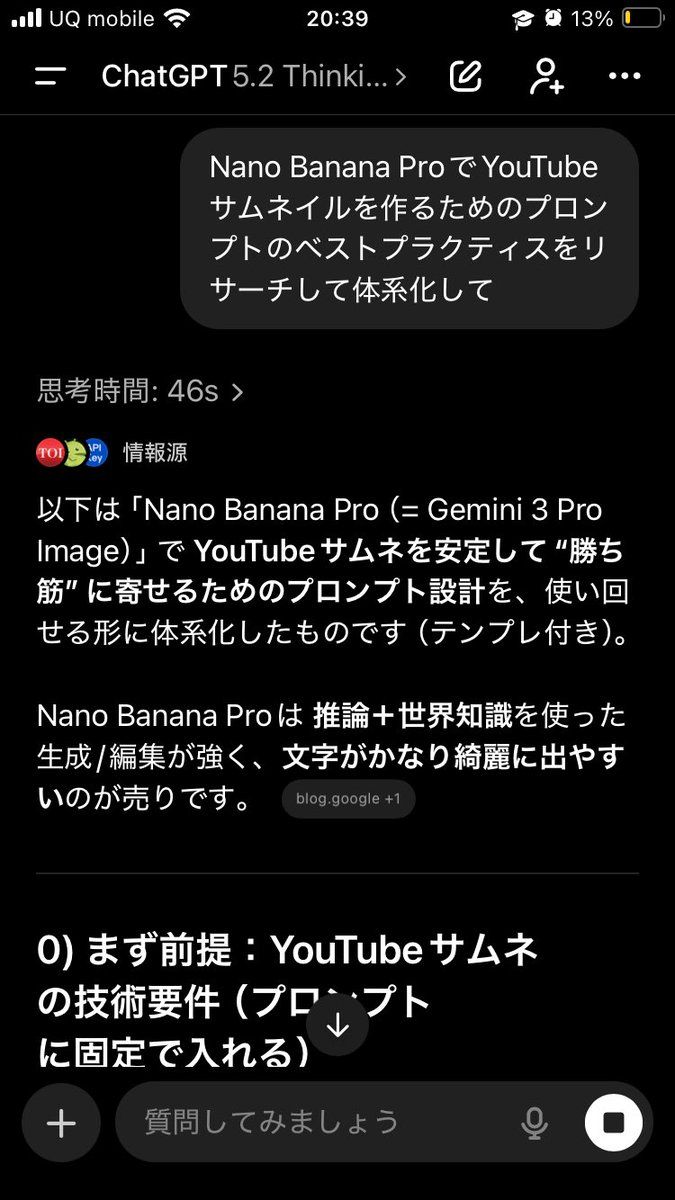
①まずGPT-5.2に
「Nano Banana Proてサムネイルを作成するためのプロンプトのベストプラクティスを徹底的にリサーチした上で体系化して。よくある失敗もセットで」
ってまとめさせる

②そのあとに
「今の体系を前提に、Nano Banana Proで{argument name="テーマ" default="◯◯"}ってテーマでYouTubeサムネを作るためのプロンプトを作って。動画の内容はこんな感じで、{argument name="文言" default="こういう文言"}を入れたい」
みたいに、自分の要件を盛り込んだ上でプロンプト作らせる

んで完成したプロンプトをNano Banana Proに入れる。狙い通りのアウトプットがめちゃくちゃ出しやすくなる。

毎回いきなり「作って」って頼むと、AIもその場のノリで出すから当たり外れ出るけど、
先に地図(体系)を作らせると強い。

しかもこの方法、
副業の戦略でも、営業文でも、動画台本でも全部効く。汎用性やばい。

AIに作業させる前に、良い成果物の作り方を整理させて、それに基づいて考えさせるのマジでおすすめ。

ちなみに今回できたサムネは3枚目。
1回目は微妙だったから魅力的なYouTubeサムネの作り方も体系化させた上でプロンプト作らせた。
Category
创意图片
Model
Nano Banana Pro
Creator
くろあ
Views2
Source ID
4f68eae2-1e0a-4b64-8db0-2567864c25e1
Published
Mar 8, 2026

Guide

About "Nano Banana Pro 缩略图的高级两步提示策略"

What is this prompt for?

"Nano Banana Pro 缩略图的高级两步提示策略" AI image prompt for Nano Banana Pro (创意图片). 这条推文概述了一种先进的两步提示策略,旨在显著提高 AI 输出的质量,特别是用于使用 Nano Banana Pro 生成 YouTube 缩略图。该策略首先要求一个强…

The full copyable prompt and example visuals above are ready for AI image generation or one-click recreate in Picva.

How to use this prompt

  1. Step 1

    Open the prompt detail

    Review the example visuals, category, and full prompt text for "Nano Banana Pro 缩略图的高级两步提示策略".

  2. Step 2

    Copy the prompt

    Copy the prompt body from this page, or load it directly in Studio.

  3. Step 3

    Pick a model (Nano Banana Pro)

    Prefer Nano Banana Pro. If you switch models, keep subject and composition and tweak style terms.

  4. Step 4

    Generate and export

    Recreate the look in Picva, or export into your workflow for editing and publishing.

FAQ

What is the "Nano Banana Pro 缩略图的高级两步提示策略" prompt?
It is an AI image-generation prompt for Nano Banana Pro in the 创意图片 category. This page includes the full prompt text, example visuals, and a one-click recreate path in Picva.
How do I use this prompt to generate an image?
Copy the prompt from this page, or use Generate / Studio. Paste it into a compatible image model, or recreate the look in Picva with optional reference images.
Which model is this prompt for?
This page lists Nano Banana Pro. Most descriptive prompts also transfer to nearby image models such as GPT Image, Flux, or Midjourney with light style tweaks.
Can I use the result commercially?
You can usually copy the prompt for creation, but commercial use of the final image depends on the model terms, reference-image rights, and the generated content. Follow the source author and platform rules.