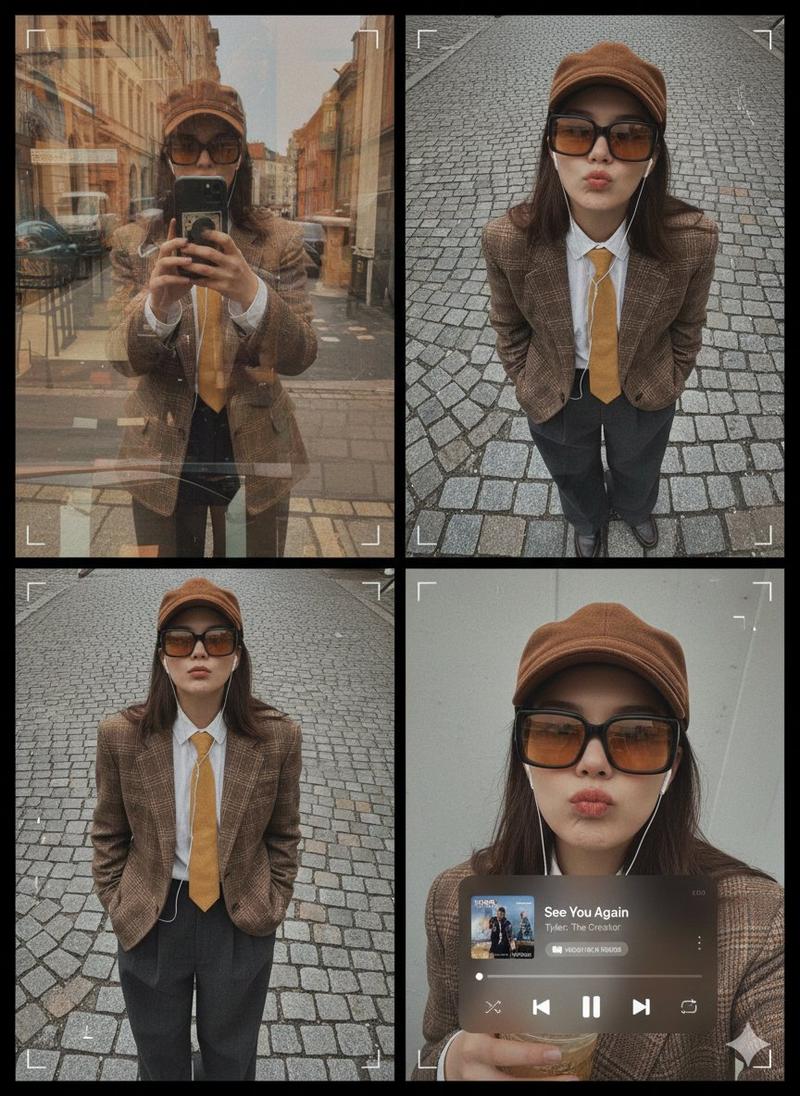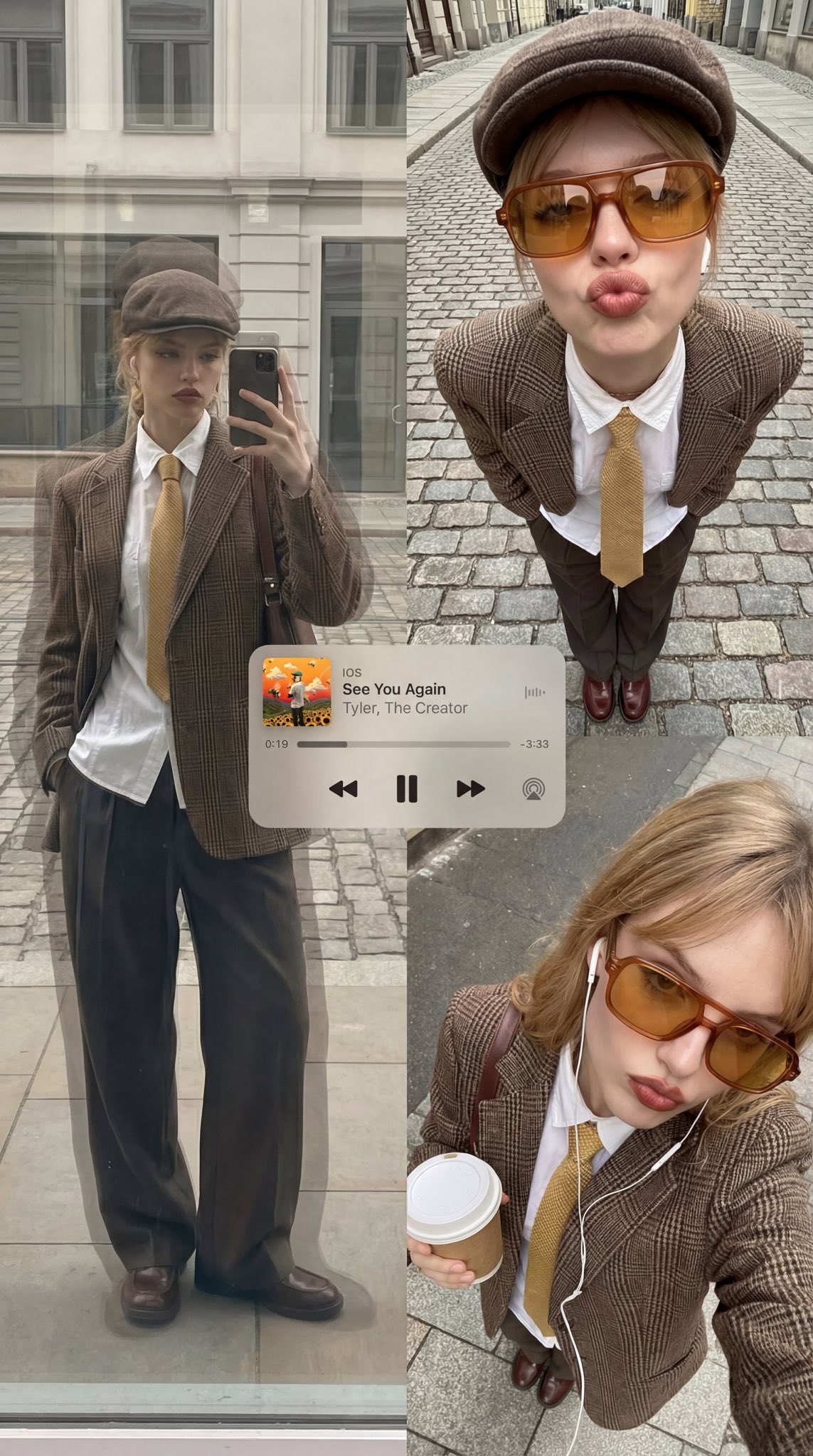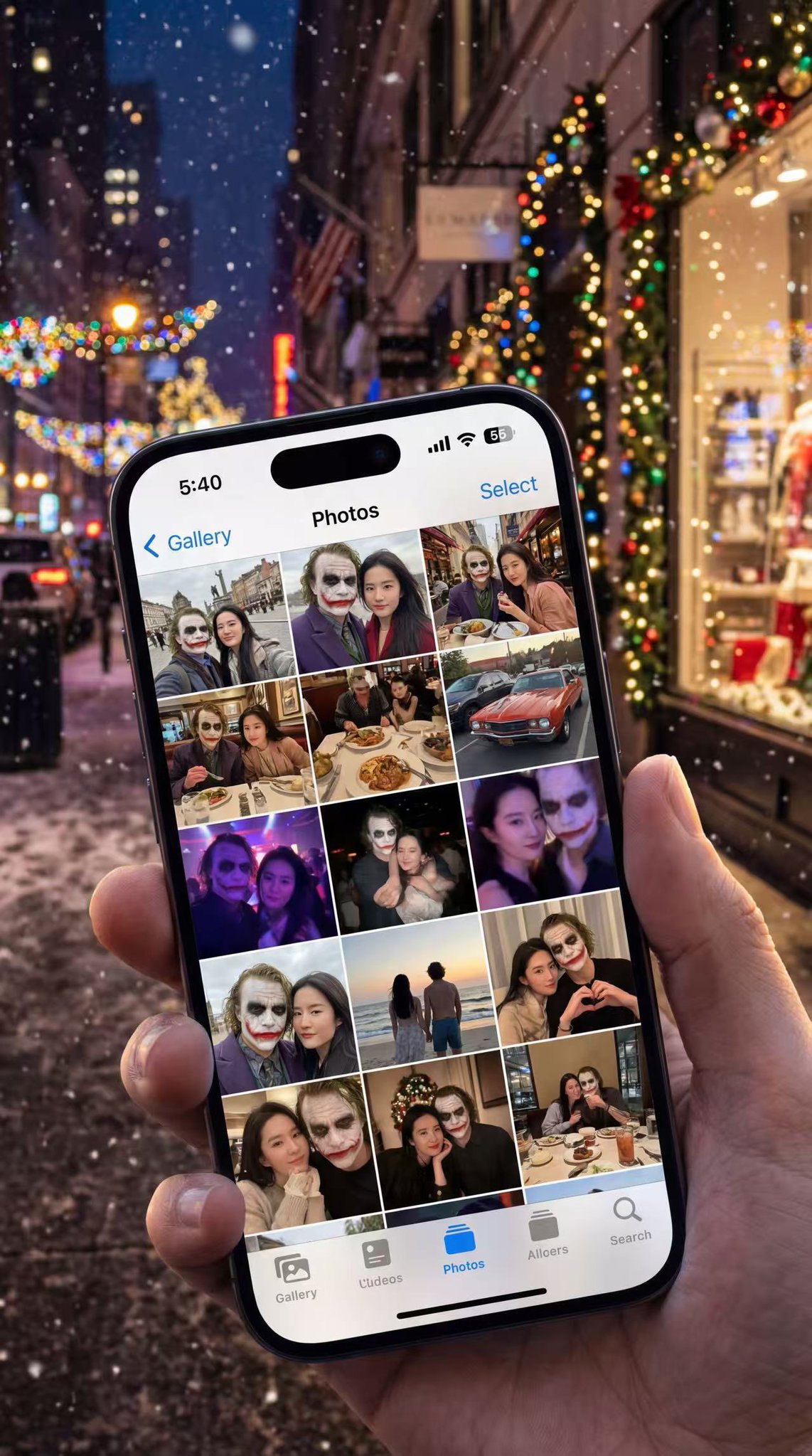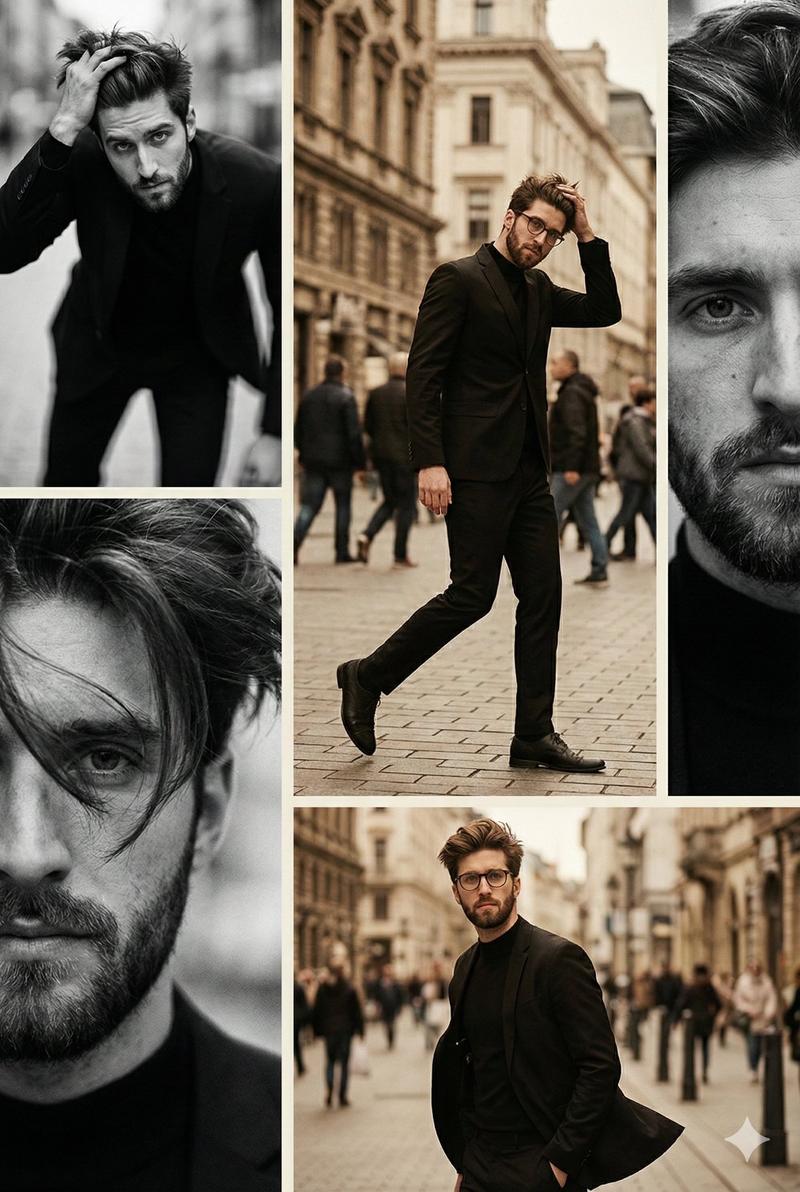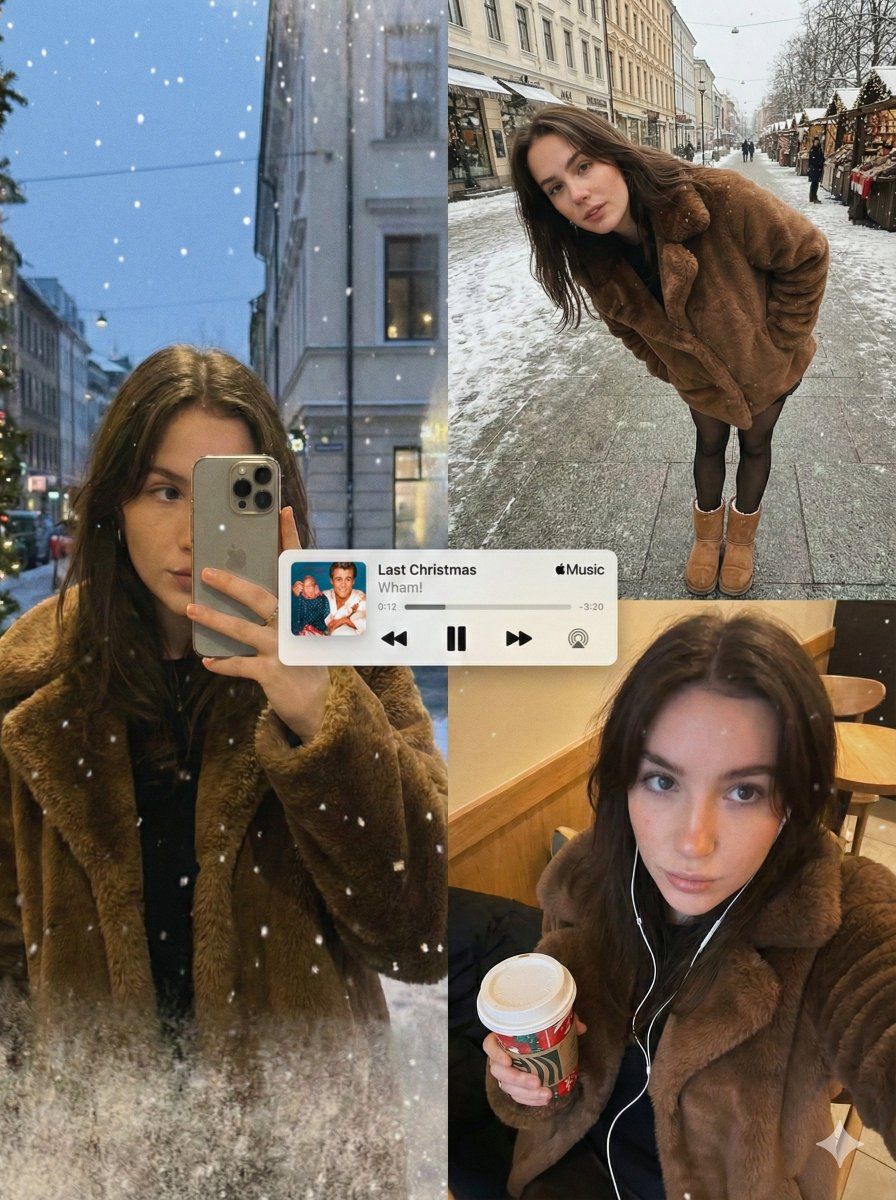
编辑精选:冬季拼贴画与面部保留
Prompt
{
  "image_generation_request": {
    "meta_protocols": {
      "reference_adherence": {
        "instruction": "Use the provided photo as a strict face reference.",
        "tolerance": "Zero deviation",
        "parameters": "Preserve facial proportions, skin texture, expression, and identity with 100% accuracy.",
        "stylization_constraint": "Do not stylize or alter facial features."
      },
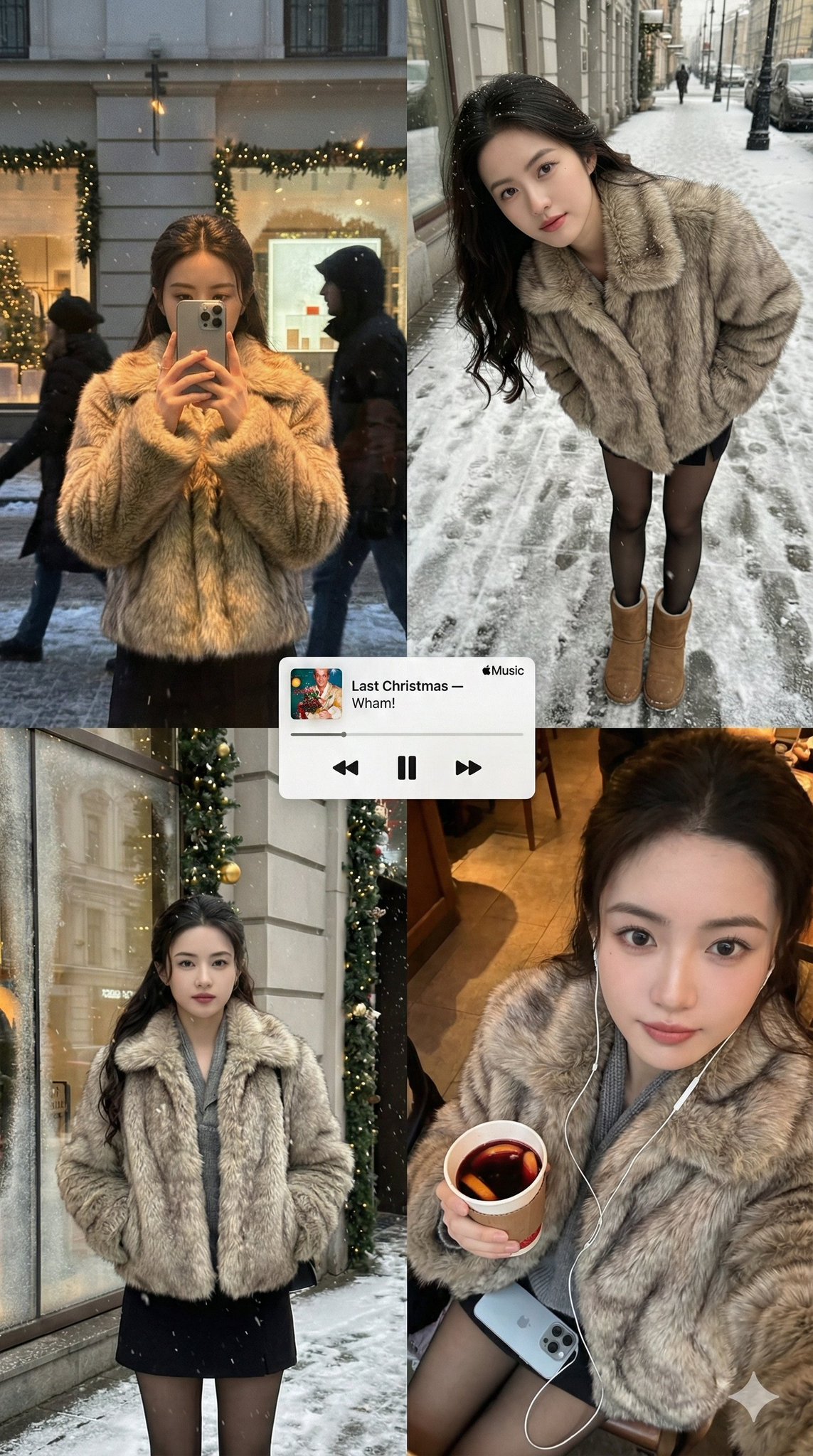
      "format_style": "Editorial winter poster–style multi-panel collage",
      "aesthetic_quality": "Spontaneous iPhone photography (candid, cozy, realistic)",
      "global_textures": "Soft snowfall, subtle analog grain, slight handheld imperfections"
    },
    "consistent_elements": {
      "subject_wardrobe": {
        "coat": "Short faux-fur coat",
        "legwear": "Black tights",
        "footwear": "Classic UGG boots",
        "style_notes": "Simple, cozy, unmistakably winter"
      },
      "primary_device": {
        "model": "iPhone 17 Pro Max",
        "color": "Silver",
        "usage": "Held by subject in relevant frames"
      },
      "color_palette": [
        "Warm ambers",
        "Soft reds",
        "Pine greens",
        "Muted winter greys"
      ]
    },
    "layout_configuration": {
      "panel_1_top_left": {
        "scene_type": "Reflective shop-window shot at dusk",
        "lighting_and_atmosphere": "Faint Christmas lights, garlands, frosted glass edges, warm highlights on fur",
        "subject_action": "Holding phone partially covering face",
        "optical_effects": "Passing silhouettes, layered reflections, gentle ghosting, natural glass curvature distortion"
      },
      "panel_2_top_right": {
        "scene_type": "Ultra-wide street portrait (snowy sidewalk/Christmas market)",
        "camera_angle": "Close, downward-angled",
        "subject_pose": "Leaning forward casually, hands in coat pockets",
        "visibility_check": "Black tights and UGG boots clearly visible",
        "motion_dynamics": "Falling snow with slight motion blur",
        "lens_characteristics": "Subtle perspective warping to reinforce handheld unstaged feel"
      },
      "panel_3_bottom_right": {
        "scene_type": "Intimate overhead selfie",
        "lighting": "Warm street or café lighting",
        "props": {
          "held_item": "Takeaway holiday drink ({argument name="drink type" default="coffee or mulled wine"})",
          "accessories": "Wired earphones visible"
        },
        "texture_focus": "Sharply detailed fur texture and winter fabrics",
        "mood": "Nostalgic holiday atmosphere enhanced by soft grain"
      }
    },
    "graphic_overlay": {
      "element": "Minimal Apple Music–style mini player",
      "content": "Popular Christmas song (e.g., '{argument name="song title" default="Last Christmas or All I Want for Christmas Is You"}')",
      "style": "Rendered flat and clean, no shadows",
      "position": "Floating across the center of the collage"
    }
  }
}- Category
- 创意图片
- Model
- Nano Banana Pro
- Creator
- AITrustSphere
- Source ID
- fb81b605-2f7e-4d2c-8d29-cf674e65d799
- Published
- Mar 8, 2026
Views0