16

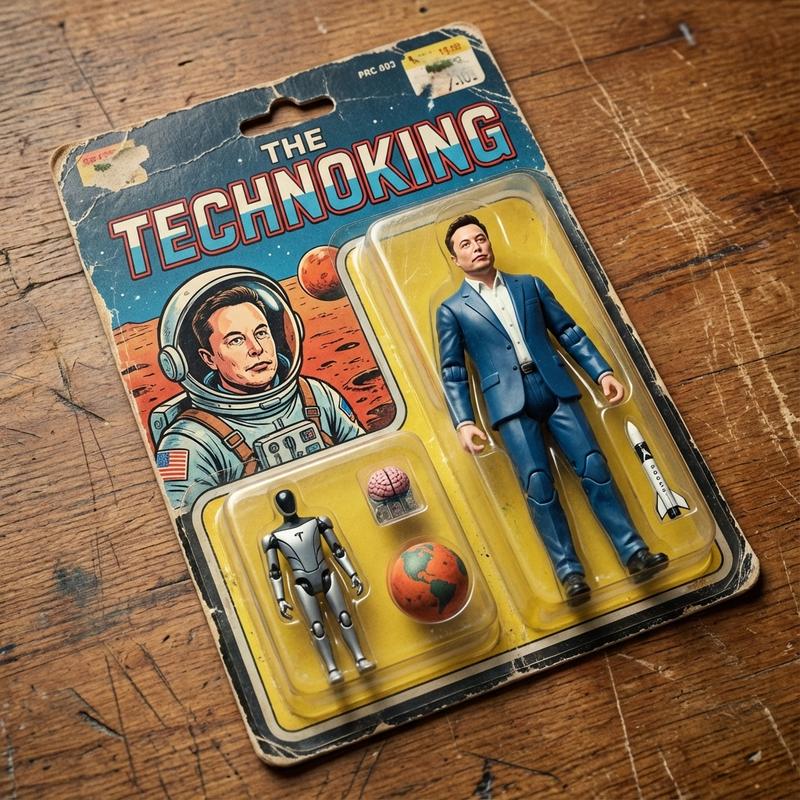
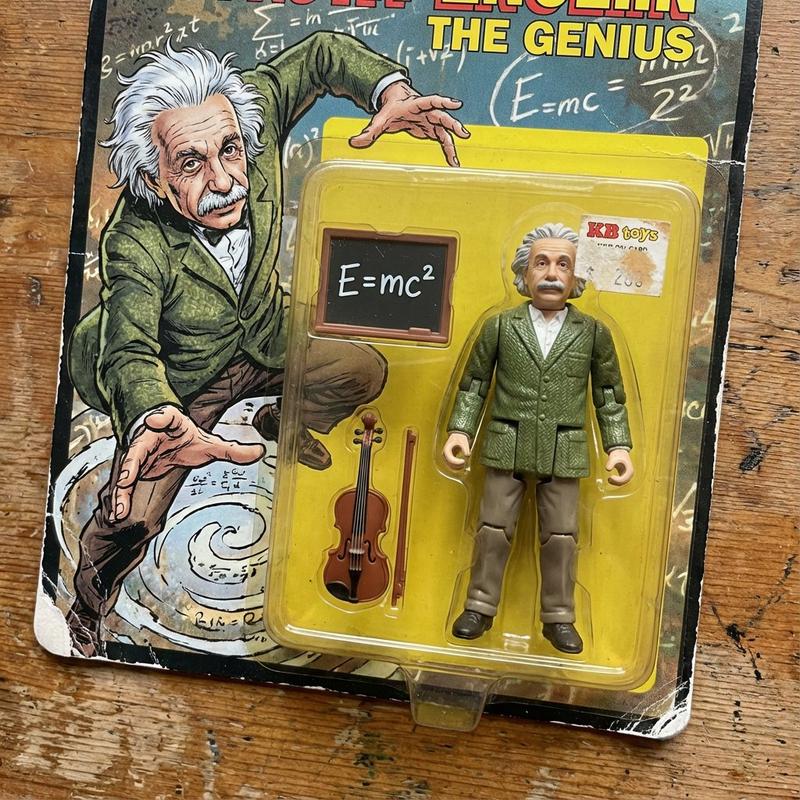
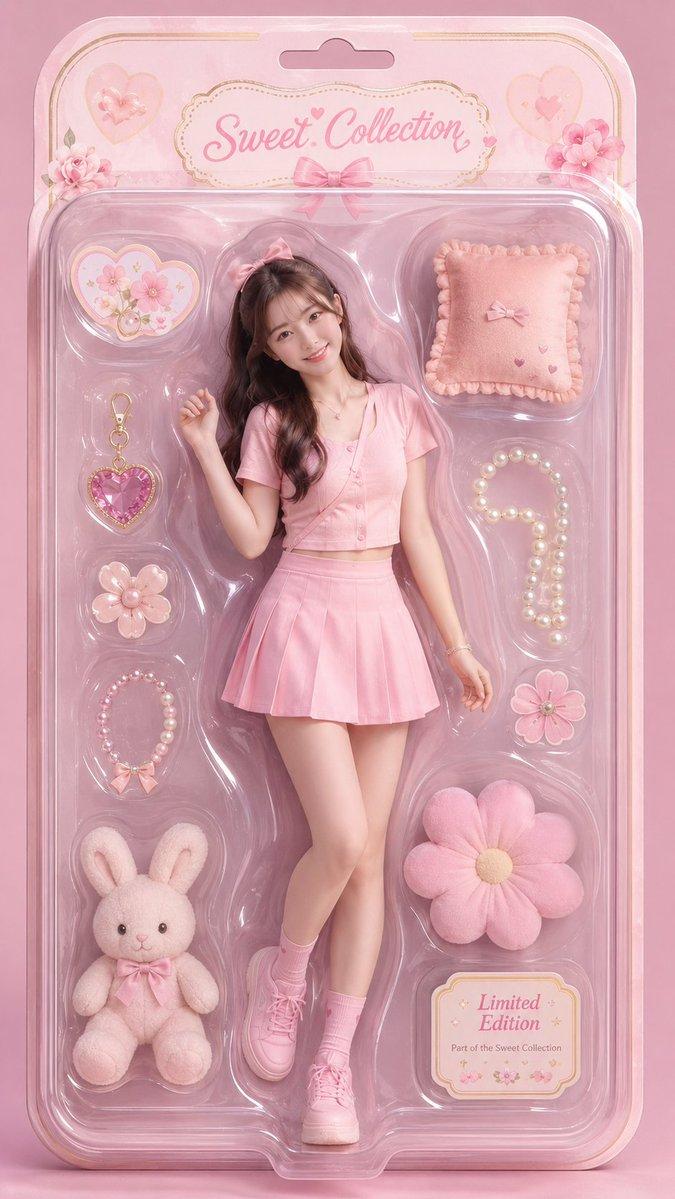
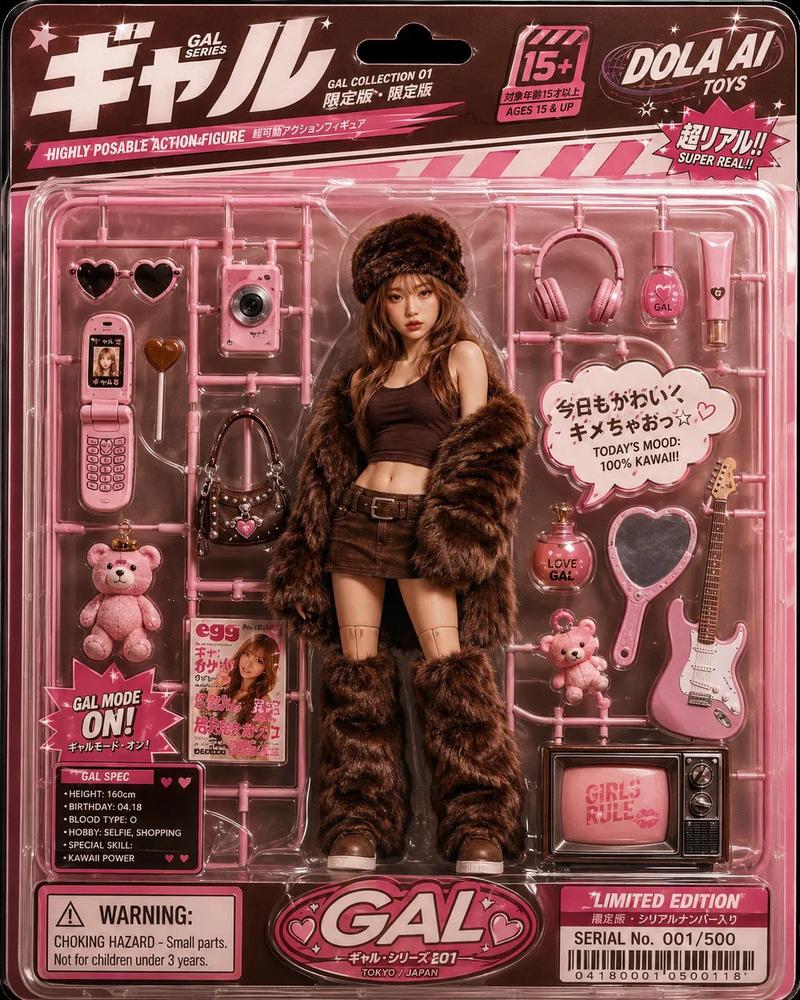
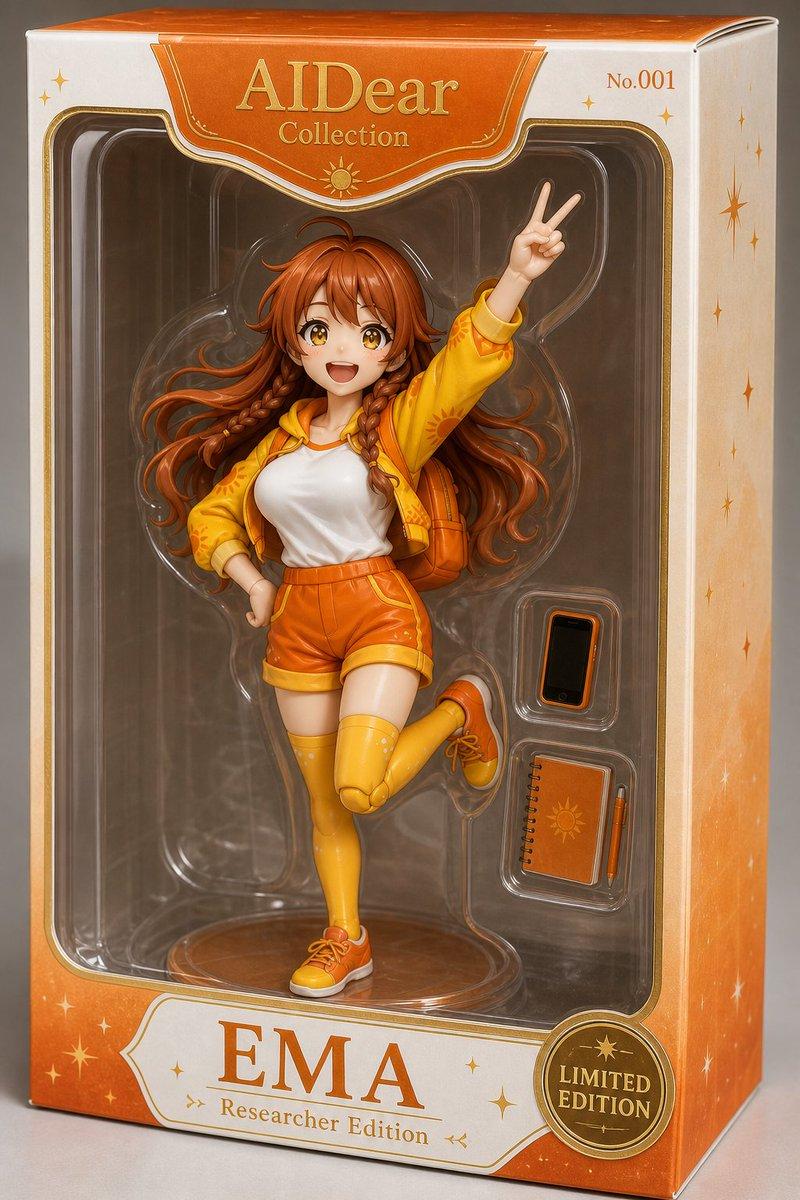
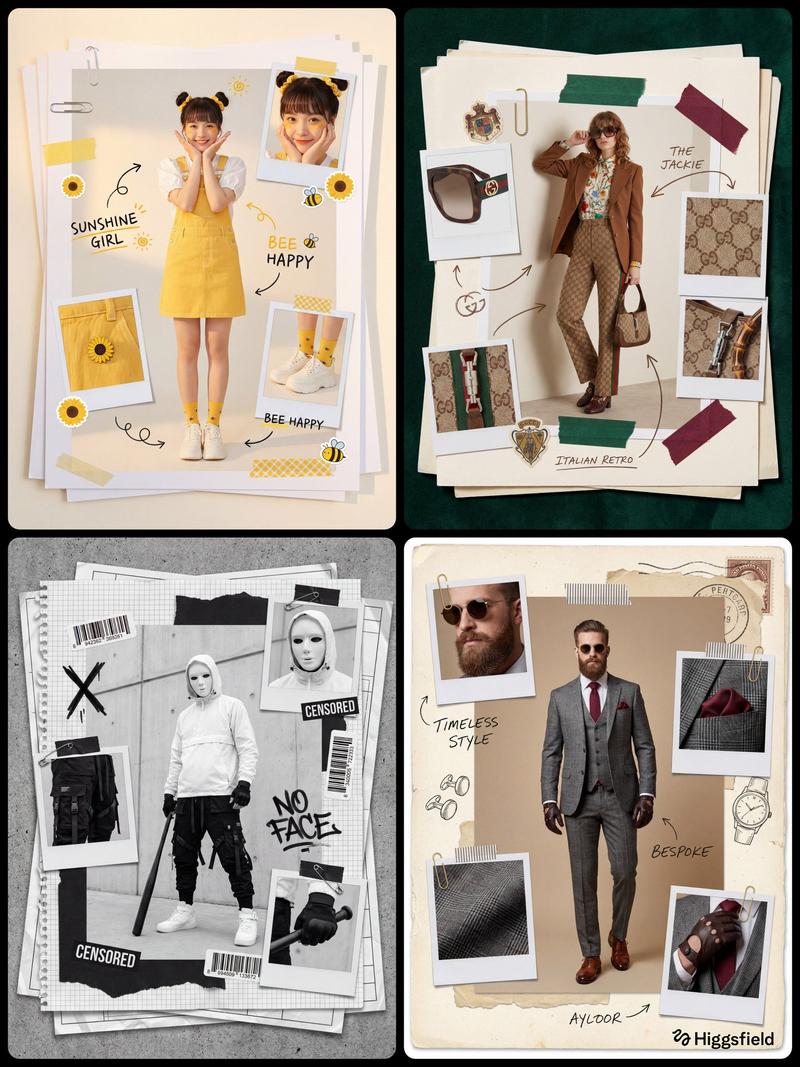
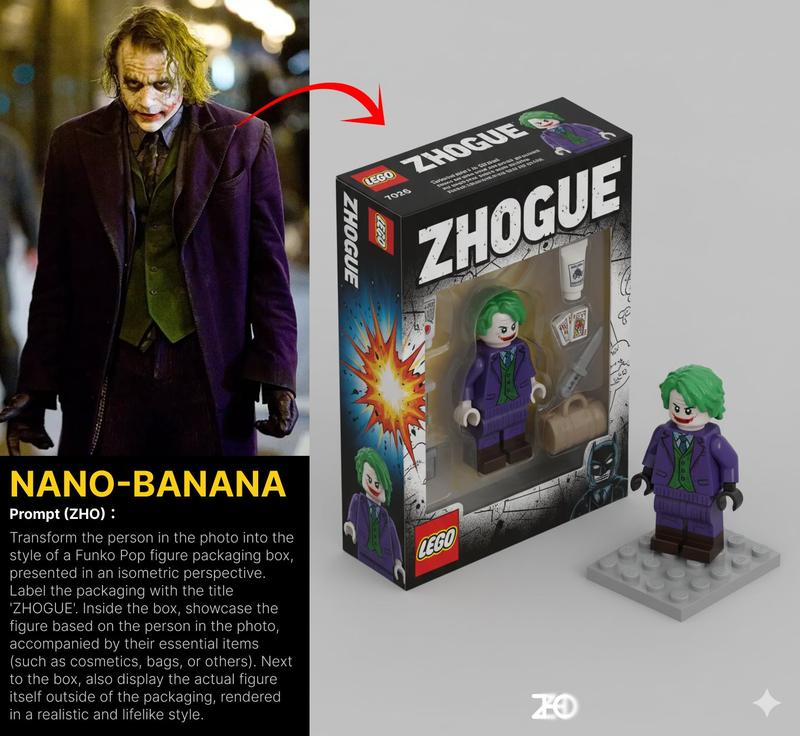
复古可动人偶包装生成器
Enlarge

复古可动人偶包装生成器

Prompt
<instructions>

1. Convert the subject's skin and clothing into semi-gloss ABS plastic textures. Visible joints at elbows and knees.
2. Analyze the subject's profession or hobby (or infer it). Generate 4 distinct "accessories" included in the bubble (e.g., a tiny plastic laptop, a sword, a coffee mug).
3. Determine if the vibe is 80s (Neon/He-Man), 90s (Grungy/Spawn), or 70s (Kenner/Star Wars), 2000 (appropriate style) or 2025 (appropriate style).

Phase 2: The Packaging Design
1. Cardback Art:The cardboard backing features a dynamic 2D illustration of the subject in an action pose behind the plastic bubble.
2. Wear & Tear: The card corners must be slightly frayed/white. The plastic bubble should have minor scratches or yellowing to simulate age.
3. Typography: Bold, explosive comic book fonts. Title: "THE [Subject's Defining Trait]".

Phase 3: The Shot
A slightly high-angle studio shot of the unpromoted toy resting on a wooden table or carpet, as if just found at a garage sale.
</instruction>

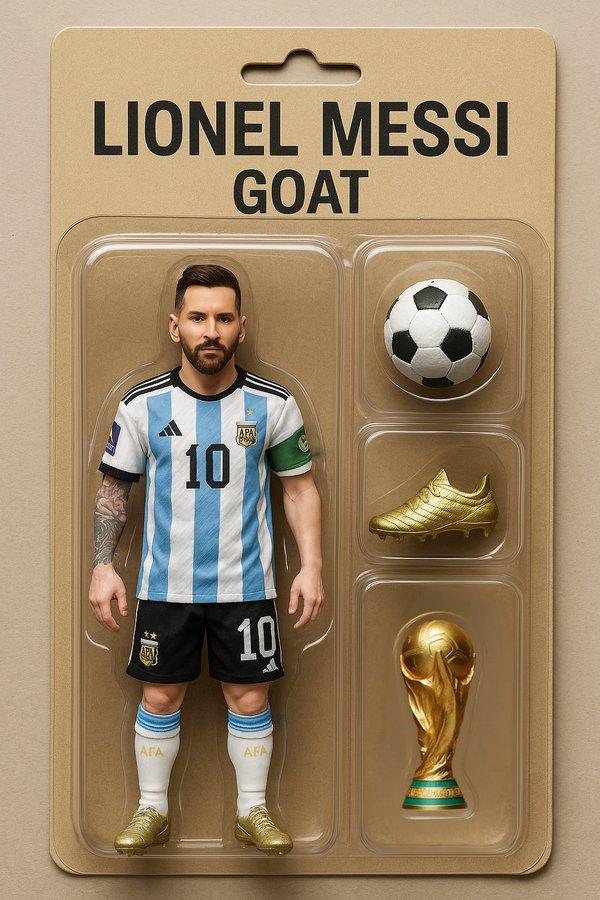
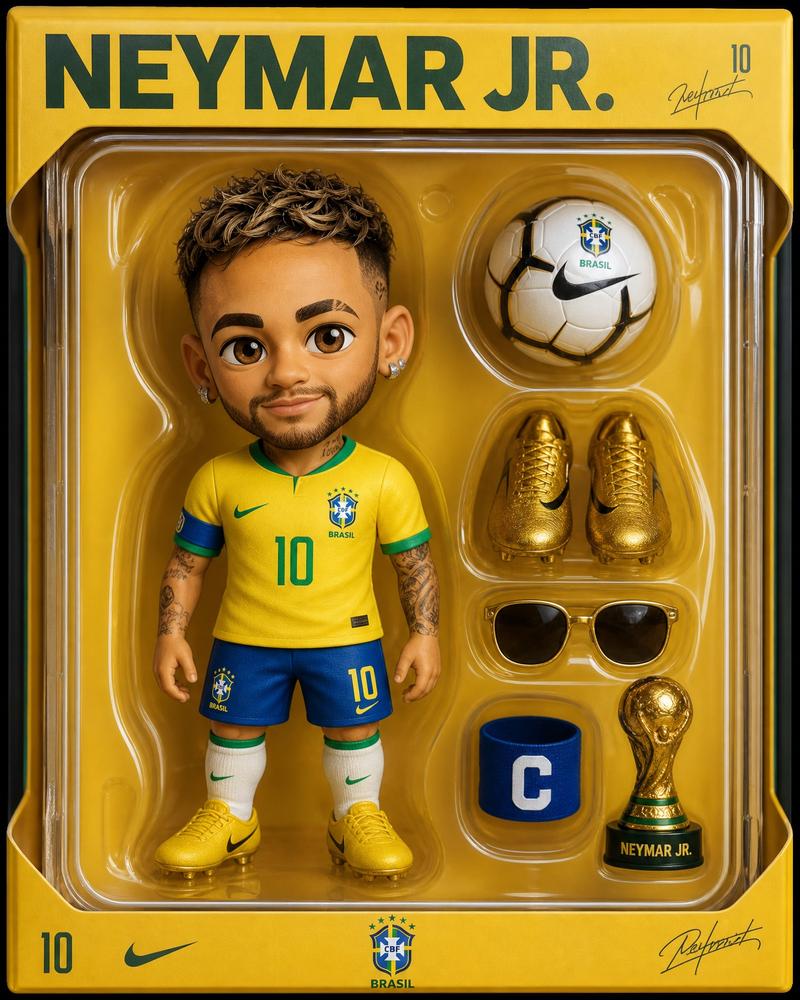
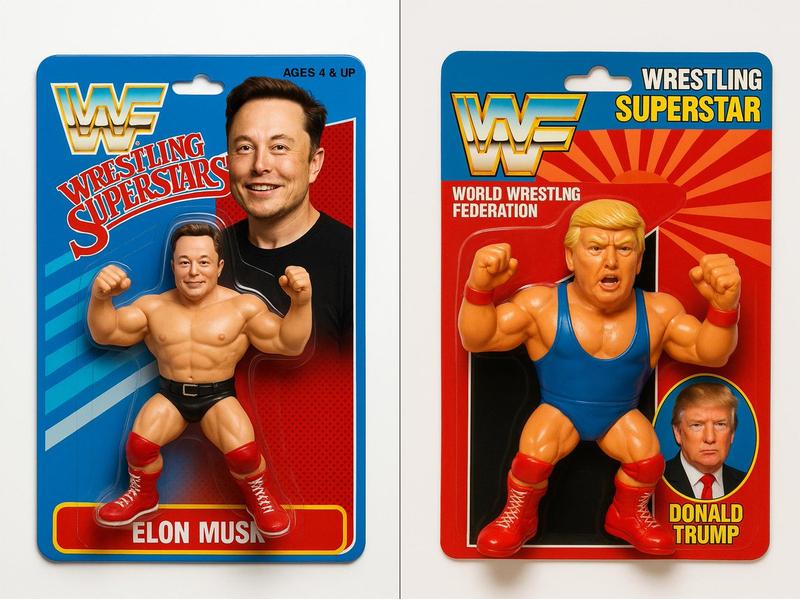
A photorealistic macro shot of a vintage action figure mint-on-card. The figure inside the yellowed plastic blister pack is the input subject turned into a plastic toy with visible articulation joints. The cardboard backing features retro character art. Worn edges, price tag sticker residue. 2025 toy aesthetic
Category
创意图片
Model
Nano Banana Pro
Creator
Gadgetify
Views0
Source ID
068c4c83-29f9-44cc-9ff6-02c2ad1dd486
Published
Mar 8, 2026

Guide

About "复古可动人偶包装生成器"

What is this prompt for?

"复古可动人偶包装生成器" AI image prompt for Nano Banana Pro (创意图片). 一个多阶段提示,旨在将一个主题转化为一个复古动作人偶,并配有包装。它指定将主题转换为半光泽 ABS 塑料,带有可见关节,根据其特征推断配件,设计一个带有复古艺术和字体的磨损卡背,并将最终图像构图为在旧货…

The full copyable prompt and example visuals above are ready for AI image generation or one-click recreate in Picva.

How to use this prompt

  1. Step 1

    Open the prompt detail

    Review the example visuals, category, and full prompt text for "复古可动人偶包装生成器".

  2. Step 2

    Copy the prompt

    Copy the prompt body from this page, or load it directly in Studio.

  3. Step 3

    Pick a model (Nano Banana Pro)

    Prefer Nano Banana Pro. If you switch models, keep subject and composition and tweak style terms.

  4. Step 4

    Generate and export

    Recreate the look in Picva, or export into your workflow for editing and publishing.

FAQ

What is the "复古可动人偶包装生成器" prompt?
It is an AI image-generation prompt for Nano Banana Pro in the 创意图片 category. This page includes the full prompt text, example visuals, and a one-click recreate path in Picva.
How do I use this prompt to generate an image?
Copy the prompt from this page, or use Generate / Studio. Paste it into a compatible image model, or recreate the look in Picva with optional reference images.
Which model is this prompt for?
This page lists Nano Banana Pro. Most descriptive prompts also transfer to nearby image models such as GPT Image, Flux, or Midjourney with light style tweaks.
Can I use the result commercially?
You can usually copy the prompt for creation, but commercial use of the final image depends on the model terms, reference-image rights, and the generated content. Follow the source author and platform rules.