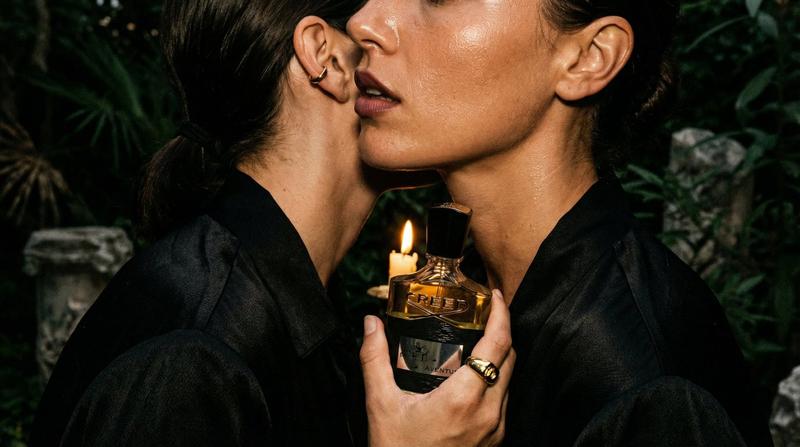
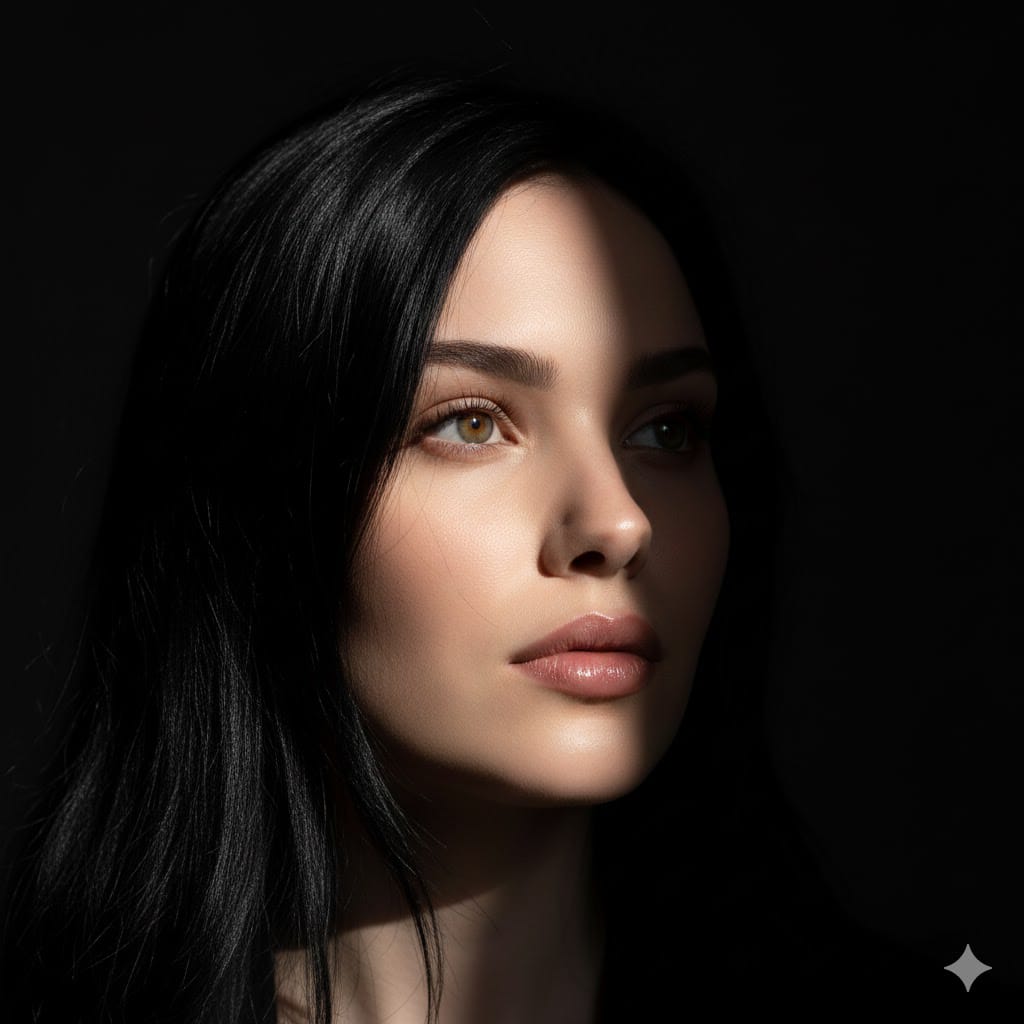
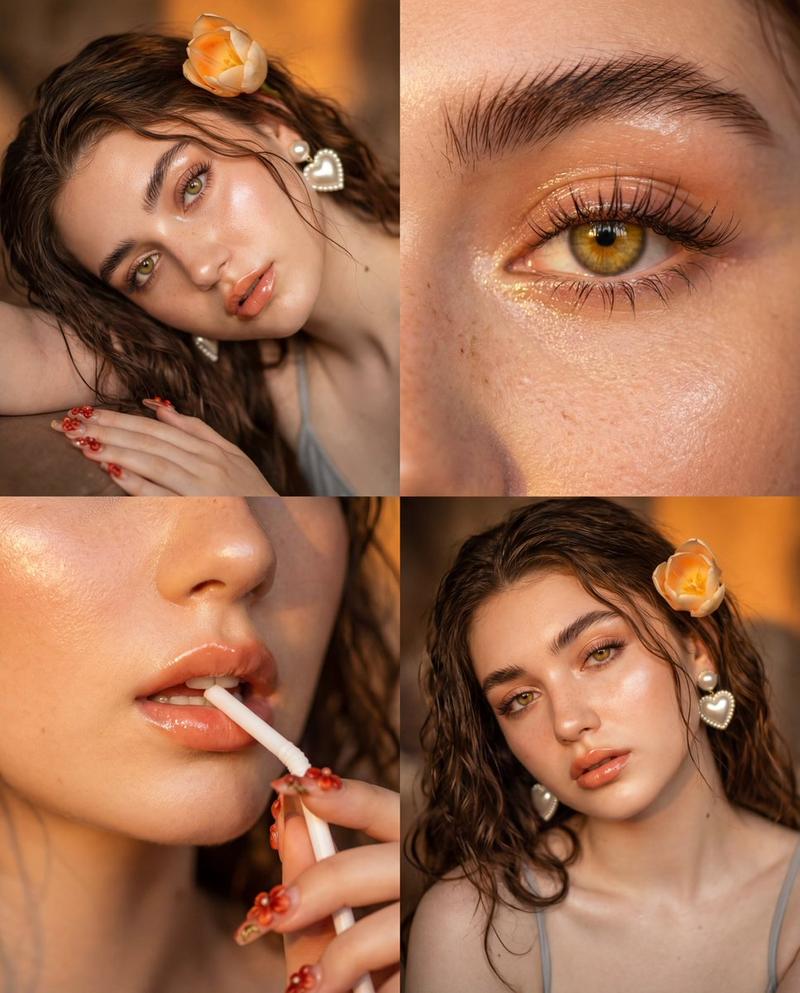
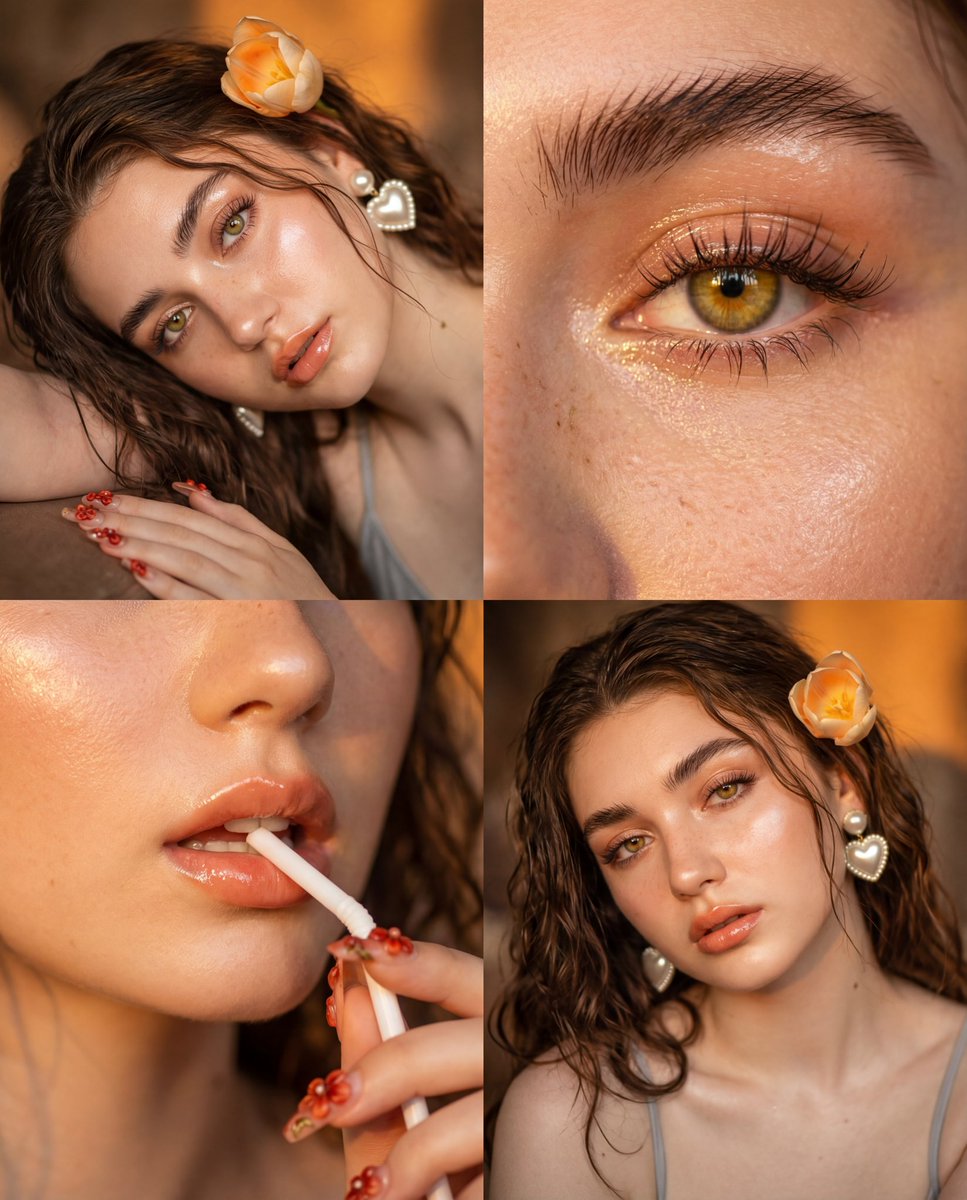
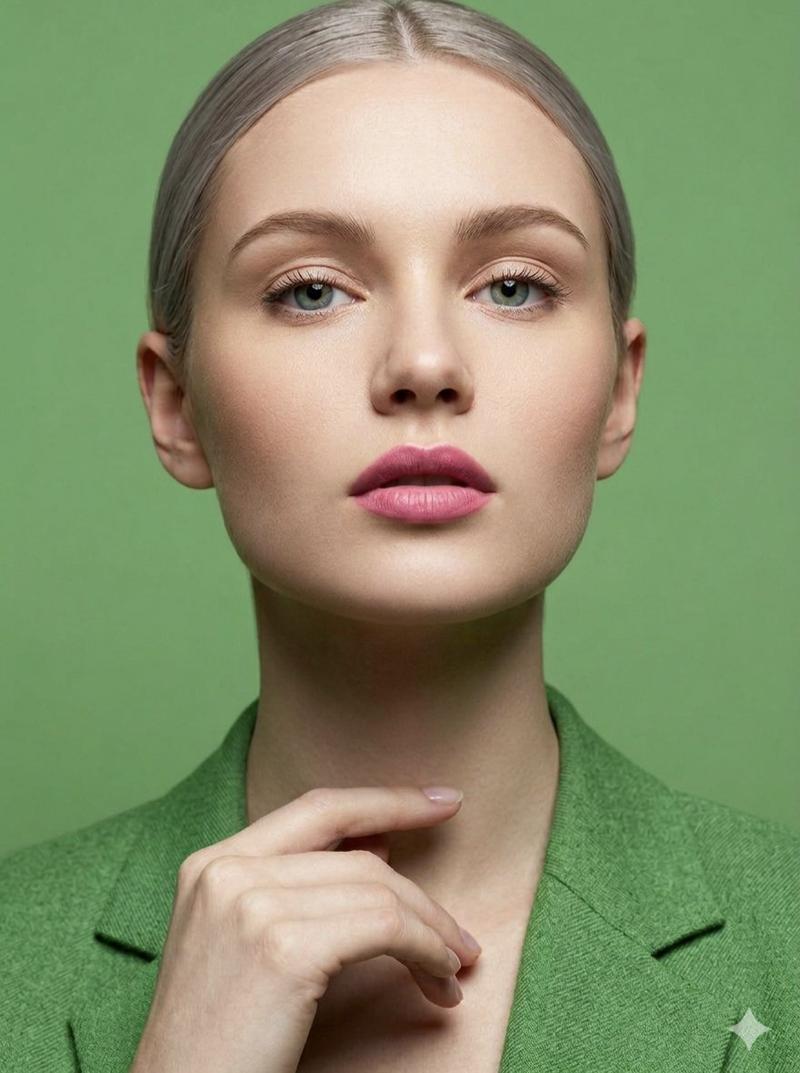
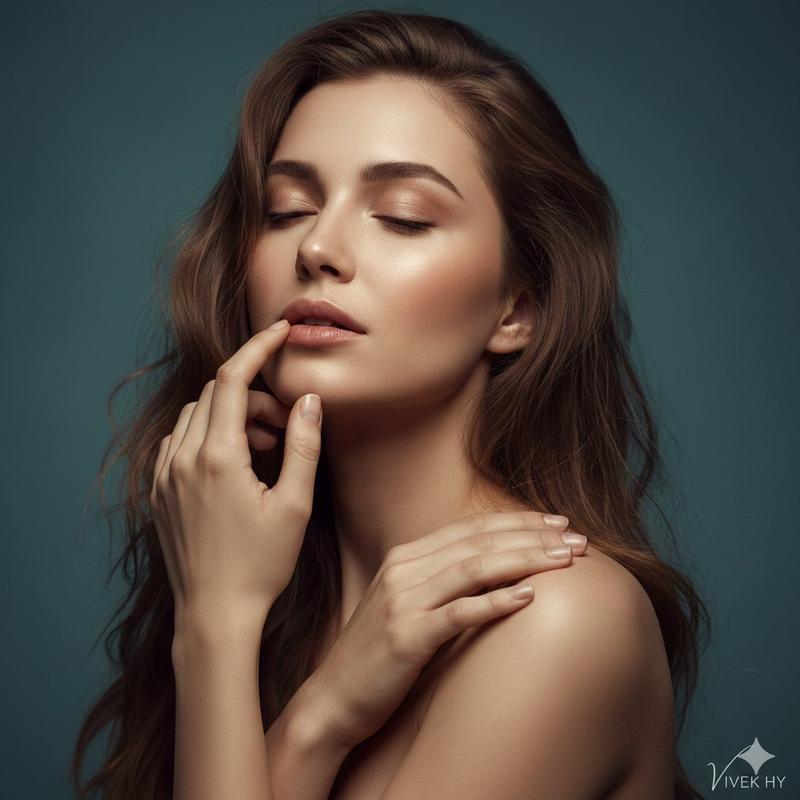
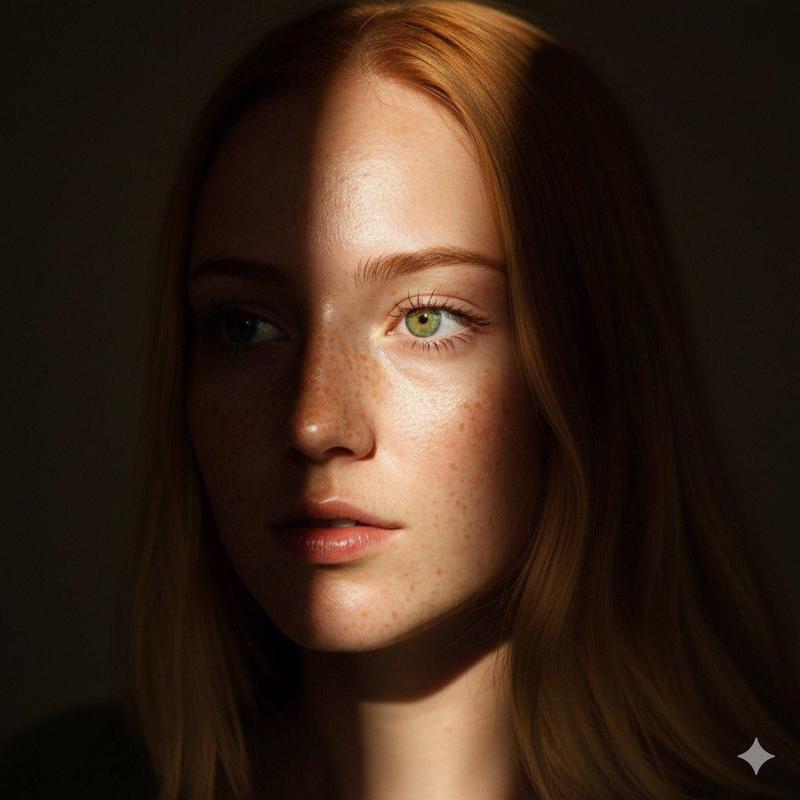
电影烛光美人像编辑提示
Prompt
{
  "mode": "image_edit",
  "face_preservation": {
    "enabled": true,
    "strength": 1.0,
    "notes": "Face identity, proportions and features must remain completely unchanged"
  },
  "composition": {
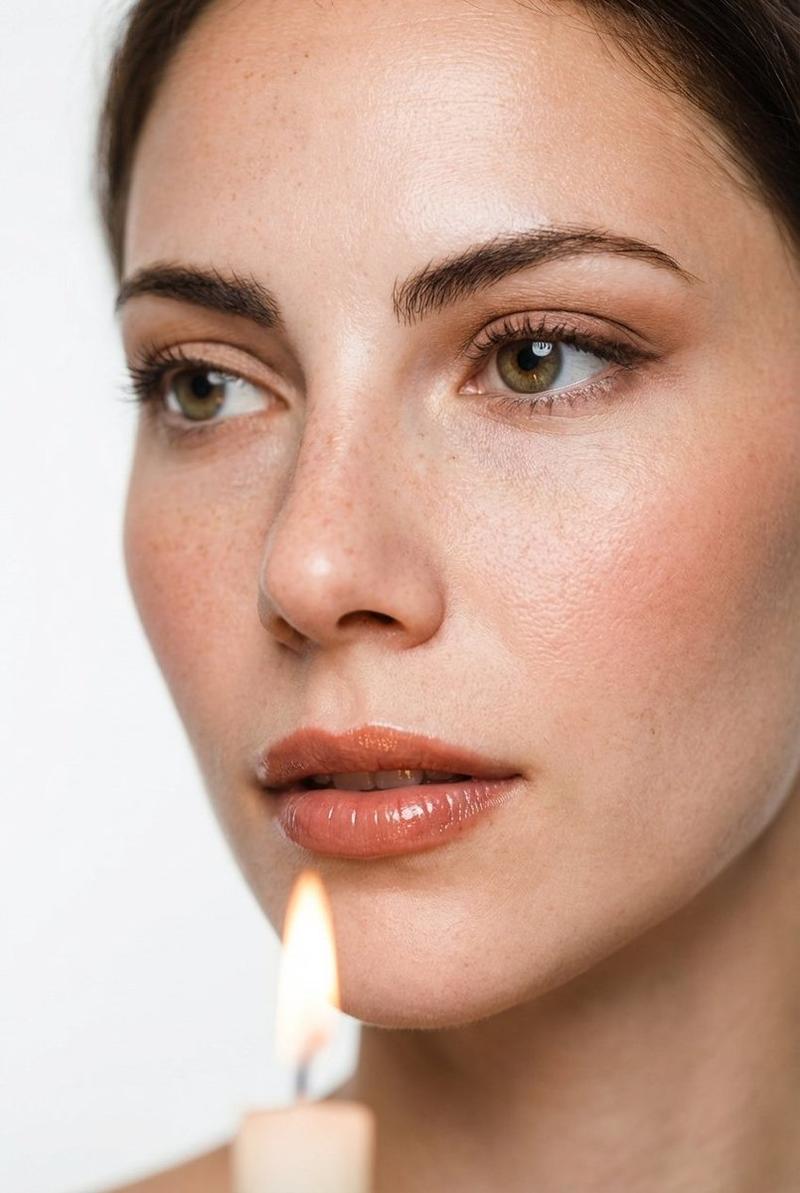
    "shot_type": "tight close-up portrait",
    "camera_angle": "eye level",
    "framing": "centered face, symmetrical crop from forehead to lips",
    "expression": "soft, intimate expression, lips slightly parted, eyes looking sideways"
  },
  "lighting": {
    "type": "soft cinematic candle light",
    "key_light": "single candle flame from lower front side",
    "fill_light": "very subtle ambient bounce light",
    "contrast": "low",
    "highlights": "gentle glow on cheekbones and lips",
    "skin_detail": "natural texture preserved, visible pores"
  },
  "makeup": {
    "skin": {
      "base": "light natural foundation",
      "finish": "soft satin, skin-like",
      "freckles": "visible, not covered",
      "contour": "very soft natural contouring"
    },
    "eyes": {
      "eyeshadow": "warm nude and soft brown tones",
      "blending": "smooth and diffused",
      "eyeliner": "thin brown liner close to lash line",
      "lashes": "defined, natural volume, not dramatic",
      "brows": "natural brushed brows, softly defined"
    },
    "cheeks": {
      "blush": "soft peach / rose blush",
      "placement": "natural flush on cheeks"
    },
    "lips": {
      "color": "warm nude rose",
      "finish": "slightly glossy, hydrated",
      "definition": "natural lip shape, no overlining"
    }
  },
  "scene": {
    "props": ["single candle flame in foreground"],
    "background": "clean white minimal background",
    "depth_of_field": "shallow, candle softly blurred"
  },
  "style": {
    "mood": "intimate, cinematic, editorial beauty",
    "color_palette": "warm ivory, beige, soft peach",
    "retouching": "high-end editorial beauty retouch, no face reshaping"
  },
  "camera": {
    "lens": "85mm portrait lens",
    "aperture": "f1.8",
    "focus": "extremely sharp on eyes"
  },
  "negative_prompt": [
    "face change",
    "different identity",
    "plastic skin",
    "heavy makeup",
    "over-smoothing",
    "beauty filter",
    "AI artifacts"
  ]
}- Category
- 创意图片
- Model
- Nano Banana Pro
- Creator
- Melis✨
- Source ID
- bb7a7159-11cf-4acd-815e-2e1969ca825e
- Published
- Mar 8, 2026
Views0