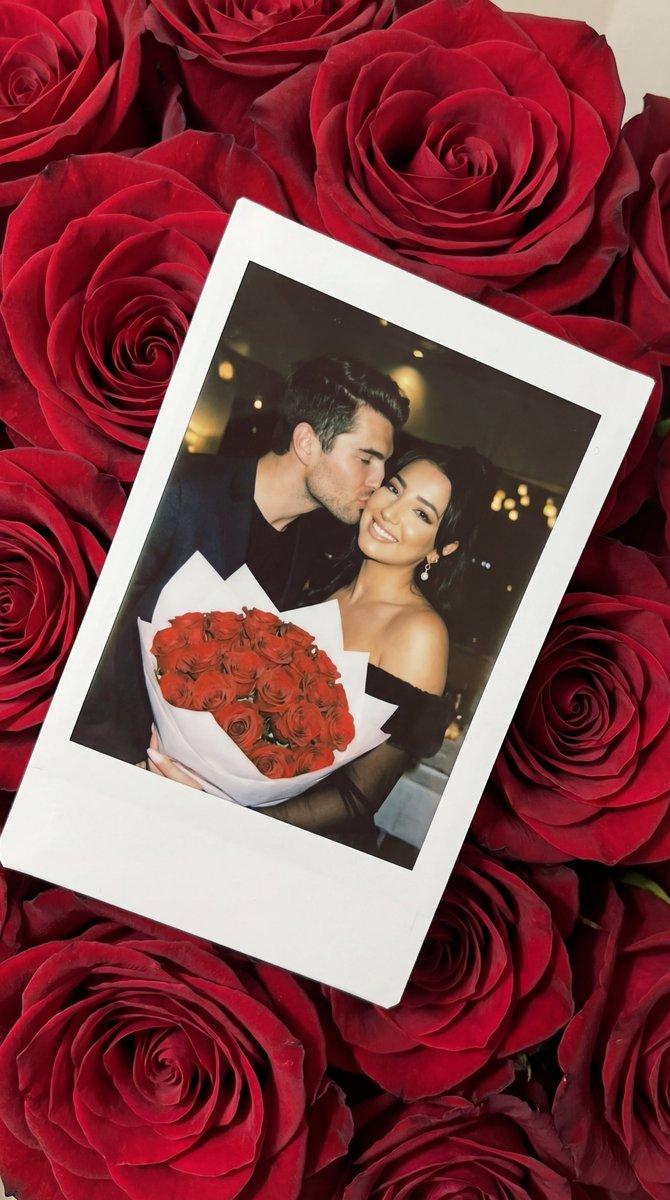
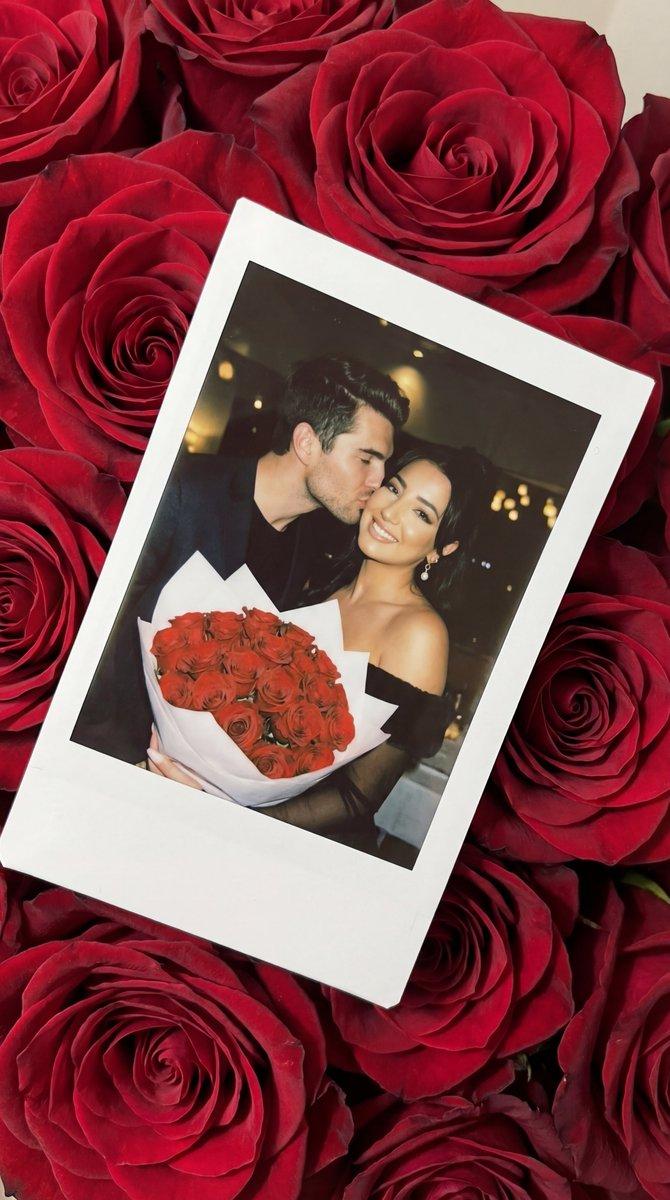
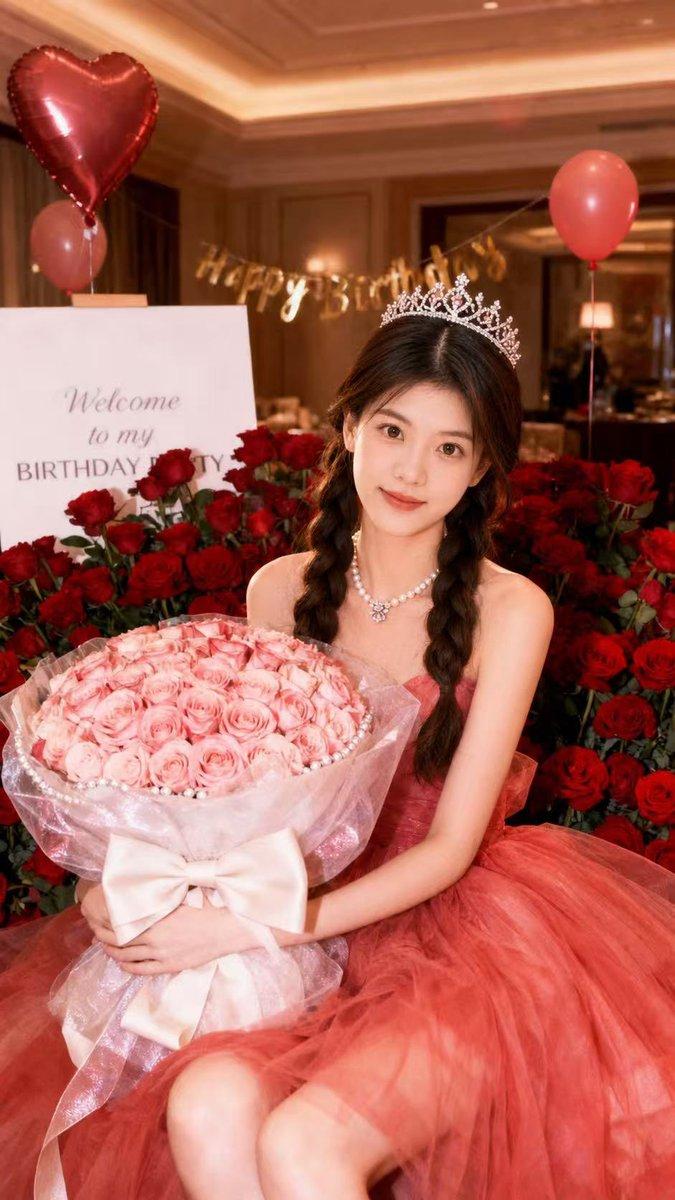
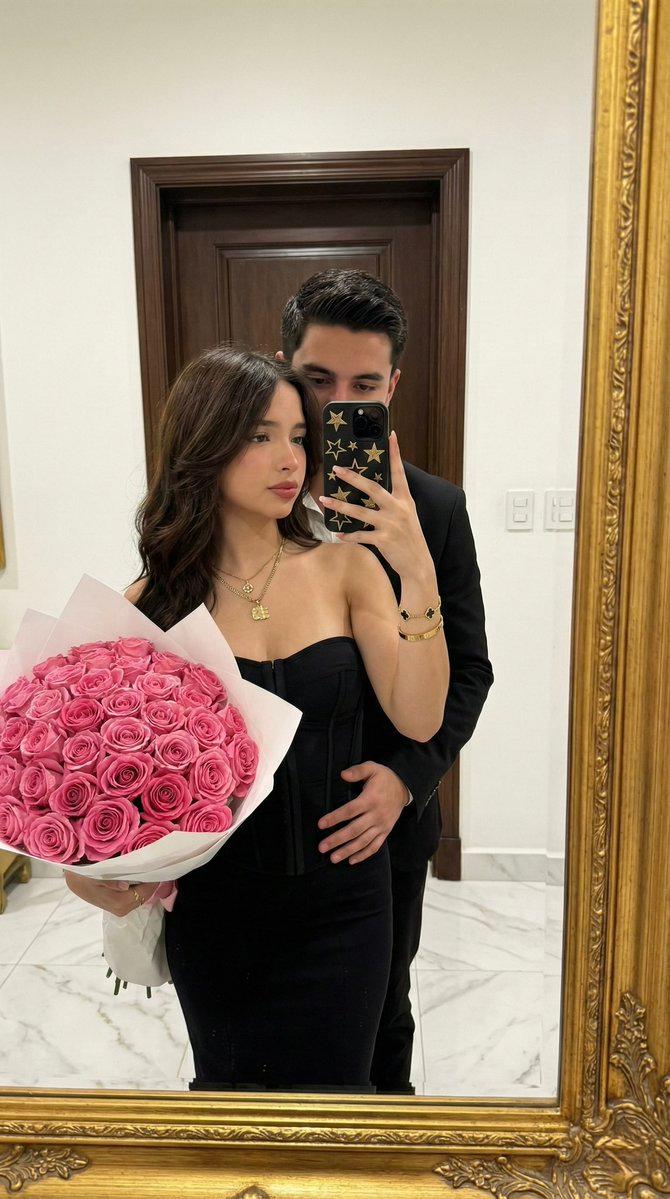
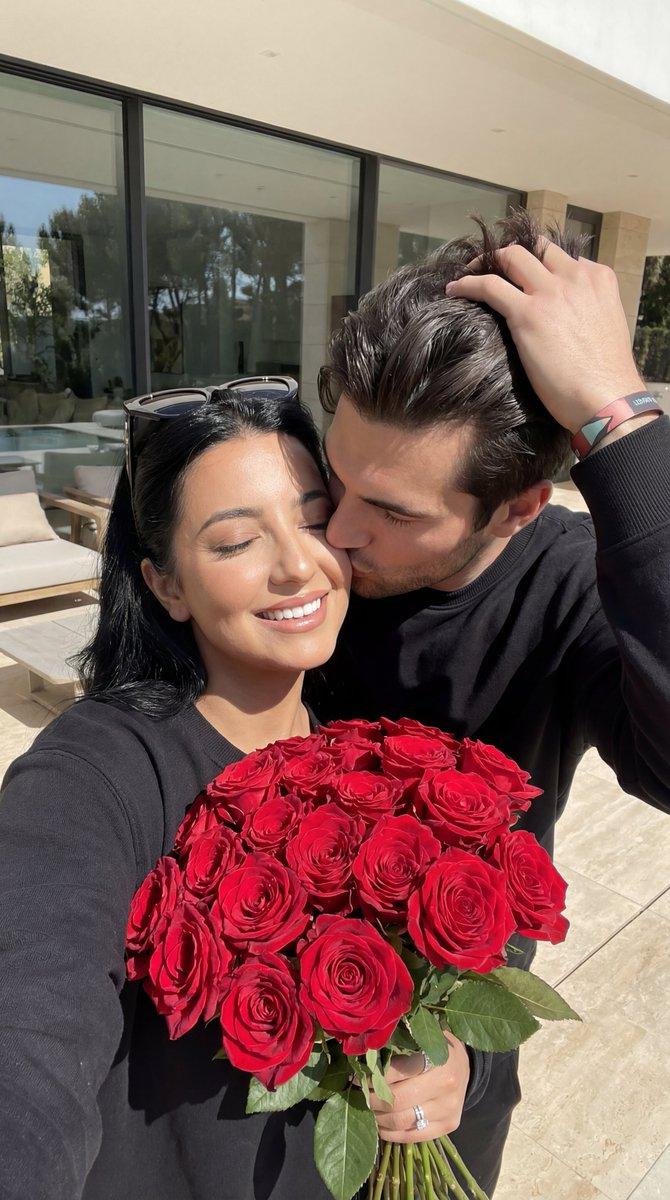
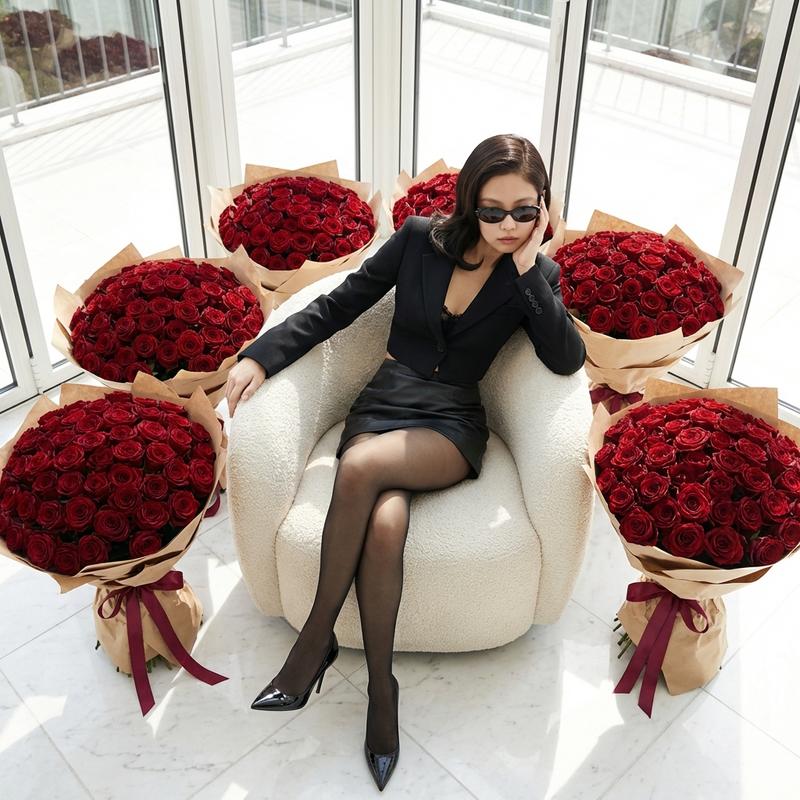
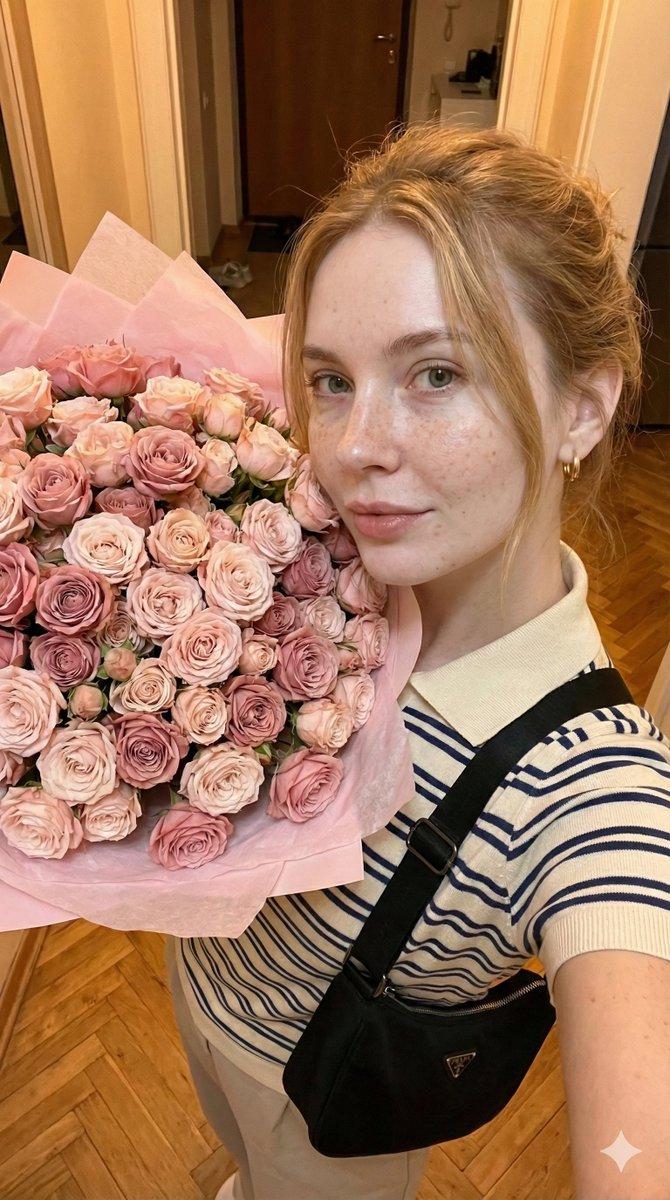
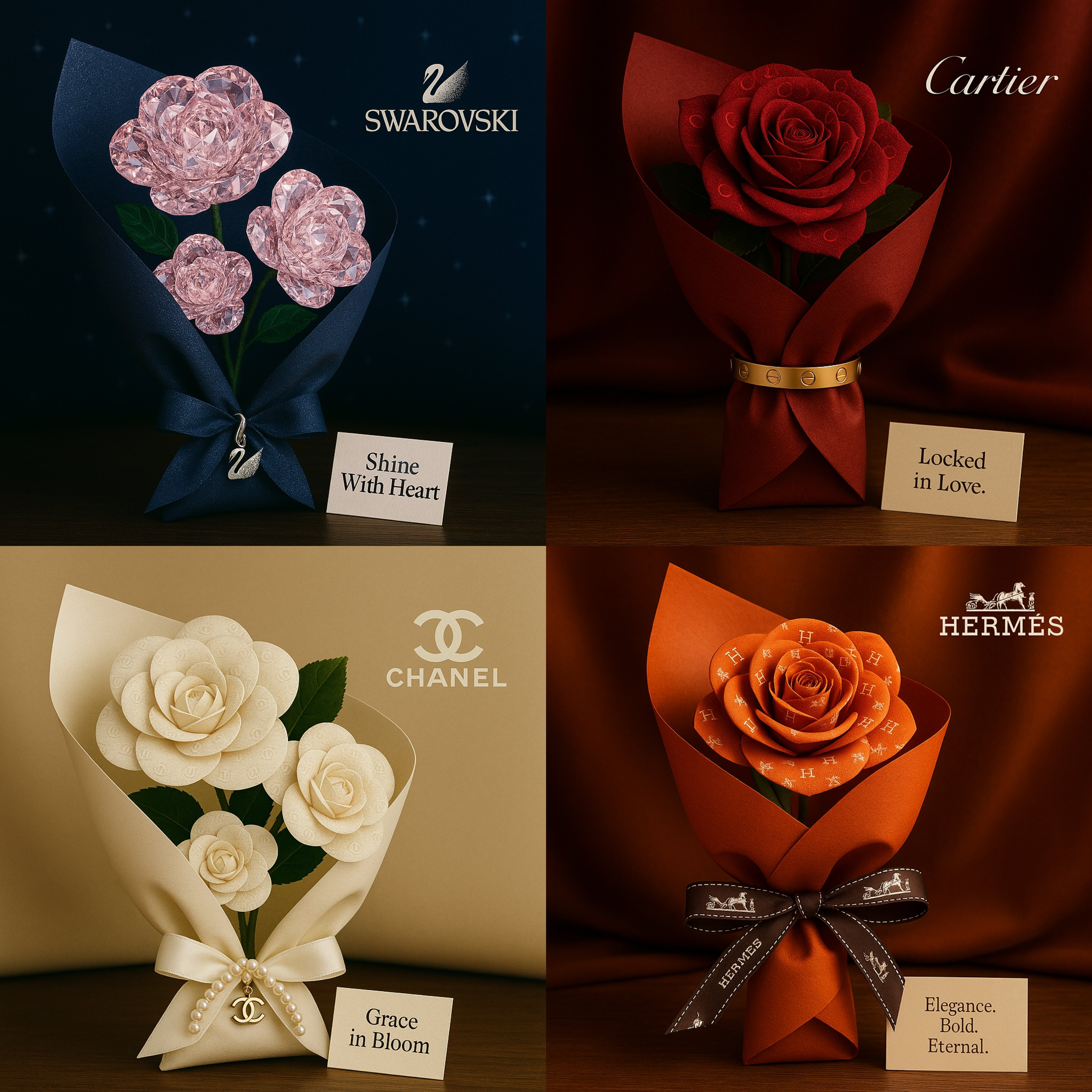
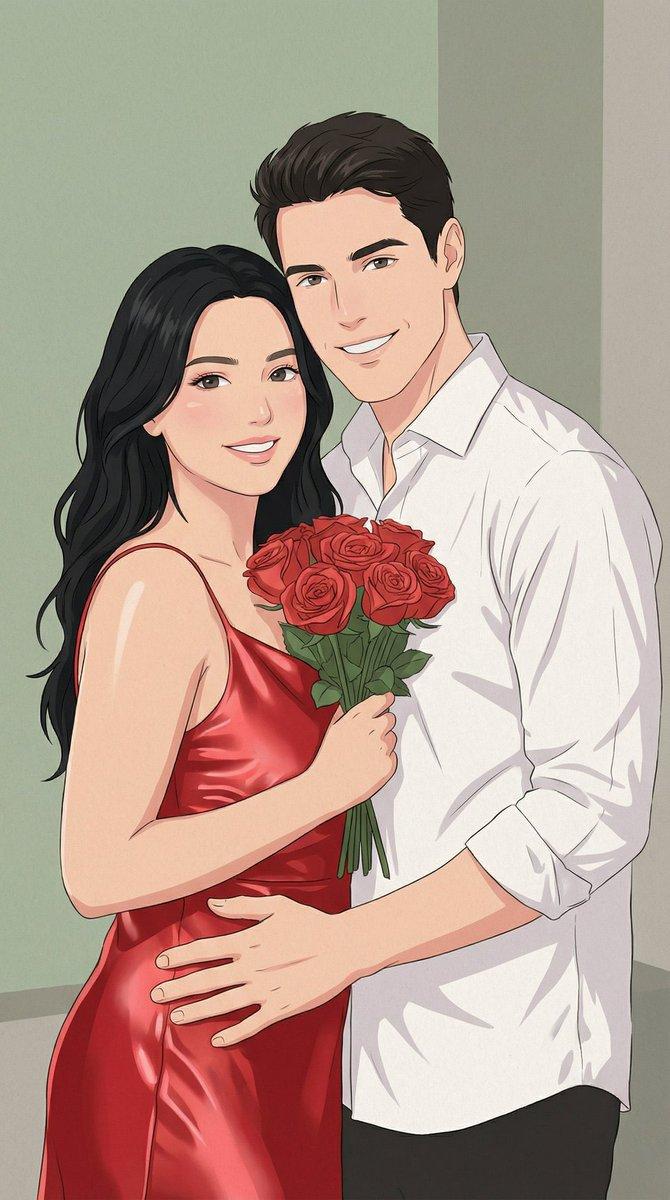
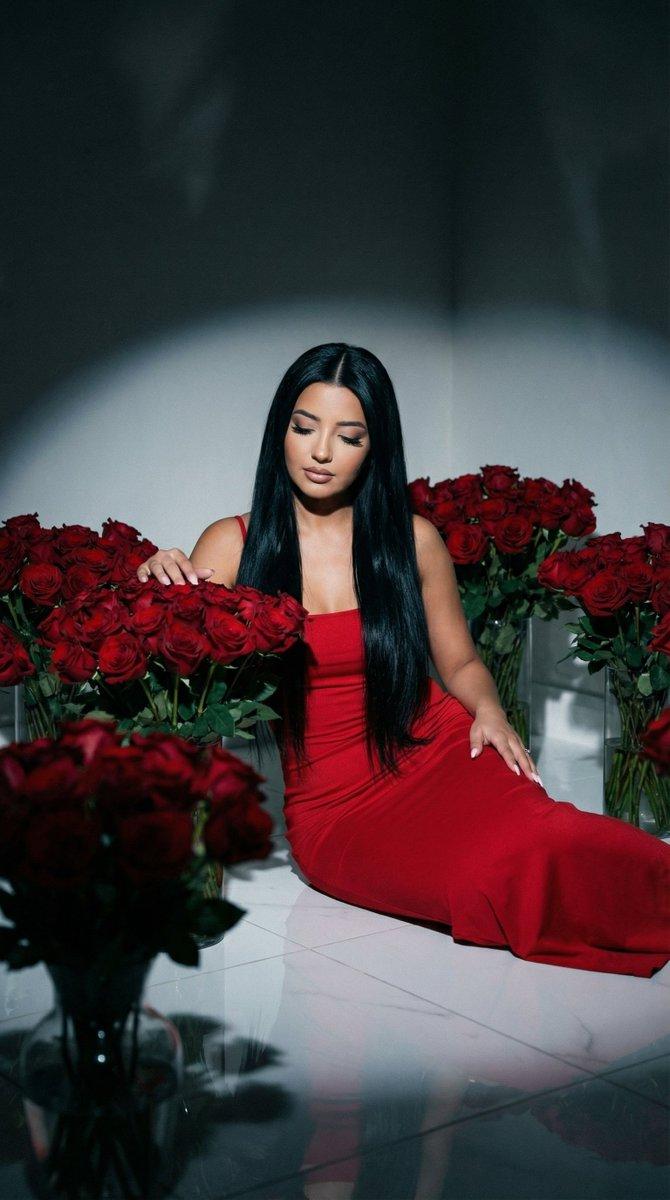
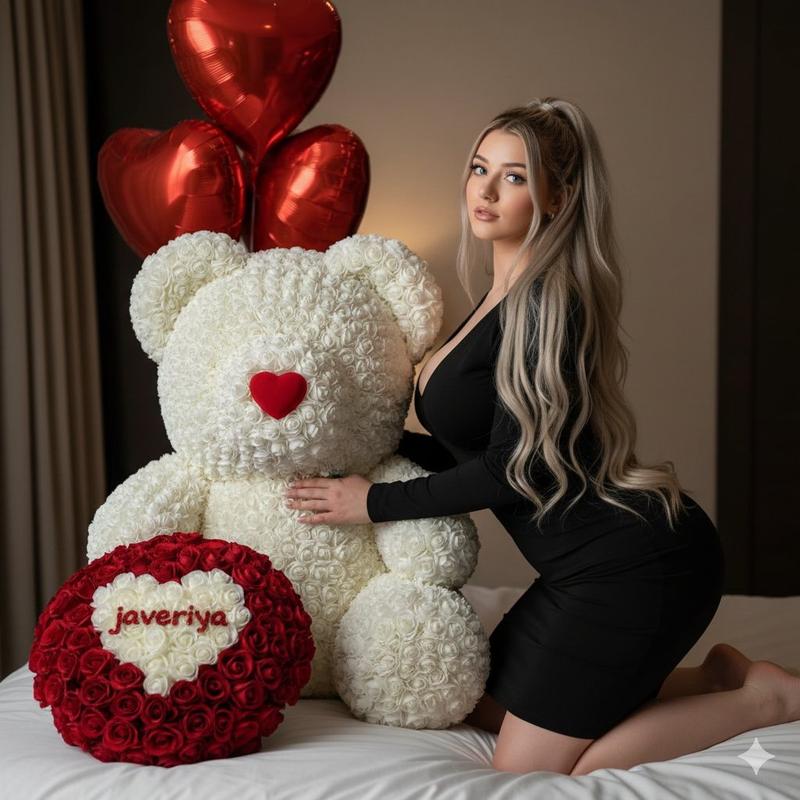
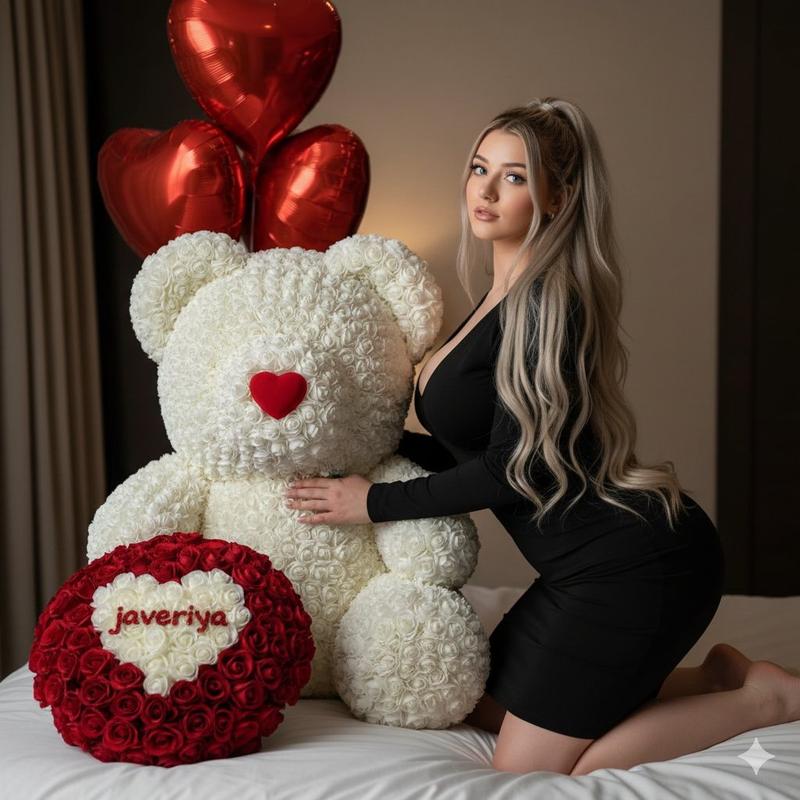
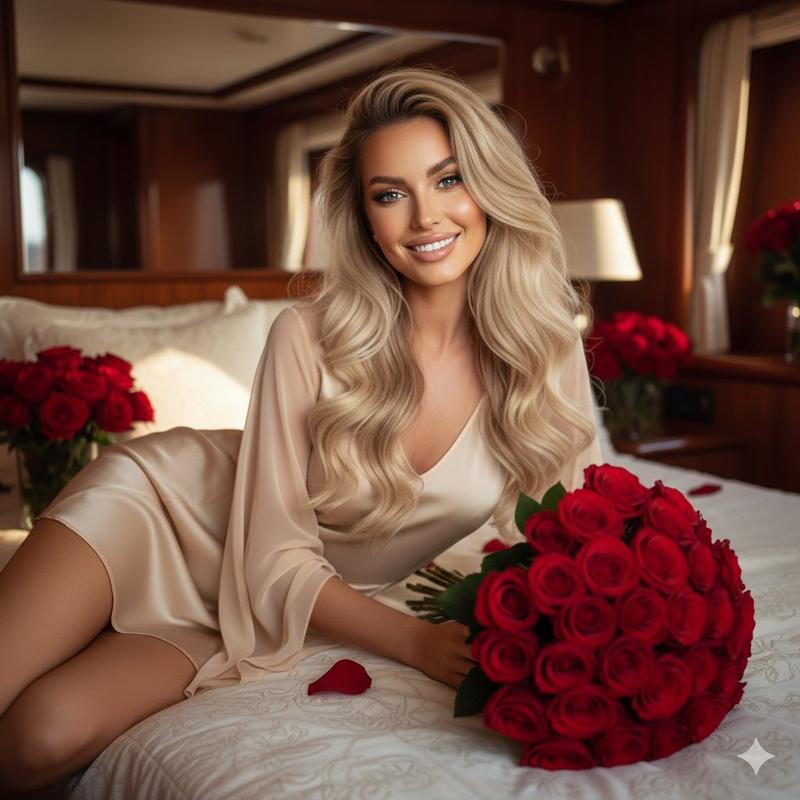
闪光灯人像摄影,手捧玫瑰花束提示词
Prompt
{
  "image_prompt": {
    "subject": {
      "description": "A young woman with her face identity locked, 100% identical to the reference. Natural skin texture with visible pores and a few subtle freckles around the nose and cheekbones (no beauty filter, no plastic skin).",
      "pose": "Head slightly tilted back, eyes closed or half-closed, with a soft closed-lip smile conveying calm, contentment, and pleasure.",
      "hair": "very voluminous, glamorous jet-black hair with soft waves (attractive, editorial, thick texture, realistic strands, natural shine)",
      "makeup": "smokey eye makeup, defined lashes, subtle contour, soft blush, glossy nude lips; realistic texture",
      "attire": "red satin spaghetti-strap blouse/top (askılı), fitted silhouette, elegant drape and satin sheen, no logos, no text"
    },
    "main_focus": {
      "object": "A very large, luxurious, oversized bouquet of roses.",
      "composition": "A mix of vivid red roses and deep black roses.",
      "wrapping": "Abundant layers of pale pink and white wrapping, thick, elegant and voluminous, secured with a wide white ribbon.",
      "ribbon_details": "A white satin ribbon prominently tied around the bouquet with the phrase '{argument name="ribbon text" default="NONE LIKE YOU"}' printed in crisp black letters (readable, centered, clean kerning)."
    },
    "setting": {
      "location": "A modern, elegant home interior (high-end contemporary kitchen/living area).",
      "background_elements": [
        "Minimal white cabinetry with clean lines.",
        "Large-format light gray tile or stone backsplash.",
        "Stainless steel refrigerator (left side).",
        "Modern pendant light fixture.",
        "Optional: subtle marble/quartz countertop and a few tasteful decor items (no clutter)."
      ]
    },
    "lighting": {
      "style": "On-camera direct flash as the key light (strong but flattering), with warm ambient room light as fill.",
      "details": "Crisp flash catchlights in the eyes, gentle specular highlights on satin fabric and rose petals, realistic shadow falloff behind subject."
    },
    "style_and_quality": {
      "type": "Ultra-realistic photography, editorial flash look.",
      "attributes": [
        "Natural proportions.",
        "Preserved facial texture.",
        "Visible pores and fine skin detail.",
        "High detail on satin fabric, hair strands, and rose petals.",
        "Cinematic depth of field with modern interior softly blurred."
      ],
      "constraints": "No face alteration. Identity must match reference exactly."
    },
    "negative_prompt": [
      "face change",
      "different person",
      "beauty filter",
      "plastic skin",
      "airbrushed skin",
      "poreless skin",
      "over-smoothing",
      "extra people",
      "logos",
      "watermark",
      "unreadable ribbon text",
      "messy cluttered room",
      "warped hands",
      "deformed fingers"
    ]
  }
}- Category
- 创意图片
- Model
- Nano Banana Pro
- Creator
- Özge Döner
- Source ID
- d6753eda-ced6-4669-9542-c95ab6f7c680
- Published
- Mar 8, 2026
Views0