17

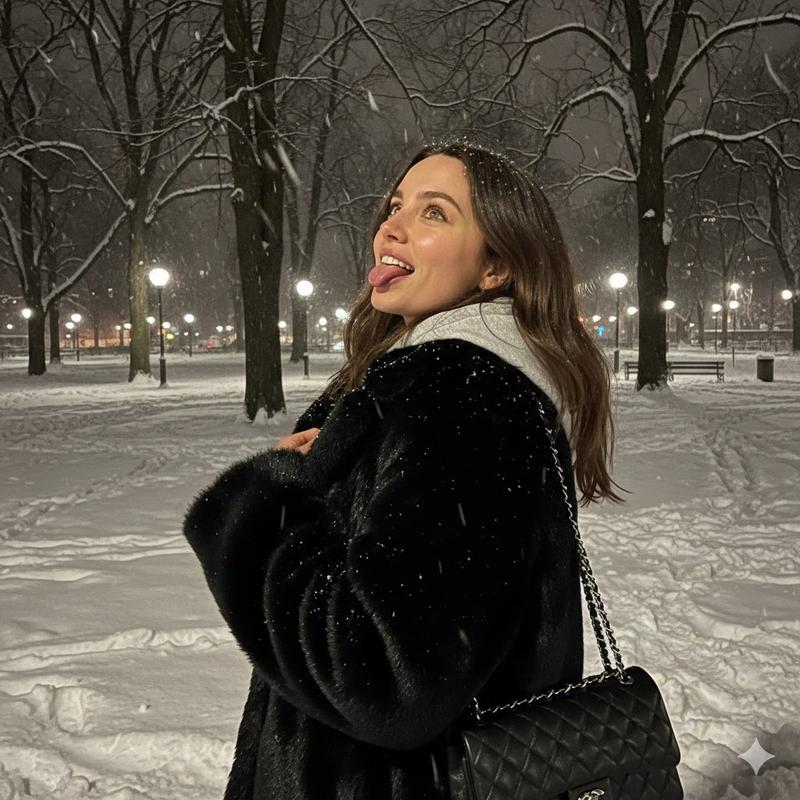
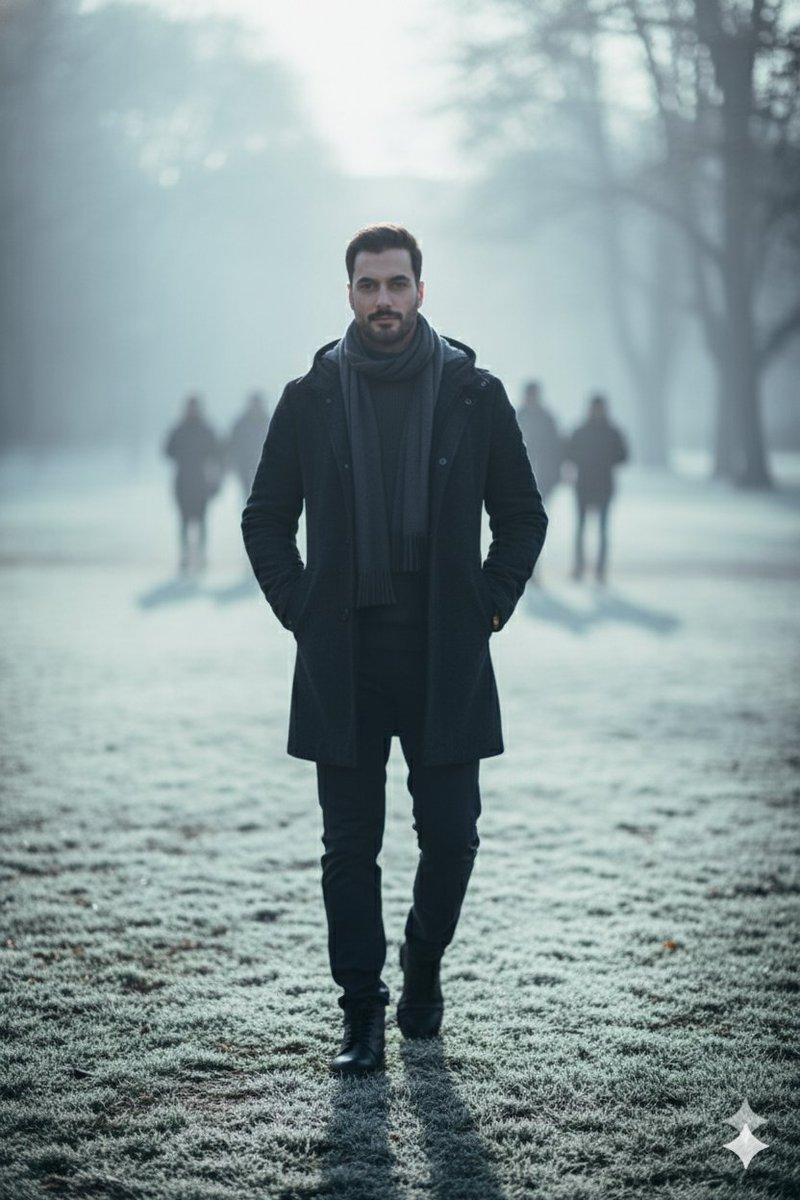
电影级冬季雪景人像
Enlarge

电影级冬季雪景人像

Prompt
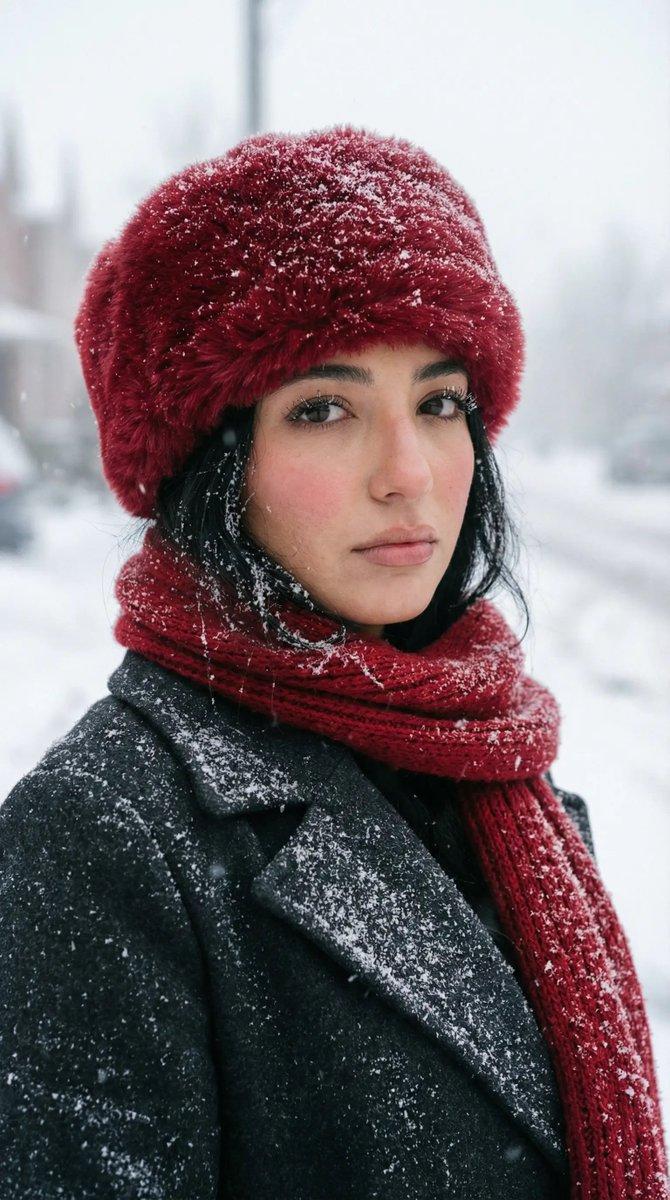
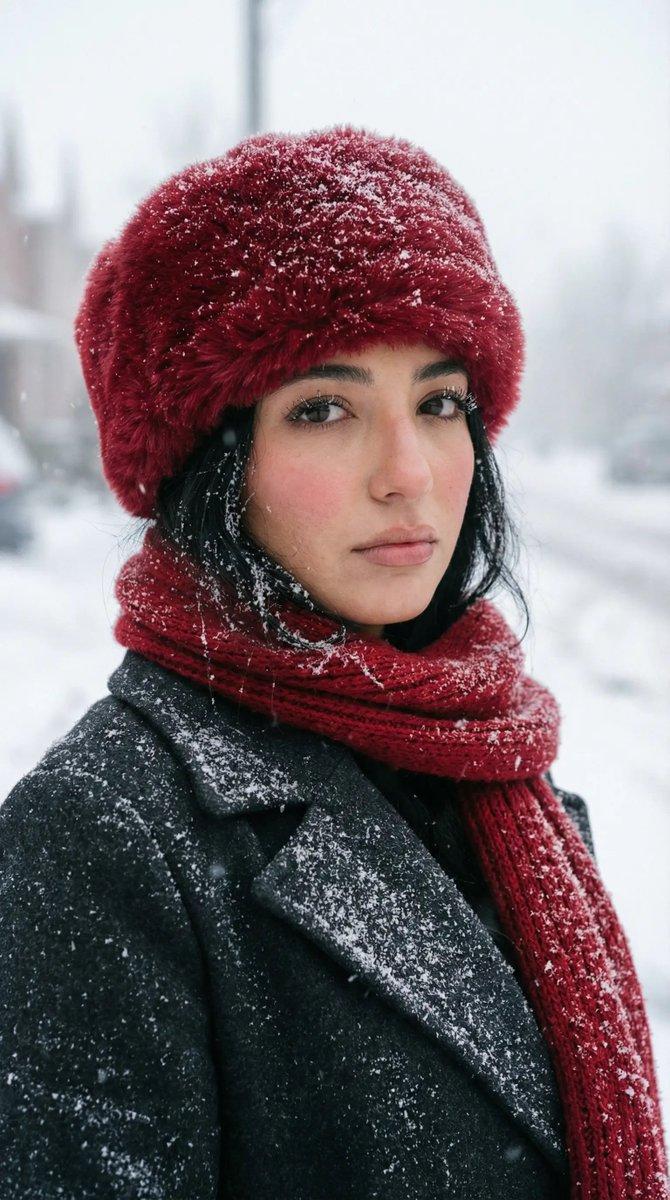
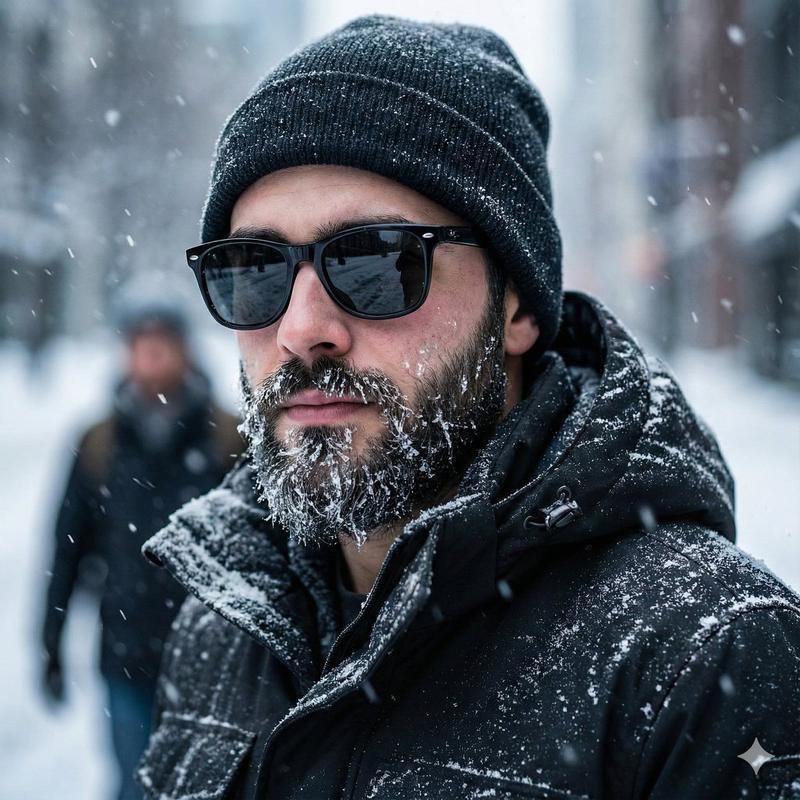
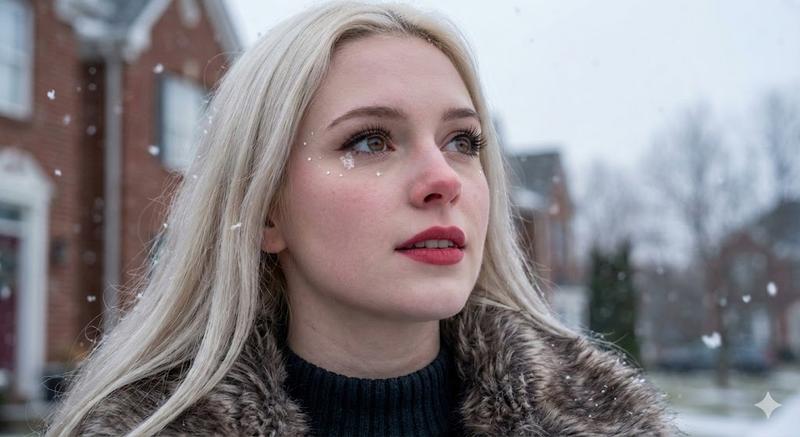
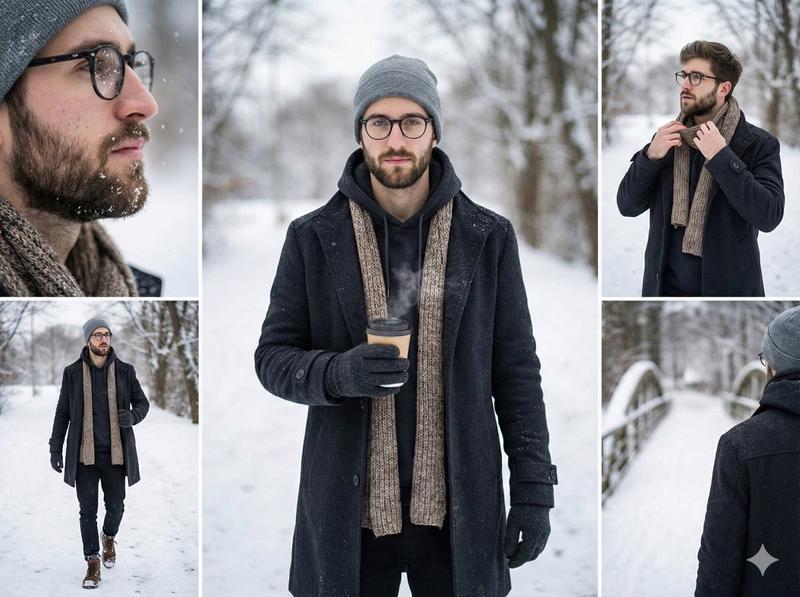
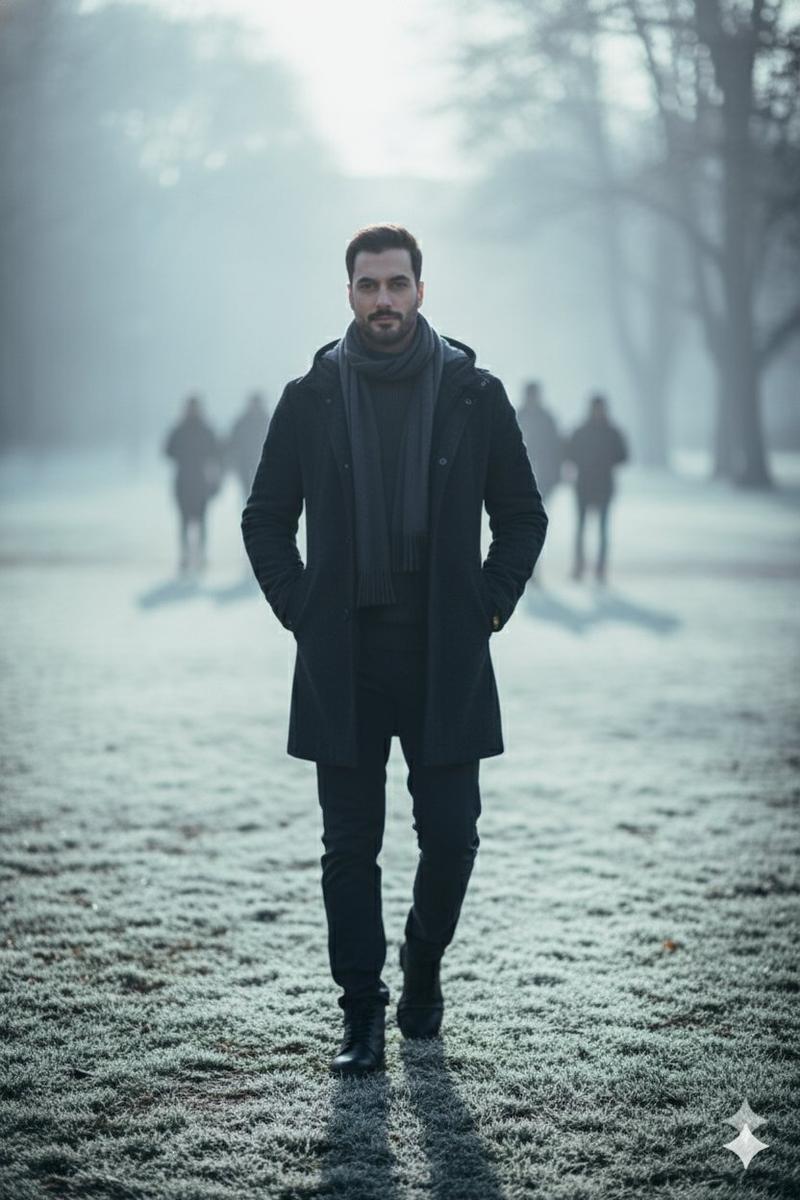
Cinematic full-body walking shot of this uploaded girl , walking calmly along the roadside of a quiet small American town during winter snowfall. She wears a red winter parka with a fur-trimmed hood, dark gray knit scarf, gray beanie, black slim pants, and brown fur-lined winter boots — outfit matching the reference image exactly. A small crossbody bag hangs naturally at her side.

Fresh snow lightly covers the sidewalk and fallen leaves, with small-town houses, bare trees, and street lamps softly blurred in the background. ARRI Alexa parallax camera, gentle forward motion, strong foreground–background depth separation. Cold winter atmosphere, soft overcast natural light, muted winter color palette (cool whites, soft grays, deep reds, subtle browns). Cinematic realism, ultra-detailed textures, shallow depth of field, soft film grain, calm and introspective mood.
Category
创意图片
Model
Nano Banana Pro
Creator
K
Views0
Source ID
cf9fd551-561f-4791-984e-baa18eec3ac6
Published
Mar 8, 2026

Guide

About "电影级冬季雪景人像"

What is this prompt for?

"电影级冬季雪景人像" AI image prompt for Nano Banana Pro (创意图片). 一个用于生成电影级、超现实全身镜头的提示,内容是一位上传的人物在下雪的宁静美国小镇中行走。它细致地描述了拍摄对象的服装(红色派克大衣、灰色围巾、毛线帽)、环境(新下的雪、模糊的小镇房屋)、相机设置(ARRI…

The full copyable prompt and example visuals above are ready for AI image generation or one-click recreate in Picva.

How to use this prompt

  1. Step 1

    Open the prompt detail

    Review the example visuals, category, and full prompt text for "电影级冬季雪景人像".

  2. Step 2

    Copy the prompt

    Copy the prompt body from this page, or load it directly in Studio.

  3. Step 3

    Pick a model (Nano Banana Pro)

    Prefer Nano Banana Pro. If you switch models, keep subject and composition and tweak style terms.

  4. Step 4

    Generate and export

    Recreate the look in Picva, or export into your workflow for editing and publishing.

FAQ

What is the "电影级冬季雪景人像" prompt?
It is an AI image-generation prompt for Nano Banana Pro in the 创意图片 category. This page includes the full prompt text, example visuals, and a one-click recreate path in Picva.
How do I use this prompt to generate an image?
Copy the prompt from this page, or use Generate / Studio. Paste it into a compatible image model, or recreate the look in Picva with optional reference images.
Which model is this prompt for?
This page lists Nano Banana Pro. Most descriptive prompts also transfer to nearby image models such as GPT Image, Flux, or Midjourney with light style tweaks.
Can I use the result commercially?
You can usually copy the prompt for creation, but commercial use of the final image depends on the model terms, reference-image rights, and the generated content. Follow the source author and platform rules.