20

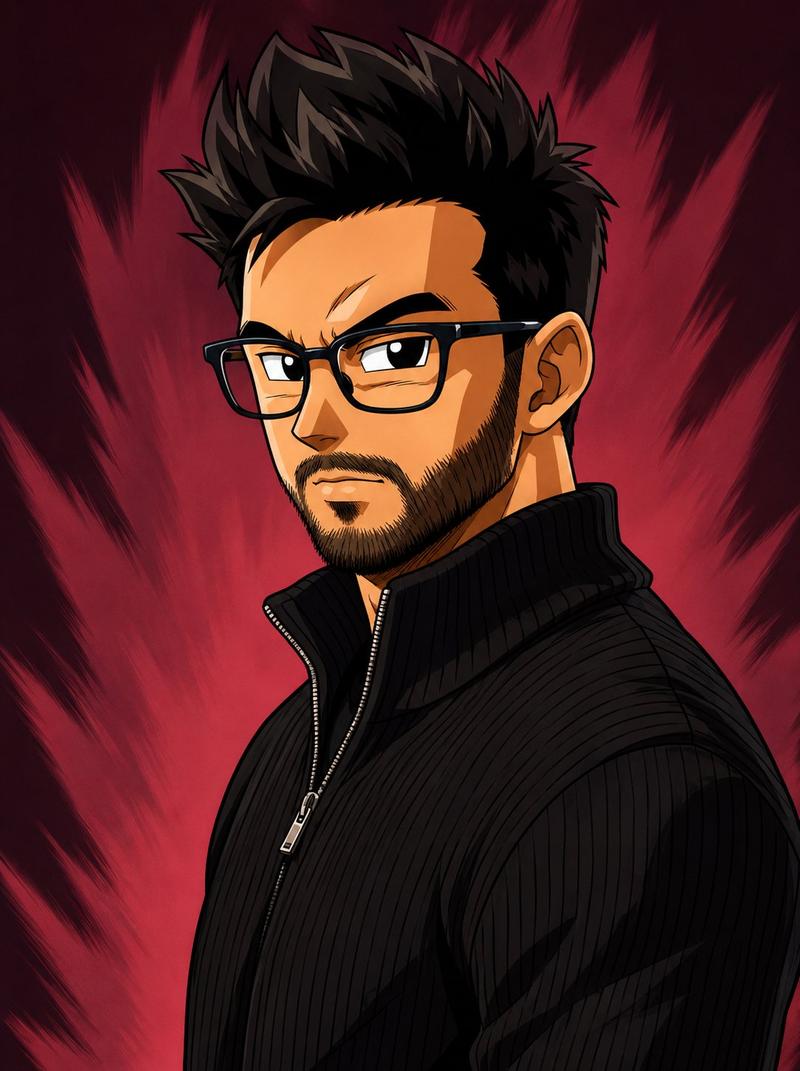
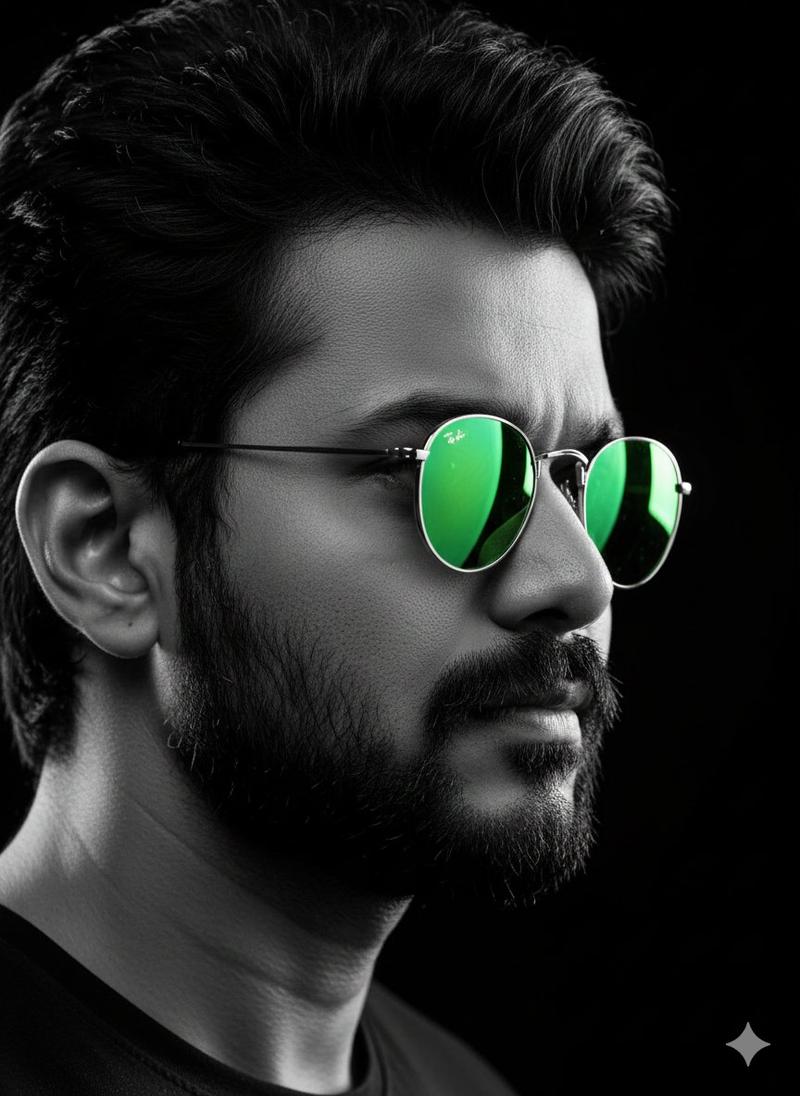
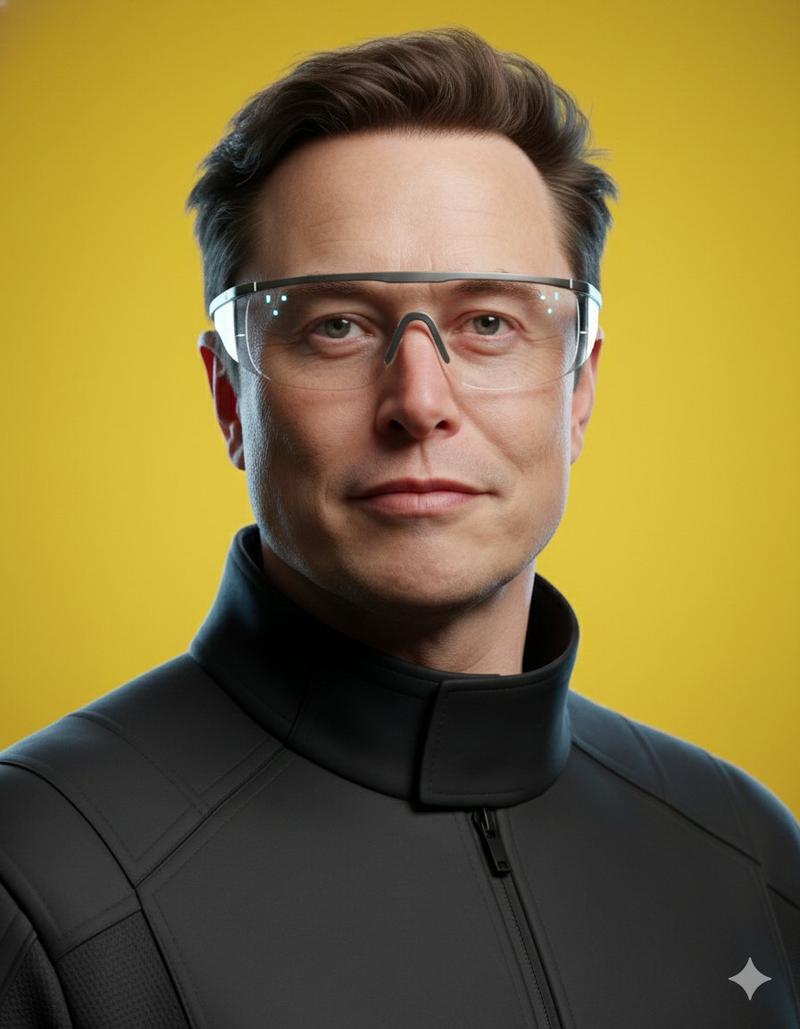
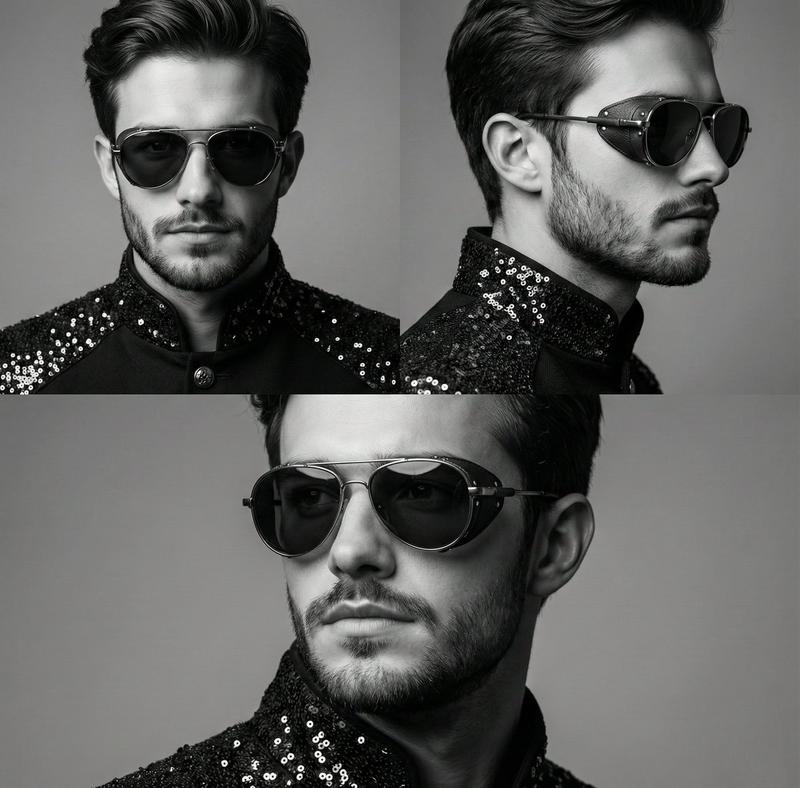
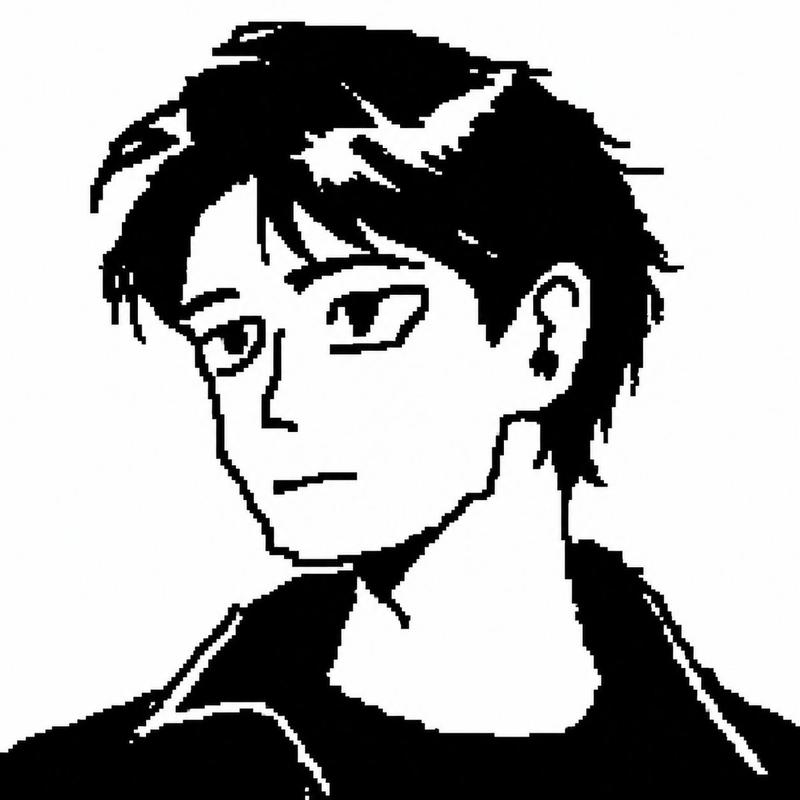
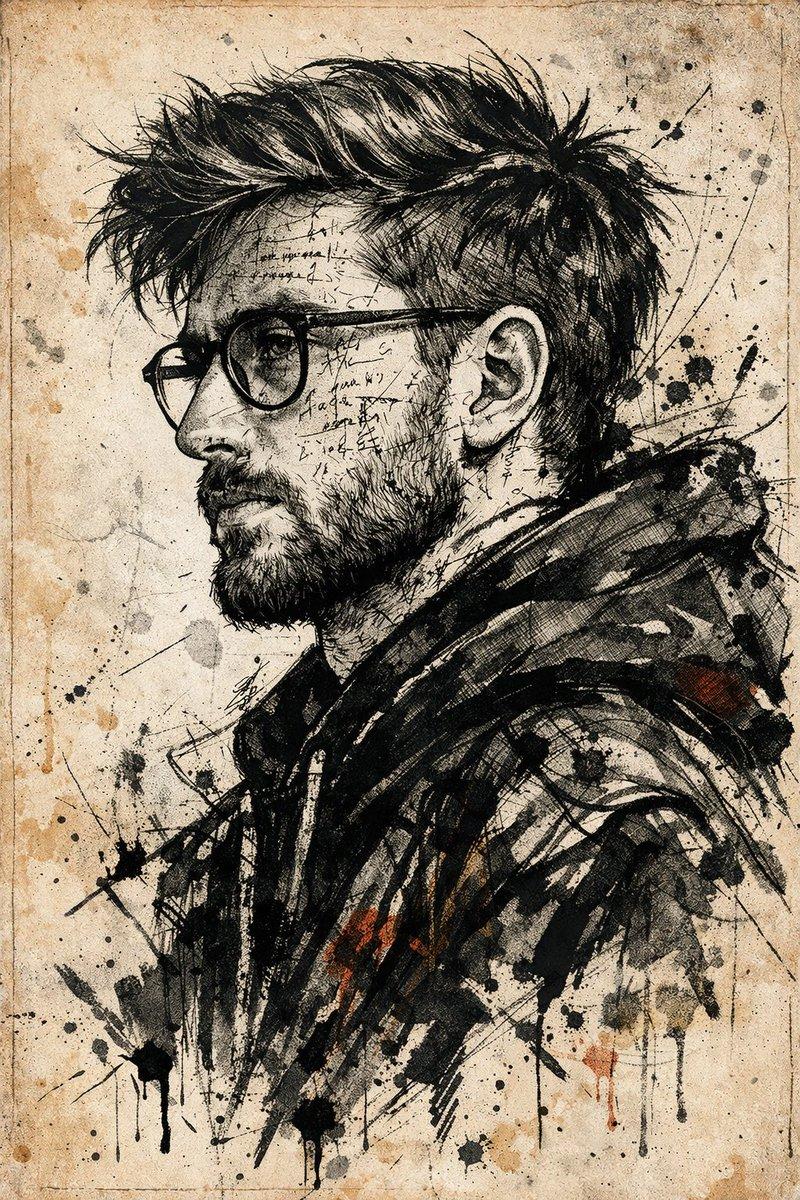
带纹理细节的矢量化侧面肖像
Enlarge

带纹理细节的矢量化侧面肖像

Prompt
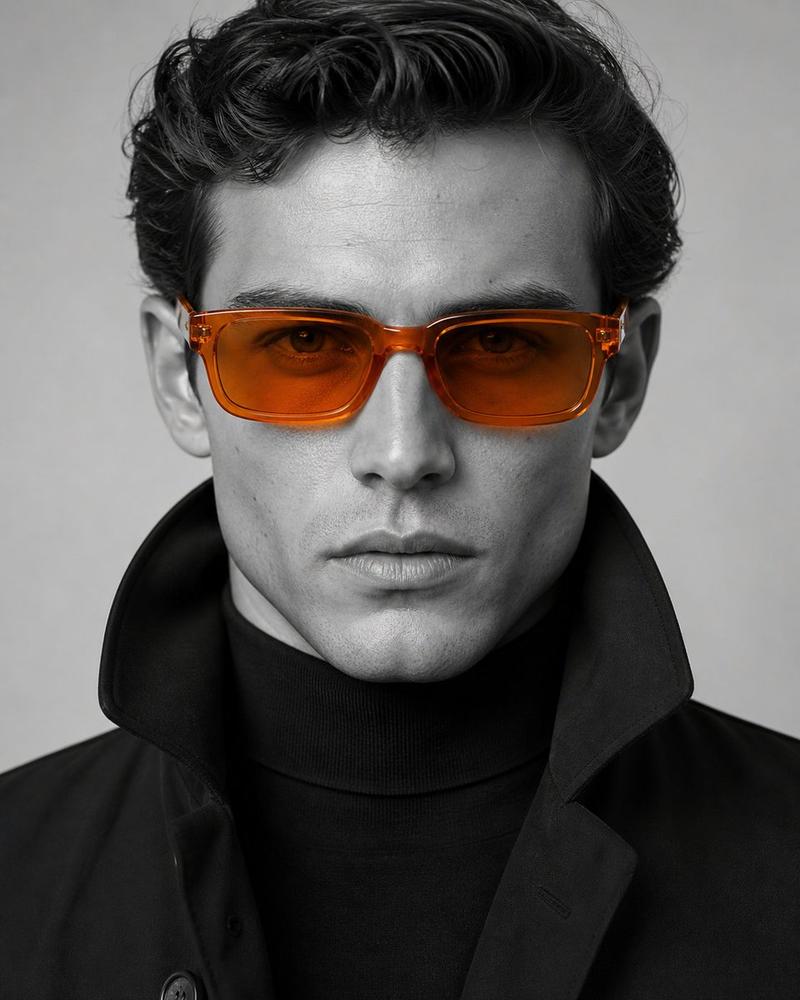
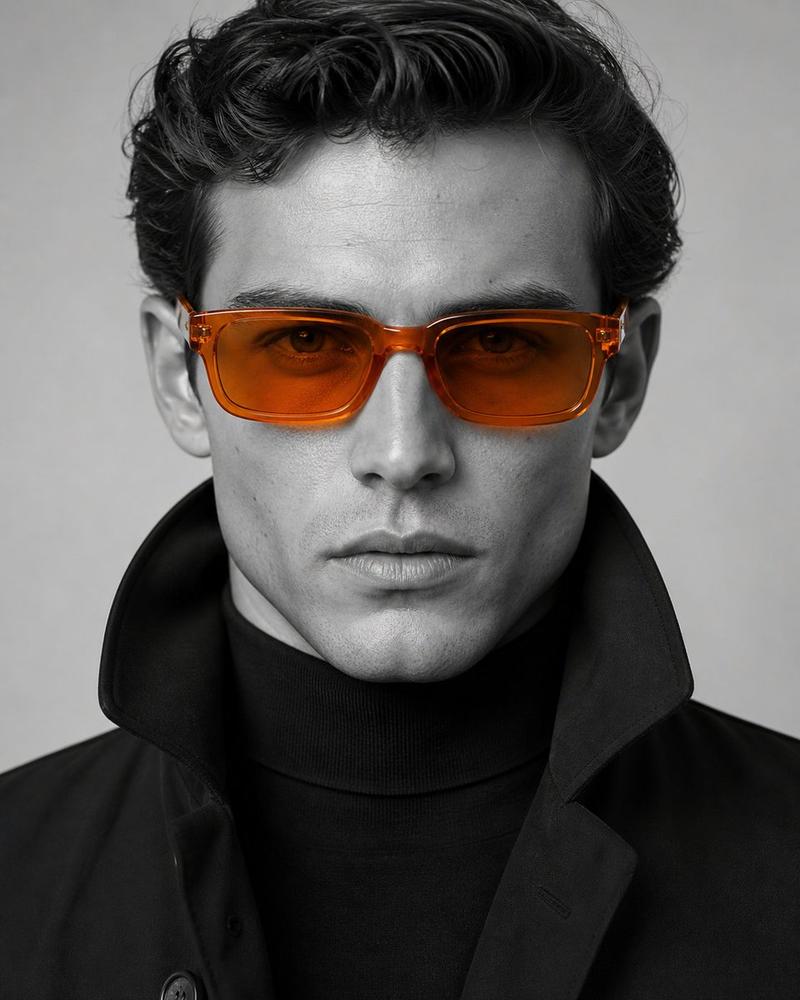
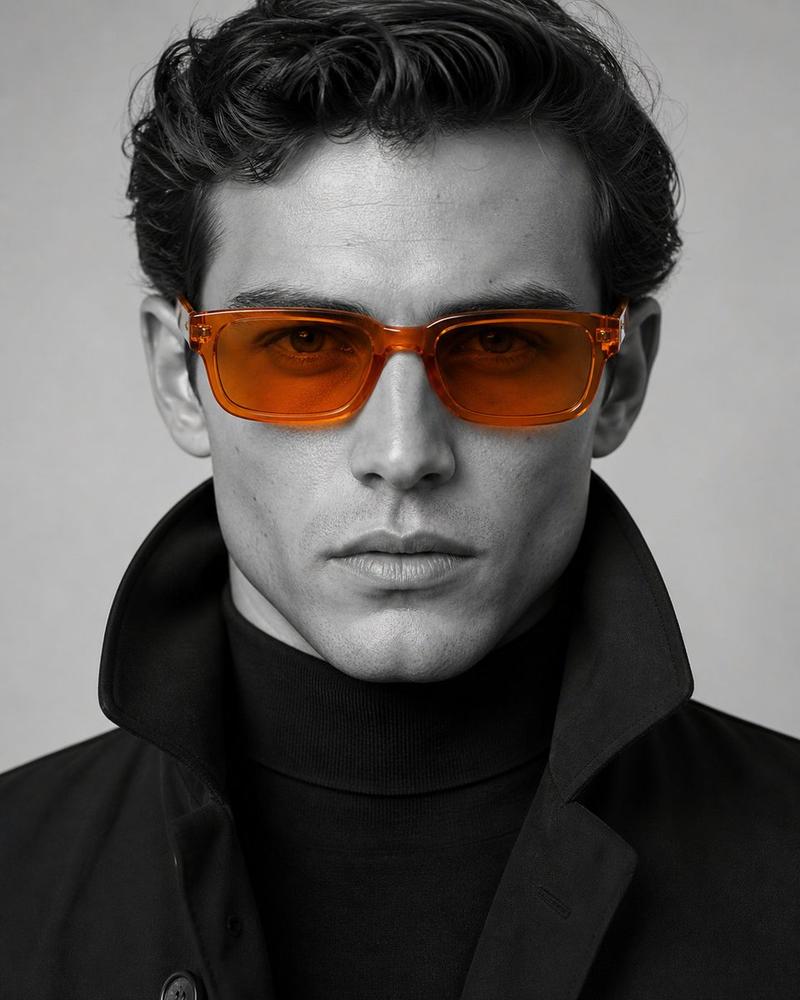
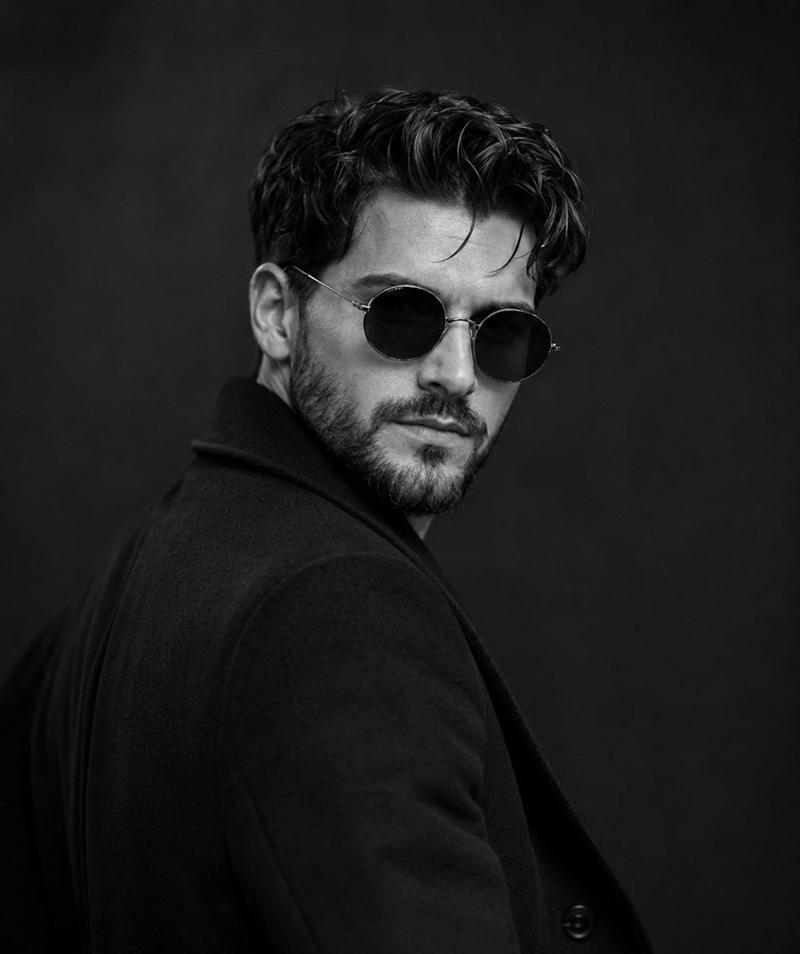
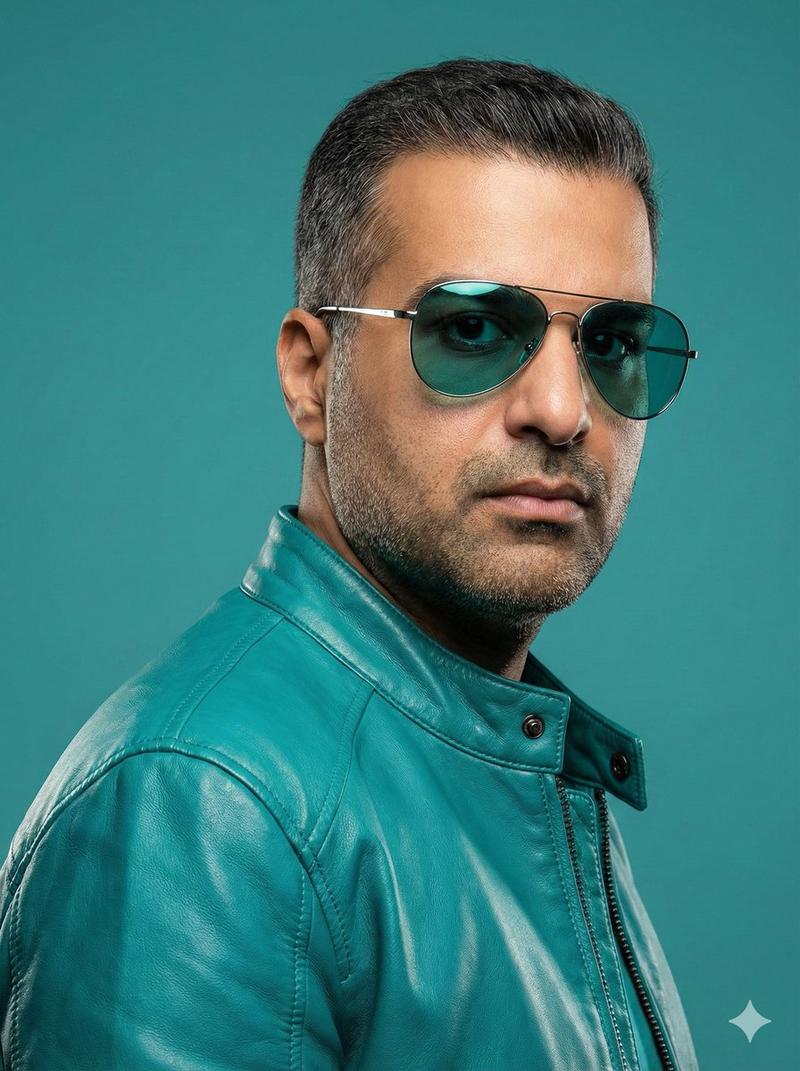
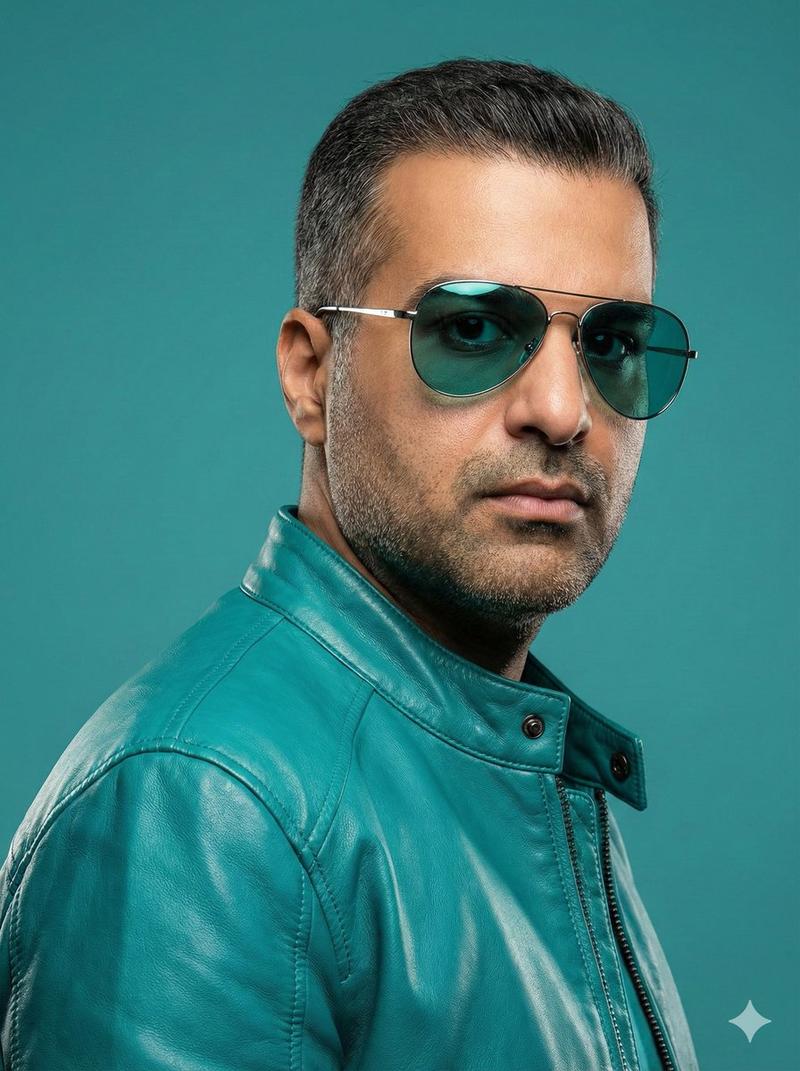
Close-up, high-detail portrait of an individual (face shape exactly the same as reference) rendered in a vectorized style with flat, saturated color blocking. The individual is in profile, looking right, with a serious expression. They wear small, round black sunglasses pushed down to reveal the eye. Outfit is a dark {argument name="jacket color" default="forest green/teal"} high-collared jacket. Lighting is bright, clean, and dramatic, originating from the front-right, creating sharp, well-defined shadows. Solid deep {argument name="background color" default="burgundy-red"} background instead of teal. High resolution, extreme detail, vertical orientation, clear edges.
Category
创意图片
Model
Nano Banana Pro
Creator
Harboriis
Views0
Source ID
a9d6a93d-cf7a-4e9c-9337-cd197ef48915
Published
Mar 8, 2026

Guide

About "带纹理细节的矢量化侧面肖像"

What is this prompt for?

"带纹理细节的矢量化侧面肖像" AI image prompt for Nano Banana Pro (创意图片). 一个用于 Nano Banana Pro 的图像生成提示,要求生成一张特写、高细节的肖像,采用矢量化风格,并带有平面、饱和的色块。提示中指定了主体(其面部必须与参考图像匹配)的侧面视图,戴着太阳镜,…

The full copyable prompt and example visuals above are ready for AI image generation or one-click recreate in Picva.

How to use this prompt

  1. Step 1

    Open the prompt detail

    Review the example visuals, category, and full prompt text for "带纹理细节的矢量化侧面肖像".

  2. Step 2

    Copy the prompt

    Copy the prompt body from this page, or load it directly in Studio.

  3. Step 3

    Pick a model (Nano Banana Pro)

    Prefer Nano Banana Pro. If you switch models, keep subject and composition and tweak style terms.

  4. Step 4

    Generate and export

    Recreate the look in Picva, or export into your workflow for editing and publishing.

FAQ

What is the "带纹理细节的矢量化侧面肖像" prompt?
It is an AI image-generation prompt for Nano Banana Pro in the 创意图片 category. This page includes the full prompt text, example visuals, and a one-click recreate path in Picva.
How do I use this prompt to generate an image?
Copy the prompt from this page, or use Generate / Studio. Paste it into a compatible image model, or recreate the look in Picva with optional reference images.
Which model is this prompt for?
This page lists Nano Banana Pro. Most descriptive prompts also transfer to nearby image models such as GPT Image, Flux, or Midjourney with light style tweaks.
Can I use the result commercially?
You can usually copy the prompt for creation, but commercial use of the final image depends on the model terms, reference-image rights, and the generated content. Follow the source author and platform rules.