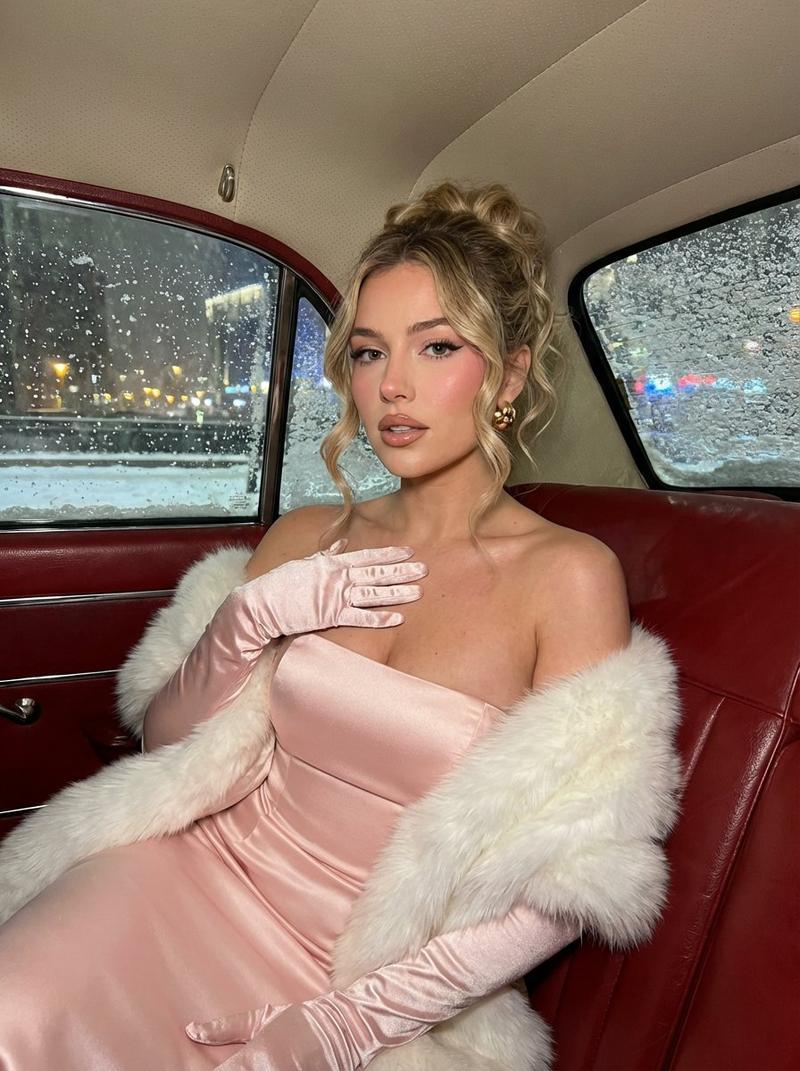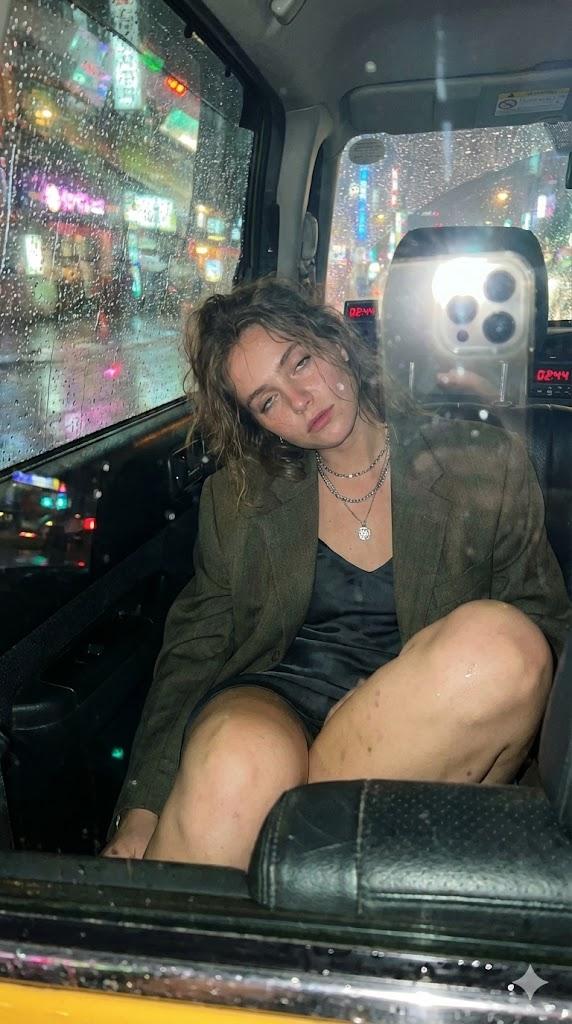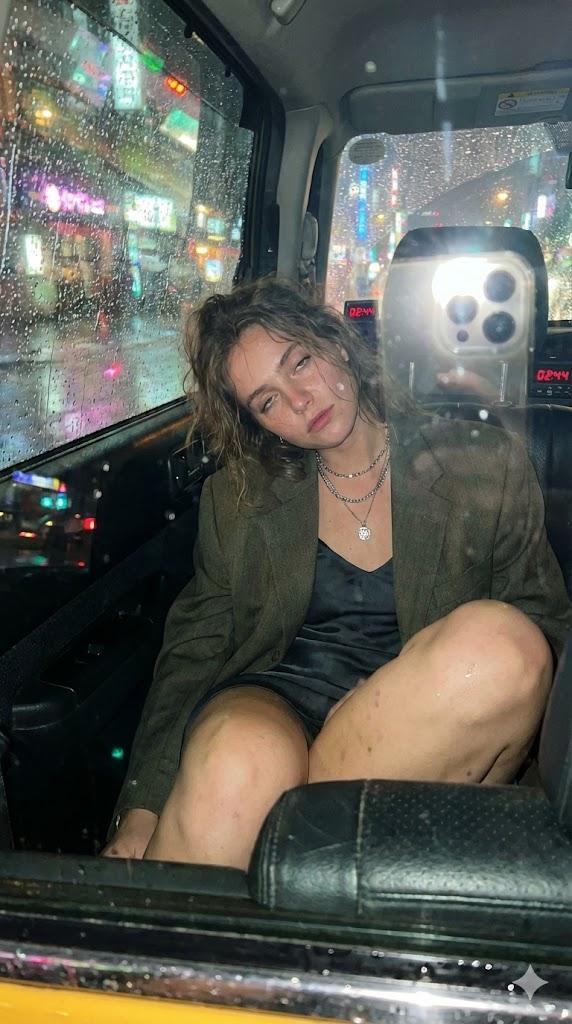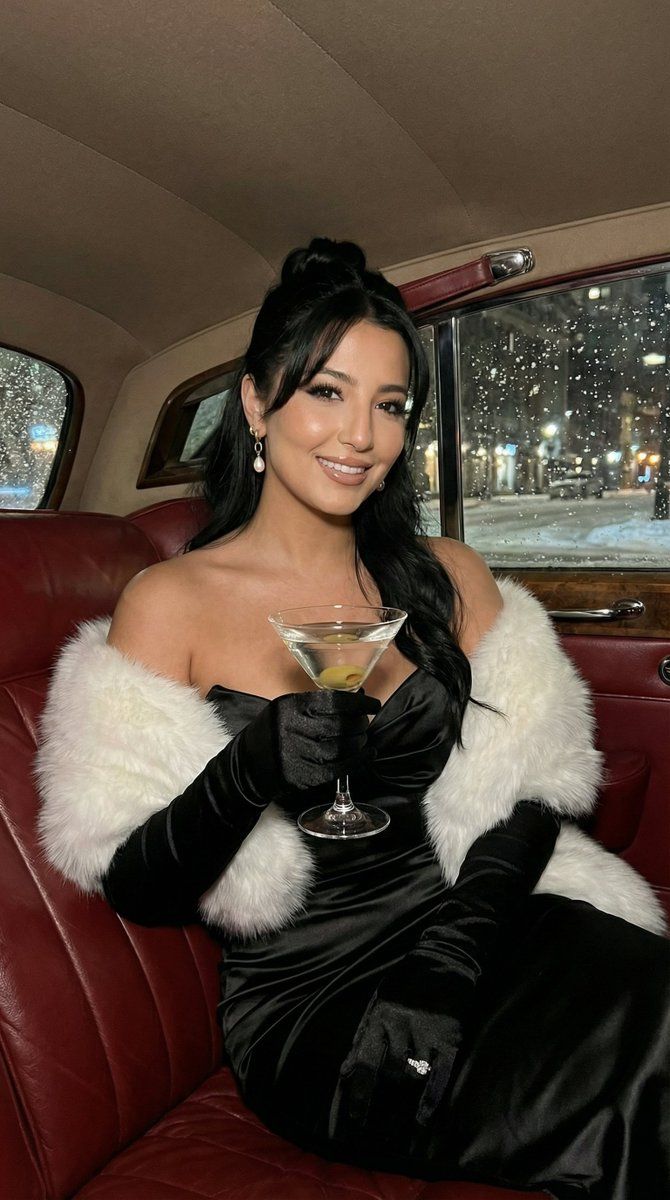
雪中汽车里的复古马提尼魅力肖像
Prompt
[
  {
    "subject": {
      "gender": "female",
      "instructions": "The girl must be 100% identical to the uploaded reference photo (same face, proportions, skin texture, age, and identity). Do not change identity.",
      "hair": {
        "color": "brown",
        "style": "updo with bangs",
        "texture": "wavy",
        "details": "tendrils framing face"
      },
      "eyes": {
        "color": "blue",
        "makeup": "winged eyeliner, pink blush"
      },
      "lips": {
        "color": "nude",
        "finish": "glossy"
      },
      "attire": {
        "dress": {
          "color": "black",
          "material": "satin",
          "style": "strapless gown"
        },
        "gloves": {
          "color": "black",
          "material": "satin",
          "length": "opera"
        },
        "stole": {
          "color": "white",
          "material": "fur"
        },
        "jewelry": {
          "earrings": "gold"
        }
      },
      "accessory": {
        "handheld_item": {
          "type": "martini glass",
          "contents": "clear martini with an olive on a cocktail pick",
          "glass_details": "classic V-shaped martini glass, thin stem, subtle condensation"
        },
        "hand_pose": "one hand holding the martini glass naturally at chest level, the other hand resting on chest (or lightly touching the stole)"
      },
      "pose": "seated, looking at camera, holding a martini glass at chest level; other hand on chest"
    },
    "setting": {
      "location": "inside a vintage car",
      "interior": {
        "upholstery": "red leather",
        "details": "chrome door handle"
      },
      "exterior_view": {
        "time": "night",
        "weather": "snowing",
        "elements": "blurred city lights, snow-covered window"
      }
    },
    "style": {
      "type": "photograph",
      "lighting": "warm interior, cold exterior",
      "focus": "sharp on subject, shallow depth of field",
      "mood": "elegant, glamorous, wintry",
      "aspect_ratio": "9:16",
      "camera_details": {
        "camera": "DSLR",
        "lens": "85mm f/1.8 prime",
        "aperture": "f/1.8",
        "shutter_speed": "1/60s",
        "iso": "800",
        "lighting_setup": "soft warm interior fill light, natural exterior bokeh",
        "post_processing": "natural skin texture (no excessive smoothing), warm vs cold color contrast grading"
      }
    },
    "text_overlay": {
      "content": "",
      "location": "on dress",
      "style": ""
    },
    "negative_prompt": [
      "different person / different face",
      "blonde hair",
      "blue dress",
      "extra people",
      "distorted hands",
      "extra fingers",
      "deformed glass",
      "spilled drink all over dress",
      "over-smoothed skin / plastic skin",
      "cartoon / illustration",
      "low resolution",
      "watermark / logo / text"
    ]
  }
]- Category
- 创意图片
- Model
- Nano Banana Pro
- Creator
- Özge Döner
- Source ID
- c26125d9-b3e9-408b-b75f-8b26263c8d82
- Published
- Mar 8, 2026
Views0