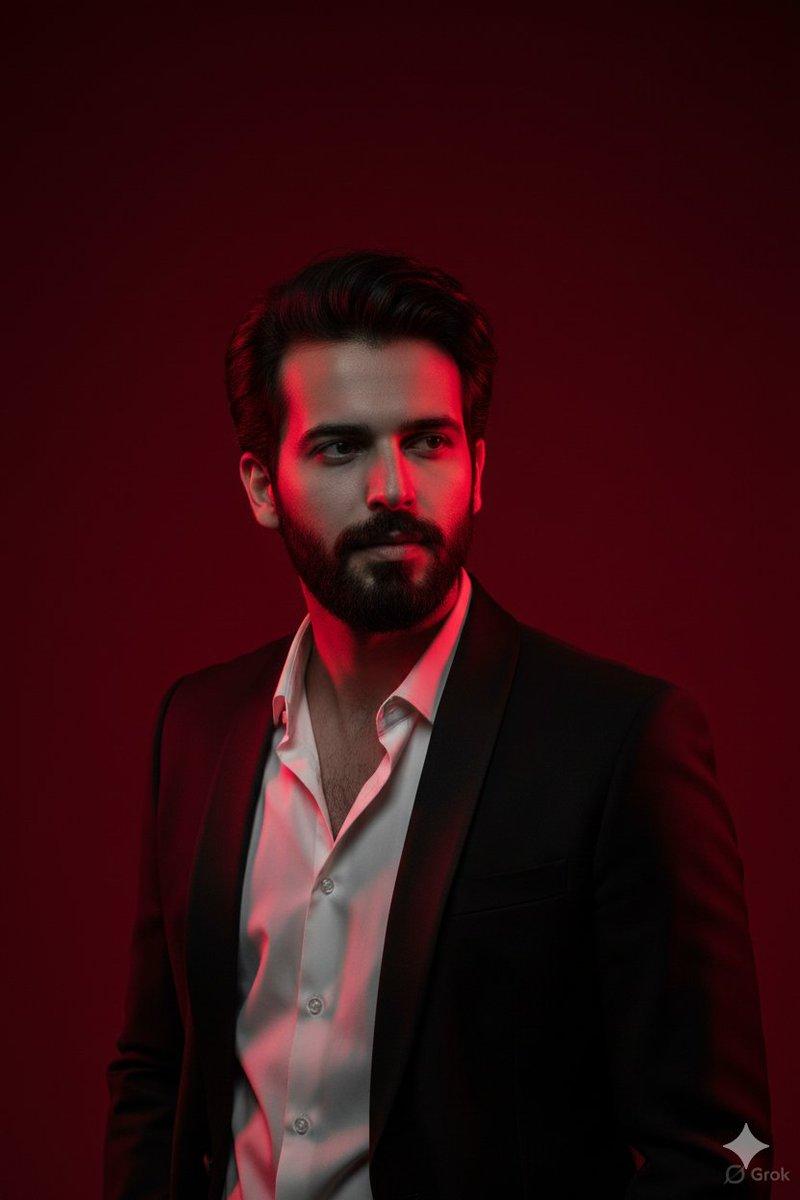
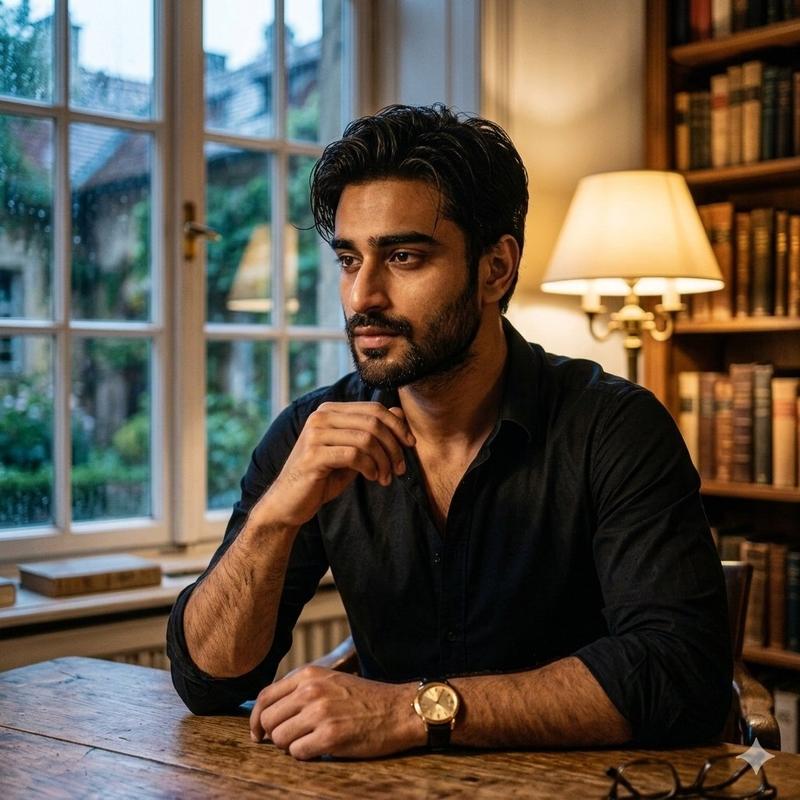
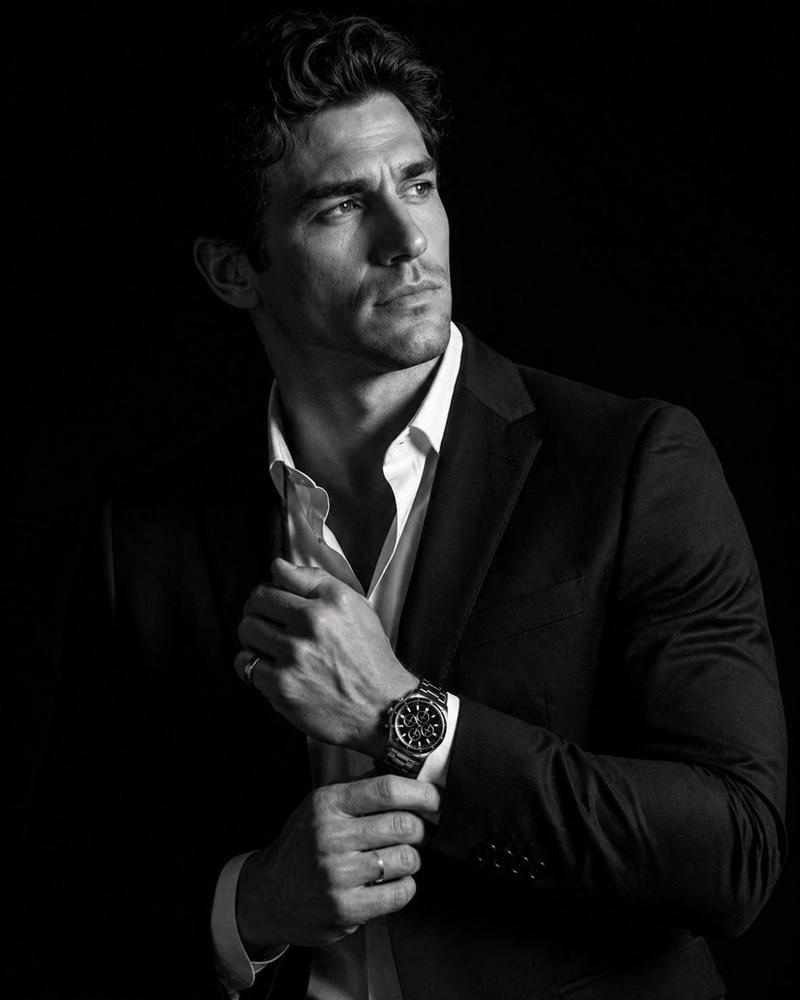
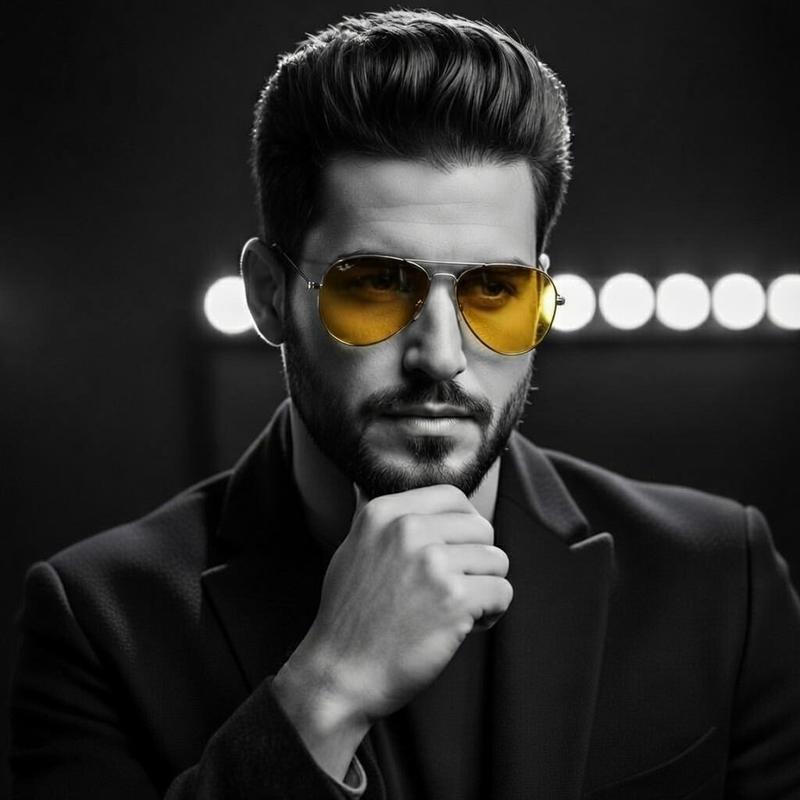
电影时尚肖像提示
Prompt
{
"image_metadata": {
"resolution": "1200x1200",
"orientation": "square",
"aspect_ratio": "1:1",
"visual_style": "cinematic fashion photography",
"mood": "luxurious, mysterious, introspective, dramatic"
},
"subject": {
"count": 1,
"gender_presentation": "androgynous masculine",
"age_range": "mid 20s to early 30s",
"ethnicity": "light to medium skin tone",
"facial_features": {
"face_shape": "oval",
"skin_texture": "smooth",
"expression": "thoughtful, distant gaze, slightly intense",
"eyes": "light-colored eyes, focused sideways, reflective",
"eyebrows": "thick, dark, well-shaped",
"lips": "natural, slightly parted"
},
"hair": {
"color": "dark brown to black",
"length": "short to medium",
"style": "slicked back with slight volume, classic vintage look",
"texture": "smooth, groomed"
},
"pose": {
"body_position": "sitting on stairs",
"legs": "spread slightly, relaxed posture",
"arms": "one arm resting on thigh, other hand touching face",
"hand_gesture": "fingers near mouth, contemplative pose",
"head_angle": "slightly tilted, looking to the side"
}
},
"clothing": {
"outfit_type": "formal suit",
"suit": {
"color": "emerald green",
"material": "velvet",
"texture": "soft, reflective, plush",
"fit": "tailored, slim fit",
"jacket": {
"lapel_style": "classic notched lapel",
"closure": "single-breasted",
"sleeves": "full-length"
},
"pants": {
"cut": "straight cut",
"length": "ankle length"
}
},
"shirt": {
"color": "white",
"style": "dress shirt",
"collar": "open collar, no tie",
"fabric": "cotton or silk blend"
},
"footwear": {
"shoes": {
"type": "dress shoes",
"color": "black",
"finish": "high gloss, polished",
"style": "lace-up"
},
"socks": {
"color": "black",
"length": "ankle to mid-calf"
}
},
"accessories": {
"rings": "subtle ring on finger",
"jewelry_style": "minimal, understated"
}
},
"environment": {
"location_type": "interior staircase",
"setting_style": "luxury vintage theater or upscale venue",
"stairs": {
"carpet_color": "deep red",
"material": "velvet or plush carpet",
"edges": "clean, well-defined steps"
},
"walls": {
"color_palette": ["deep red", "black"],
"finish": "matte with decorative trim",
"paneling": "classic wall paneling with gold or brass lining"
},
"railing": {
"material": "metal",
"color": "gold or brass",
"style": "ornamental, classic"
},
"lighting_fixtures": {
"type": "wall sconce",
"light_color": "warm yellow",
"design": "oval-shaped, frosted glass"
}
},
"lighting": {
"overall_lighting": "low-light cinematic",
"key_light": "frontal soft light illuminating subject",
"fill_light": "minimal",
"back_light": "subtle ambient glow from wall lamp",
"contrast": "high contrast between subject and background",
"shadows": "soft but deep shadows",
"color_temperature": "warm interior lighting"
},
"composition": {
"camera_angle": "slightly low angle",
"camera_distance": "full-body shot",
"framing": "subject centered slightly lower "
}}- Category
- 创意图片
- Model
- Nano Banana Pro
- Creator
- ShaHid WaNii
- Source ID
- ad2f06c0-49a9-4bf6-84d0-172f1fecddbd
- Published
- Mar 8, 2026
Views0