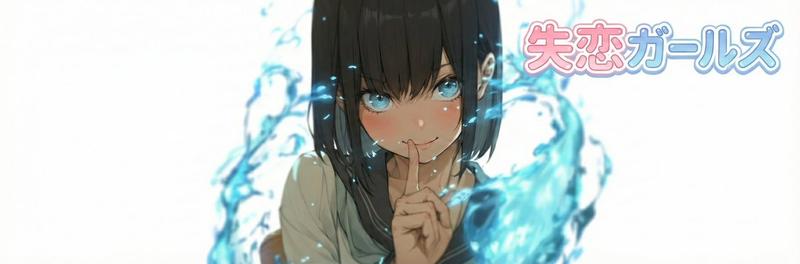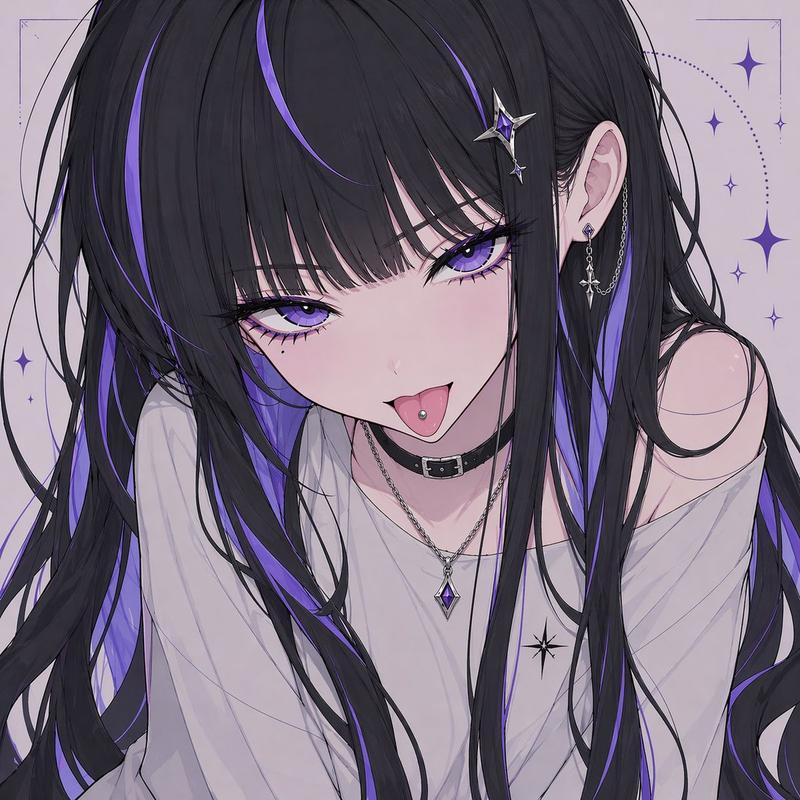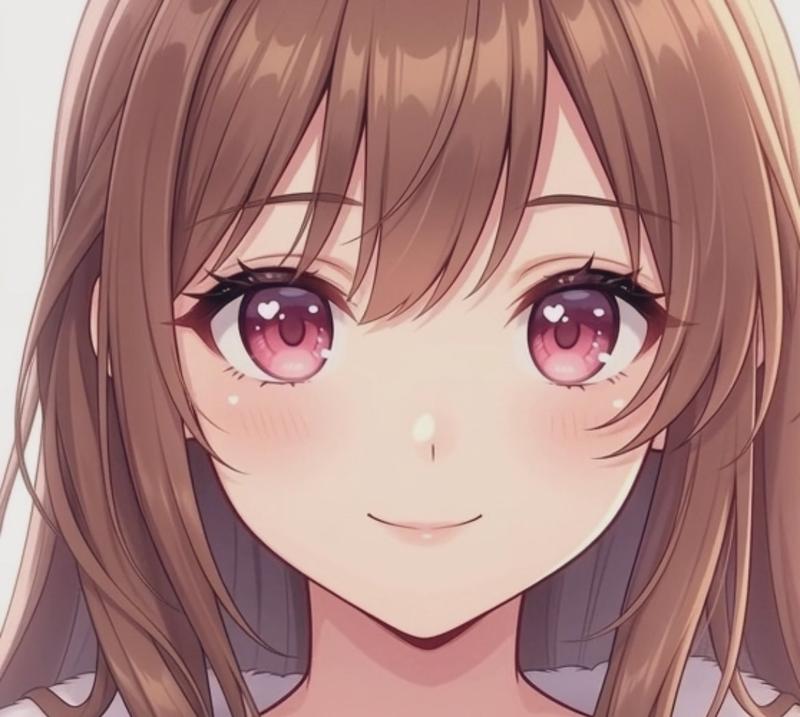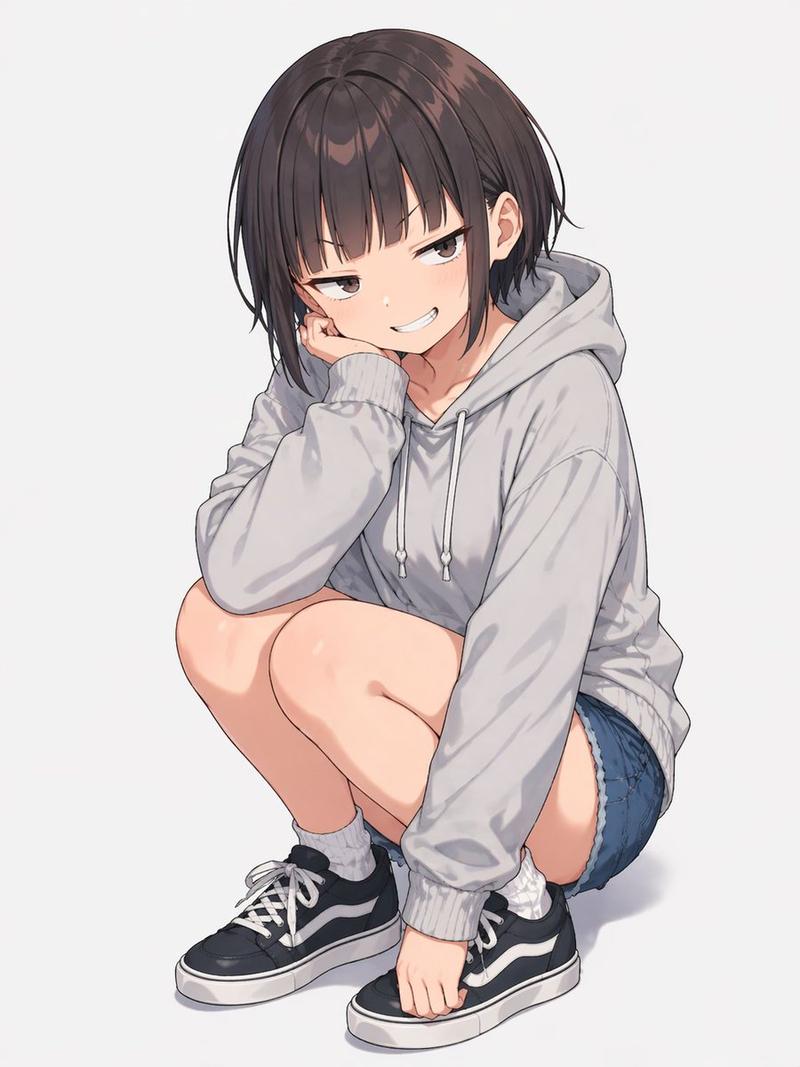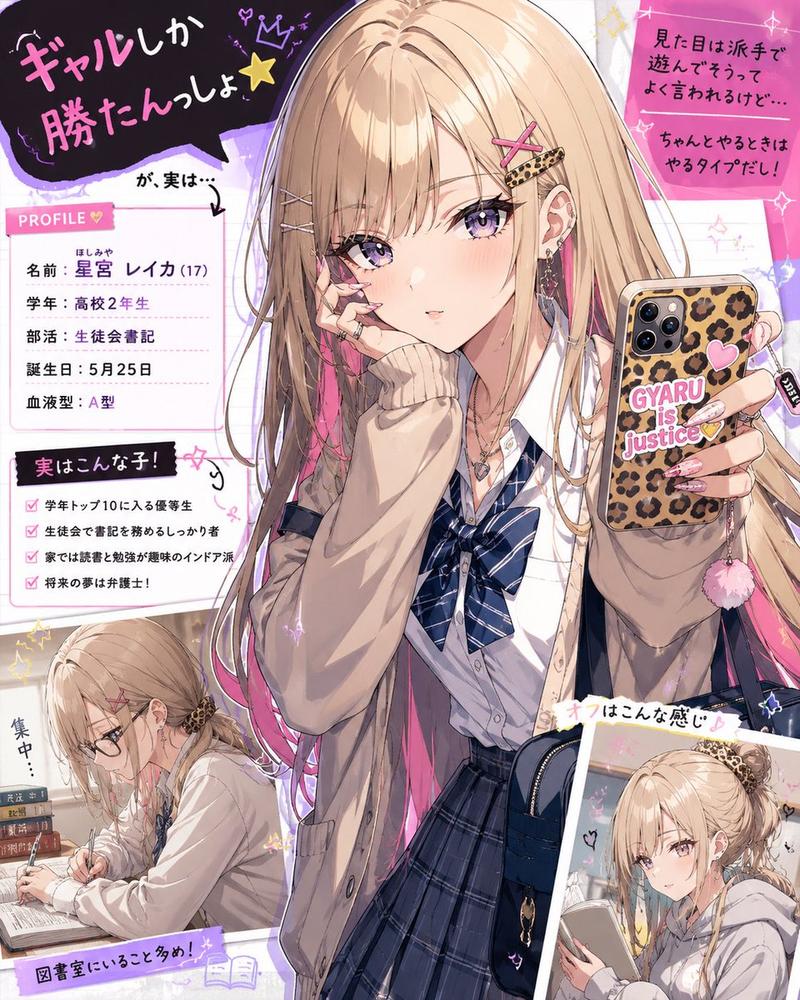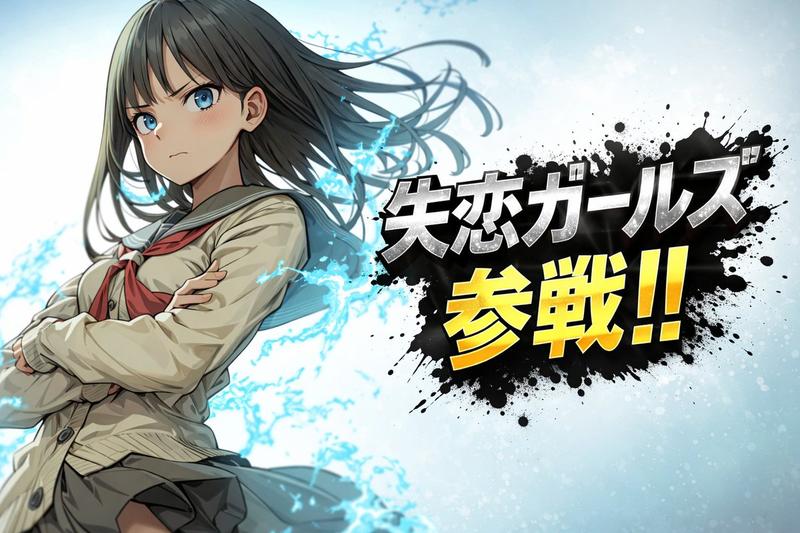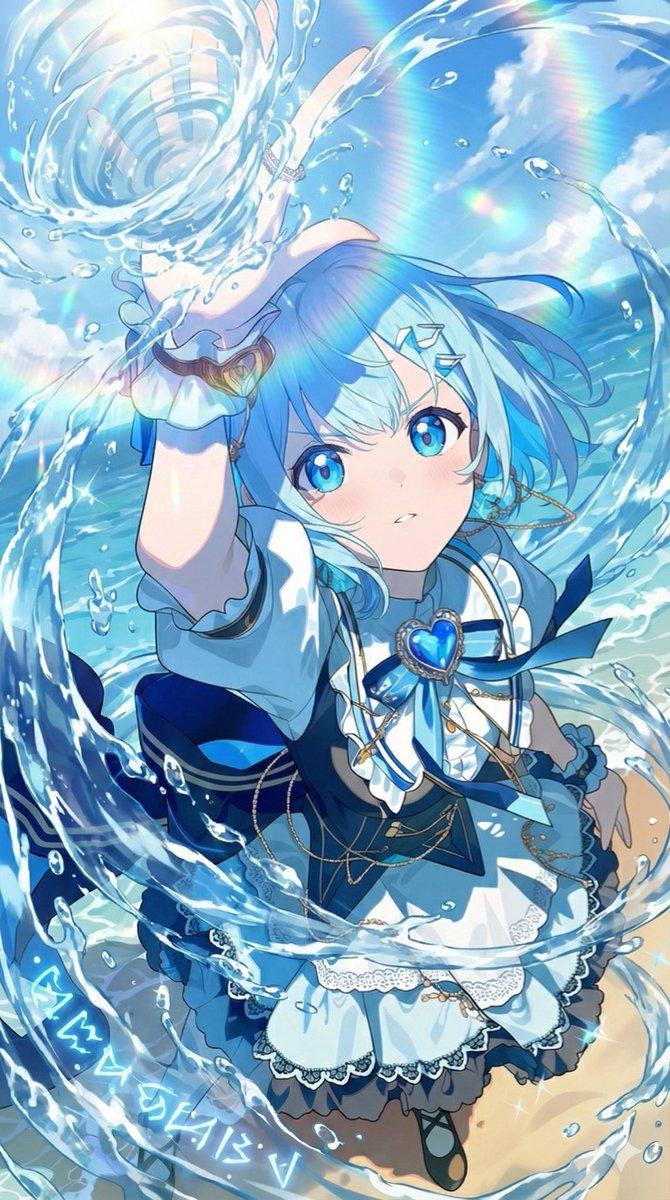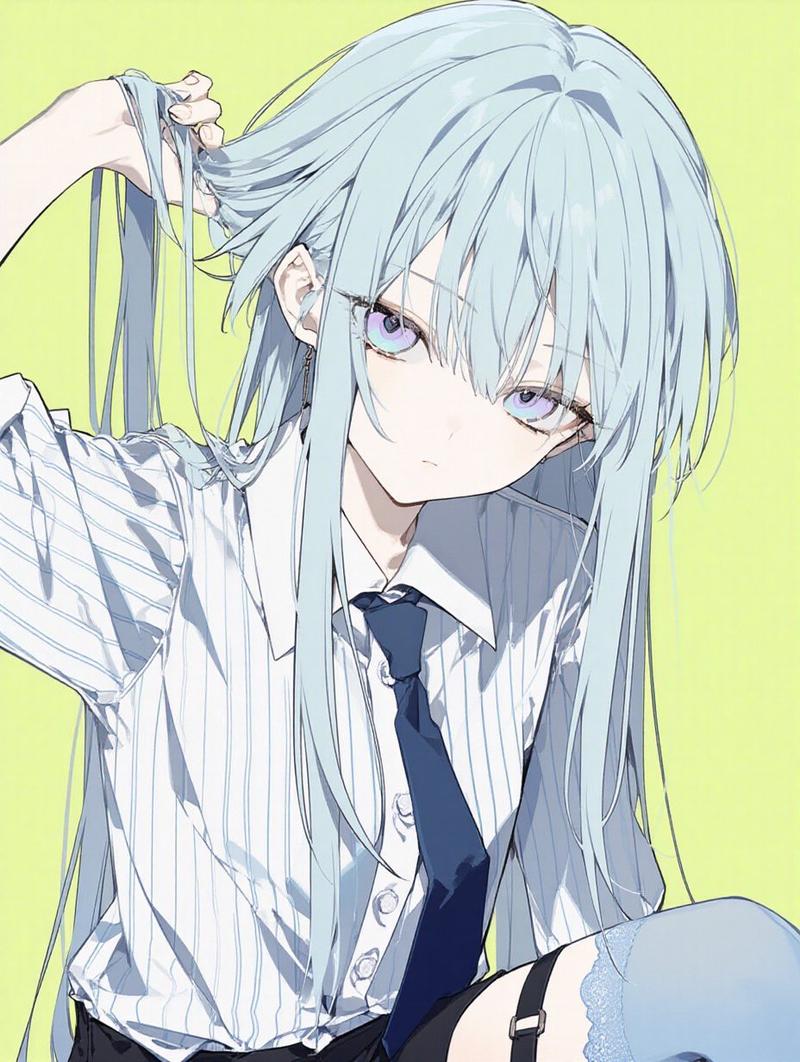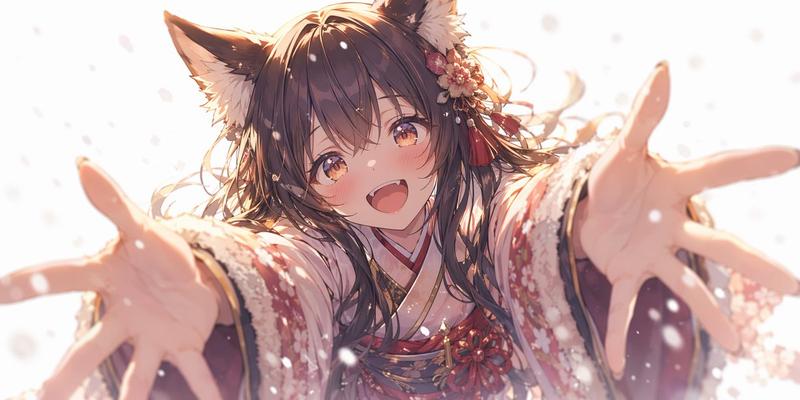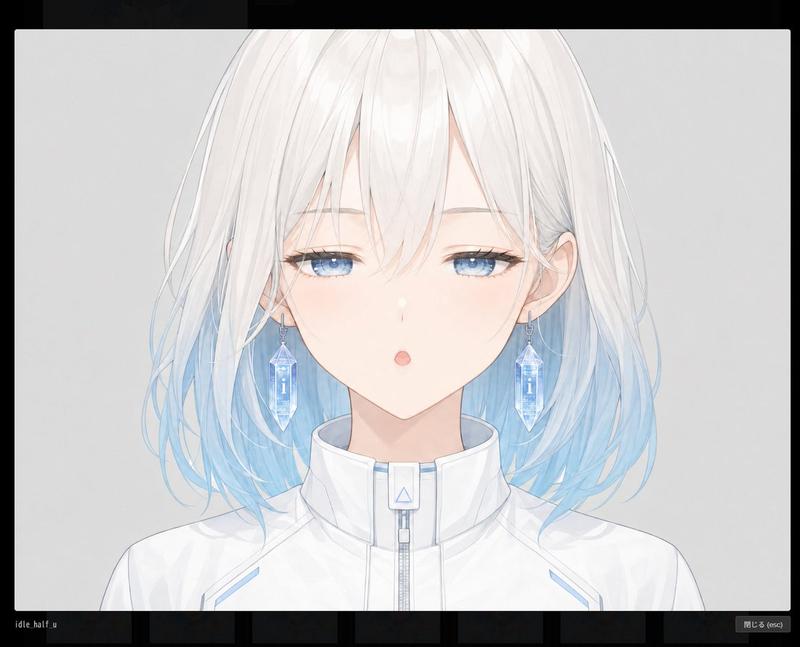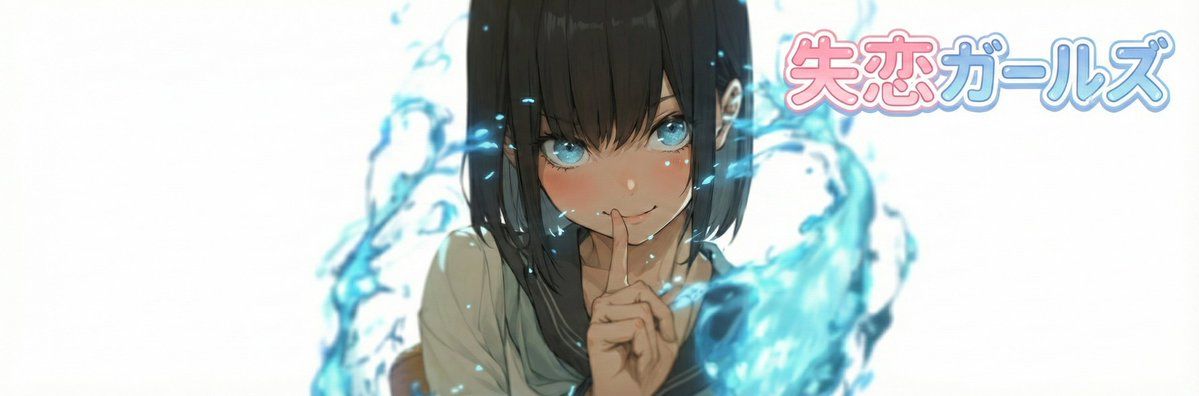
Nano Banana Pro X 标题图片生成提示
Prompt
# ===== USER CONTROLS =====
title_text: "{argument name="表示文字列" default="<<YOUR_TEXT>>"}"
title_style_preset: "{argument name="ロゴデザインプリセット" default="cool"}"  # cool, cute, cool_cute, luxury, pop, cyber, minimal, retro, kawaii
face_zoom: "{argument name="ズームのon/off" default="off"}"            # off, on

subject: >
  Create a 3:1 wide banner using the provided reference image content.
  The primary face must be centered inside an invisible safe zone (not drawn),
  and a title logo (derived from title_text + title_style_preset) must be placed inside the same safe zone.

composition: >
  Aspect ratio 3:1.
  Invisible safe zone (DO NOT draw it):
  - Left margin: 15% of width
  - Right margin: 15% of width
  - Top margin: 16% of height
  - Bottom margin: 16% of height
  Keep the entire face AND the entire title logo fully inside this safe zone.
  Background may extend to the edges.

action: >
  Place the reference image content with maximum fidelity.
  Auto-crop/scale/reposition to fit a 3:1 banner with no stretching.
  Detect the primary face (if multiple faces, pick the largest/most prominent).
  Center the primary face within the safe zone both horizontally and vertically.
  Never crop off the face/eyes; keep the full face comfortably inside the safe zone (not near edges).

  Face zoom behavior:
  - If face_zoom is OFF: keep the original framing as much as possible while still centering the face in the safe zone.
  - If face_zoom is ON: zoom/crop to a bust-up portrait centered on the face
    (head and shoulders visible; include upper chest; do not crop the top of the head or chin; keep facial features prominent).

Create negative space inside the safe zone for the title logo by adjusting crop/reposition/out- Category
- 创意图片
- Model
- Nano Banana Pro
- Creator
- てんねん
- Source ID
- c59f0f50-bf16-448e-80b4-90ce45506d85
- Published
- Mar 8, 2026
Views0