19

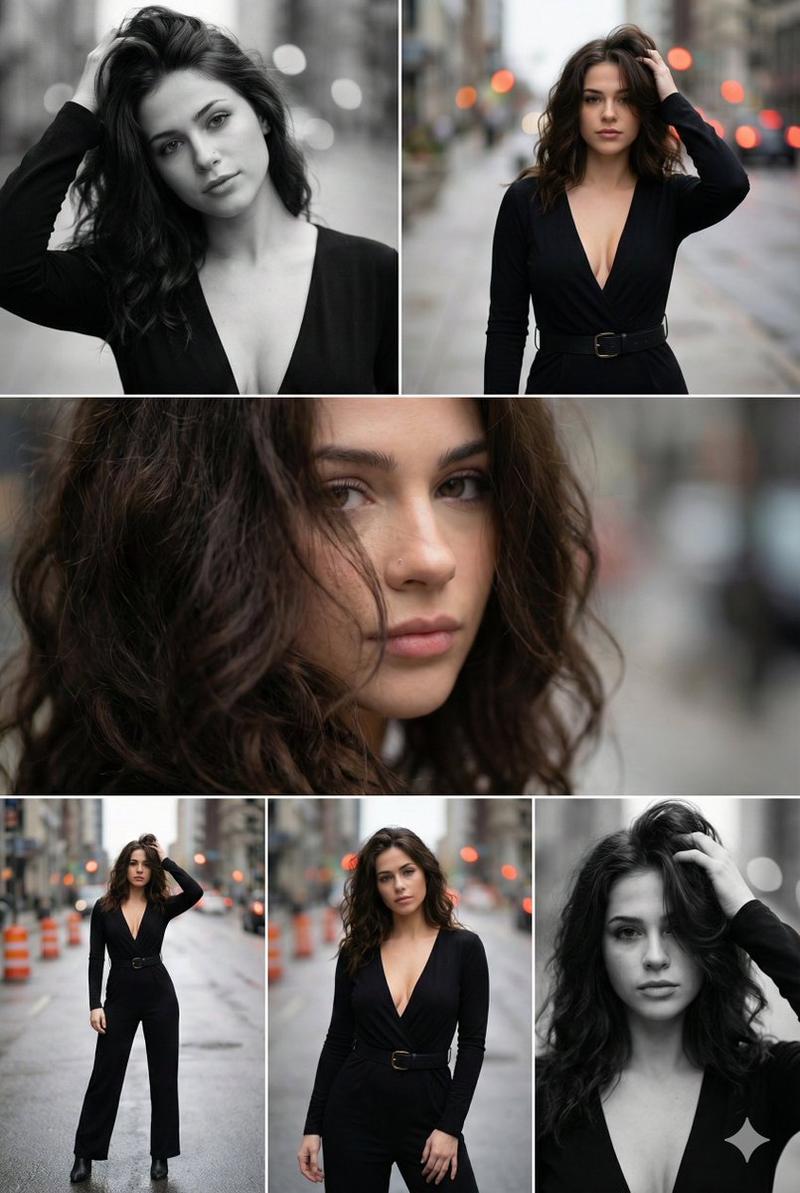
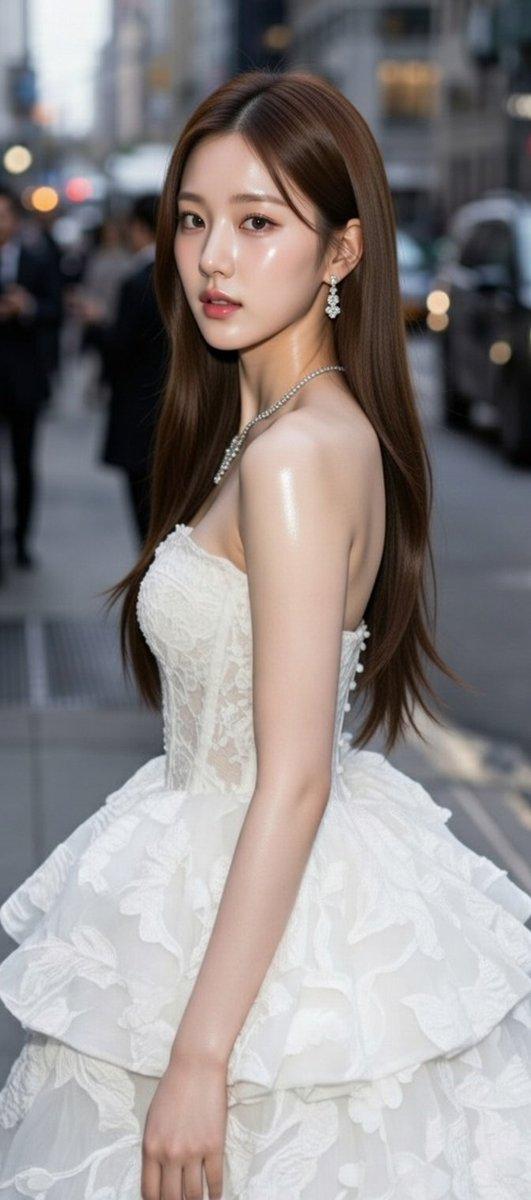
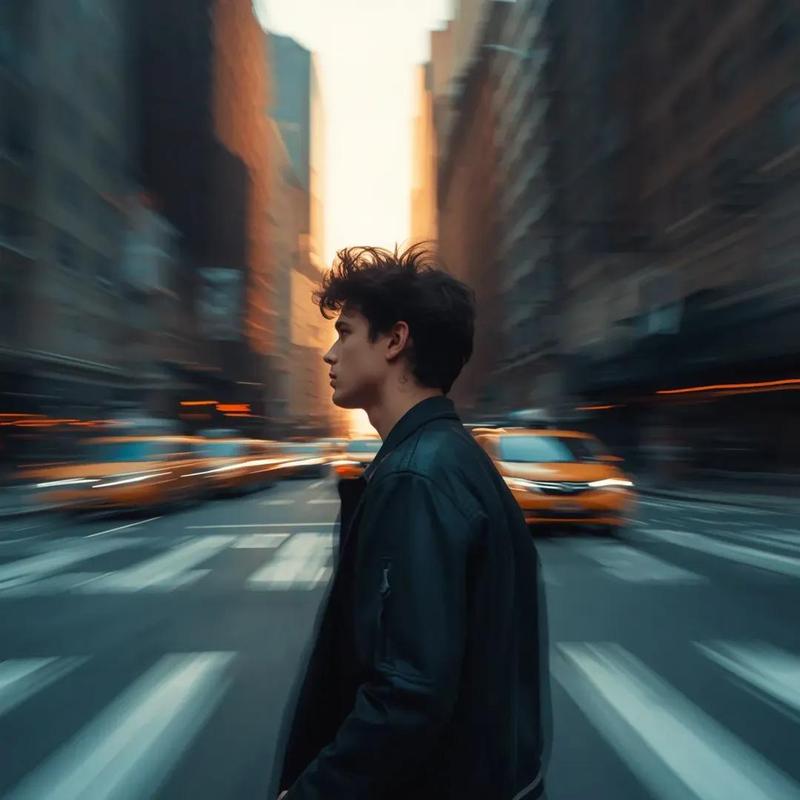
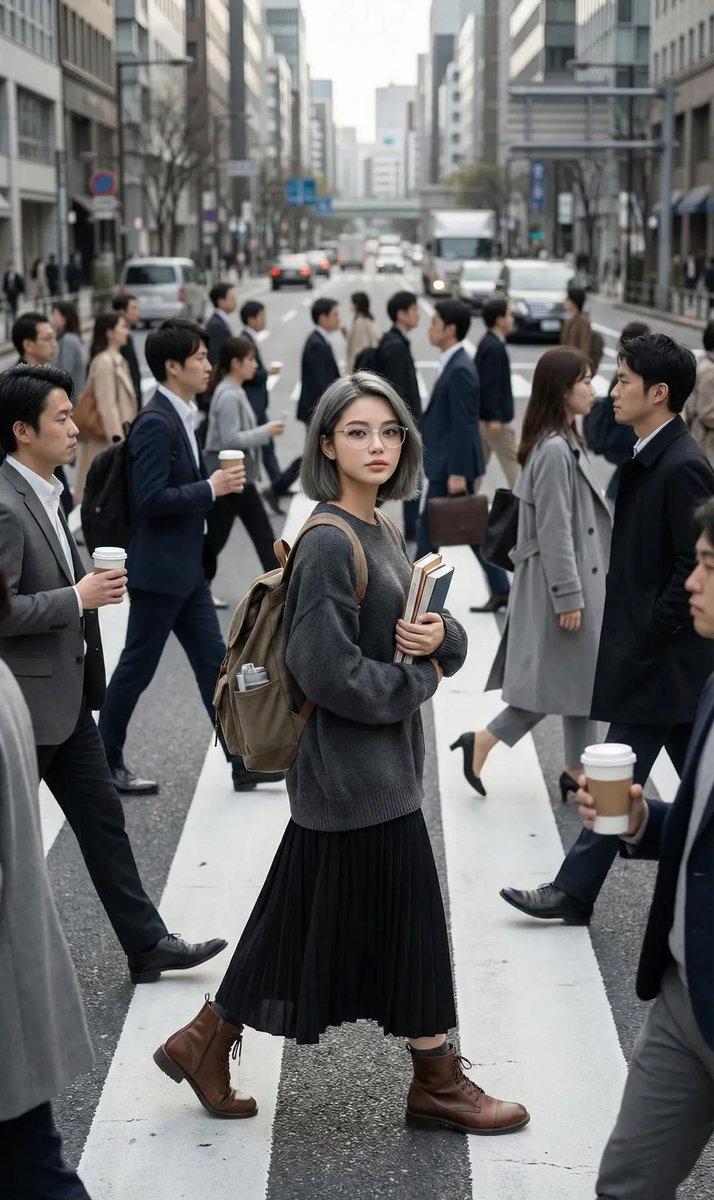
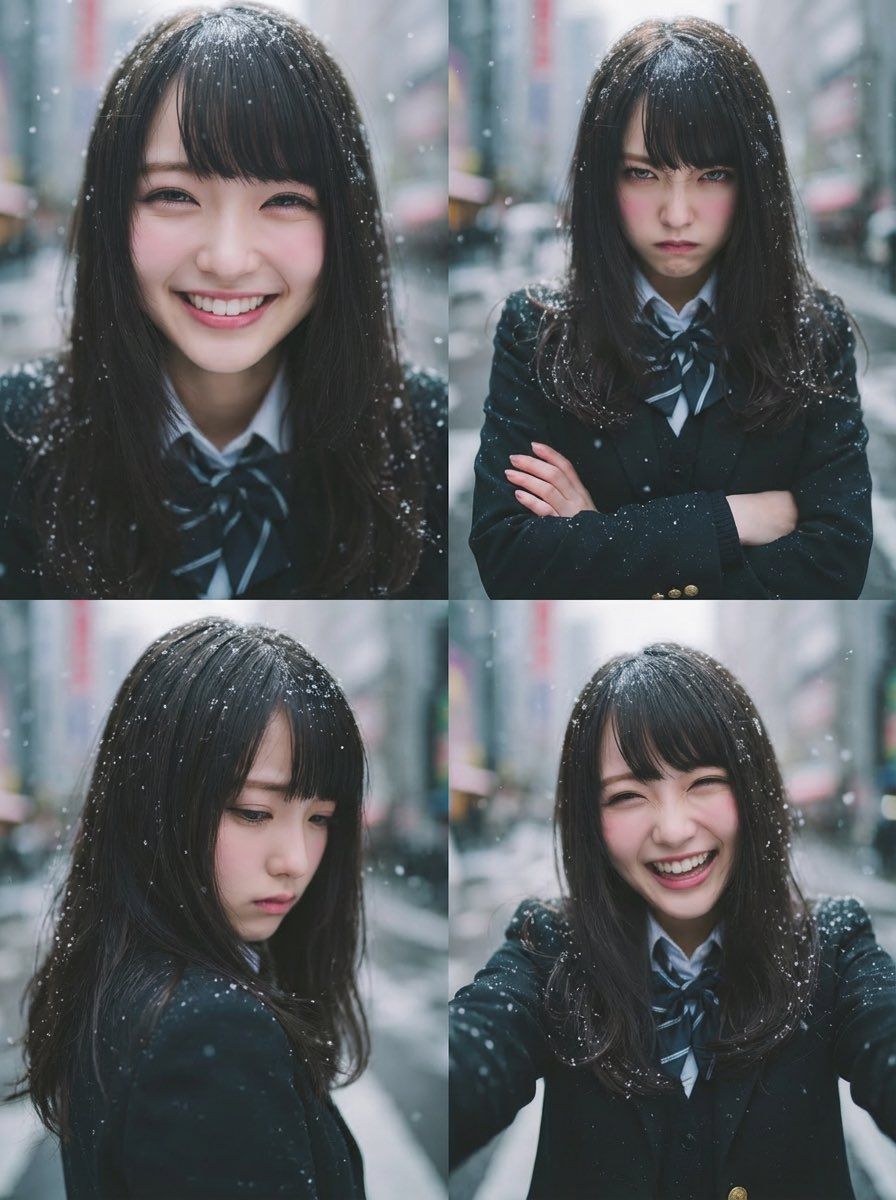
四格情绪网格生成器(喜悦、愤怒、悲伤、乐趣)
Enlarge

四格情绪网格生成器(喜悦、愤怒、悲伤、乐趣)

Prompt
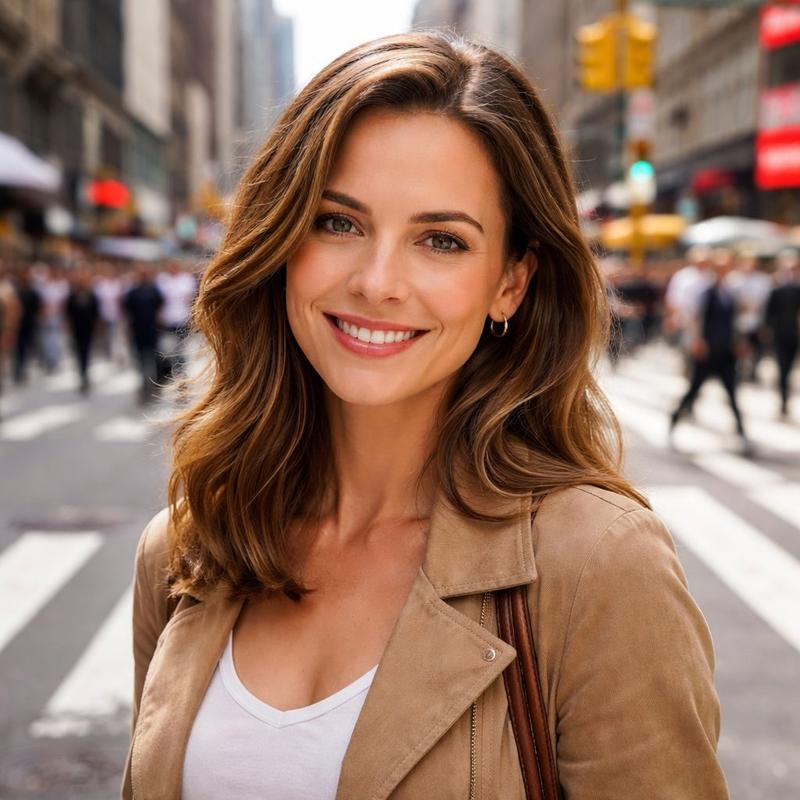
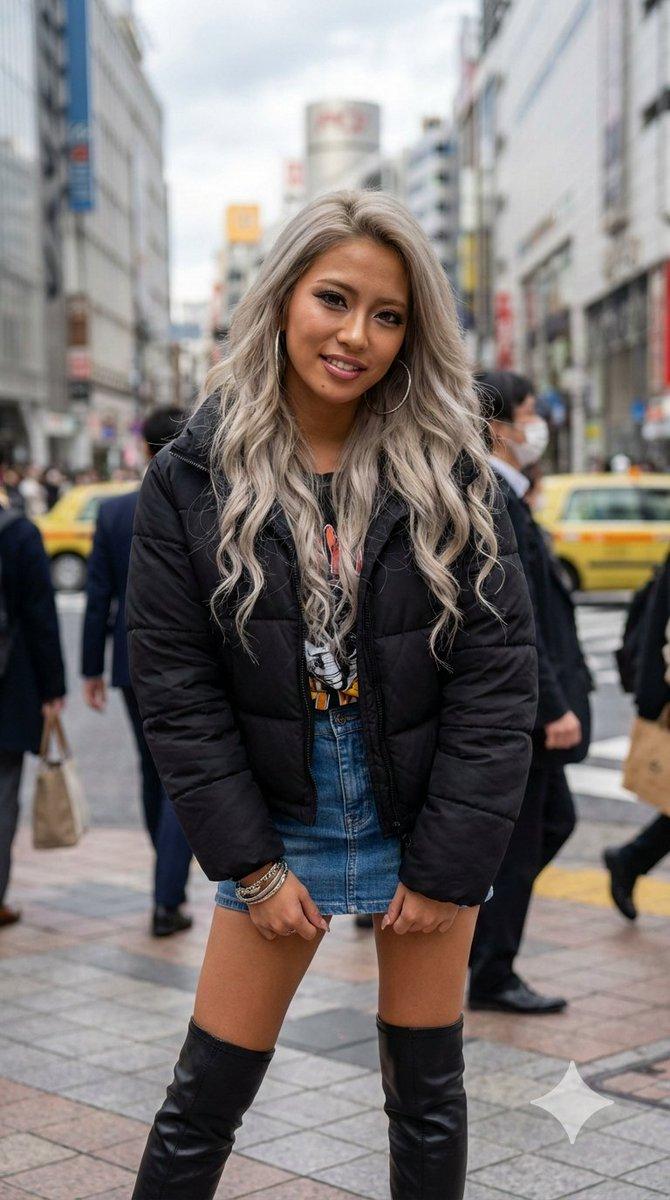
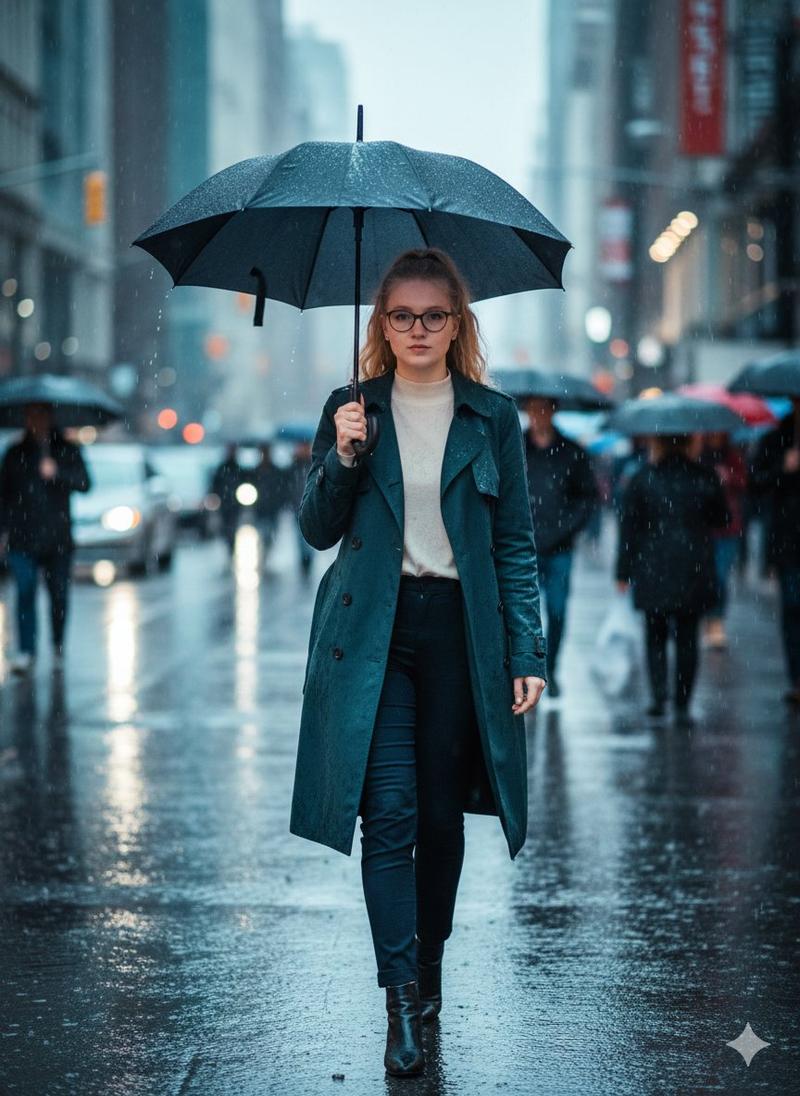
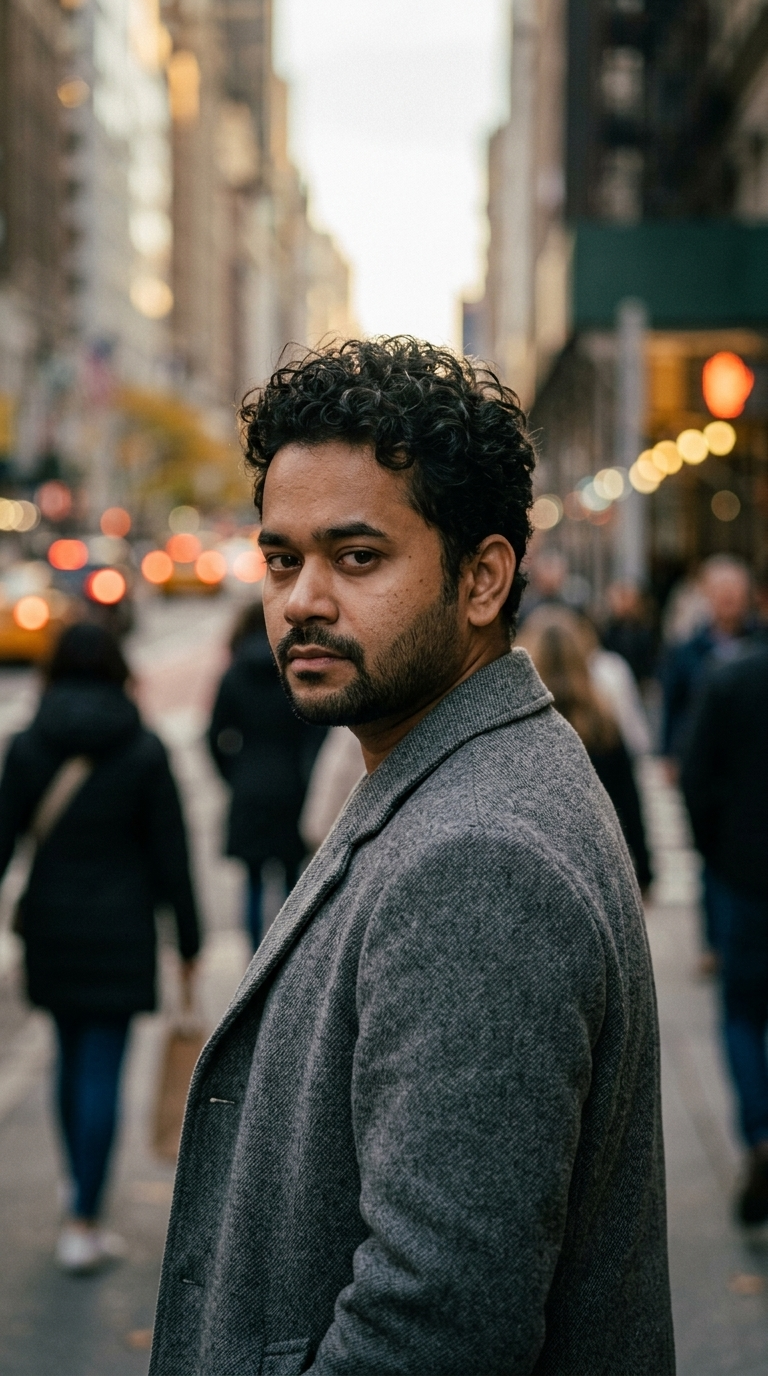
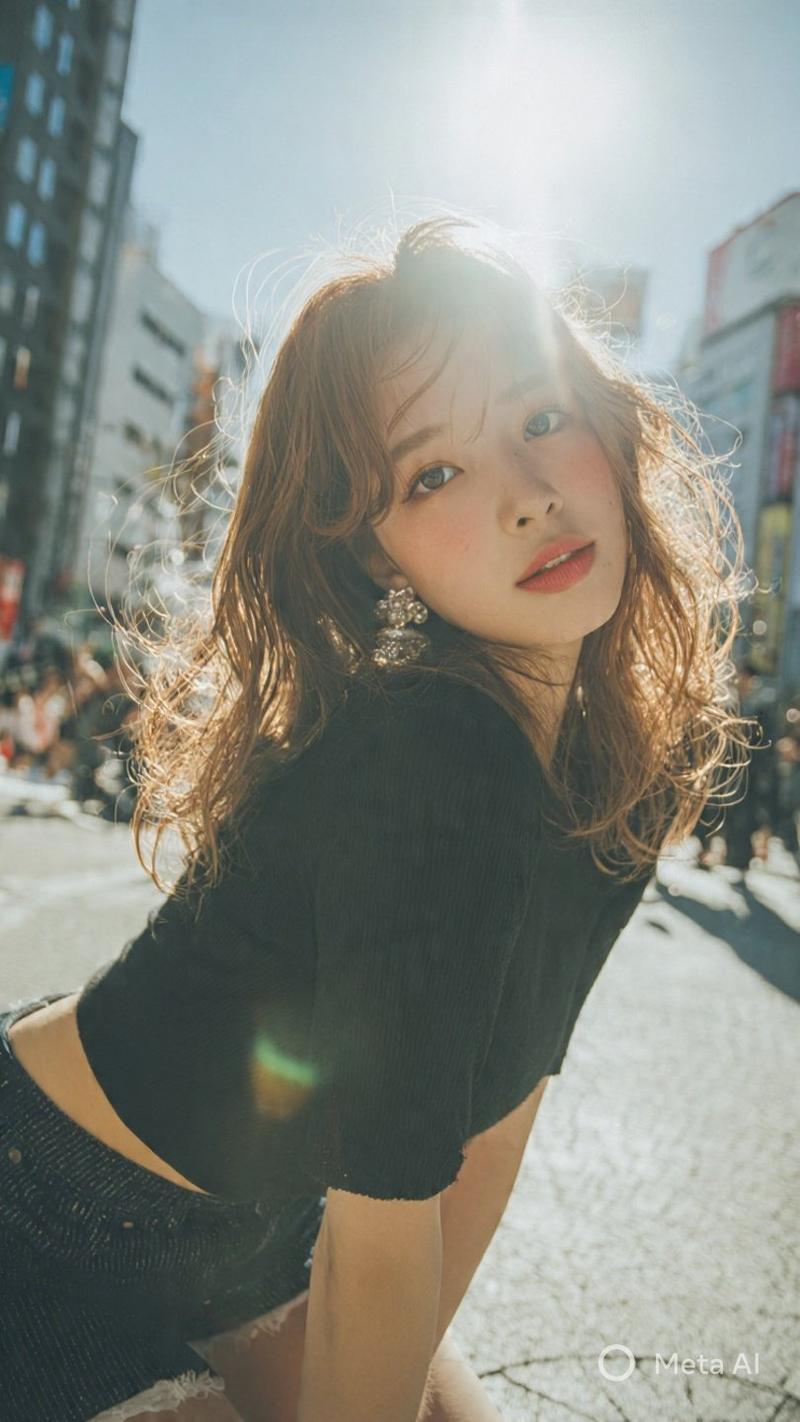
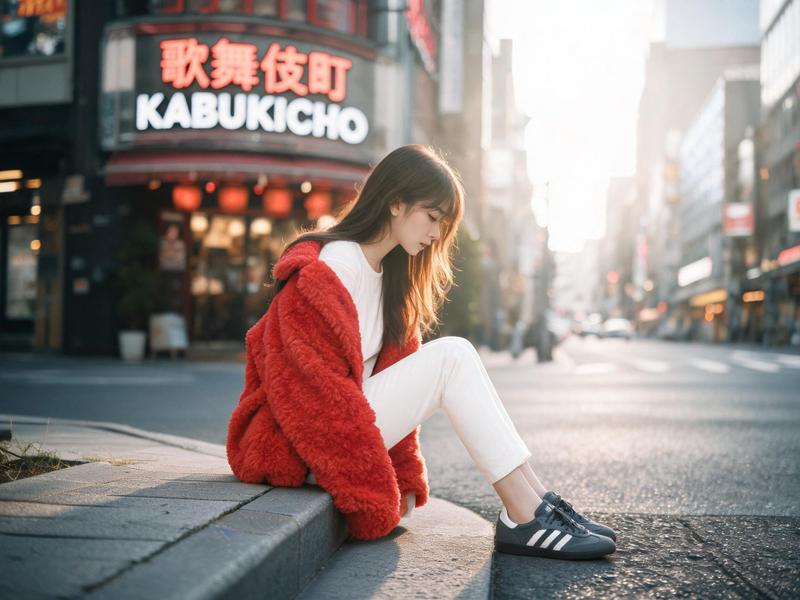
Using the uploaded reference image, generate a four-panel composition (upper-left, upper-right, lower-left, lower-right).

Keep the person’s face, hairstyle, and clothing exactly the same as in the uploaded image for all panels.
Maintain a realistic photo style, consistent identity, and natural lighting.

Upper-left (Joy / 喜び):
A close-up of her face from a slightly high angle. She is smiling brightly with sparkling eyes, expressing pure joy and happiness. Her expression feels open, warm, and genuinely delighted.

Upper-right (Anger / 怒り):
A medium shot of her upper body. She is visibly angry, with furrowed brows and a sharp, intense expression. Her posture is tense, and she slightly clenches her fists or crosses her arms, clearly showing irritation or frustration.

Lower-left (Sadness / 哀しみ):
An over-the-shoulder or slightly downward-angled shot. Her body language is subdued and closed off. She looks down with a sorrowful, quiet expression, conveying loneliness or emotional pain, with a soft, muted mood.

Lower-right (Fun / 楽しい):
A casual selfie-style shot. She looks playful and energetic, laughing or making a cheerful, fun expression. The mood is lighthearted and carefree, showing her enjoying the moment.
Category
创意图片
Model
Nano Banana Pro
Views0
Source ID
e71f9291-8a40-4cf0-91ce-7168f29d30b9
Published
Mar 8, 2026

Guide

About "四格情绪网格生成器(喜悦、愤怒、悲伤、乐趣)"

What is this prompt for?

"四格情绪网格生成器(喜悦、愤怒、悲伤、乐趣)" AI image prompt for Nano Banana Pro (创意图片). 一个为 Nano Banana Pro 设计的详细提示,用于自动生成一个四格构图(2x2 网格),展示一个一致的角色(基于上传的图片)表达四种不同的情绪:喜悦、愤怒、悲伤和乐趣。它…

The full copyable prompt and example visuals above are ready for AI image generation or one-click recreate in Picva.

How to use this prompt

  1. Step 1

    Open the prompt detail

    Review the example visuals, category, and full prompt text for "四格情绪网格生成器(喜悦、愤怒、悲伤、乐趣)".

  2. Step 2

    Copy the prompt

    Copy the prompt body from this page, or load it directly in Studio.

  3. Step 3

    Pick a model (Nano Banana Pro)

    Prefer Nano Banana Pro. If you switch models, keep subject and composition and tweak style terms.

  4. Step 4

    Generate and export

    Recreate the look in Picva, or export into your workflow for editing and publishing.

FAQ

What is the "四格情绪网格生成器(喜悦、愤怒、悲伤、乐趣)" prompt?
It is an AI image-generation prompt for Nano Banana Pro in the 创意图片 category. This page includes the full prompt text, example visuals, and a one-click recreate path in Picva.
How do I use this prompt to generate an image?
Copy the prompt from this page, or use Generate / Studio. Paste it into a compatible image model, or recreate the look in Picva with optional reference images.
Which model is this prompt for?
This page lists Nano Banana Pro. Most descriptive prompts also transfer to nearby image models such as GPT Image, Flux, or Midjourney with light style tweaks.
Can I use the result commercially?
You can usually copy the prompt for creation, but commercial use of the final image depends on the model terms, reference-image rights, and the generated content. Follow the source author and platform rules.