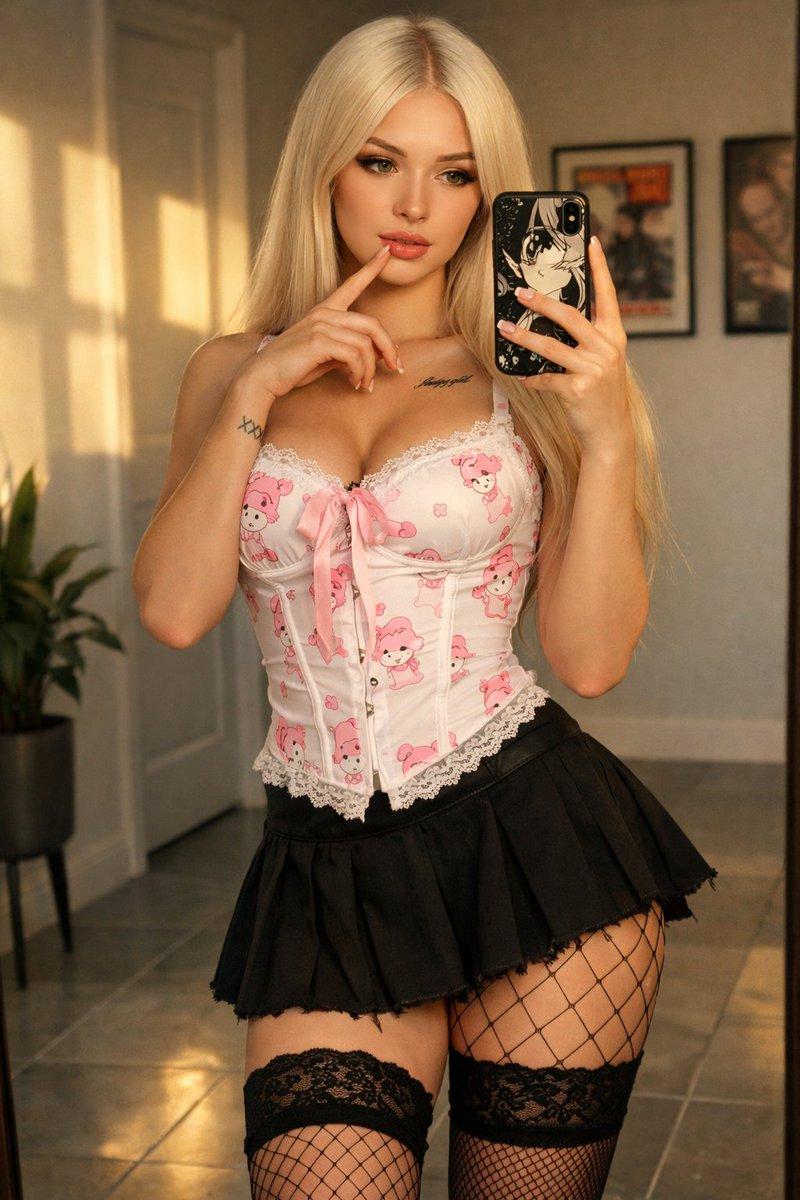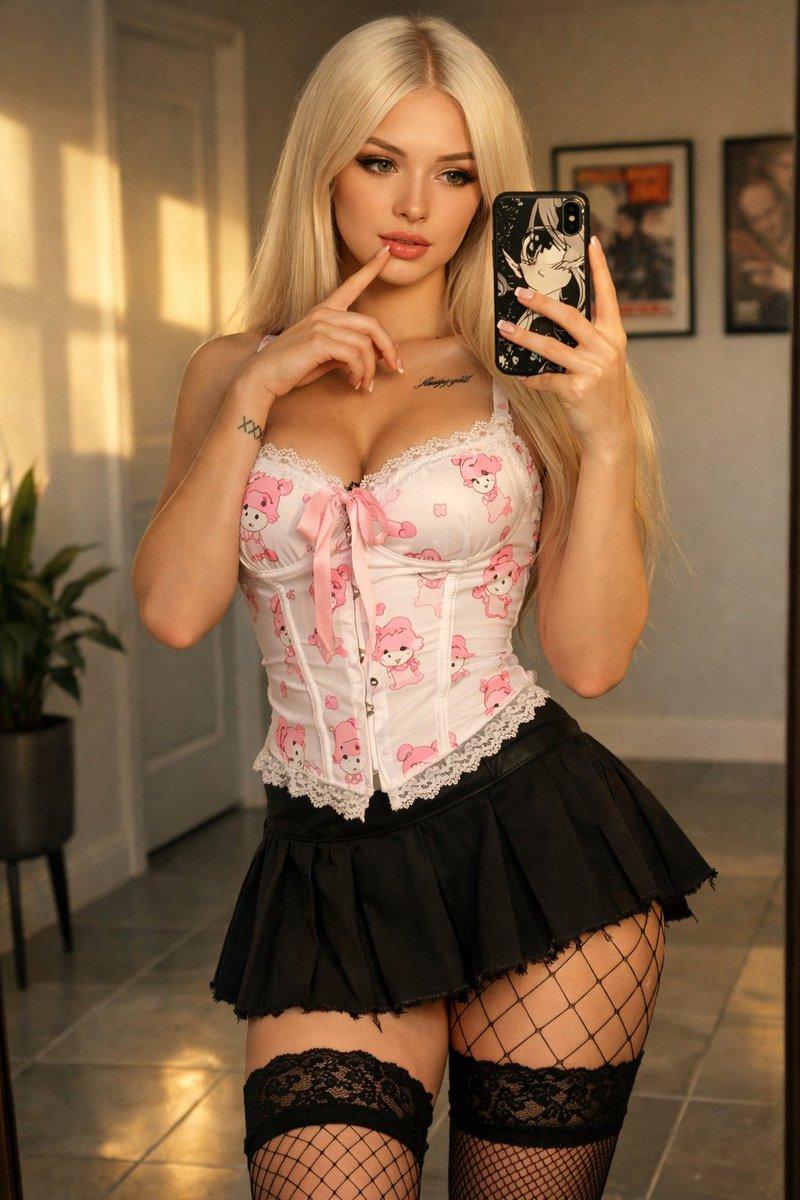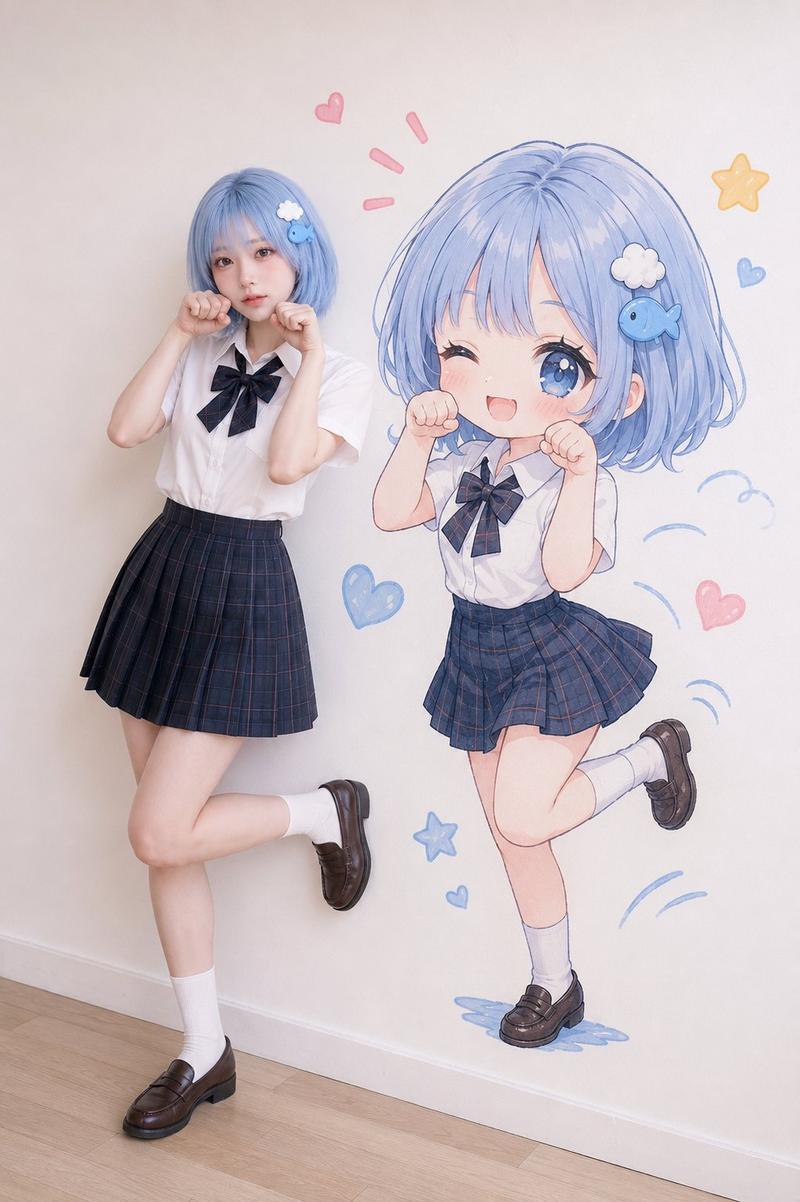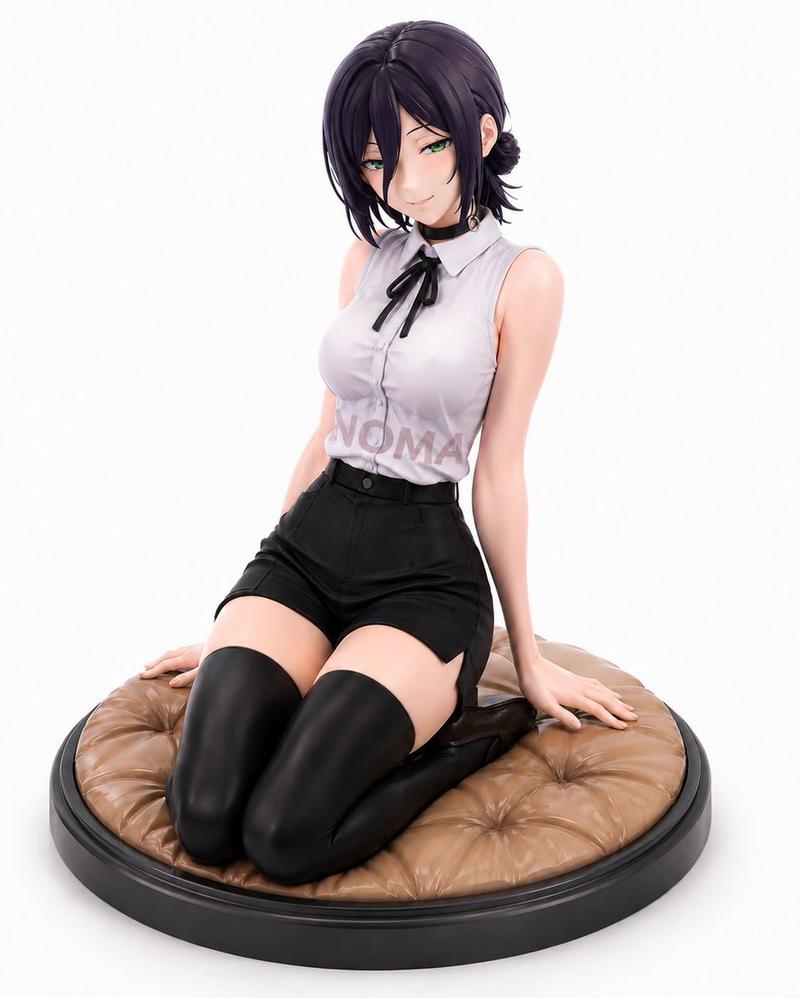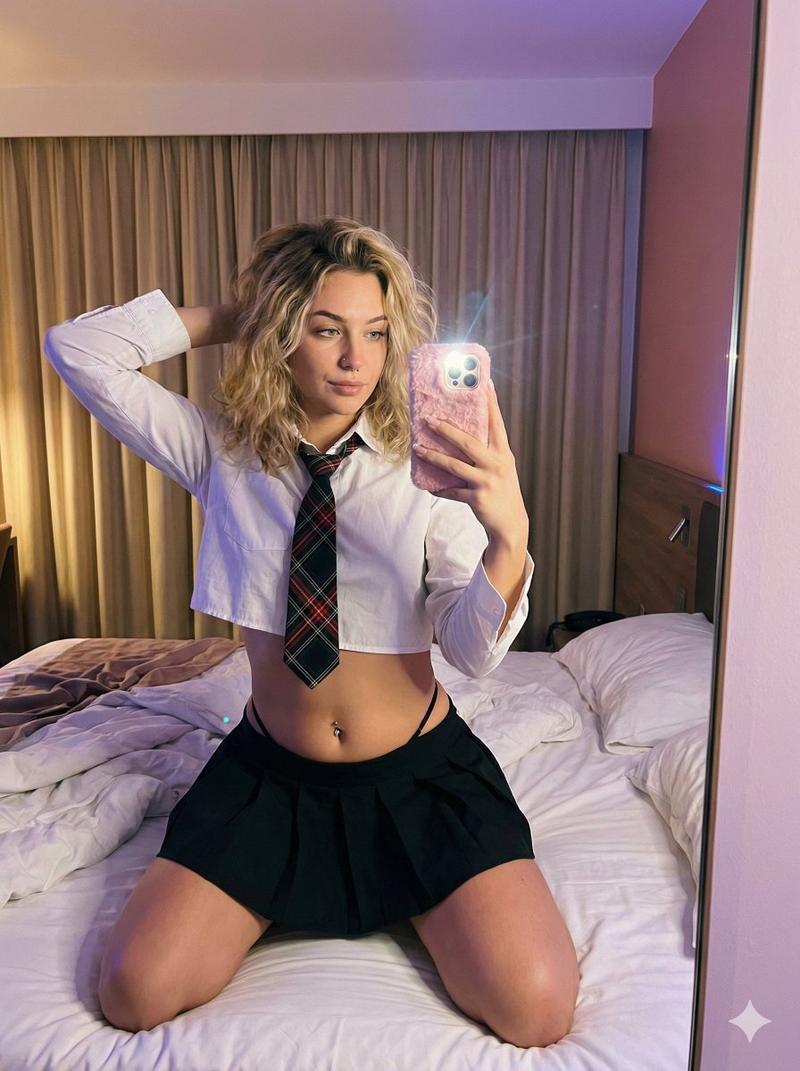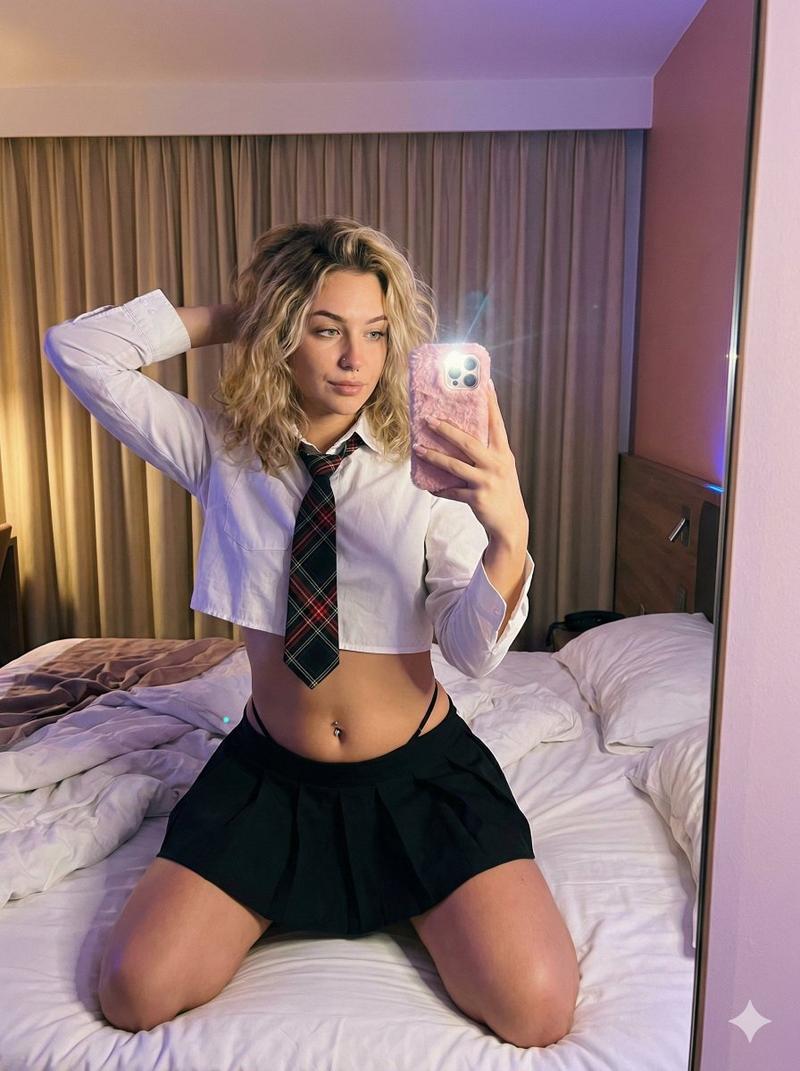
电锯人蕾塞全身镜自拍 Cosplay
Prompt
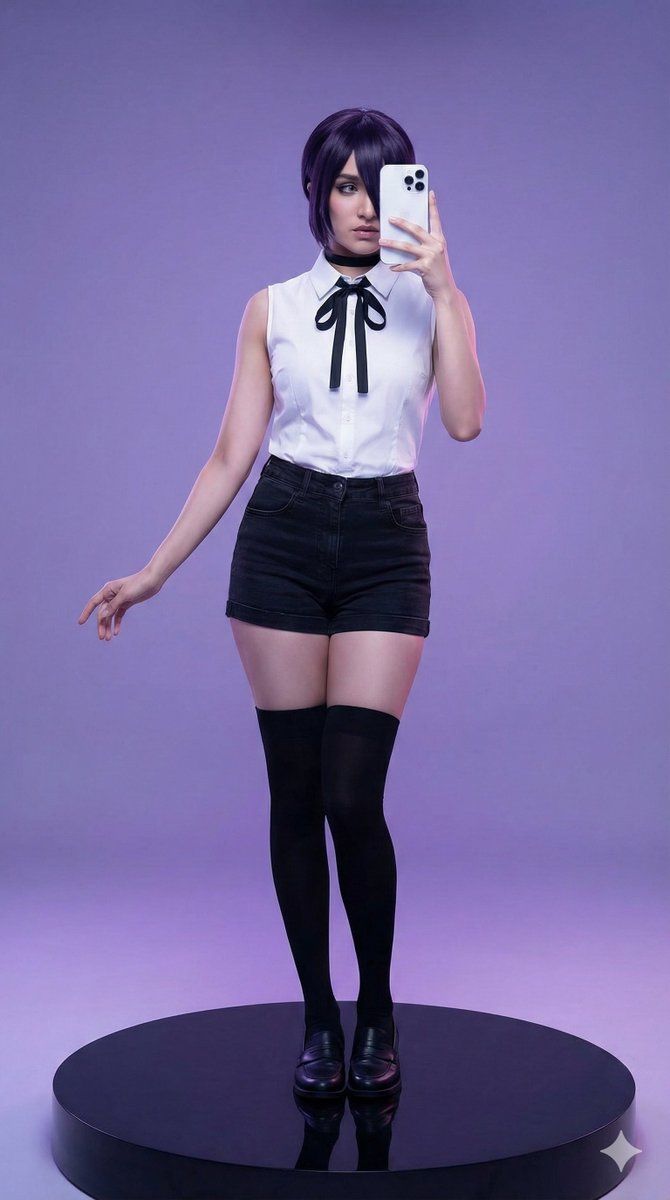
"Create a full-body mirror selfie–style studio photograph of a young woman(match face) cosplaying Reze from #chainsawman, standing on a glossy black circular platform. The image is shot at eye level with centered framing in a 9:16 vertical aspect ratio, capturing her full body. She holds a white smartphone with multiple camera lenses slightly offset to the center of her face, covering only part of the face, while one eye, part of the cheek, and the jawline remain clearly visible. The phone is positioned naturally like a casual mirror selfie, not blocking the entire face. No reflection or text artifacts appear on the phone.
Her expression feels cool and mysterious, with the visible eye directed forward toward the mirror. Her face is partially obscured but still expressive, maintaining a stylish, confident presence rather than full anonymity. She has dark violet-black hair styled in a neat, anime-accurate short bob with bangs and a silky texture.
Her body proportions are slender and anime-inspired, with long, toned legs, a slim waist, and a natural chest. Visible skin areas include arms, thighs, neck, and part of the face, with a fair tone and smooth texture under soft, even studio lighting.
Her pose remains elegant and balanced: standing upright with one leg slightly forward, right hand extended gracefully to the side with refined finger placement, and left hand holding the phone near her face in a relaxed selfie posture.
Her outfit faithfully represents Reze’s cosplay: a crisp, fitted white sleeveless collared shirt with a black ribbon bow tie and button-up front, paired with high-waisted black denim hot pants, opaque black thigh-high socks, black loafers, and a black choker necklace. Accessories remain minimal and limited to the choker and the phone. The black circular platform beneath her feet is clearly visible.
The setting is a clean infinity cyclorama studio with a smooth gradient background transitioning from {argument name="background color" default="purple to violet"}, featuring a seamless curved wall-to-floor transition with no horizon line, corners, props, or studio equipment visible. Lighting is soft, evenly distributed studio lighting with cool-toned ambient light, deep focus, and a clean high-definition minimalist aesthetic. The subject occupies approximately 80 percent of the vertical frame with balanced spacing and moderate headroom.
The overall vibe remains cool, stylish, playful yet mysterious, resembling a life-sized figurine display or cosplay showcase. The aesthetic is polished, pop-culture–inspired, clean, and staged to perfection. Avoid messy environments, full face obstruction, reflections revealing unintended artifacts, complex patterns, paper backdrops, floor seams, wall corners, baseboards, furniture, text overlays, grain, low quality, shadows on walls, or any NSFW elements."- Category
- 创意图片
- Model
- Nano Banana Pro
- Creator
- gemini_prompts
- Source ID
- 1de70fc8-f190-4f35-b876-d7df6f64875c
- Published
- Mar 8, 2026
Views0