19

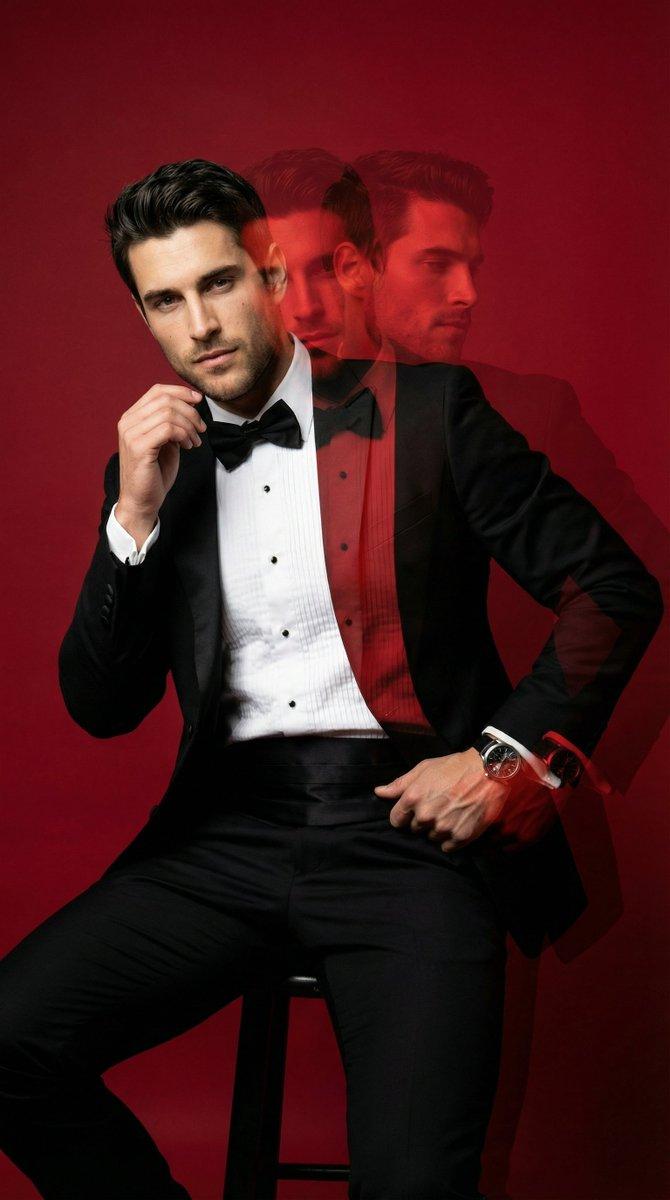
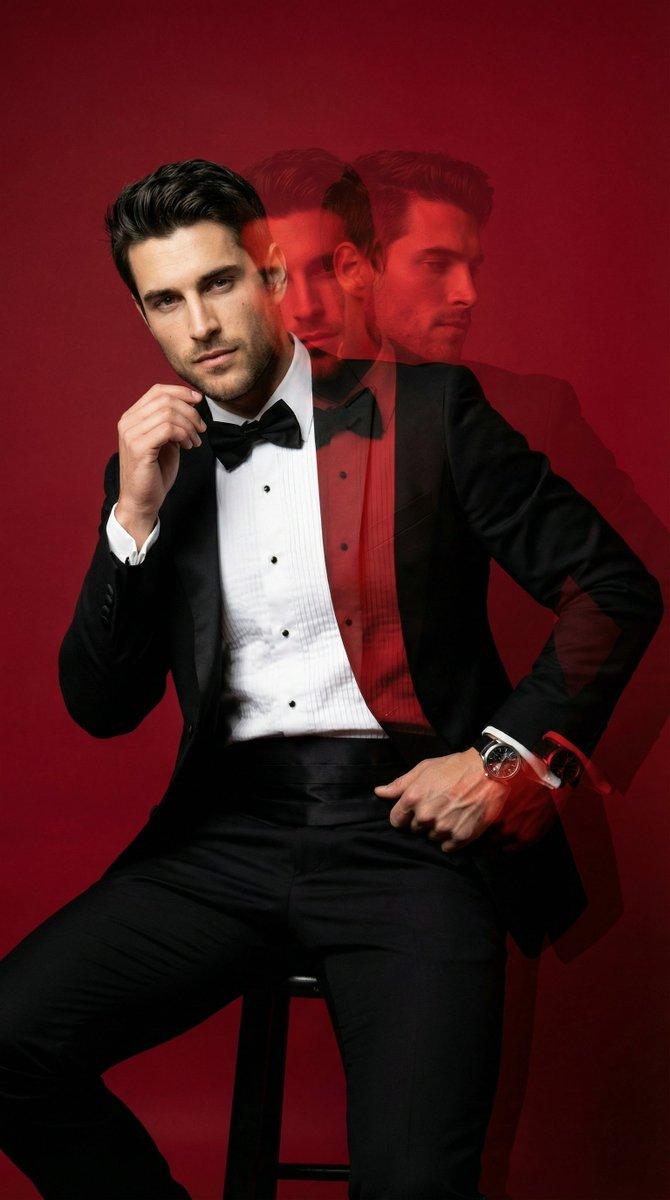
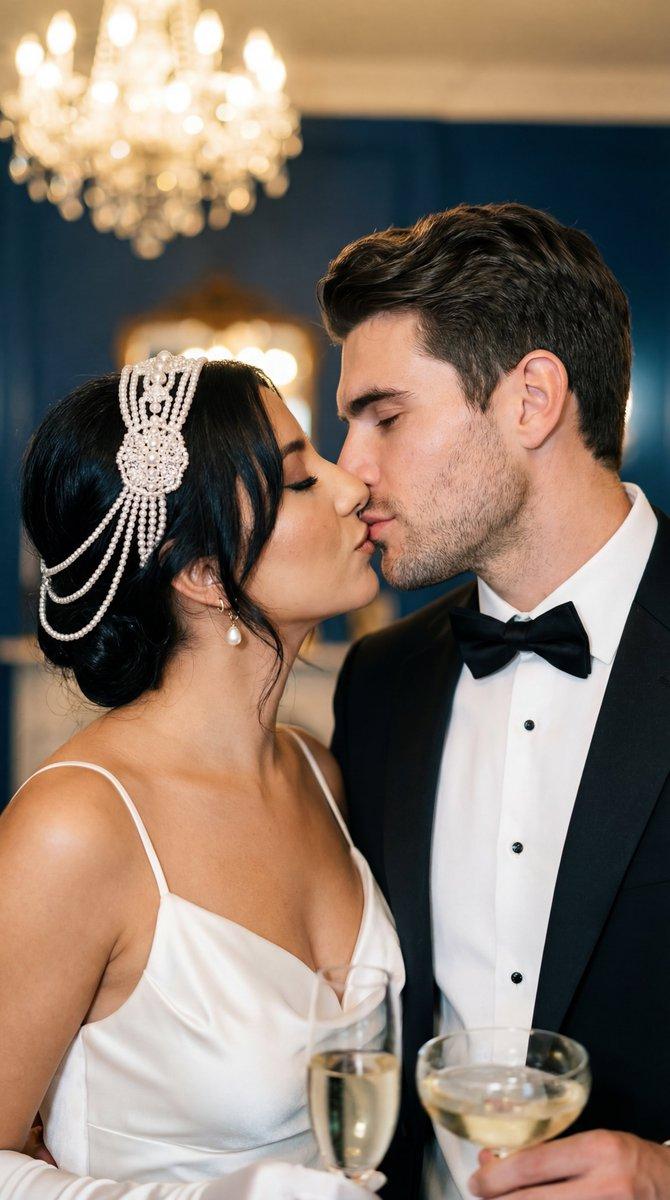
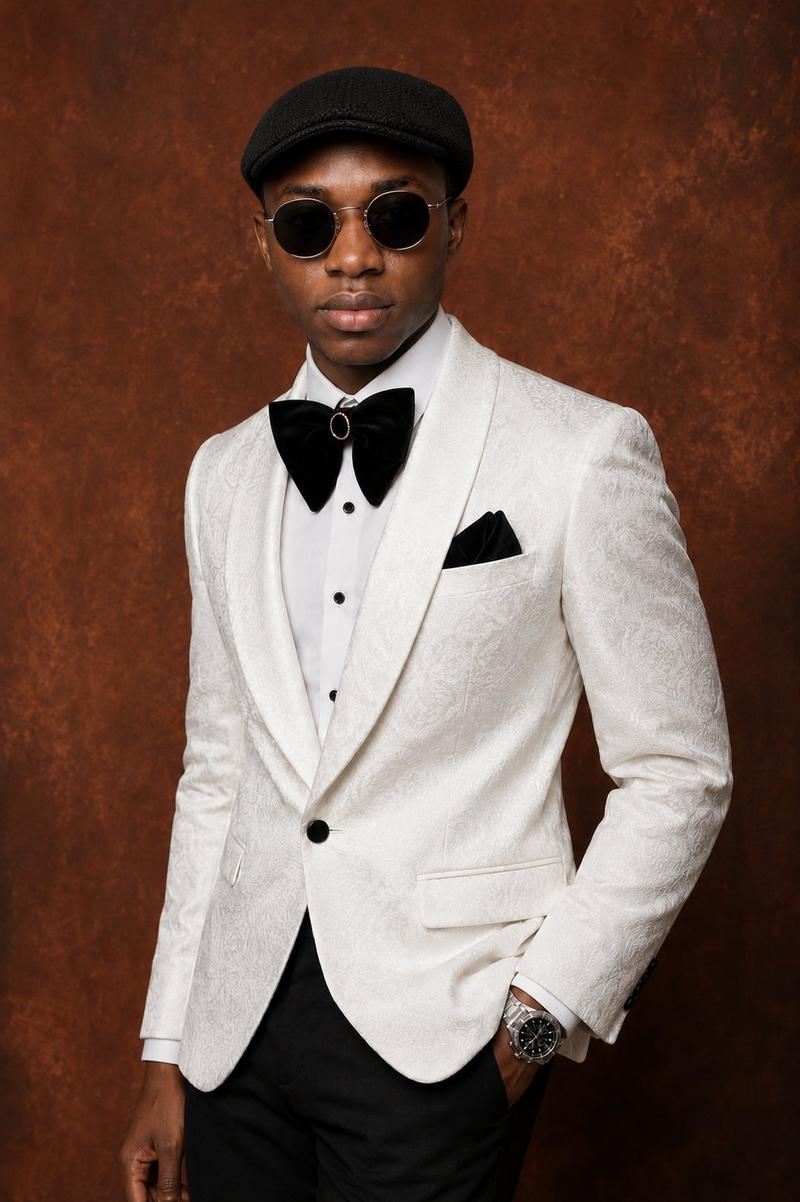
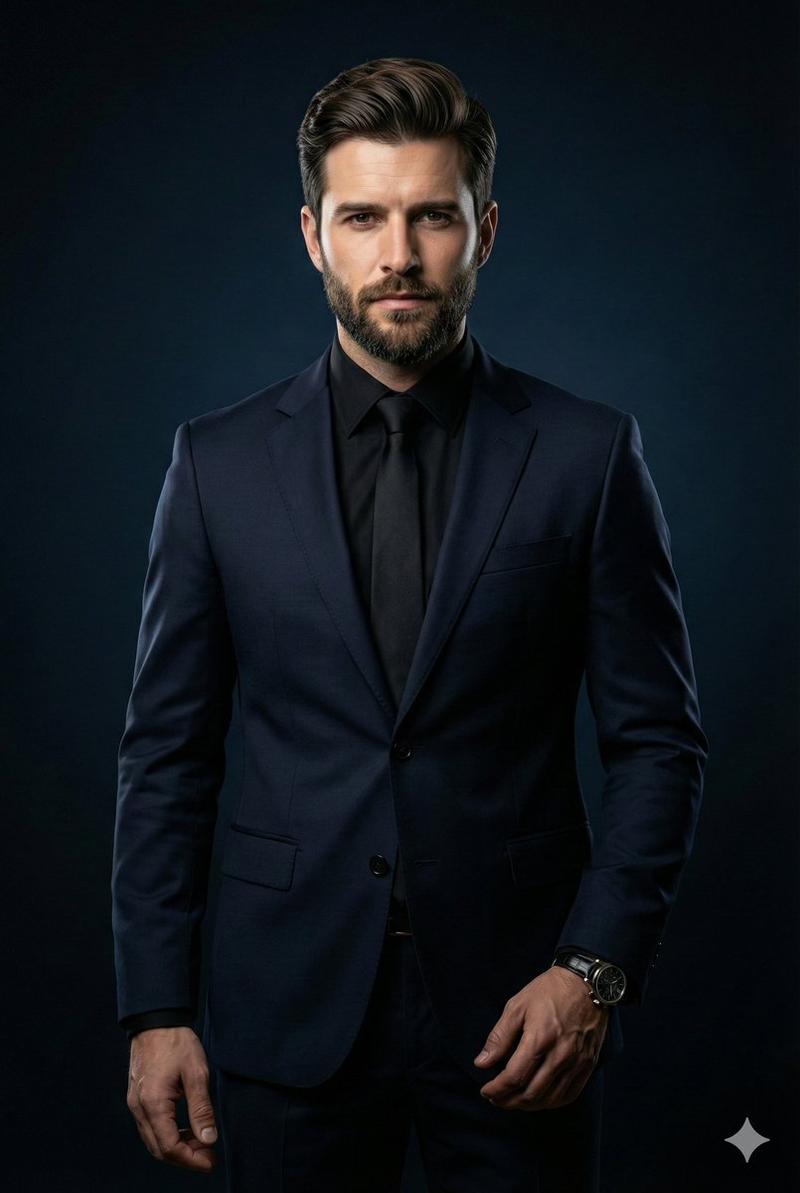
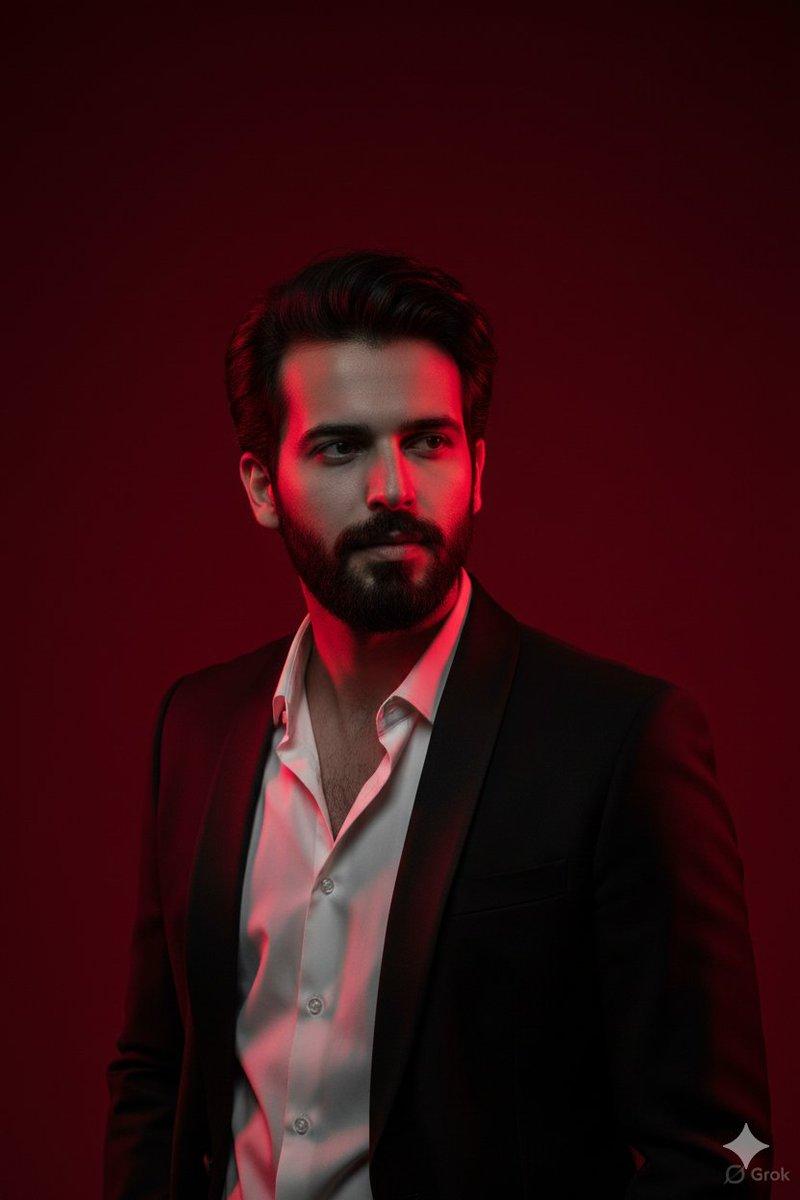
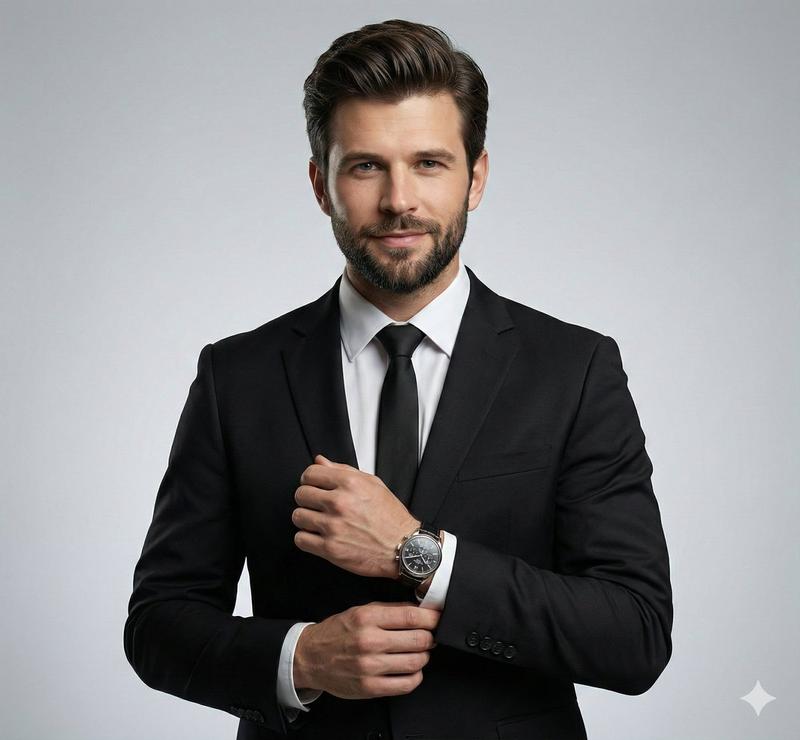
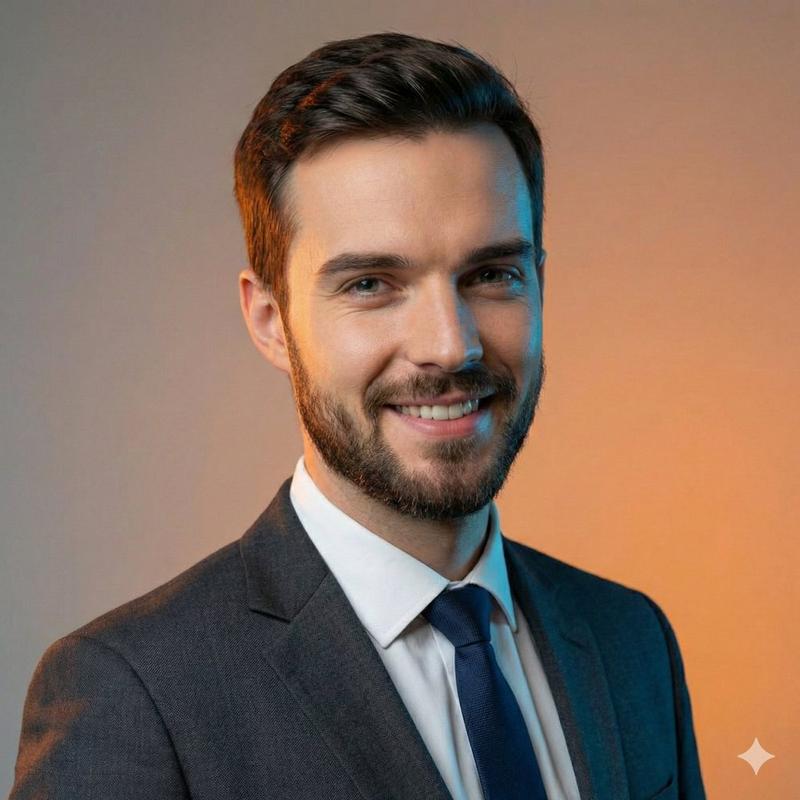
身着燕尾服的年轻男士电影感编辑肖像
Enlarge

身着燕尾服的年轻男士电影感编辑肖像

Prompt
{
  "Objective": "Create an ultra-realistic cinematic editorial portrait of a handsome young man in an elegant festive setting.",

  "Subject": {
    "Gender": "Male",
    "Age_Group": "Young adult",
    "Appearance": {
      "Hair": "Neatly styled dark hair with a polished finish",
      "Facial_Hair": "Light stubble, well-groomed",
      "Facial_Features": "Sharp jawline, balanced proportions",
      "Expression": "Calm, confident, refined",
      "Gaze": "Looking directly at the camera",
      "Skin": {
        "Texture": "Natural skin texture with visible pores",
        "Look": "Photorealistic, clean, non-overretouched"
      }
    }
  },

  "Wardrobe_and_Accessories": {
    "Outfit": {
      "Jacket": "Classic black tuxedo",
      "Shirt": "White dress shirt",
      "Neckwear": "Black bow tie"
    },
    "Accessories": [
Category
创意图片
Model
Nano Banana Pro
Creator
Taaruk
Views0
Source ID
bd4ff3e4-2214-41d7-b90e-cb25c128f3a4
Published
Mar 8, 2026

Guide

About "身着燕尾服的年轻男士电影感编辑肖像"

What is this prompt for?

"身着燕尾服的年轻男士电影感编辑肖像" AI image prompt for Nano Banana Pro (创意图片). 一个高度结构化的 JSON 提示词,专为 Nano Banana Pro 模型设计,用于生成超逼真的电影级社论肖像。该提示词详细说明了拍摄对象的形象、服装(经典黑色燕尾服)和节日背景,重点突…

The full copyable prompt and example visuals above are ready for AI image generation or one-click recreate in Picva.

How to use this prompt

  1. Step 1

    Open the prompt detail

    Review the example visuals, category, and full prompt text for "身着燕尾服的年轻男士电影感编辑肖像".

  2. Step 2

    Copy the prompt

    Copy the prompt body from this page, or load it directly in Studio.

  3. Step 3

    Pick a model (Nano Banana Pro)

    Prefer Nano Banana Pro. If you switch models, keep subject and composition and tweak style terms.

  4. Step 4

    Generate and export

    Recreate the look in Picva, or export into your workflow for editing and publishing.

FAQ

What is the "身着燕尾服的年轻男士电影感编辑肖像" prompt?
It is an AI image-generation prompt for Nano Banana Pro in the 创意图片 category. This page includes the full prompt text, example visuals, and a one-click recreate path in Picva.
How do I use this prompt to generate an image?
Copy the prompt from this page, or use Generate / Studio. Paste it into a compatible image model, or recreate the look in Picva with optional reference images.
Which model is this prompt for?
This page lists Nano Banana Pro. Most descriptive prompts also transfer to nearby image models such as GPT Image, Flux, or Midjourney with light style tweaks.
Can I use the result commercially?
You can usually copy the prompt for creation, but commercial use of the final image depends on the model terms, reference-image rights, and the generated content. Follow the source author and platform rules.