17

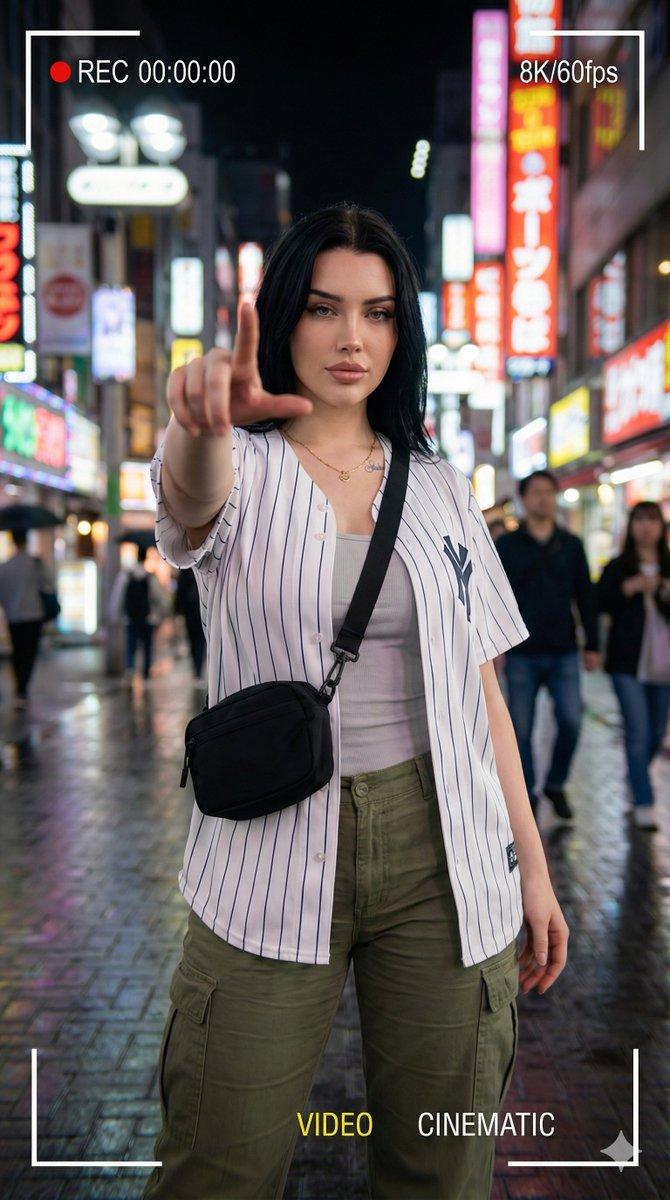
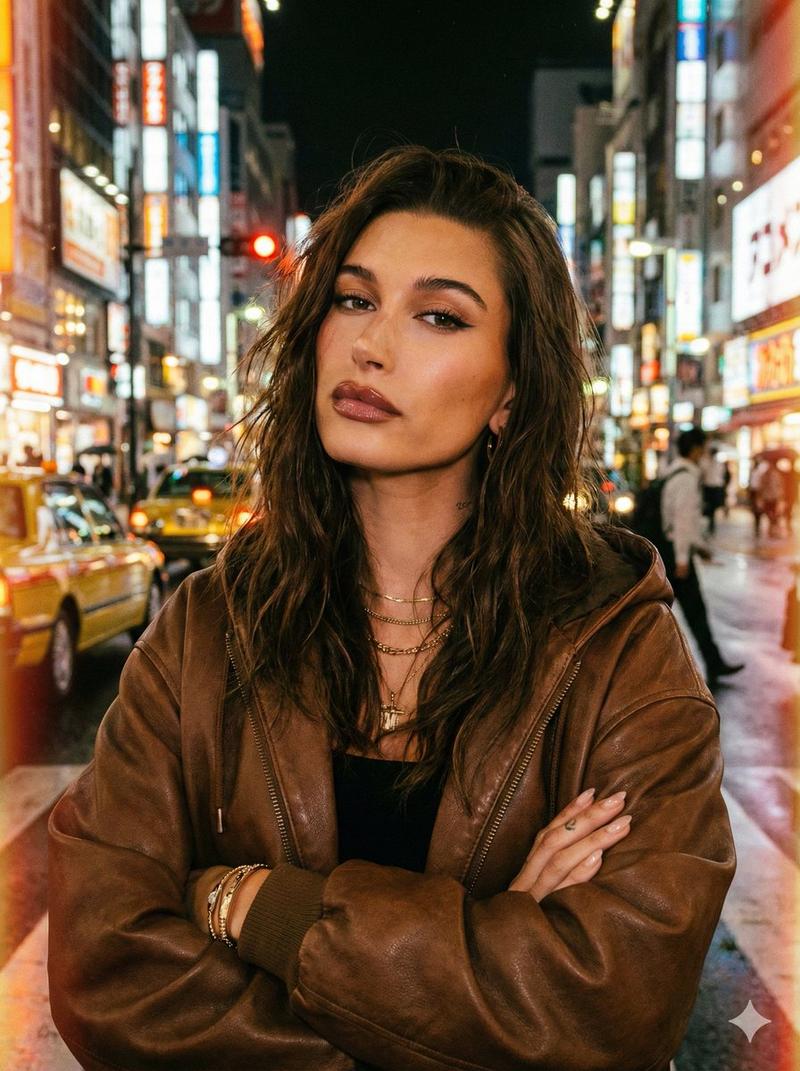
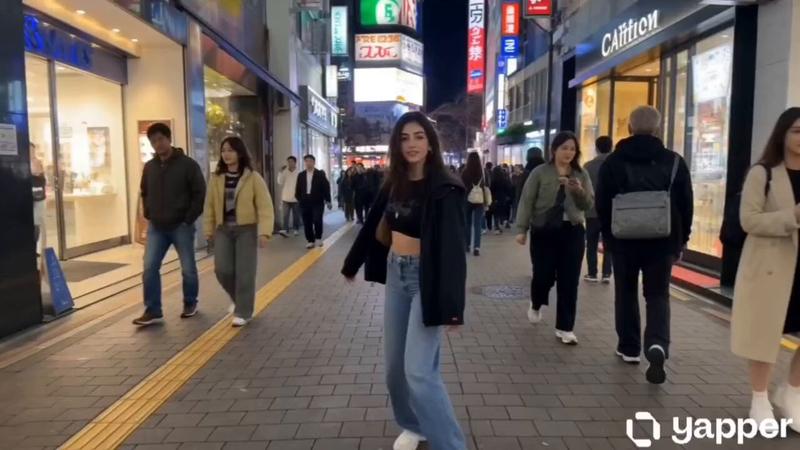
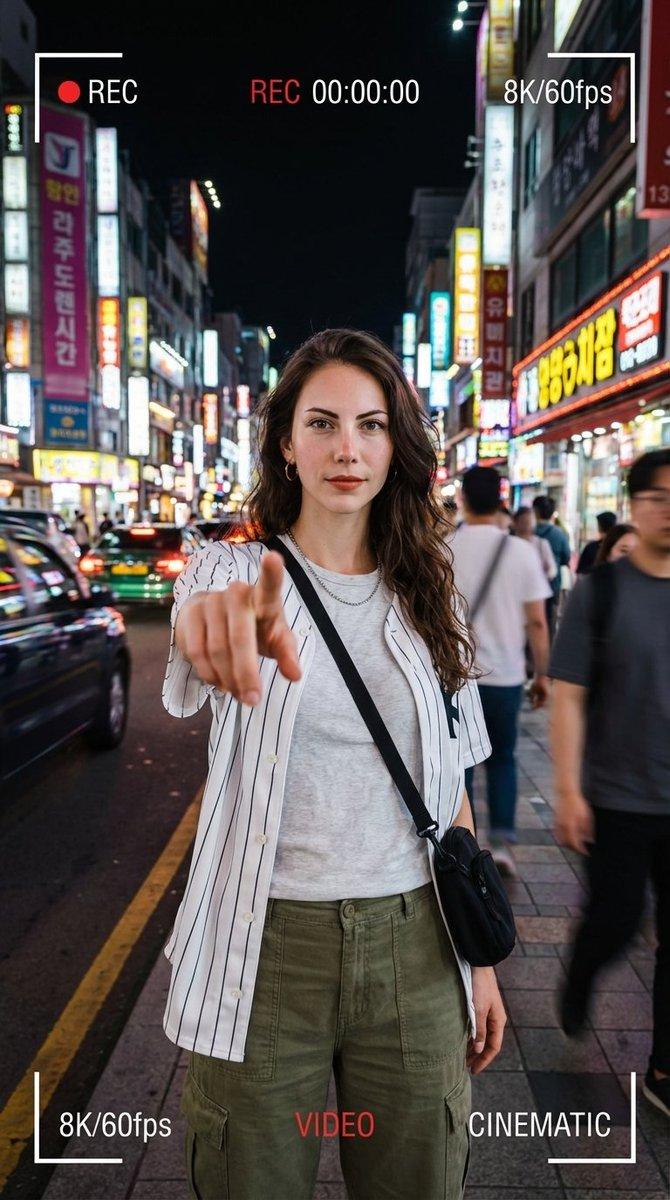
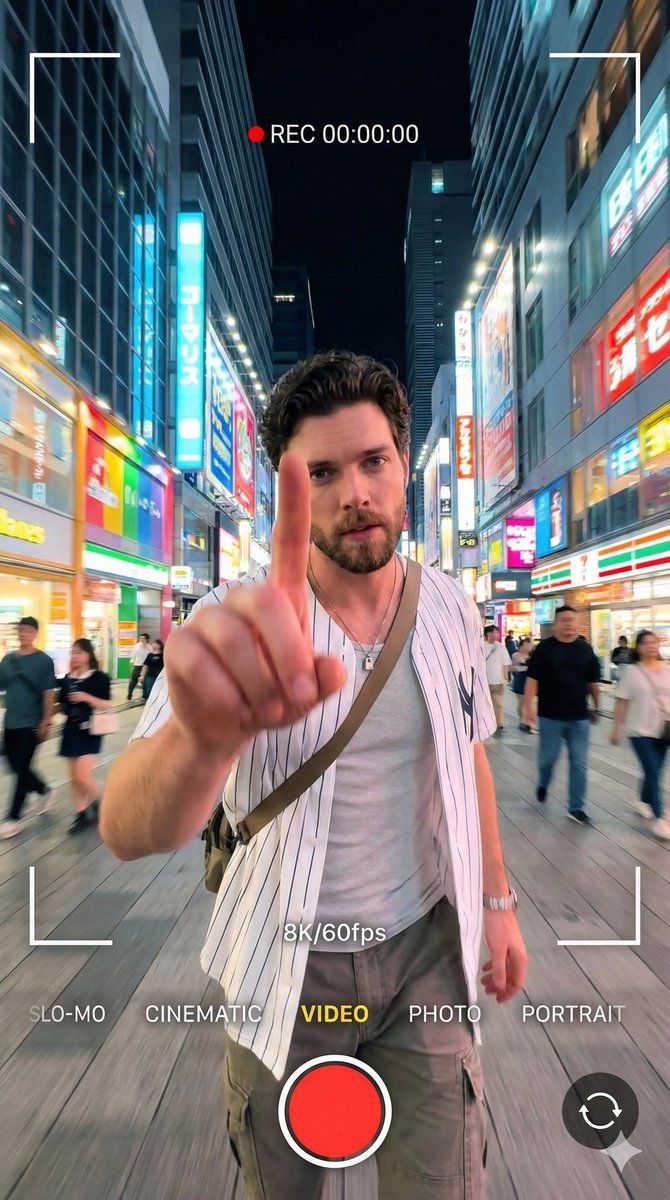
8K 电影级人像视频,带视频 UI 叠加层
Enlarge

8K 电影级人像视频,带视频 UI 叠加层

Prompt
{
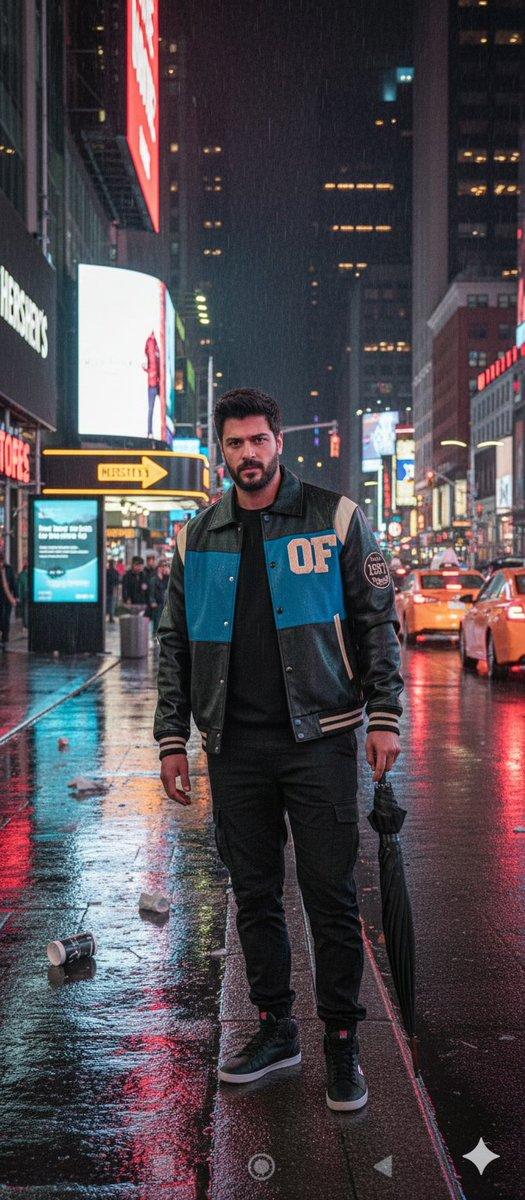
  "prompt": "A 64K DSLR resolution portrait of a young man with short dark curly hair and a well-groomed beard, standing confidently in a bright neon-lit urban street at night. He is wearing a white striped baseball-style shirt, a light inner shirt, cargo pants, a necklace, and a crossbody bag. He is extending his index finger forward towards the camera lens in a dynamic gesture. The image features a smartphone video recording aesthetic with visible on-screen UI overlays: 'REC 00:00:00', '8K/60fps', frame brackets, and mode indicators like 'VIDEO' and 'CINEMATIC'. The background features colorful city lights and blurred passersby with a soft bokeh effect. Cinematic lighting, slight motion blur, wide-angle perspective. Octane render, Unreal Engine 5 style.",
  "negative_prompt": "cartoon, illustration, anime, low quality, pixelated, blurry, bad anatomy, deformed hands, extra fingers, missing limbs, bad proportions, watermark (except for requested UI overlays)",
  "aspect_ratio": "9:16",
  "width": 1080,
  "height": 1920,
  "model_version": "v6.0_or_latest"
}
Category
创意图片
Model
Nano Banana Pro
Creator
𝐌
Views0
Source ID
236c69bc-86b7-43ce-864c-bf80dc714700
Published
Mar 8, 2026

Guide

About "8K 电影级人像视频,带视频 UI 叠加层"

What is this prompt for?

"8K 电影级人像视频,带视频 UI 叠加层" AI image prompt for Nano Banana Pro (创意图片). 一个详细的提示,用于生成一张超高分辨率(64K 单反)的电影级肖像,描绘一位年轻男子在霓虹灯闪烁的城市街道上,夜间。该提示详细说明了拍摄对象的样貌、姿势(伸出食指),并特别要求加入真…

The full copyable prompt and example visuals above are ready for AI image generation or one-click recreate in Picva.

How to use this prompt

  1. Step 1

    Open the prompt detail

    Review the example visuals, category, and full prompt text for "8K 电影级人像视频,带视频 UI 叠加层".

  2. Step 2

    Copy the prompt

    Copy the prompt body from this page, or load it directly in Studio.

  3. Step 3

    Pick a model (Nano Banana Pro)

    Prefer Nano Banana Pro. If you switch models, keep subject and composition and tweak style terms.

  4. Step 4

    Generate and export

    Recreate the look in Picva, or export into your workflow for editing and publishing.

FAQ

What is the "8K 电影级人像视频,带视频 UI 叠加层" prompt?
It is an AI image-generation prompt for Nano Banana Pro in the 创意图片 category. This page includes the full prompt text, example visuals, and a one-click recreate path in Picva.
How do I use this prompt to generate an image?
Copy the prompt from this page, or use Generate / Studio. Paste it into a compatible image model, or recreate the look in Picva with optional reference images.
Which model is this prompt for?
This page lists Nano Banana Pro. Most descriptive prompts also transfer to nearby image models such as GPT Image, Flux, or Midjourney with light style tweaks.
Can I use the result commercially?
You can usually copy the prompt for creation, but commercial use of the final image depends on the model terms, reference-image rights, and the generated content. Follow the source author and platform rules.