17

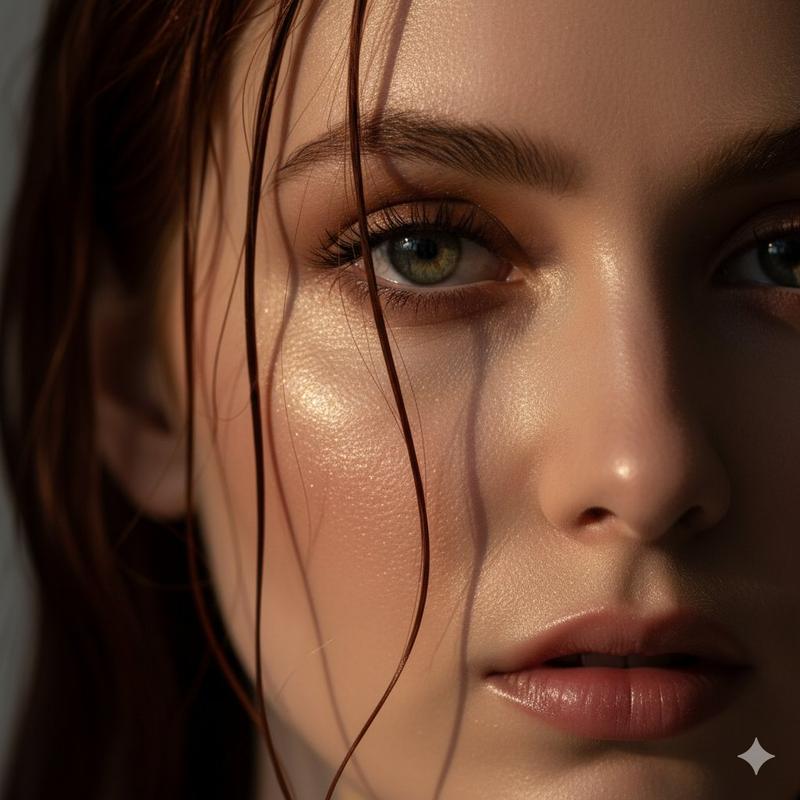
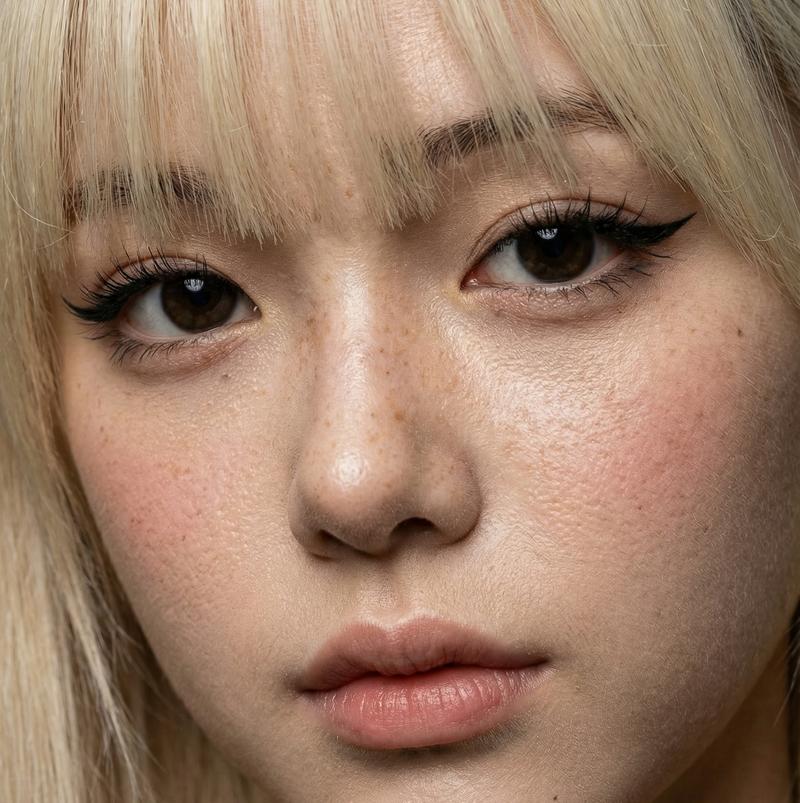
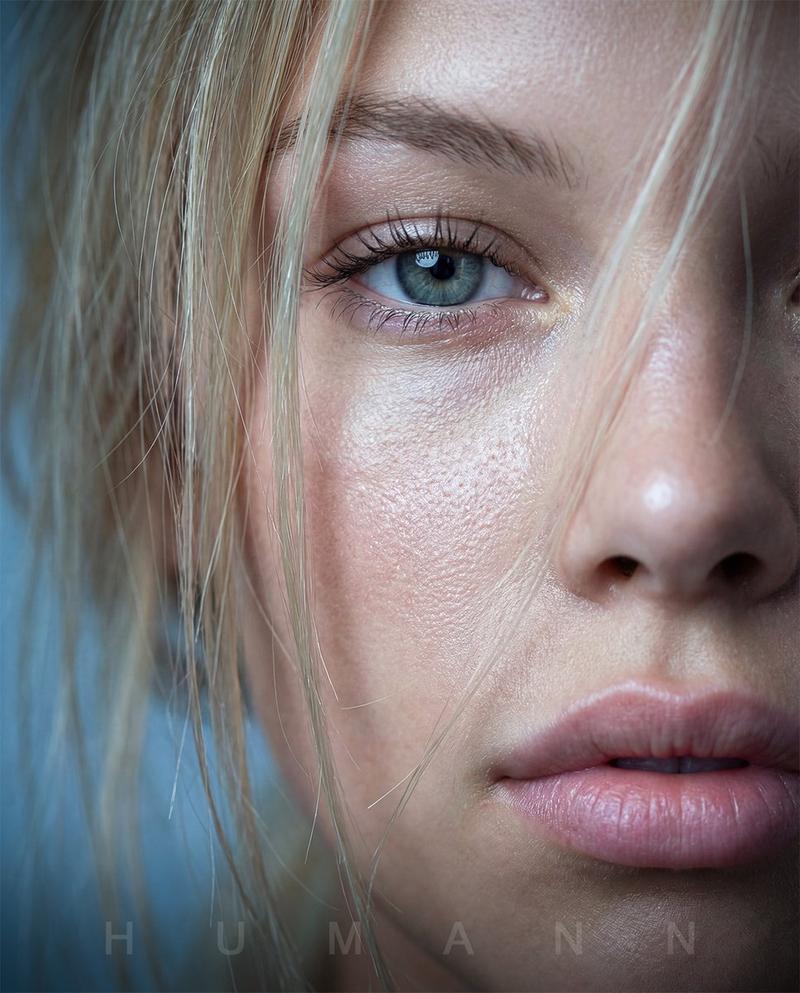
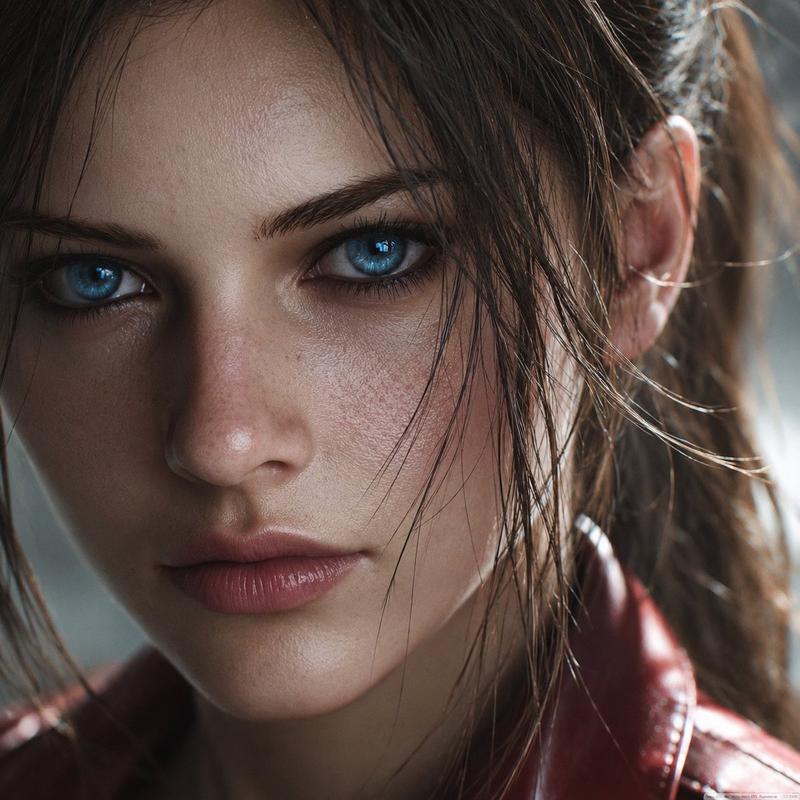
湿发微距肖像与电影感蓝色调
Enlarge

湿发微距肖像与电影感蓝色调

Prompt
{
  "prompt_description": {
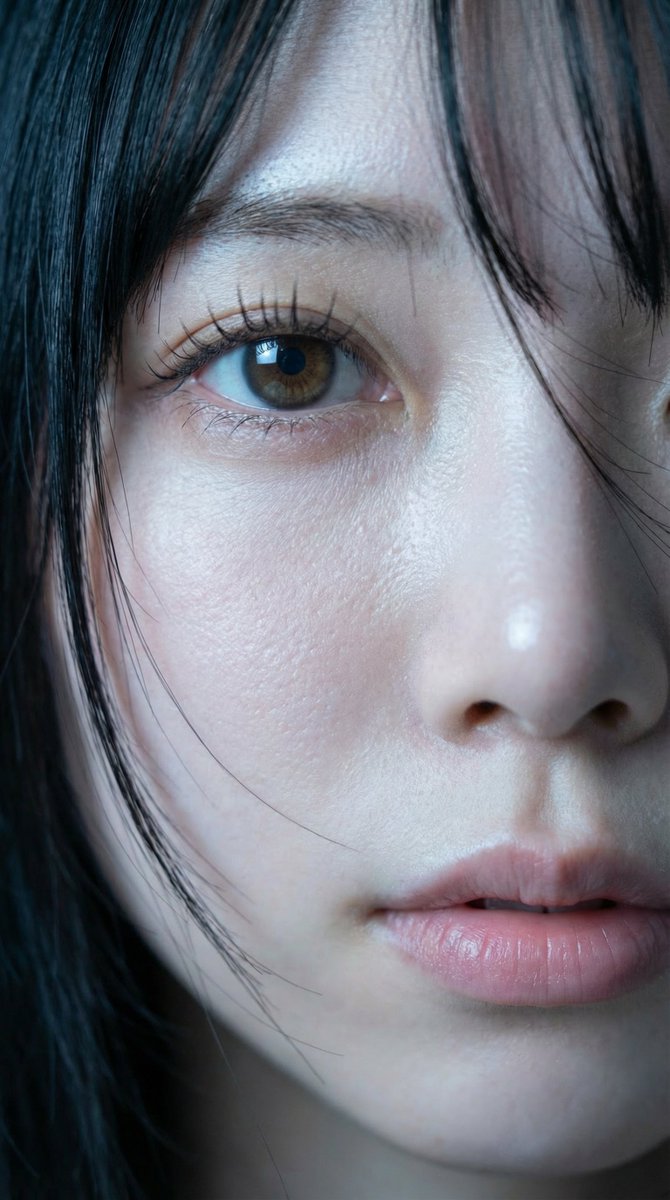
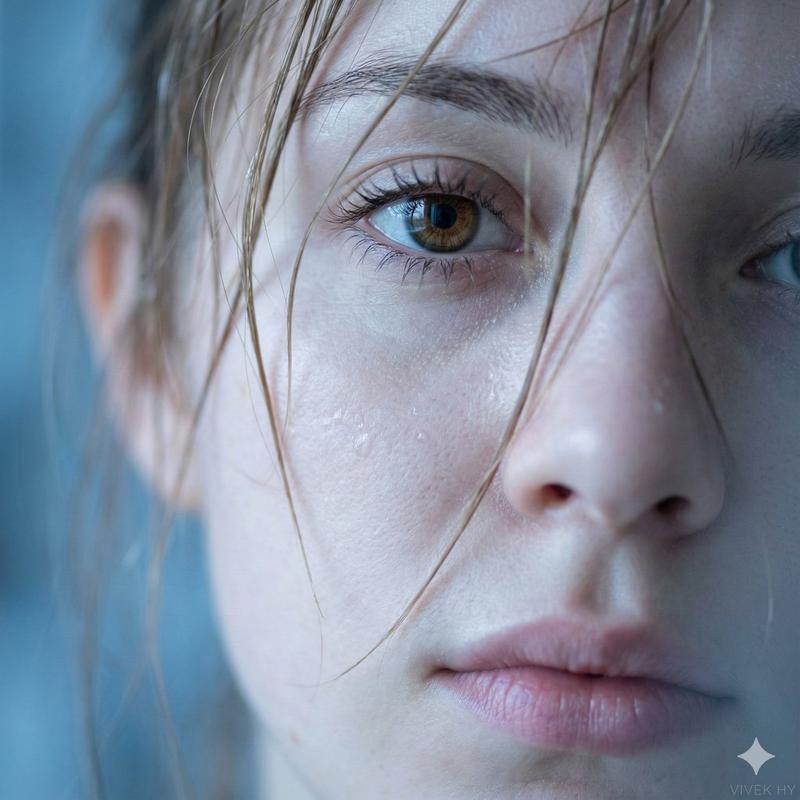
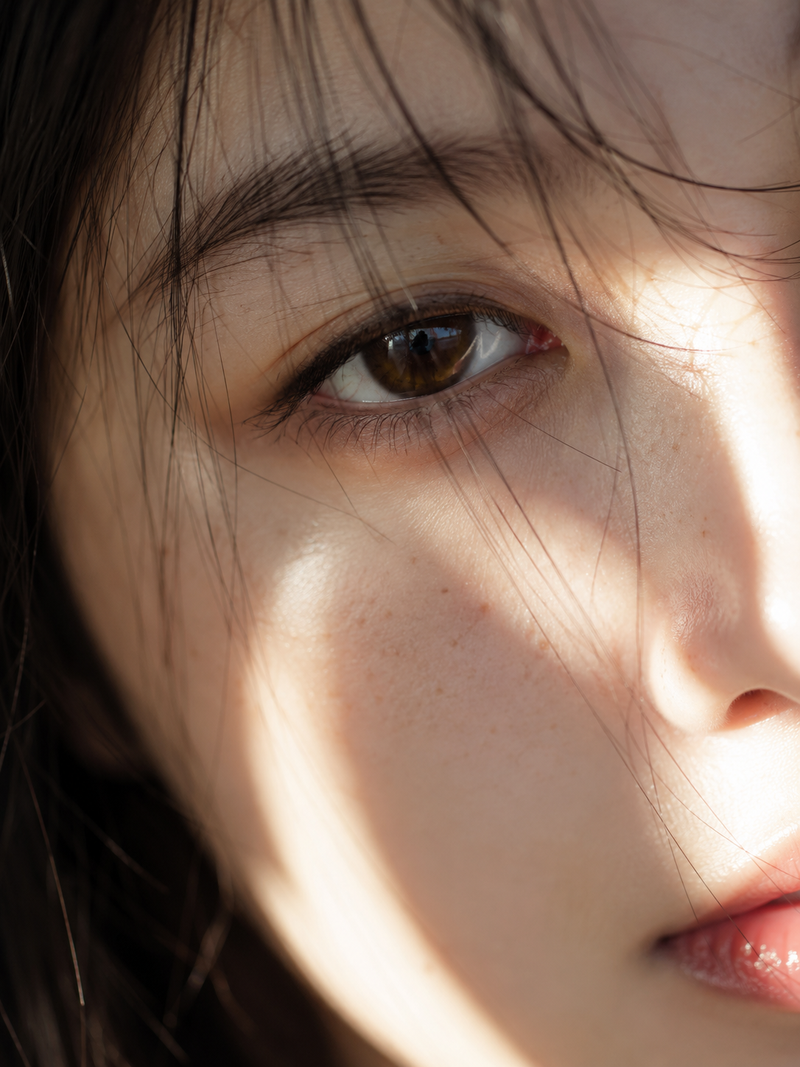
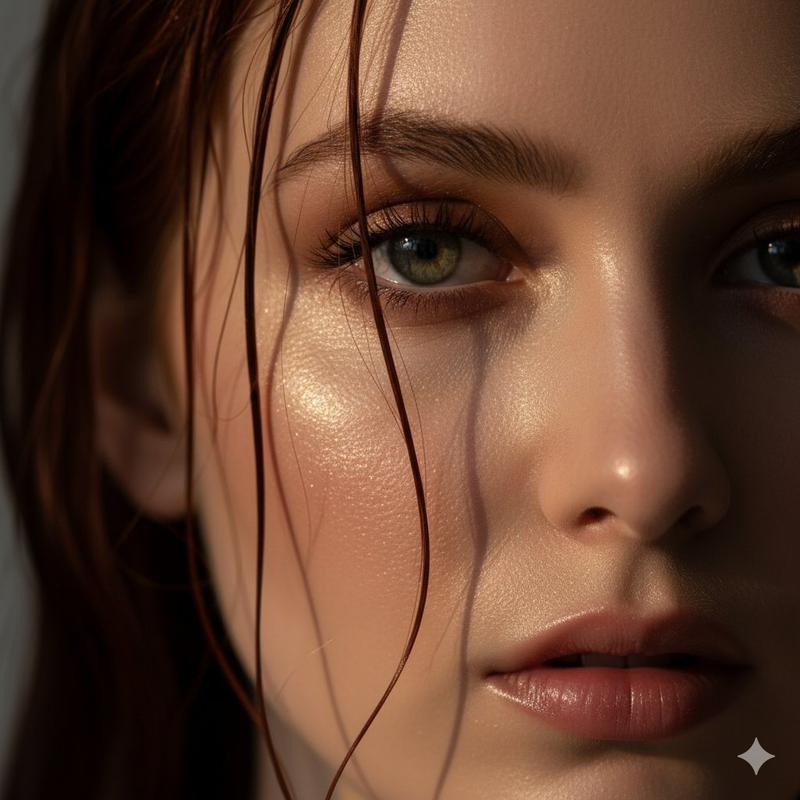
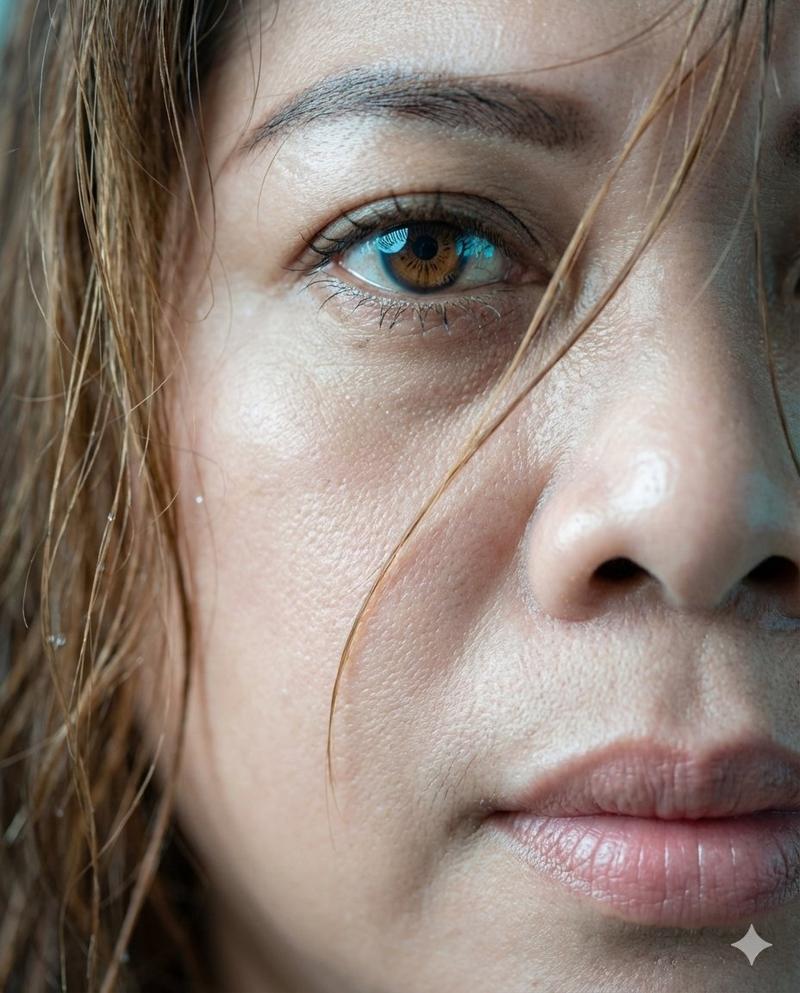
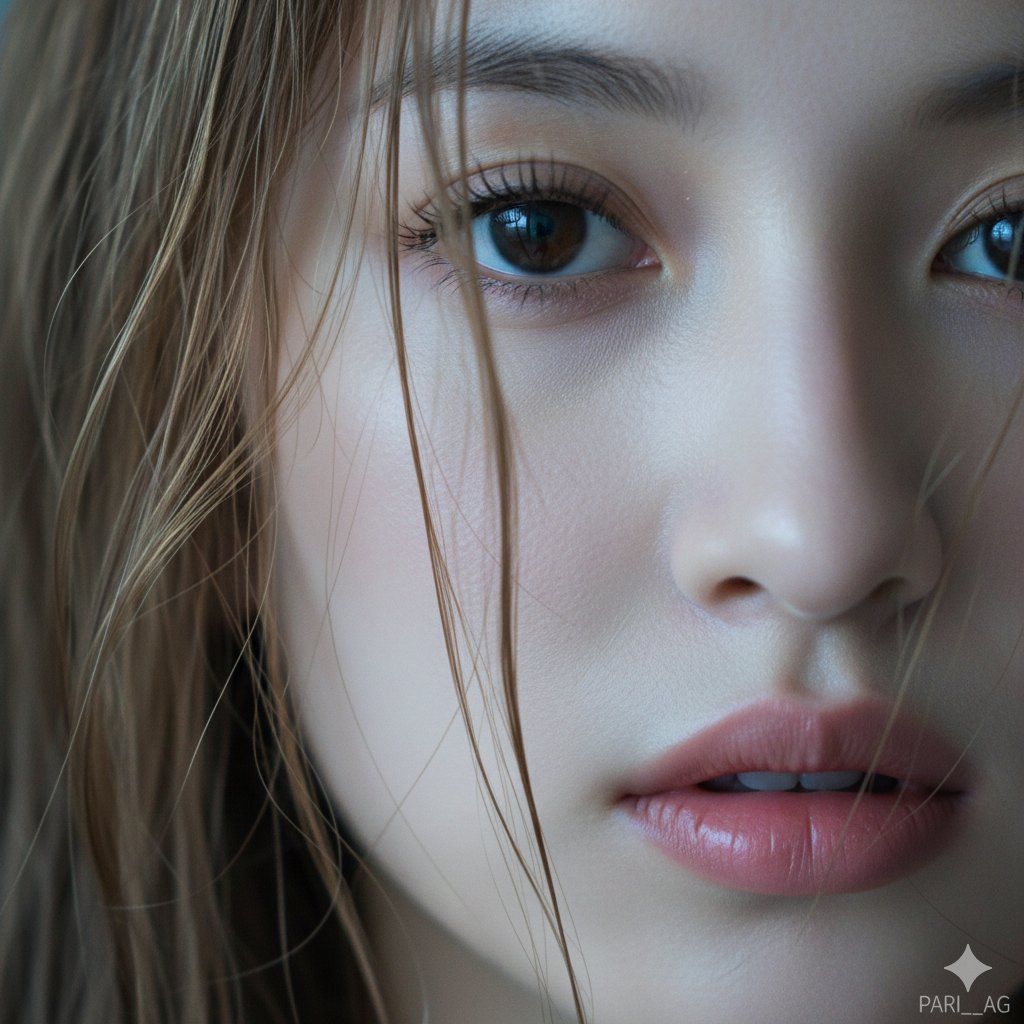
    "subject": "Extreme close-up macro portrait of a young woman's face, partial view focusing on one eye, nose, and lips",
    "skin_texture": "Hyper-realistic skin details, visible pores, dewy and fresh complexion, soft porcelain skin tone",
    "eyes": "Sharp brown iris with highly detailed eyelashes, clear catchlight reflection, intense and soft gaze",
    "hair": "Wet, messy strands of light brown hair falling naturally across the face and eye",
    "lips": "Soft natural pink lips, subtle texture, slightly parted"
  },
  "artistic_style": {
    "lighting": "Soft diffused cool lighting, cinematic blue tones, ambient soft shadows",
    "aesthetic": "Photorealistic, Cinematic, Masterpiece, Raw photo quality, 8k resolution"
  },
  "camera_settings": {
    "lens": "85mm",
    "shot_type": "Macro / Extreme Close-up",
    "aperture": "f/1.8 (shallow depth of field)",
    "focus": "Sharp focus on the eye"
  },
  "output_parameters": {
    "aspect_ratio": "1:1 (Square)",
    "signature": "{argument name=\"signature\" default=\"PARI__AG\"}",
    "signature_location": "Bottom right corner"
  }
}
Category
创意图片
Model
Nano Banana Pro
Creator
Pari
Views0
Source ID
b8cd92d3-0f63-4274-8caa-78ca9a851b69
Published
Mar 8, 2026

Guide

About "湿发微距肖像与电影感蓝色调"

What is this prompt for?

"湿发微距肖像与电影感蓝色调" AI image prompt for Nano Banana Pro (创意图片). 一个结构化的提示,用于生成一张女性面部的超特写、超写实微距肖像。它强调可见的毛孔、水润的皮肤、眼睛的锐利焦点以及湿润凌乱的发丝,所有这些都以柔和、漫射的冷光和电影般的蓝色调呈现。 --- ```js…

The full copyable prompt and example visuals above are ready for AI image generation or one-click recreate in Picva.

How to use this prompt

  1. Step 1

    Open the prompt detail

    Review the example visuals, category, and full prompt text for "湿发微距肖像与电影感蓝色调".

  2. Step 2

    Copy the prompt

    Copy the prompt body from this page, or load it directly in Studio.

  3. Step 3

    Pick a model (Nano Banana Pro)

    Prefer Nano Banana Pro. If you switch models, keep subject and composition and tweak style terms.

  4. Step 4

    Generate and export

    Recreate the look in Picva, or export into your workflow for editing and publishing.

FAQ

What is the "湿发微距肖像与电影感蓝色调" prompt?
It is an AI image-generation prompt for Nano Banana Pro in the 创意图片 category. This page includes the full prompt text, example visuals, and a one-click recreate path in Picva.
How do I use this prompt to generate an image?
Copy the prompt from this page, or use Generate / Studio. Paste it into a compatible image model, or recreate the look in Picva with optional reference images.
Which model is this prompt for?
This page lists Nano Banana Pro. Most descriptive prompts also transfer to nearby image models such as GPT Image, Flux, or Midjourney with light style tweaks.
Can I use the result commercially?
You can usually copy the prompt for creation, but commercial use of the final image depends on the model terms, reference-image rights, and the generated content. Follow the source author and platform rules.