圣诞天使设计课程吸睛提示(YAML 结构)
Prompt
metadata:
title: "Nano Banana Pro Design Course Eyecatch - Christmas Angel Ver."
model_context: "Seasonal Christmas Advertisement mixed with Cute Anime aesthetics"

image_structure:
composition_type: "Full Background + Right Character + Left Decorated Text"
visual_flow: "Left Text (Seasonal Benefit) -> Right Character (AI Generation Result)"

layers:
layer_background_full:
shape: "Covers the entire screen."
content: "Luxurious Christmas interior scene."
details:
elements: "Decorated Christmas trees with glowing lights, piles of wrapped presents, warm fireplace glow, bokeh lights in the background."
atmosphere: "Warm, magical, festive, with soft falling snow or glitter effect."
focus: "Shallow depth of field, blurring the background elements to make the foreground pop."

layer_visual_right:
shape: "Occupies the right half of the screen."
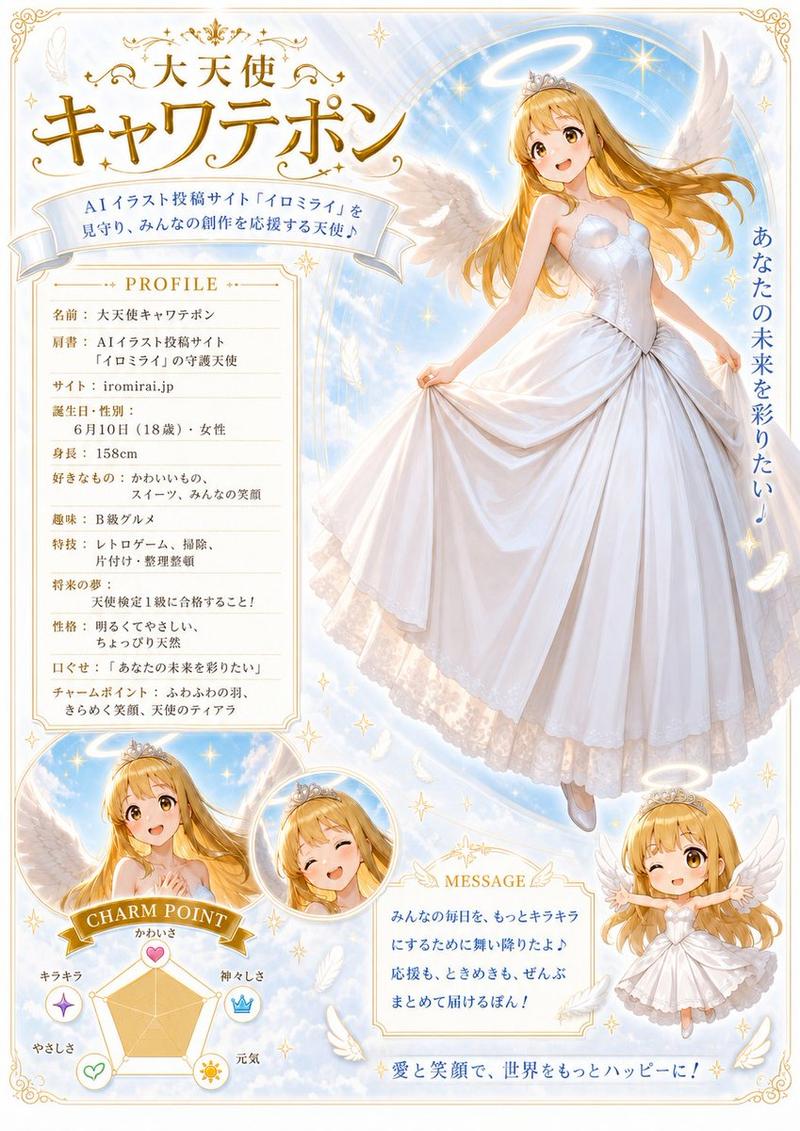
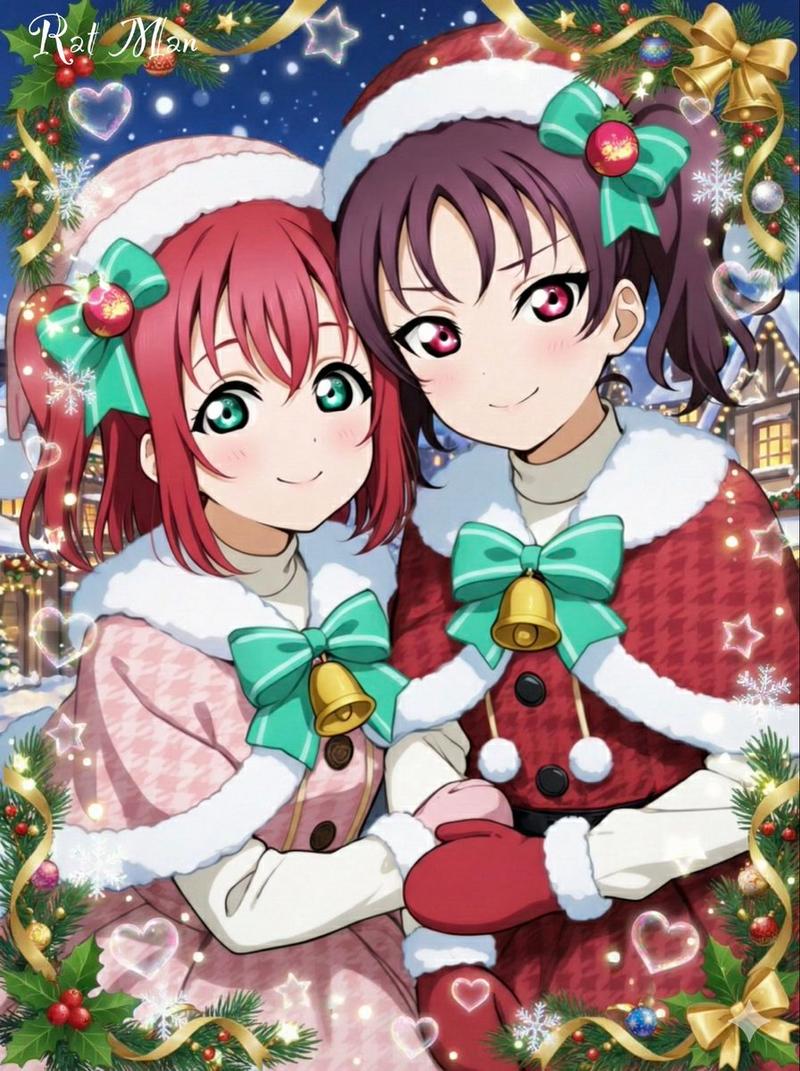
content: "Japanese Kawaii Anime Angel character in Christmas outfit."
style: "2D Cel-shaded anime art, high detail, warm and vibrant colors."
details:
subject: "A cute anime girl with large feathered angel wings."
appearance:
hair: "Silver or platinum blonde hair."
eyes: "Large, sparkling red or green eyes."
clothing: "A festive Santa Claus style dress with fur trim, ribbons, and bells. A small halo or Santa hat on her head."
pose: "Smiling warmly, making a presenting gesture towards the text on the left."
vfx: "Glowing particles and soft light around her wings and halo."

layer_typography_left:
location: "Left-aligned, positioned in the middle-left area."
container: "Elaborate, decorative golden frame or scroll border (Christmas ornament style) around the main text."
elements:
- type: "Header/Hook"
text: "{argument name="ヘッダーテキスト" default="AIで彩る、最高の冬。"}"
style: "Small gold or white text above the main title."

- type: "Main Title"
text: "{argument name="メインタイトル" default="クリスマス\nデザイン講座"}"
style: "Large, ornate, gold or red gradient font with white outline and shadow. Highly decorative."

- type: "Sub-Title/Benefit"
text: "{argument name="サブタイトル" default="Nano Banana Proで\n季節の素材も自由自在!"}"
style: "Smaller white or gold text below the main title."

- type: "Bottom Tagline"
text: "{argument name="ボトムタグライン" default="初心者でもプロ級の輝き"}"
style: "Small text at the bottom, maybe on a ribbon banner element."

style_and_tone:
art_style: "Festive Anime Illustration with Luxurious Background"
color_palette:
primary: "Red, Green, Gold"
secondary: "White (Snow/Wings), Warm light colors"
quality_tags:
- "High resolution"
- "Anime key visual"
- "Detailed background"
- "Atmospheric lighting"
- "Festive"- Category
- 创意图片
- Model
- Nano Banana Pro
- Creator
- いにしえ@AI Creator|Will Oldgram
- Source ID
- 92eaa9b0-9c10-42a5-bad4-8fa8edc6366e
- Published
- Mar 8, 2026
Views0