17

带参考图的全身镜自拍提示
Enlarge

带参考图的全身镜自拍提示

Prompt
{
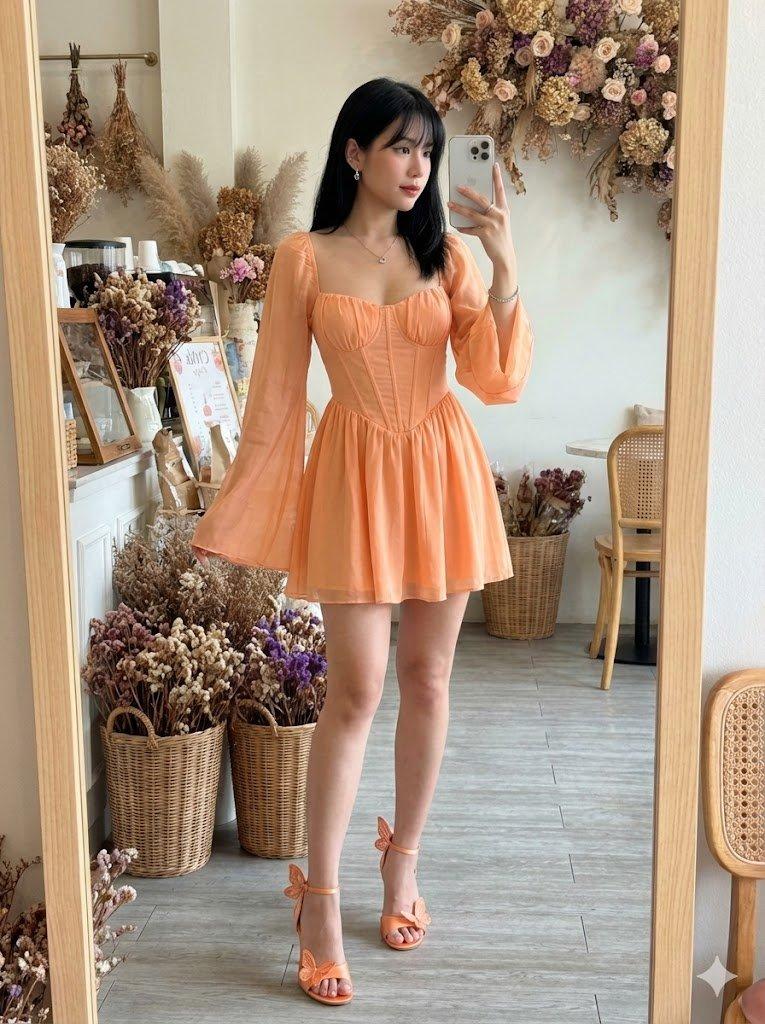
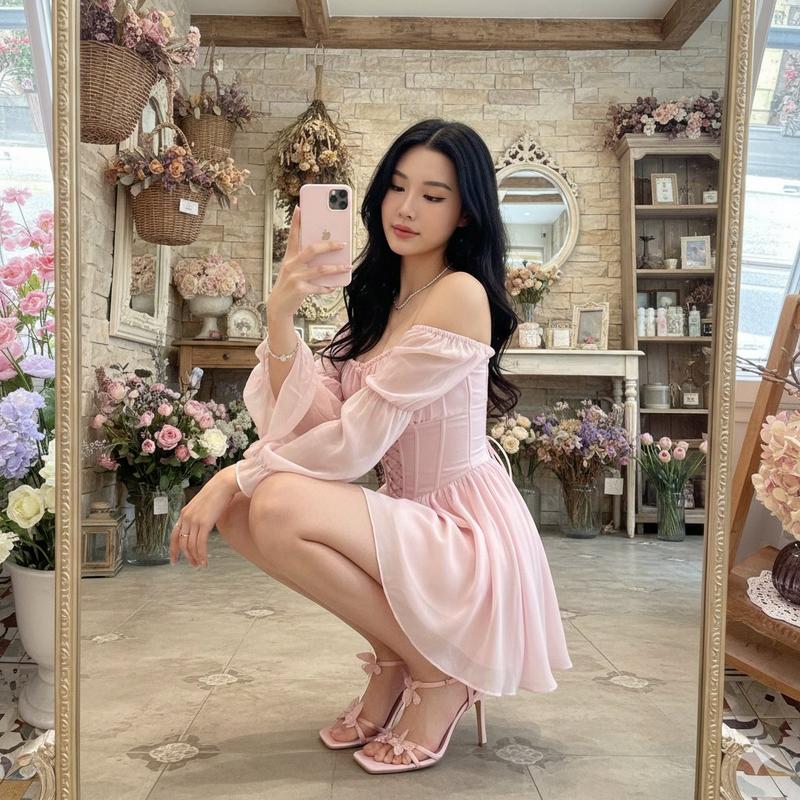
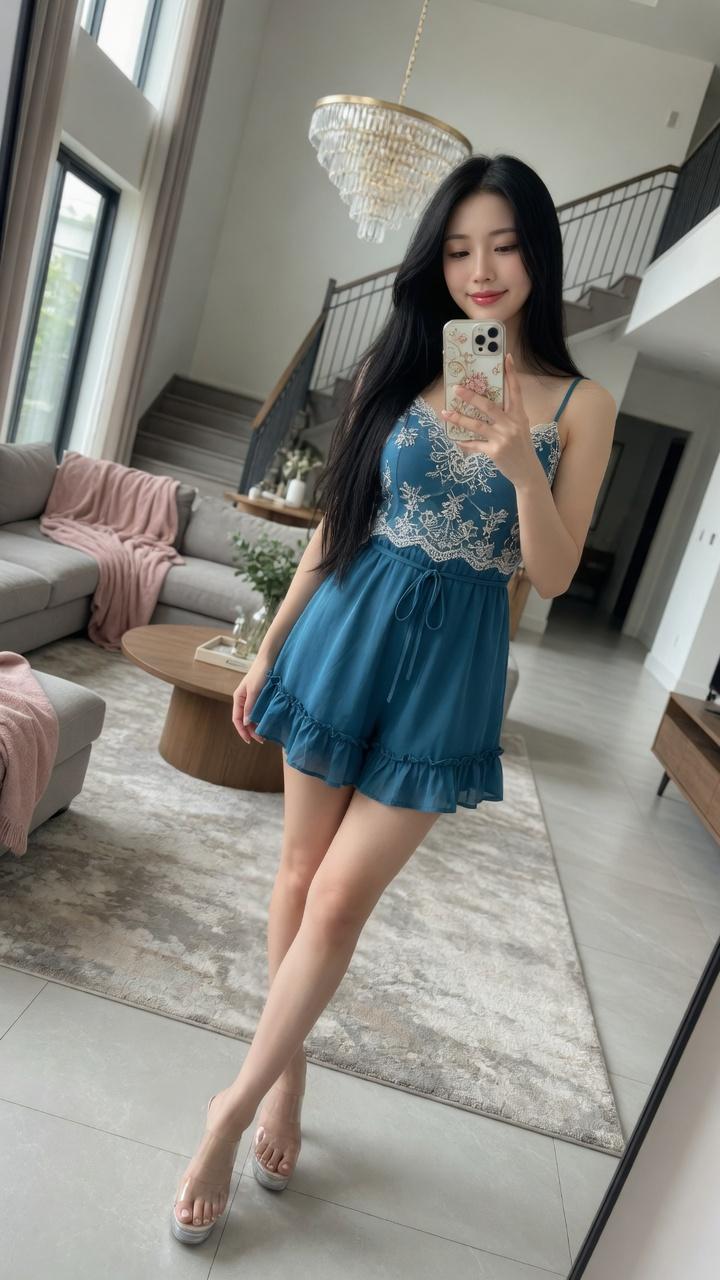
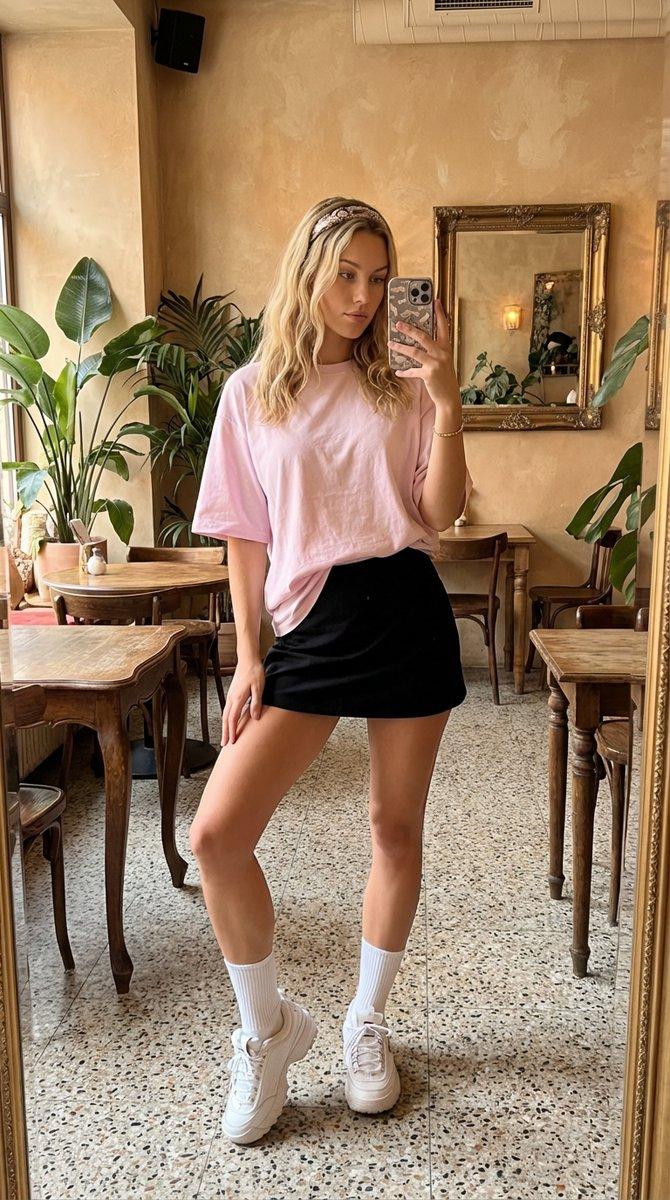
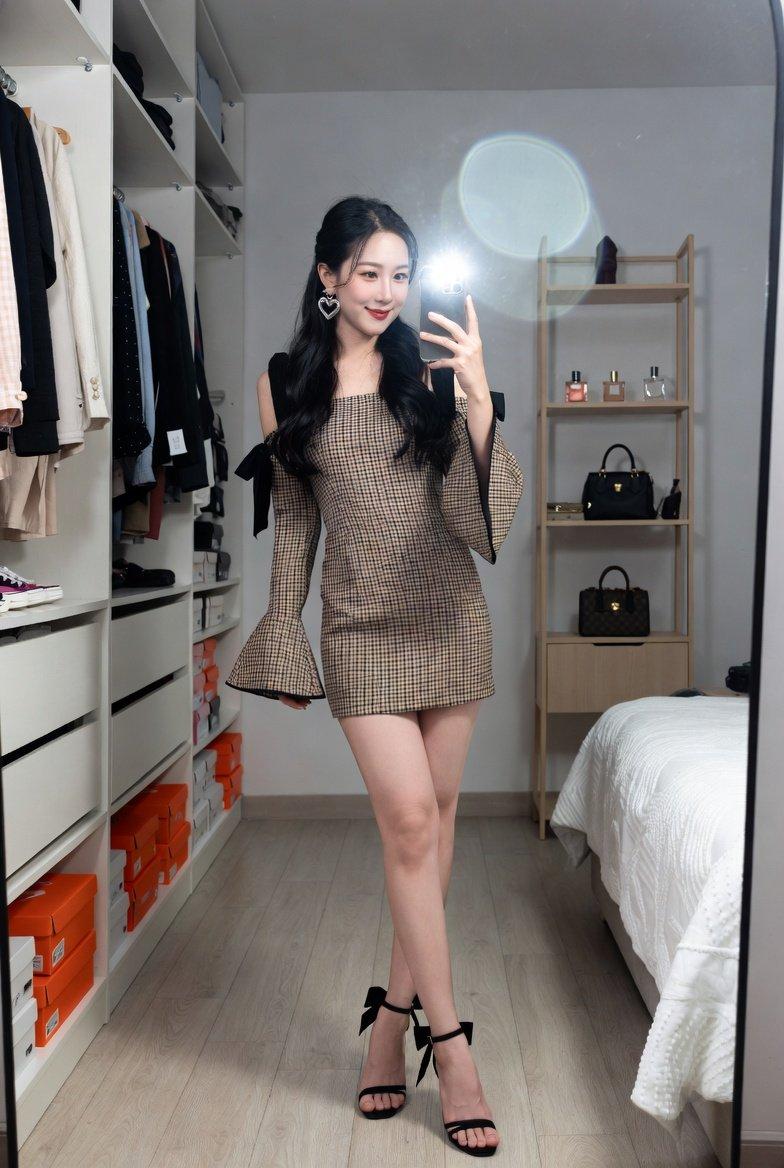
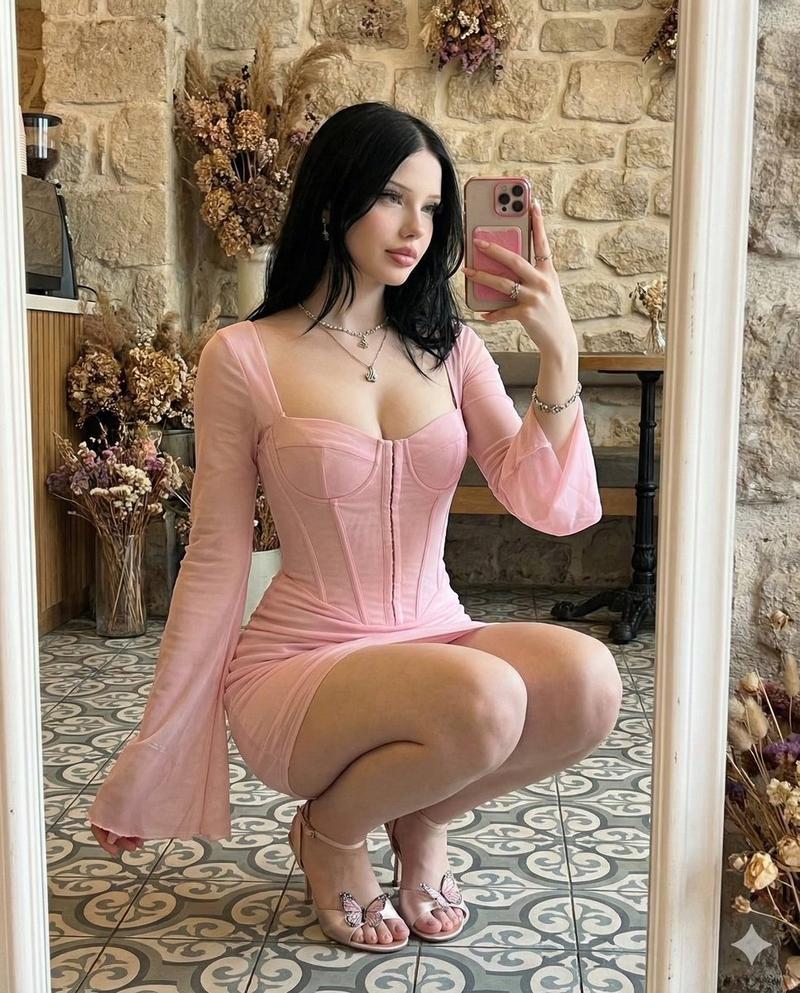
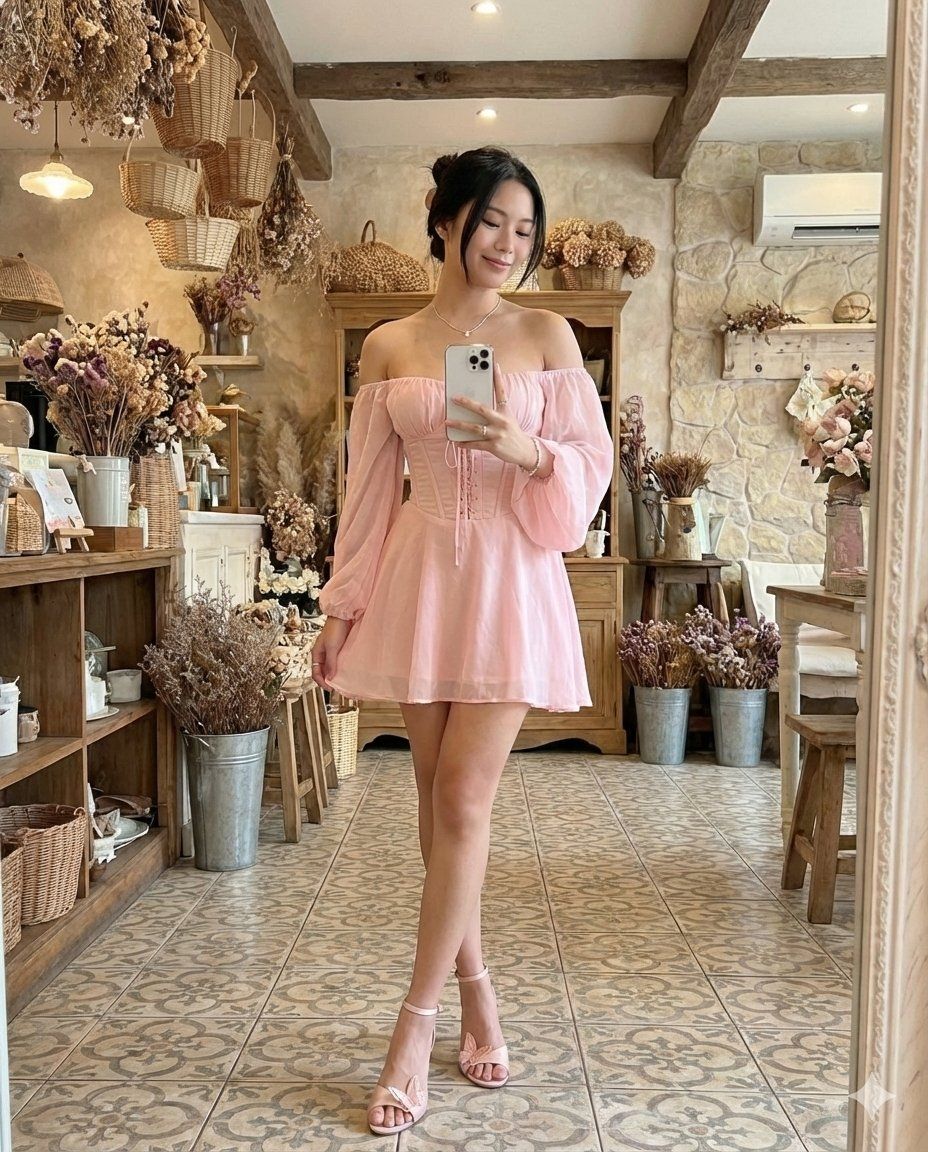
  "prompt": "A full-body standing mirror selfie, captured from the perspective of a large, ornate mirror, showing the young Asian woman from image_2.png. She is smiling gently at her phone, held in her right hand, while her legs are crossed at the ankles, displaying the pink butterfly heels. She is wearing the same light pink off-shoulder corset dress and silver jewelry (necklace, bracelet, ring). Her dark hair is tied up in a bun. The entire rustic cafe interior from image_2.png is visible around her, including the dried flower arrangements in baskets and buckets, stone walls, air conditioning unit, tiled floor, and warm overhead lighting. The reflection is sharp and realistic.",
  "subject": {
    "person": "Young Asian woman",
    "hair": "Dark hair in a bun",
    "attire": "{argument name=\"attire\" default=\"Pink off-shoulder corset dress, pink butterfly heels, silver necklace, bracelet, ring\"}",
    "expression": "Smiling"
  },
  "pose": "Standing mirror selfie, legs crossed, holding phone",
  "environment": "{argument name=\"environment\" default=\"Rustic cafe interior from image_2.png with dried flowers, baskets, stone walls, and tiled floor\"}",
  "style": "Realistic photograph from mirror perspective",
  "reference_image": "{argument name=\"reference image\" default=\"image_2.png\"}"
}
Category
创意图片
Model
Nano Banana Pro
Creator
𝐌
Views0
Source ID
60aa1fea-6b98-45f1-8982-9e7831b98d95
Published
Mar 8, 2026

Guide

About "带参考图的全身镜自拍提示"

What is this prompt for?

"带参考图的全身镜自拍提示" AI image prompt for Nano Banana Pro (创意图片). 生成一张年轻亚洲女性的站立镜面自拍,身穿粉色紧身胸衣连衣裙和蝴蝶高跟鞋。明确参考之前的图像(“image_2.png”)以获取主体细节和环境(乡村咖啡馆内部),重点是逼真的镜面视角。 --- ```j…

The full copyable prompt and example visuals above are ready for AI image generation or one-click recreate in Picva.

How to use this prompt

  1. Step 1

    Open the prompt detail

    Review the example visuals, category, and full prompt text for "带参考图的全身镜自拍提示".

  2. Step 2

    Copy the prompt

    Copy the prompt body from this page, or load it directly in Studio.

  3. Step 3

    Pick a model (Nano Banana Pro)

    Prefer Nano Banana Pro. If you switch models, keep subject and composition and tweak style terms.

  4. Step 4

    Generate and export

    Recreate the look in Picva, or export into your workflow for editing and publishing.

FAQ

What is the "带参考图的全身镜自拍提示" prompt?
It is an AI image-generation prompt for Nano Banana Pro in the 创意图片 category. This page includes the full prompt text, example visuals, and a one-click recreate path in Picva.
How do I use this prompt to generate an image?
Copy the prompt from this page, or use Generate / Studio. Paste it into a compatible image model, or recreate the look in Picva with optional reference images.
Which model is this prompt for?
This page lists Nano Banana Pro. Most descriptive prompts also transfer to nearby image models such as GPT Image, Flux, or Midjourney with light style tweaks.
Can I use the result commercially?
You can usually copy the prompt for creation, but commercial use of the final image depends on the model terms, reference-image rights, and the generated content. Follow the source author and platform rules.