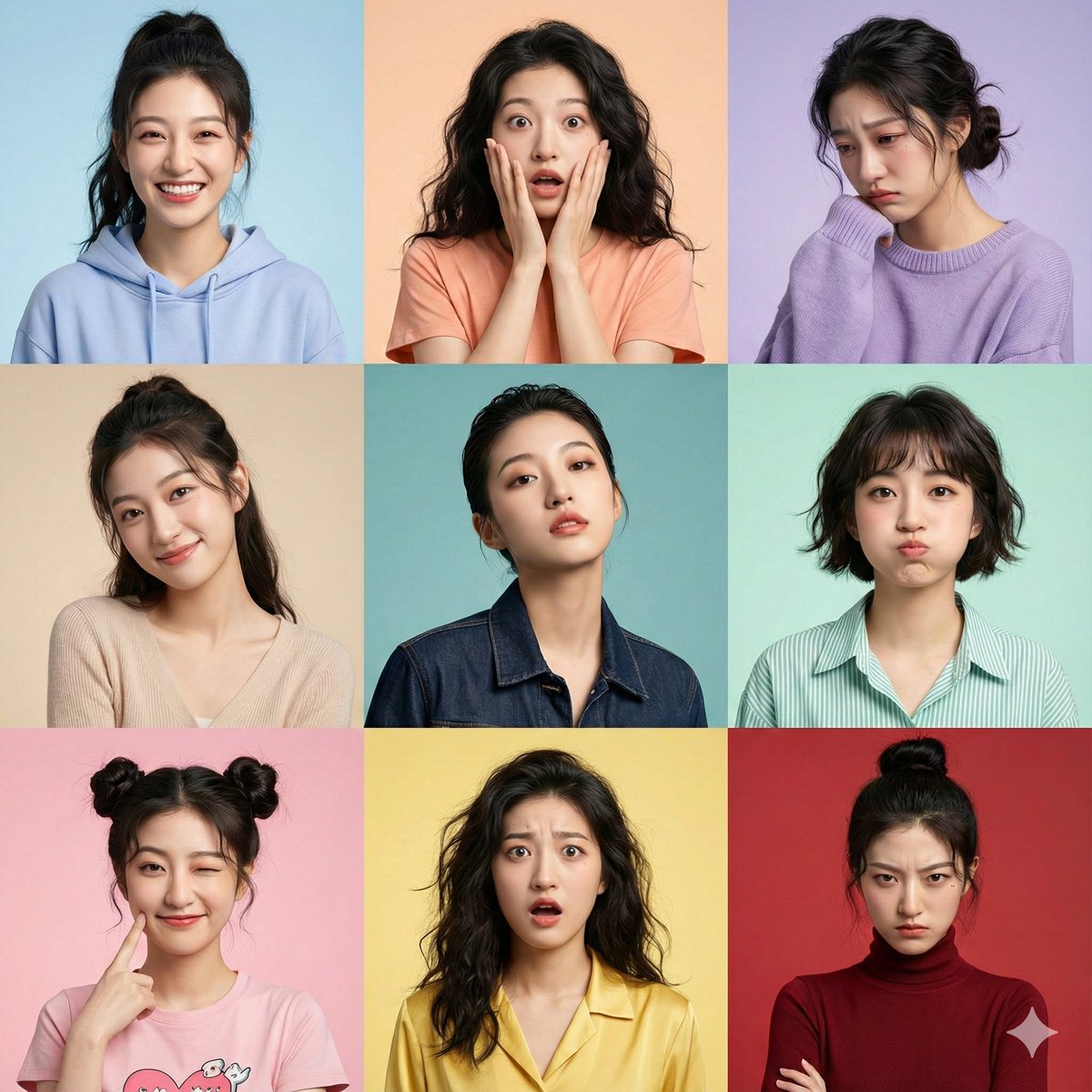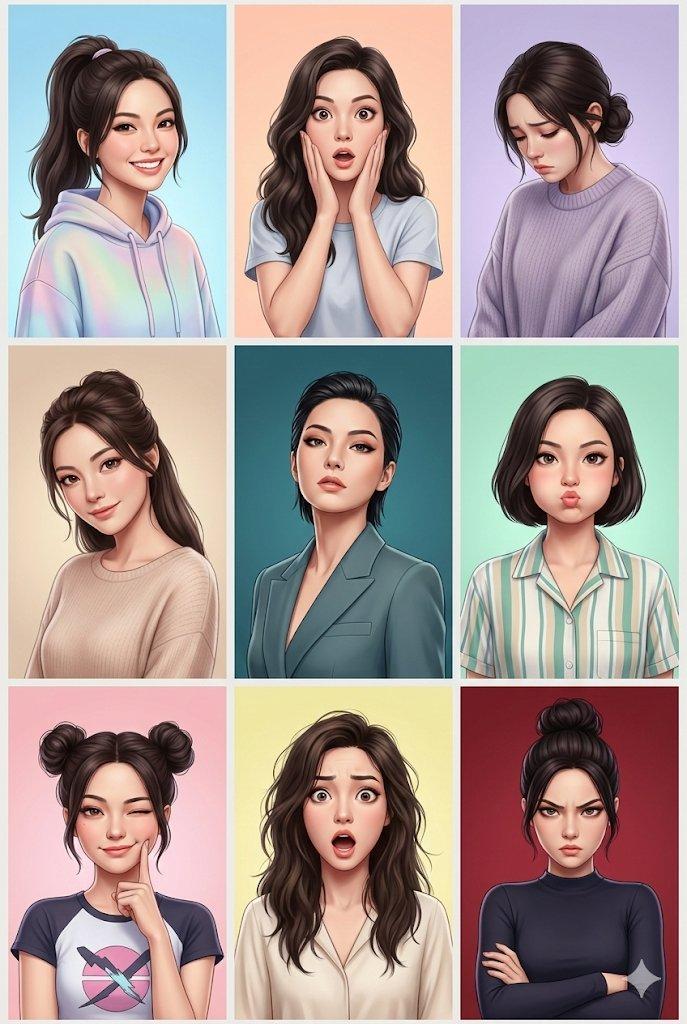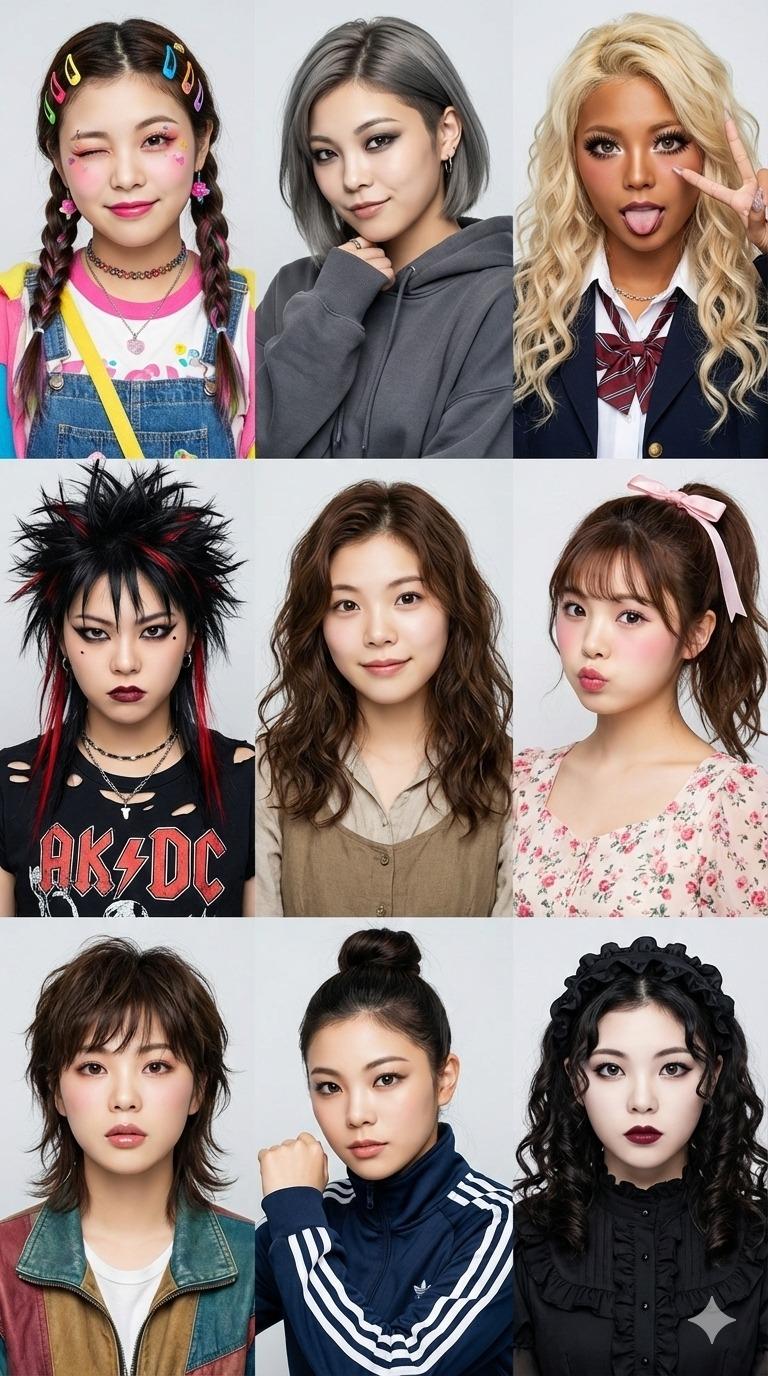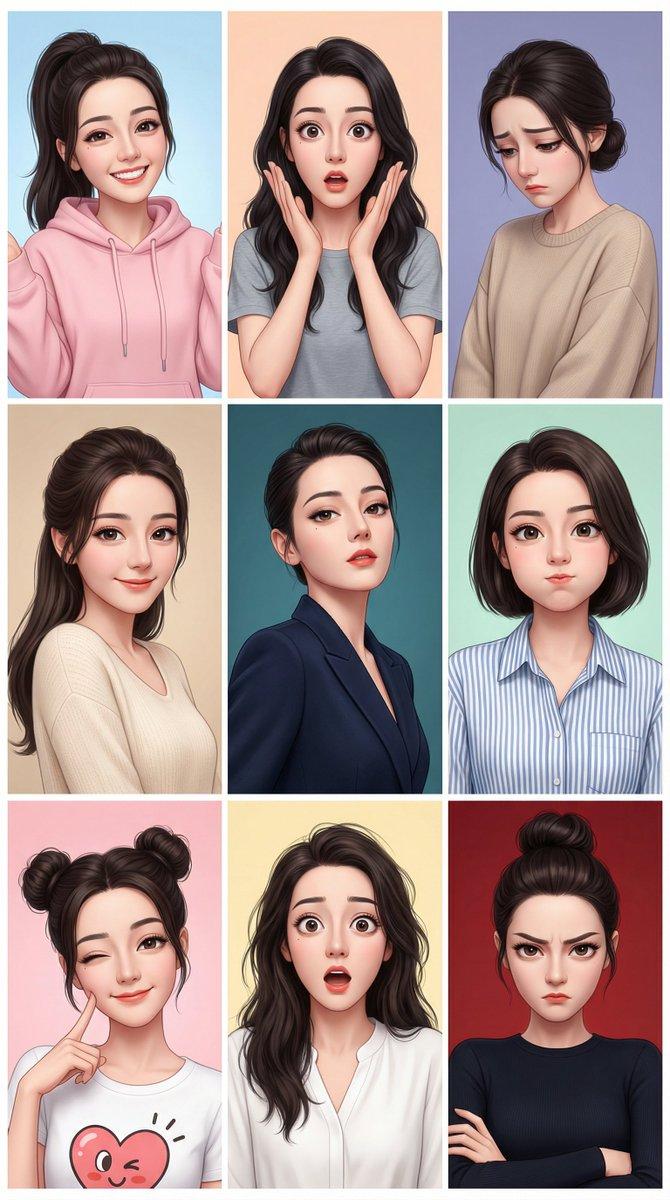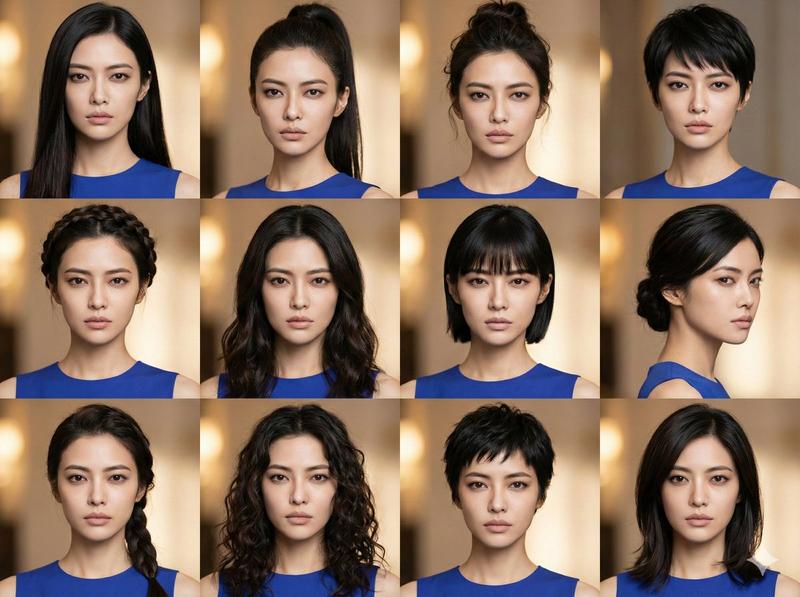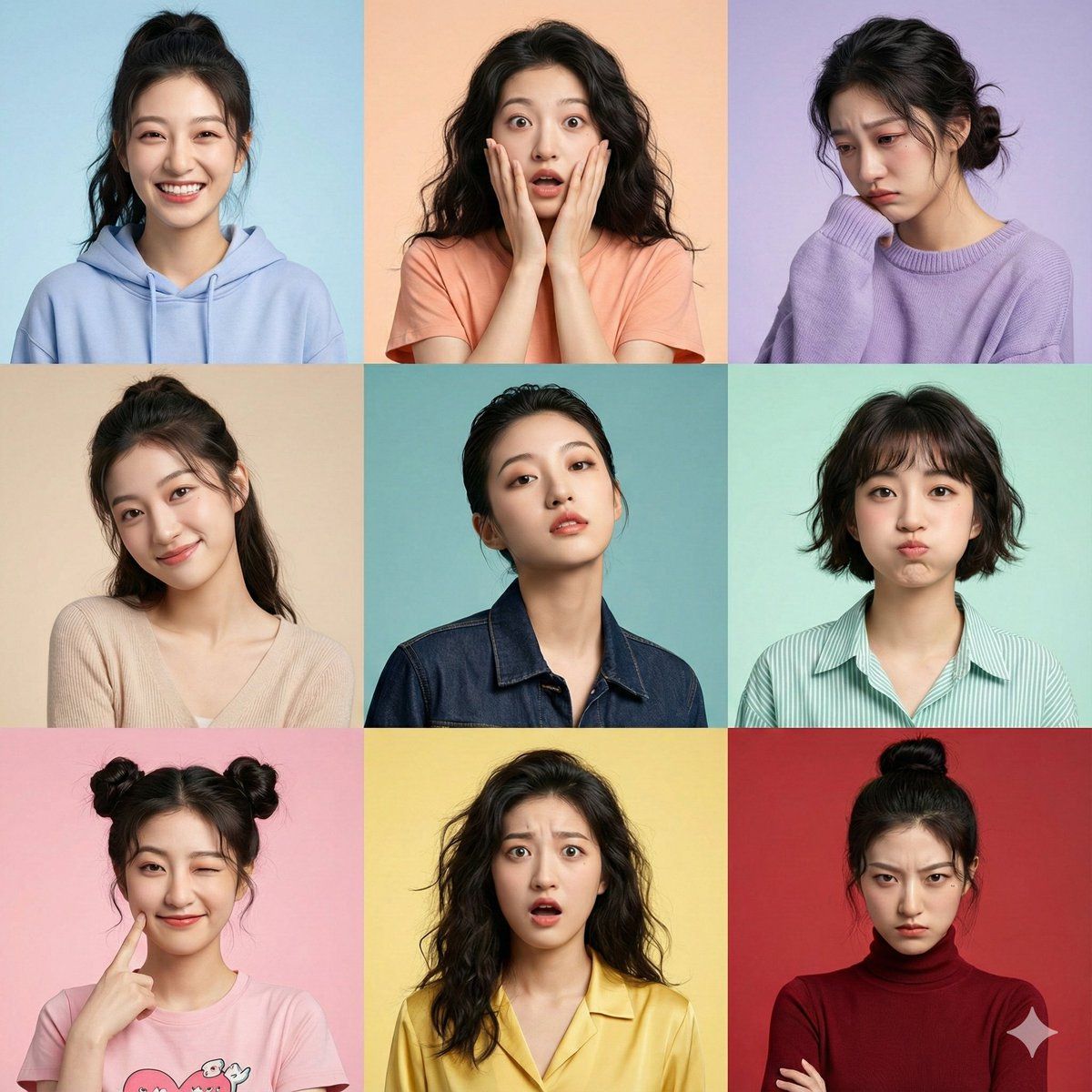
超写实 3x3 网格肖像,身份固定
Prompt
{
  "image_prompt": {
    "critical_instruction": "ABSOLUTE PRIORITY: Maintain identical facial structure across all panels. Do not alter underlying bone structure, nose shape, eye spacing, or jawline regardless of the expression being rendered. The identity must be unmistakable in every single shot.",
    "format": "3x3 grid collage",
    "subject": {
      "face_reference": "uploaded_photo",
      "face_identity_lock": "CRITICAL: fixed identity, zero deviation from reference facial features",
      "face_match_accuracy": "100% exact match enforced",
      "identity_preservation_details": "Ensure consistent interpupillary distance, exact nose bridge shape, and jaw structure in every panel.",
      "negative_constraints": [
        "do not morph nose shape",
        "do not change eye size or spacing",
        "do not alter cheekbone structure",
        "no plastic surgery look"
      ],
      "style": "hyper-realistic portrait photography, 8k resolution, raw photo aesthetic",
      "skin": "highly detailed natural skin texture, visible pores, subtle imperfections, realistic complexion, consistent across all lighting conditions",
      "camera_settings": "shot on Sony A7R IV, 85mm portrait lens, f/1.8 aperture, sharp focus on eyes, shallow depth of field"
    },

    "panels": [
      {
        "expression": "joyful",
        "pose": "bright natural smile (maintaining jaw structure), shoulders slightly raised",
        "hairstyle": "high ponytail with loose strands",
        "outfit": "pastel cotton hoodie",
        "background": "soft gradient sky blue studio backdrop"
      },
      {
        "expression": "surprised",
        "pose": "hands near face, wide eyes (without altering eye shape), natural reaction",
        "hairstyle": "loose natural wavy hair",
        "outfit": "casual cotton t-shirt",
        "background": "light peach studio backdrop"
      },
      {
        "expression": "sad",
        "pose": "head tilted down, emotional soft eyes",
        "hairstyle": "messy low bun",
        "outfit": "oversized wool sweater",
        "background": "muted lavender tone studio backdrop"
      },
      {
        "expression": "tender",
        "pose": "gentle smile, head slightly tilted",
        "hairstyle": "elegant half-up hairstyle",
        "outfit": "soft knit top",
        "background": "warm beige studio backdrop"
      },
      {
        "expression": "daring",
        "pose": "confident gaze, chin slightly raised (showing consistent jawline)",
        "hairstyle": "chic slicked-back hair",
        "outfit": "stylish leather or denim jacket",
        "background": "deep teal studio backdrop"
      },
      {
        "expression": "playful",
        "pose": "cheeks slightly puffed (ensure nose remains unchanged), playful stare",
        "hairstyle": "short textured bob",
        "outfit": "striped linen shirt",
        "background": "soft mint green studio backdrop"
}]- Category
- 创意图片
- Model
- Nano Banana Pro
- Creator
- 松果先森
- Source ID
- d5a8afe5-5bcd-4743-ac73-d0a8b75bc6d2
- Published
- Mar 8, 2026
Views0