19

老旧电脑效果肖像提示词
Enlarge

老旧电脑效果肖像提示词

Prompt
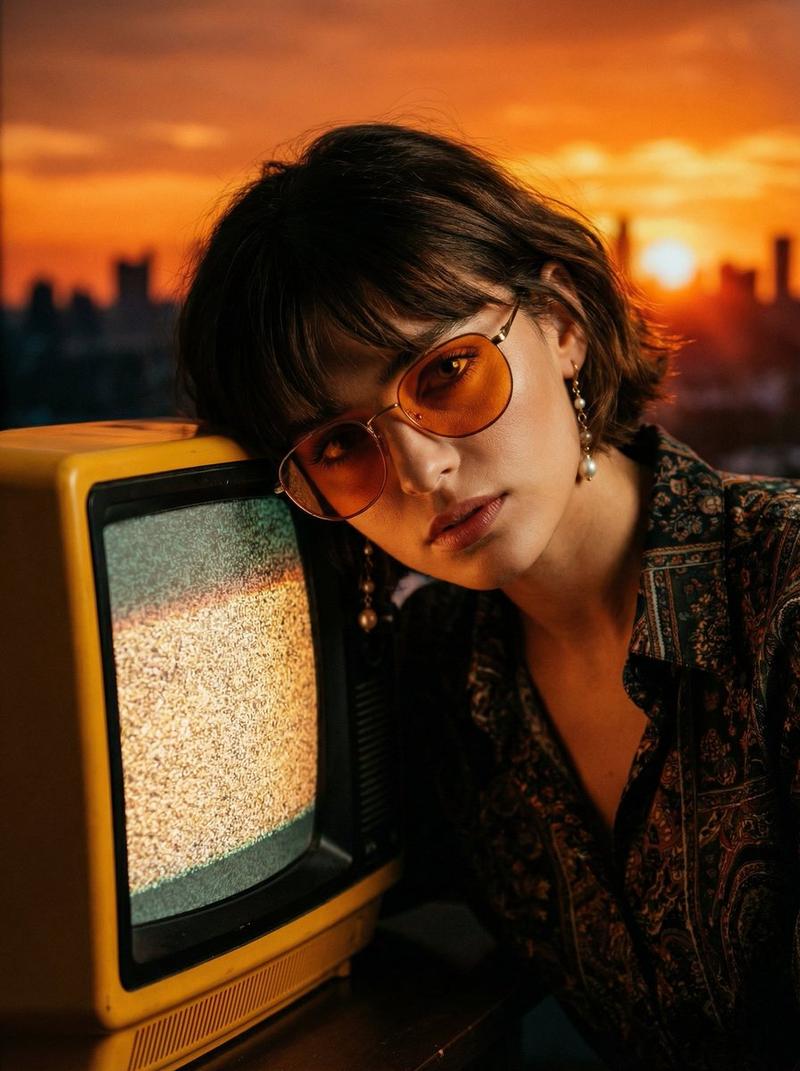
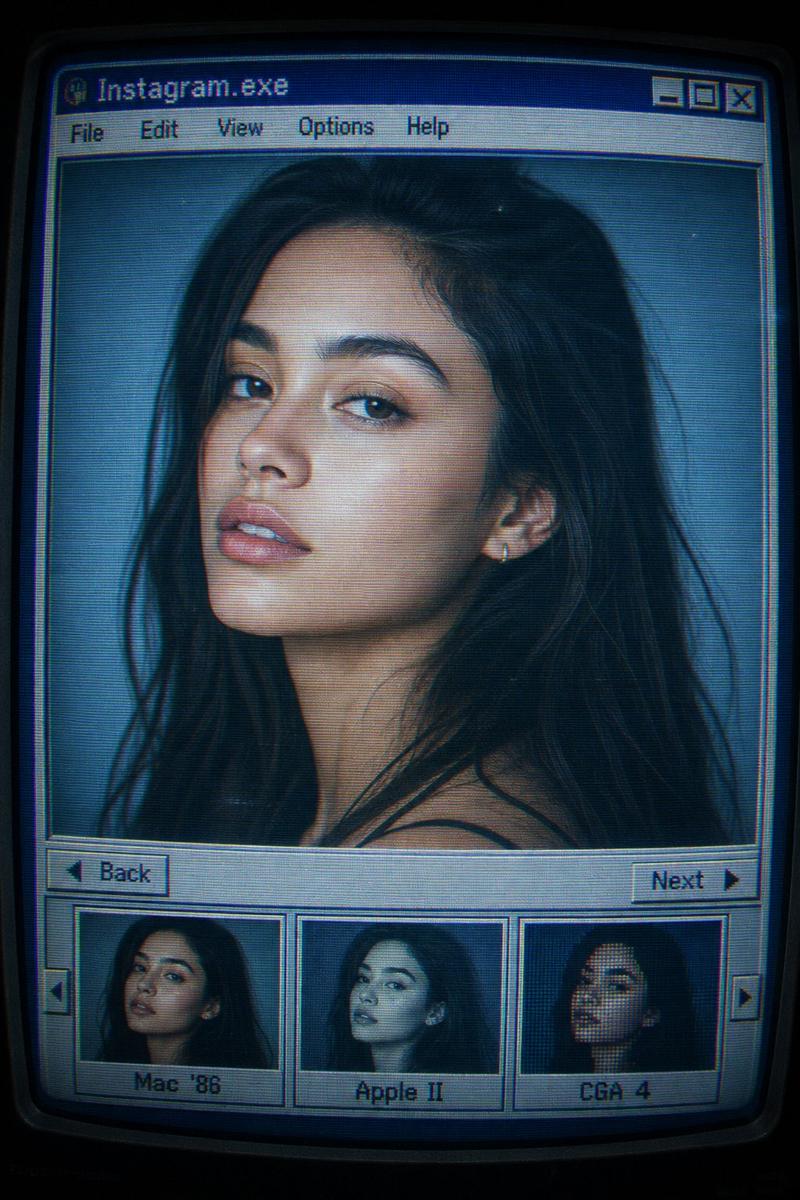
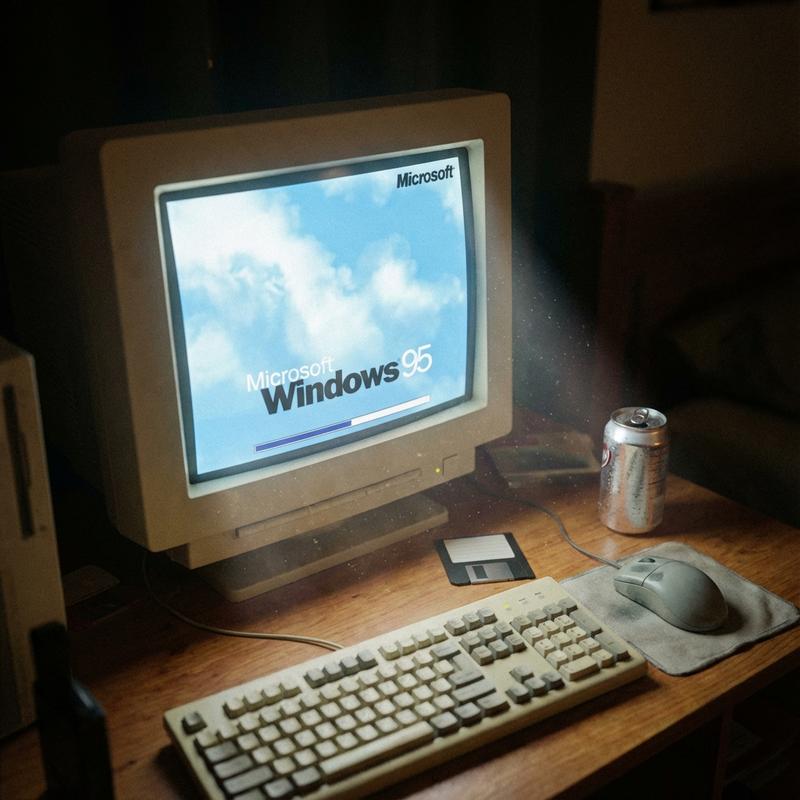
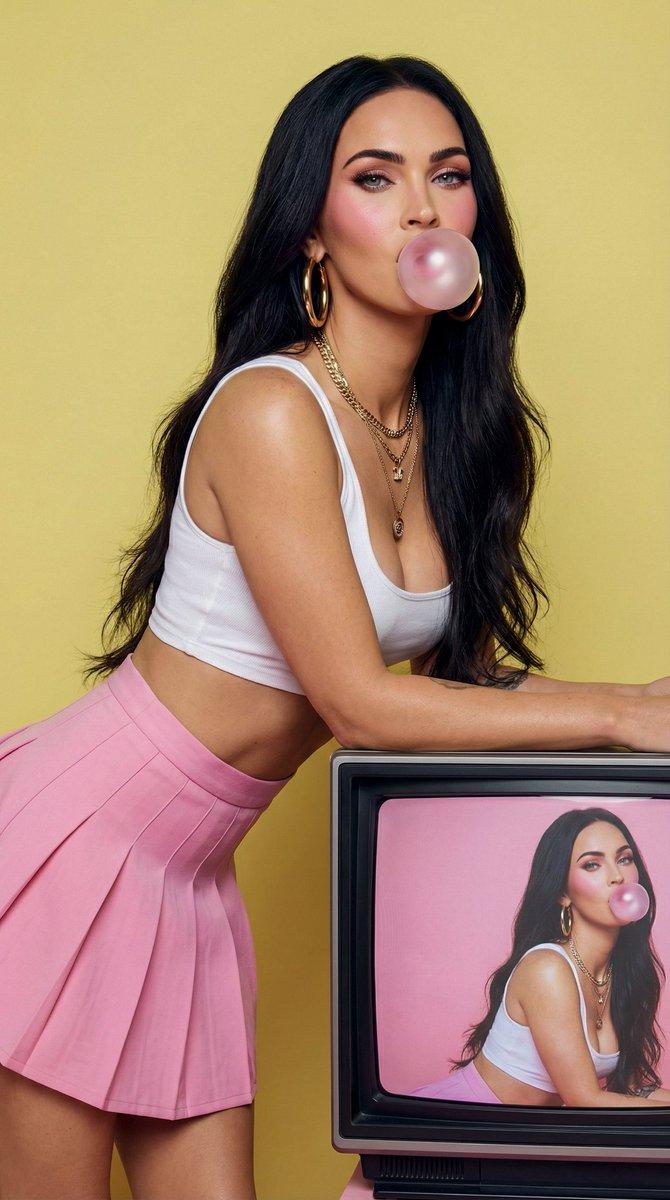
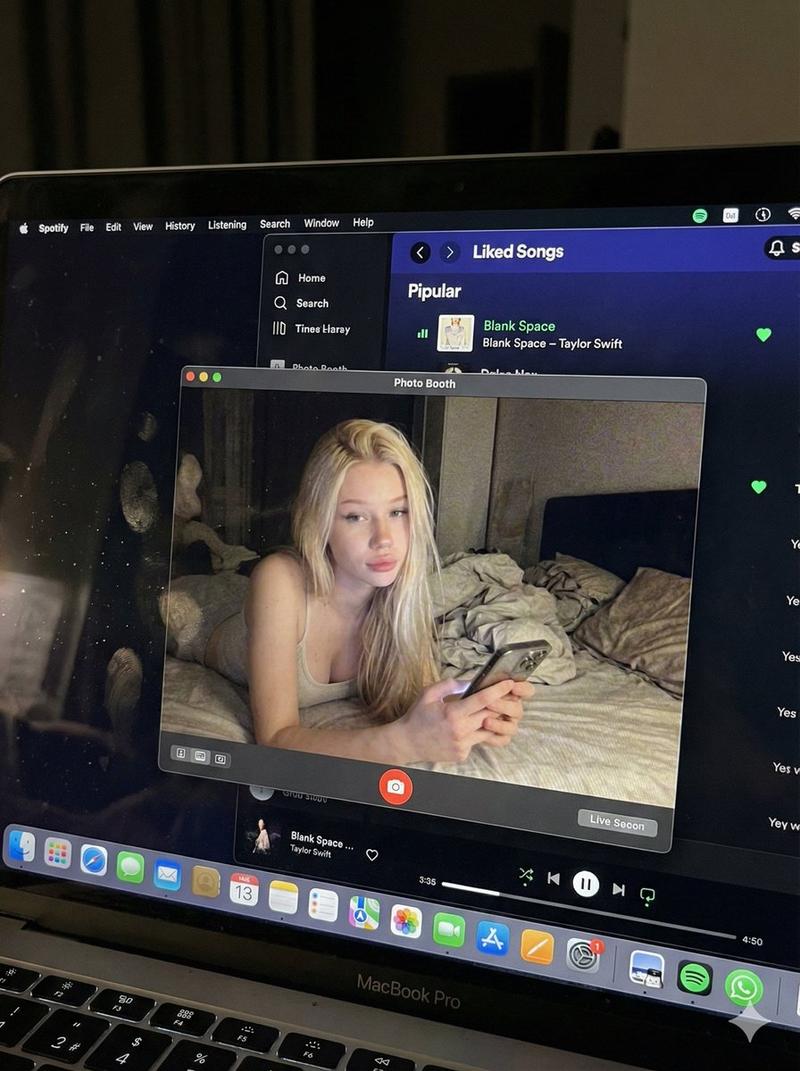
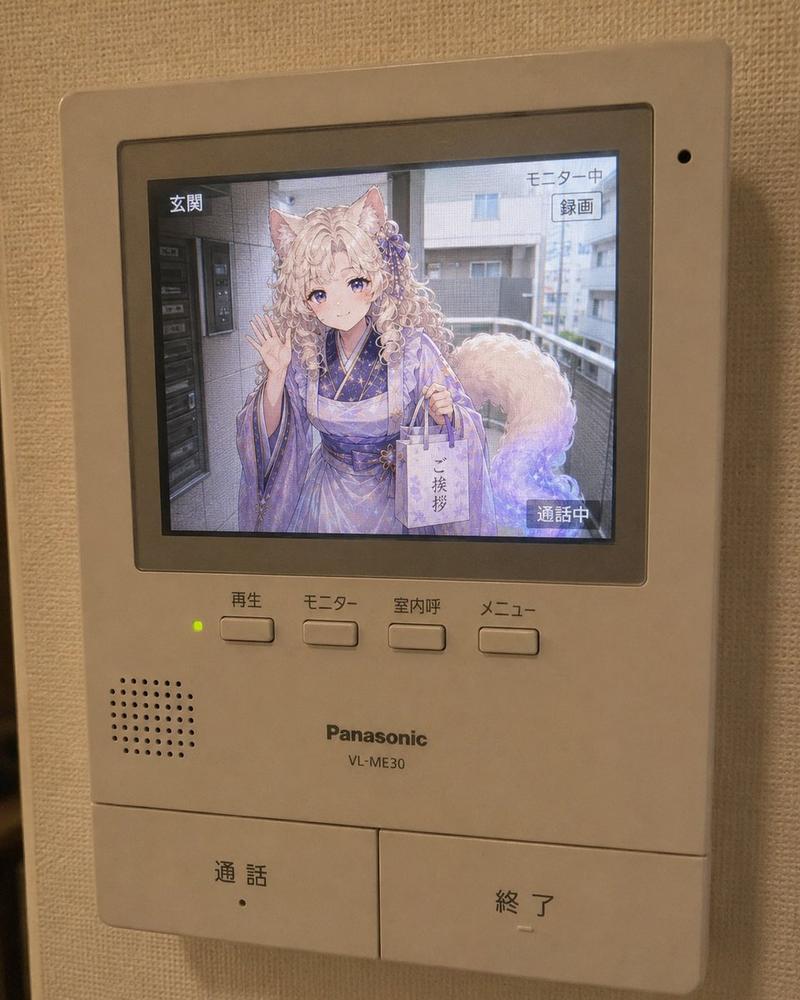
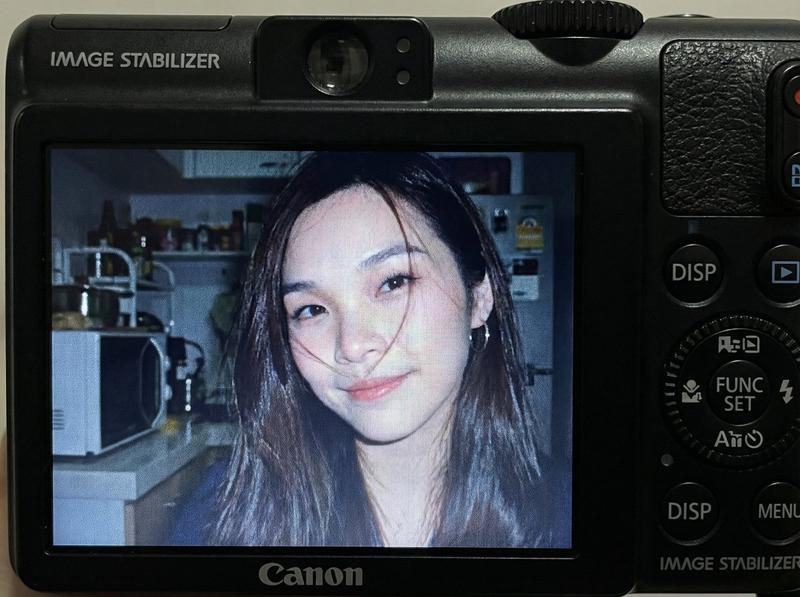
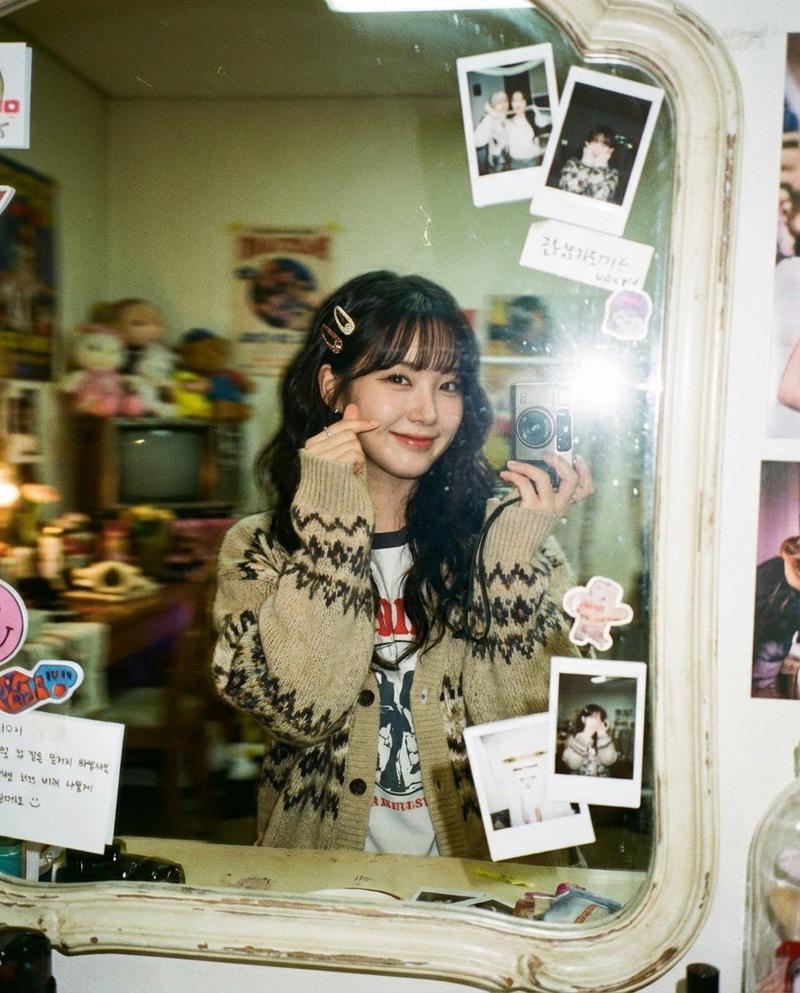
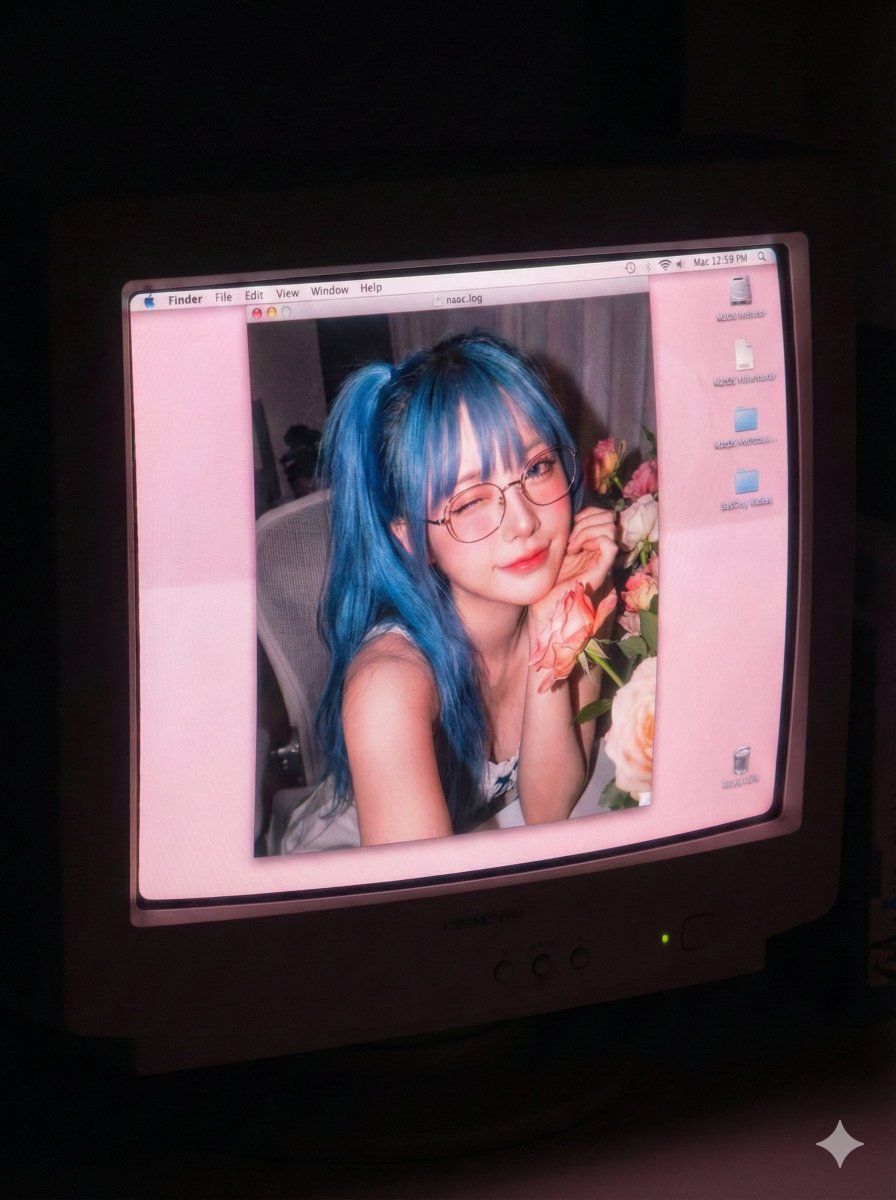
A realistic selfie photograph displayed on a vintage CRT monitor screen in a dark room. The woman based on the input reference image is sitting in a computer chair, leaning toward the camera and playfully winking at the lens with a charming, flirtatious expression. She has the same glasses and hairstyle as the reference. The CRT screen shows scanlines, phosphor bloom, a soft, tender pinkish glow dominating the display, and a Mac OS X early 2000s desktop interface. The photo aesthetic on the screen is authentic 2000s, with strong direct flash striking her face, rosy and warm tones, high digital noise, grain, sharp texture, and hard flash shadows.
Category
创意图片
Model
Nano Banana Pro
Views4
Source ID
a9709a35-76f8-4a9f-97d9-e8eb86cf50af
Published
Mar 8, 2026

Guide

About "老旧电脑效果肖像提示词"

What is this prompt for?

"老旧电脑效果肖像提示词" AI image prompt for Nano Banana Pro (创意图片). 一个为 Nano Banana Pro 设计的详细英文提示,基于 SDT(Stable Diffusion Template)结构,旨在生成一张逼真的女性自拍照,显示在老式 CRT 显示器屏幕上,具有特…

The full copyable prompt and example visuals above are ready for AI image generation or one-click recreate in Picva.

How to use this prompt

  1. Step 1

    Open the prompt detail

    Review the example visuals, category, and full prompt text for "老旧电脑效果肖像提示词".

  2. Step 2

    Copy the prompt

    Copy the prompt body from this page, or load it directly in Studio.

  3. Step 3

    Pick a model (Nano Banana Pro)

    Prefer Nano Banana Pro. If you switch models, keep subject and composition and tweak style terms.

  4. Step 4

    Generate and export

    Recreate the look in Picva, or export into your workflow for editing and publishing.

FAQ

What is the "老旧电脑效果肖像提示词" prompt?
It is an AI image-generation prompt for Nano Banana Pro in the 创意图片 category. This page includes the full prompt text, example visuals, and a one-click recreate path in Picva.
How do I use this prompt to generate an image?
Copy the prompt from this page, or use Generate / Studio. Paste it into a compatible image model, or recreate the look in Picva with optional reference images.
Which model is this prompt for?
This page lists Nano Banana Pro. Most descriptive prompts also transfer to nearby image models such as GPT Image, Flux, or Midjourney with light style tweaks.
Can I use the result commercially?
You can usually copy the prompt for creation, but commercial use of the final image depends on the model terms, reference-image rights, and the generated content. Follow the source author and platform rules.