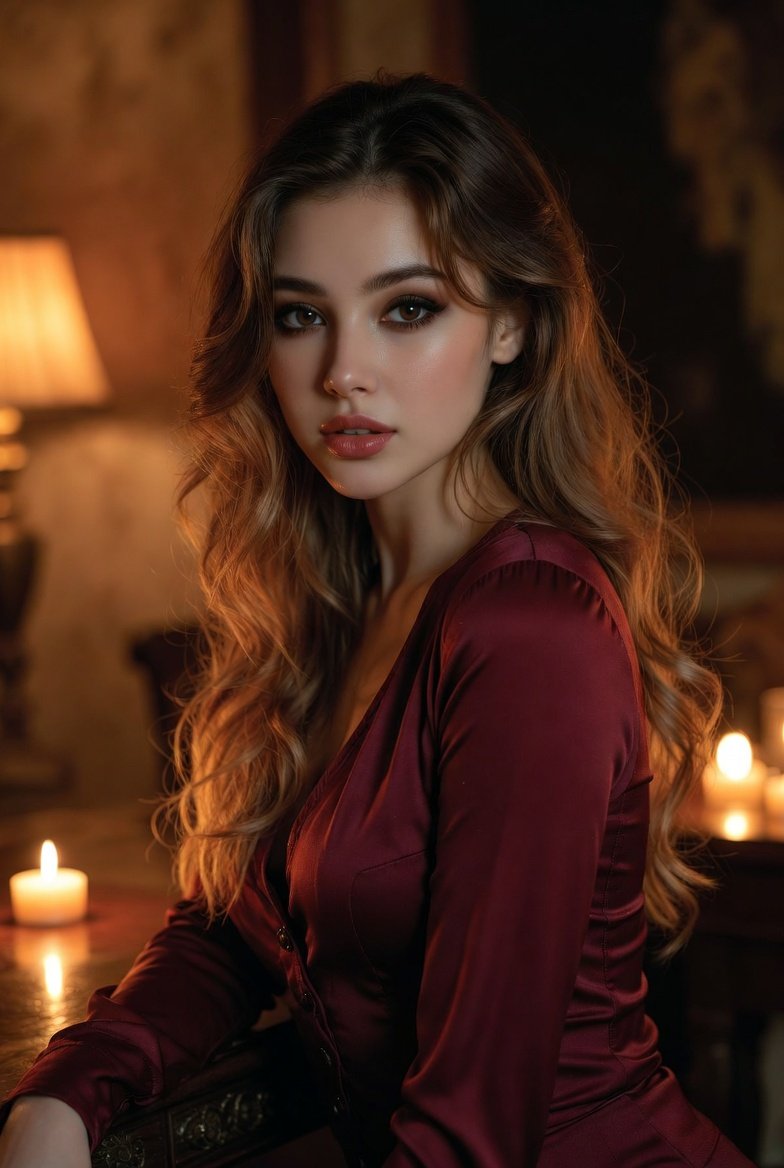
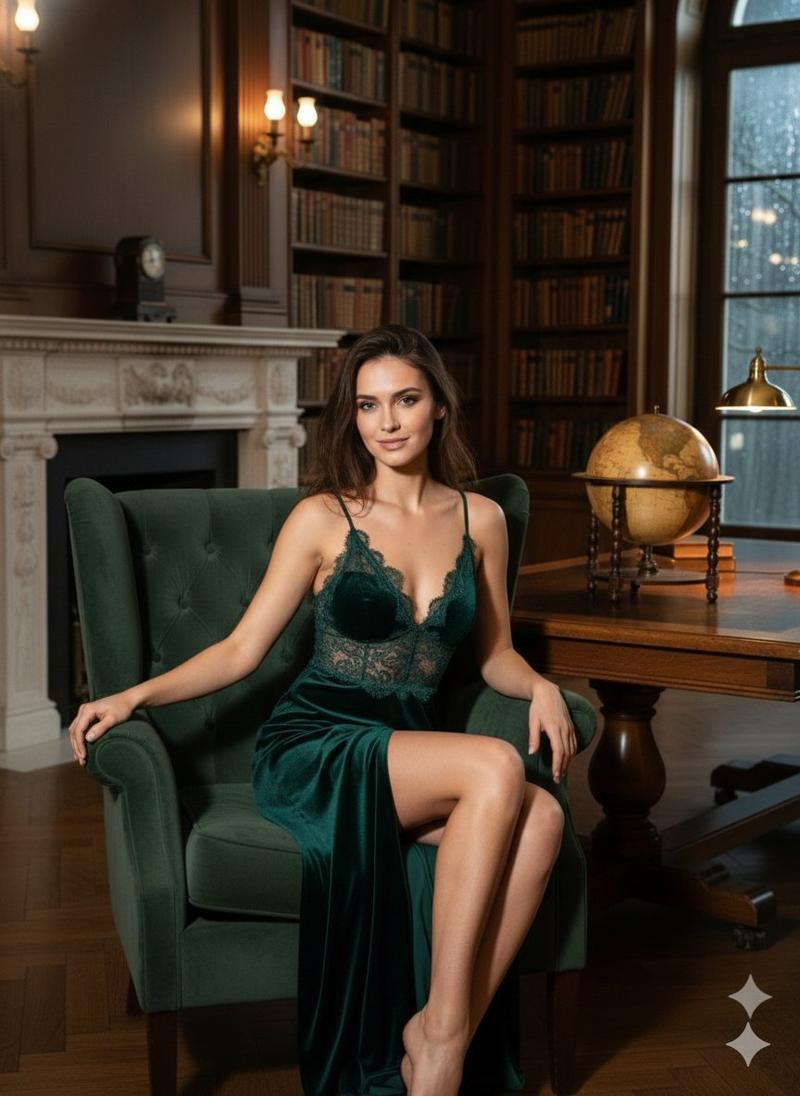
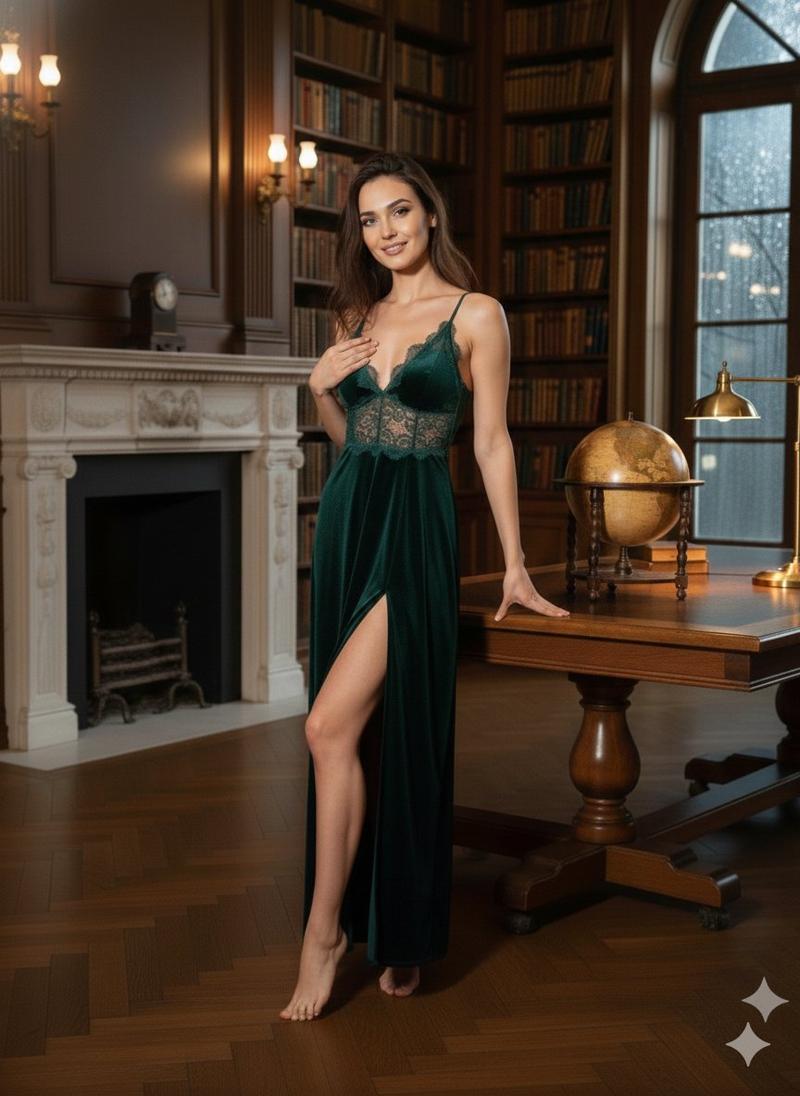
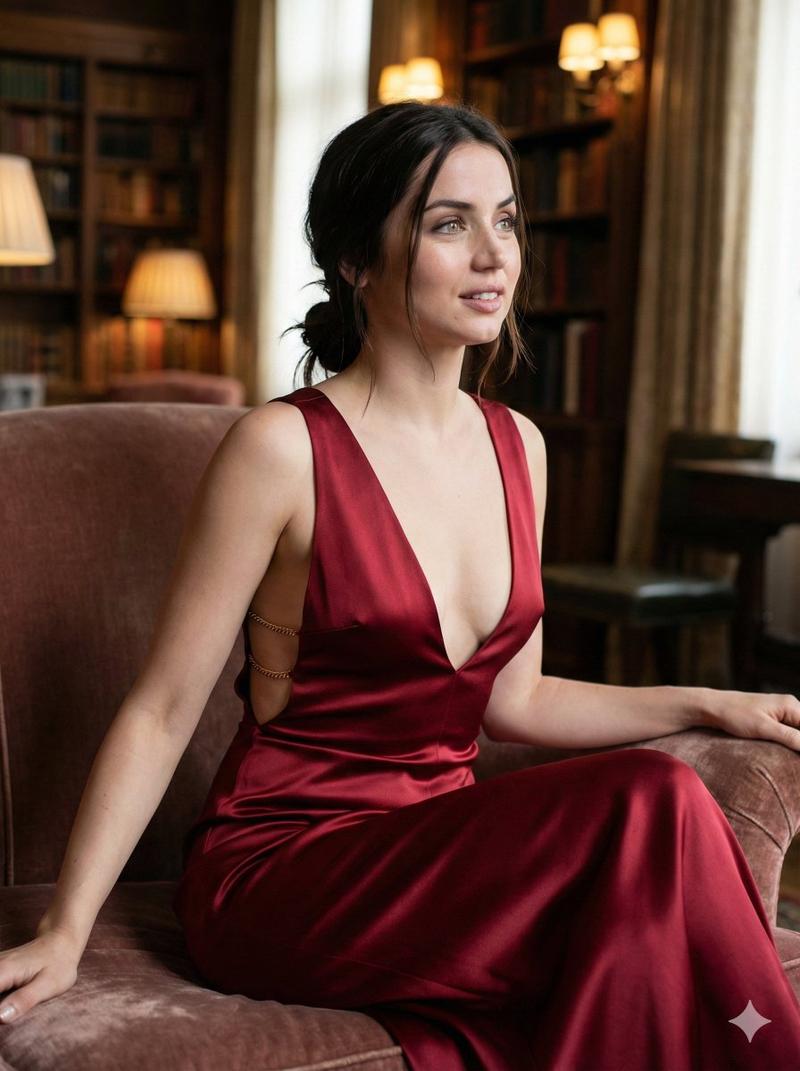
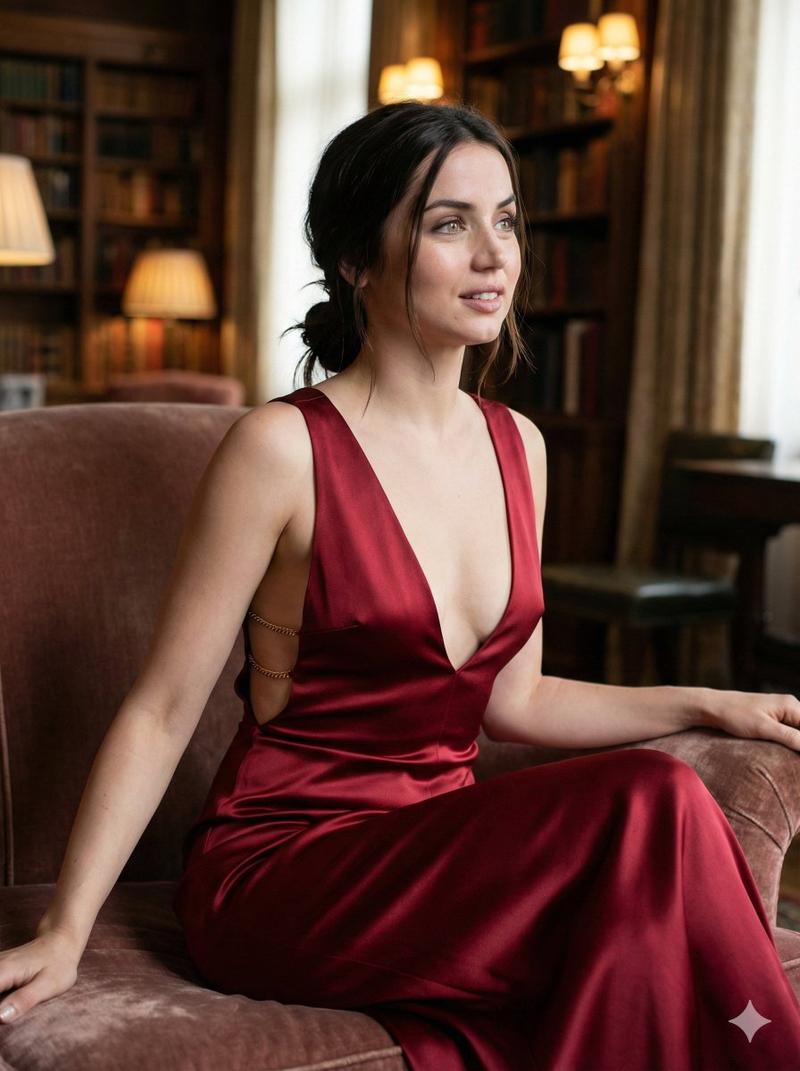
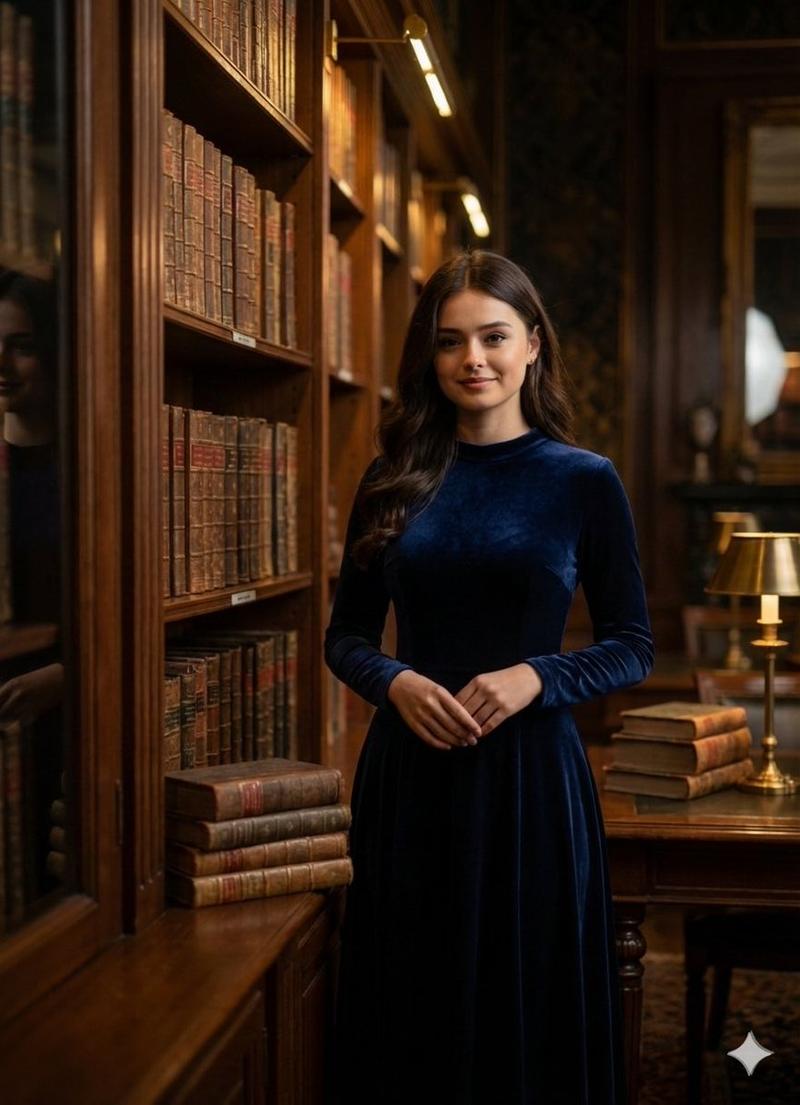
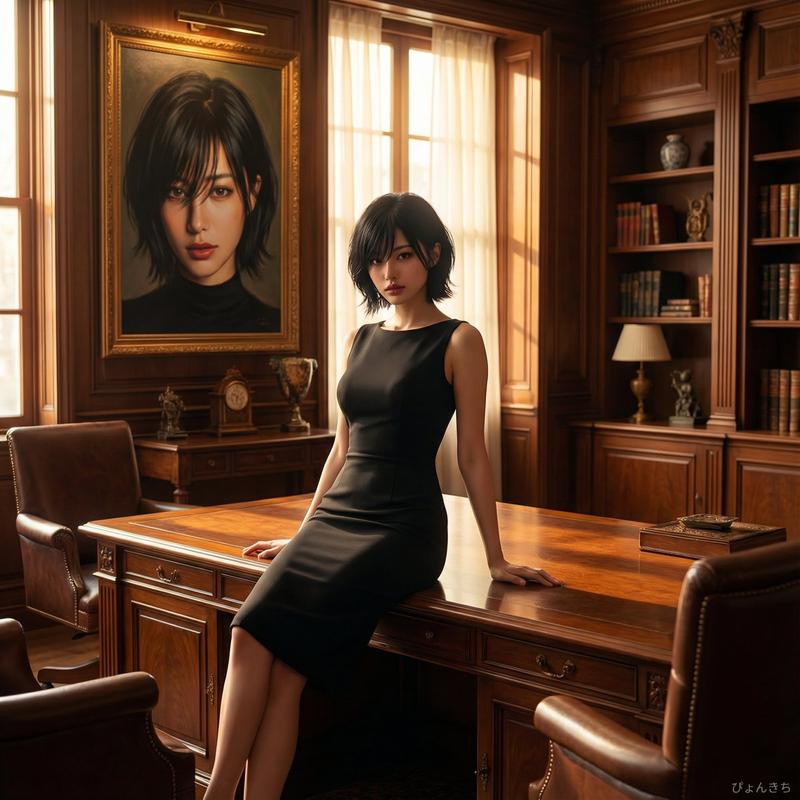
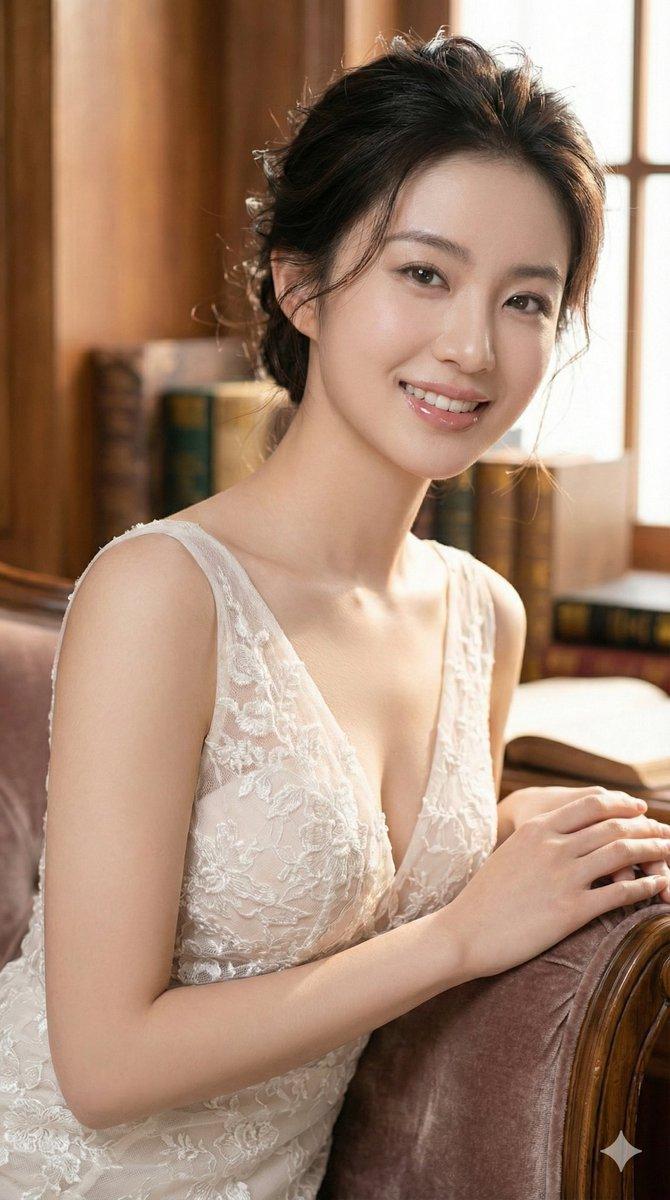
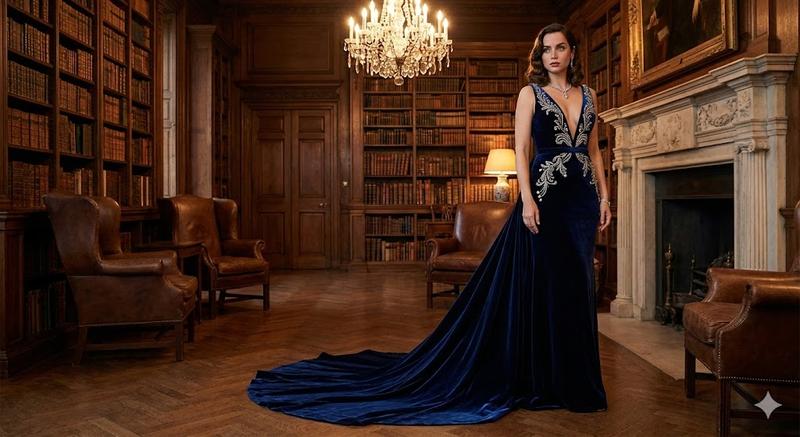
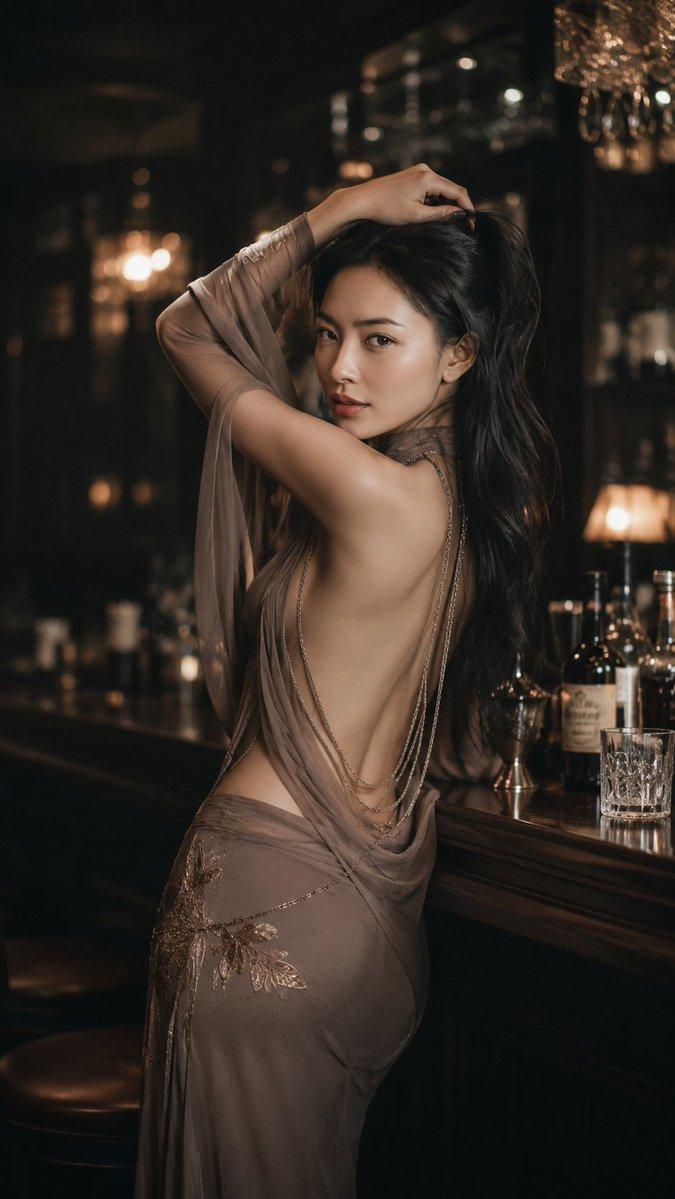
复古图书馆中的电影感红裙肖像
Prompt
{
  "prompt_type": "photorealistic_portrait",
  "subject": {
    "description": "young adult woman",
    "gender_expression": "feminine",
    "age_range": "early to mid 20s",
    "ethnicity": "unspecified / ambiguous",
    "pose": "three-quarter profile, body turned sideways, head turned toward camera",
    "expression": "calm, confident, slightly sultry",
    "gaze": "direct eye contact with camera"
  },
  "facial_features": {
    "face_shape": "oval",
    "skin_tone": "fair to light with warm undertones",
    "skin_texture": "smooth, natural, soft glow",
    "eyes": {
      "color": "blue-green",
      "shape": "almond",
      "makeup": "subtle smoky eyeshadow, soft eyeliner, long lashes"
    },
    "eyebrows": "natural, softly arched",
    "lips": {
      "shape": "full",
      "color": "deep red lipstick",
      "finish": "satin"
    },
    "nose": "slender, straight"
  },
  "hair": {
    "color": "dark brown",
    "length": "short to medium",
    "style": "soft wavy bob",
    "bangs": "wispy fringe bangs",
    "texture": "natural, slightly tousled"
  },
  "wardrobe": {
    "outfit_type": "evening dress",
    "dress_color": "deep red / crimson",
    "material": "silk or satin",
    "design": {
      "neckline": "low-cut",
      "straps": "thin spaghetti straps",
      "fit": "form-fitting bodice",
      "details": "subtle sheen, elegant drape"
    }
  },
  "body_details": {
    "build": "slim",
    "visible_areas": [
      "shoulders",
      "upper back",
      "arms"
    ],
    "posture": "relaxed yet poised"
  },
  "environment": {
    "setting": "vintage library or study",
    "background_elements": [
      "wooden bookshelves",
      "rows of books",
      "warm ambient lights"
    ],
    "depth_of_field": "shallow",
    "background_style": "soft bokeh, blurred"
  },
  "lighting": {
    "type": "cinematic soft lighting",
    "key_light": "soft frontal light highlighting face",
    "fill_light": "gentle ambient fill",
    "back_light": "subtle rim light separating subject from background",
    "color_temperature": "warm indoor tones",
    "contrast": "medium, flattering"
  },
  "camera": {
    "shot_type": "portrait",
    "framing": "mid-shot",
    "angle": "eye-level",
    "lens": "85mm prime",
    "aperture": "f/1.8",
    "focus": "sharp on eyes"
  },
  "aesthetic": {
    "style": "cinematic realism",
    "mood": "intimate, elegant, timeless",
    "color_palette": [
      "deep red",
      "warm browns",
      "golden highlights",
      "soft blues in background"
    ],
    "inspiration": "fashion editorial, cinematic portrait photography"
  },
  "quality": {
    "resolution": "high resolution",
    "detail_level": "ultra-detailed",
    "realism": "photorealistic",
    "noise": "minimal",
    "post_processing": "professional color grading"
  },
  "negative_prompt": [
    "cartoon",
    "anime",
    "illustration",
    "low resolution",
    "overexposed",
    "harsh shadows",
]- Category
- 创意图片
- Model
- Nano Banana Pro
- Creator
- TeeJay
- Source ID
- e963e75b-8065-4979-89b4-a18b5d99b4f6
- Published
- Mar 8, 2026
Views0