16

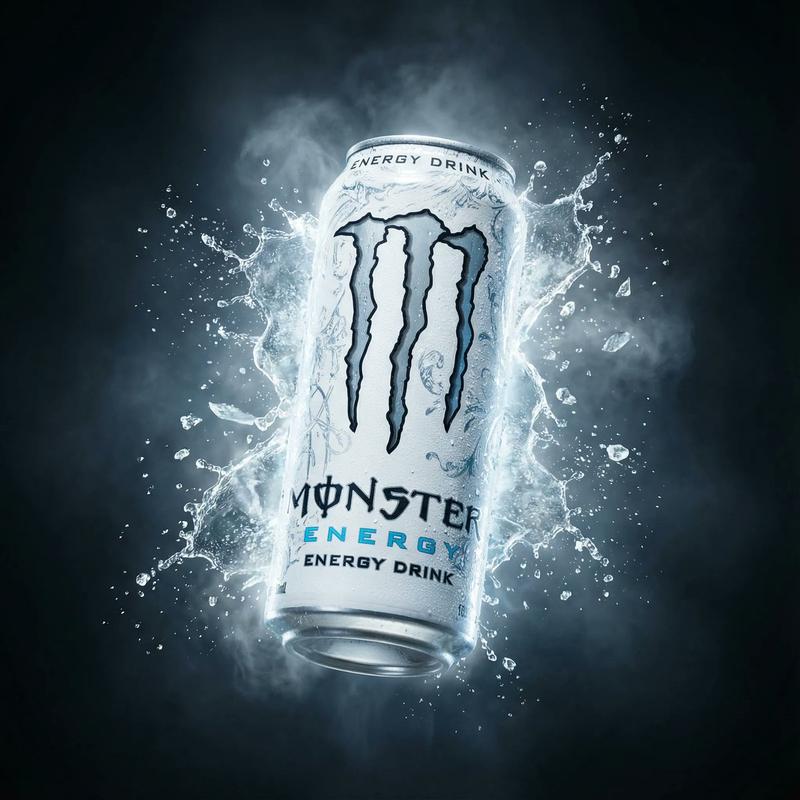
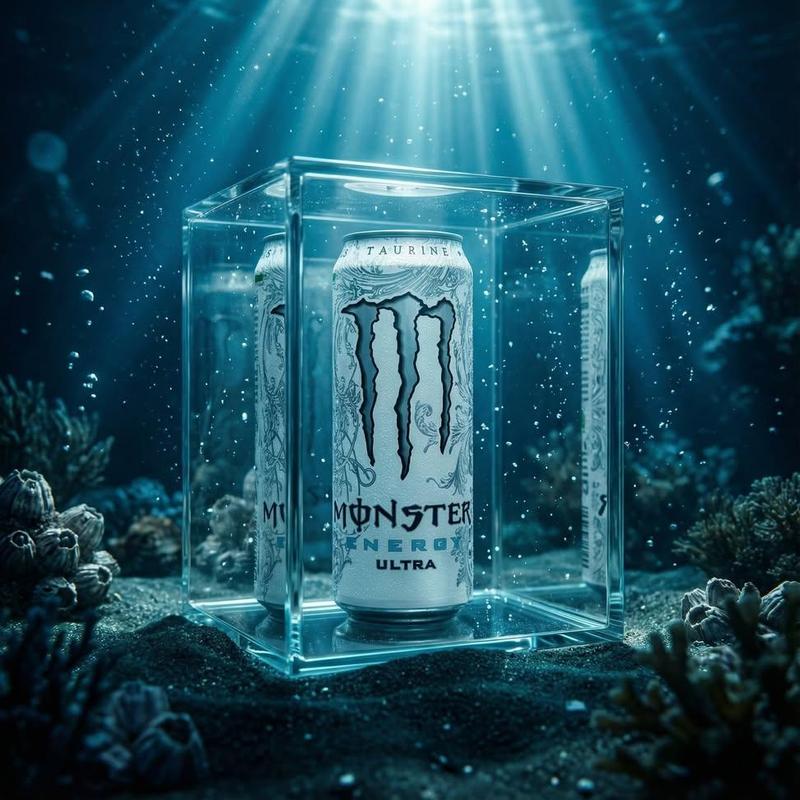
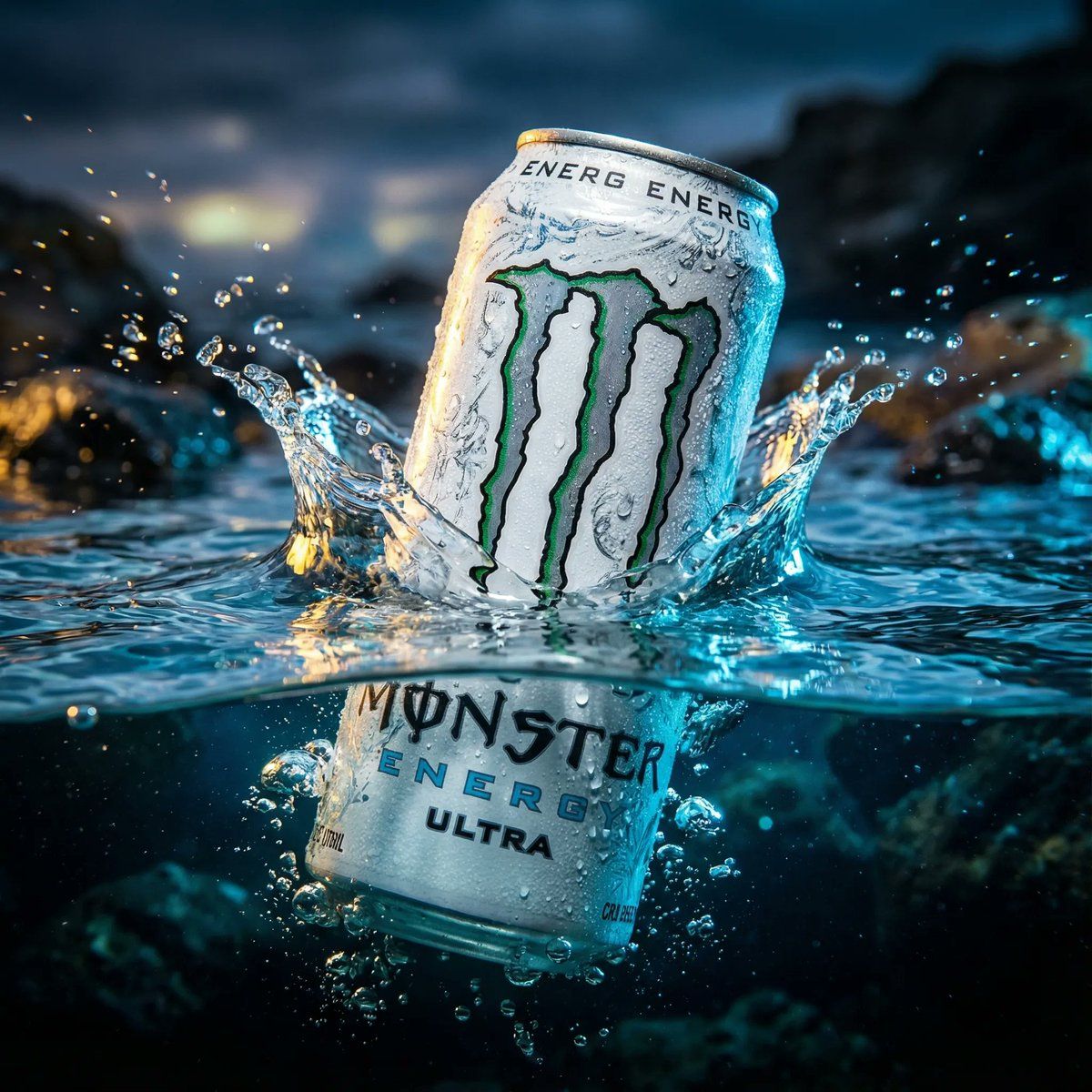
产品广告:浸入水中的白色魔爪能量饮料罐
Enlarge

产品广告:浸入水中的白色魔爪能量饮料罐

Prompt
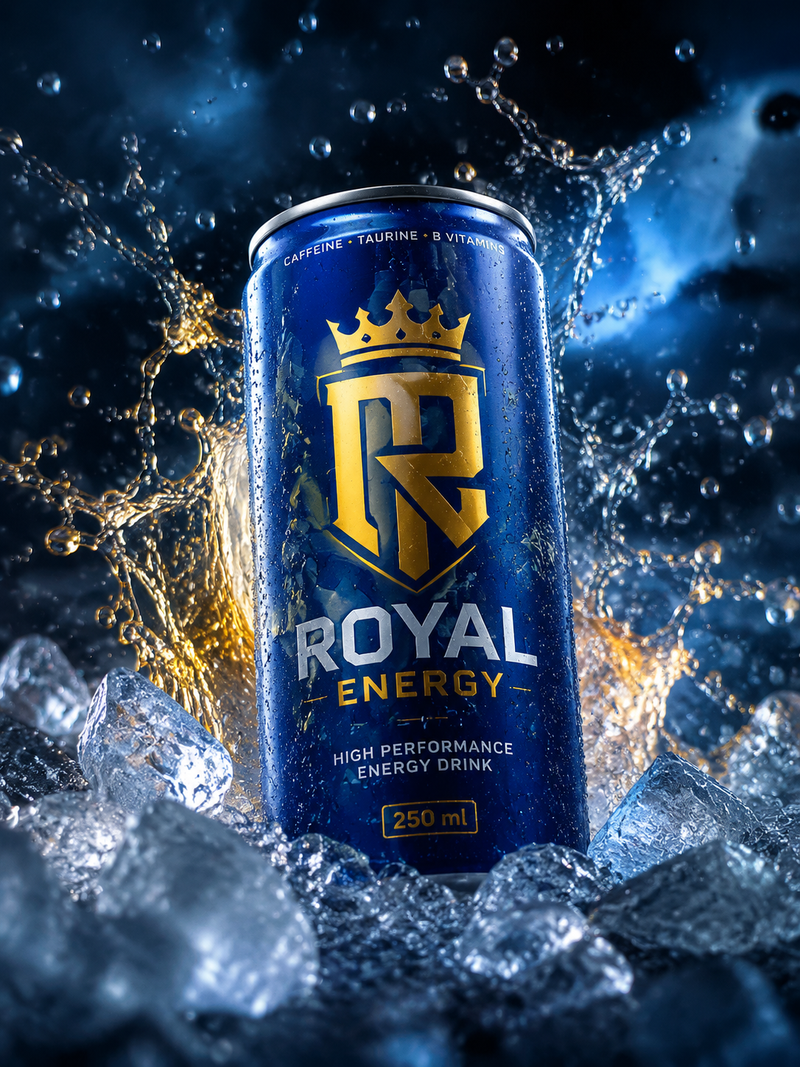
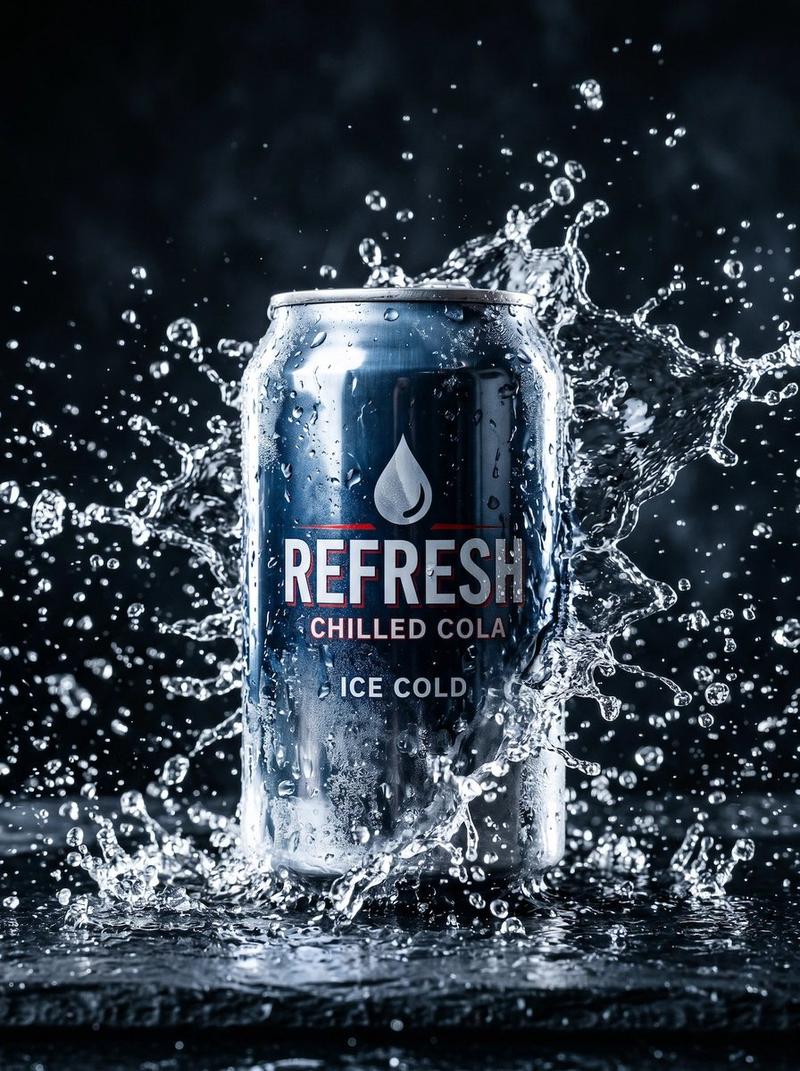
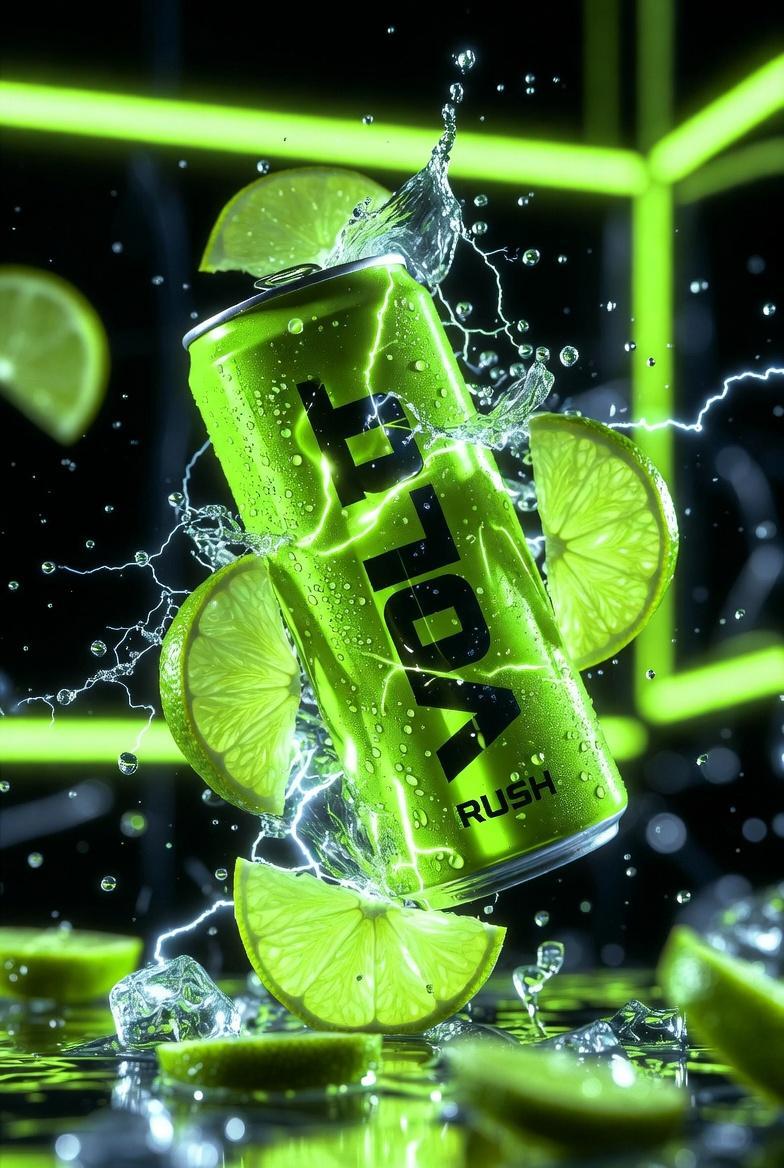
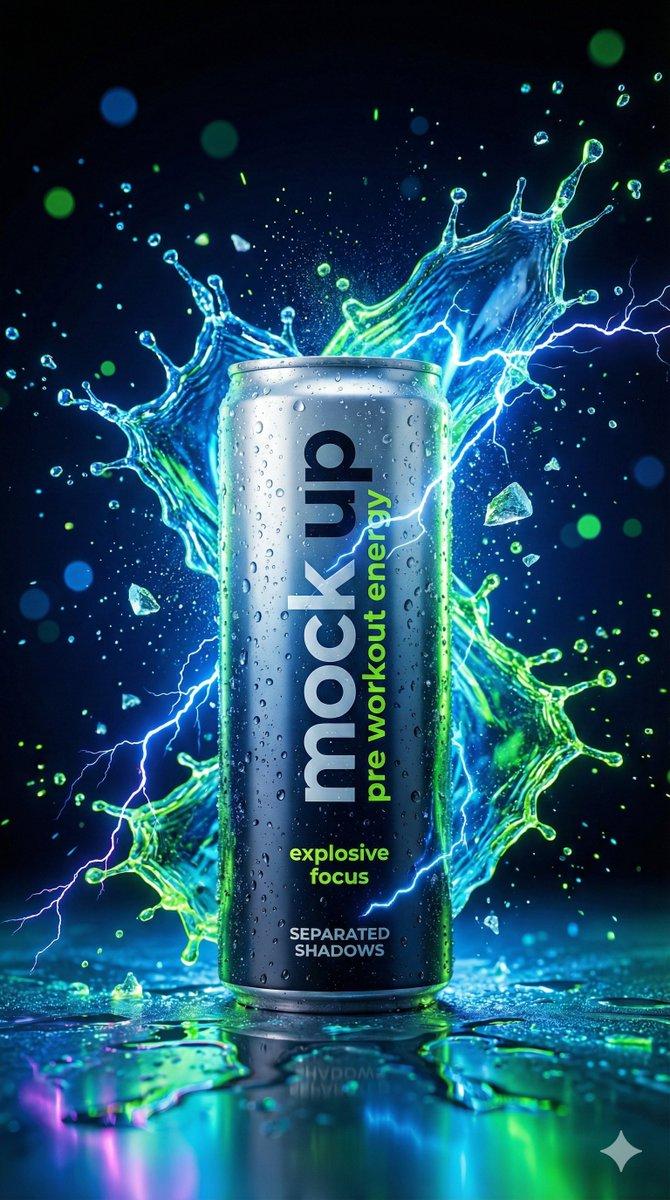
cinematic, ultra realistic, aesthetic wallpaper style image of a White Monster Energy Ultra can dramatically half submerged in crystal clear water with insane sharp details, wild lighting reflections, and intense emotional energy, the top half of the can emerging powerfully above the water while the bottom half sinks beneath the transparent ripples, water splashing with dramatic motion, cold frosty condensation on the can, vibrant high contrast colors, epic viral clickbait mood, ragebait intensity, insane hype energy, breathtaking composition, deeply atmospheric lighting, shallow depth of field, hyper detailed textures, premium advertising look, photorealistic, 8k resolution, cinematic framing, highly polished commercial visual, bold dramatic vibe, visually shocking and attention grabbing, perfect for viral wallpaper
Category
创意图片
Model
Nano Banana Pro
Views0
Source ID
52cd56e6-ce78-4b05-a5ad-599f49cceffc
Published
Mar 8, 2026

Guide

About "产品广告:浸入水中的白色魔爪能量饮料罐"

What is this prompt for?

"产品广告:浸入水中的白色魔爪能量饮料罐" AI image prompt for Nano Banana Pro (创意图片). 一个极具戏剧性和细节的提示,用于生成产品广告图片。它聚焦于一罐白色 Monster Energy Ultra 饮料,半浸在清澈的水中,强调锐利的细节、狂野的光线反射、戏剧性的动态水花,以…

The full copyable prompt and example visuals above are ready for AI image generation or one-click recreate in Picva.

How to use this prompt

  1. Step 1

    Open the prompt detail

    Review the example visuals, category, and full prompt text for "产品广告:浸入水中的白色魔爪能量饮料罐".

  2. Step 2

    Copy the prompt

    Copy the prompt body from this page, or load it directly in Studio.

  3. Step 3

    Pick a model (Nano Banana Pro)

    Prefer Nano Banana Pro. If you switch models, keep subject and composition and tweak style terms.

  4. Step 4

    Generate and export

    Recreate the look in Picva, or export into your workflow for editing and publishing.

FAQ

What is the "产品广告:浸入水中的白色魔爪能量饮料罐" prompt?
It is an AI image-generation prompt for Nano Banana Pro in the 创意图片 category. This page includes the full prompt text, example visuals, and a one-click recreate path in Picva.
How do I use this prompt to generate an image?
Copy the prompt from this page, or use Generate / Studio. Paste it into a compatible image model, or recreate the look in Picva with optional reference images.
Which model is this prompt for?
This page lists Nano Banana Pro. Most descriptive prompts also transfer to nearby image models such as GPT Image, Flux, or Midjourney with light style tweaks.
Can I use the result commercially?
You can usually copy the prompt for creation, but commercial use of the final image depends on the model terms, reference-image rights, and the generated content. Follow the source author and platform rules.