18

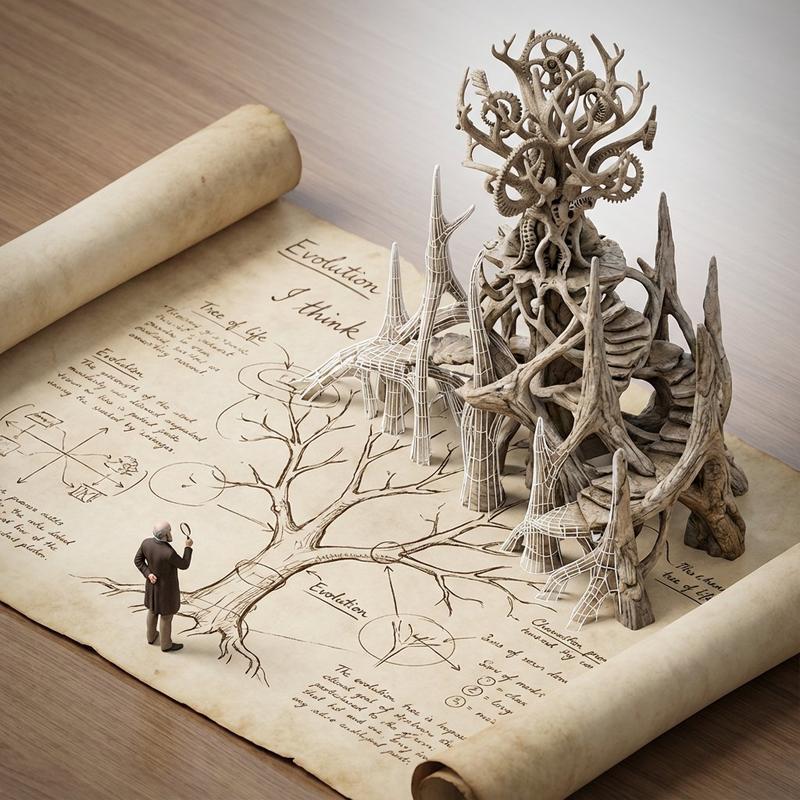
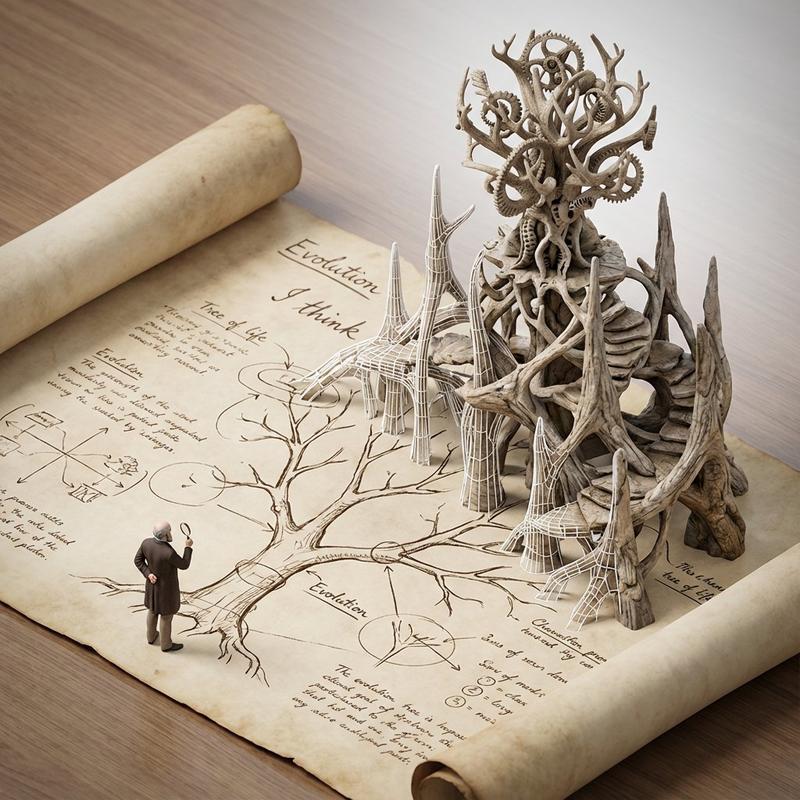
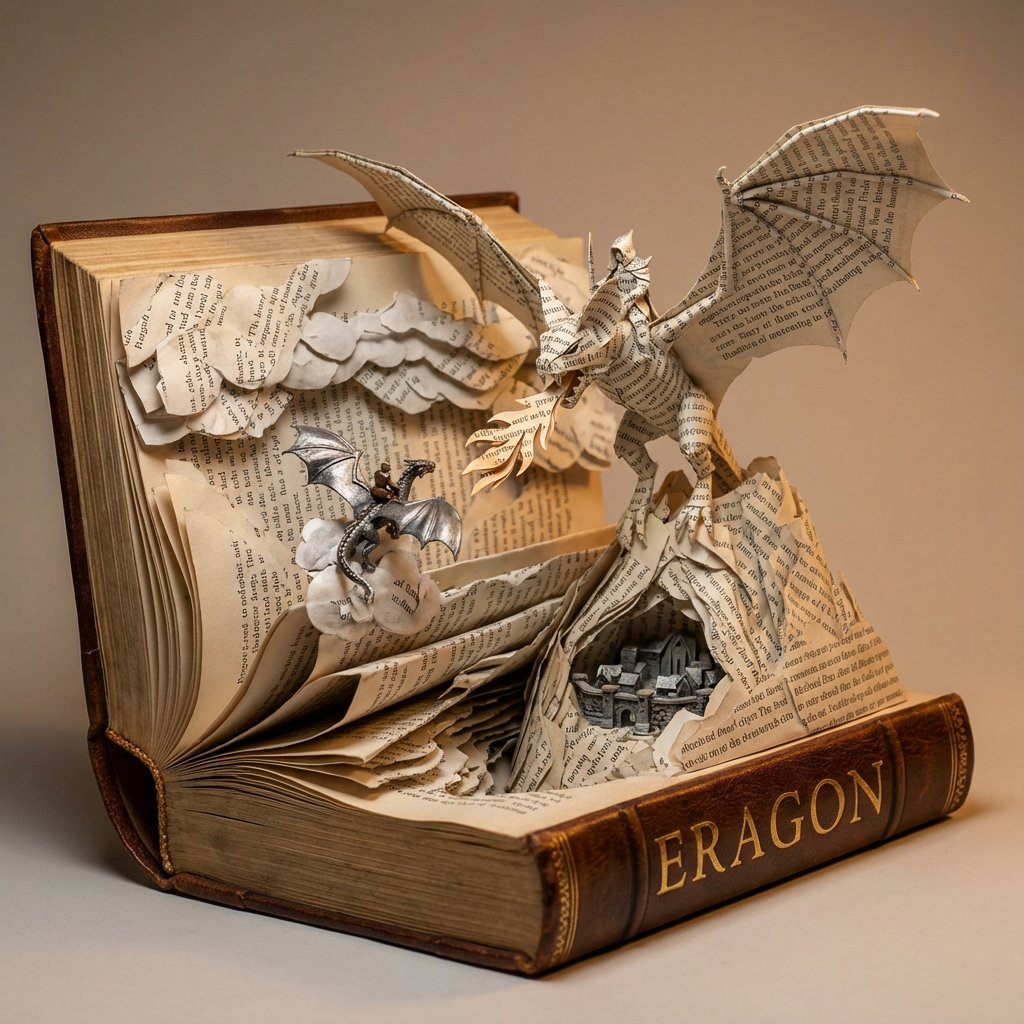
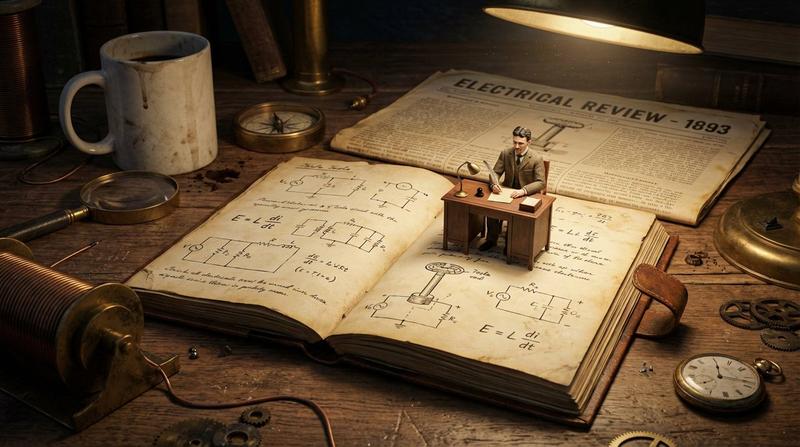
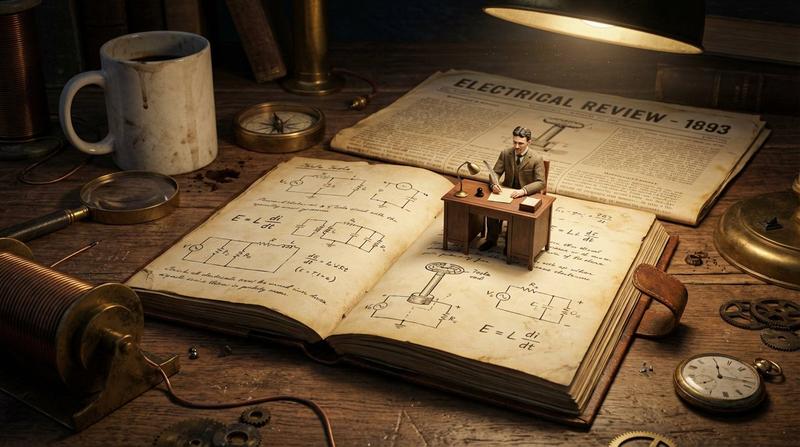
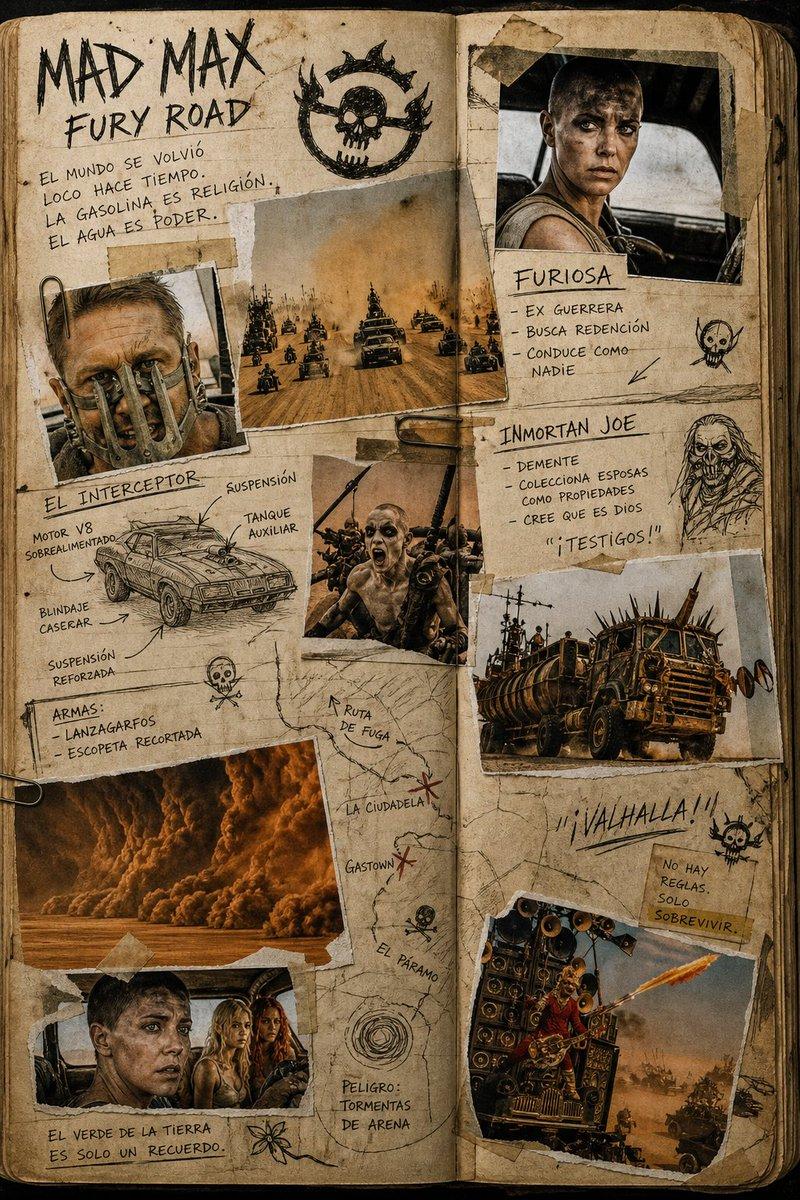
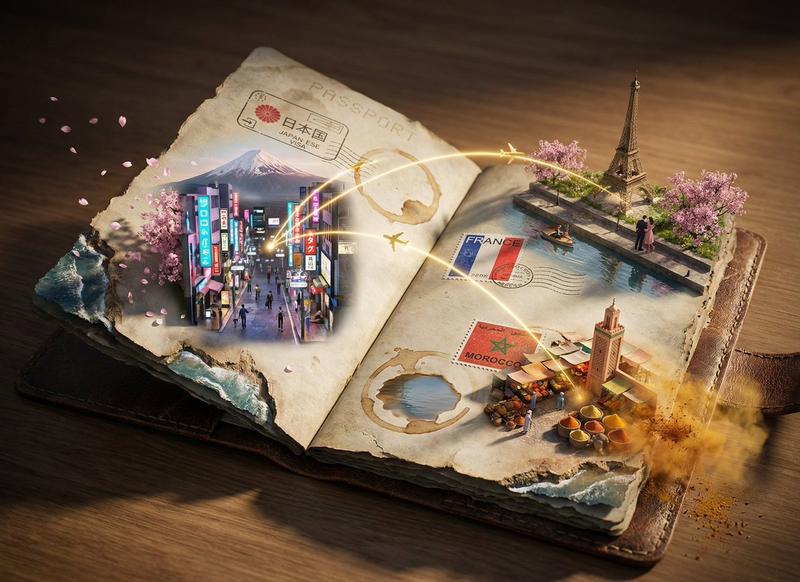
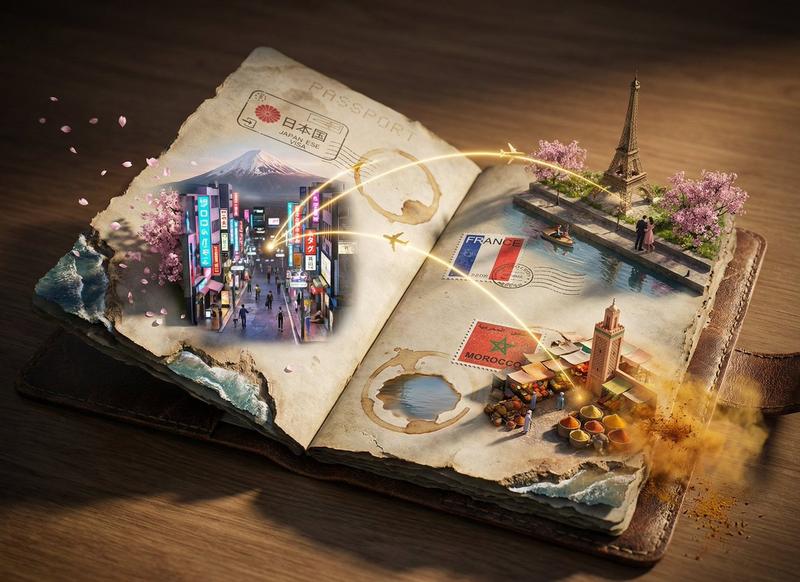
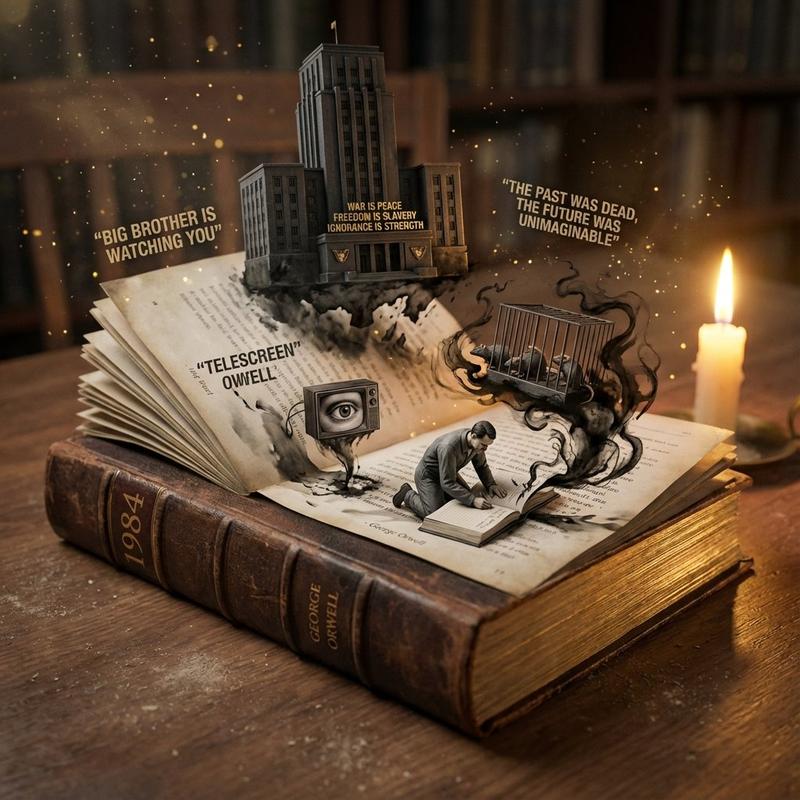
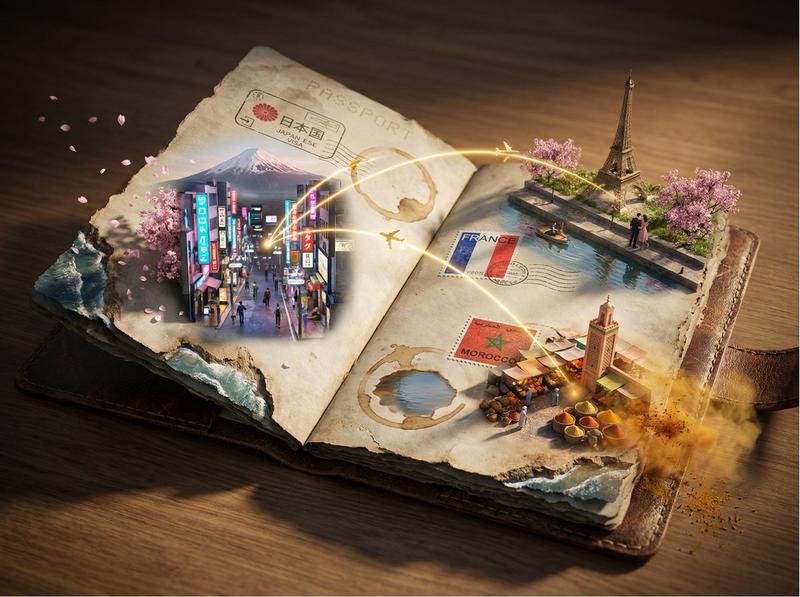
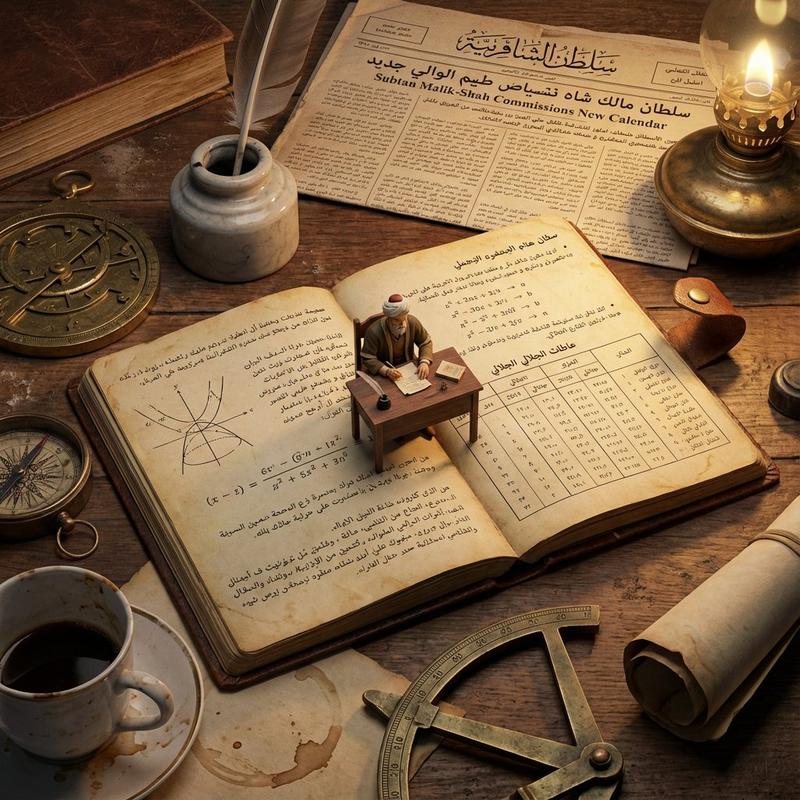
故事书排版立体模型提示 (沙丘)
Enlarge

故事书排版立体模型提示 (沙丘)

Prompt
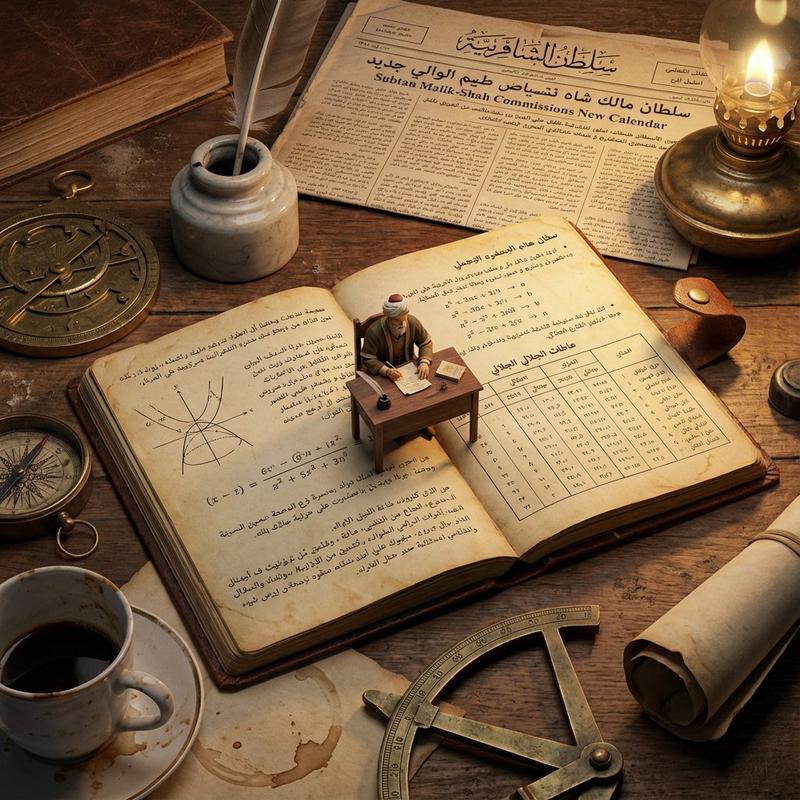
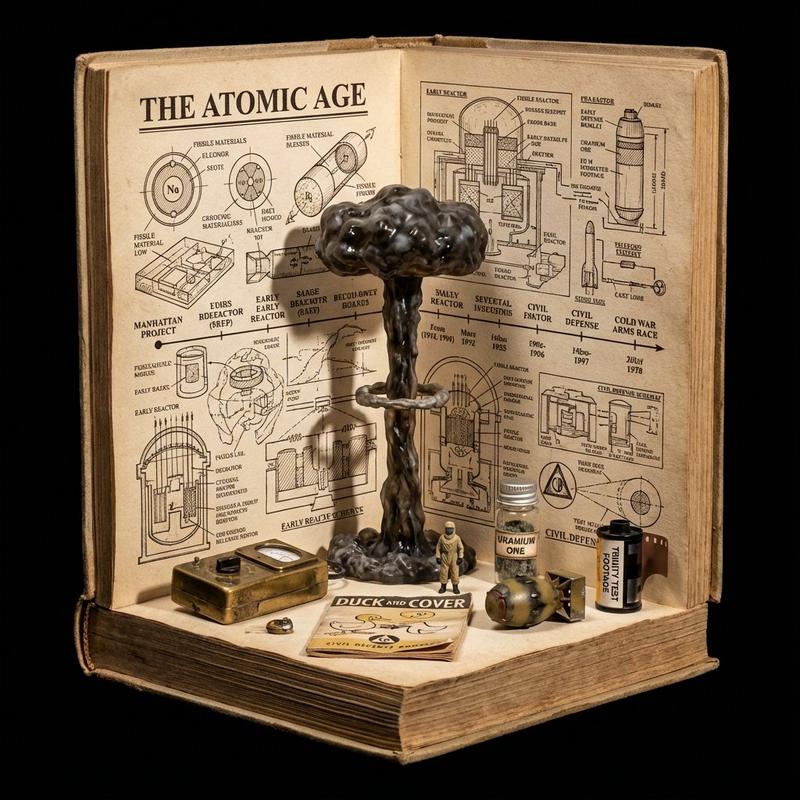
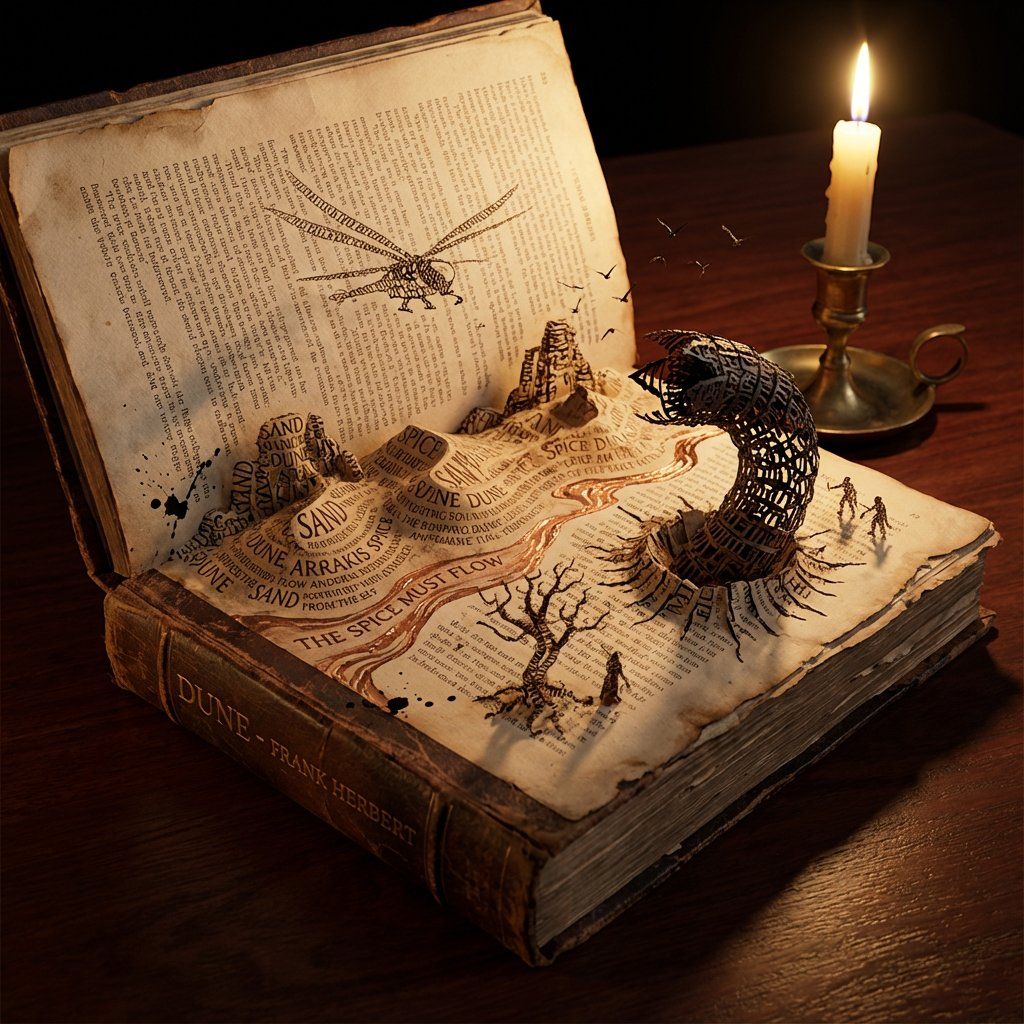
Do this for {argument name="book title" default="Dune"}

<instructions>
Concept: A storybook where the text creates the environment. Input: [Input: Moby Dick / Alice in Wonderland / {argument name="book title 2" default="Dune"}]

Analysis: Extract key settings, protagonists, sensory details, and dominant color palette.

Goal: An open book where the typography collapses into the physical world.

Rules: Base: An antique leather-bound book lying open on a dark mahogany desk.

Transformation: The ink text creates the terrain—words pile up to form mountains, sentences flow like rivers, letters twist into trees or creatures.

Scale: Isometric miniature world emerging from the page.

Details: Paper texture, embossed letters, ink splatter turning into birds or debris.

Lighting:

 Candlelight flickering, casting dynamic shadows that seem alive. Output: Hyper-realistic fantasy realism, Octane render style.
</instructions>
Category
创意图片
Model
Nano Banana Pro
Creator
Gadgetify
Views0
Source ID
139591b5-2c68-4e1b-a387-d01e8b94544a
Published
Mar 8, 2026

Guide

About "故事书排版立体模型提示 (沙丘)"

What is this prompt for?

"故事书排版立体模型提示 (沙丘)" AI image prompt for Nano Banana Pro (创意图片). 一个用于生成超现实奇幻立体模型的提示,其中一本打开的书(如《沙丘》)中的文字物理性地转化为环境,排版形成山脉和河流,创造出一个被摇曳烛光照亮的等距微缩世界。 --- 为 {argument n…

The full copyable prompt and example visuals above are ready for AI image generation or one-click recreate in Picva.

How to use this prompt

  1. Step 1

    Open the prompt detail

    Review the example visuals, category, and full prompt text for "故事书排版立体模型提示 (沙丘)".

  2. Step 2

    Copy the prompt

    Copy the prompt body from this page, or load it directly in Studio.

  3. Step 3

    Pick a model (Nano Banana Pro)

    Prefer Nano Banana Pro. If you switch models, keep subject and composition and tweak style terms.

  4. Step 4

    Generate and export

    Recreate the look in Picva, or export into your workflow for editing and publishing.

FAQ

What is the "故事书排版立体模型提示 (沙丘)" prompt?
It is an AI image-generation prompt for Nano Banana Pro in the 创意图片 category. This page includes the full prompt text, example visuals, and a one-click recreate path in Picva.
How do I use this prompt to generate an image?
Copy the prompt from this page, or use Generate / Studio. Paste it into a compatible image model, or recreate the look in Picva with optional reference images.
Which model is this prompt for?
This page lists Nano Banana Pro. Most descriptive prompts also transfer to nearby image models such as GPT Image, Flux, or Midjourney with light style tweaks.
Can I use the result commercially?
You can usually copy the prompt for creation, but commercial use of the final image depends on the model terms, reference-image rights, and the generated content. Follow the source author and platform rules.