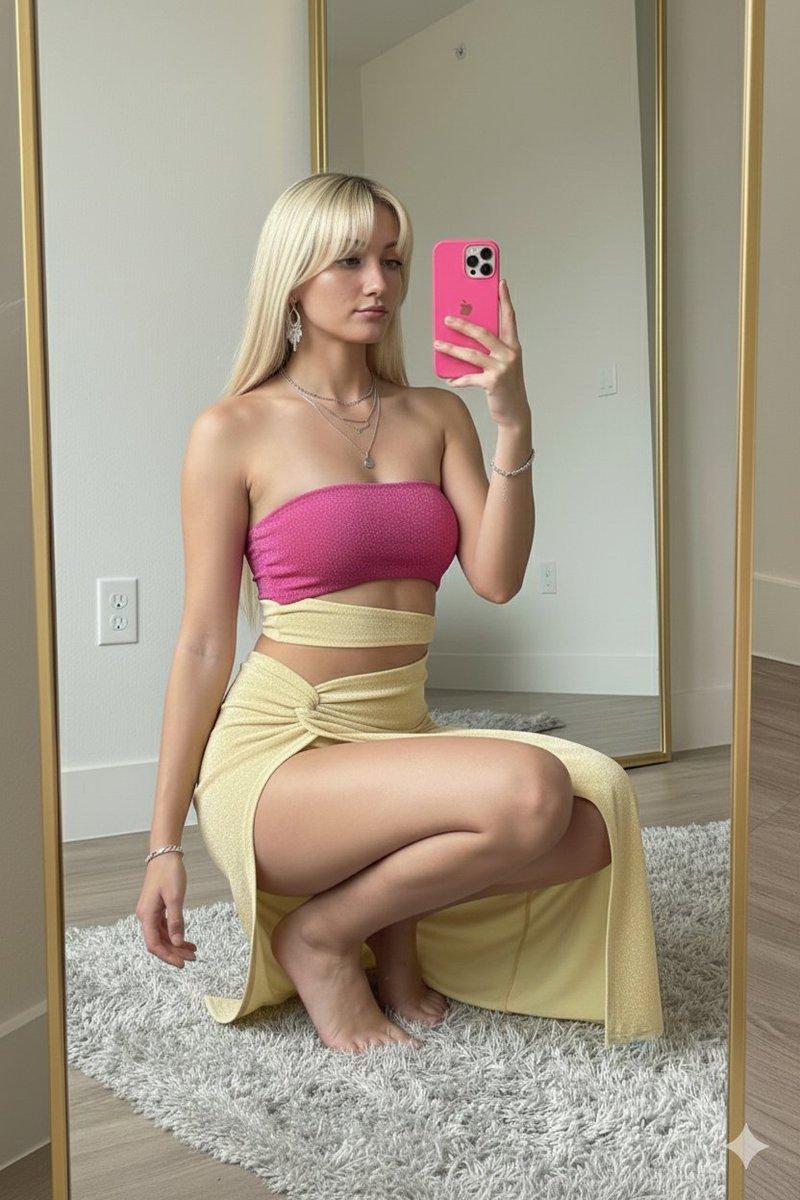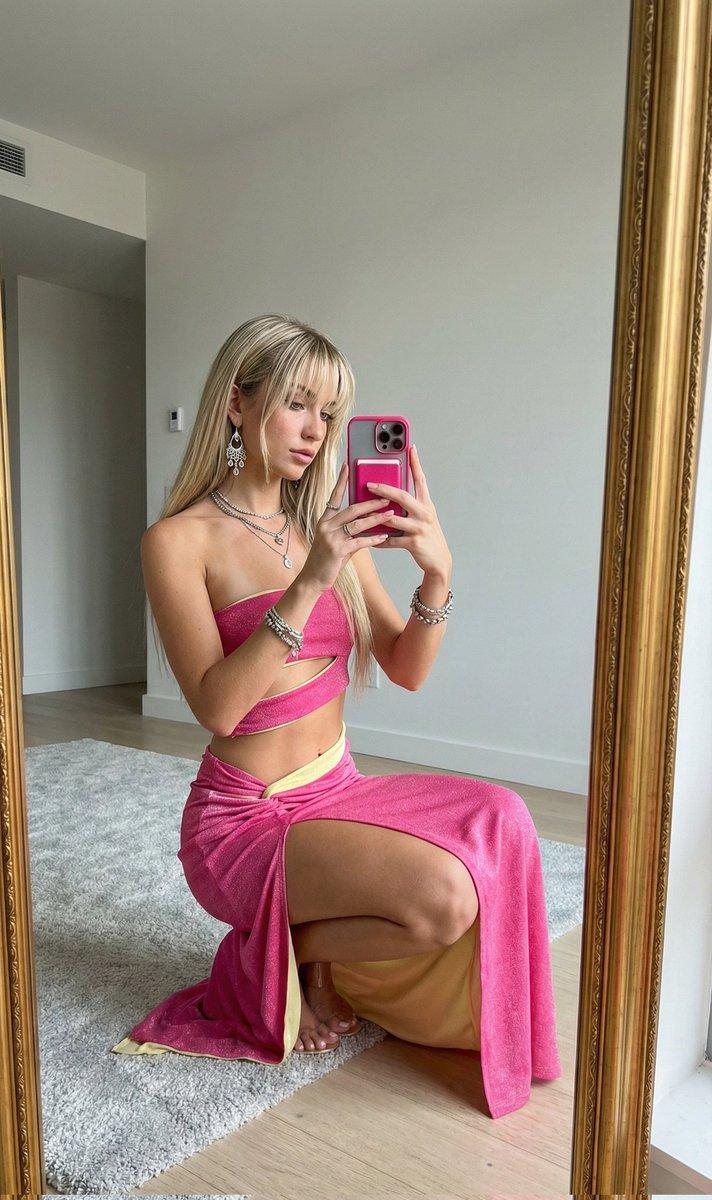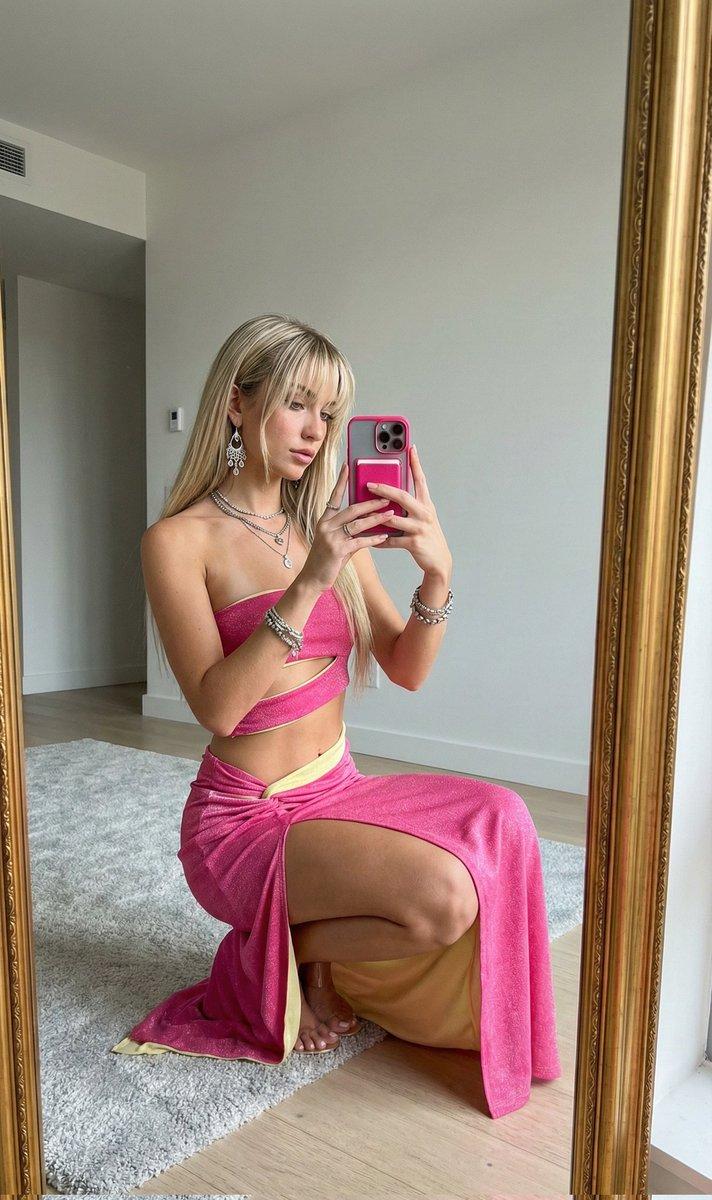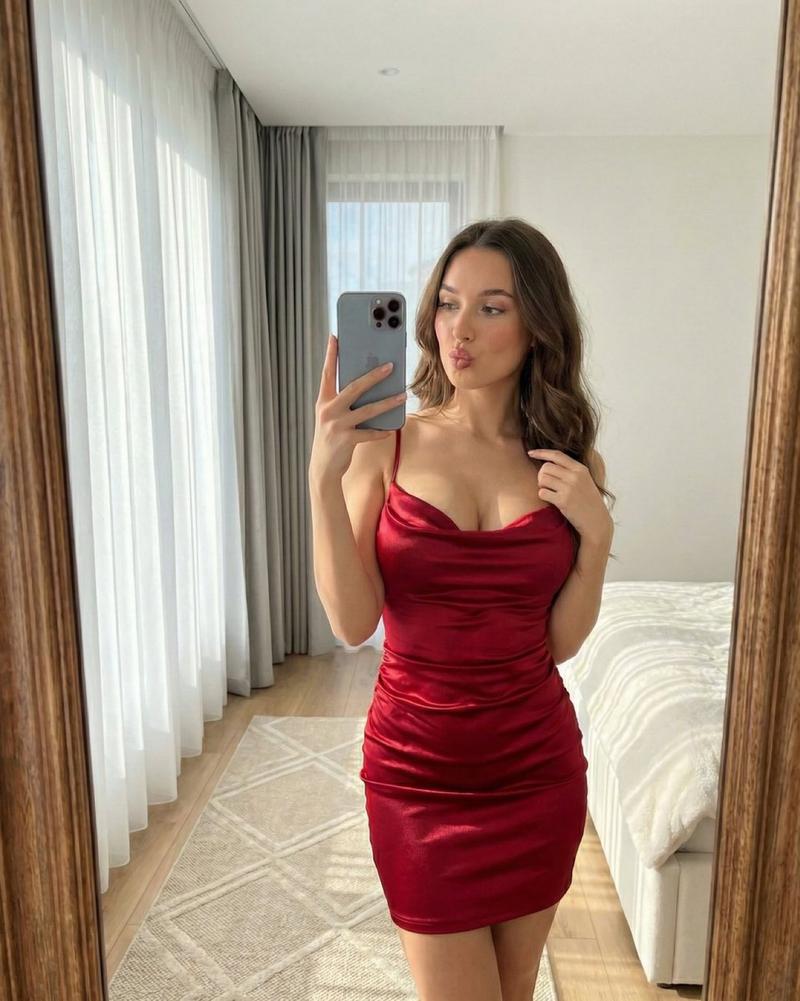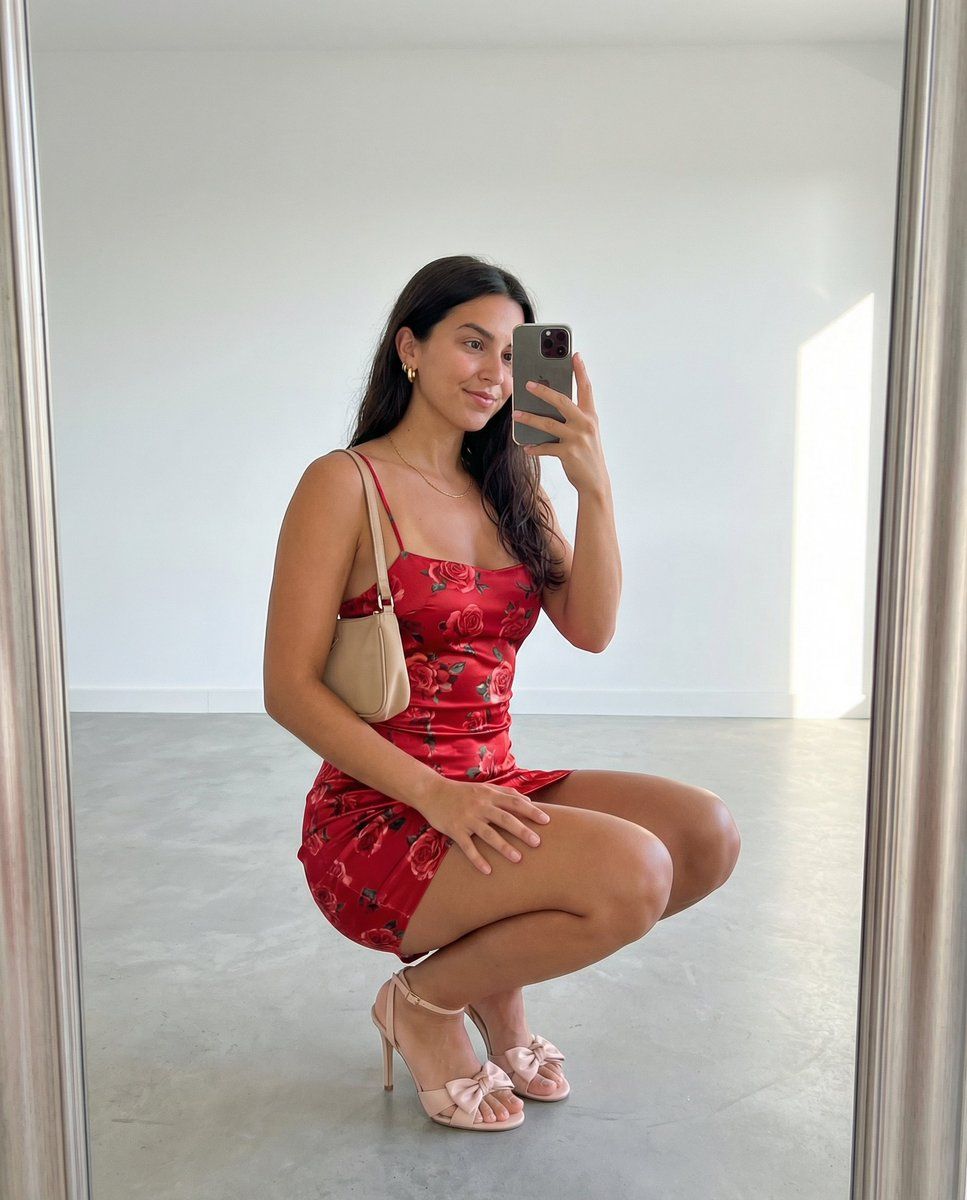
身份锁定的镜像自拍生成
Prompt
{
  "generation_request": {
    "meta_data": {
      "version": "v1.2",
      "priority": "high"
    },
    "technical_constraints": {
      "identity_preservation": {
        "enabled": true,
        "reference_mode": "strict",
        "parameters": {
          "use_reference_face_only": true,
          "identity_lock": true,
          "preserve_facial_features": true,
          "preserve_skin_texture": true,
          "preserve_face_proportions": true,
          "avoid_face_morphing": true,
          "no_beautification": true,
          "preservation_strength": 1.0
        }
      },
      "output_settings": {
        "aspect_ratio": "4:5",
        "resolution_target": "ultra_high_res",
        "render_engine_style": "photorealistic"
      }
    },
    "creative_prompt": {
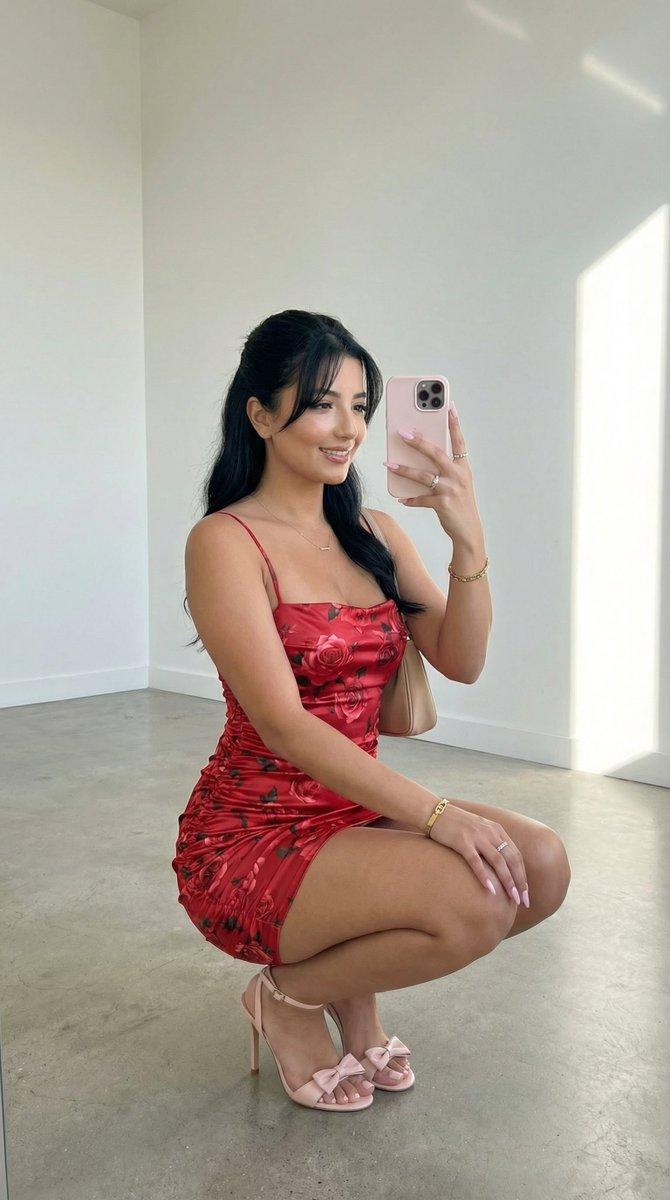
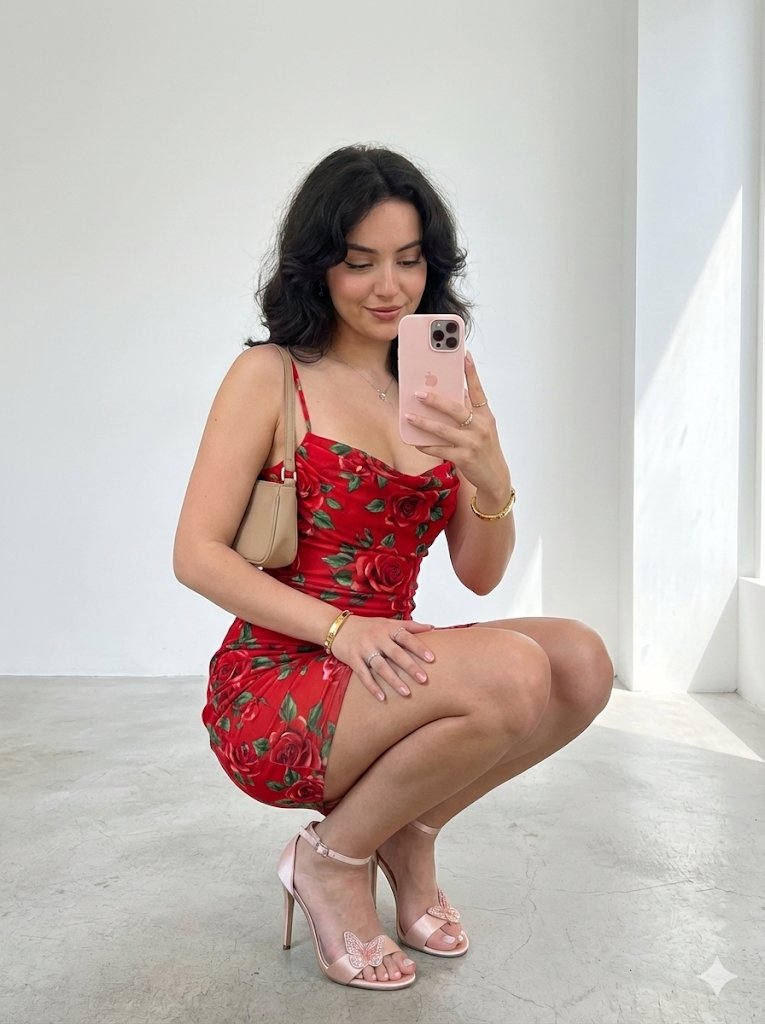
      "scene": {
        "location": "{argument name="location" default="minimal modern interior"}",
        "background": "clean white walls with a bright sunlit window light patch on the right wall, smooth light-gray concrete floor, empty space, no clutter",
        "lighting": "soft natural daylight from the right side, gentle shadows, bright airy look"
      },
      "subject": {
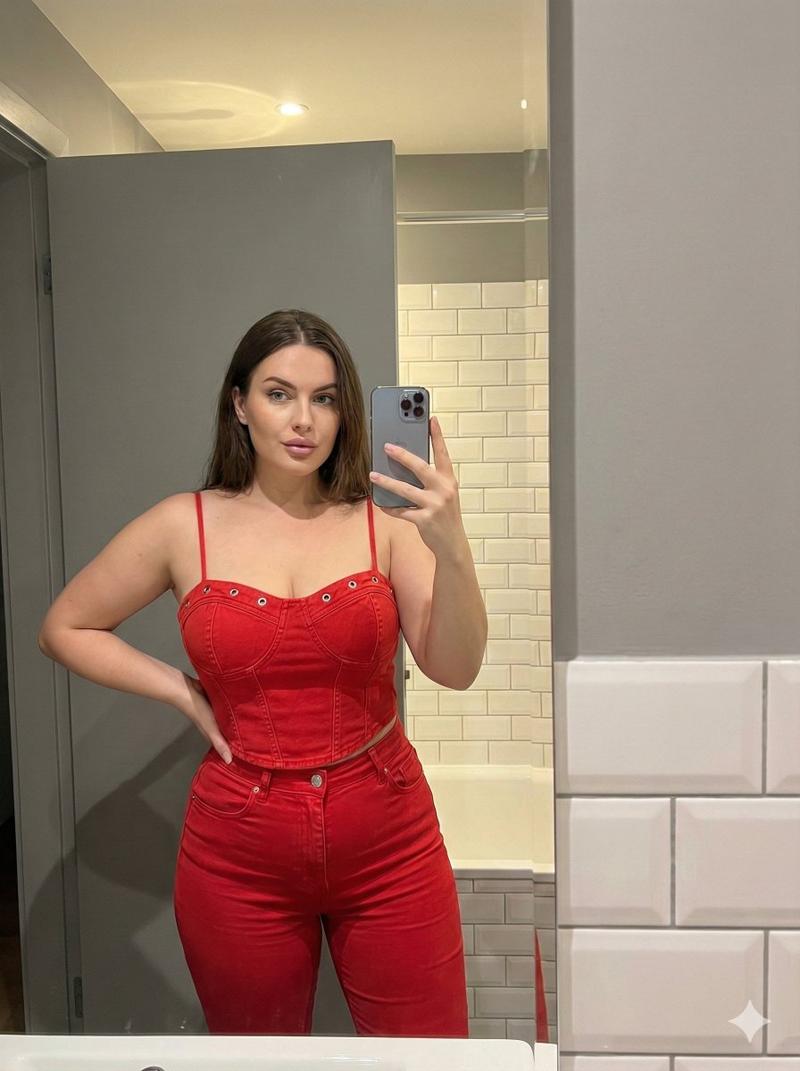
        "identity_instruction": "The woman must be 100% identical to the uploaded reference photo (same identity, face, facial proportions, skin tone, and natural texture). Do not alter the face in any way.",
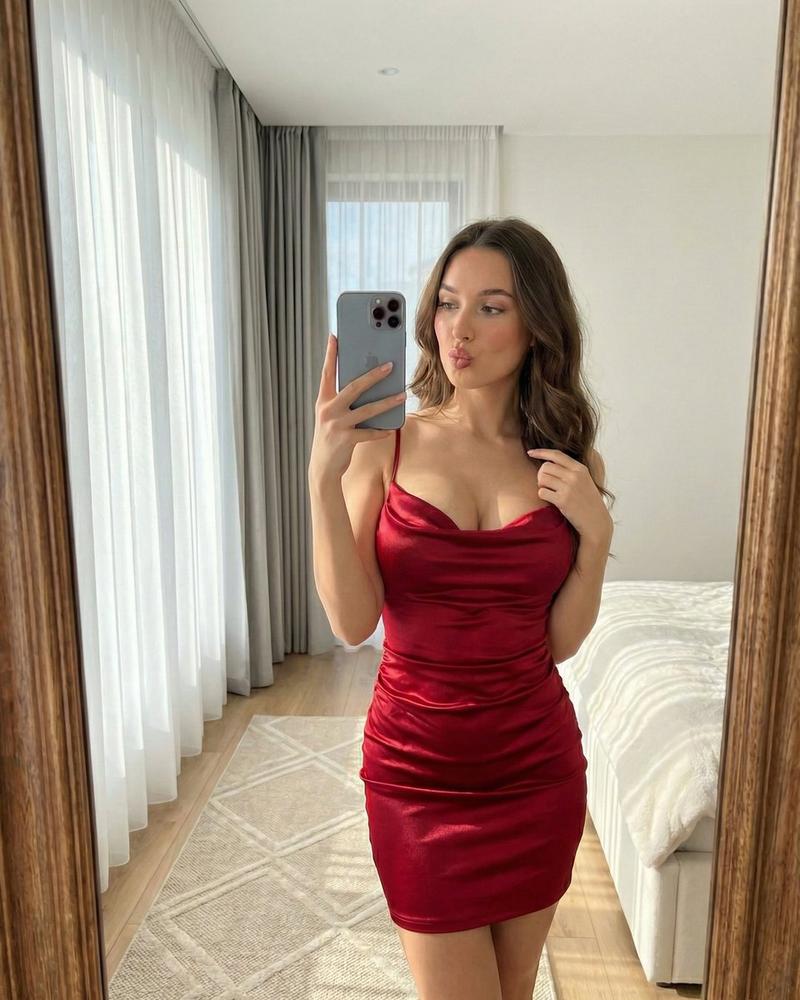
        "pose": "squatting in a mirror-selfie pose, knees bent, one hand resting on thigh, the other hand holding a smartphone up in front of her face",
        "expression": "soft smile, relaxed confident vibe",
        "hair": {
          "instruction": "Match the reference hair exactly (same cut, volume, texture, and styling). No changes."
        },
        "outfit": {
          "dress": {
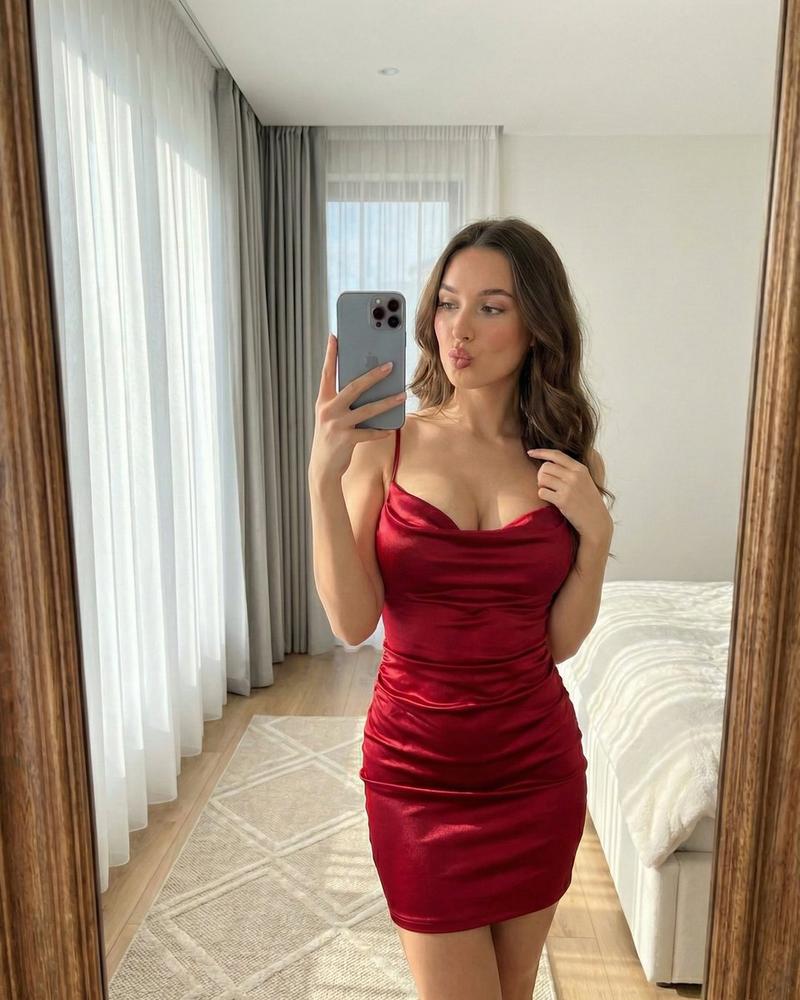
            "type": "{argument name="dress type" default="red satin mini dress"} with rose floral print",
            "details": "thin spaghetti straps, ruched fitted silhouette, body-hugging",
            "fabric": "silky satin sheen"
          },
          "bag": {
            "type": "small beige shoulder bag",
            "details": "short strap tucked under arm"
          },
          "shoes": {
            "type": "high-heel sandals",
            "color": "light pink / nude",
            "details": "delicate straps with a small bow detail on the toes"
          },
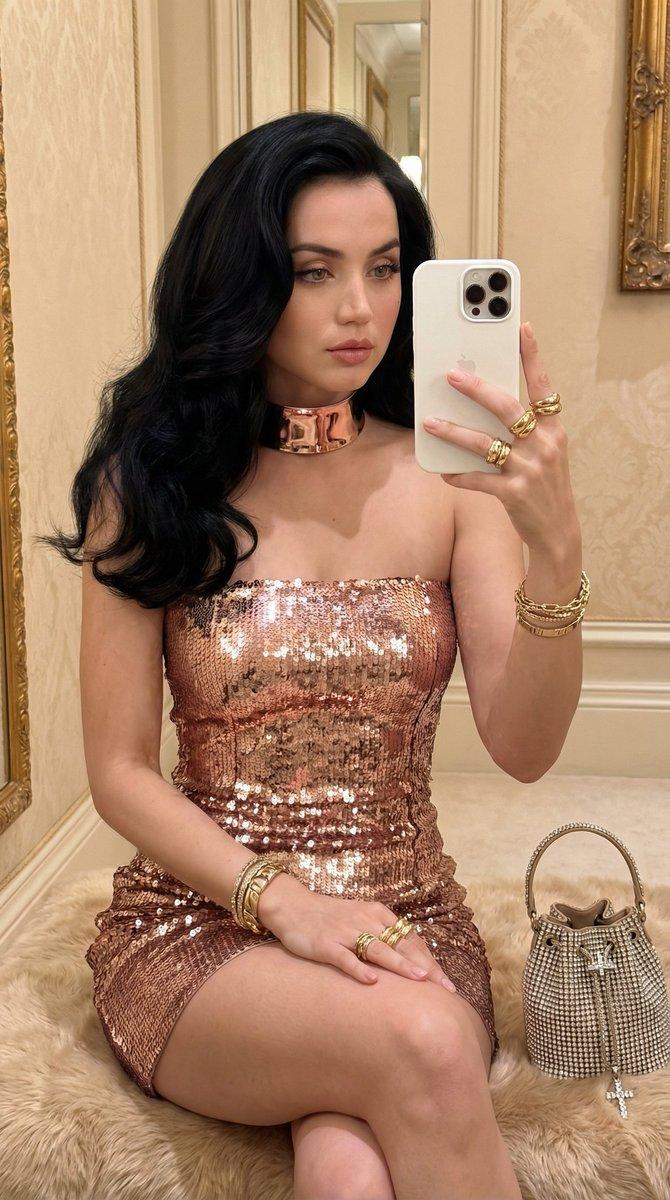
          "jewelry": [
            "gold bracelet",
            "delicate necklace",
            "small rings"
          ]
        },
        "phone": {
          "type": "smartphone",
          "case_color": "light pink",
          "details": "camera module visible, held in selfie position"
        }
      },
      "camera_and_style": {
        "shot_style": "photorealistic mirror selfie / influencer outfit check",
        "lens": "35mm",
        "aperture": "f/2.8",
        "focus": "sharp on subject, natural depth, clean background",
        "color_grading": "neutral bright tones, natural skin color, subtle film grain",
"quality_notes": "keep natural pores/texture, no"- Category
- 创意图片
- Model
- Nano Banana Pro
- Creator
- Sienna
- Source ID
- 1a121fdc-2e4b-474d-bb24-2052f09792fc
- Published
- Mar 8, 2026
Views0