17

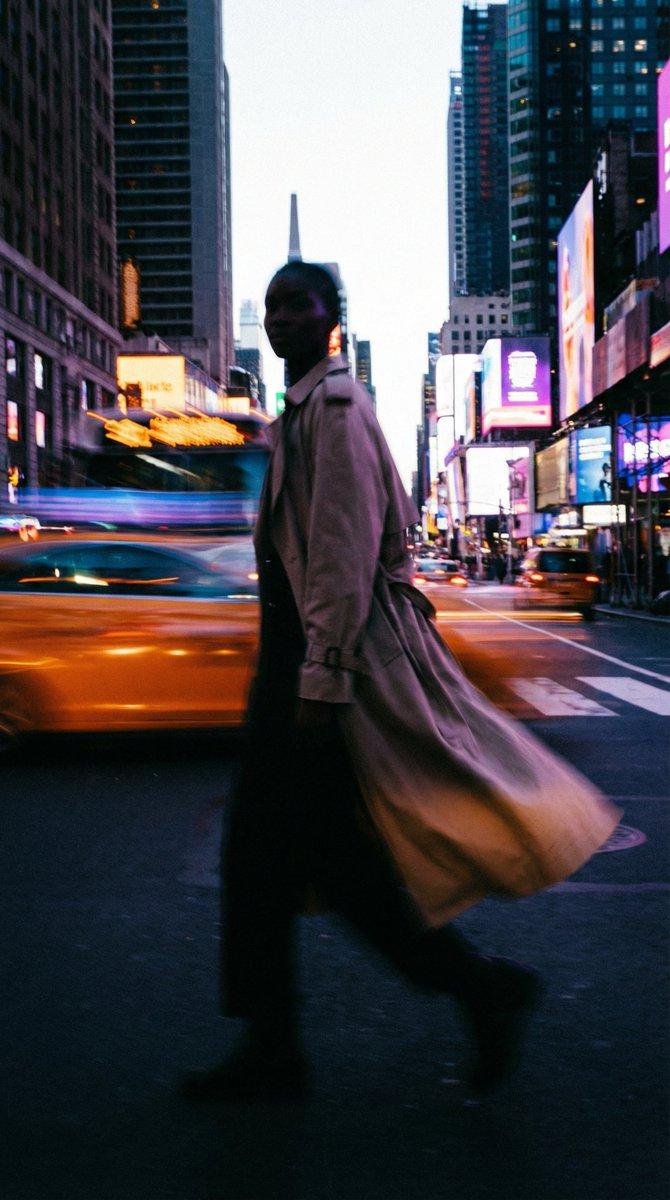
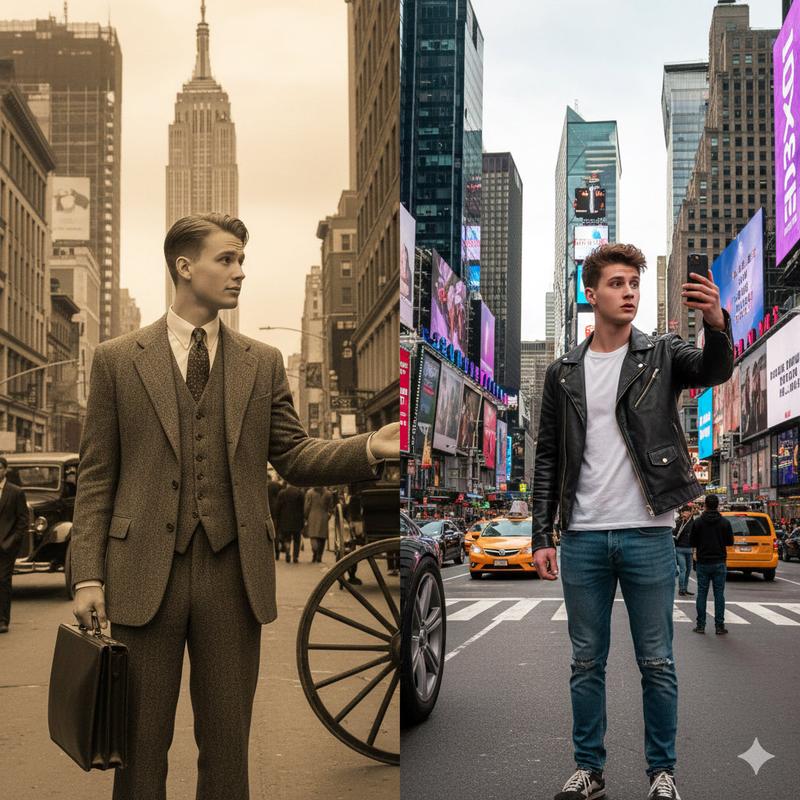
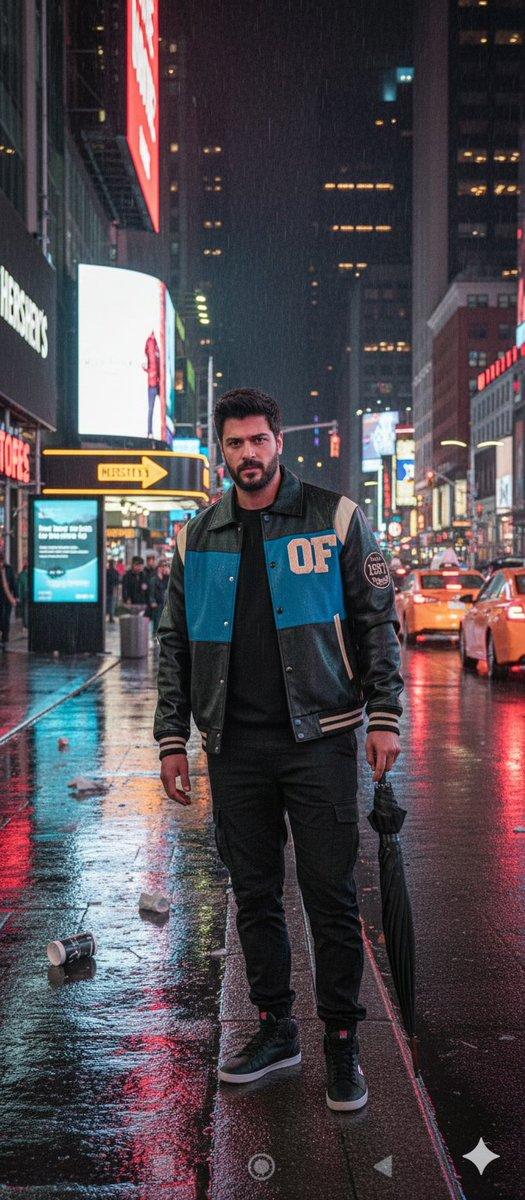
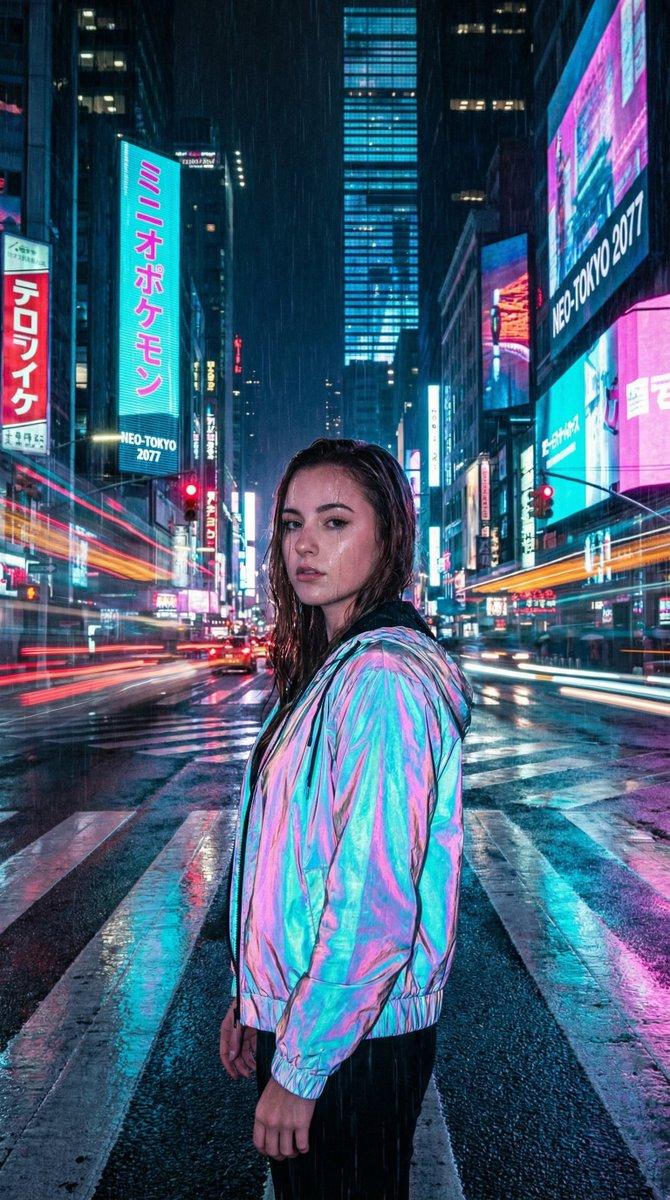
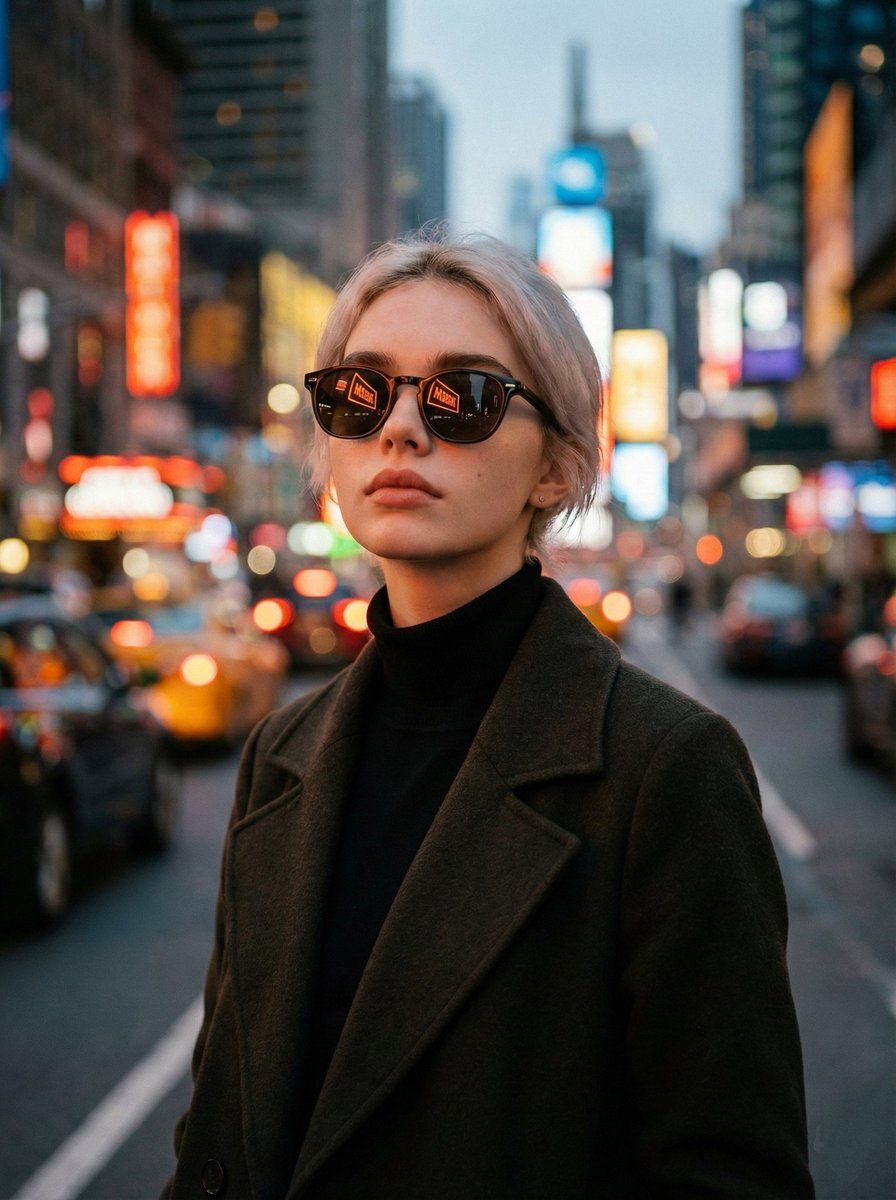
霓虹倒影下的电影感暮光城市肖像
Enlarge

霓虹倒影下的电影感暮光城市肖像

Prompt
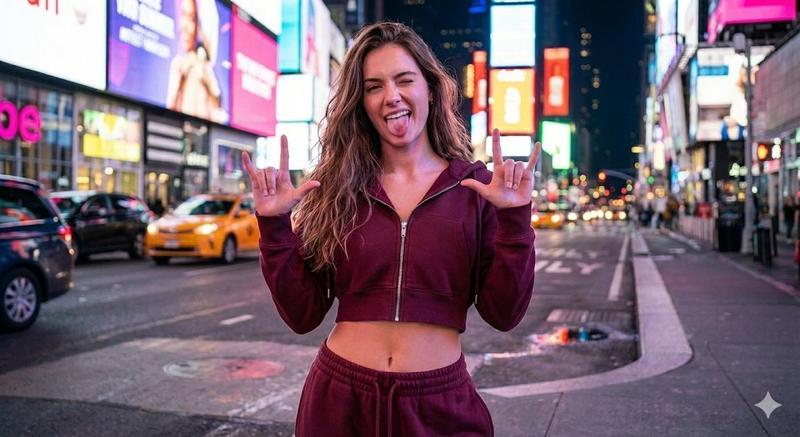
Hyper-realistic, cinematic portrait of the same woman standing on a bustling city street at twilight. He’s wearing dark sunglasses with warm-toned reflections of neon signs visible in the lenses. The woman is dressed in a dark wool overcoat layered over a high-neck black turtleneck. The background is an out-of-focus mix of vibrant city lights—reds, oranges, yellows, and blues—creating a dreamy bokeh effect with a moody urban vibe. She gazes slightly upward, exuding calm confidence and introspection.
The lighting is soft and diffused, with a warm amber glow on the face and coat. Slight filmic grain and depth-of-field for realistic viewing
Portrait ratio 3:4
Category
创意图片
Model
Nano Banana Pro
Creator
K
Views0
Source ID
ec04e937-02c1-4399-8d39-7a8b80a4ded1
Published
Mar 8, 2026

Guide

About "霓虹倒影下的电影感暮光城市肖像"

What is this prompt for?

"霓虹倒影下的电影感暮光城市肖像" AI image prompt for Nano Banana Pro (创意图片). 生成一张超现实、电影感的肖像画的提示词:一名女性站在熙熙攘攘的城市街道上,时值黄昏,画面聚焦于深色时尚服饰、反射着霓虹灯(散景效果)的深色太阳镜,以及柔和温暖的琥珀色灯光,营造出一种忧郁的都市氛…

The full copyable prompt and example visuals above are ready for AI image generation or one-click recreate in Picva.

How to use this prompt

  1. Step 1

    Open the prompt detail

    Review the example visuals, category, and full prompt text for "霓虹倒影下的电影感暮光城市肖像".

  2. Step 2

    Copy the prompt

    Copy the prompt body from this page, or load it directly in Studio.

  3. Step 3

    Pick a model (Nano Banana Pro)

    Prefer Nano Banana Pro. If you switch models, keep subject and composition and tweak style terms.

  4. Step 4

    Generate and export

    Recreate the look in Picva, or export into your workflow for editing and publishing.

FAQ

What is the "霓虹倒影下的电影感暮光城市肖像" prompt?
It is an AI image-generation prompt for Nano Banana Pro in the 创意图片 category. This page includes the full prompt text, example visuals, and a one-click recreate path in Picva.
How do I use this prompt to generate an image?
Copy the prompt from this page, or use Generate / Studio. Paste it into a compatible image model, or recreate the look in Picva with optional reference images.
Which model is this prompt for?
This page lists Nano Banana Pro. Most descriptive prompts also transfer to nearby image models such as GPT Image, Flux, or Midjourney with light style tweaks.
Can I use the result commercially?
You can usually copy the prompt for creation, but commercial use of the final image depends on the model terms, reference-image rights, and the generated content. Follow the source author and platform rules.