18

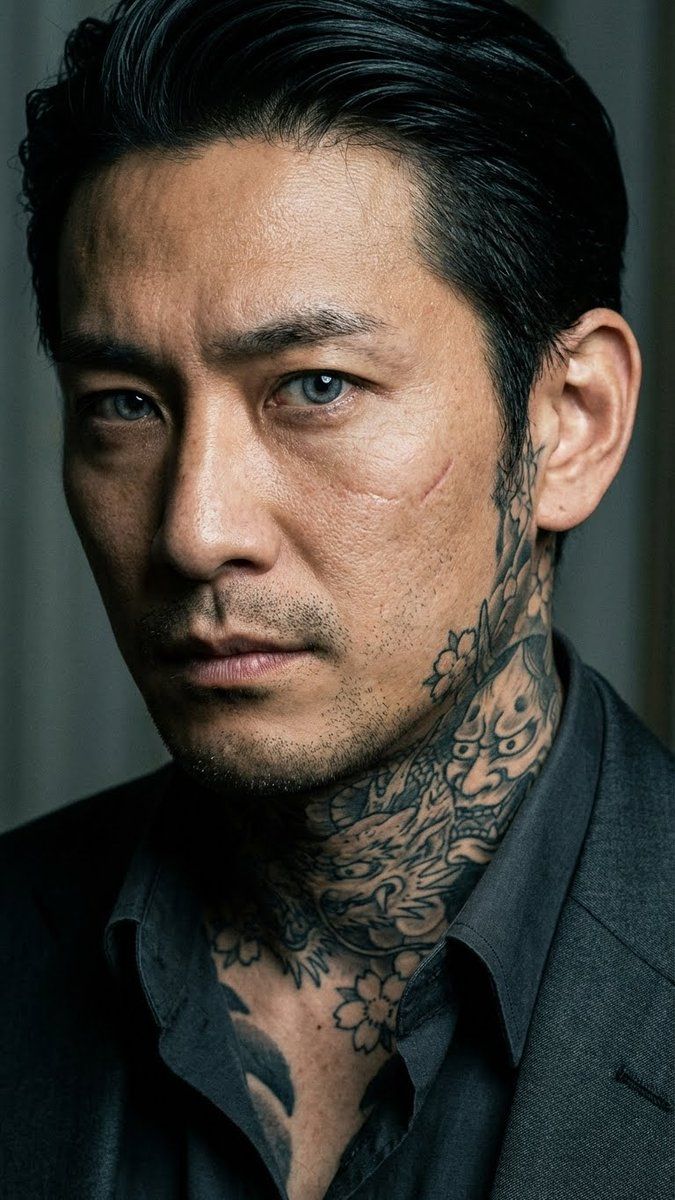
黑帮肖像与日式纹身
Enlarge

黑帮肖像与日式纹身

Prompt
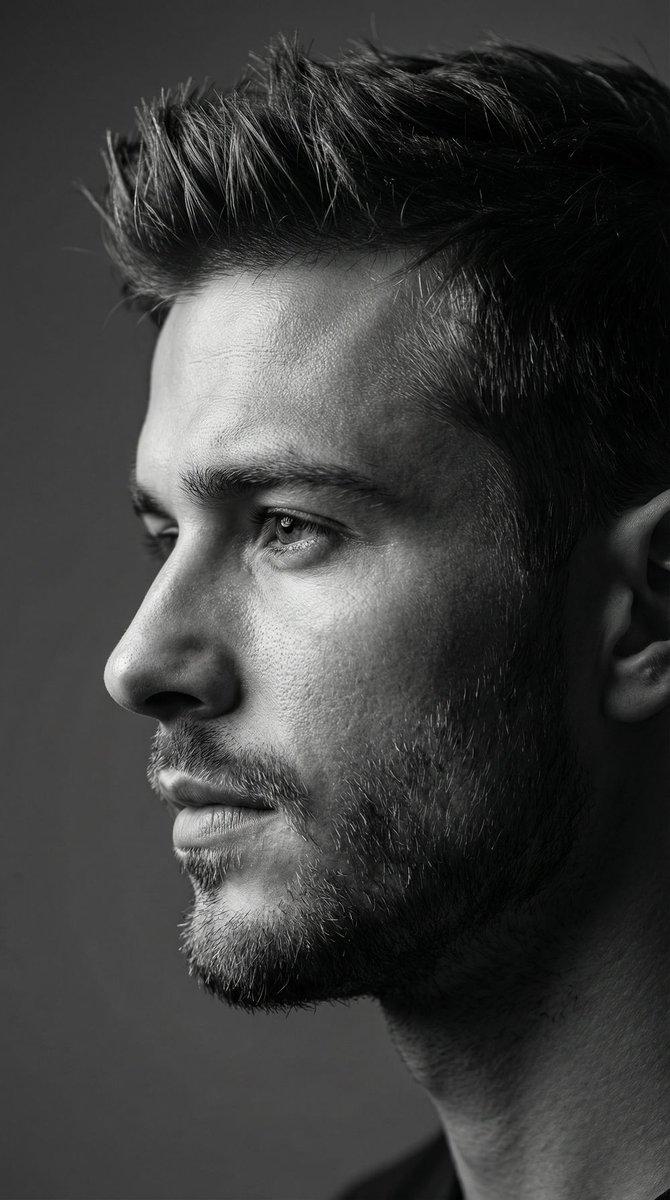
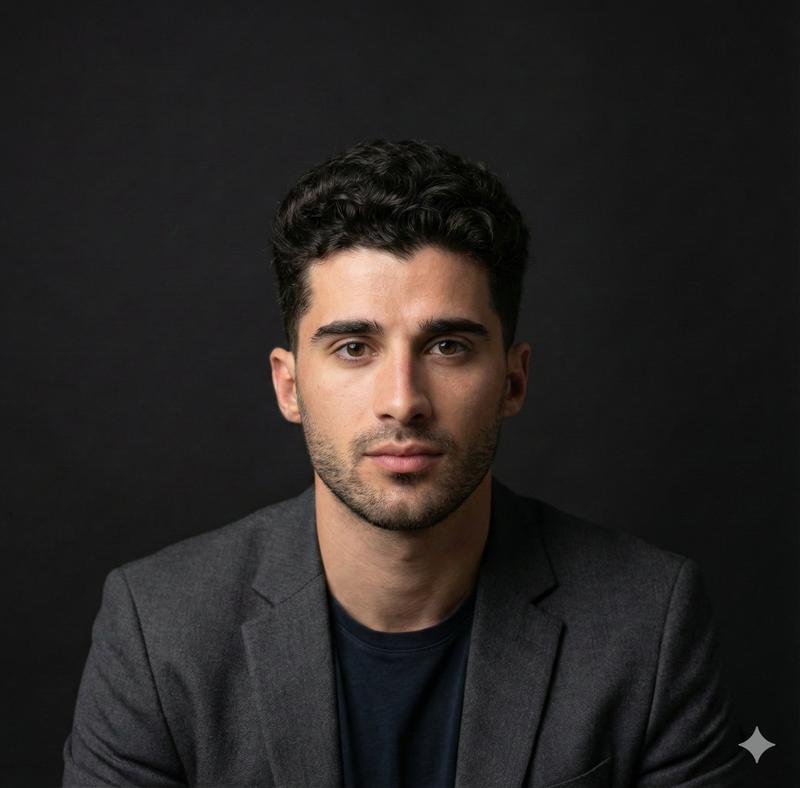
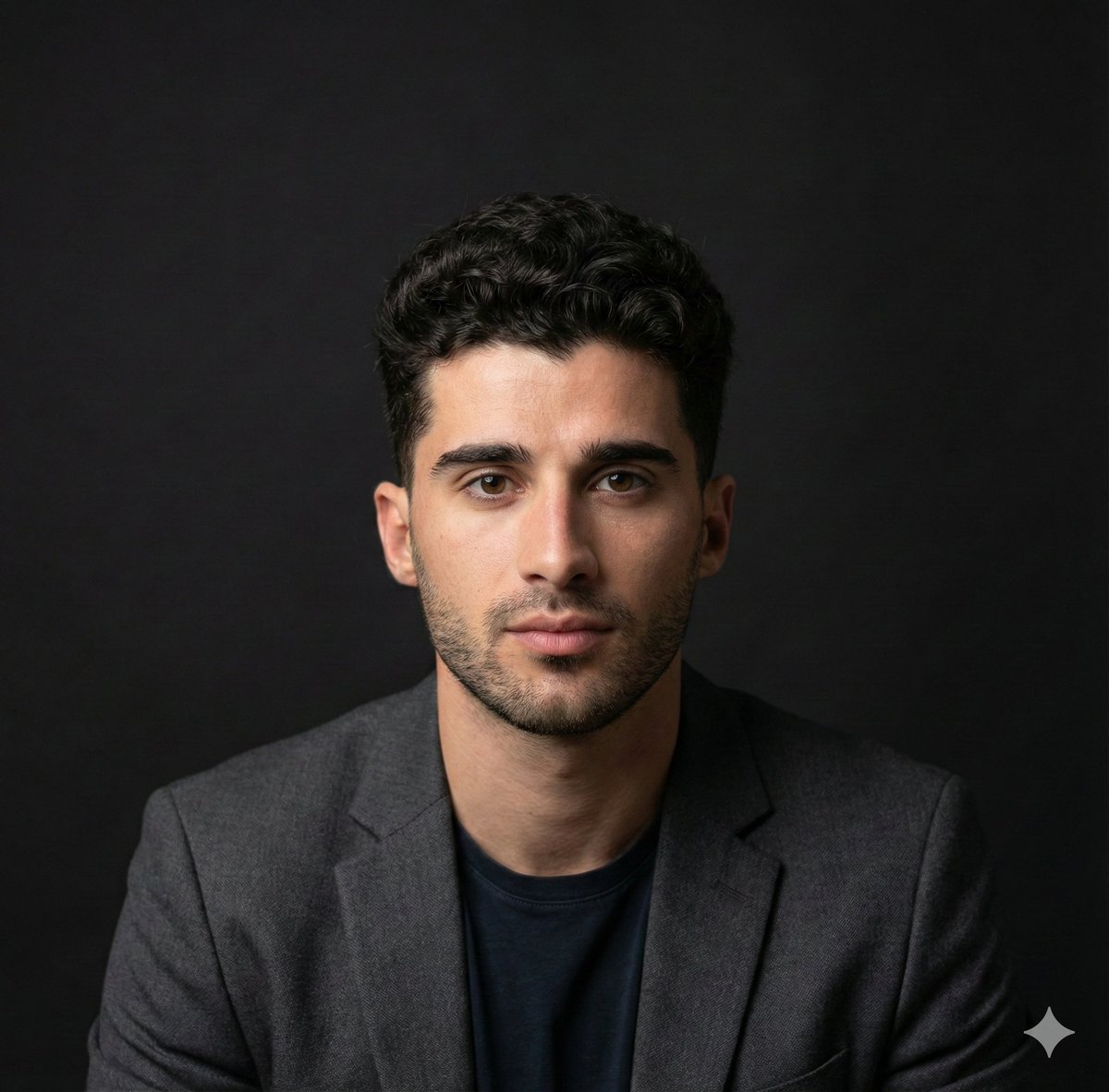
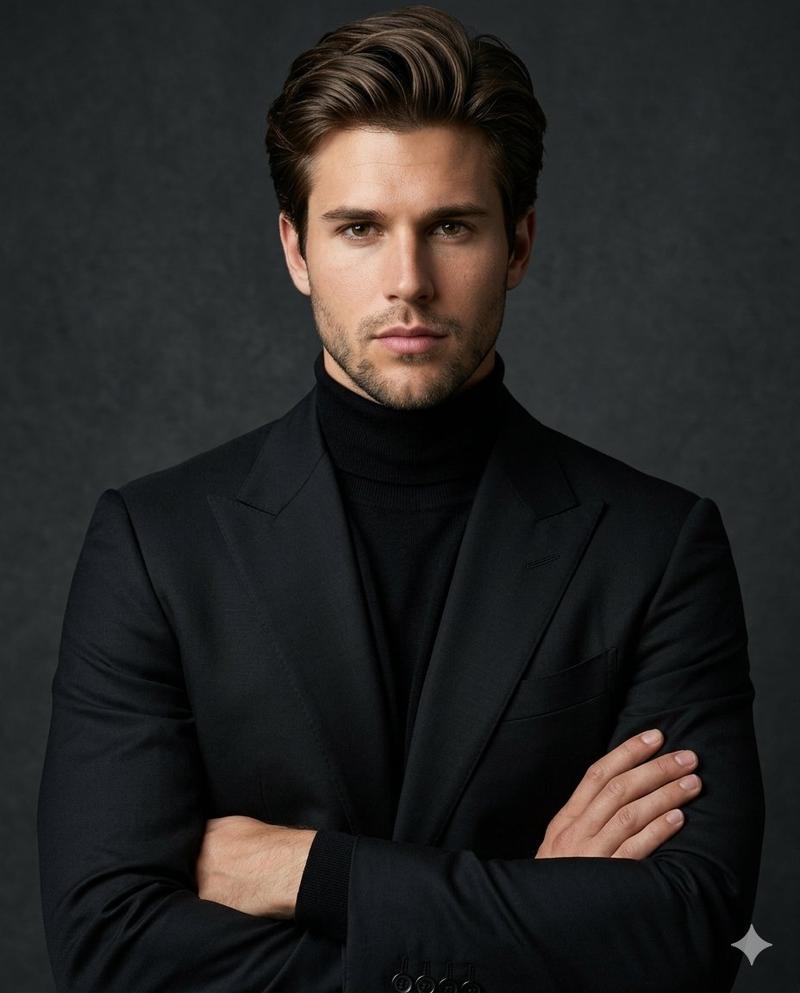
Extreme close-up intimate portrait of a Japanese yakuza member, late-30s man with intensely piercing cold eyes dominating the frame as the absolute focal point, subtle fierce and calculating expression, unblinking direct gaze into the camera conveying quiet danger and depth, highly detailed irises with sharp reflections, intricate traditional irezumi tattoos prominently visible on neck rising to jawline and partially on lower face/cheeks (phoenix, crashing waves, cherry blossoms, dragon coils, and oni mask in vibrant classic tebori style), open collared dark suit revealing tattoo edges, slicked-back black hair, subtle facial scar on cheek, realistic pores and skin texture, dramatic low-key cinematic lighting with rim light highlighting eyes and tattoos, moody tense atmosphere, photorealistic, ultra-detailed
Category
创意图片
Model
Nano Banana Pro
Views0
Source ID
46cf04bc-626f-4dfa-b73c-a66e5d3102f0
Published
Mar 8, 2026

Guide

About "黑帮肖像与日式纹身"

What is this prompt for?

"黑帮肖像与日式纹身" AI image prompt for Nano Banana Pro (创意图片). 生成一张日本黑帮成员的特写、亲密电影肖像的提示。重点在于他锐利冰冷的眼神,以及颈部和脸部清晰可见的复杂、鲜艳的传统日式刺青(凤凰、龙、鬼面)。需要戏剧性的低调照明和轮廓光来突出眼睛和刺青,营造出一种情绪化、…

The full copyable prompt and example visuals above are ready for AI image generation or one-click recreate in Picva.

How to use this prompt

  1. Step 1

    Open the prompt detail

    Review the example visuals, category, and full prompt text for "黑帮肖像与日式纹身".

  2. Step 2

    Copy the prompt

    Copy the prompt body from this page, or load it directly in Studio.

  3. Step 3

    Pick a model (Nano Banana Pro)

    Prefer Nano Banana Pro. If you switch models, keep subject and composition and tweak style terms.

  4. Step 4

    Generate and export

    Recreate the look in Picva, or export into your workflow for editing and publishing.

FAQ

What is the "黑帮肖像与日式纹身" prompt?
It is an AI image-generation prompt for Nano Banana Pro in the 创意图片 category. This page includes the full prompt text, example visuals, and a one-click recreate path in Picva.
How do I use this prompt to generate an image?
Copy the prompt from this page, or use Generate / Studio. Paste it into a compatible image model, or recreate the look in Picva with optional reference images.
Which model is this prompt for?
This page lists Nano Banana Pro. Most descriptive prompts also transfer to nearby image models such as GPT Image, Flux, or Midjourney with light style tweaks.
Can I use the result commercially?
You can usually copy the prompt for creation, but commercial use of the final image depends on the model terms, reference-image rights, and the generated content. Follow the source author and platform rules.