14

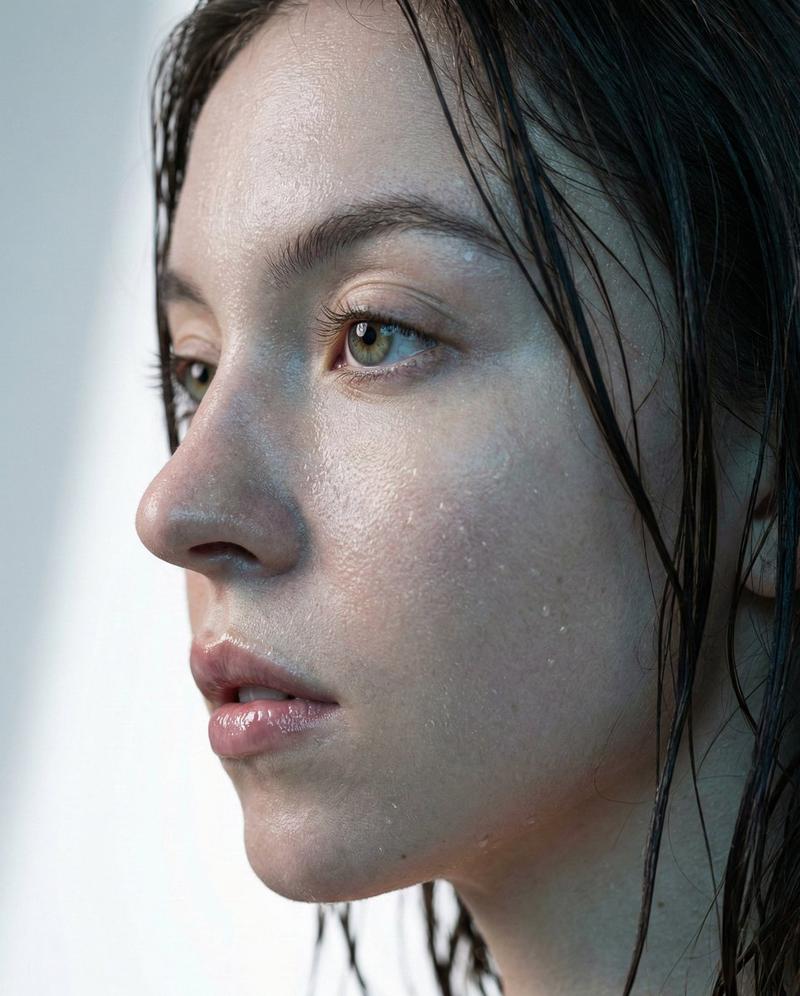
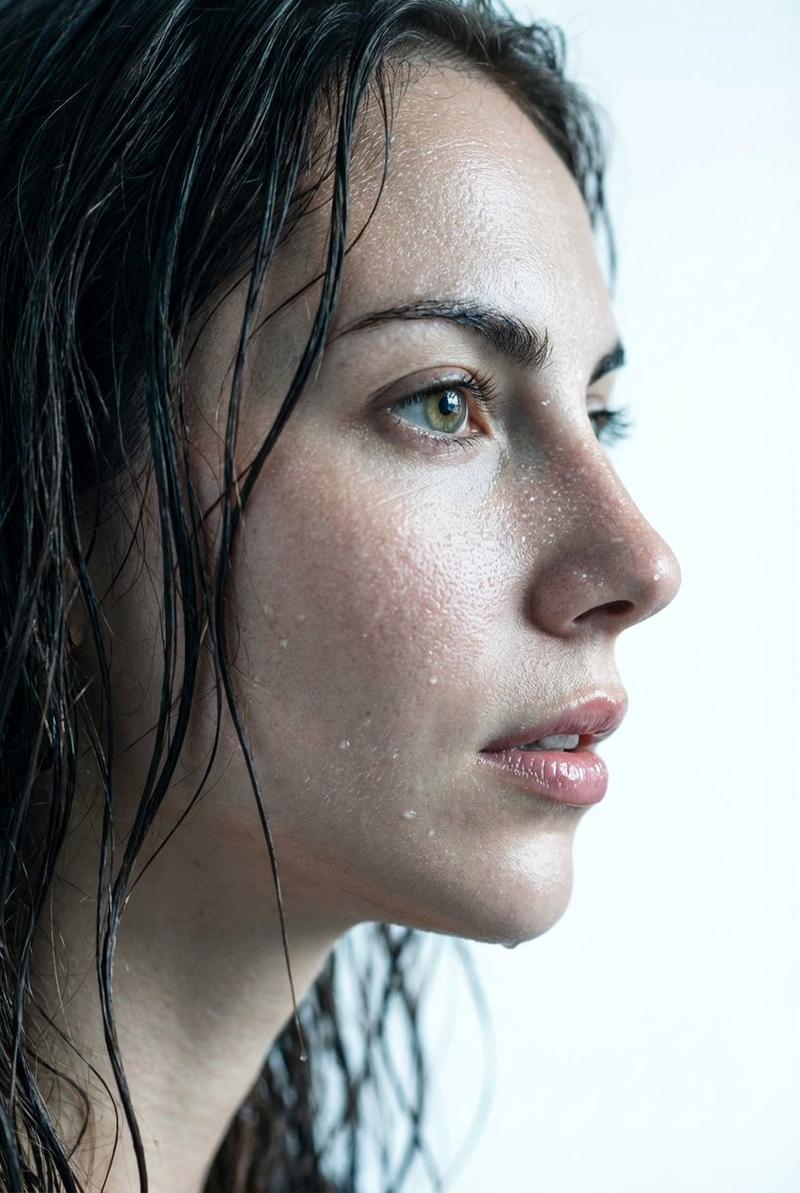
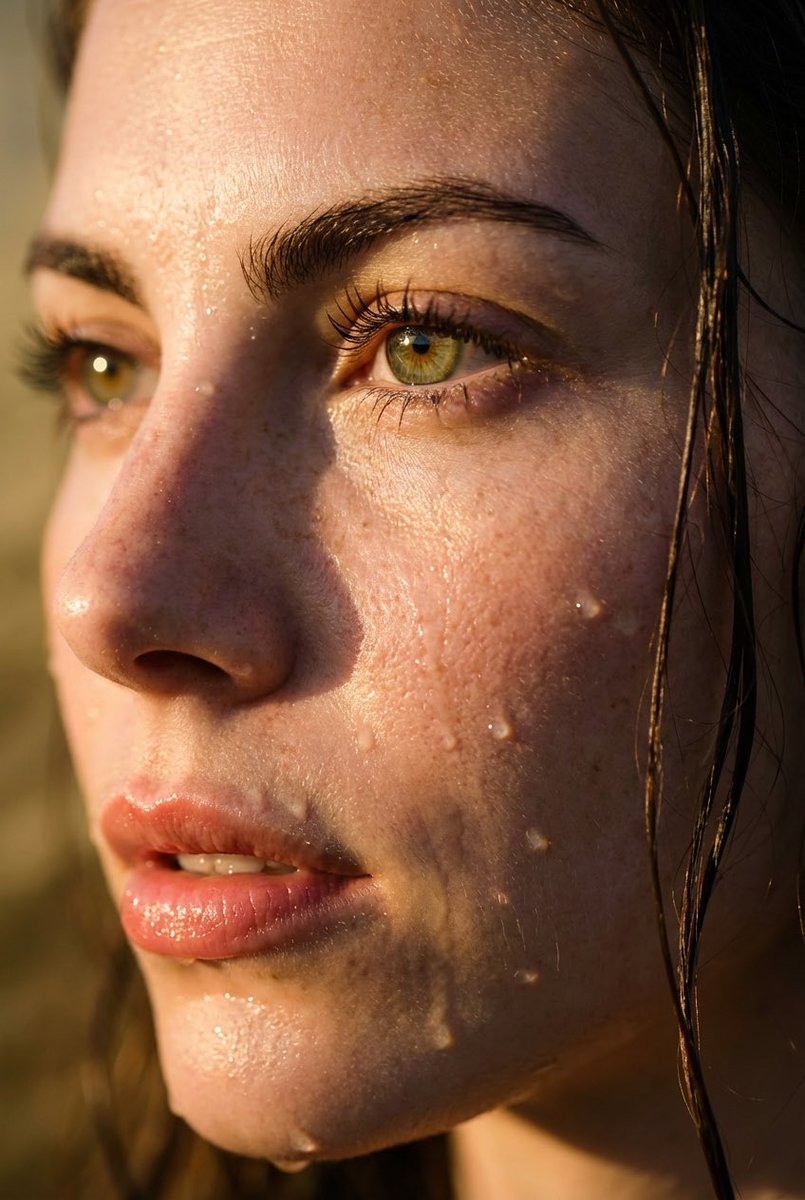
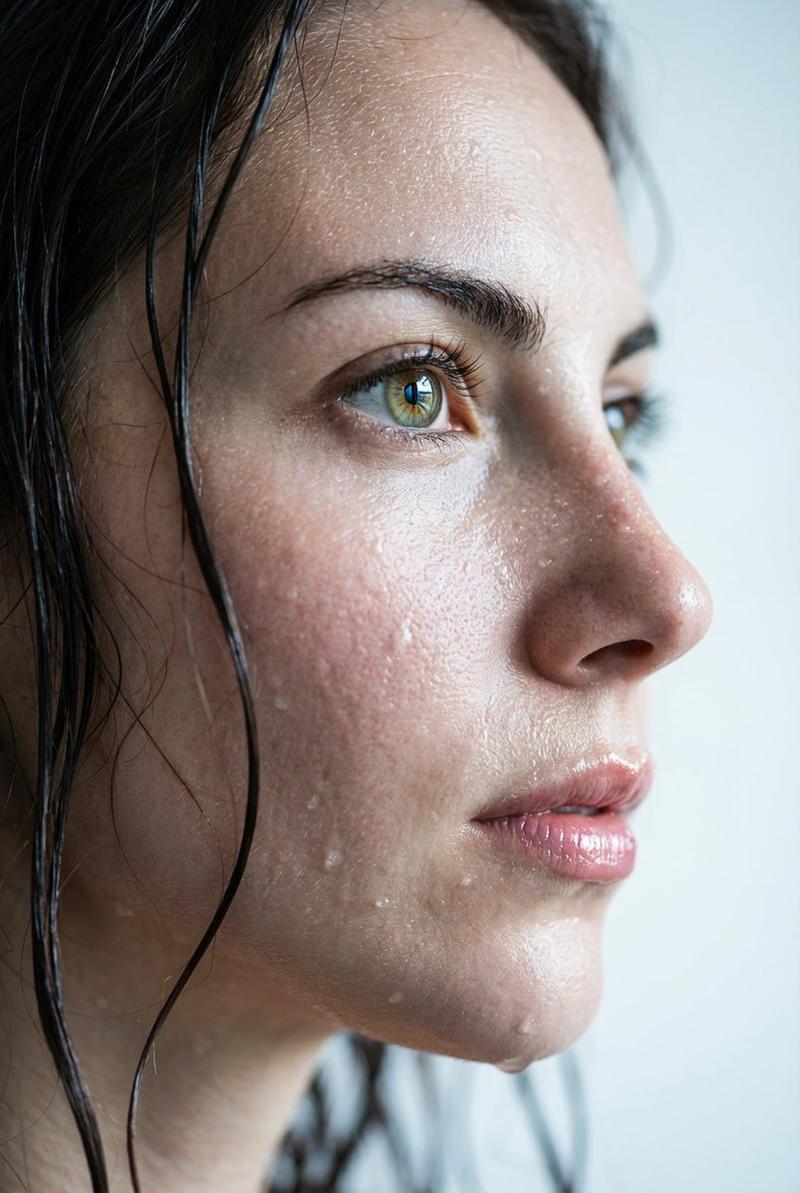
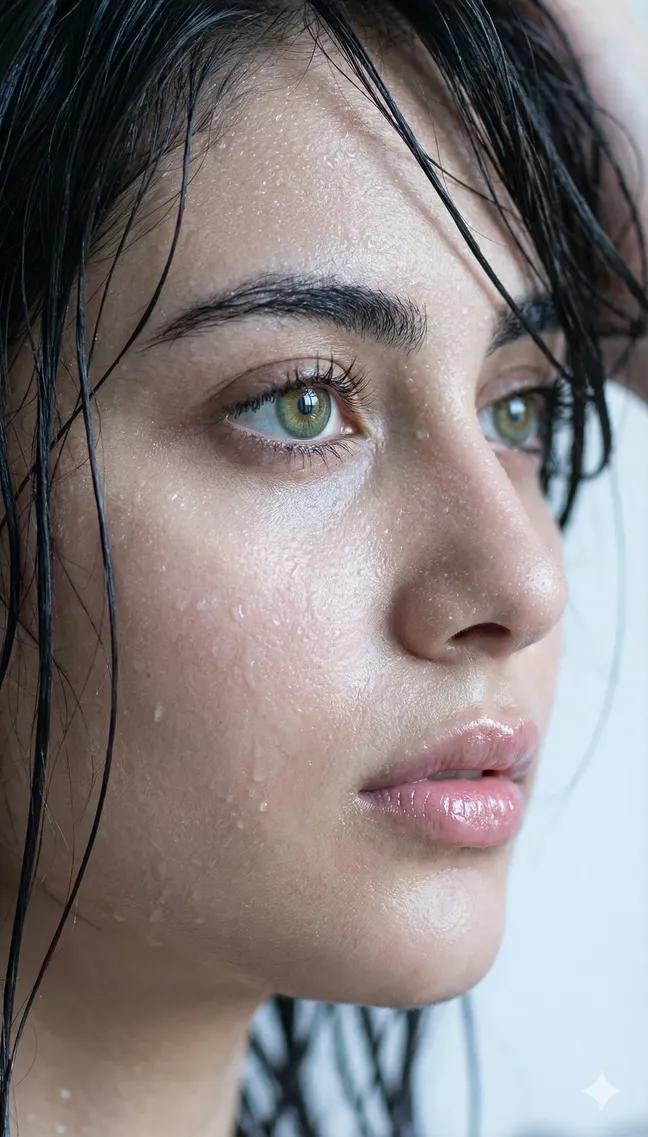
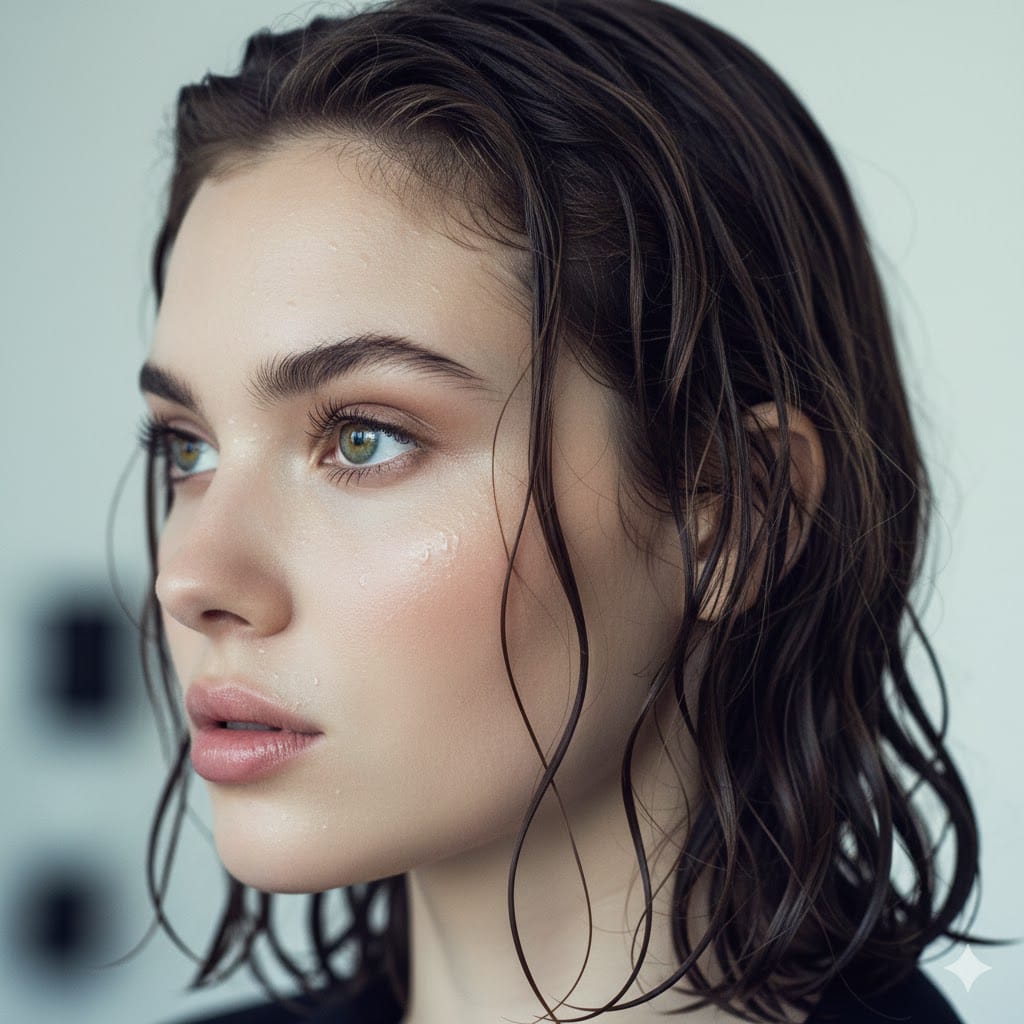
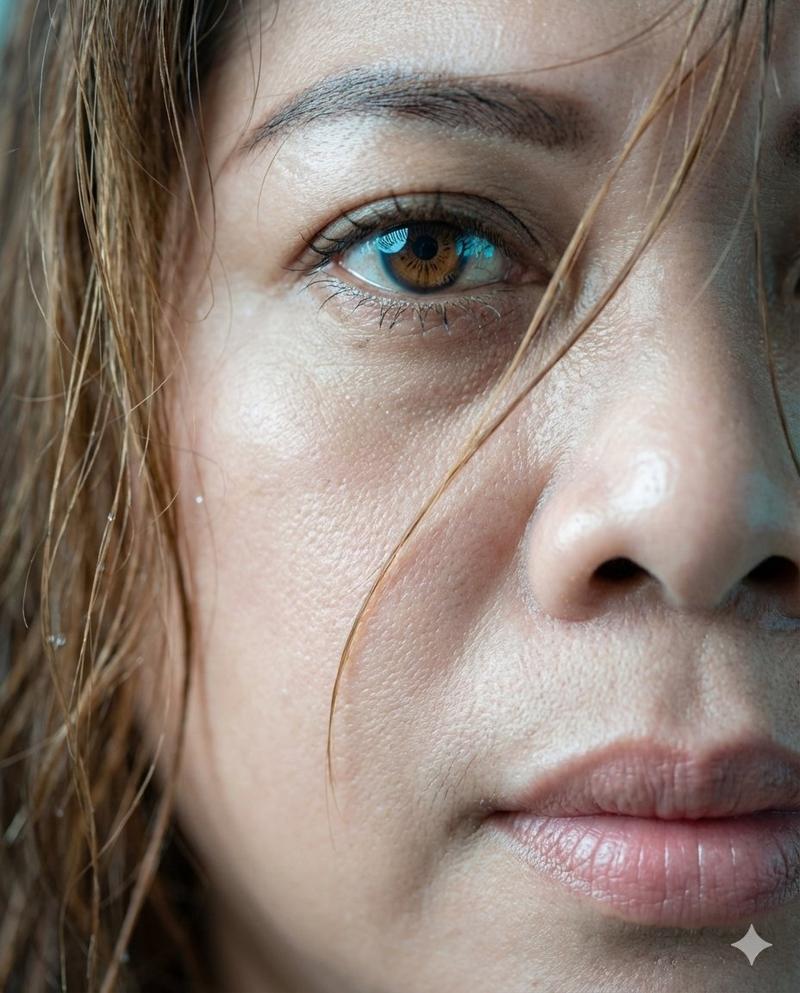
极致湿润特写肖像,带有逼真水滴
Enlarge

极致湿润特写肖像,带有逼真水滴

Prompt
{
  "prompt": "Extreme wet close-up portrait, side profile of a young woman. Dark wet hair strands naturally glued to the skin. Fine droplets of water and thin sweat glistening realistically on face. Focus on bright natural {argument name="eye color" default="green and hazel"} eyes with realistic reflection. Moist and shiny lips, soft natural skin texture. Soft lighting, cool color tones, light grey and white bokeh background. Hyper-realistic, 8k resolution, cinematic photography, raw style.",
  "negative_prompt": "excessive shine, oily skin, dry skin, heavy makeup, cartoon, illustration, 3d render, low quality, blurry, distorted eyes, bad anatomy, overexposed, high contrast",
  "parameters": {
    "aspect_ratio": "9:16",
    "steps": 30,
    "cfg_scale": 7.0,
    "style": "Photorealistic"
  }
}
Category
创意图片
Model
Nano Banana Pro
Creator
Lore
Views0
Source ID
eb09cf14-8933-452f-a56f-2879e1c6d0bb
Published
Mar 8, 2026

Guide

About "极致湿润特写肖像,带有逼真水滴"

What is this prompt for?

"极致湿润特写肖像,带有逼真水滴" AI image prompt for Nano Banana Pro (创意图片). 一个用于生成超逼真电影感肖像的提示,重点是年轻女性面部的特写细节,强调湿润的头发、闪亮的水滴以及她明亮的绿色和淡褐色眼睛中真实的倒影。 --- ```json { "prompt": "极度湿润…

The full copyable prompt and example visuals above are ready for AI image generation or one-click recreate in Picva.

How to use this prompt

  1. Step 1

    Open the prompt detail

    Review the example visuals, category, and full prompt text for "极致湿润特写肖像,带有逼真水滴".

  2. Step 2

    Copy the prompt

    Copy the prompt body from this page, or load it directly in Studio.

  3. Step 3

    Pick a model (Nano Banana Pro)

    Prefer Nano Banana Pro. If you switch models, keep subject and composition and tweak style terms.

  4. Step 4

    Generate and export

    Recreate the look in Picva, or export into your workflow for editing and publishing.

FAQ

What is the "极致湿润特写肖像,带有逼真水滴" prompt?
It is an AI image-generation prompt for Nano Banana Pro in the 创意图片 category. This page includes the full prompt text, example visuals, and a one-click recreate path in Picva.
How do I use this prompt to generate an image?
Copy the prompt from this page, or use Generate / Studio. Paste it into a compatible image model, or recreate the look in Picva with optional reference images.
Which model is this prompt for?
This page lists Nano Banana Pro. Most descriptive prompts also transfer to nearby image models such as GPT Image, Flux, or Midjourney with light style tweaks.
Can I use the result commercially?
You can usually copy the prompt for creation, but commercial use of the final image depends on the model terms, reference-image rights, and the generated content. Follow the source author and platform rules.