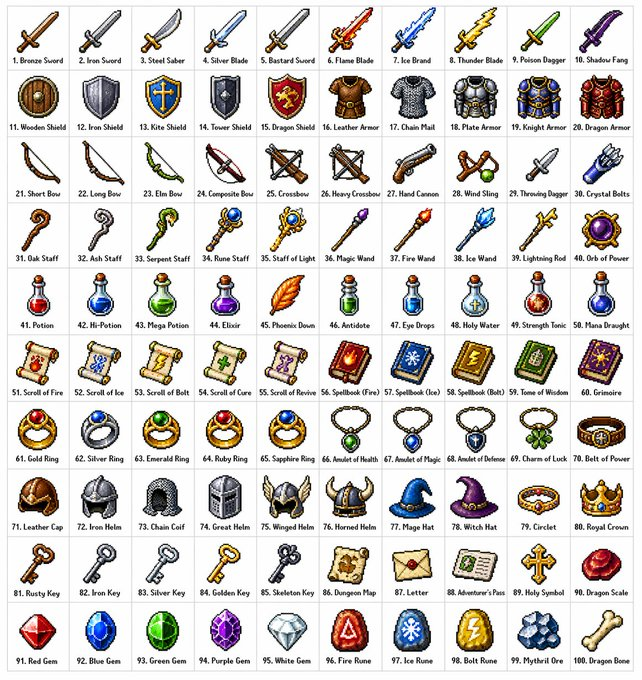
18

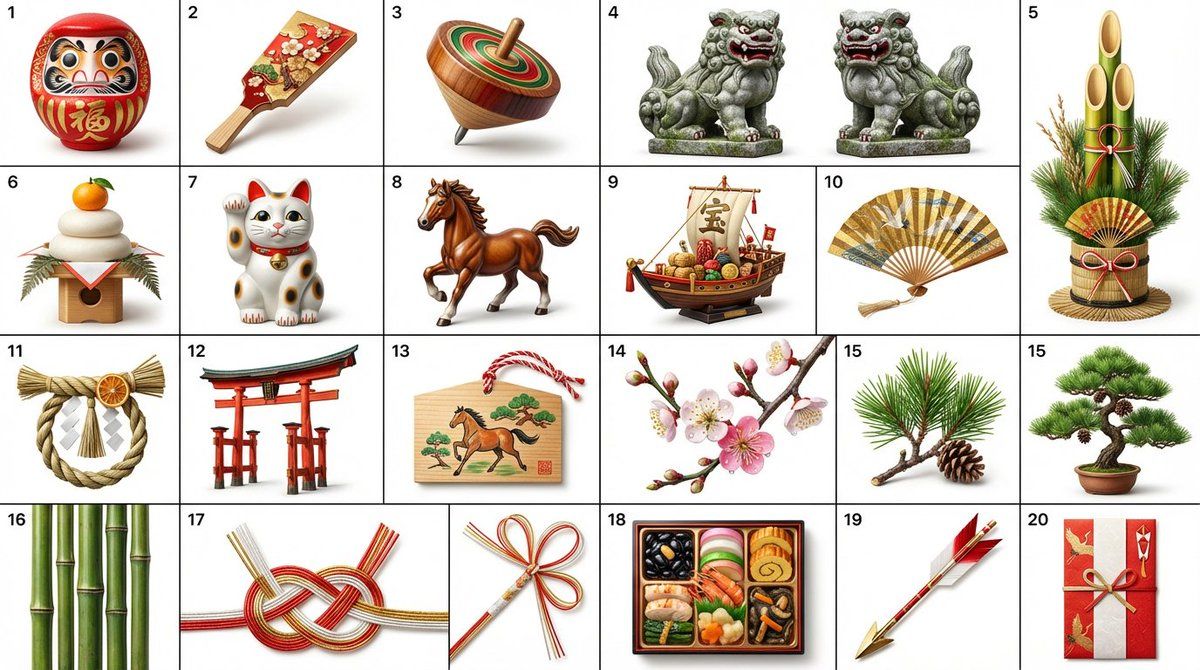
日式新年剪纸风格图标集生成
Enlarge

日式新年剪纸风格图标集生成

Prompt
日本の正月飾り({argument name="正月飾り" default="だるま、羽子板、こま、狛犬、門松、鏡餅、招き猫、午"}など)を切り絵風のアイコンで作っる。

各アイコンは、番号順に左から右、上から下に4行5列で整然と並べます。各アイコンの左上には、順番を示す番号ラベルが付いています。
Category
创意图片
Model
Nano Banana Pro
Views0
Source ID
05f93f7e-11c2-4698-832e-1a388d5ac3ab
Published
Mar 8, 2026

Guide

About "日式新年剪纸风格图标集生成"

What is this prompt for?

"日式新年剪纸风格图标集生成" AI image prompt for Nano Banana Pro (创意图片). 这是一个为 Nano banana pro 模型设计的提示,用于生成一套剪纸(Kirie)风格的日式新年主题图标。这些图标包含达摩(Daruma)、羽子板(Hagoita)、陀螺(Koma)、狛犬(…

The full copyable prompt and example visuals above are ready for AI image generation or one-click recreate in Picva.

How to use this prompt

  1. Step 1

    Open the prompt detail

    Review the example visuals, category, and full prompt text for "日式新年剪纸风格图标集生成".

  2. Step 2

    Copy the prompt

    Copy the prompt body from this page, or load it directly in Studio.

  3. Step 3

    Pick a model (Nano Banana Pro)

    Prefer Nano Banana Pro. If you switch models, keep subject and composition and tweak style terms.

  4. Step 4

    Generate and export

    Recreate the look in Picva, or export into your workflow for editing and publishing.

FAQ

What is the "日式新年剪纸风格图标集生成" prompt?
It is an AI image-generation prompt for Nano Banana Pro in the 创意图片 category. This page includes the full prompt text, example visuals, and a one-click recreate path in Picva.
How do I use this prompt to generate an image?
Copy the prompt from this page, or use Generate / Studio. Paste it into a compatible image model, or recreate the look in Picva with optional reference images.
Which model is this prompt for?
This page lists Nano Banana Pro. Most descriptive prompts also transfer to nearby image models such as GPT Image, Flux, or Midjourney with light style tweaks.
Can I use the result commercially?
You can usually copy the prompt for creation, but commercial use of the final image depends on the model terms, reference-image rights, and the generated content. Follow the source author and platform rules.